

Apple Watch SE (2nd Gen)
High fall risk or heart issues; daily wearable for active seniors.
$249-$299
Apple Watch SE (2nd Gen) Built-in fall detection, heart monitoring, and SOS; easy iPhone integration for real-time alerts.
Get the App
Better experience on mobile
Step-by-step guide to assess needs, select monitoring tech, and set up alerts for proactive care and peace of mind.
Watching your parents age brings worry—falls, medication misses, or sudden health changes when they're alone. Tech monitoring devices offer real-time insights without constant check-ins, empowering independence while keeping you informed.
In this guide, you'll learn a complete plan: from assessing needs to installing devices and setting alerts. Expect 2-4 hours spread over a few days, suitable for intermediate users comfortable with apps and basic setup.
By the end, you'll have a customized monitoring system tested and running, reducing anxiety and enabling timely interventions.
Estimated Time: 2-4 hours over 2-3 days Difficulty: intermediate
Start by evaluating daily routines, health issues, and home environment. Talk to your parents about concerns like mobility, forgetfulness, or isolation. List risks: falls in the bathroom, wandering, medication adherence.
Create a simple checklist: Does Dad use stairs? Does Mom take multiple meds? Note living situation (alone, assisted living). This ensures tech targets real problems, not just gadgets.
Success looks like: A 1-page needs summary with 5-10 prioritized risks.
💡 Tips:
⚠️ Warnings:
Explore categories: wearables (fall detection), cameras (activity monitoring), sensors (doors/motion), smart speakers (voice check-ins), health trackers.
Compare features like battery life, app integration, subscription costs. Read reviews on sites like Consumer Reports or Amazon. Focus on HIPAA-compliant privacy.
Success looks like: Shortlist of 3-5 device types matching your needs list.
💡 Tips:
Choose 2-4 complementary devices, e.g., wearable + camera. Factor in setup ease for seniors. Set a budget covering one-time costs and any monthly fees.
Prioritize: Fall detection for high-risk, cameras for visual peace of mind.
Success looks like: Shopping cart with purchased items and total under budget.
💡 Tips:
⚠️ Warnings:
Hold a family meeting explaining benefits (safety, not surveillance). Address privacy fears upfront. Get buy-in and assign roles (e.g., who monitors alerts).
Discuss data sharing and emergency protocols.
Success looks like: Signed agreement or notes confirming everyone's on board.
💡 Tips:
Buy from trusted retailers like Amazon. Follow manuals: Connect to Wi-Fi, pair with apps, place sensors (e.g., door sensors on entry points).
For wearables, ensure comfortable fit.
Success looks like: All devices powered on, connected to your app dashboard.
💡 Tips:
⚠️ Warnings:
In apps, set custom notifications: Motion after 10pm, falls, low battery. Link to family group chats or emergency contacts. Enable geofencing for outings.
Test silent modes for parents' privacy.
Success looks like: Sample alert received on your phone.
💡 Tips:
Simulate scenarios: Trigger motion, fake fall (if safe), check remote access. Verify alerts reach all caregivers. Adjust sensitivities.
Involve parents in testing.
Success looks like: Flawless response in 5+ tests, log of results.
💡 Tips:
⚠️ Warnings:
Schedule monthly check-ins: Battery swaps, software updates. Define escalation (alert → call → visit). Review privacy annually.
Document contacts and instructions.
Success looks like: Calendar reminders set, binder with all info.
💡 Tips:
Problem: No alerts received
Solution: Check app permissions, Wi-Fi, battery; re-pair device.
Problem: False alarms overwhelming
Solution: Adjust sensitivity in app settings; exclude pet zones.
Problem: Parent resists wearing device
Solution: Choose discreet options like watches; emphasize benefits.
Problem: Privacy concerns arise
Solution: Review app data policies; enable delete-after-view.
Built-in fall detection, heart monitoring, and SOS; easy iPhone integration for real-time alerts.
Best for: High fall risk or heart issues; daily wearable for active seniors.
Price Range: $249-$299
Affordable, wireless video monitoring with person detection and two-way audio for check-ins.
Best for: Living room or kitchen oversight; budget visual monitoring.
Price Range: $39.99
Weatherproof motion sensor, color night vision, and app alerts; no subscription needed.
Best for: Outdoor or entryway monitoring for wandering prevention.
Price Range: $35.98
Video calls, medication reminders, and drop-in audio; Alexa skills for health tracking.
Best for: Hands-free daily check-ins and routines for tech-shy parents.
Price Range: $149.99
Battery lasts 2 years; alerts on openings for safety without cameras.
Best for: Nighttime wandering or front door monitoring.
Price Range: $19.99
High fall risk or heart issues; daily wearable for active seniors.
Apple Watch SE (2nd Gen) Built-in fall detection, heart monitoring, and SOS; easy iPhone integration for real-time alerts.
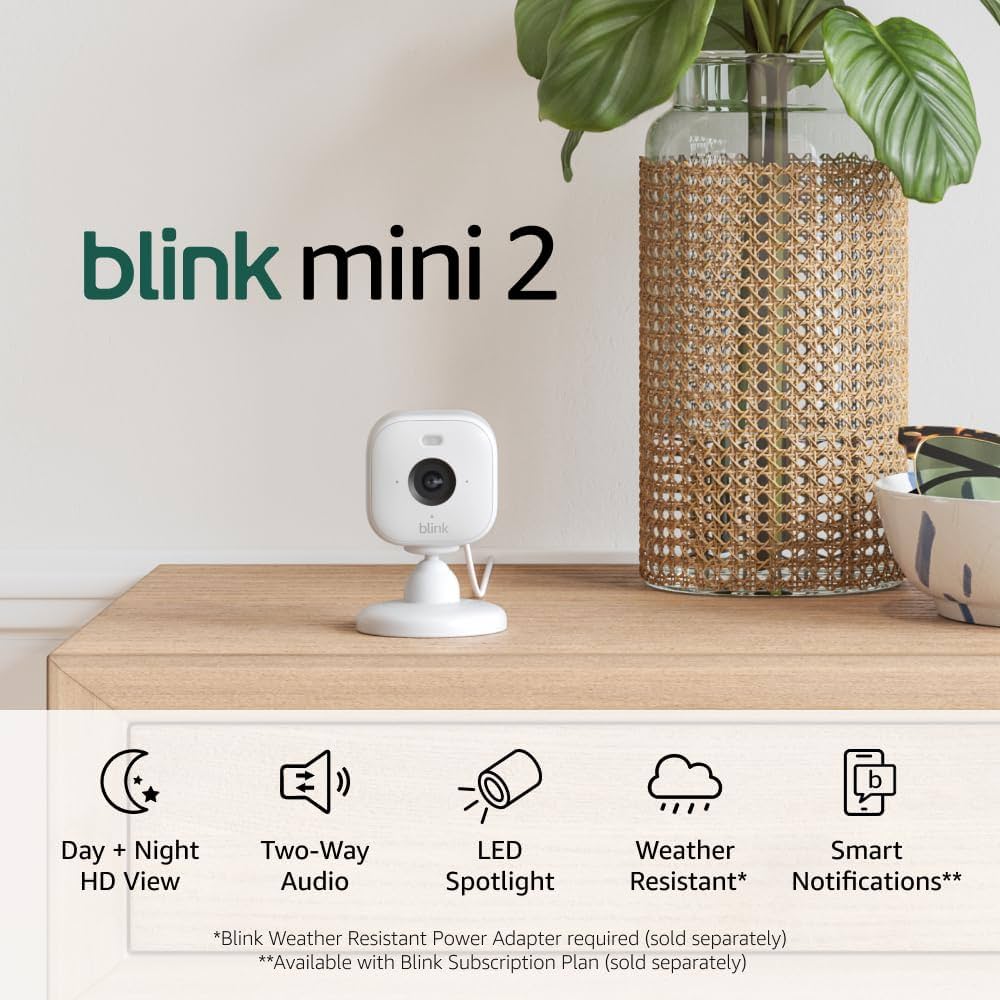
Living room or kitchen oversight; budget visual monitoring.
Blink Mini 2 Smart Security Camera Affordable, wireless video monitoring with person detection and two-way audio for check-ins.
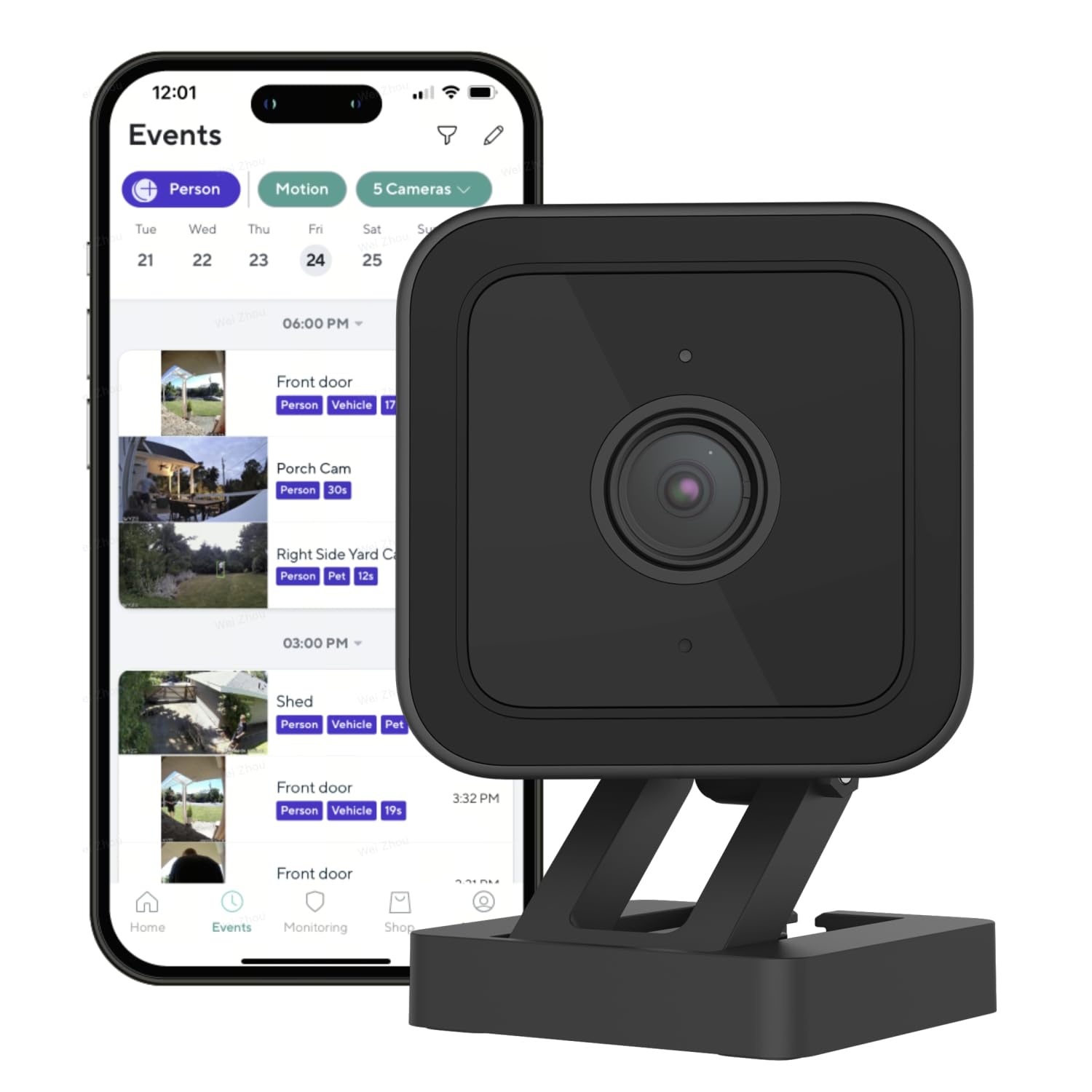
Outdoor or entryway monitoring for wandering prevention.
Wyze Cam v3 Weatherproof motion sensor, color night vision, and app alerts; no subscription needed.

Hands-free daily check-ins and routines for tech-shy parents.
Amazon Echo Show 8 (3rd Gen) Video calls, medication reminders, and drop-in audio; Alexa skills for health tracking.
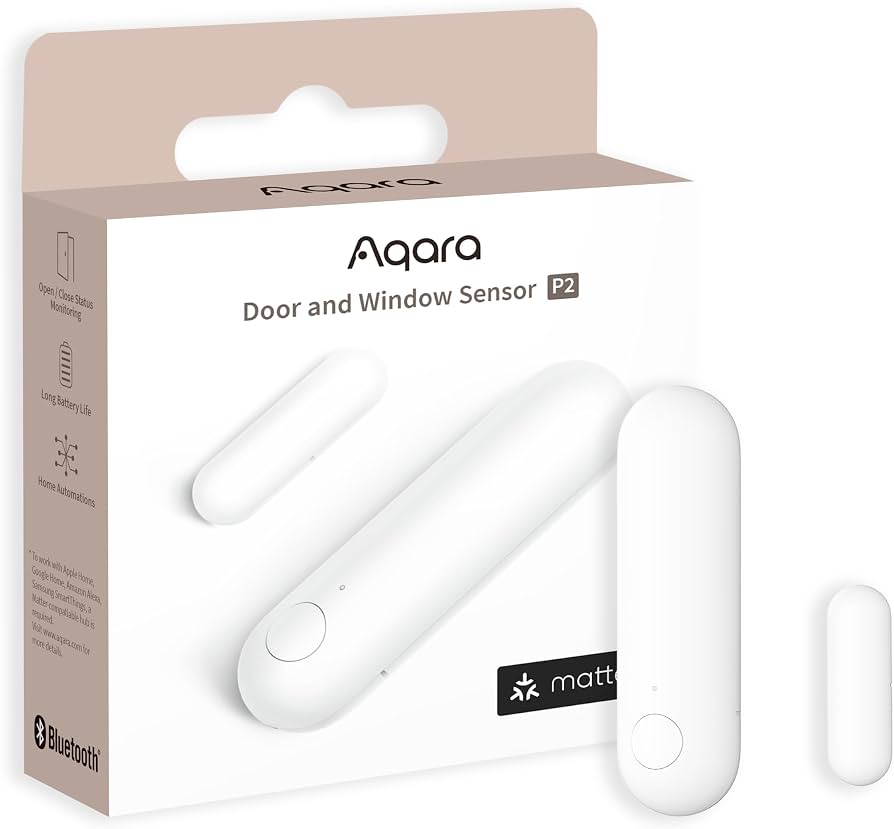
Nighttime wandering or front door monitoring.
Aqara Door and Window Sensor Battery lasts 2 years; alerts on openings for safety without cameras.