
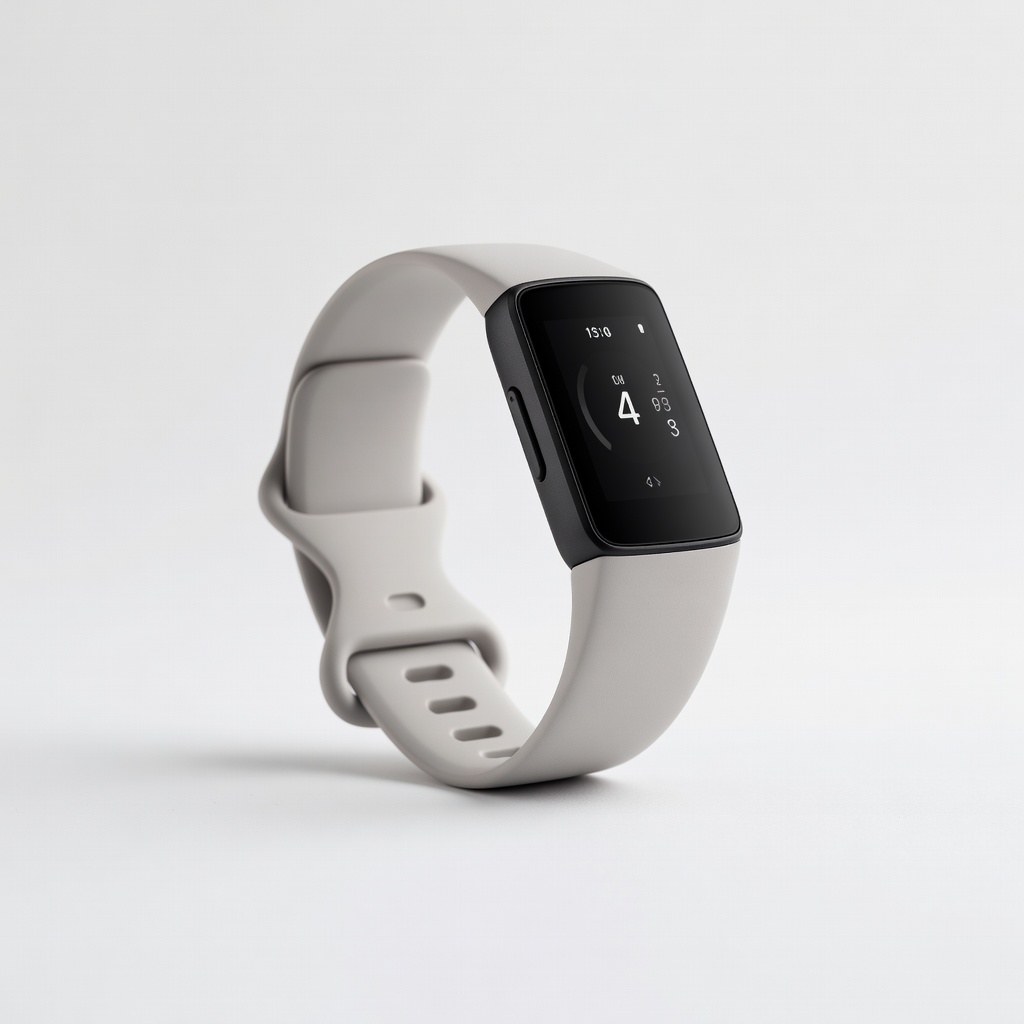
Fitbit Charge 6
Daily gym users tracking cardio sessions on treadmills/bikes.
$159.95
Fitbit Charge 6 Superior BLE FTMS support for easy gym machine pairing and real-time metrics.
Get the App
Better experience on mobile
Sync your tracker with treadmills, bikes, and ellipticals for precise workout data in minutes—no guesswork needed.
Struggling with inaccurate calorie burns or missing distance data from gym machines? Pairing your activity tracker with gym equipment unlocks real-time stats like speed, incline, and resistance, making your workouts more effective and motivating. This guide solves the common frustration of manual data entry or unreliable estimates.
You'll learn a step-by-step process compatible with popular trackers like Fitbit, Garmin, and Apple Watch, and Bluetooth-enabled gym gear. Expect seamless integration via Bluetooth Low Energy (BLE) and FTMS protocols. The whole setup takes 10-20 minutes and requires intermediate tech skills like app navigation.
By the end, you'll see live data flowing from your treadmill or bike to your wrist, with automatic sync to apps for progress tracking.
Estimated Time: 10-20 minutes Difficulty: intermediate
Before starting, confirm your tracker and gym equipment support BLE FTMS (Fitness Machine Service) protocol. Check your tracker's manual or app settings for 'indoor equipment' or 'gym connect' features. For gym machines, look for Bluetooth icons or specs mentioning 'FTMS' or 'Strava/Apple Health compatible.'
Why it matters: Incompatible devices won't pair, wasting time. Success looks like both devices listing BLE connectivity in their docs.
Image description: Side-by-side product spec sheets highlighting Bluetooth FTMS icons.
💡 Tips:
⚠️ Warnings:
Open your tracker's app (e.g., Fitbit or Garmin Connect) and check for updates under Settings > Device > Firmware. On the gym machine, access its console menu for software updates via Wi-Fi.
This ensures bug-free pairing. Expect a 2-5 minute download; success is seeing 'Up to date' status.
Image description: Smartphone screen showing app update progress bar.
💡 Tips:
⚠️ Warnings:
On your smartphone: Go to Settings > Bluetooth > On. On tracker: Wake it and swipe to Bluetooth settings (usually auto-on during workouts). Gym equipment: Power on and navigate to Settings > Bluetooth > Pairing Mode.
Bluetooth must be active for discovery. You'll see your phone scanning nearby devices.
Image description: Icons of phone, watch, and treadmill with Bluetooth toggles highlighted.
💡 Tips:
In your app, start an 'Indoor Run,' 'Bike,' or 'Elliptical' activity. Select 'Connect to Equipment' if available (Garmin) or enable external sensor sync (Fitbit).
This puts the tracker in listening mode. Success: App shows 'Searching for devices.'
Image description: Fitness app interface with workout selection and connect button.
⚠️ Warnings:
On the machine console: Go to Bluetooth or Connectivity > Broadcast Data or Pair Device. It will flash or announce it's discoverable (e.g., 'Treadmill-123').
Why: Machines broadcast heart rate, speed, etc. Expect device name to appear in your app within 10 seconds.
Image description: Treadmill console screen displaying 'Bluetooth Pairing Active.'
In the tracker app, select the gym machine from the list. Confirm PIN if prompted (usually 0000 or 1234). Watch for 'Connected' status.
Data like cadence or power should now display on your tracker. Test by pedaling/running.
Image description: App list showing gym device selected with green checkmark.
💡 Tips:
Begin a short workout (1-2 min). Verify real-time metrics match machine display: distance, calories, HR.
Success: Seamless sync without lag. End workout in app to save.
Image description: Split-screen of tracker wrist display and machine console matching stats.
End session, sync tracker to app/cloud. Check dashboard for accurate totals.
This logs everything for trends. Expect full history in 1-2 minutes.
Image description: Post-workout app summary with synced metrics.
Problem: Connection fails or times out
Solution: Restart Bluetooth on all devices, forget device and re-pair. Check for firmware updates.
Problem: Data not syncing accurately
Solution: Verify workout mode matches activity (e.g., bike not run). Calibrate equipment.
Problem: Intermittent dropouts
Solution: Reduce distance, disable nearby Bluetooth gadgets. Use gym's dedicated pairing channel.
Problem: App crashes during pairing
Solution: Force-close/reopen app, clear cache. Reinstall if persistent—seek manufacturer support.
Superior BLE FTMS support for easy gym machine pairing and real-time metrics.
Best for: Daily gym users tracking cardio sessions on treadmills/bikes.
Price Range: $159.95
Robust indoor equipment connectivity with ANT+/BLE for versatile gym integration.
Best for: Intermediate athletes syncing with ellipticals and rowers.
Price Range: $149.99
Affordable BLE-enabled bike that pairs seamlessly with most trackers for power/cadence data.
Best for: Home gym setups or class bikes needing tracker sync.
Price Range: $799-$999
FTMS-certified with strong Bluetooth for accurate speed/incline data to trackers.
Best for: Running enthusiasts pairing for precise outdoor-equivalent tracking.
Price Range: $1,999-$2,500
GymKit and BLE for direct Apple Fitness+ and third-party equipment pairing.
Best for: iOS users in Apple ecosystem for effortless health data merging.
Price Range: $399+
Daily gym users tracking cardio sessions on treadmills/bikes.
Fitbit Charge 6 Superior BLE FTMS support for easy gym machine pairing and real-time metrics.
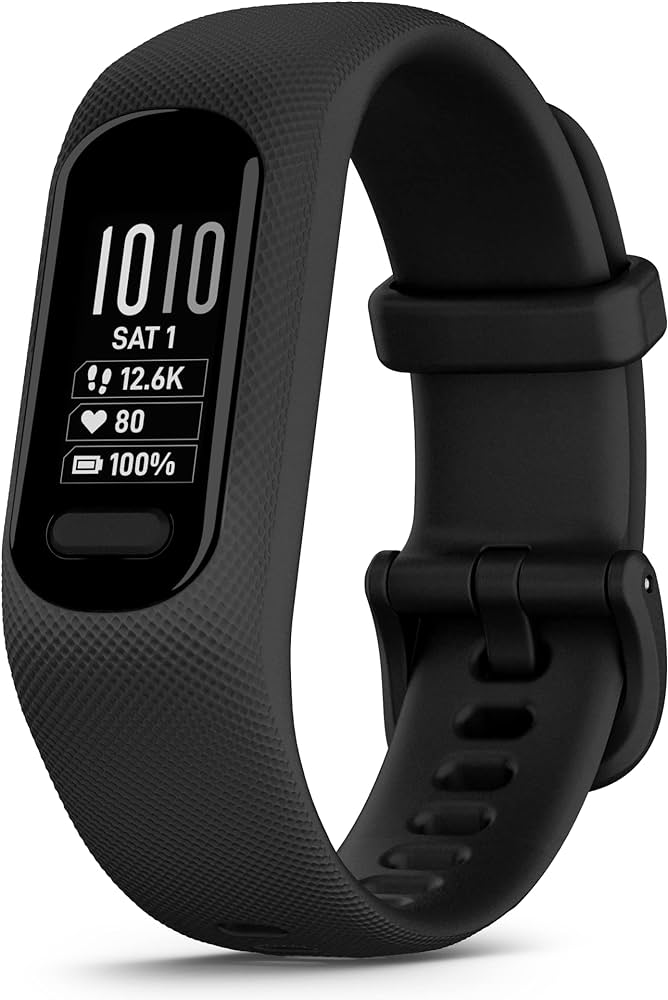
Intermediate athletes syncing with ellipticals and rowers.
Garmin Vivosmart 5 Robust indoor equipment connectivity with ANT+/BLE for versatile gym integration.
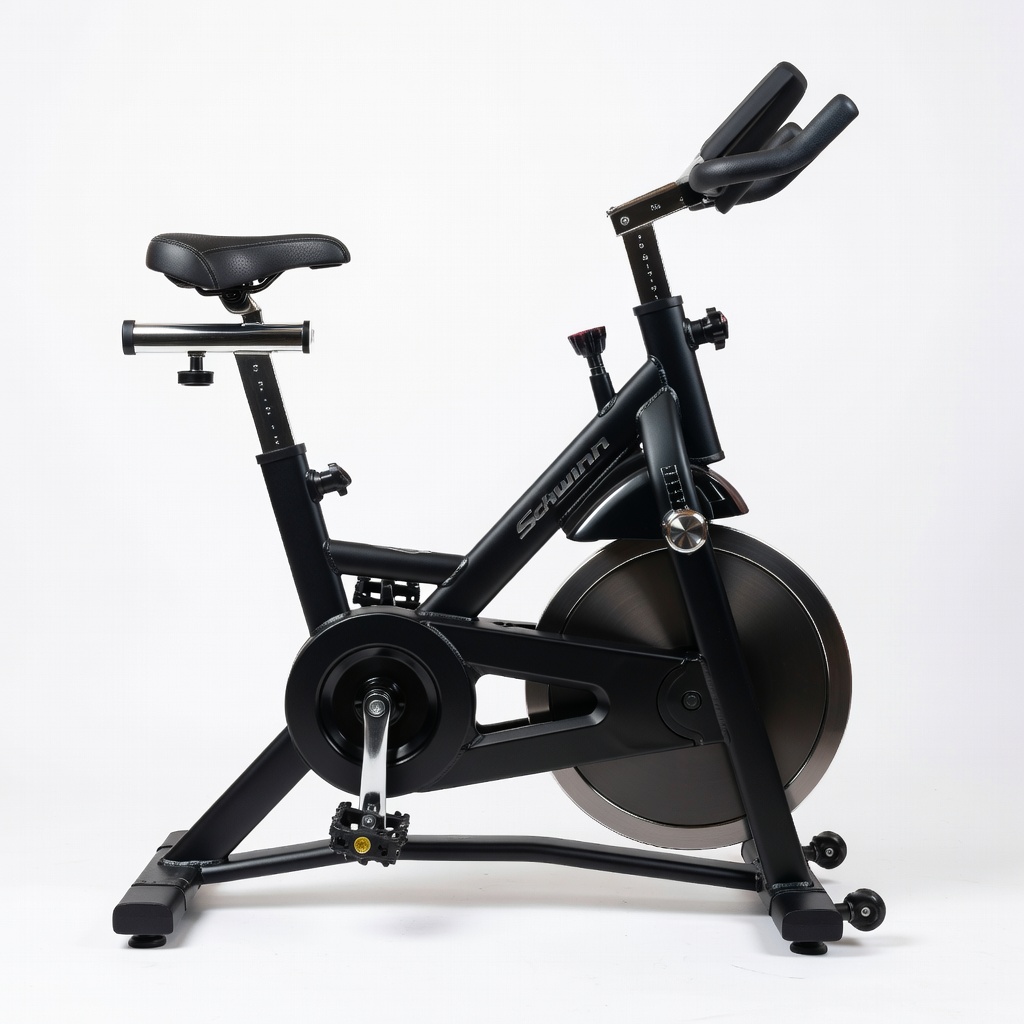
Home gym setups or class bikes needing tracker sync.
Schwinn IC4 Indoor Cycling Bike Affordable BLE-enabled bike that pairs seamlessly with most trackers for power/cadence data.
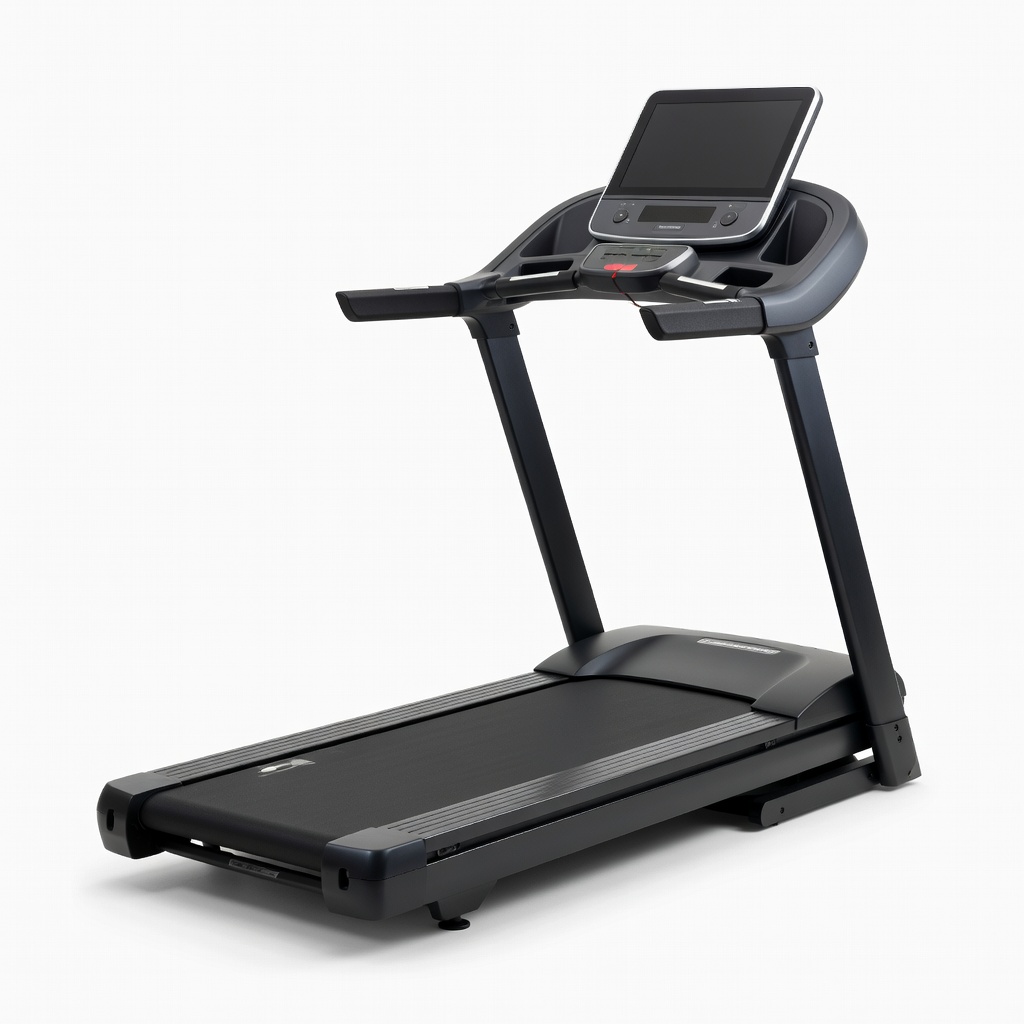
Running enthusiasts pairing for precise outdoor-equivalent tracking.
NordicTrack Commercial 1750 Treadmill FTMS-certified with strong Bluetooth for accurate speed/incline data to trackers.
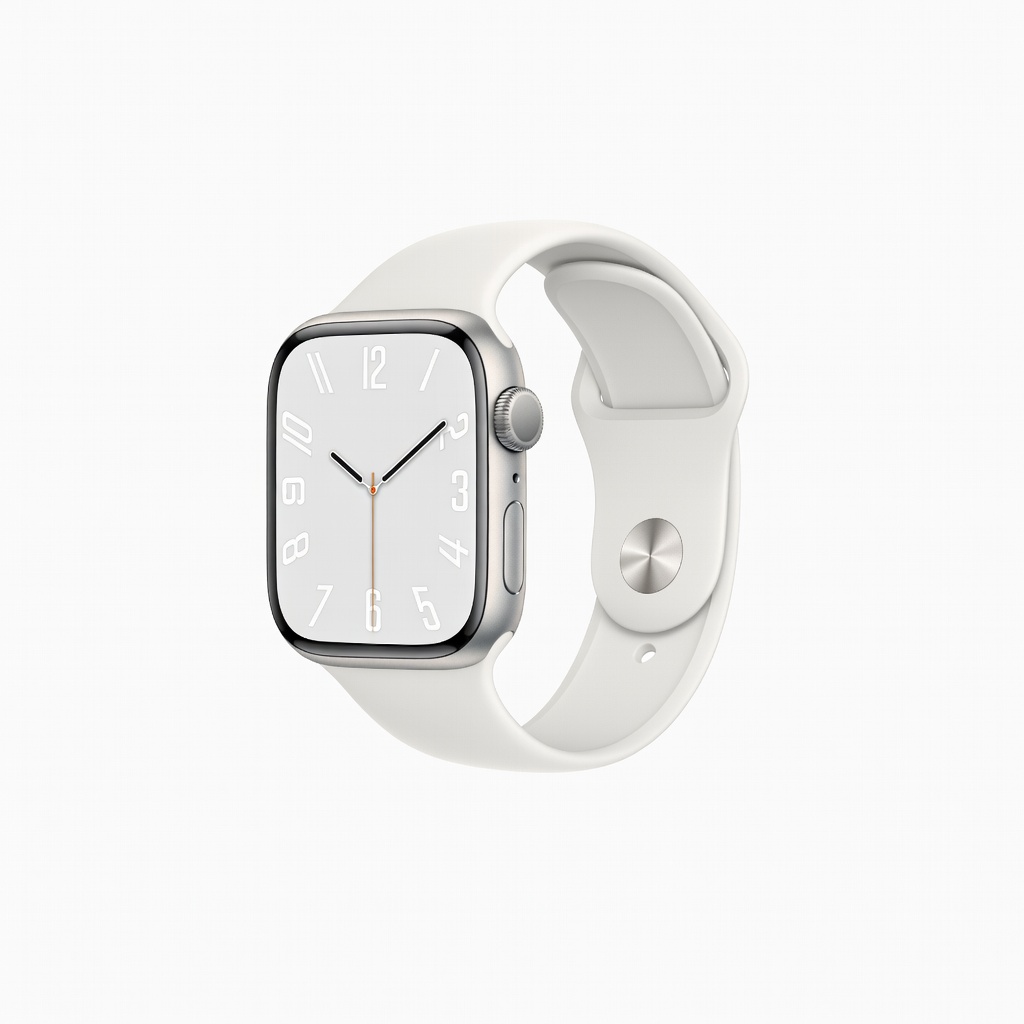
iOS users in Apple ecosystem for effortless health data merging.
Apple Watch Series 10 GymKit and BLE for direct Apple Fitness+ and third-party equipment pairing.