
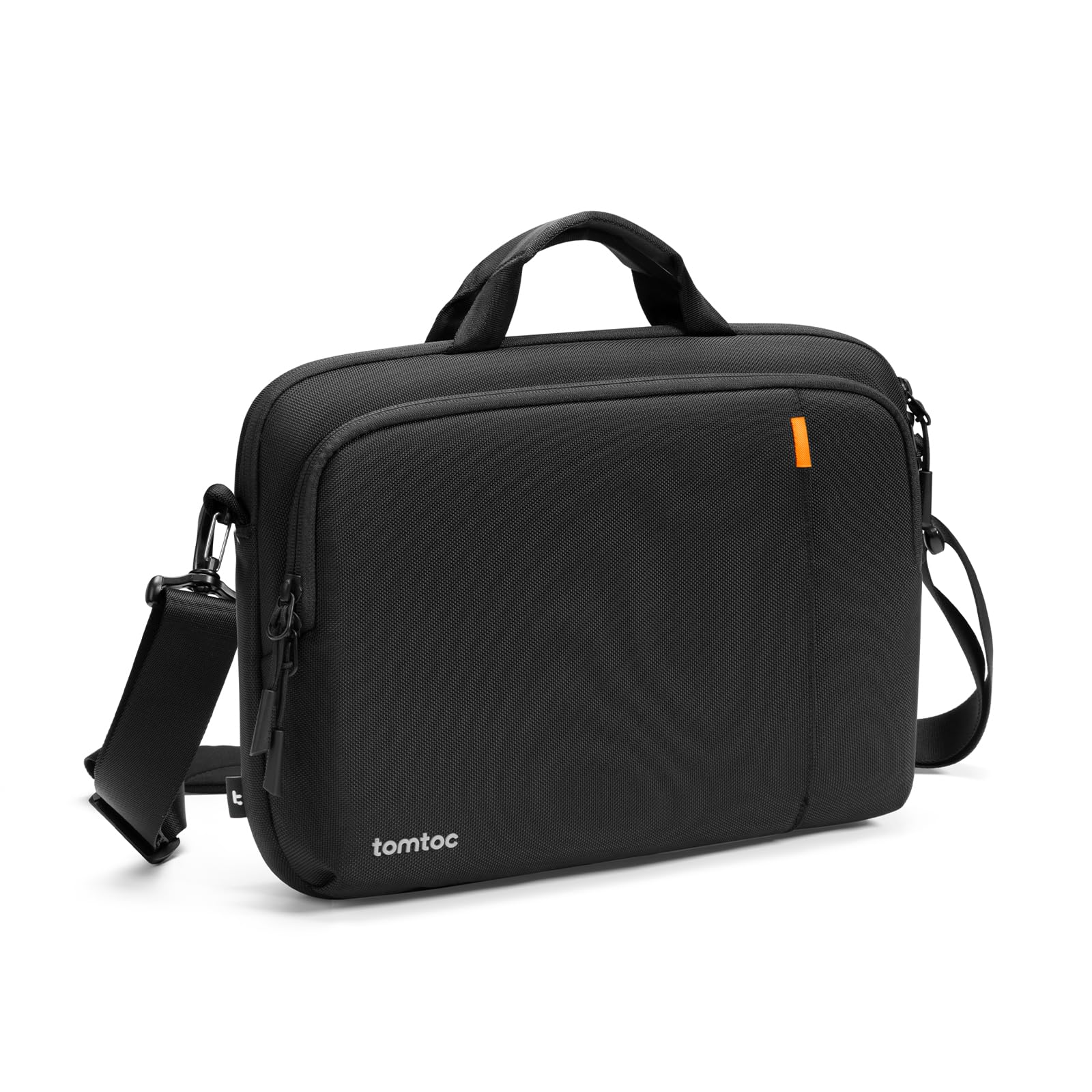
tomtoc 360 Protective Laptop Shoulder Bag
Main carry bag for airport security and boarding.
$29.99
tomtoc 360 Protective Laptop Shoulder Bag Offers 360° padding perfect for 2-in-1s, with dedicated stylus pocket and water-resistant material.
Get the App
Better experience on mobile
Safely pack your 2-in-1 laptop for air travel in simple steps to avoid damage, delays, and TSA issues—perfect for beginners.
Traveling with a 2-in-1 laptop like a Microsoft Surface or Lenovo Yoga can be stressful. Turbulence, rough baggage handling, and strict TSA rules often lead to cracked screens, dead batteries, or security hold-ups. But with the right packing method, you can fly confidently, keeping your device protected and ready to use upon landing.
In this beginner-friendly guide, you'll learn a foolproof, step-by-step process to pack your 2-in-1 laptop securely. We'll cover everything from pre-flight prep to airport security tips. The whole process takes just 20-30 minutes and requires basic household items plus a few affordable accessories.
By the end, your laptop will be snugly packed in your carry-on, compliant with airline policies, and shielded from impacts—ensuring hassle-free travel every time.
Estimated Time: 20-30 minutes Difficulty: beginner
Start by backing up all important files to cloud storage like OneDrive or Google Drive, or an external drive. This protects against loss if something goes wrong during travel.
Shut down the laptop fully (not sleep or hibernate mode). Unplug the charger and any peripherals. Wait 1-2 minutes for it to cool. Why it matters: A powered-on device risks data corruption from jolts, and hot batteries can trigger TSA flags.
Success looks like: Laptop screen black, no lights or fans running, all ports empty.
💡 Tips:
⚠️ Warnings:
Remove keyboards, styluses, mice, and external drives. For detachable 2-in-1s like Surface Pro, separate the tablet from the keyboard.
Check your model's manual—some (older Surfaces) allow battery removal; others don't. If removable, take it out and pack separately in a padded pouch. Why it matters: Loose parts can scratch screens, and lithium batteries over 100Wh may need special handling per FAA rules.
Success looks like: Laptop stripped to essentials, battery (if removed) in a ziplock bag.
💡 Tips:
⚠️ Warnings:
Wipe the screen, keyboard, ports, and body with a microfiber cloth. Use compressed air for crumbs in hinges. Avoid liquids near flip mechanisms.
Why it matters: Dirt loosens during flight vibrations, causing scratches or malfunctions. A clean laptop is easier for TSA inspections.
Success looks like: Spotless surfaces, no fingerprints or debris.
💡 Tips:
Gently fold into laptop mode and wrap a soft strap or rubber band around to prevent flipping open. For tablet mode, secure in closed position.
Why it matters: 2-in-1 hinges are delicate; pressure changes or bumps can misalign them.
Success looks like: Laptop stays closed when gently shaken.
⚠️ Warnings:
Choose a sleeve sized for your model (e.g., 13-inch for Yoga 9i). Slide laptop in slowly, ensuring no pinching on edges or hinges.
Why it matters: Provides first-layer shock absorption against drops.
Success looks like: Laptop fits snugly with 360° corner protection.
💡 Tips:
Wrap sleeve in bubble wrap or clothes. Pack charger, cables (under 100Wh), and peripherals in separate pouches nearby.
Why it matters: Multi-layer protection mimics pro shipping methods.
Success looks like: Bundle feels cushioned, no hard edges exposed.
Put in a padded laptop compartment of your carry-on (never checked luggage). Fill voids with soft items; lock bag if possible.
Why it matters: Carry-on avoids extreme baggage handling; TSA requires batteries in carry-on.
Success looks like: Bag under 22x14x9 inches, laptop accessible for screening.
⚠️ Warnings:
Check airline site for lithium battery limits (usually <100Wh ok). Add ID tags to bag and laptop.
Why it matters: Avoids confiscation. Success looks like: Printed rules confirmation, bag tagged.
💡 Tips:
Problem: Sleeve too tight/loose
Solution: Measure laptop dimensions first; opt for 0.5-inch larger sleeve. Use foam inserts if loose.
Problem: TSA flags battery
Solution: Remove from bag for separate screening; confirm <100Wh rating.
Problem: Hinge won't stay closed
Solution: Use soft Velcro straps; if damaged, service before travel.
Offers 360° padding perfect for 2-in-1s, with dedicated stylus pocket and water-resistant material.
Best for: Main carry bag for airport security and boarding.
Price Range: $29.99
Slim, affordable shockproof sleeve with handle, fits most 13-14" 2-in-1s like Yoga or Surface.
Best for: First-layer protection inside any bag.
Price Range: $19.99
TSA-friendly design with padded 2-in-1 compartment, USB port, and anti-theft features.
Best for: Full carry-on for laptops up to 15.6", multiple flights.
Price Range: $35.99
Allows TSA access without breaking; secures bag compartments.
Best for: Locking padded sections during travel.
Price Range: $9.99
Main carry bag for airport security and boarding.
tomtoc 360 Protective Laptop Shoulder Bag Offers 360° padding perfect for 2-in-1s, with dedicated stylus pocket and water-resistant material.
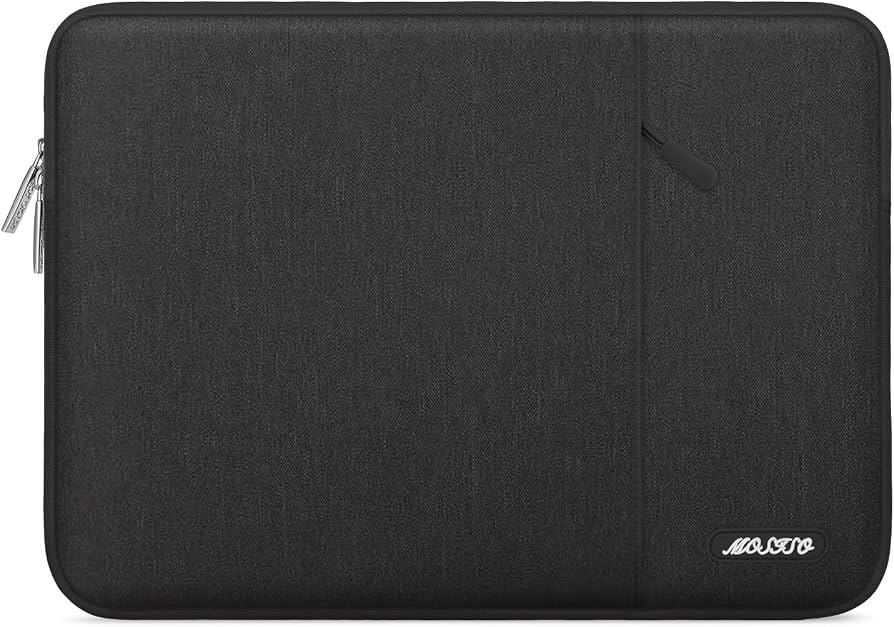
First-layer protection inside any bag.
MOSISO Laptop Sleeve Case Slim, affordable shockproof sleeve with handle, fits most 13-14" 2-in-1s like Yoga or Surface.
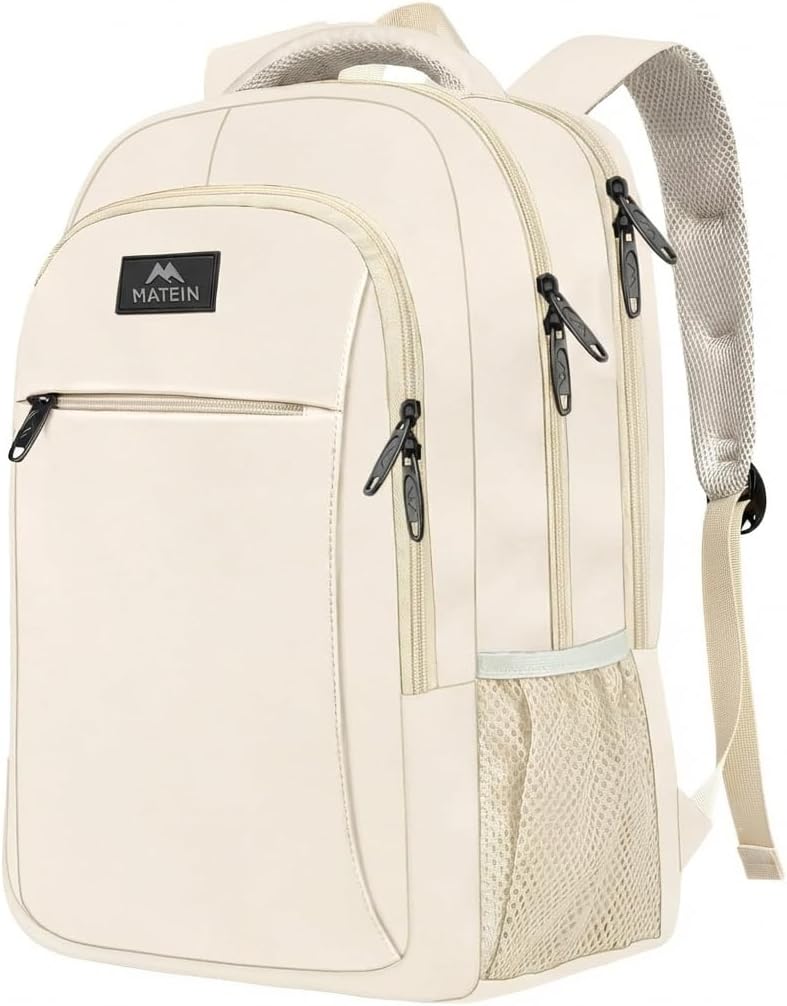
Full carry-on for laptops up to 15.6", multiple flights.
Matein Travel Laptop Backpack TSA-friendly design with padded 2-in-1 compartment, USB port, and anti-theft features.
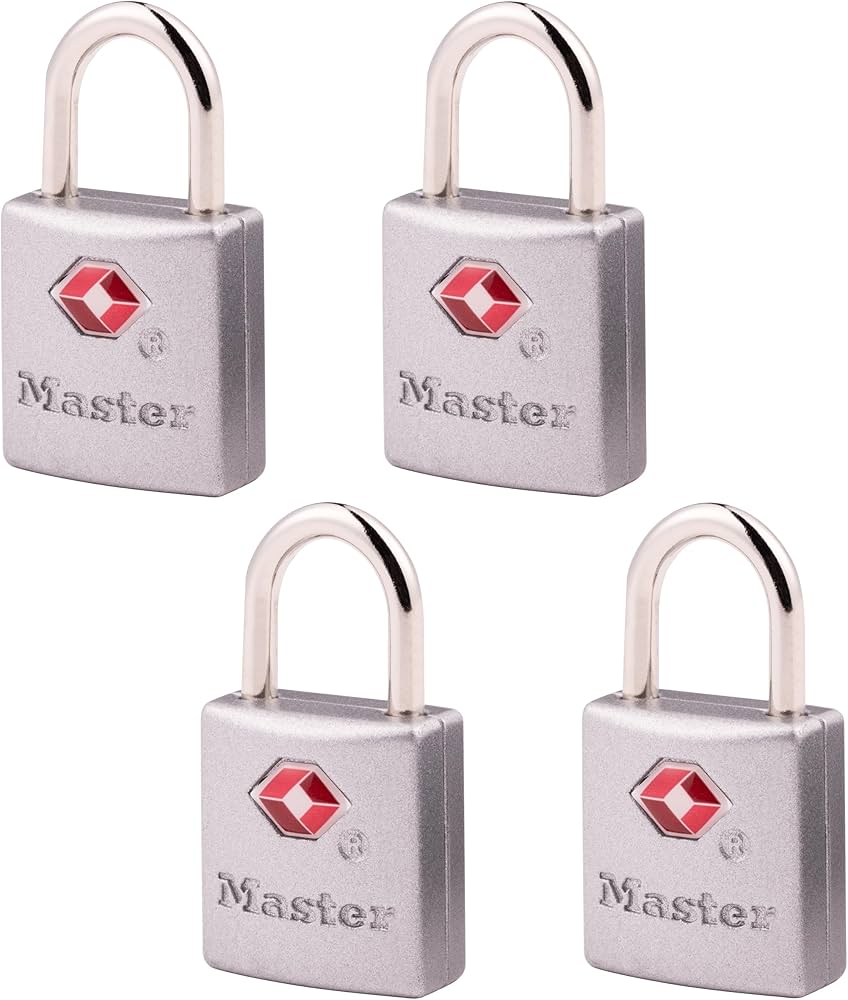
Locking padded sections during travel.
Master Lock TSA Approved Luggage Lock Allows TSA access without breaking; secures bag compartments.