
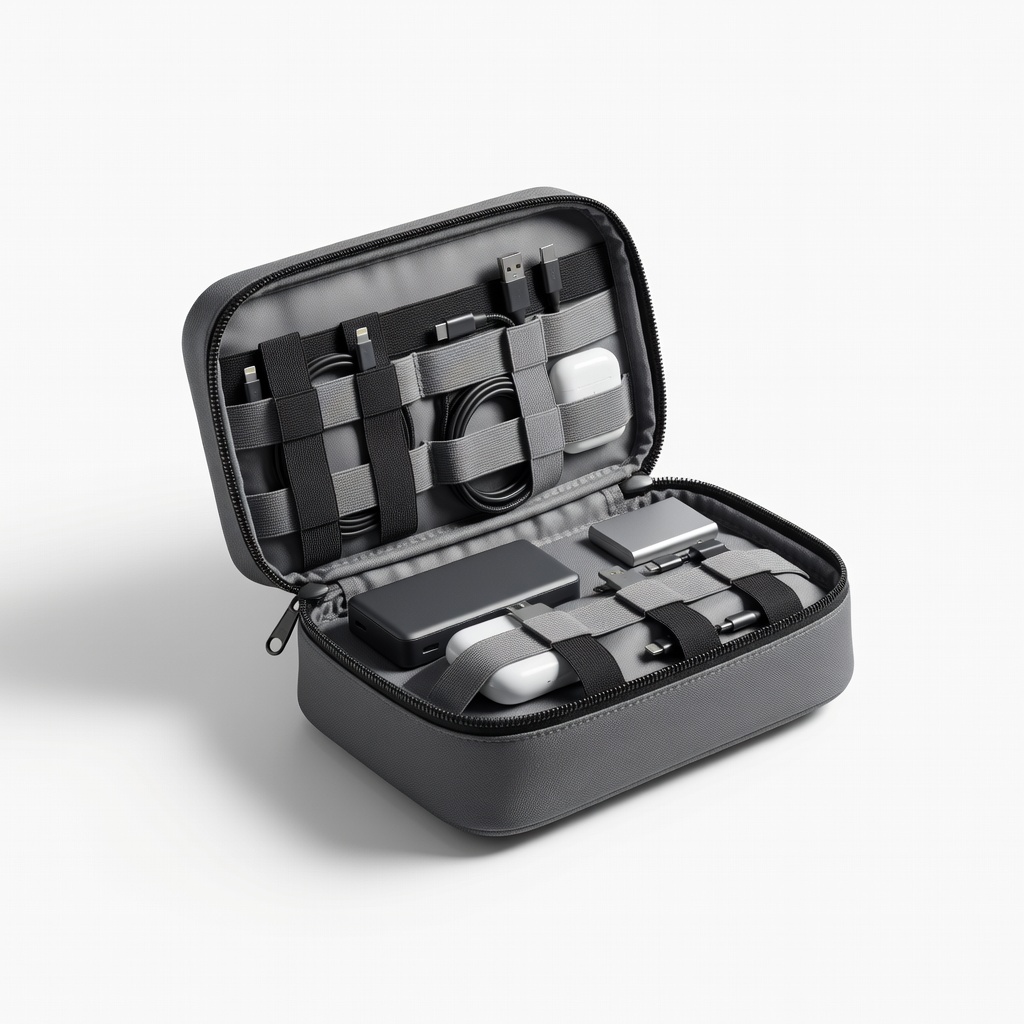
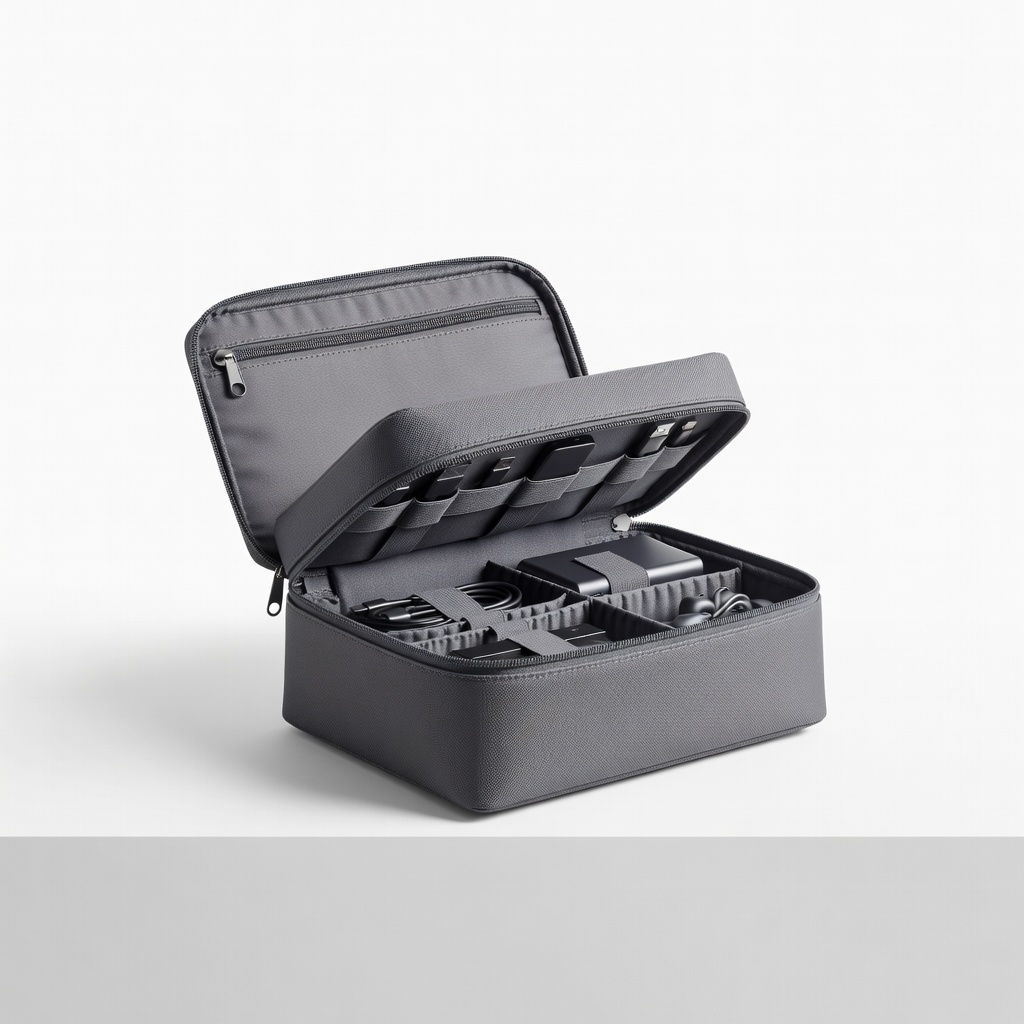
BAGSMART Electronics Organizer Bag
Ideal main container for 10-20 adapters on trips.
$19.99
BAGSMART Electronics Organizer Bag Multiple compartments perfectly sized for adapters, water-resistant, and compact for travel.
Get the App
Better experience on mobile
Create a compact, tangle-free tech kit in 20 minutes to stay powered up on any trip without the hassle of lost adapters.
Traveling with tech gear often turns into a nightmare of tangled cables and missing adapters. You've got USB-C, Lightning, HDMI, and international plugs scattered everywhere, eating up suitcase space and causing stress at the airport. This guide solves that chaos, helping you build an organized portable tech kit that's easy to grab and go.
You'll learn a simple step-by-step process to sort, store, and label your adapters for maximum portability. By the end, you'll have a sleek kit that fits in your backpack and keeps everything accessible. Perfect for beginners—no special skills needed, just 20-30 minutes of your time.
Expect a logical flow: gather, sort, clean, store, and test. You'll save hours on future trips and reduce wear on your gear.
Estimated Time: 20-30 minutes Difficulty: beginner
Start by collecting every adapter you own from drawers, bags, desks, and old travel kits. Lay them out on a clean table or surface. This prevents forgetting items and gives you a full picture of what you have.
Why it matters: Many people overlook duplicates or outdated adapters, leading to clutter. Expect to find 10-20 items, including cables if bundled with adapters.
Success looks like: A single pile of all tech connectors visible and accounted for.
💡 Tips:
⚠️ Warnings:
Make a list: categorize into USB (A/C), charging (Lightning/Micro-USB), video (HDMI/USB-C), power plugs (US/EU/UK/AU), and others. Use sticky notes or a phone app for the list. Sort into piles.
This step declutters by identifying duplicates—keep one, donate extras. Why? Organized kits are faster to use abroad.
Success: Neat piles grouped logically, with a written inventory.
💡 Tips:
Wipe each with a microfiber cloth or alcohol wipe. Check for damage like bent pins or frayed cables—discard broken ones.
Clean gear lasts longer and prevents connectivity issues. Expect dust buildup from storage.
Success: Shiny, functional adapters ready for packing.
⚠️ Warnings:
Select a compact pouch or case with compartments (e.g., 6-8x4 inches for portability). Test fit by placing adapters inside loosely.
Why? A dedicated kit beats ziplocks for protection and access. Size for your needs—small for day trips, larger for international travel.
Success: Container that closes easily with room for all items.
💡 Tips:
Group similar items (e.g., all USB-C together) and secure with Velcro ties or rubber bands. Keep bundles loose to avoid stress on ports.
This prevents tangles in transit. Success: Compact bundles that don't strain connectors.
💡 Tips:
Place bundles in designated spots: frequent-use (USB) in easy-access pockets, bulky plugs deeper in. Fill gaps with small items.
Logical arrangement means grab-and-go. Test by shaking—no rattles.
Success: Kit opens to reveal organized sections at a glance.
⚠️ Warnings:
Add labels to bundles and compartments (e.g., 'USB-C', 'EU Plug') using a label maker or tape/marker.
Labels speed up use in low-light airports. Success: Readable from 2 feet away.
💡 Tips:
Pack the kit, shake, reopen—ensure quick access. Plug in a device to verify nothing's loose.
This confirms portability. Store in your go-bag.
Success: Fully functional kit ready for travel.
Problem: Adapters won't fit in container
Solution: Downsize bundles or upgrade to a larger pouch like the BAGSMART model.
Problem: Tangles during travel
Solution: Use shorter ties and add extra padding like foam inserts.
Problem: Labels peel off
Solution: Use waterproof labels or clear tape over them.
Multiple compartments perfectly sized for adapters, water-resistant, and compact for travel.
Best for: Ideal main container for 10-20 adapters on trips.
Price Range: $19.99
Reusable, adjustable, and gentle on cables—prevents damage while bundling.
Best for: Securing groups of adapters without kinking.
Price Range: $8.99
Portable, easy labels for quick identification—makes kits idiot-proof.
Best for: Labeling bundles and compartments for frequent travelers.
Price Range: $29.99
Slim design with elastic loops specifically for adapters and short cables.
Best for: Budget-friendly option for minimalists with fewer items.
Price Range: $12.99
Shockproof and expandable for growing collections, with premium felt lining.
Best for: Premium kit for professionals with many international adapters.
Price Range: $26.99
Ideal main container for 10-20 adapters on trips.
BAGSMART Electronics Organizer Bag Multiple compartments perfectly sized for adapters, water-resistant, and compact for travel.
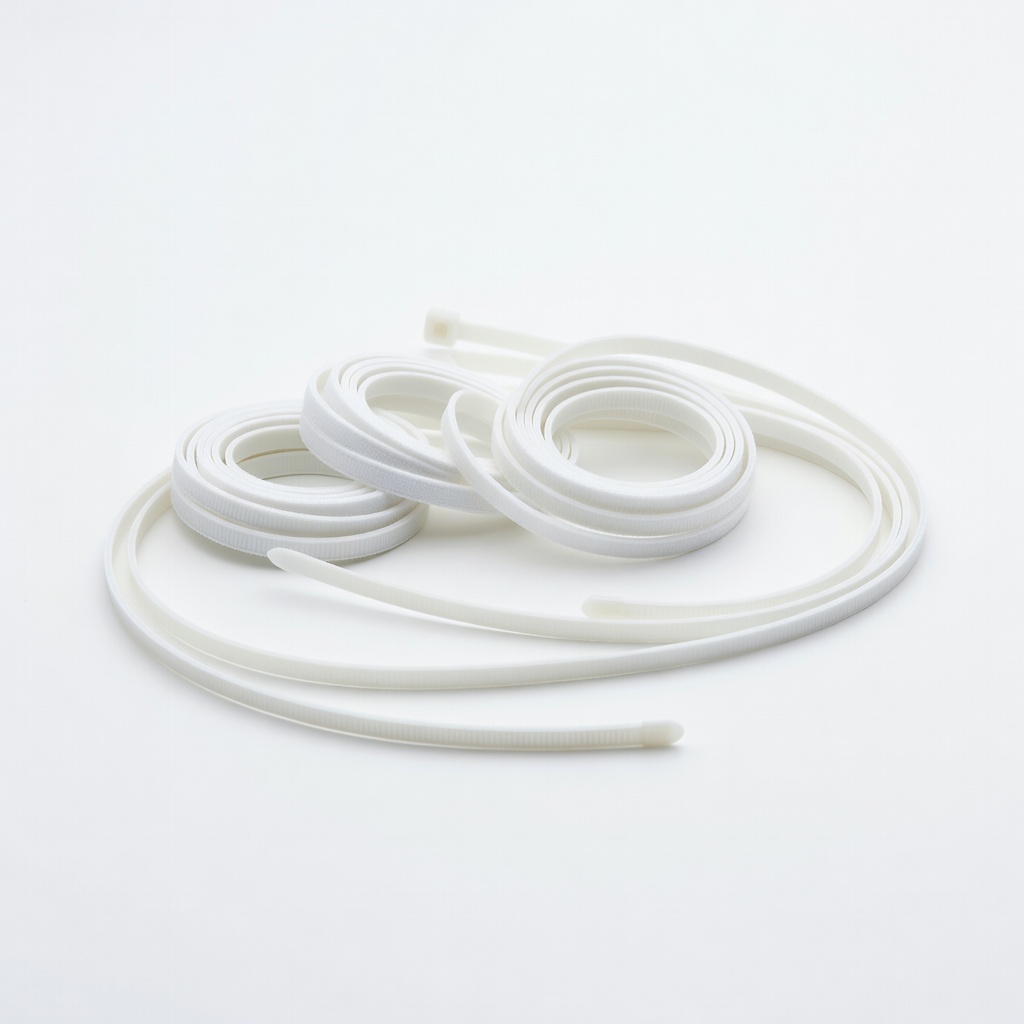
Securing groups of adapters without kinking.
VELCRO Brand ONE-WRAP Cable Ties Reusable, adjustable, and gentle on cables—prevents damage while bundling.
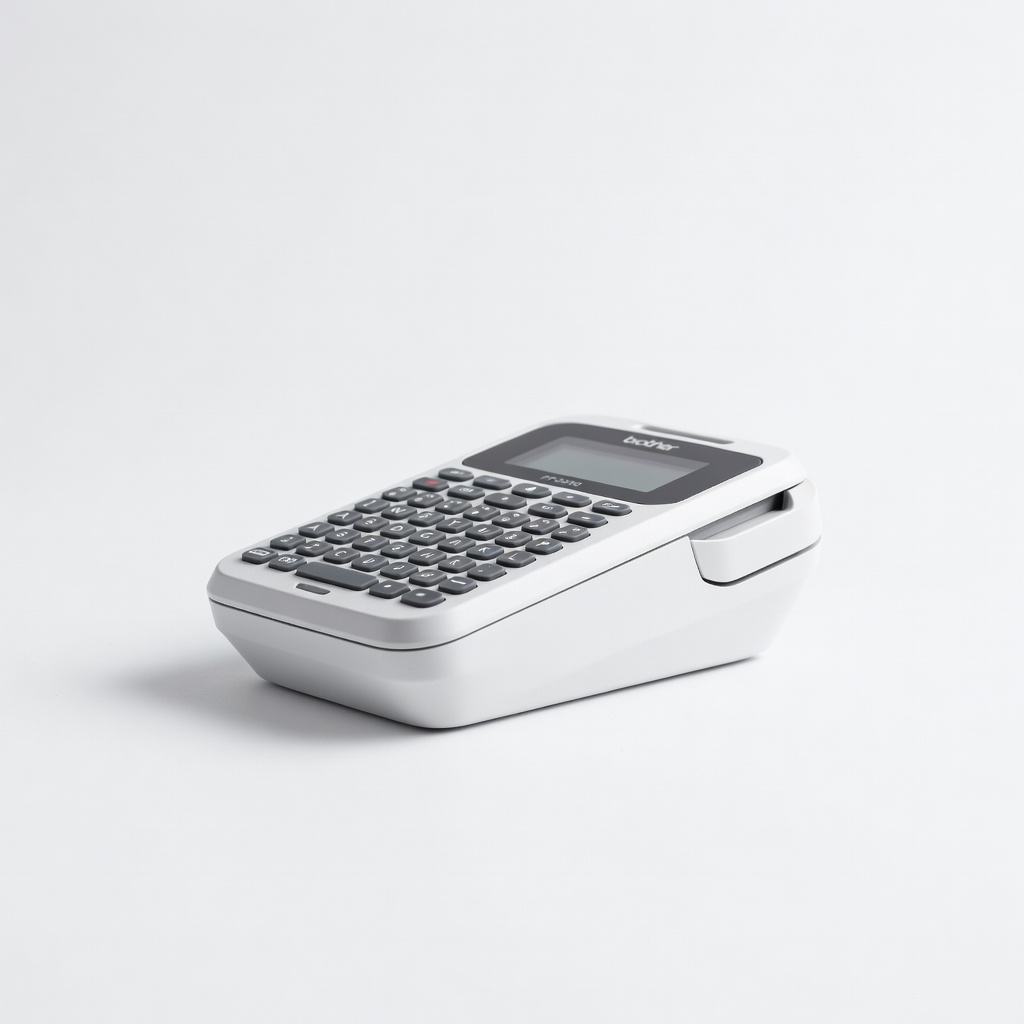
Labeling bundles and compartments for frequent travelers.
Brother P-Touch PT-D210 Label Maker Portable, easy labels for quick identification—makes kits idiot-proof.
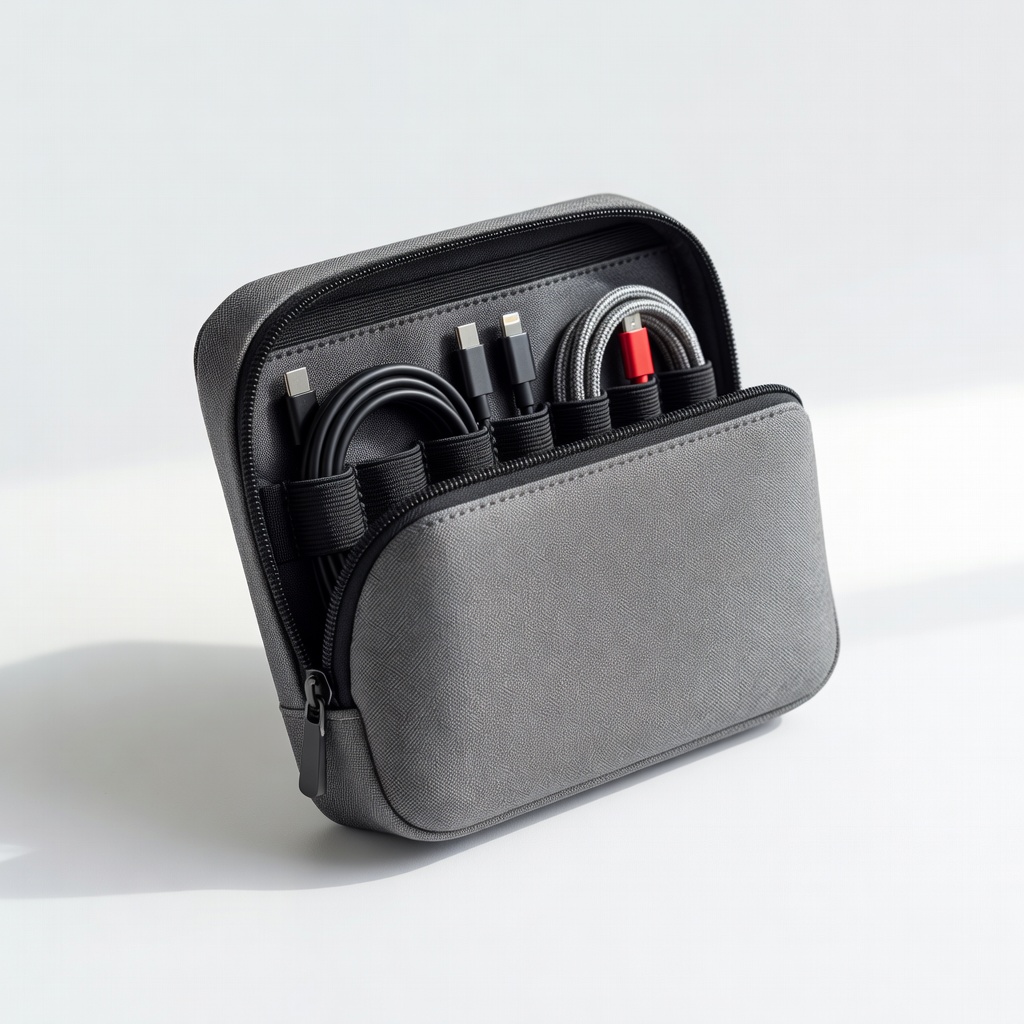
Budget-friendly option for minimalists with fewer items.
Syncwire Cable Organizer Pouch Slim design with elastic loops specifically for adapters and short cables.
Premium kit for professionals with many international adapters.
EVEO Travel Electronics Organizer Shockproof and expandable for growing collections, with premium felt lining.