
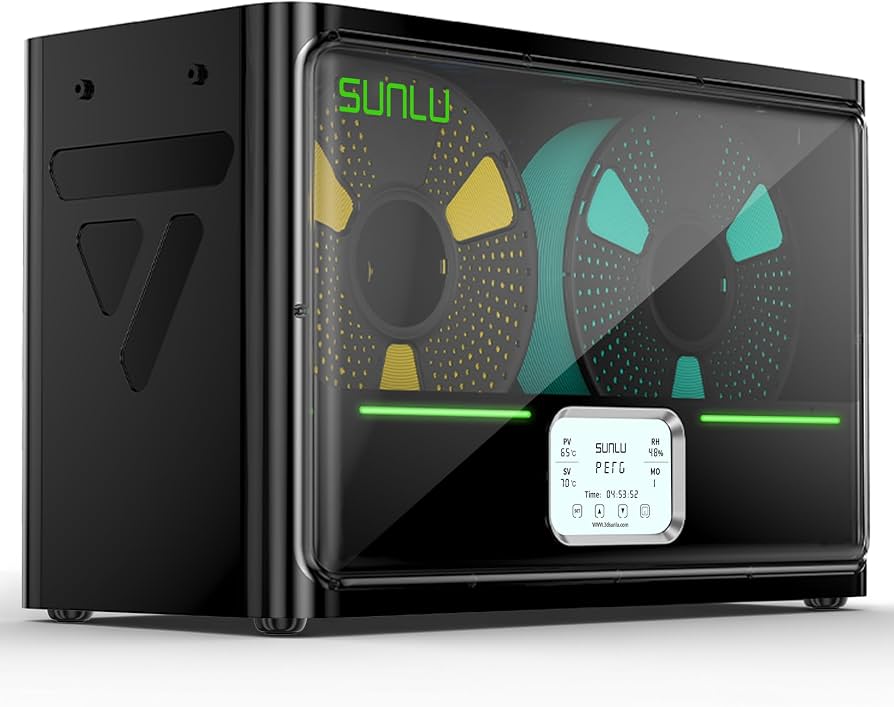
SUNLU Filament Dry Box S4 (4 Spools)
Active zone storage for high-use materials like PLA/PETG.
$69.99
SUNLU Filament Dry Box S4 (4 Spools) Keeps multiple filaments dry and organized for quick swaps in multi-printer setups.
Get the App
Better experience on mobile
Streamline your multi-printer farm with a zoned organization system that cuts downtime, prevents mix-ups, and scales effortlessly.
Running multiple 3D printers means juggling spools of filament, nozzles, tools, and spares across limited space. Clutter leads to wasted time hunting for the right filament mid-print, failed jobs from moisture-damaged materials, and frustrating workflow bottlenecks. Advanced users know that poor organization can turn a productive farm into chaos.
In this guide, you'll learn to create a scalable, zoned storage system tailored for 2+ printers. We'll cover inventory assessment, categorization, custom zoning, labeling, and digital tracking. Expect a complete overhaul that boosts efficiency by 50% or more.
This advanced tutorial takes 2-4 hours, depending on your setup size. You'll need basic tools and some planning, but no new skills beyond familiarity with 3D printing workflows.
Estimated Time: 2-4 hours Difficulty: advanced
Start by pausing all printers and clearing your workspace. Measure your available space—wall area, floor space, and shelf heights. List every supply: filaments by type/color (e.g., 20 PLA spools), tools (nozzles, tweezers), spares (belts, hotends), and consumables (IPA, gloves).
Photograph everything before moving. Create a spreadsheet with columns for item, quantity, location, and expiration (for filaments). This baseline prevents loss and reveals duplicates or shortages.
Success looks like: A complete digital inventory and a clean, empty workspace ready for reorganization.
💡 Tips:
⚠️ Warnings:
Group items into categories: Filaments (by material: PLA, ABS, TPU), Tools (wrenches, scrapers), Printer-Specific (nozzles for Printer A vs. B), Consumables (wipes, lubricants), and Spares (motors, screens).
Assign categories to printers if specialized (e.g., Printer 1 for prototypes, Printer 2 for ABS). Use color-coding: blue bins for PLA, red for engineering filaments.
Success looks like: Neat piles or temporary bags grouped logically, with no orphans.
💡 Tips:
Divide your space into zones: 'Active Filament' (near printers, 1-week supply), 'Archive Filament' (dry storage), 'Tools Zone' (pegboard wall), 'Spares Drawer' (modular drawers), and 'Waste/Recycling' bin.
Sketch a layout map scaled to your space. For multi-printer farms, use vertical space: wall racks above each printer.
Success looks like: A printed or digital map with zones marked, fitting your room dimensions.
⚠️ Warnings:
Mount shelves or pegboards in zones. Add stackable bins for filaments (one spool per bin), drawer organizers for small parts, and hooks for tools.
For multi-printer scalability, use modular systems like pegboard panels that expand.
Success looks like: Empty infrastructure installed, stable and accessible.
💡 Tips:
Place active filaments in dry boxes or bins with desiccant. Archive others in sealed boxes on shelves, sorted by material.
Label each with type, color, diameter (1.75mm), and purchase date. Rotate stock FIFO (first in, first out).
Success looks like: All spools protected, easily grab-and-go.
⚠️ Warnings:
Hang tools on shadow boards (pegboard outlines). Use divided drawers for nozzles by size/printer.
Group spares by printer model for quick swaps.
Success looks like: Tools silhouette-matched, spares inventoried.
💡 Tips:
Print durable labels for bins, drawers, and shelves (e.g., 'PLA Black 1.75mm'). Update spreadsheet with new locations, add QR codes linking to details.
Test by blind-pulling items.
Success looks like: Zero-label gaps, app-updated inventory.
Run a full print cycle: fetch filament, tool, swap spare. Time it—aim under 2 minutes.
Schedule weekly audits: check stock, rotate filament, clean zones.
Success looks like: Seamless prints, routine in calendar.
💡 Tips:
Problem: Running out of filament mid-print
Solution: Keep 2x weekly use in active zone; set low-stock alerts in spreadsheet.
Problem: Tools misplaced after use
Solution: Implement 'dirty/clean' sub-zones; 30-second return rule.
Problem: Moisture issues in humid areas
Solution: Add active dryers to active zone; monitor with hygrometer.
Problem: Space overflow with more printers
Solution: Audit and donate unused; go vertical or offsite archive.
Keeps multiple filaments dry and organized for quick swaps in multi-printer setups.
Best for: Active zone storage for high-use materials like PLA/PETG.
Price Range: $69.99
Creates durable, professional labels that withstand shop grime and frequent handling.
Best for: Labeling bins, drawers, and shelves for instant identification.
Price Range: $18.99
Airtight, stackable bins perfect for archiving filaments without bulk.
Best for: Archive zone for low-use spools; clear lids for visibility.
Price Range: $34.99
Modular metal pegboard for tools and spares, rust-proof for humid print rooms.
Best for: Tools zone above printers; customizable panels.
Price Range: $49.99
Wall-mount rack for easy access to multiple spools without floor clutter.
Best for: Over-printer storage for active filaments.
Price Range: $24.99
Active zone storage for high-use materials like PLA/PETG.
SUNLU Filament Dry Box S4 (4 Spools) Keeps multiple filaments dry and organized for quick swaps in multi-printer setups.
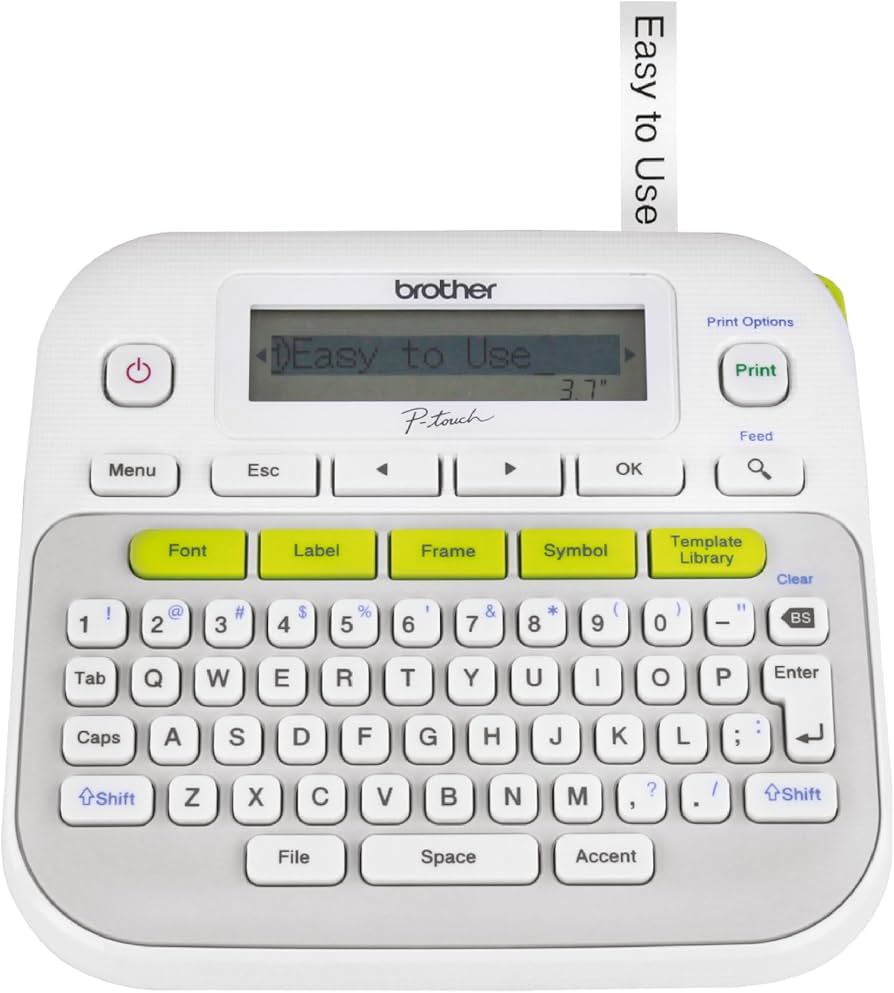
Labeling bins, drawers, and shelves for instant identification.
Brother P-touch PT-D210 Label Maker Creates durable, professional labels that withstand shop grime and frequent handling.
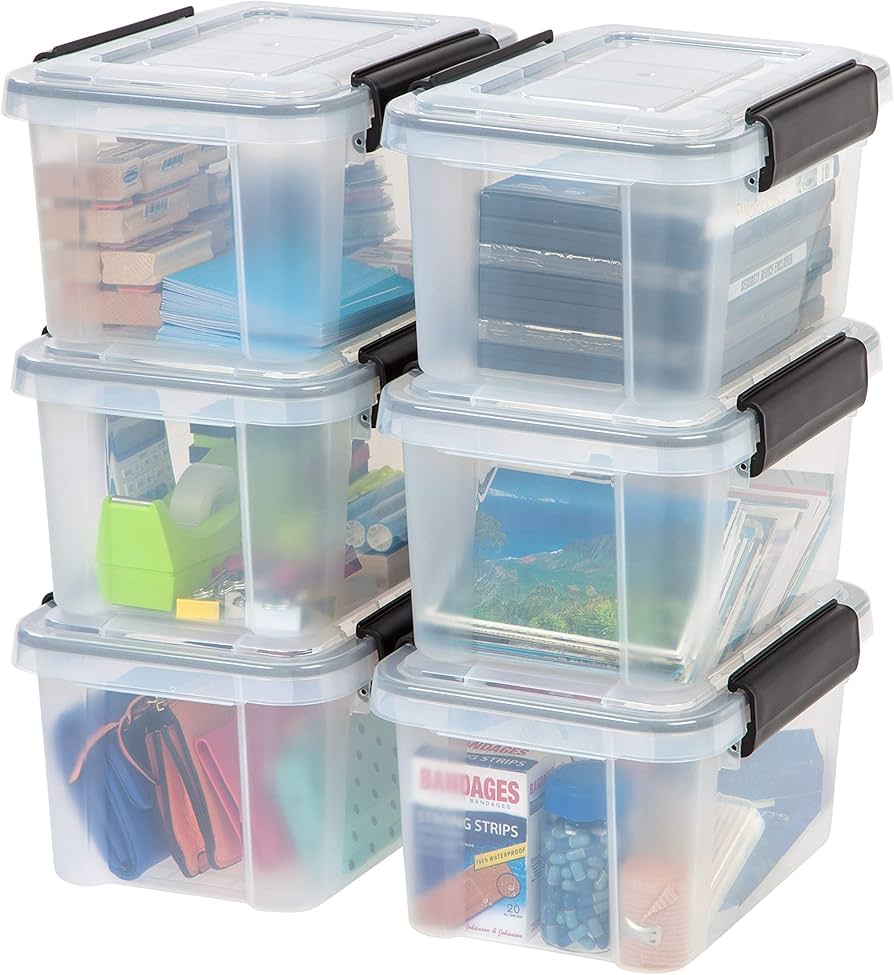
Archive zone for low-use spools; clear lids for visibility.
IRIS USA 12 Qt WeatherPro Storage Bin (Pack of 6) Airtight, stackable bins perfect for archiving filaments without bulk.
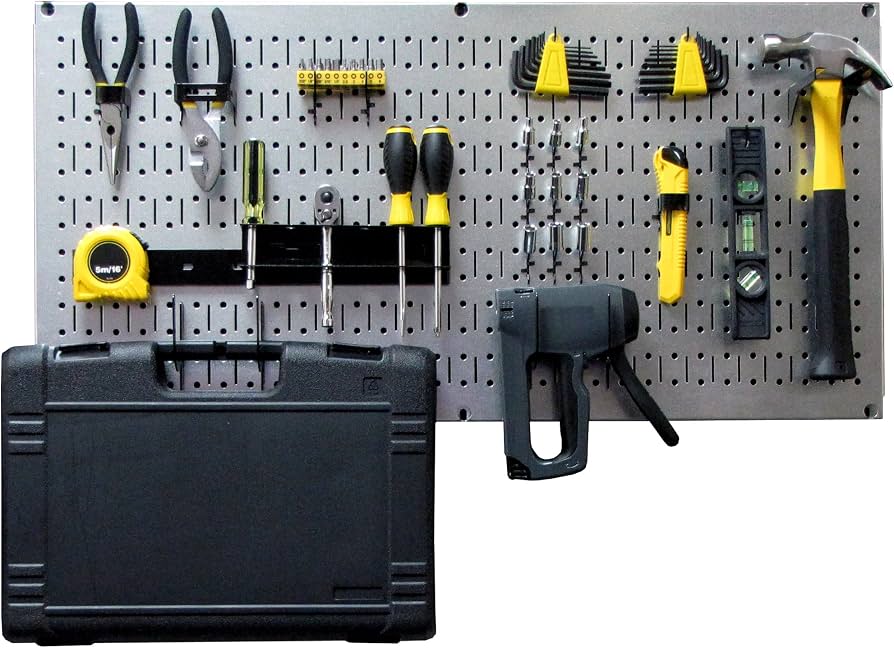
Tools zone above printers; customizable panels.
Wall Control 10-Slot Pegboard Organizer Modular metal pegboard for tools and spares, rust-proof for humid print rooms.
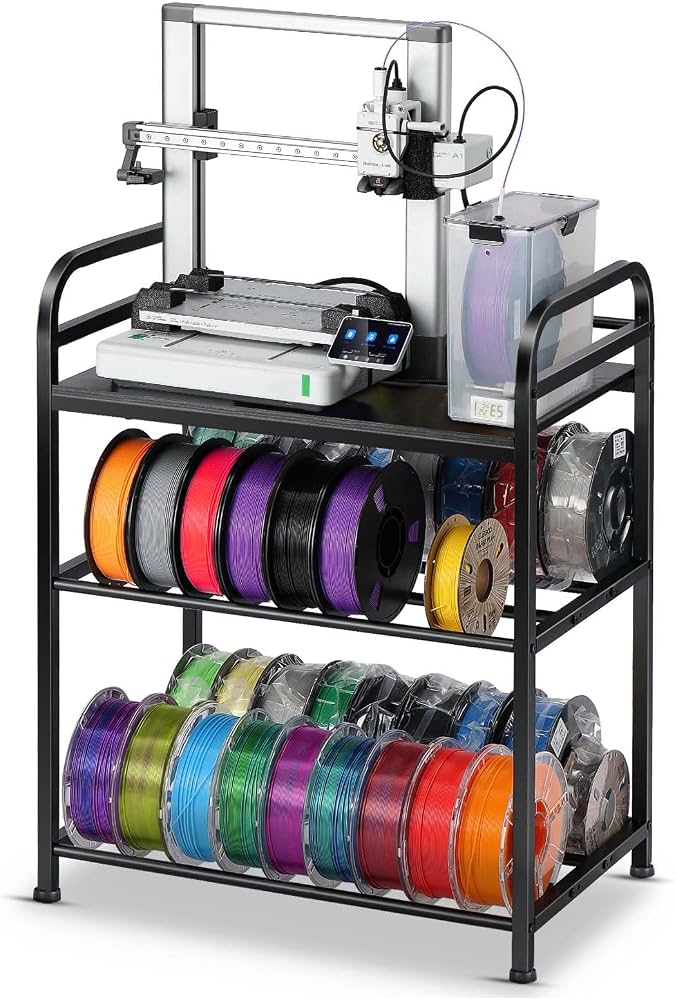
Over-printer storage for active filaments.
Creality 8-Filament Rack Holder Wall-mount rack for easy access to multiple spools without floor clutter.