
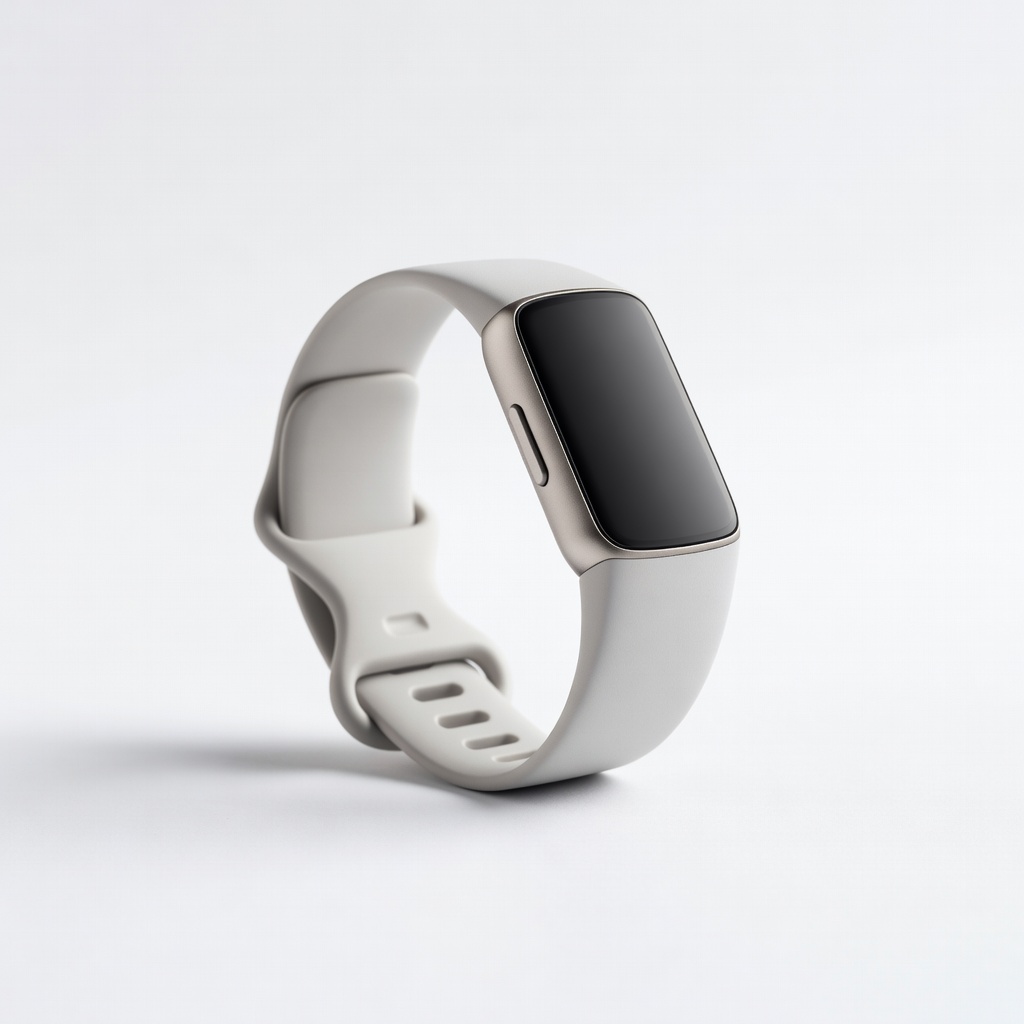
Fitbit Charge 6
Daily activity and wellness tracking without phone.
$159.95
Fitbit Charge 6 Excellent for beginners to intermediates with 24/7 HR, GPS, EDA stress sensor, and 7-day battery.
Get the App
Better experience on mobile
Master tracking activity, sleep, and wellness metrics using wearables to optimize your health routine in under an hour.
In a world where sedentary lifestyles and stress are rampant, wearables empower you to take control of your health with real-time data on steps, heart rate, sleep, and more. Many people buy these devices but underuse them, missing out on insights that could prevent burnout or boost fitness.
This guide walks you through selecting, setting up, and using wearables like Fitbit or Garmin to monitor key health metrics effectively. You'll learn to interpret data, set goals, and avoid pitfalls for actionable wellness improvements.
Expect a straightforward process taking 30-60 minutes initially, with ongoing daily use. As an intermediate user, you'll handle app integrations and data analysis with ease.
Estimated Time: 30-60 minutes for setup; 5 minutes daily for review Difficulty: intermediate
Assess your needs: activity tracking (steps, calories), advanced metrics (HRV, VO2 max), or sleep focus. For general wellness, opt for devices like Fitbit; athletes prefer Garmin.
Research compatibility with your phone OS. Budget $100-400. Success: A device aligned with 80% of your tracking priorities.
Image Description: Comparison table of wearables with columns for price, key features, battery life.
💡 Tips:
⚠️ Warnings:
Open the package, insert the charging cable, and plug into a USB port or wall adapter. Charge until 100% (20-60 minutes).
Why it matters: Full battery ensures uninterrupted setup. Expect the LED to turn green or app notification for full charge.
Image Description: Close-up of wearable on charger with battery icon filling up.
💡 Tips:
⚠️ Warnings:
Search App Store/Google Play for the official app (e.g., 'Fitbit' or 'Garmin Connect'). Install and grant permissions for Bluetooth, location, notifications.
Success: App opens without crashes. This syncs data to your phone for detailed dashboards.
💡 Tips:
Open app, create/login to account, select 'Add Device' or 'Pair New.' Turn on Bluetooth, hold wearable near phone; follow on-screen prompts (QR scan or button press).
Why: Establishes secure Bluetooth Low Energy connection. Expect vibration/confirmation on device.
💡 Tips:
⚠️ Warnings:
Enter age, weight, height, fitness level, and goals (e.g., 10k steps/day). Grant health data access.
This calibrates algorithms for accurate metrics like calorie burn. Success: Personalized dashboard loads.
💡 Tips:
In app settings, enable/disable features: heart rate (24/7), sleep stages, SpO2, stress. Set notifications for inactivity or high HR.
Why: Tailors data to your wellness focus. Expect initial baseline readings within 24 hours.
💡 Tips:
Strap 1-2 fingers above wrist bone, snug but not tight. Take 10 walking laps for GPS/accelerometer calibration if applicable.
Success: Consistent step counts matching manual tally (±5%).
Sync data (auto or manual tap). Check dashboard for trends: aim for 7-9h sleep, 150min moderate activity/week.
Set goals; track improvements. Why: Turns raw data into habits.
💡 Tips:
Link to Apple Health/Google Fit via app settings. Check for firmware updates weekly.
Enhances ecosystem; success: Data flows seamlessly.
⚠️ Warnings:
Problem: Device won't pair
Solution: Restart phone/app, forget Bluetooth device, re-pair. Ensure firmware is current.
Problem: Inaccurate step counts
Solution: Recalibrate with walks; check fit. Clean sensors.
Problem: Battery drains fast
Solution: Disable unused features like always-on HR. Charge fully.
Problem: No sleep data
Solution: Wear overnight; ensure motion detection enabled.
Excellent for beginners to intermediates with 24/7 HR, GPS, EDA stress sensor, and 7-day battery.
Best for: Daily activity and wellness tracking without phone.
Price Range: $159.95
Superior sleep and respiration tracking with Body Battery energy metric for recovery insights.
Best for: Stress and recovery monitoring for active users.
Price Range: $149.99
Advanced ECG, sleep apnea detection, and seamless iOS integration for comprehensive health.
Best for: iPhone users needing medical-grade alerts.
Price Range: $399+
Discreet finger-based tracking with top-tier readiness/recovery scores, no screen distractions.
Best for: Sleep-focused users who hate wristbands.
Price Range: $349+
Daily activity and wellness tracking without phone.
Fitbit Charge 6 Excellent for beginners to intermediates with 24/7 HR, GPS, EDA stress sensor, and 7-day battery.
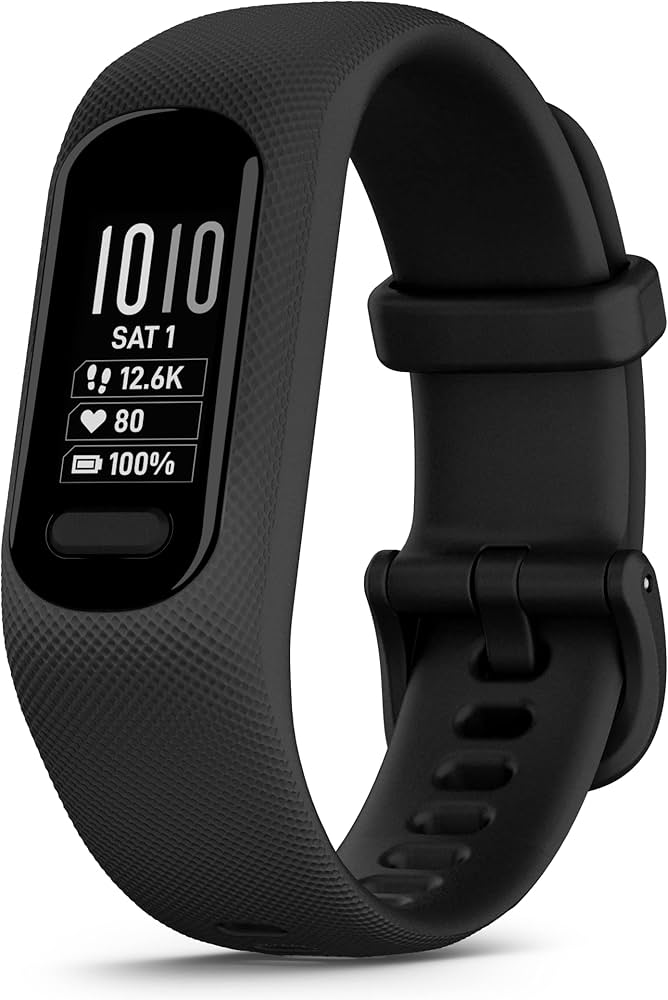
Stress and recovery monitoring for active users.
Garmin Vivosmart 5 Superior sleep and respiration tracking with Body Battery energy metric for recovery insights.
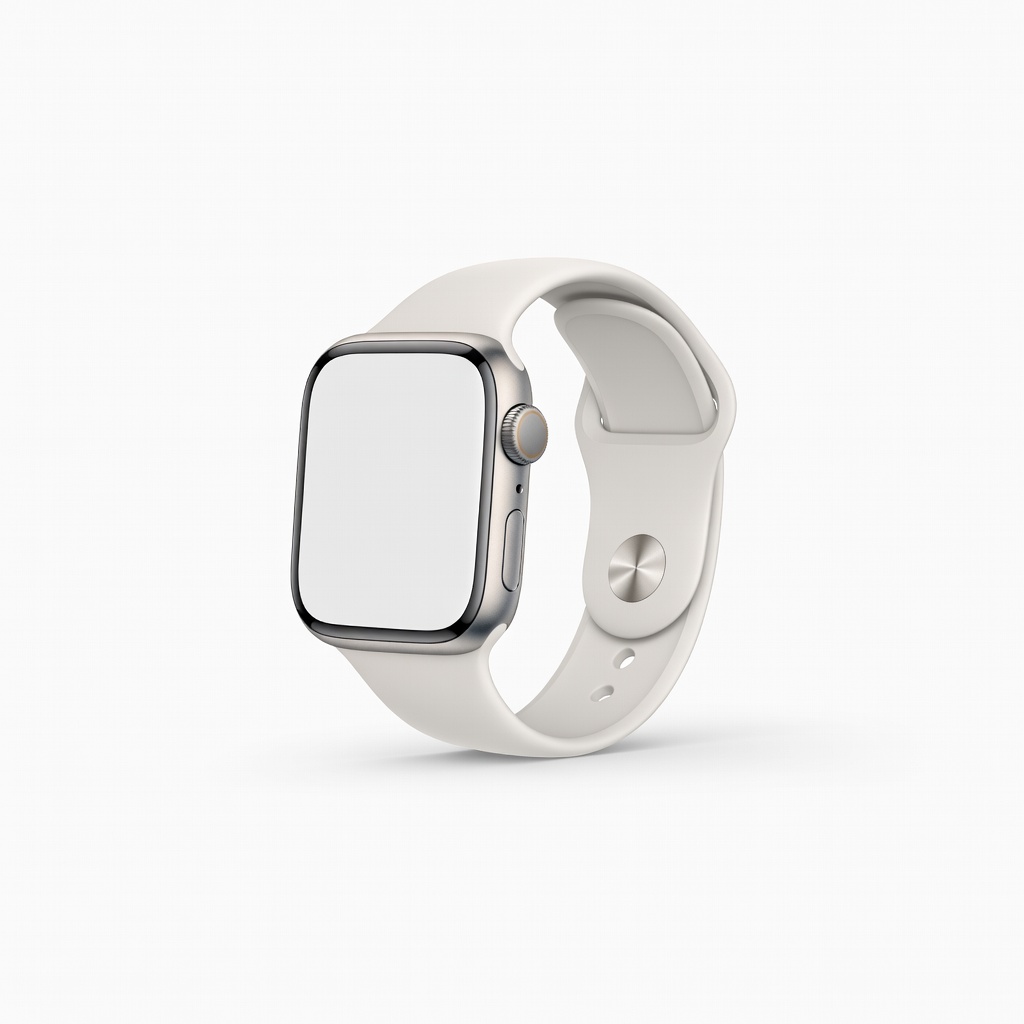
iPhone users needing medical-grade alerts.
Apple Watch Series 10 Advanced ECG, sleep apnea detection, and seamless iOS integration for comprehensive health.
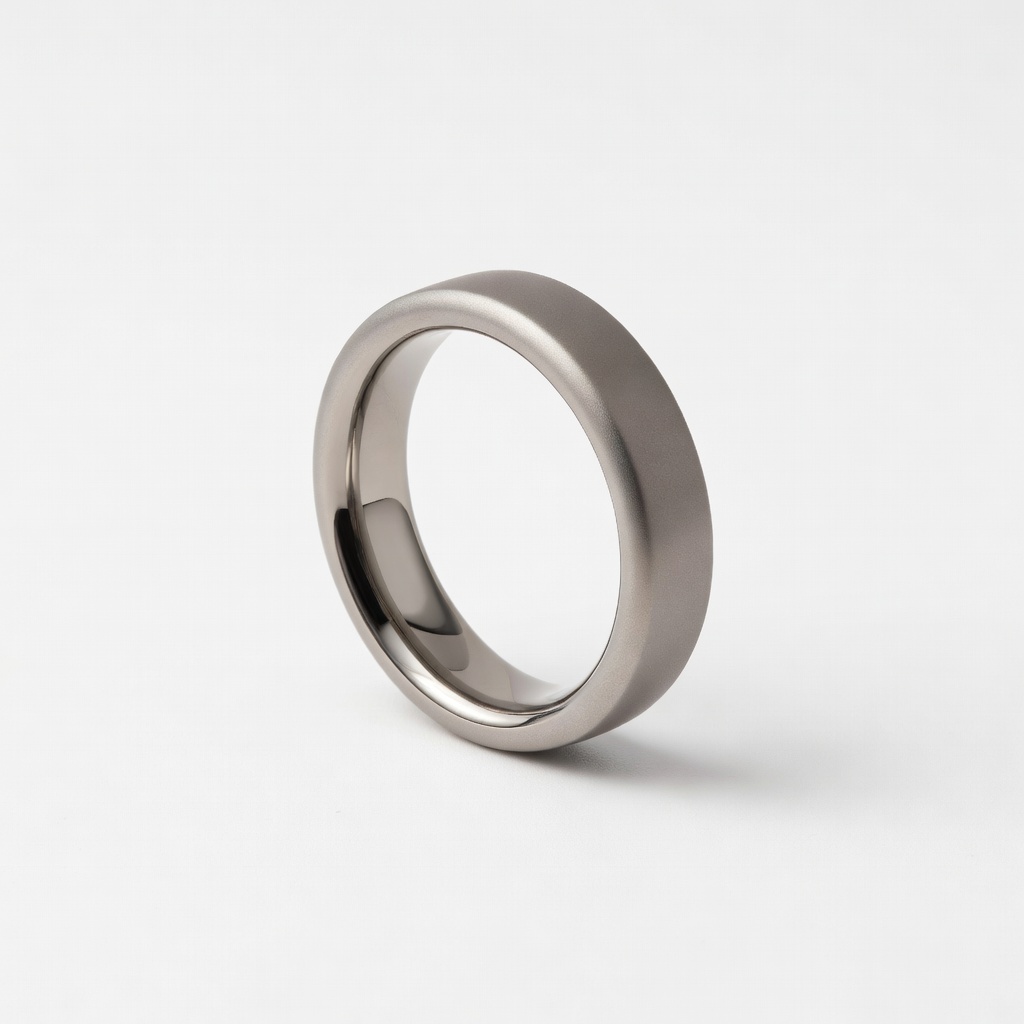
Sleep-focused users who hate wristbands.
Oura Ring Gen3 Discreet finger-based tracking with top-tier readiness/recovery scores, no screen distractions.