
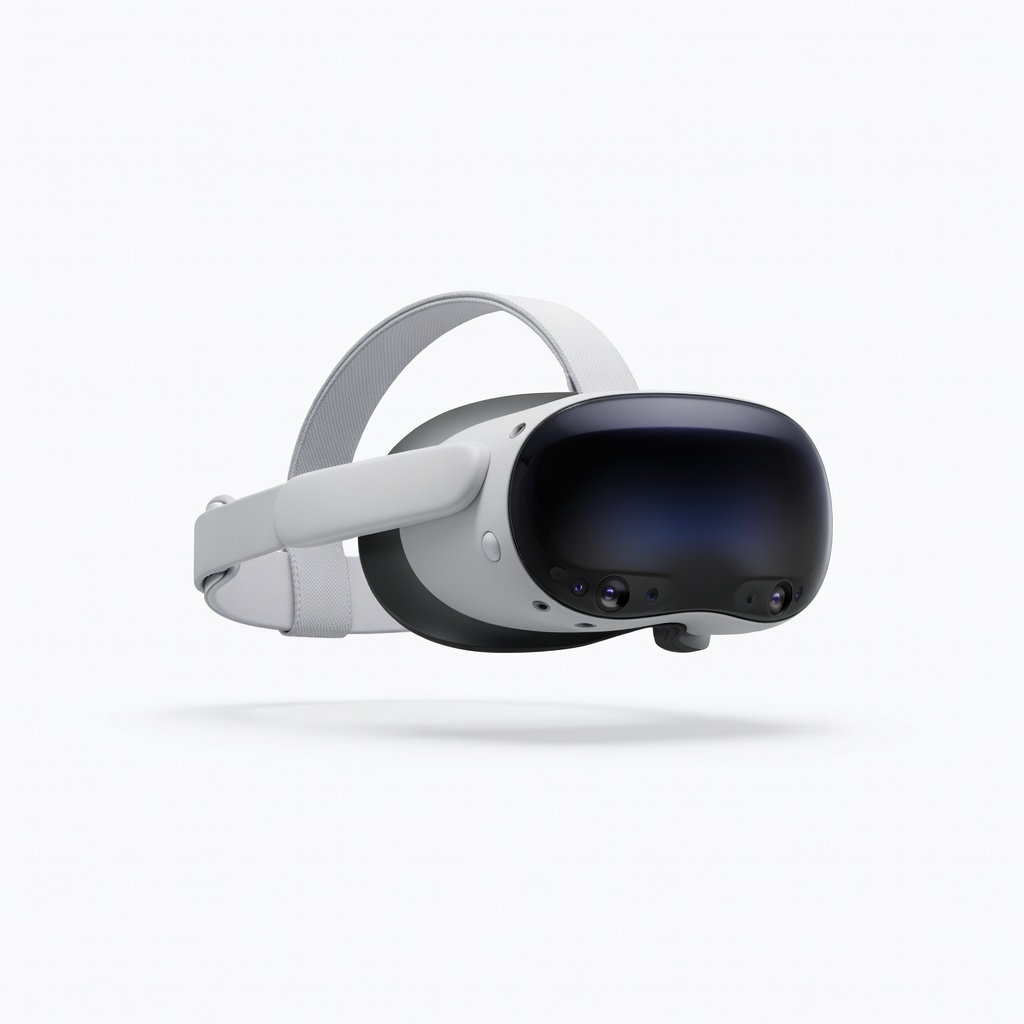
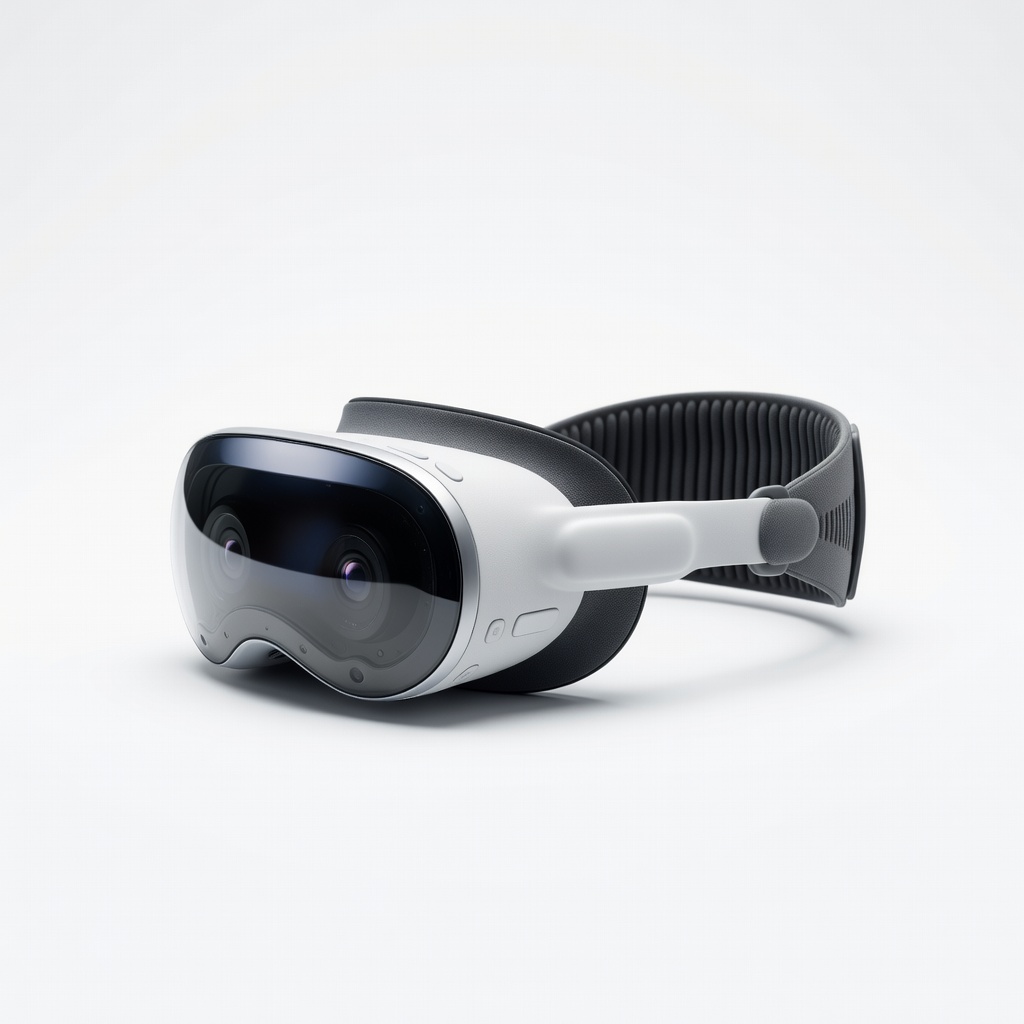
Meta Quest 3 (128GB) VR Headset
Core tool for all VRET sessions—no cables or PC needed.
$499.99
Meta Quest 3 (128GB) VR Headset Standalone powerhouse with high-res displays for realistic flight sims; wireless for natural movement.
Get the App
Better experience on mobile
Master virtual reality exposure therapy in step-by-step sessions to conquer aviophobia and board planes confidently in weeks.
Fear of flying affects over 25 million Americans, turning vacations into nightmares and business trips into ordeals. But virtual reality (VR) exposure therapy offers a game-changing solution—proven in studies to reduce flight anxiety by up to 70% without leaving home.
In this guide, you'll learn how to use VR to systematically desensitize yourself to flying triggers, from takeoff turbulence to cruising altitude. We'll cover setup, progressive sessions, and tracking progress for lasting results. Expect noticeable calm after 4-6 weeks of 20-30 minute sessions (intermediate tech familiarity required).
No more white-knuckled flights—follow these steps to fly free.
Estimated Time: Setup: 30 minutes; Sessions: 20-30 minutes each, 3-5x/week over 4-6 weeks Difficulty: intermediate
Before diving in, grasp how Virtual Reality Exposure Therapy (VRET) works. VRET simulates flight scenarios in a controlled VR environment, gradually exposing you to fears like turbulence or enclosed spaces. This rewires your brain's fear response via habituation—backed by research from Oxford and NYU showing 68% phobia reduction.
Why it matters: Knowledge builds confidence. Expect initial discomfort, but it fades with repetition. Read free resources or watch a 5-minute explainer video.
Success looks like: You can explain VRET to a friend.
💡 Tips:
⚠️ Warnings:
Select a standalone headset like Meta Quest 3 for wireless freedom—no PC needed. Download from the headset's store or Meta app.
Power on, follow on-screen pairing (takes 5 minutes), and adjust fit: straps snug but not tight, lenses aligned to eyes. Calibrate guardian boundary (safe play area).
Success: Headset boots to home screen without glitches.
💡 Tips:
⚠️ Warnings:
Install apps like oVRcome (subscription, $10/month) or ZeroPhobia (one-time fee). These offer graded modules: airport check-in to full flight simulation.
Why: Tailored content outperforms generic VR. Search in headset store, create account, start free trial.
Success: App launches with intro menu visible.
💡 Tips:
⚠️ Warnings:
Choose a dim, quiet room with a stable chair mimicking airplane seats. Remove distractions, set phone to Do Not Disturb. Hydrate and eat lightly.
Why: Mimics real flight calm. Do a 2-minute body scan meditation.
Success: You're seated, headset on, feeling grounded.
💡 Tips:
⚠️ Warnings:
Start with non-flight modules: breathing exercises and neutral VR views (e.g., calm skies). Use app's SUDs scale (0-10 anxiety) pre/post.
Practice 4-7-8 breathing: inhale 4s, hold 7s, exhale 8s. End when SUDs drops 2+ points.
Success: Anxiety score halves; you feel neutral.
💡 Tips:
⚠️ Warnings:
Advance weekly: Week 1 airport lobby, Week 2 boarding, Week 3 takeoff/turbulence. Stay until SUDs <4, then next level.
Pause/resume as needed. Integrate CBT: Challenge thoughts like 'plane will crash' with facts (flying safer than driving).
Success: Complete mid-level without panic.
💡 Tips:
⚠️ Warnings:
After each session, journal: What triggered fear? What helped? Rate overall confidence (1-10). Review weekly.
Why: Reinforces gains. Adjust if plateaued (add real audio of planes).
Success: Confidence score rises steadily.
💡 Tips:
⚠️ Warnings:
Visit airport (no flying), use portable VR for refreshers. Book short flight post-4 weeks.
Ongoing: Monthly boosters. Combine with therapist if severe.
Success: Board real plane with SUDs <3.
💡 Tips:
⚠️ Warnings:
Problem: VR motion sickness
Solution: Lower graphics, take breaks every 5 min, use ginger chews. Switch to seated mode.
Problem: App crashes or incompatibility
Solution: Update firmware/OS, restart device. Contact app support.
Problem: No anxiety reduction after 2 weeks
Solution: Check SUDs consistency; add therapist-guided VRET. It's normal for some.
Problem: Heightened anxiety post-session
Solution: End with positive imagery module. Seek pro help if persists >24h.
Standalone powerhouse with high-res displays for realistic flight sims; wireless for natural movement.
Best for: Core tool for all VRET sessions—no cables or PC needed.
Price Range: $499.99
Phobia-specific with flying modules, guided exposure, progress tracking—clinically validated.
Best for: Daily sessions progressing from mild to full flight.
Price Range: $9.99/month
Drug-free nausea relief complements VR to extend session time.
Best for: Wear during turbulence modules or real flights.
Price Range: $8.99/pair
Reduces sweat/pressure for 30+ min comfort in long sessions.
Best for: Extended exposure without irritation.
Price Range: $19.99
Budget alternative to Quest with pancake lenses for clarity; app-compatible.
Best for: Entry-level immersive therapy on tighter budget.
Price Range: $399-$429
Core tool for all VRET sessions—no cables or PC needed.
Meta Quest 3 (128GB) VR Headset Standalone powerhouse with high-res displays for realistic flight sims; wireless for natural movement.
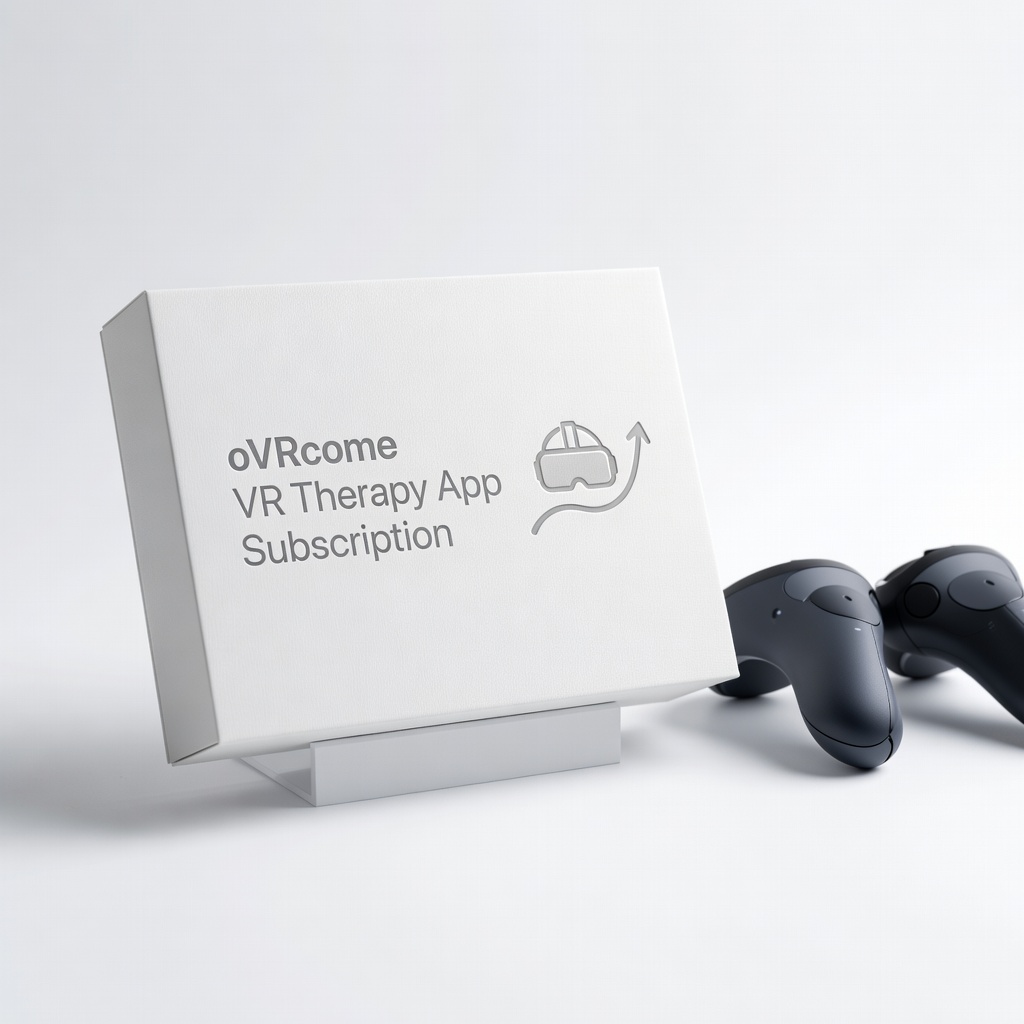
Daily sessions progressing from mild to full flight.
oVRcome VR Therapy App Subscription Phobia-specific with flying modules, guided exposure, progress tracking—clinically validated.
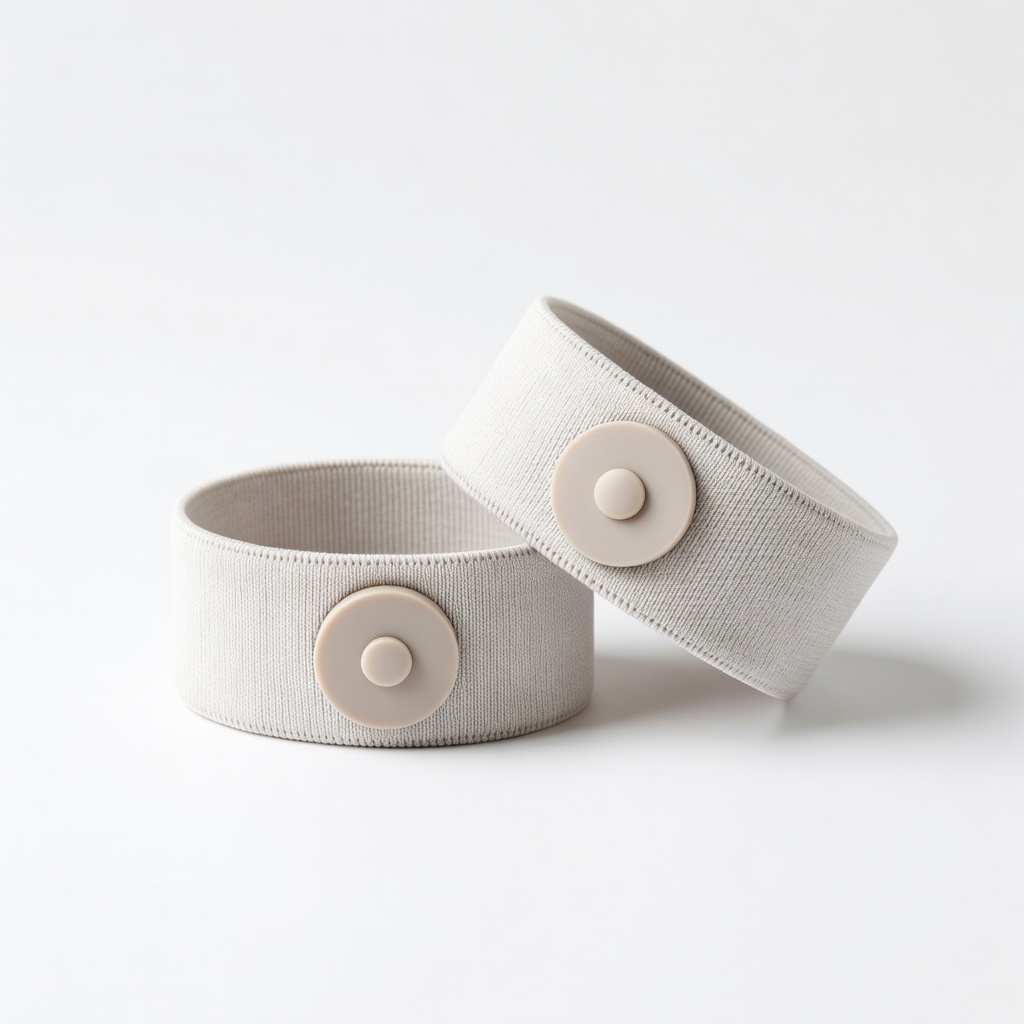
Wear during turbulence modules or real flights.
Sea-Band Acupressure Wristbands Drug-free nausea relief complements VR to extend session time.
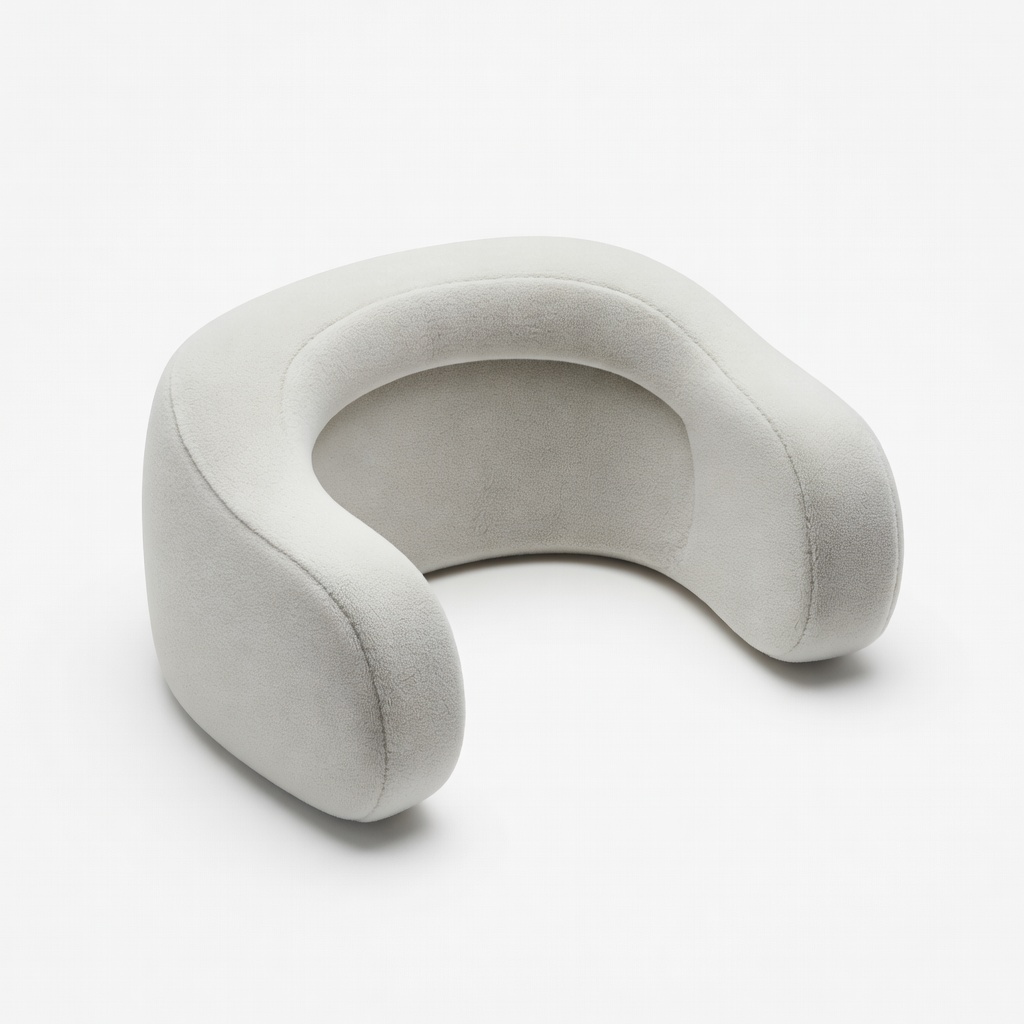
Extended exposure without irritation.
AMVR Facial Interface Foam for Quest Reduces sweat/pressure for 30+ min comfort in long sessions.
Entry-level immersive therapy on tighter budget.
Pico 4 Ultra VR Headset Budget alternative to Quest with pancake lenses for clarity; app-compatible.