
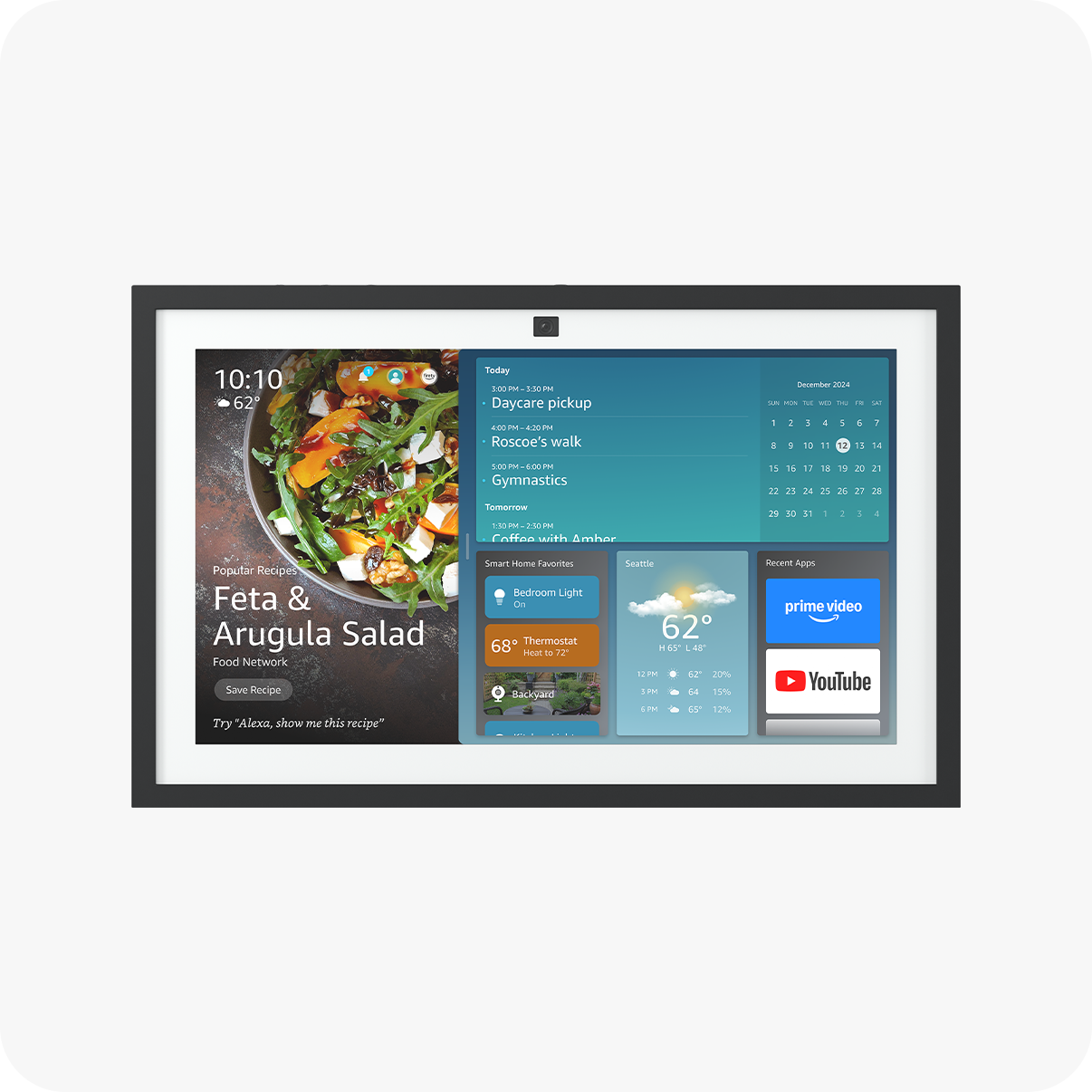
Amazon Echo Dot (5th Gen)
Daily schedules, med reminders, family check-ins
$49.99
Amazon Echo Dot (5th Gen) Affordable voice hub for reminders, routines, and calls—perfect central control
Get the App
Better experience on mobile
Learn step-by-step to use smart devices for medication reminders, safety checks, and daily schedules, easing caregiving stress in 2025.
Caring for aging parents often means juggling work, family, and their daily needs from afar. Forgetting medications, irregular meals, or safety concerns can lead to worry and health issues. Tech aids like smart speakers and automated dispensers make it easier to manage routines remotely, promoting independence while keeping you connected.
In this guide, you'll learn how to assess needs, select and set up tech tools, and create seamless daily routines. Expect 2-4 hours for initial setup (spread over days if needed), with minimal daily maintenance. No advanced tech skills required—just intermediate comfort with apps and devices.
By the end, you'll have a customized system that reminds your parents of tasks, alerts you to issues, and tracks vital routines for peace of mind.
Estimated Time: 2-4 hours for setup (1-2 hours/day over 2 days), 10-15 min/day ongoing Difficulty: intermediate
Start by observing or discussing your parents' current routine. Note pain points like forgetting pills, meal times, or mobility issues. Create a simple chart: wake-up, meds, meals, exercise, bedtime.
Why it matters: Tailored tech prevents overload. Expect a 30-45 min discussion yielding 5-10 key tasks. Involve them for buy-in.
Tip: Use a shared Google Doc for the list.
💡 Tips:
⚠️ Warnings:
Match needs to tools: Voice assistants for reminders, pill dispensers for meds, trackers for activity. Budget $100-300 total.
Research compatibility (Alexa/Google Home ecosystems). Success: List 3-5 devices with setup apps. This takes 30 min online.
💡 Tips:
⚠️ Warnings:
Unbox Echo Dot/Show, plug in, connect to Wi-Fi via Alexa app. Enable routines: 'Alexa, remind Mom meds at 8 AM.'
Why: Central hub for schedules. Test: Speaker announces reminder aloud. 20-30 min setup.
💡 Tips:
⚠️ Warnings:
For basic: Alexa routine with lights/sound. Advanced: Load pill dispenser, set schedule via app.
Sync with speaker for alerts to you if ignored. Expect beeps/voice at set times. 30 min.
💡 Tips:
⚠️ Warnings:
Pair wearable like Fitbit: Charge, app setup, daily step reminders. Link to phone for fall alerts.
Monitors movement/meals via voice logs. Success: Daily reports in app. 20 min.
💡 Tips:
⚠️ Warnings:
Mount video doorbell, app-link for motion alerts. Smart plugs for lights/appliances on schedules.
View live feeds, get 'door opened' pings. 45 min install.
💡 Tips:
⚠️ Warnings:
In Alexa app, create routines: Morning (meds, news), evening (bedtime). Chain devices (light on + reminder).
Test full day simulation. Success: Seamless automation. 30 min.
💡 Tips:
⚠️ Warnings:
Demo each feature hands-on. Practice responses. Monitor first week via app.
Adjust based on feedback. Success: Independent use + your alerts. 30-45 min.
💡 Tips:
⚠️ Warnings:
Check app logs weekly, review monthly. Update for changes (new meds).
Ensures long-term success. 15 min/month.
💡 Tips:
Problem: Alexa reminders not triggering
Solution: Check Wi-Fi, re-link app account, restart device; test with 'Alexa, test routine'
Problem: Pill dispenser jams
Solution: Clean gears weekly, use recommended pill sizes; contact support if persistent
Problem: Parent ignores alerts
Solution: Customize voices/sounds, add escalating notifications to your phone; retrain gently
Problem: App connectivity drops
Solution: Restart router, ensure 2.4GHz Wi-Fi band; update all firmware
Problem: Fall alert false positives
Solution: Adjust sensitivity in app; confirm with video if linked; seek pro monitoring service
Affordable voice hub for reminders, routines, and calls—perfect central control
Best for: Daily schedules, med reminders, family check-ins
Price Range: $49.99
Locks and dispenses exact doses with alarms; app alerts caregiver if missed
Best for: Precise medication management for multiple daily doses
Price Range: $89.99
Motion alerts and live video for safety monitoring without intrusion
Best for: Remote visitor/activity checks, fall response verification
Price Range: $99.99
Tracks activity, heart rate, sleep; senior-friendly with simple app
Best for: Daily movement reminders and health trend alerts
Price Range: $159.95
Schedules appliances/lights remotely via app or voice
Best for: Automate routines like coffee maker or night lights
Price Range: $14.99
Daily schedules, med reminders, family check-ins
Amazon Echo Dot (5th Gen) Affordable voice hub for reminders, routines, and calls—perfect central control
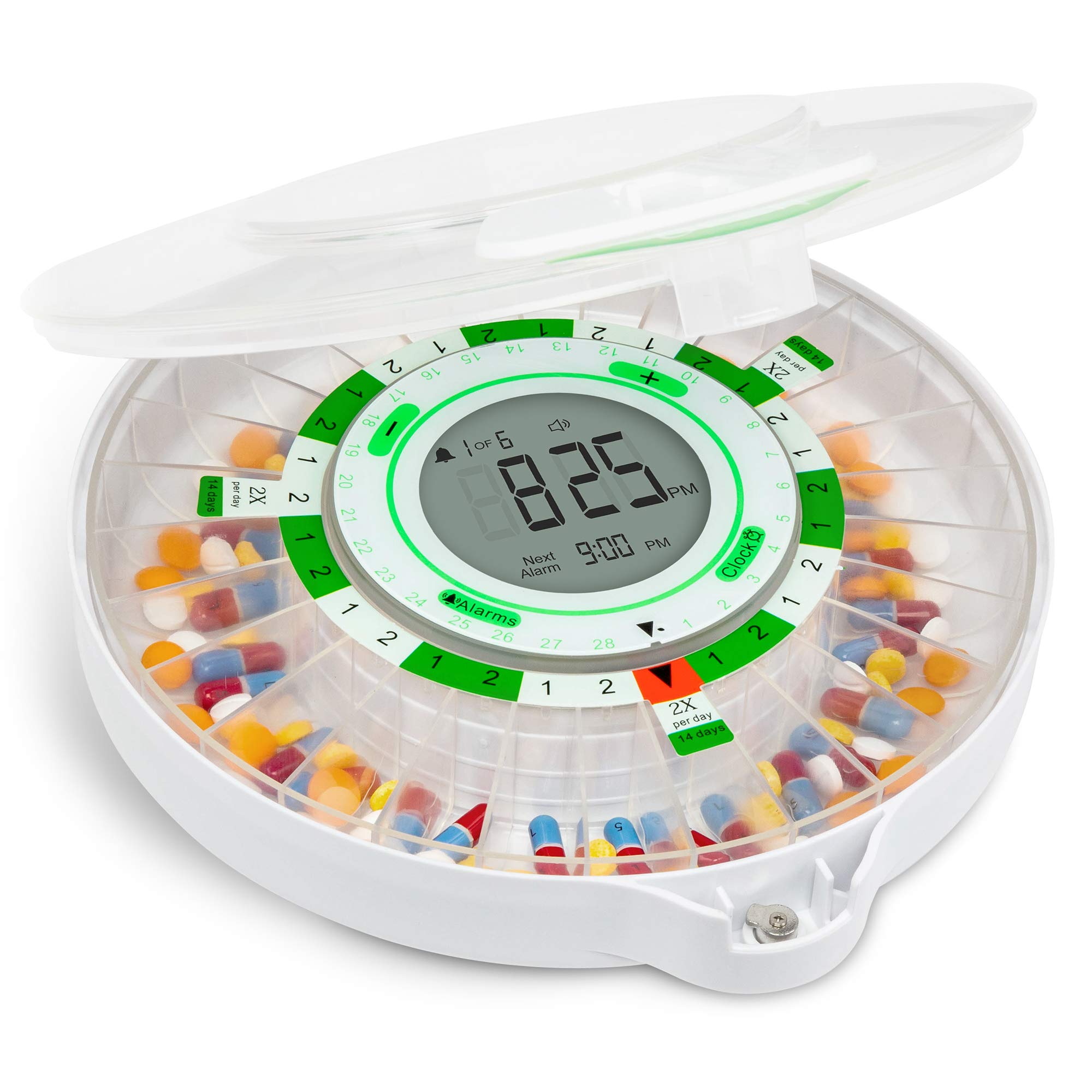
Precise medication management for multiple daily doses
LiveFine Automatic Pill Dispenser Locks and dispenses exact doses with alarms; app alerts caregiver if missed
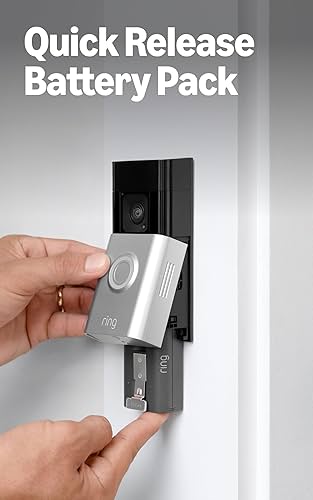
Remote visitor/activity checks, fall response verification
Ring Battery Video Doorbell Motion alerts and live video for safety monitoring without intrusion
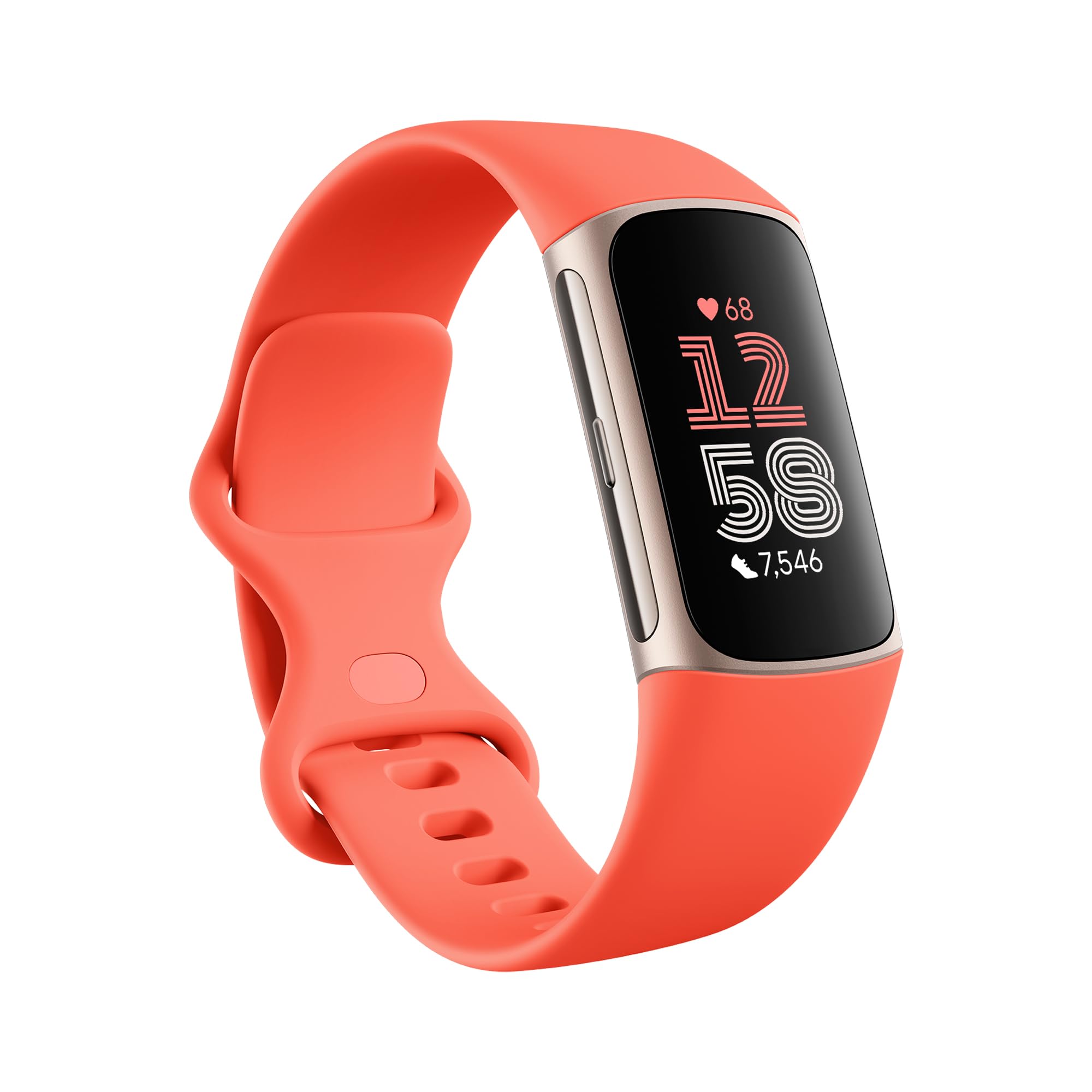
Daily movement reminders and health trend alerts
Fitbit Charge 6 Tracks activity, heart rate, sleep; senior-friendly with simple app
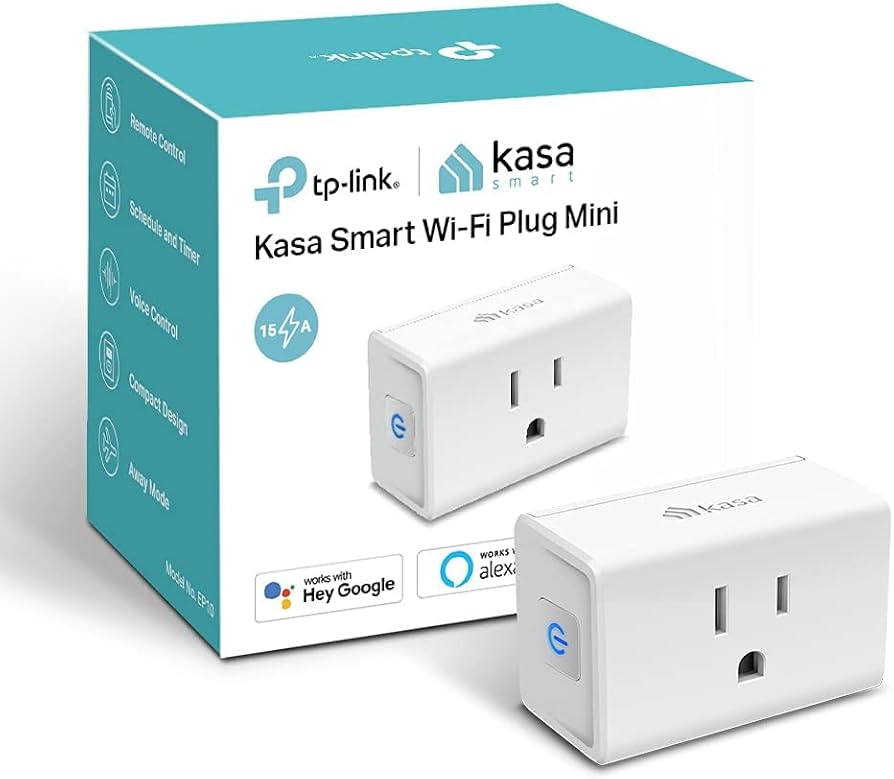
Automate routines like coffee maker or night lights
TP-Link Kasa Smart Plug Mini Schedules appliances/lights remotely via app or voice