
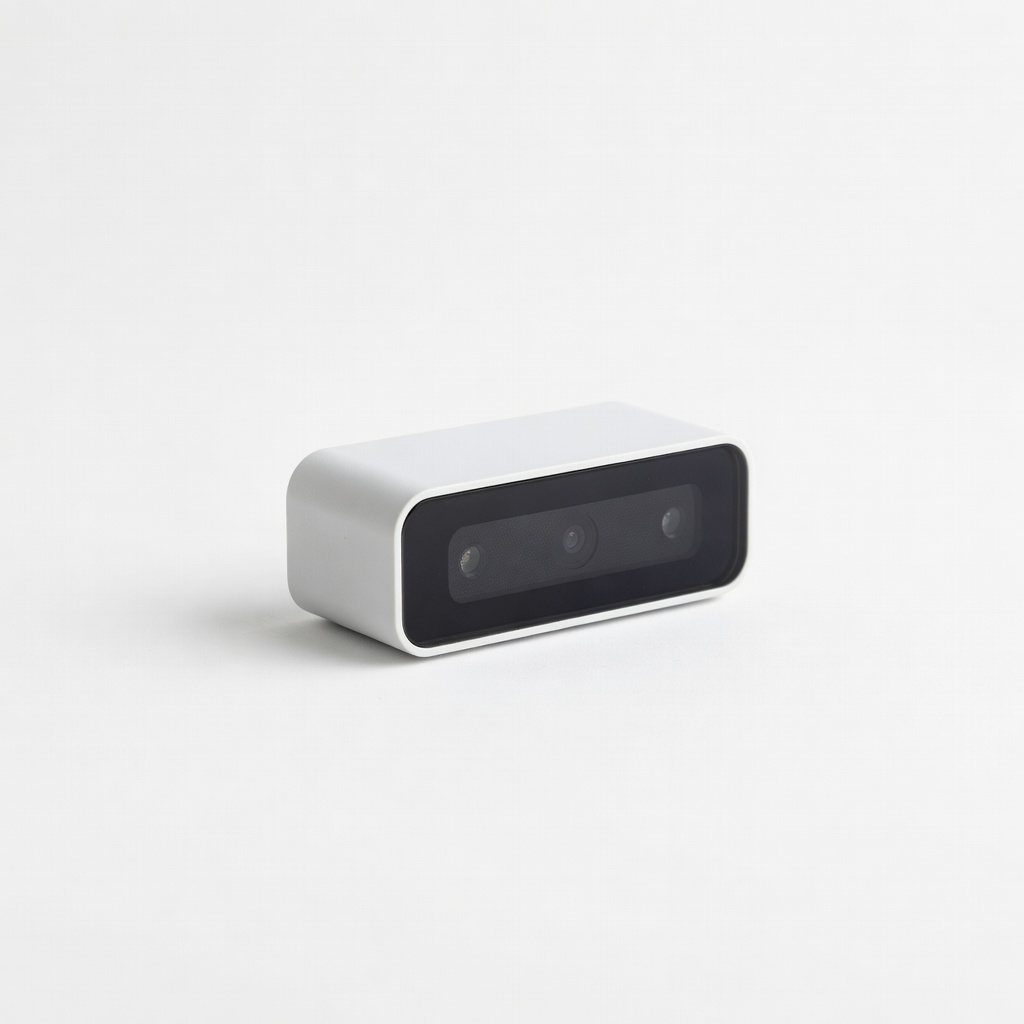
Seneye Reef Aquarium Monitor
Daily/weekly checks without manual metering.
$299-$350
Seneye Reef Aquarium Monitor Monitors PAR, spectrum, and usage hours automatically for precise maintenance tracking.
Get the App
Better experience on mobile
Optimize your reef tank's PAR and spectrum with advanced maintenance techniques to boost coral health and vibrant growth.
In a reef aquarium, lights are the lifeline for corals, providing the essential PAR (Photosynthetically Active Radiation) levels of 100-400+ µmol/m²/s and blue-heavy spectrum for photosynthesis. Neglected lights accumulate salt, dust, and biofilm, slashing output by up to 50%, leading to slow growth, bleaching, or algae overgrowth. Advanced aquarists know consistent maintenance is key to thriving SPS, LPS, and soft corals.
This guide teaches you to inspect, clean, test, and tune your LED aquarium lights step-by-step. You'll achieve measurable PAR improvements and healthier corals. Expect 45-60 minutes per light fixture, suitable for those comfortable with disassembly and using tools like PAR meters.
By the end, your lights will deliver peak performance, mimicking natural reef conditions for faster coral acclimation and growth.
Estimated Time: 45-60 minutes per light fixture (monthly routine) Difficulty: advanced
Unplug the aquarium light from power and any controller. If suspended, carefully detach mounting arms or rails. Work in a dust-free area to prevent contaminants from entering the tank.
Why it matters: Electricity and water don't mix—preventing shocks or shorts. Removal allows full access without dripping cleaners into the aquarium.
Success looks like: Light safely on a towel-covered workbench, tank undisturbed.
💡 Tips:
⚠️ Warnings:
Examine lenses, LEDs, heatsinks, and fans for salt creep, dust, algae, or corrosion. Check wiring for frays and fans for spin (briefly power via separate DC supply if needed).
Why it matters: Identifies issues early—dirty lenses cut PAR by 30%, clogged fans cause thermal throttling.
Success looks like: Noted issues on a checklist; no visible cracks or burns.
💡 Tips:
⚠️ Warnings:
Mix 50/50 IPA and distilled water. Dampen microfiber cloth (never soak), wipe lenses and housing gently in circular motions. Use soft brush for crevices, then dry with fresh cloth.
Why it matters: Restores 20-50% light transmission; corals need clean blue spectrum (450nm peak).
Success looks like: Crystal-clear lenses reflecting light sharply.
💡 Tips:
⚠️ Warnings:
Remove lens covers and fan guards using appropriate screwdrivers. Blow out dust from heatsinks and fans with compressed air (short bursts, nozzle 6 inches away).
Why it matters: Internal buildup causes 10-15°C overheating, dimming LEDs prematurely.
Success looks like: Dust-free internals; fans spin freely by hand.
💡 Tips:
⚠️ Warnings:
Use multimeter to check fan voltage/resistance. Reassemble partially, power on briefly outdoors, and monitor temps with IR thermometer (aim <50°C).
Why it matters: Overheating shortens LED life from 50,000 to 20,000 hours.
Success looks like: Fans at 100% RPM, stable temps.
💡 Tips:
⚠️ Warnings:
Reinstall light over tank. Use PAR meter at multiple depths/canopy spots (e.g., 200-400 PAR at corals). Adjust height/spectrum via app if smart light.
Why it matters: Confirms optimal growth zones—SPS need 300+ PAR.
Success looks like: Consistent readings matching coral needs.
💡 Tips:
⚠️ Warnings:
Secure light, reconnect controller. Set sunrise/sunset ramp (8-12 hours peak), 80-100% blue channel.
Why it matters: Mimics natural photoperiod for coral health.
Success looks like: Even coverage, no hotspots.
💡 Tips:
⚠️ Warnings:
Observe corals 24-48 hours: look for polyp extension, color. Retest PAR weekly first month.
Why it matters: Validates maintenance impact.
Success looks like: Vibrant corals, stable growth.
💡 Tips:
⚠️ Warnings:
Problem: Lights dimming post-clean
Solution: Check for loose lenses or thermal paste degradation; reapply paste if heatsink hot.
Problem: Fans noisy or failing
Solution: Clean or replace with 5V Noctua fan; test voltage first.
Problem: Uneven PAR across tank
Solution: Adjust spreaders/diffusers or add secondary lights.
Problem: Corals bleaching after maintenance
Solution: Ramp intensity 20% daily; verify spectrum blues dominant.
Problem: Flickering LEDs
Solution: Inspect power supply/controller; clean contacts.
Monitors PAR, spectrum, and usage hours automatically for precise maintenance tracking.
Best for: Daily/weekly checks without manual metering.
Price Range: $299-$350
Reliable 5V replacement for most reef lights; ultra-quiet and durable.
Best for: Swap clogged stock fans during deep cleans.
Price Range: $13-$15
Lint-free and streak-free for safe lens polishing without scratches.
Best for: Every clean; washable for reuse.
Price Range: $12.99
Pure solvent cuts salt/film without residue; essential for glass lenses.
Best for: Dilute 50/50 for routine wipes.
Price Range: $11.99
Professional PAR accuracy for advanced reefers measuring underwater.
Best for: Baseline and post-maintenance testing.
Price Range: $600-$700
Daily/weekly checks without manual metering.
Seneye Reef Aquarium Monitor Monitors PAR, spectrum, and usage hours automatically for precise maintenance tracking.
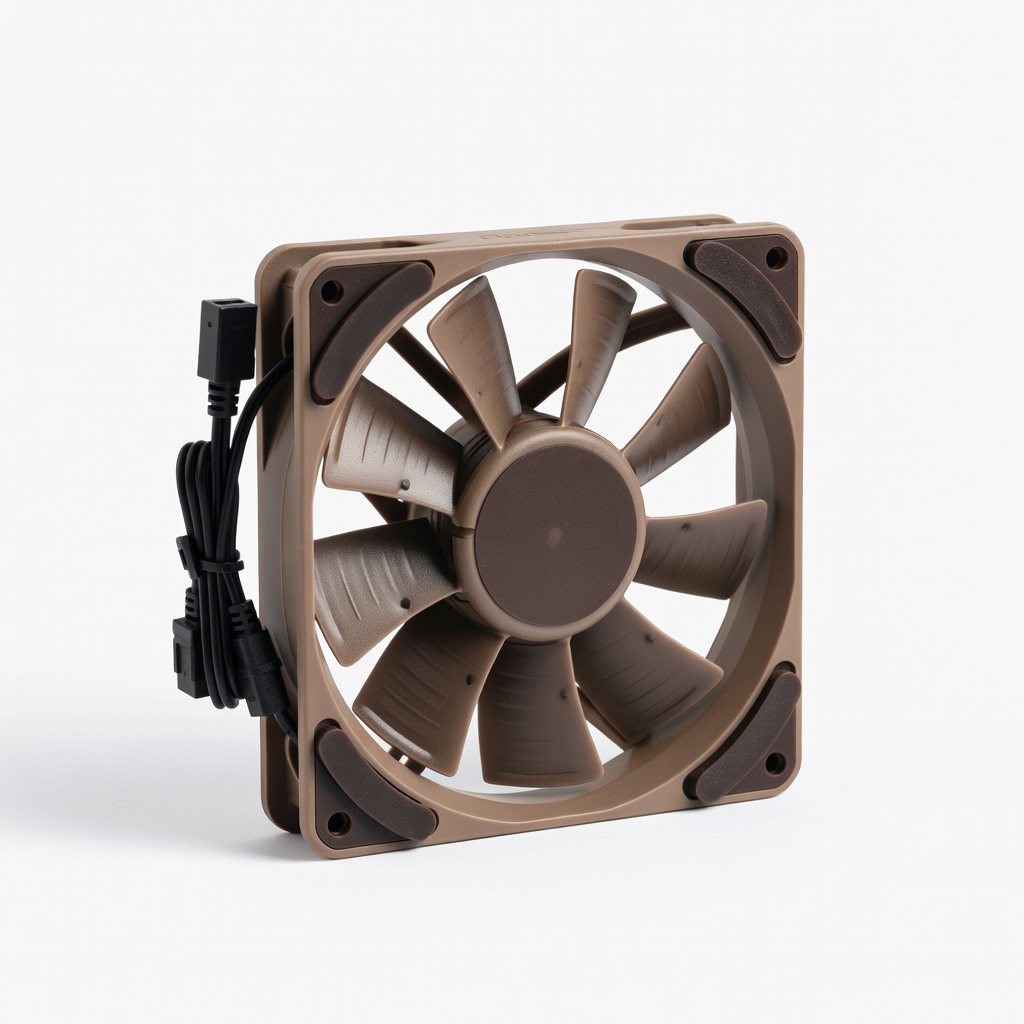
Swap clogged stock fans during deep cleans.
Noctua NF-A4x10 FLX Premium Quiet Fan Reliable 5V replacement for most reef lights; ultra-quiet and durable.
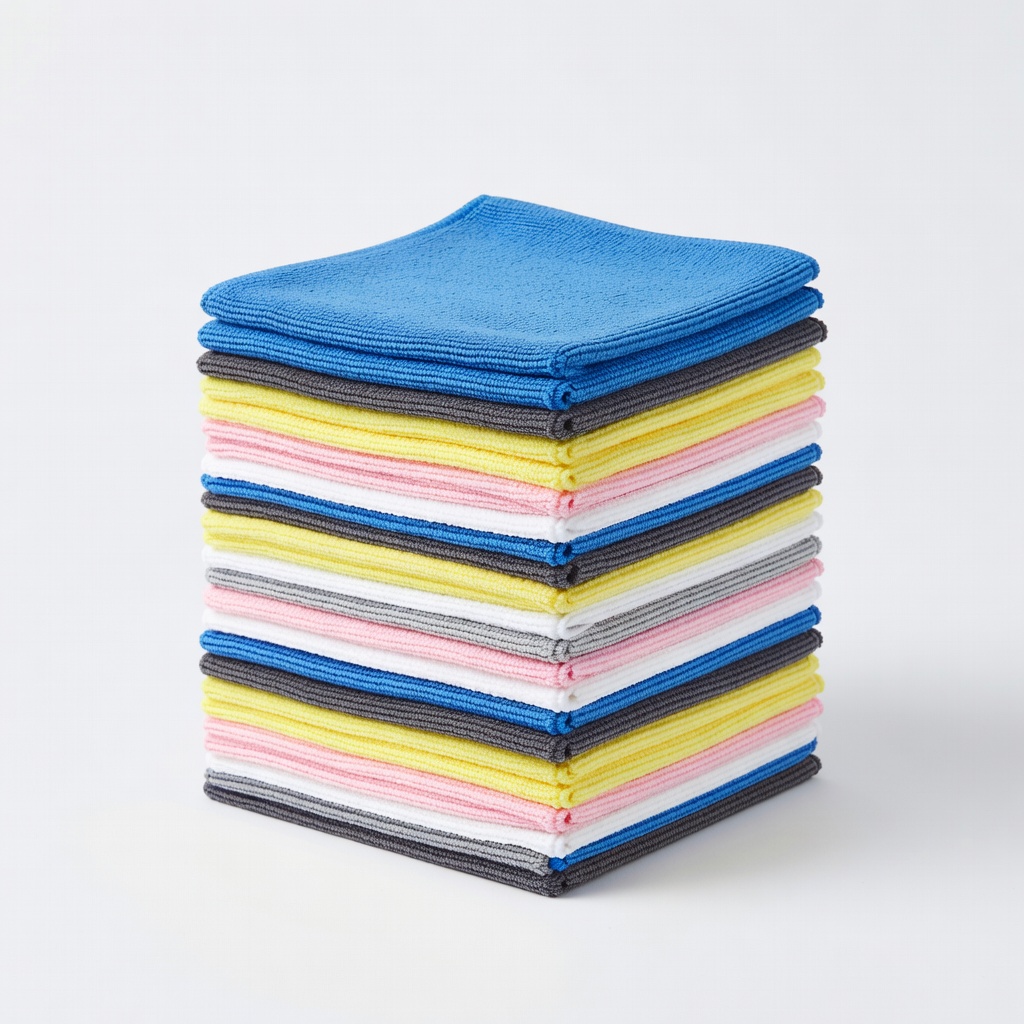
Every clean; washable for reuse.
AmazonBasics Microfiber Cleaning Cloths (24-pack) Lint-free and streak-free for safe lens polishing without scratches.
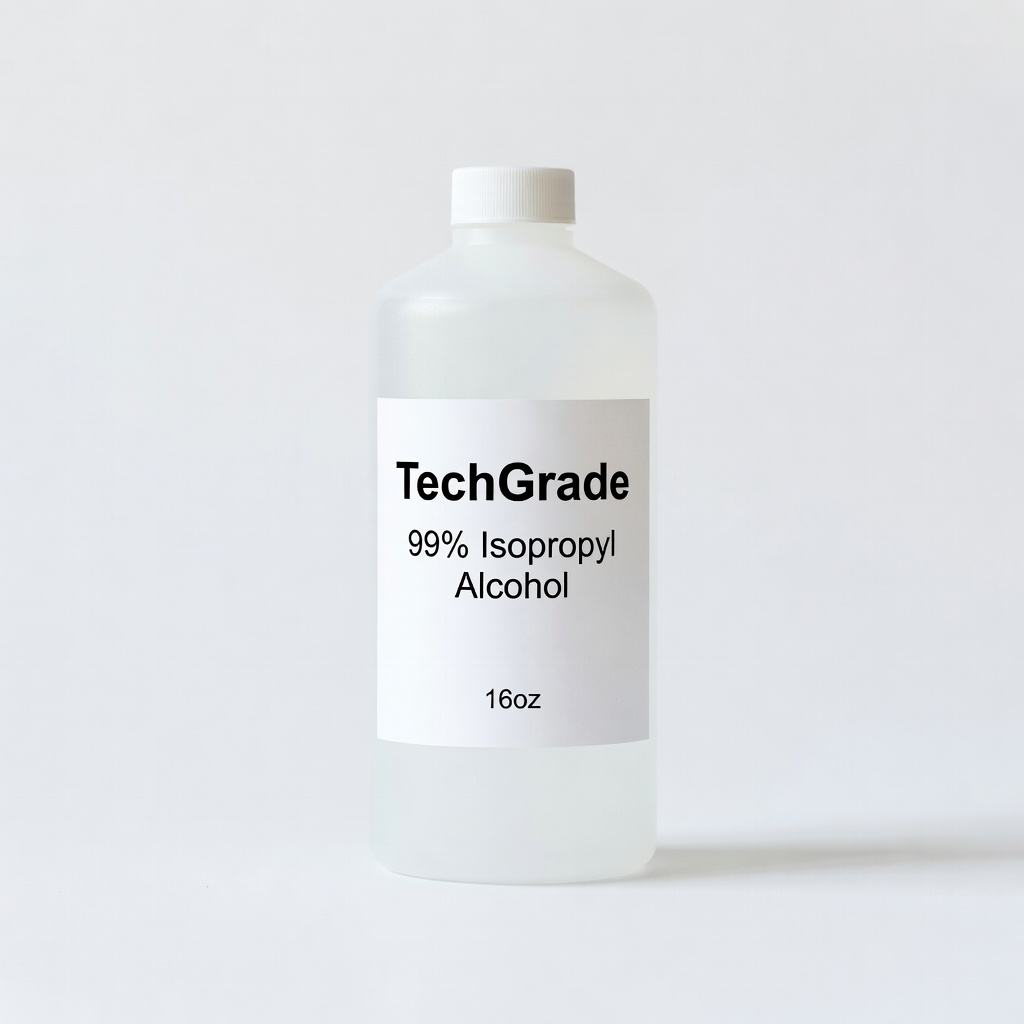
Dilute 50/50 for routine wipes.
TechGrade 99% Isopropyl Alcohol (16oz) Pure solvent cuts salt/film without residue; essential for glass lenses.
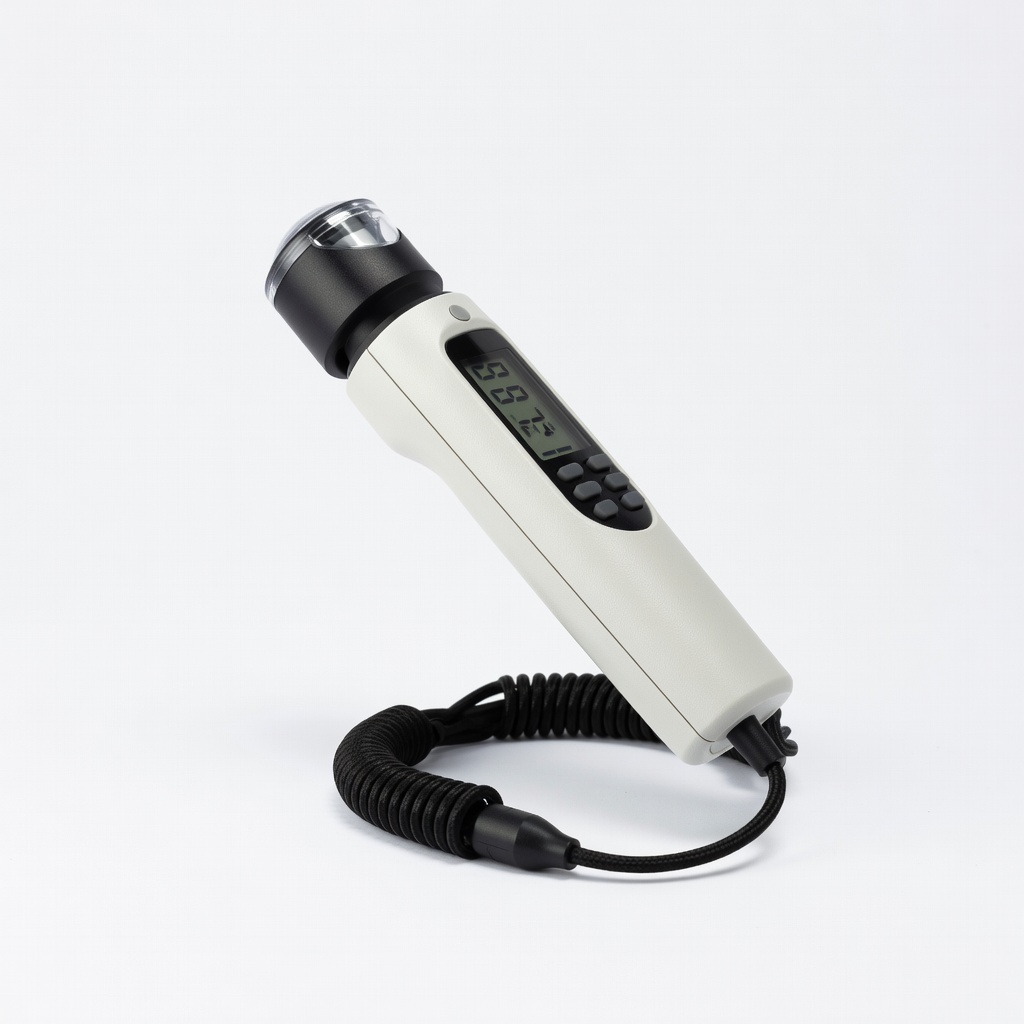
Baseline and post-maintenance testing.
Apogee Instruments MQ-510 Full-Spectrum Quantum Meter Professional PAR accuracy for advanced reefers measuring underwater.