
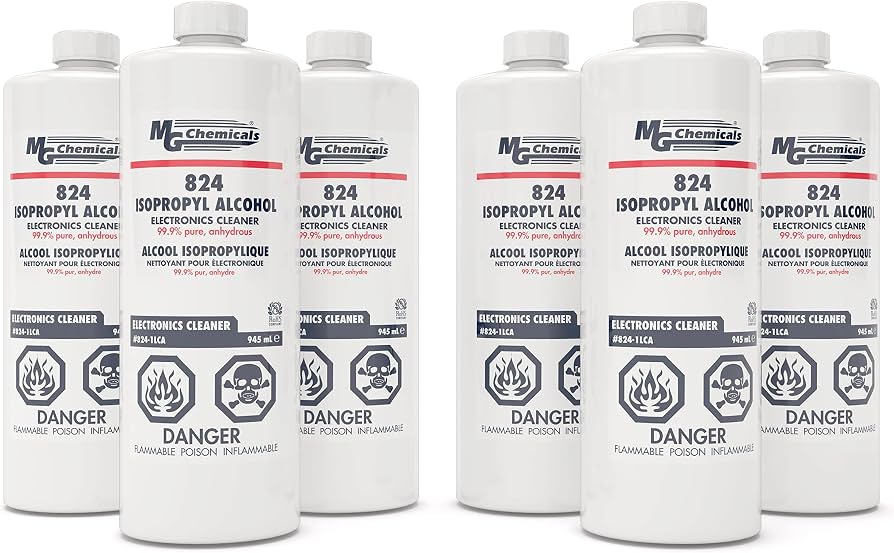
MG Chemicals 99.9% Isopropyl Alcohol 16oz
Wiping nozzles and exteriors during every maintenance session.
$12-15
MG Chemicals 99.9% Isopropyl Alcohol 16oz Pure, fast-evaporating cleaner safe for plastics, dissolves PLA residue without damage.
Get the App
Better experience on mobile
Keep your child's 3D printing pen clog-free and ready for fun with these simple, beginner-friendly maintenance steps that take just 10-15 minutes.
Nothing kills the creative buzz faster than a clogged 3D printing pen—especially for kids excited to build their next masterpiece. Regular maintenance prevents frustration, extends the pen's life, and keeps prints smooth and safe. This guide teaches you everything from basic cleaning to storage tips tailored for kid-friendly models like the Scrib3D or 3Doodler Start+.
You'll learn a straightforward 8-step process to clean, inspect, and test the pen, using household items and safe techniques. No advanced tools needed—perfect for parents or beginners. Expect to spend 10-15 minutes per session, done weekly for heavy use, ensuring safe, hassle-free creativity.
By the end, your pen will extrude filament flawlessly, sparking hours of STEM fun without interruptions.
Estimated Time: 10-15 minutes Difficulty: beginner
Always start by turning off the 3D printing pen and unplugging it from power. Let it cool completely for 10-15 minutes if recently used—the nozzle can reach 200°C (390°F), which is hot enough to cause burns.
Why it matters: Safety first, especially with kids around. Cleaning a hot pen risks injury or filament melting mess.
You'll know it's ready when the pen feels cool to the touch—no heat from the nozzle.
💡 Tips:
⚠️ Warnings:
Gently pull out the remaining PLA filament from the back of the pen. If stuck, heat the pen briefly (without extruding), then pull straight out.
This clears residue that causes clogs. Expect some resistance if it's been used heavily—wiggle gently.
Success: Filament slides out smoothly, leaving the feed tube empty.
💡 Tips:
⚠️ Warnings:
Insert a plastic cleaning needle or tweezers into the nozzle tip from the outside, twisting gently to dislodge debris. Push in 5-10mm and rotate.
Why? PLA buildup blocks flow. For tough clogs, load cleaning filament, heat to 200°C, extrude slowly until clean filament flows.
Expect: Clear filament or nothing extrudes—clog gone when flow is steady.
💡 Tips:
⚠️ Warnings:
Dip a cotton swab in isopropyl alcohol and gently wipe the nozzle exterior. Hold for 10 seconds to dissolve residue, then dry with a microfiber cloth.
This removes sticky PLA without scratching. Alcohol evaporates quickly, preventing moisture damage.
Success: Nozzle shines clean, no filament bits left.
💡 Tips:
⚠️ Warnings:
Mix mild soap with lukewarm water, dampen a cloth, and wipe the pen's exterior, buttons, and feed slot. Dry thoroughly with a towel.
Keeps it hygienic and dust-free for little hands. Avoid getting water inside.
Expect: Pen looks new, no grime or fingerprints.
💡 Tips:
⚠️ Warnings:
Check nozzle, gears, and casing for cracks, wear, or loose parts. Test buttons for responsiveness.
Why? Early detection prevents failures. Kid pens are durable but handle rough play.
Success: All parts intact, no wobbles.
💡 Tips:
⚠️ Warnings:
Cut new PLA filament at a point, insert into feed tube until it stops. Plug in, heat to PLA temp (180-220°C), extrude a test line.
Confirms everything works. Draw a 10cm line—if smooth, perfect!
Success: Steady, even flow without blobs.
💡 Tips:
⚠️ Warnings:
Cool completely, remove filament if storing long-term, place in case or dry box away from heat/sun/dust.
Prevents clogs and warping. Ideal for weekly checks.
Success: Pen ready for next adventure.
💡 Tips:
⚠️ Warnings:
Problem: Pen won't heat up
Solution: Check power cord/plug. Clean buttons. If persists, battery issue—contact manufacturer.
Problem: Filament won't extrude
Solution: Re-clear nozzle with cleaning filament. Ensure correct temp (200°C). Check gears aren't jammed.
Problem: Blobby prints
Solution: Nozzle dirty—repeat alcohol wipe. Slow extrusion speed.
Problem: Strange smell or smoke
Solution: Unplug immediately. Wrong filament type—use PLA only. Seek replacement if damaged.
Pure, fast-evaporating cleaner safe for plastics, dissolves PLA residue without damage.
Best for: Wiping nozzles and exteriors during every maintenance session.
Price Range: $12-15
Precision plastic needles prevent scratches on delicate kid pen nozzles.
Best for: Clearing clogs safely in steps 3 and troubleshooting.
Price Range: $8-10
Special nylon filament pushes out clogs effectively, compatible with all kid 3D pens.
Best for: Deep cleaning tough blockages without disassembly.
Price Range: $10-12
Easy-to-maintain design with removable nozzle, low-temp PLA safe for ages 8+.
Best for: Replacement or upgrade if current pen wears out.
Price Range: $25-30
Lint-free and soft, perfect for streak-free drying without scratching.
Best for: Drying after soap/alcohol cleans.
Price Range: $10-13
Wiping nozzles and exteriors during every maintenance session.
MG Chemicals 99.9% Isopropyl Alcohol 16oz Pure, fast-evaporating cleaner safe for plastics, dissolves PLA residue without damage.
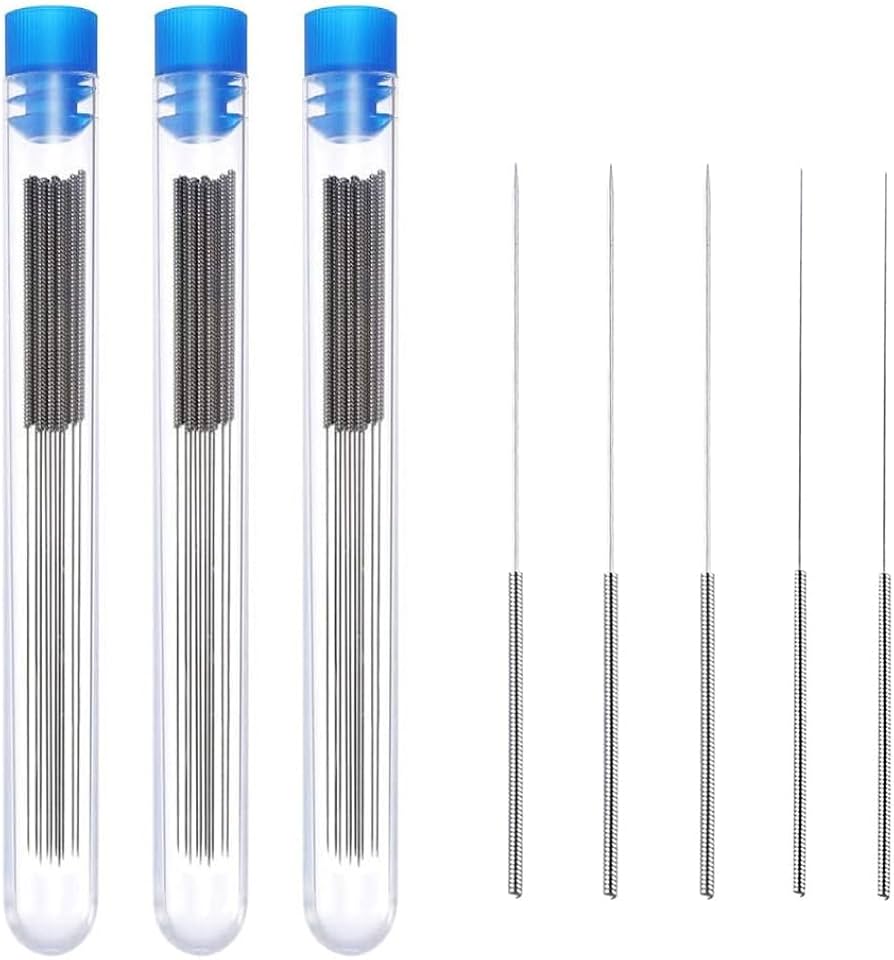
Clearing clogs safely in steps 3 and troubleshooting.
ELEGOO 3D Printer Nozzle Cleaning Needle Kit Precision plastic needles prevent scratches on delicate kid pen nozzles.
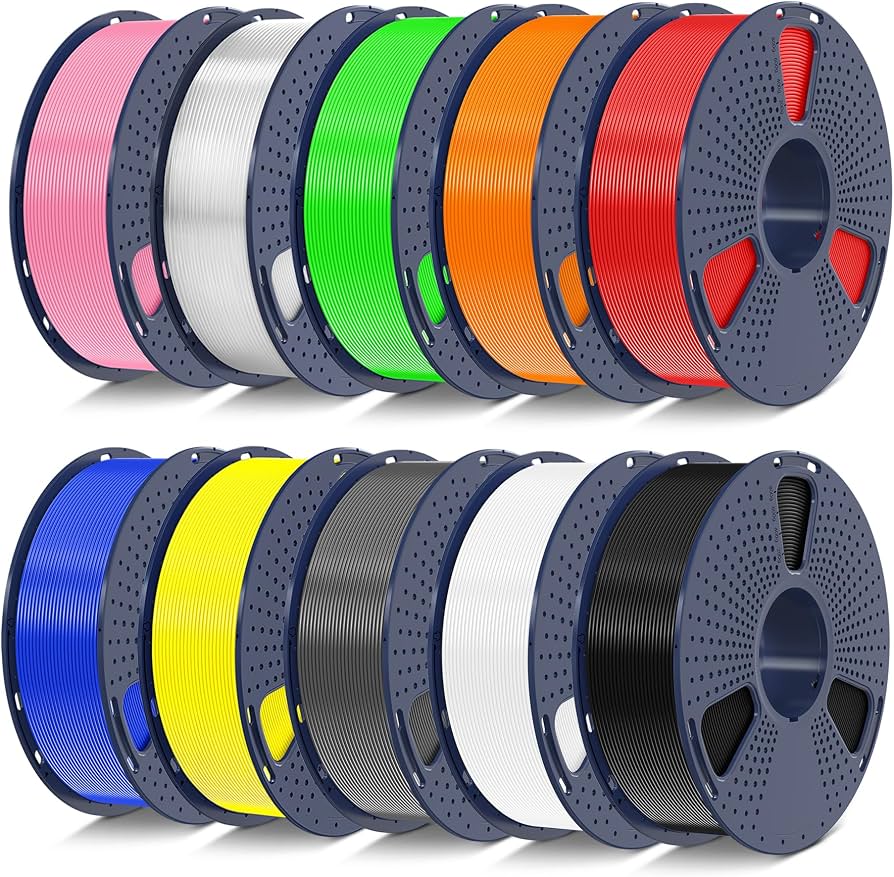
Deep cleaning tough blockages without disassembly.
SUNLU 1.75mm Cleaning Filament 10m Special nylon filament pushes out clogs effectively, compatible with all kid 3D pens.
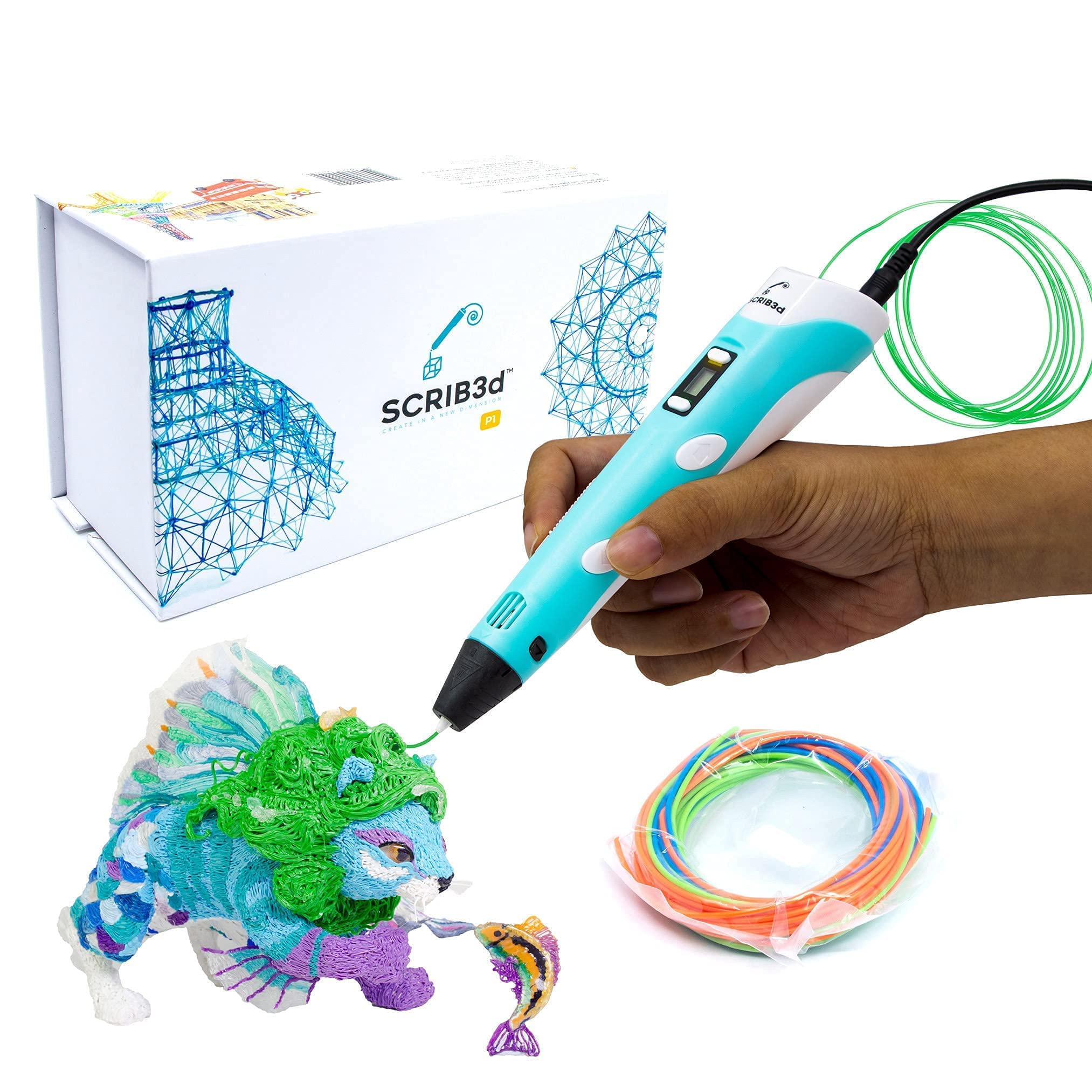
Replacement or upgrade if current pen wears out.
Scrib3D P1 3D Printing Pen for Kids Easy-to-maintain design with removable nozzle, low-temp PLA safe for ages 8+.
Drying after soap/alcohol cleans.
Amazon Basics Microfiber Cleaning Cloths 24-pack Lint-free and soft, perfect for streak-free drying without scratching.