
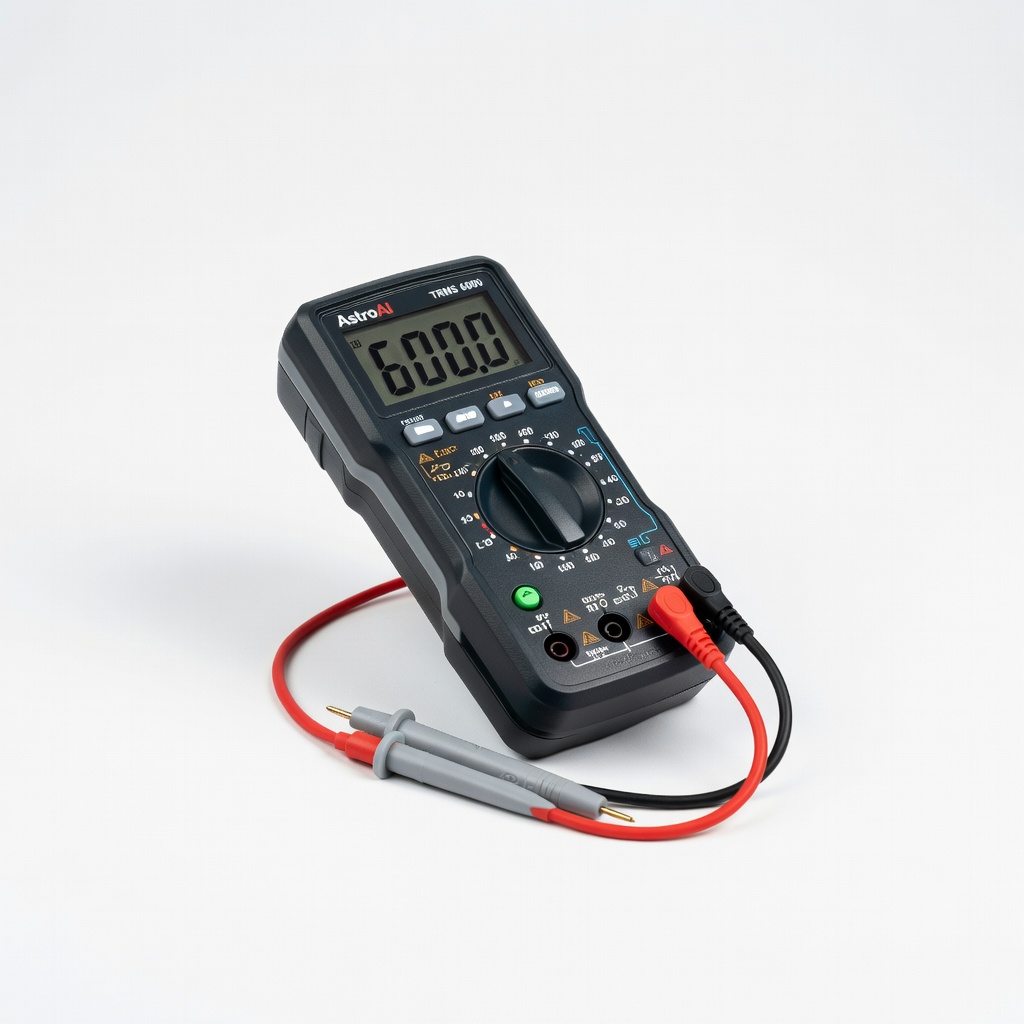
AstroAI Digital Multimeter TRMS 6000
Daily/weekly voltage monitoring in solar setups.
$18-25
AstroAI Digital Multimeter TRMS 6000 Accurate voltage/SG testing essential for health checks; auto-ranging for ease.
Get the App
Better experience on mobile
Extend your solar setup's battery life up to 2x with this step-by-step guide to proper maintenance, ensuring reliable off-grid power.
In solar setups, 12V deep cycle batteries are the heart of your system, storing energy for when the sun isn't shining. Neglecting maintenance leads to sulfation, reduced capacity, and premature failure—costing you hundreds in replacements. This guide equips intermediate users with proven techniques to keep batteries healthy for 5+ years.
You'll learn a complete monthly maintenance routine, from safety checks to equalization charging. Expect 30-45 minutes per battery, done safely with basic tools. By the end, your batteries will hold full charge, and you'll spot issues early.
This focuses on flooded lead-acid batteries common in solar; AGM/gel types need less water top-up but similar checks.
Estimated Time: 30-45 minutes per battery (monthly routine) Difficulty: intermediate
Don protective gloves, safety goggles, and an apron to shield against acid splashes. Work in a well-ventilated area away from flames or sparks—batteries can produce explosive hydrogen gas. Disconnect the battery from your solar system: negative (-) terminal first, then positive (+).
Why it matters: Acid burns and explosions are real risks. Success looks like a clean, safe workspace with battery isolated.
Image: Person wearing PPE disconnecting solar battery terminals outdoors.
💡 Tips:
⚠️ Warnings:
Examine the battery case for cracks, bulges, leaks, or corrosion on terminals (white/blue powdery buildup). Check vent caps for tightness and cleanliness. Inspect cables for fraying or loose connections.
Why: Early detection prevents failures. Expect clean case or note issues for later troubleshooting. Clean dust with a damp cloth.
Image: Close-up of battery top with corrosion highlighted.
💡 Tips:
⚠️ Warnings:
Mix baking soda and water (1:1) or use a commercial cleaner. Brush off corrosion from terminals and cable ends. Rinse with water, dry thoroughly, then apply terminal protector spray.
Why: Corrosion blocks current flow, reducing efficiency. Terminals should shine like new post-clean.
Image: Brushing terminals with baking soda solution.
💡 Tips:
⚠️ Warnings:
Remove vent caps (flooded batteries only). Electrolyte should cover plates by 1/4-1/2 inch. If low, add distilled water slowly to avoid overflow. Do not overfill.
Why: Low levels cause plate damage. Plates submerged = success. AGM/gel: Skip this.
Image: Funnel adding distilled water to battery cell.
💡 Tips:
⚠️ Warnings:
Use multimeter: Fully rested battery should read 12.6V+ (100% SOC). Squeeze hydrometer into each cell for SG 1.265-1.280. Equal across cells = balanced.
Why: Gauges health. Log readings monthly.
Image: Multimeter probes on terminals, hydrometer in cell.
💡 Tips:
⚠️ Warnings:
Connect to a smart charger at 10-20% of Ah rating (e.g., 10A for 100Ah). Charge until float mode (13.2-13.8V). Monitor temp—stop if over 125°F.
Why: Prevents under/overcharge. Green light/float = done.
Image: Charger connected to battery with display.
💡 Tips:
⚠️ Warnings:
Every 1-3 months if SG varies >0.015: Charge at 15V for 2-4 hours, venting gases. Watch for gassing.
Why: Balances cells. Uniform SG post-eq = success.
Image: Battery during controlled gassing.
💡 Tips:
⚠️ Warnings:
Reattach positive then negative. Retest voltage. Install monitor for ongoing SOC tracking.
Why: Ensures system integrity. Stable 12.6V+ = ready.
Image: Reconnected battery in solar setup.
💡 Tips:
⚠️ Warnings:
Problem: Battery won't hold charge (>12.4V drops fast)
Solution: Desulfate with pulse charger; test load. Replace if <80% capacity.
Problem: Low specific gravity in one cell
Solution: Equalize charge; if no improvement, cell may be bad—replace battery.
Problem: Excessive heat during charge
Solution: Stop charging, cool down, check charger amps. Seek pro if persists.
Problem: Swollen case
Solution: Immediate replacement—overgassing or defect. Dispose properly.
Accurate voltage/SG testing essential for health checks; auto-ranging for ease.
Best for: Daily/weekly voltage monitoring in solar setups.
Price Range: $18-25
Desulfates, equalizes, and maintains automatically—perfect for deep cycle solar batteries.
Best for: Monthly charging and winter storage maintenance.
Price Range: $50-65
Quickly dissolves corrosion without residue; spray-on ease.
Best for: Terminal cleaning during routine maintenance.
Price Range: $10-15
Precise specific gravity readings for flooded batteries; durable for solar use.
Best for: Monthly electrolyte health checks.
Price Range: $15-25
Real-time SOC, voltage, and amp tracking via Bluetooth—prevents over-discharge.
Best for: Ongoing solar system monitoring.
Price Range: $60-80
Daily/weekly voltage monitoring in solar setups.
AstroAI Digital Multimeter TRMS 6000 Accurate voltage/SG testing essential for health checks; auto-ranging for ease.
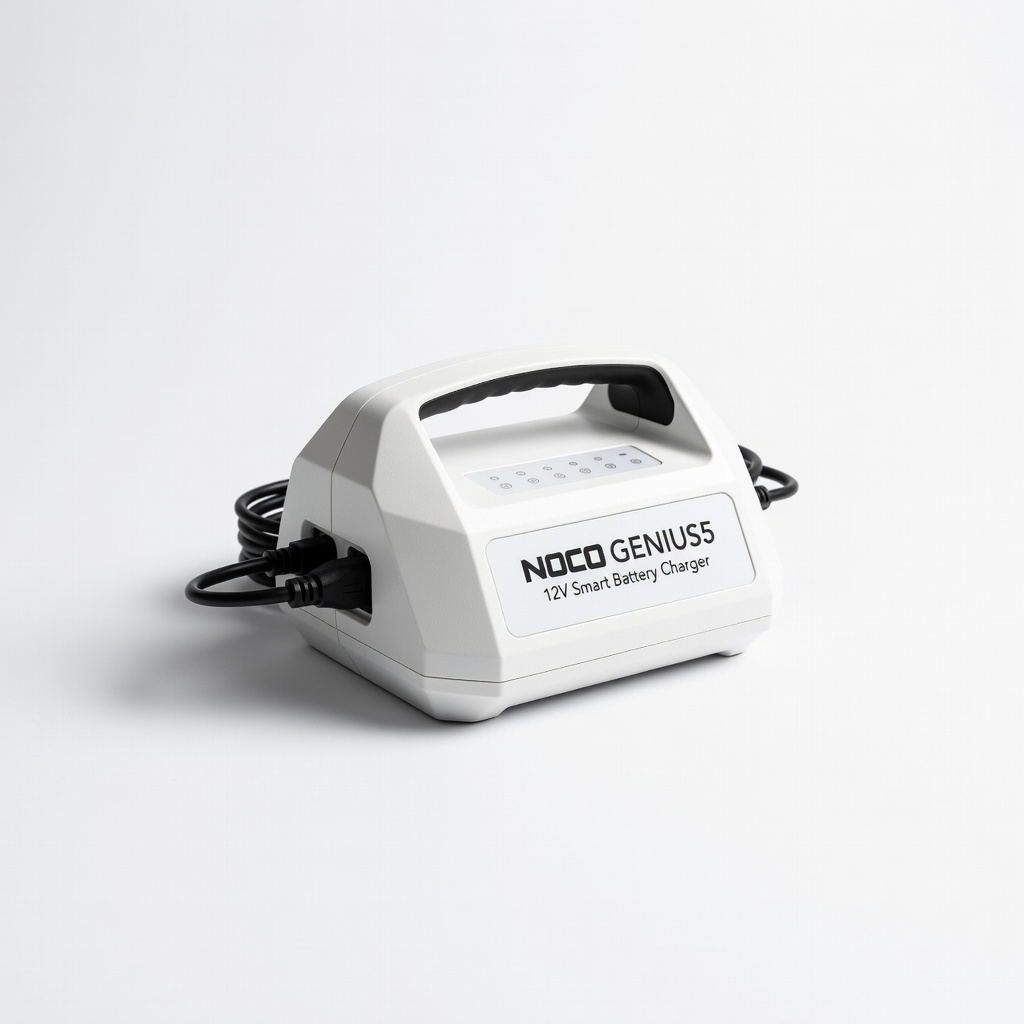
Monthly charging and winter storage maintenance.
NOCO GENIUS5 12V Smart Battery Charger Desulfates, equalizes, and maintains automatically—perfect for deep cycle solar batteries.

Terminal cleaning during routine maintenance.
CRC 05359 Battery Terminal Cleaner Quickly dissolves corrosion without residue; spray-on ease.

Monthly electrolyte health checks.
Taylor 2521 Dial-Type Hydrometer Precise specific gravity readings for flooded batteries; durable for solar use.
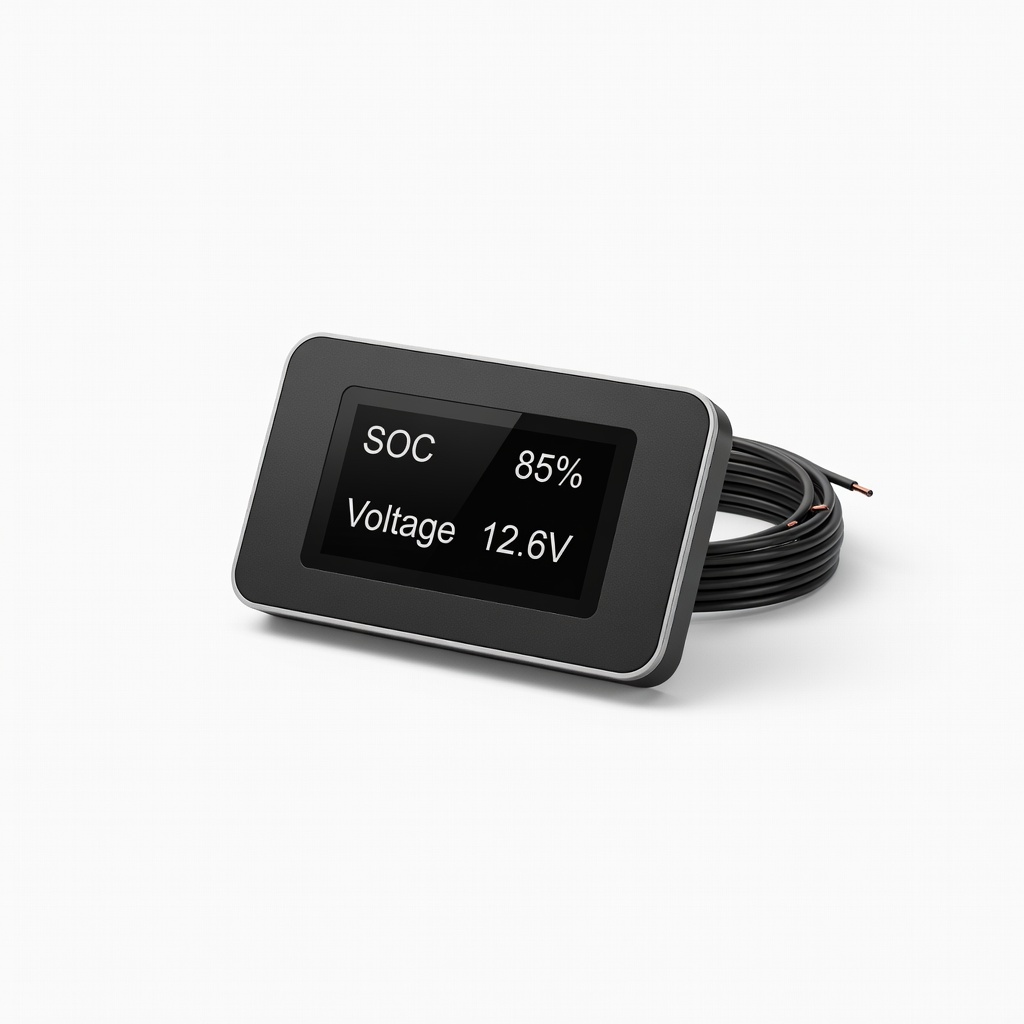
Ongoing solar system monitoring.
Renogy 500A Battery Monitor Real-time SOC, voltage, and amp tracking via Bluetooth—prevents over-discharge.