Do you have a beloved old CRT TV that's collecting dust because it can't pick up modern digital signals? Since the 2009 DTV transition, over-the-air (OTA) broadcasts are digital only, leaving analog sets obsolete without help. But don't toss it— a simple digital-to-analog converter box bridges the gap, letting you enjoy free HD locals on your vintage set.
In this guide, you'll learn everything to set up a converter box successfully. We'll cover unboxing to channel scanning, with clear steps anyone can follow. No technical expertise needed—just basic plugging in.
Expect a quick 20-30 minute process. You'll end up with crystal-clear digital TV, saving hundreds on a new set while keeping that nostalgic big-screen vibe.
▸What You'll Need
- •ATSC digital-to-analog converter box (required)
- •Coaxial RF cable (often included with box; required)
- •Indoor or outdoor TV antenna for OTA signals (required unless using cable/satellite)
- •Old analog TV with RF/ANTENNA input jack (required)
- •Power outlet nearby (required)
- •Converter remote (included; required)
- •Optional: Universal remote programmer or IR extender cable for hidden setups
Estimated Time: 20-30 minutes
Difficulty: beginner
▸Step-by-Step Instructions
Step 1: Unbox and Inspect the Converter Kit
Open the packaging of your digital converter box and lay out all components. Check for the box itself, remote control with batteries, power adapter, coaxial cable, and user manual.
Verify nothing is damaged—cracked ports or missing parts mean return it. Read the quick-start guide for model-specific notes, like output channel (usually 3 or 4).
Success looks like: All parts accounted for, box powered off but ready.
💡 Tips:
- •Charge batteries in remote if rechargeable.
- •Keep manual handy for troubleshooting.
⚠️ Warnings:
- •Don't plug in power yet to avoid shorts.
Step 2: Connect Your Antenna to the Converter Input
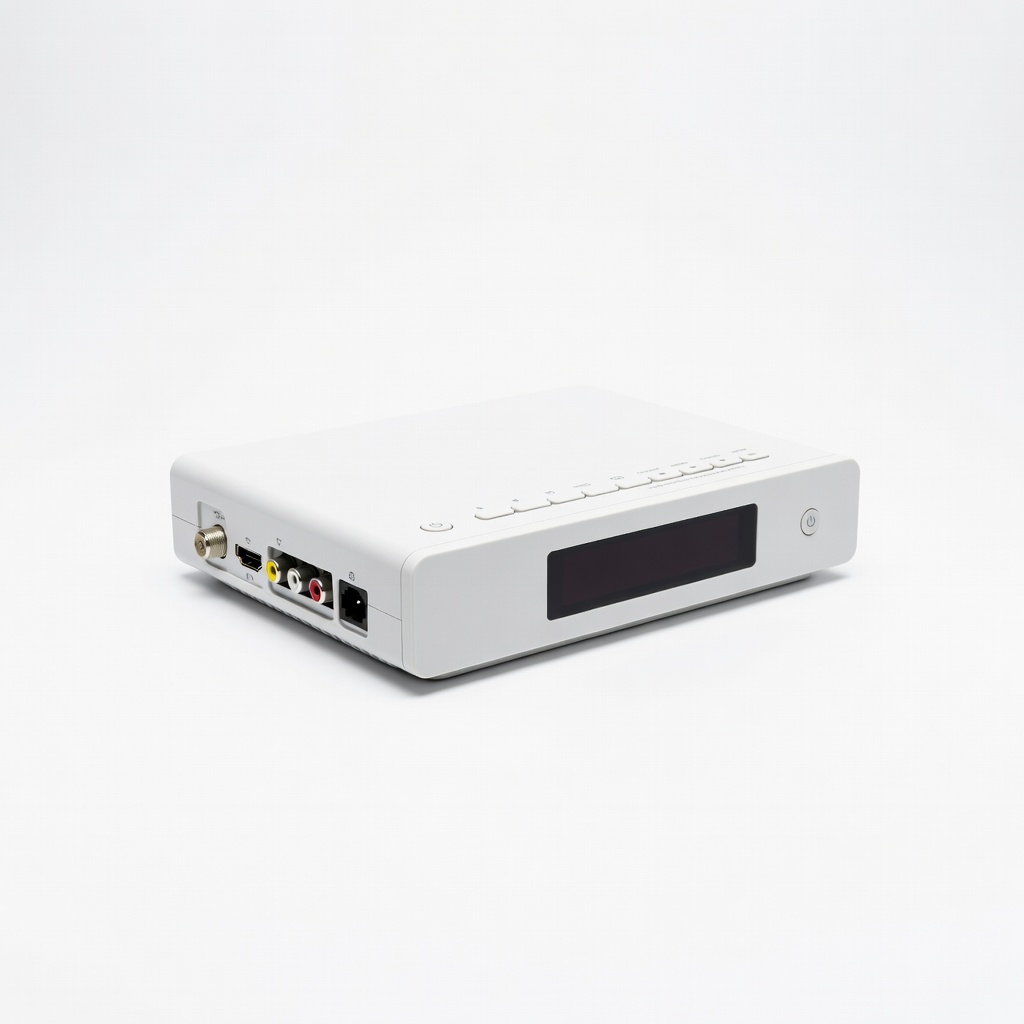
Locate the 'ANT IN' or 'RF IN' coaxial port on the back of the converter box. Screw one end of the coaxial cable securely into this port.
Attach the other end to your TV antenna's output. For indoor antennas, unfold and position it near a window facing broadcast towers (use FCC.gov tower locator for direction).
Success looks like: Firm connections, no loose fittings. This feeds digital ATSC signals into the box for conversion.
💡 Tips:
- •Point antenna high and away from metal for best signal.
⚠️ Warnings:
- •Avoid splitter use initially to test direct signal.
Step 3: Link Converter Output to TV Antenna Input
Find the 'OUT TO TV' or 'RF OUT' port on the converter. Connect the other coaxial cable (or reuse if single cable) here, then screw the free end into your TV's 'ANTENNA IN' or 'RF IN' jack.
Most old TVs have a single screw-on F-connector—twist until snug, but don't overtighten.
Success looks like: Cable path: Antenna → Converter IN → Converter OUT → TV IN. Signal now converts from digital to analog.
💡 Tips:
- •Use included short cable to keep setup tidy.
Step 4: Power Up the Devices
Plug the converter's power adapter into a wall outlet and the DC jack on the box. Insert batteries into the remote.
Turn on your TV using its power button, then press the converter's POWER button (or remote equivalent). A green LED should light on the box.
Success looks like: Both devices powered, TV shows static or blue screen on its antenna input.
⚠️ Warnings:
- •Unplug before making changes to avoid shocks.
Step 5: Tune TV to Output Channel 3 or 4
Use your TV's channel buttons or knob to set it to channel 3 (default for most converters). If snowy, try channel 4—manual says which.
The screen may show interference; that's normal until scanning.
Success looks like: TV locked on ch3/4, converter menu faintly visible or static.
💡 Tips:
- •Note your TV's channel up/down controls location.
Step 6: Scan for Digital Channels
Point remote at converter (ensure line-of-sight). Press MENU, navigate to 'Channel Scan' or 'Auto Tuner' using arrow keys, select 'Scan' or 'Auto Search'.
Wait 2-5 minutes as it finds ATSC channels. It lists found stations (e.g., ABC, NBC in HD).
Success looks like: Scan complete, 10+ channels listed. Press EXIT to watch—clear picture on first channel.
💡 Tips:
- •Rescan if towers change or after moving.
⚠️ Warnings:
- •Don't interrupt scan midway.
Step 7: Test and Fine-Tune Setup
Channel surf with remote—UP/DOWN navigates digital channels. Adjust antenna if pixelation occurs.
Optional: Program TV remote to control converter volume if universal.
Success looks like: Smooth HD viewing on multiple locals. Setup complete!
💡 Tips:
- •Label channels for quick access.
▸Pro Tips
- •Use FCC DTV map to aim antenna precisely for 20+ channels.
- •Mount indoor antenna high on wall away from electronics for stronger signal.
- •Enable closed captions in converter menu for better accessibility.
- •Rescan channels every 3-6 months as stations adjust.
- •Add a powered amplifier if in weak signal area (under 30 miles from towers).
- •Hide box behind TV with IR extender for clean look.
- •Record shows via USB on supported models like Mediasonic.
▸Common Mistakes to Avoid
- •Setting TV to wrong output channel (3 vs 4)—double-check manual.
- •Skipping channel scan—TV shows nothing without it.
- •Poor antenna placement—blocks signal; test multiple spots.
- •Loose coax connections—signal drops; hand-tighten firmly.
- •Forgetting to power converter—TV gets no converted signal.
▸Troubleshooting
Problem: No picture or constant snow
Solution: Verify TV on ch3/4, reconnections tight, rescan channels, reposition antenna.
Problem: Few or no channels found
Solution: Check antenna direction via FCC map, try amplified antenna, ensure scan is 'Air' not 'Cable'.
Problem: Remote won't control box
Solution: Replace batteries, ensure line-of-sight, reprogram if needed.
Problem: Pixelation or freezing
Solution: Improve antenna signal strength, move away from interference sources like routers.
Problem: No sound
Solution: Check TV volume/mute, converter audio settings.
Mediasonic HOMEWORX HDTVi-01DD ATSC Digital Converter Box
Top-rated for reliability, 1080p passthrough, USB recording, and easy IR remote.
Best for: Perfect for basic OTA on old TVs with bonus DVR features.
Price Range: $27.99
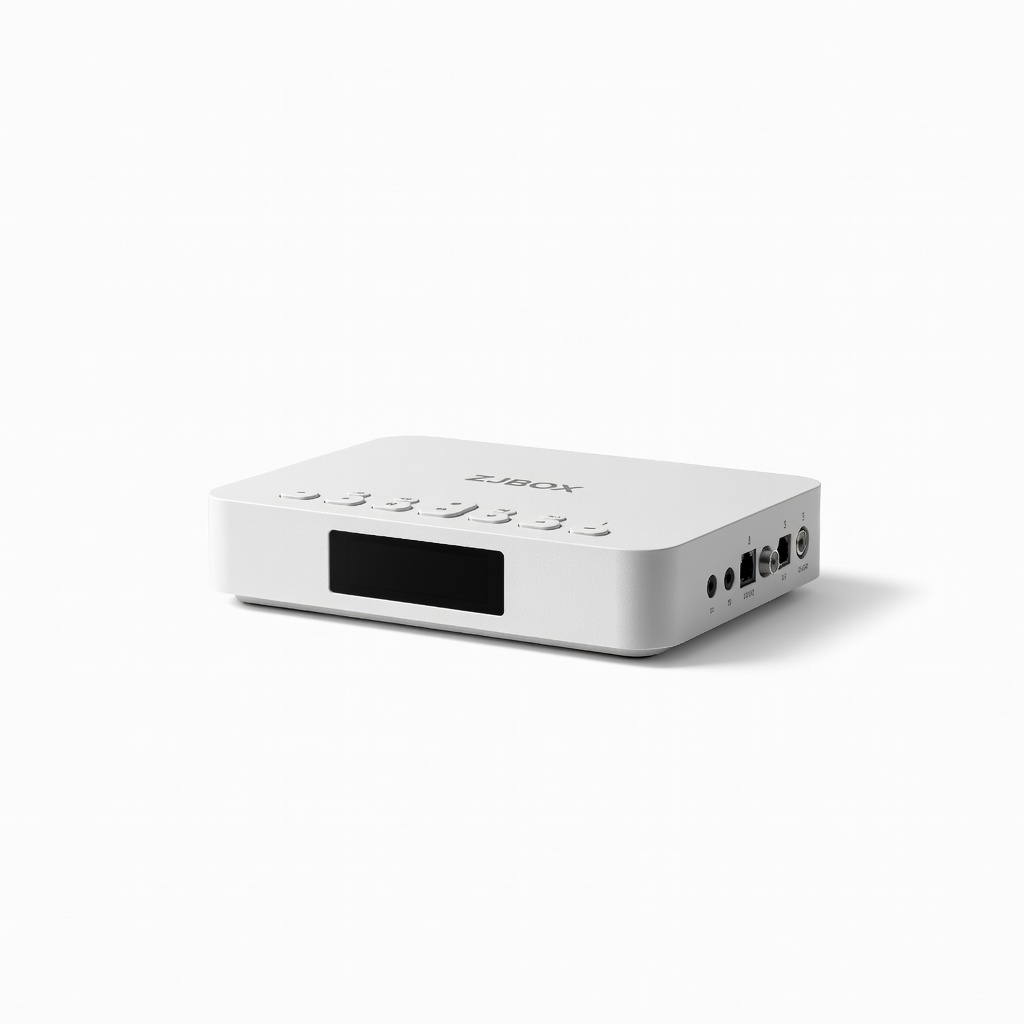
ZJBOX Digital TV Converter Box for Analog TV
Budget-friendly with full HD support, compact design, and simple setup.
Best for: Ideal for beginners wanting quick install without extras.
Price Range: $24.99
ViewTV ATSC Digital TV Converter Box (AT-163)
Affordable entry-level with clear analog output and reliable scanning.
Best for: Great for minimalists or secondary TVs.
Price Range: $19.99
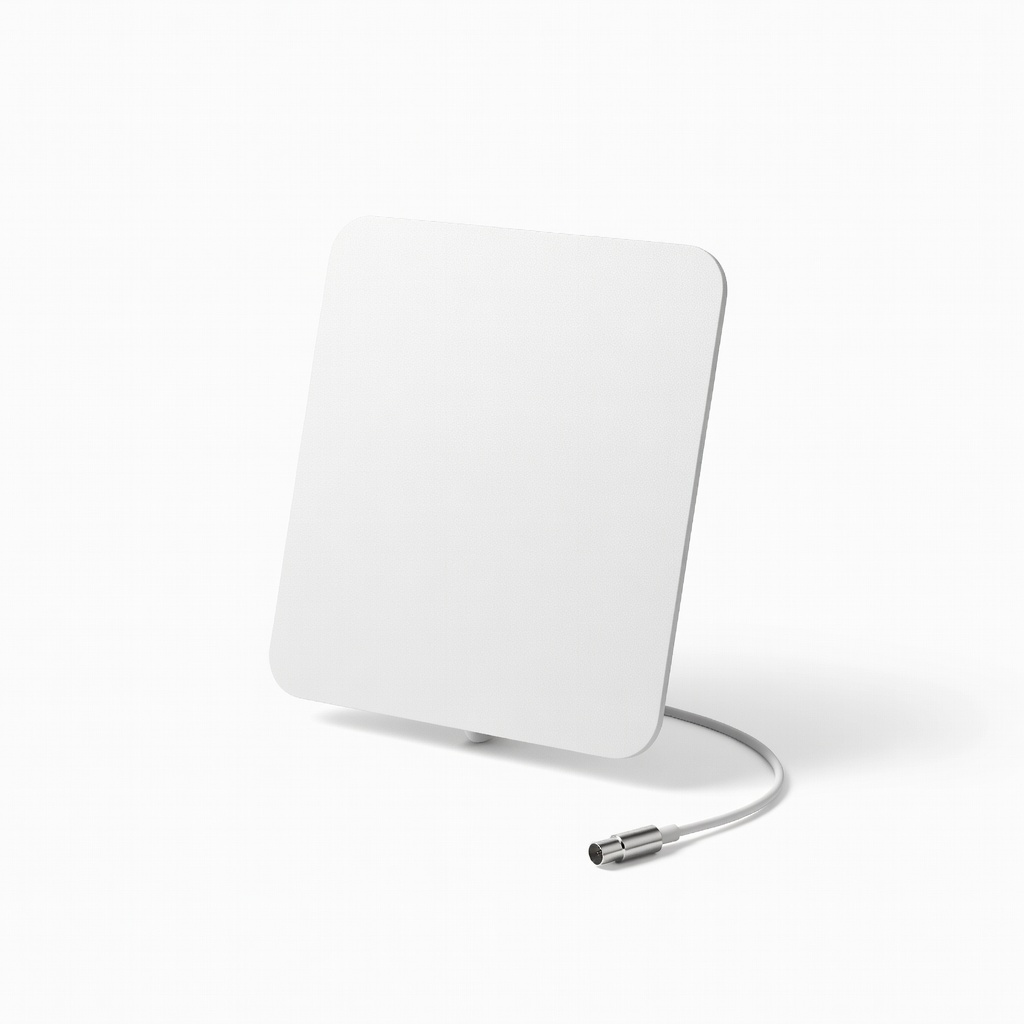
Mohu Leaf 50 Indoor HDTV Antenna
Reversible, paintable design captures strong OTA signals up to 60 miles.
Best for: Pairs perfectly with converters in urban/suburban areas.
Price Range: $59.99