If you still have an old CRT or analog TV gathering dust, you might think it's obsolete after the 2009 digital TV transition. But with an affordable Analog-to-Digital (DTV) converter box, you can revive it to watch free HD over-the-air (OTA) broadcasts from local stations like ABC, NBC, and FOX.
In this beginner-friendly guide, you'll learn how to install a DTV converter safely and easily. We'll cover everything from unboxing to channel scanning, so even if you're not tech-savvy, you'll have crystal-clear digital TV running quickly.
The process takes 20-30 minutes, requires no special tools, and uses simple coaxial or AV cables. By the end, your old TV will pull in dozens of free channels.
▸What You'll Need
- •DTV converter box (ATSC tuner compatible with NTSC TVs)
- •Coaxial cable (RF cable with F-connectors)
- •TV antenna (indoor rabbit ears or amplified outdoor if signal is weak)
- •TV with antenna input (coaxial) or composite AV inputs (RCA yellow/red/white)
- •Power outlet
- •Optional: HDMI cable (if your converter and TV support it), remote control batteries
Estimated Time: 20-30 minutes
Difficulty: beginner
▸Step-by-Step Instructions
Step 1: Verify Your TV and Signal Compatibility
Before buying anything, confirm your TV is analog-only (no 'Digital Tuner' label) and you're in an area with OTA signals. Use FCC.gov DTV Reception Maps to check local channels.
Why it matters: Not all areas have strong signals; rural spots may need a better antenna. Expect to see a list of available channels.
Success looks like: Your ZIP code shows 20+ channels nearby.
💡 Tips:
- •Test your current antenna on another TV first.
⚠️ Warnings:
- •Don't skip this—weak signals lead to frustration later.
Step 2: Unbox and Gather Your Converter Kit
Open the DTV converter box package. Most include the box, remote, power adapter, and user manual. Insert batteries into the remote.
Place everything near your TV. Why? Proper setup prevents cable mix-ups. Expect a compact black box (about shoebox size) with inputs labeled clearly: 'ANT IN,' 'TV OUT' (coaxial), and AV/HDMI outs.
Success looks like: All parts accounted for, manual handy for reference.
💡 Tips:
- •Read the quick-start guide first—brands vary slightly.
Step 3: Connect the Antenna to the Converter
Screw one end of the coaxial cable to your TV antenna's output and the other to the 'ANTENNA IN' or 'RF IN' port on the converter.
This feeds digital ATSC signals into the box, which decodes them for your analog TV. Position the antenna near a window for best reception.
Success looks like: Secure, snug connection—no loose wires.
⚠️ Warnings:
- •Twist firmly but don't overtighten to avoid damaging threads.
Step 4: Connect the Converter to Your TV
Use another coaxial cable from the converter's 'TV OUT' or 'RF OUT' to your TV's 'ANTENNA IN' or 'CABLE/ANT' jack. For better quality, use yellow video + red/white audio RCA cables from converter AV OUT to TV inputs (if available).
This loops the converted signal to your TV. Set TV to channel 3 or 4 (as marked on converter).
Success looks like: TV displays 'no signal' or converter menu—normal at this stage.
💡 Tips:
- •Prefer AV cables over RF for sharper picture on color TVs.
Step 5: Power On and Initial Setup
Plug in the converter's power adapter to a wall outlet and press the power button (or use remote). The box should light up with a menu screen on your TV.
Select your language and TV output (CH3/CH4). Why? Matches your TV tuner.
Success looks like: Converter menu visible on TV—no static.
⚠️ Warnings:
- •Unplug everything first to avoid shorts.
Step 6: Scan for Digital Channels
Navigate to 'Channel Scan' or 'Auto Scan' using the remote. Choose 'Air' or 'Antenna' mode and start the scan (takes 2-5 minutes).
The box searches for ATSC signals and saves channels. Reposition antenna if signal bars are low.
Success looks like: Scan complete, listing 20-50 channels.
💡 Tips:
- •Scan during peak signal times (not stormy weather).
Step 7: Test and Fine-Tune Channels
Exit menu, flip through channels with remote. Adjust antenna for strongest signal.
Lock in favorites. Why? Optimizes viewing.
Success looks like: Clear HD pictures, sound on multiple channels.
⚠️ Warnings:
- •Rescan monthly as signals change.
▸Pro Tips
- •Mount antenna high and away from metal for 20-30% better reception.
- •Use an amplified antenna if over 30 miles from towers.
- •Enable closed captions in converter menu for accessibility.
- •Record shows if your model has USB DVR (check specs).
- •Label cables for quick disconnects.
- •Update firmware via USB if available—improves weak signals.
- •Pair with streaming stick for hybrid setup.
▸Common Mistakes to Avoid
- •Using wrong TV channel (3/4)—always match converter switch.
- •Poor antenna placement—test multiple spots before permanent mount.
- •Skipping full scan—partial scans miss channels.
- •Loose coaxial connections—cause intermittent signal loss.
- •Overlooking power cycle—unplug/replug fixes 80% glitches.
▸Troubleshooting
Problem: No signal or static
Solution: Check all connections, rescan channels, reposition antenna toward towers.
Problem: Choppy picture/audio
Solution: Use AV cables instead of RF, or get amplified antenna.
Problem: Remote not working
Solution: Replace batteries, point directly at converter's IR sensor.
Problem: Few/no channels found
Solution: Verify FCC map, try outdoor antenna, rescan in different weather.
Problem: Converter won't power on
Solution: Test outlet with another device, check adapter for damage—replace if needed.
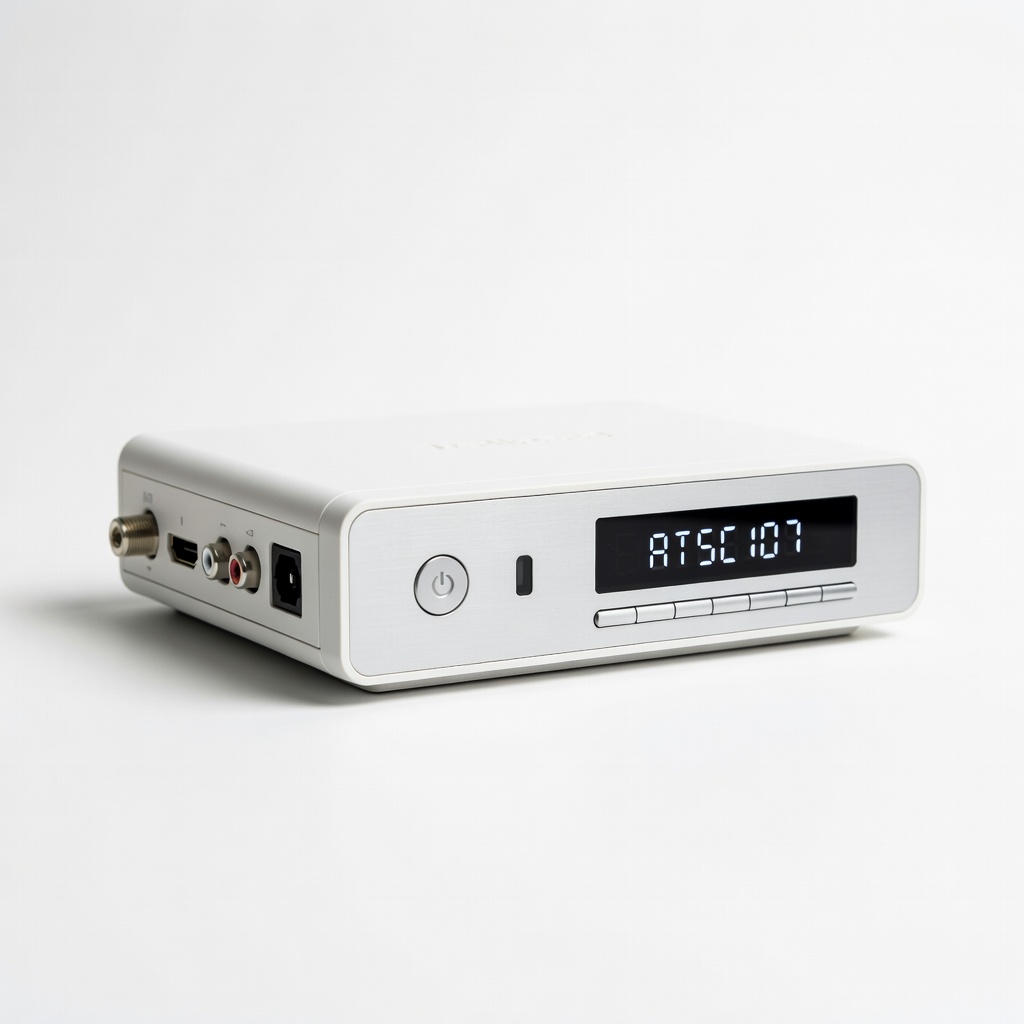
Mediasonic HOMEWORIER ATSC Digital Converter Box (ATSC107)
Top-rated for reliability, supports HD recording via USB, RF loop-through for easy old TV hookup.
Best for: Basic OTA viewing on analog TVs with weak-to-strong signals.
Price Range: $25-$30
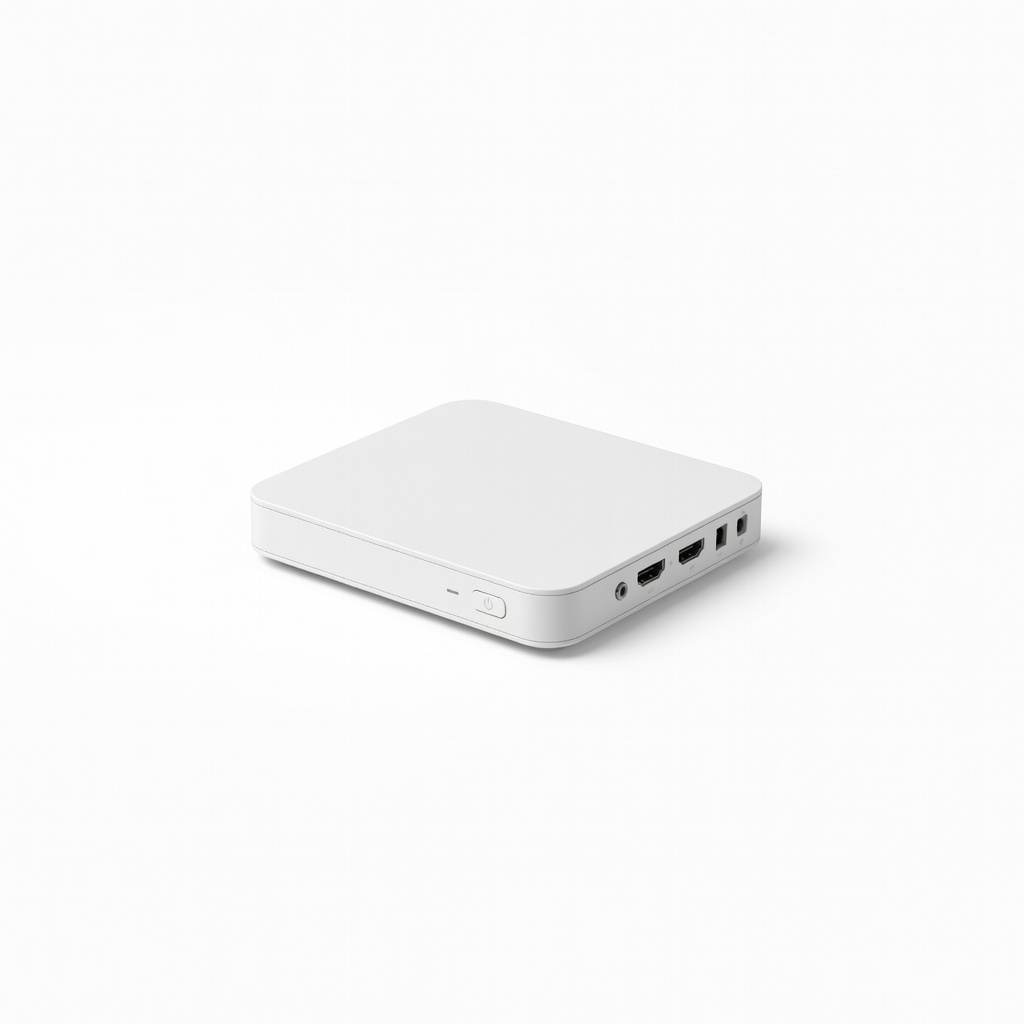
ZJBOX Digital Converter Box for TV
Affordable with HDMI/AV outputs, built-in PVR for recording, compact design.
Best for: Users wanting DVR features on rabbit ear antennas.
Price Range: $28-$35
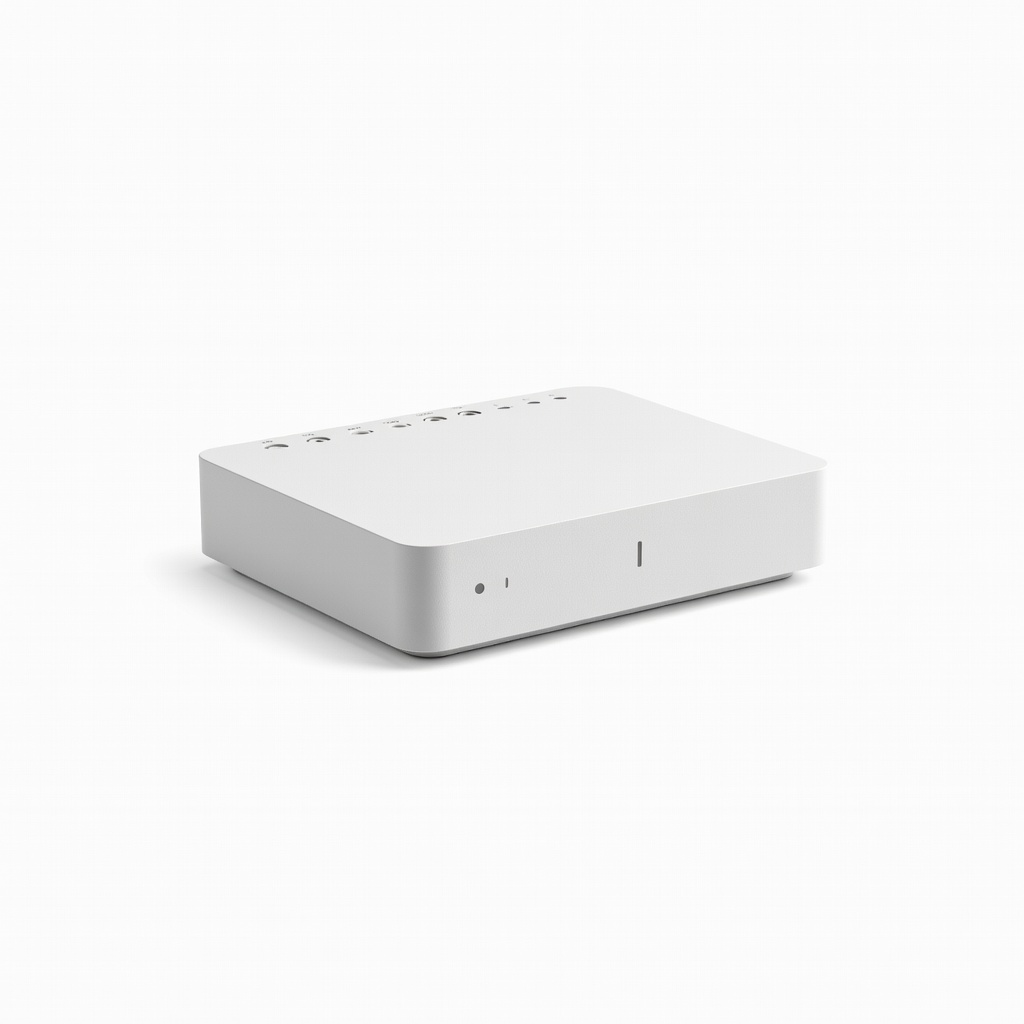
Leelunker Digital TV Converter Box
Budget pick with clear OSD menu, full channel support, includes remote.
Best for: Quick setup for city dwellers with strong local signals.
Price Range: $20-$25
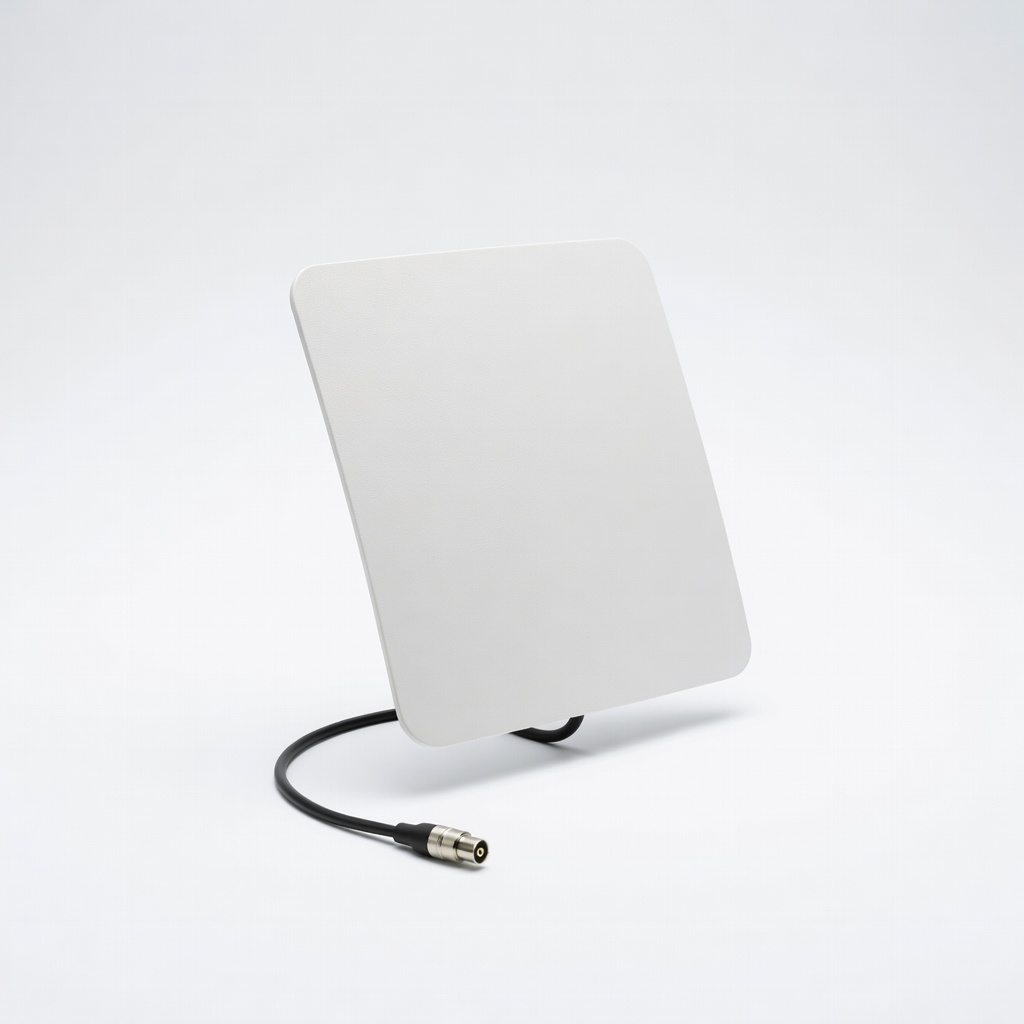
Mohu Leaf 50 Indoor TV Antenna
Pairs perfectly with converters—paper-thin, 50-mile range, amplifies weak signals.
Best for: Complement any converter for suburban/rural reception.
Price Range: $40-$50