
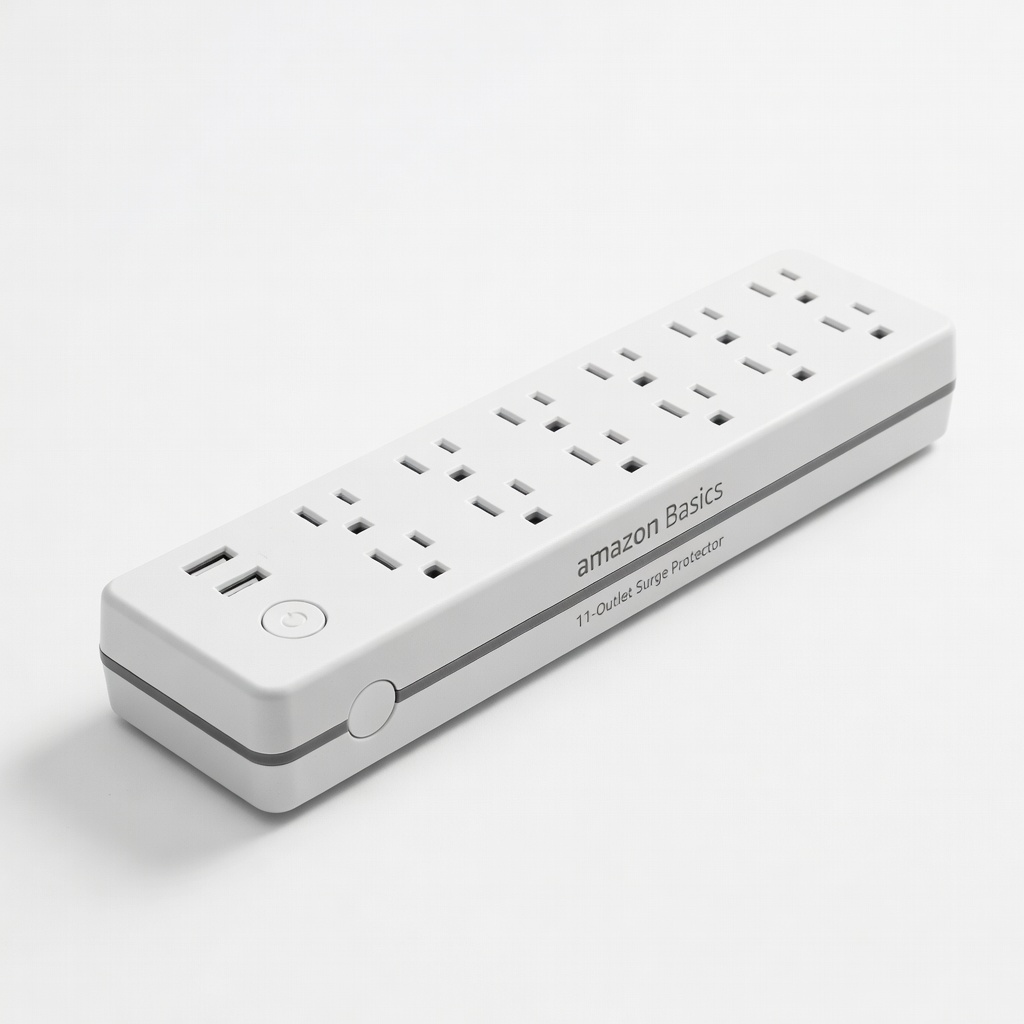
Amazon Basics 11-Outlet Surge Protector
Home offices needing multiple adapters without crowding.
$20-$25
Amazon Basics 11-Outlet Surge Protector 12 widely spaced outlets with 4320 joules protection; ideal base for adapters (ASIN: B07PK3YW6L).
Get the App
Better experience on mobile
Safely expand your surge protector's outlets in under 10 minutes to power more devices without overload risks.
Ever find yourself short on outlets during a busy workday or family movie night? Surge protectors are lifesavers for multiple devices, but limited outlets can frustrate anyone. Installing adapters (also called outlet multipliers or expanders) lets you plug in more gadgets safely, multiplying one outlet into 2-6 more.
In this beginner-friendly guide, you'll learn step-by-step how to install adapters correctly, ensuring surge protection remains effective. We'll cover safety checks, proper insertion, and testing—no tools or expertise needed. Expect a quick 5-10 minute process with zero hassle.
By the end, your setup will handle laptops, chargers, and lamps securely, preventing damage from power surges.
Estimated Time: 5-10 minutes Difficulty: beginner
Safety first: Before doing anything, unplug the surge protector from the wall outlet. This prevents electrical shocks, sparks, or accidental overloads while handling adapters.
Why it matters: Live electricity can cause injury or damage equipment. You'll know it's safe when no lights are on and no devices are powered.
Expect a completely powered-down strip—double-check by touching plugs (they should be cool).
💡 Tips:
⚠️ Warnings:
Examine the surge protector's outlets for damage like cracks, burn marks, or bent prongs. Check the adapter similarly—look for frayed cords or loose parts.
Why it matters: Damaged gear can fail to protect against surges or cause fires. Discard anything suspect.
Success looks like clean, undamaged outlets ready for use.
💡 Tips:
⚠️ Warnings:
Select an adapter compatible with your surge protector's outlets (e.g., 3-prong grounded). Common types: 3-outlet expanders for everyday use or slim flat-plug for tight spaces.
Why it matters: Mismatched adapters reduce surge protection or won't fit securely.
Expect a snug fit preview—hold it up to the outlet.
💡 Tips:
Align the adapter's prongs with the surge protector's outlet. Push straight in with even pressure until it clicks or seats fully—no wiggling.
Why it matters: Loose connections cause arcing, heat buildup, or power loss.
Success: Adapter stays put without support; prongs fully inserted.
💡 Tips:
⚠️ Warnings:
Reconnect the surge protector to the wall. Watch for indicator lights turning on (if equipped).
Why it matters: Restores power safely after installation.
Expect lights to glow steadily—no flickering.
💡 Tips:
⚠️ Warnings:
Plug in low-power devices (like phone chargers) into the adapter. Check all outlets work; use an outlet tester if available.
Why it matters: Confirms secure connection and surge protection.
Success: All devices power on without issues; no heat after 5 minutes.
💡 Tips:
Use cable ties to bundle cords neatly. Monitor for heat during first use.
Why it matters: Neat setups prevent trips and allow easy overload spotting.
Success: Tidy, cool-running station ready for daily use.
💡 Tips:
Problem: Adapter won't fit or stays loose
Solution: Clean dust from outlets; try a different adapter. If persistent, replace surge protector.
Problem: No power after plugging in
Solution: Check wall outlet with another device; reseat adapter. Reset surge protector button if available.
Problem: Setup gets hot
Solution: Unplug immediately; reduce load or replace. Seek electrician if wall issue.
Problem: Surge light blinks
Solution: Overload detected—remove devices until stable.
12 widely spaced outlets with 4320 joules protection; ideal base for adapters (ASIN: B07PK3YW6L).
Best for: Home offices needing multiple adapters without crowding.
Price Range: $20-$25
Expands one outlet to three with surge protection pass-through (ASIN: B00N3Q4O9K).
Best for: Tight spaces like behind desks; safe for surge strips.
Price Range: $12-$15 (pack of 3)
High 3980 joules rating, pivoting outlets for adapters (ASIN: B004MDLF0E).
Best for: Heavy users with multiple adapters for gaming setups.
Price Range: $25-$30
Slim design, grounded, affordable multiplier (ASIN: B00004YUK5).
Best for: Budget-friendly expansion for basic surge protectors.
Price Range: $8-$12
12 outlets, phone line protection; adapter-friendly spacing (ASIN: B0000513AY).
Best for: Telecommuters needing reliable, expandable power.
Price Range: $30-$40
Home offices needing multiple adapters without crowding.
Amazon Basics 11-Outlet Surge Protector 12 widely spaced outlets with 4320 joules protection; ideal base for adapters (ASIN: B07PK3YW6L).
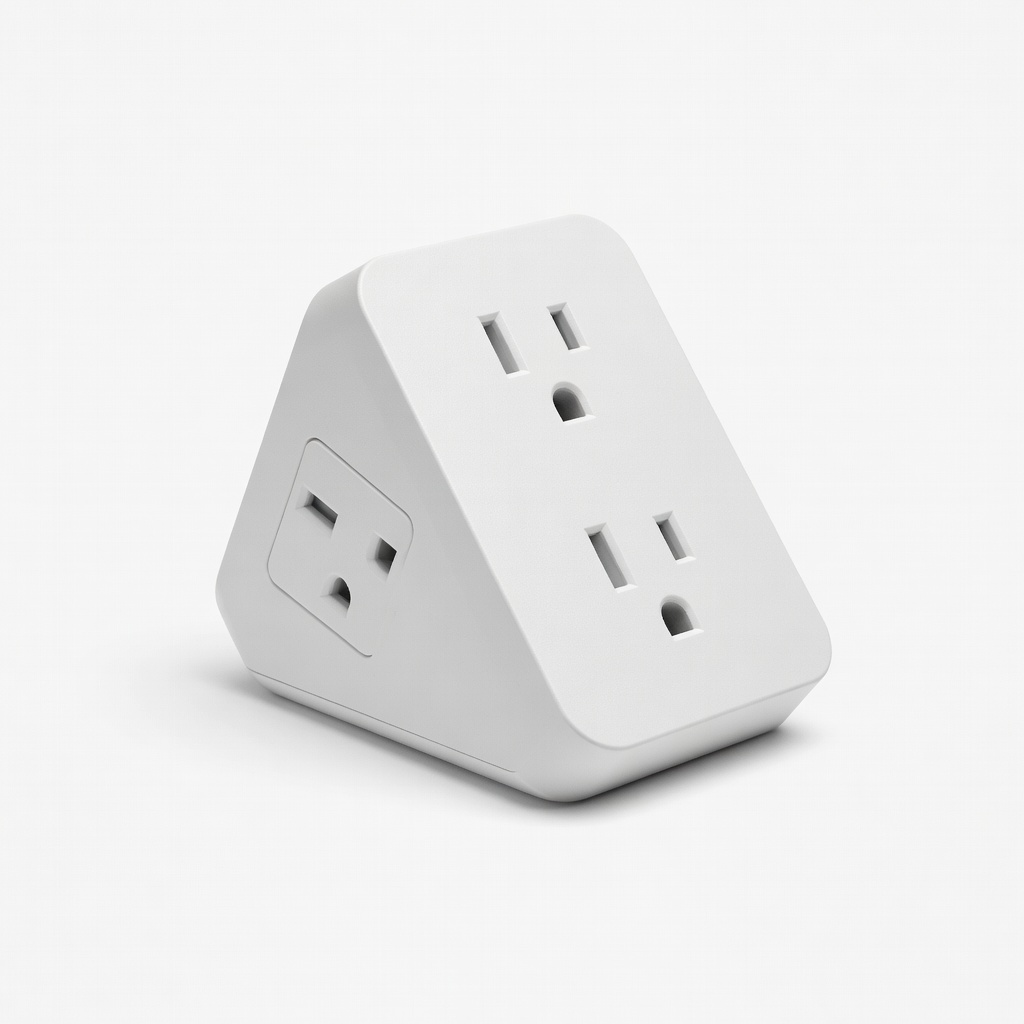
Tight spaces like behind desks; safe for surge strips.
Clever Socket 3-Outlet Plug Extender Expands one outlet to three with surge protection pass-through (ASIN: B00N3Q4O9K).
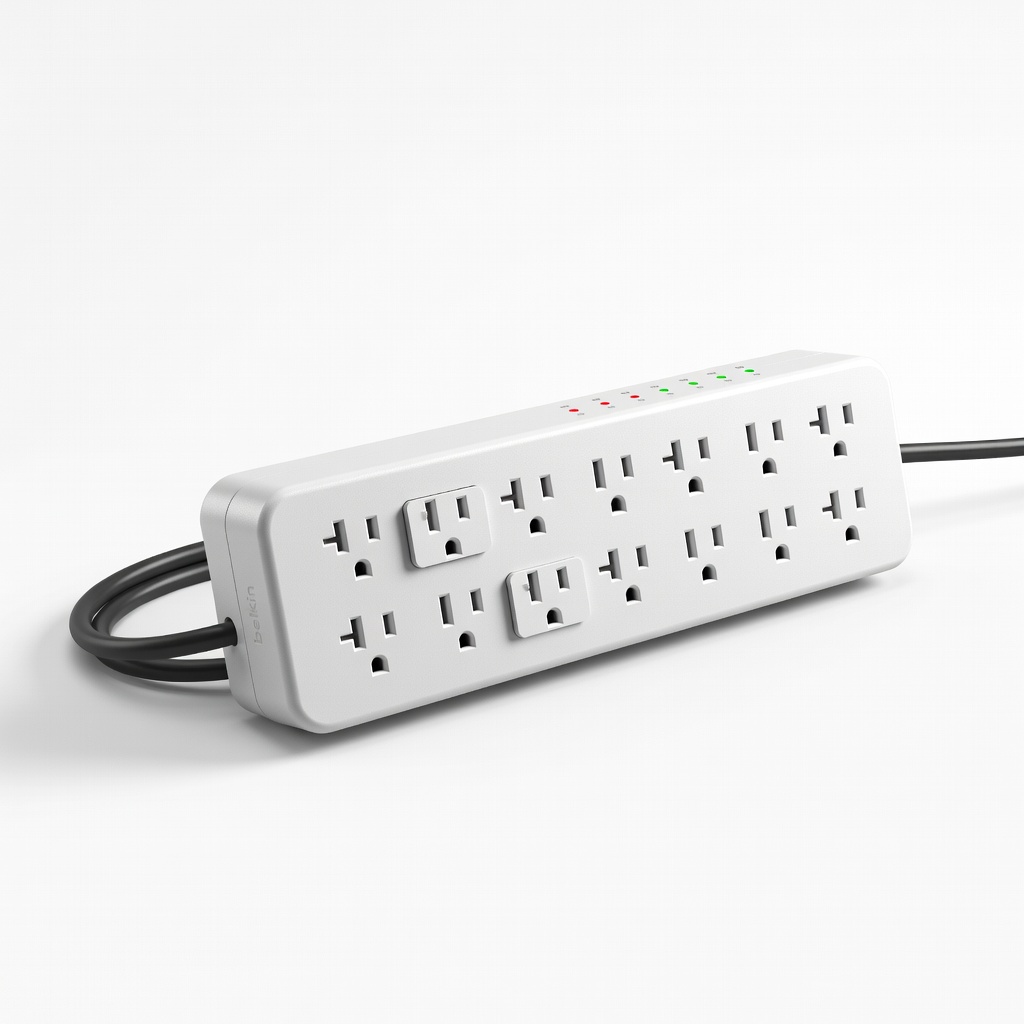
Heavy users with multiple adapters for gaming setups.
Belkin 12-Outlet Surge Protector High 3980 joules rating, pivoting outlets for adapters (ASIN: B004MDLF0E).
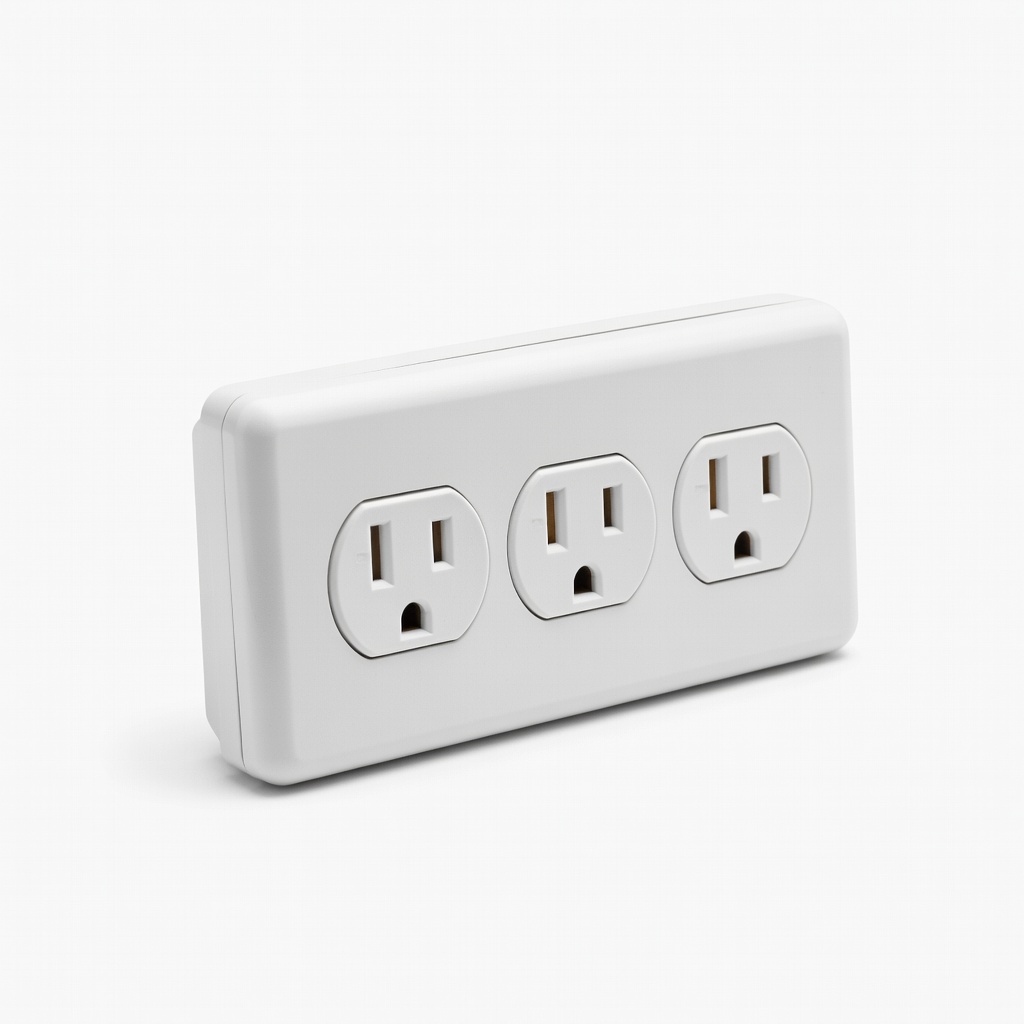
Budget-friendly expansion for basic surge protectors.
GE 3-Outlet Wall Tap Adapter Slim design, grounded, affordable multiplier (ASIN: B00004YUK5).
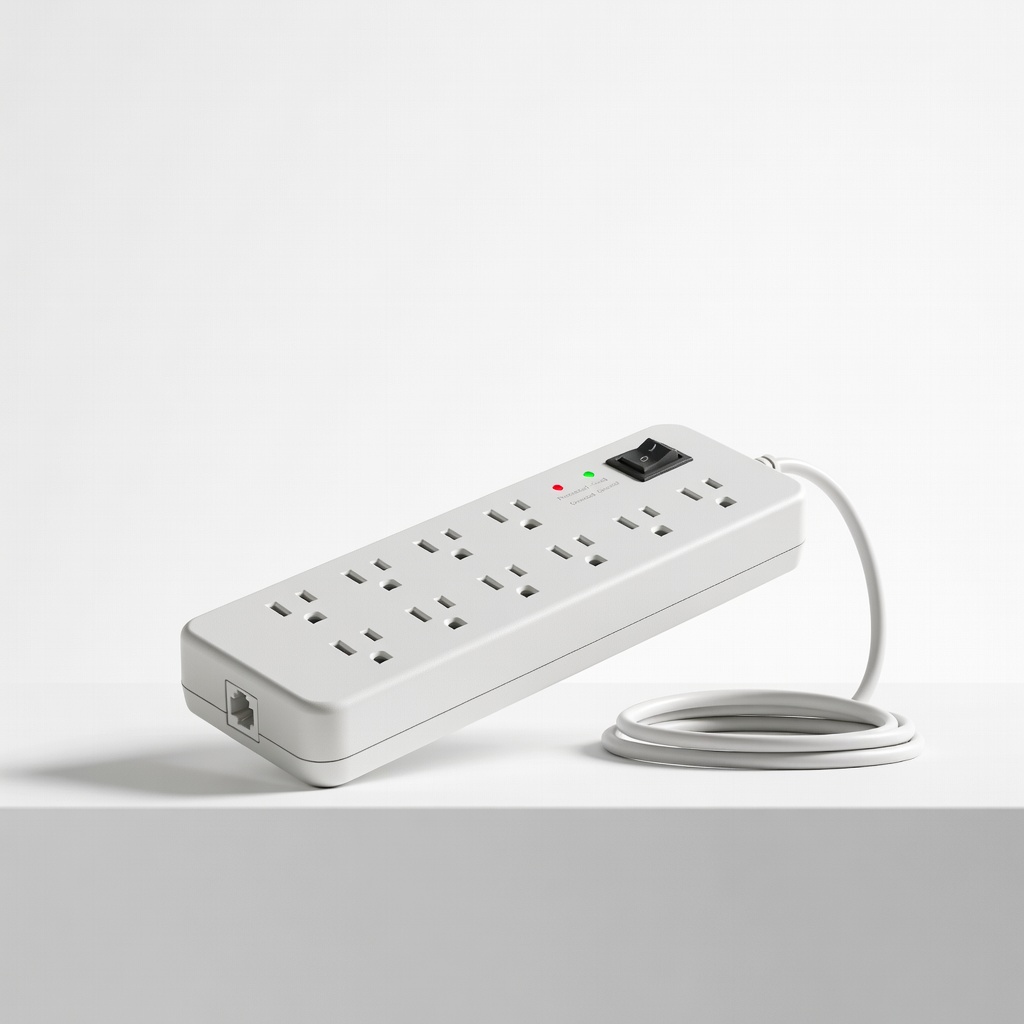
Telecommuters needing reliable, expandable power.
Tripp Lite TLP1208TEL Surge Protector 12 outlets, phone line protection; adapter-friendly spacing (ASIN: B0000513AY).