
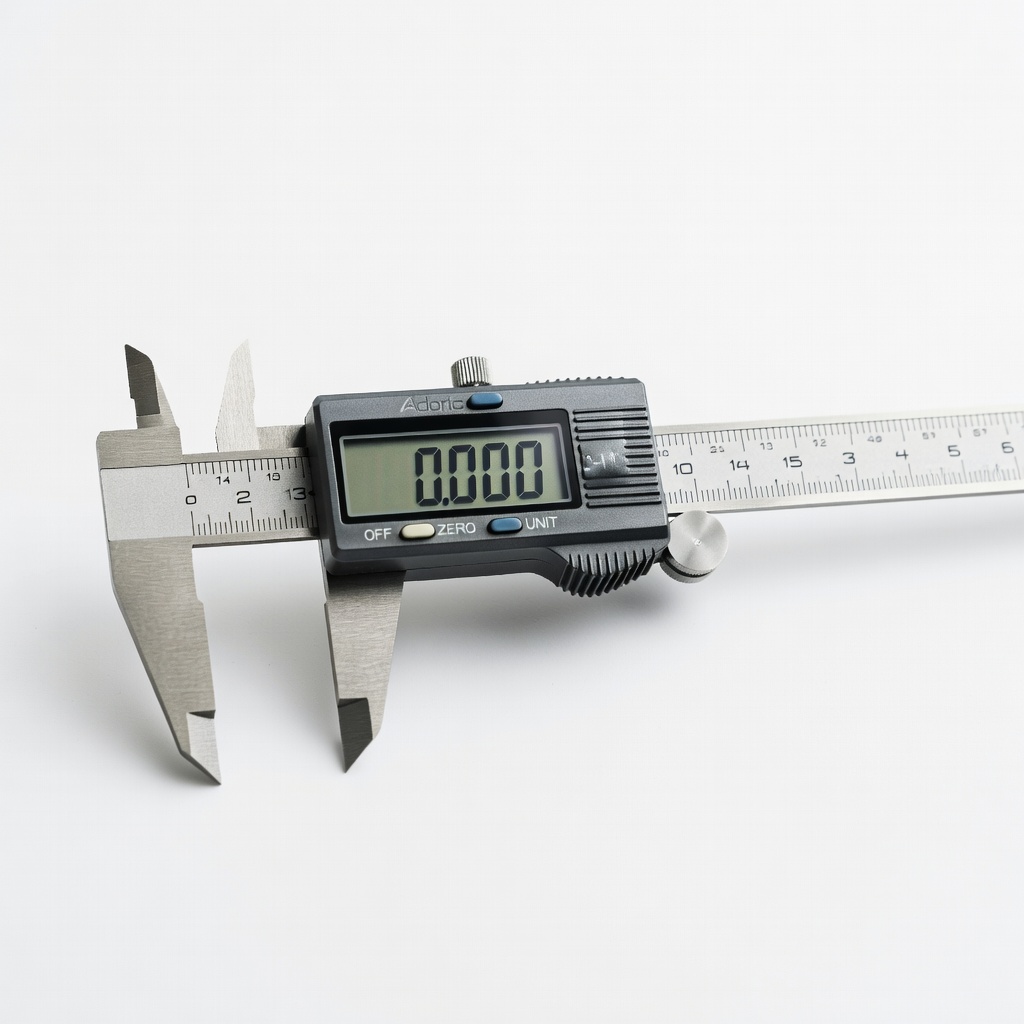
Adoric Digital Caliper, 0-6" Calipers Measuring Tool
Primary tool for all measurements; beats rulers for beginners.
$24.99
Adoric Digital Caliper, 0-6" Calipers Measuring Tool Provides precise ±0.01mm accuracy for OD/ID—essential for exact fits.
Get the App
Better experience on mobile
Quickly measure your AC adapter's barrel connector to find compatible replacements and avoid damaging your devices.
Ever bought a replacement AC adapter only to find the plug doesn't fit your device? This is a common frustration that can lead to wasted money or even damage your electronics. Identifying the correct barrel size ensures you get the right fit every time.
In this beginner-friendly guide, you'll learn simple methods to measure the outer diameter (OD), inner diameter (ID), length, and polarity of your AC adapter's barrel connector. No advanced tools required—just a ruler or caliper. The process takes just 5-10 minutes and will save you headaches.
By the end, you'll confidently match specs like 5.5mm x 2.1mm and know how to shop for replacements safely.
Estimated Time: 5-10 minutes Difficulty: beginner
Start by unplugging the AC adapter from the wall and device to avoid any electrical hazards. Locate the barrel connector—the cylindrical plug at the end of the cord that inserts into your device.
Examine it closely. Barrel sizes are standardized (e.g., 5.5mm outer x 2.1mm inner), but variations exist. Look for printed labels on the adapter body, like 'DC 5.5x2.1mm' or voltage/polarity symbols. Success here: You've safely prepared and spotted any obvious markings.
Image description: Close-up of an unplugged AC adapter barrel connector with a flashlight highlighting it.
💡 Tips:
⚠️ Warnings:
Flip the adapter over and read any printed info. Common formats: 'Output: 12V 2A, Barrel: 5.5mm x 2.1mm' or just voltage and connector size. Note voltage, amperage, polarity (center + or - symbol), and dimensions.
If labeled, you're done—sizes are often OD x ID x Length (e.g., 5.5x2.1x9.5mm). No label? Proceed to measuring. Success: Accurate specs without tools.
This matters because labels are the most reliable source and prevent mismatches.
💡 Tips:
Use a ruler or caliper across the widest part of the barrel's exterior (perpendicular to the pins). Place the tool snugly without compressing. Common ODs: 5.5mm, 4.0mm, 3.5mm.
Record in millimeters (mm). Ruler ok for beginners (±0.5mm accuracy); caliper for precision (±0.01mm). Expect: A number like 5.52mm rounds to 5.5mm. Success: Clean measurement matching standards.
Pro tip: Zero the caliper first for accuracy.
⚠️ Warnings:
Gently insert the caliper jaws (or a thin probe) into the barrel's center hole. Measure the inside width. Common IDs: 2.1mm, 2.5mm, 1.7mm.
This is trickier—shine a light inside. Ruler won't work well here; caliper shines. Success: ID like 2.10mm. Why it matters: Wrong ID means loose or no fit.
💡 Tips:
Measure from the cord entry to tip end (length, ~9-12mm typical). Look for polarity: Circle with + inside (center positive, most common) or -.
Sketch or note: OD x ID x L, polarity. Success: Full specs like '5.5x2.1x11mm, center +'.
⚠️ Warnings:
Search 'AC barrel size chart' online. Match your measurements (e.g., 5.5/2.1mm is standard for laptops). Sites like adafruit.com have visuals.
Confirm voltage/amperage too. Success: Verified standard size for shopping.
💡 Tips:
If available, try inserting into device or compare to spares. Wiggles? Wrong ID. Too tight? Wrong OD.
Final check: Power on briefly (match voltage). Success: Secure fit, device powers correctly.
You're now equipped to buy replacements confidently!
⚠️ Warnings:
Problem: Measurement doesn't match any standard size
Solution: Double-measure with caliper; slight variations ok (±0.1mm). Search custom sizes or use universal adapter with multiple tips.
Problem: Plug fits but device won't power
Solution: Check voltage/polarity/amperage. Test with multimeter if unsure.
Problem: Can't access inner diameter
Solution: Shine light and use thinnest probe; or buy barrel size test board.
Problem: Adapter gets hot or sparks
Solution: Wrong specs—stop use immediately and verify all measurements.
Provides precise ±0.01mm accuracy for OD/ID—essential for exact fits.
Best for: Primary tool for all measurements; beats rulers for beginners.
Price Range: $24.99
Verifies voltage/polarity after sizing; ensures safe replacement.
Best for: Test adapters before buying; troubleshoot power issues.
Price Range: $12.99
Visual gauge for 20+ common sizes—no measuring needed.
Best for: Quick ID without tools; great for multiples.
Price Range: $9.99
Matches most measured sizes; adjustable for versatility.
Best for: Replacement if original lost; covers 90% barrels.
Price Range: $15.99
Primary tool for all measurements; beats rulers for beginners.
Adoric Digital Caliper, 0-6" Calipers Measuring Tool Provides precise ±0.01mm accuracy for OD/ID—essential for exact fits.
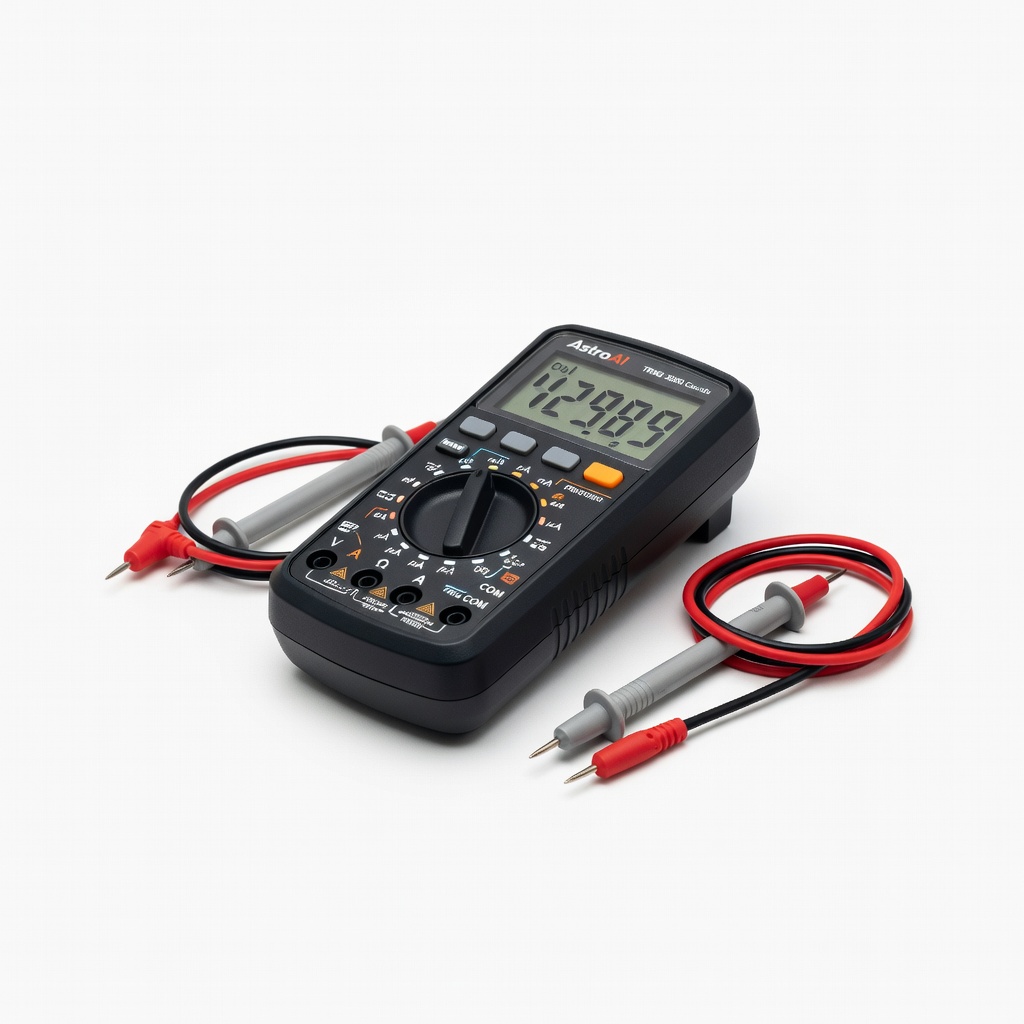
Test adapters before buying; troubleshoot power issues.
AstroAI Digital Multimeter TRMS 2000 Counts Verifies voltage/polarity after sizing; ensures safe replacement.
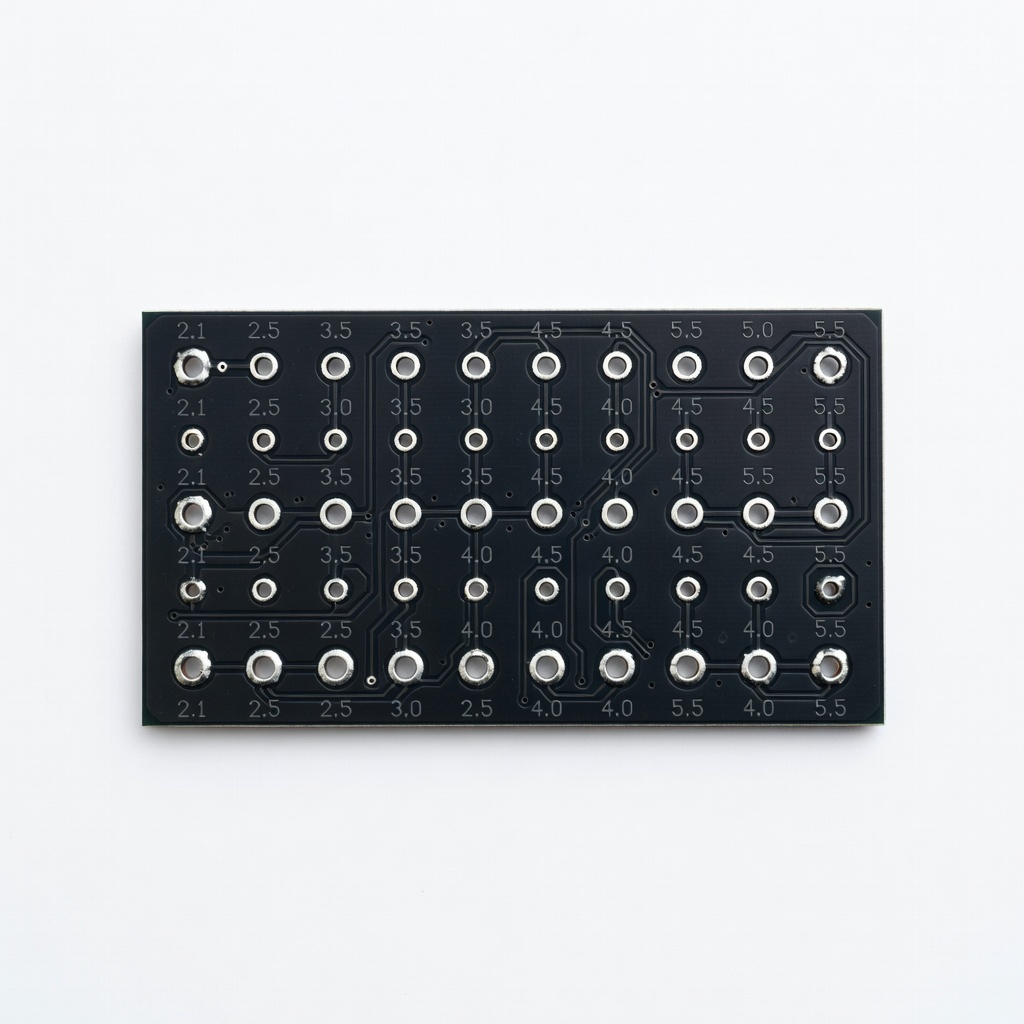
Quick ID without tools; great for multiples.
JacobsParts DC Power Jack Barrel Size Test Board Visual gauge for 20+ common sizes—no measuring needed.
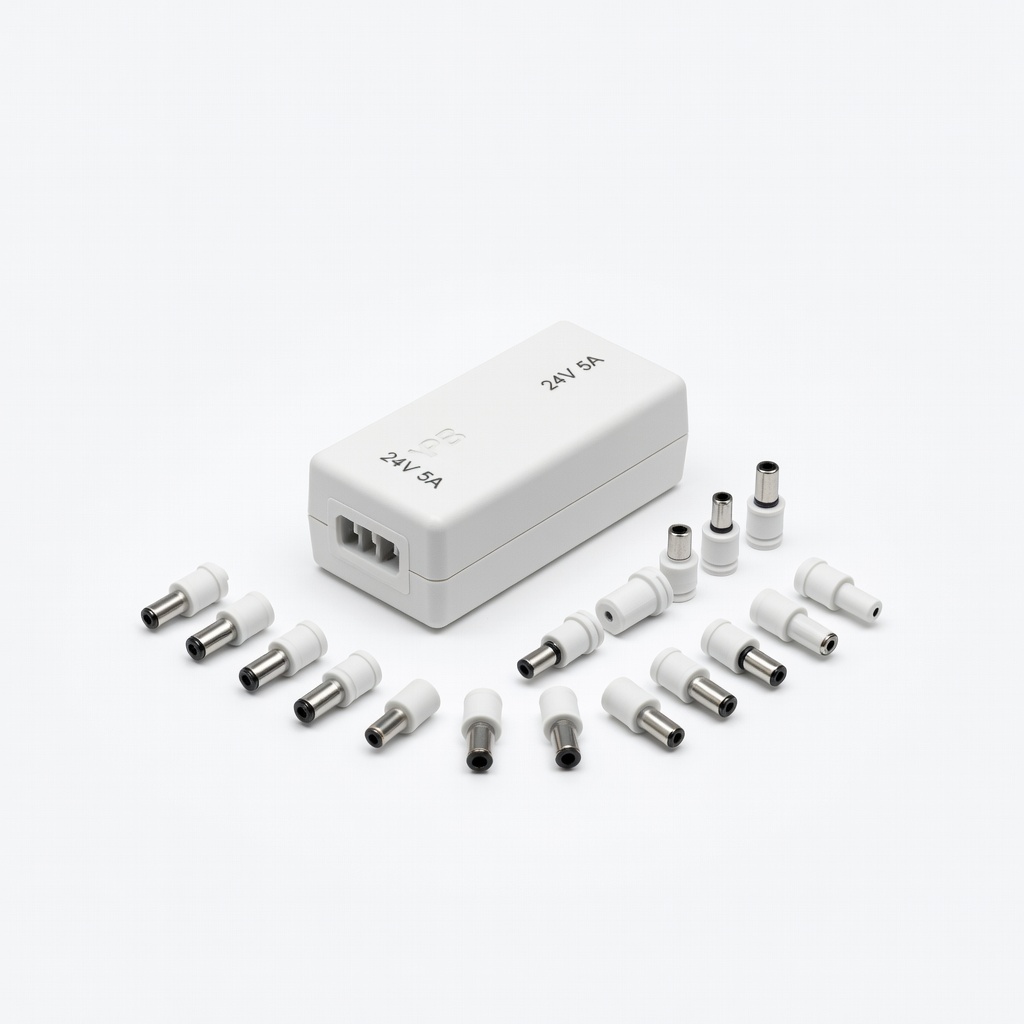
Replacement if original lost; covers 90% barrels.
YPB Universal AC Adapter 24V 5A with 14 Tips Matches most measured sizes; adjustable for versatility.