
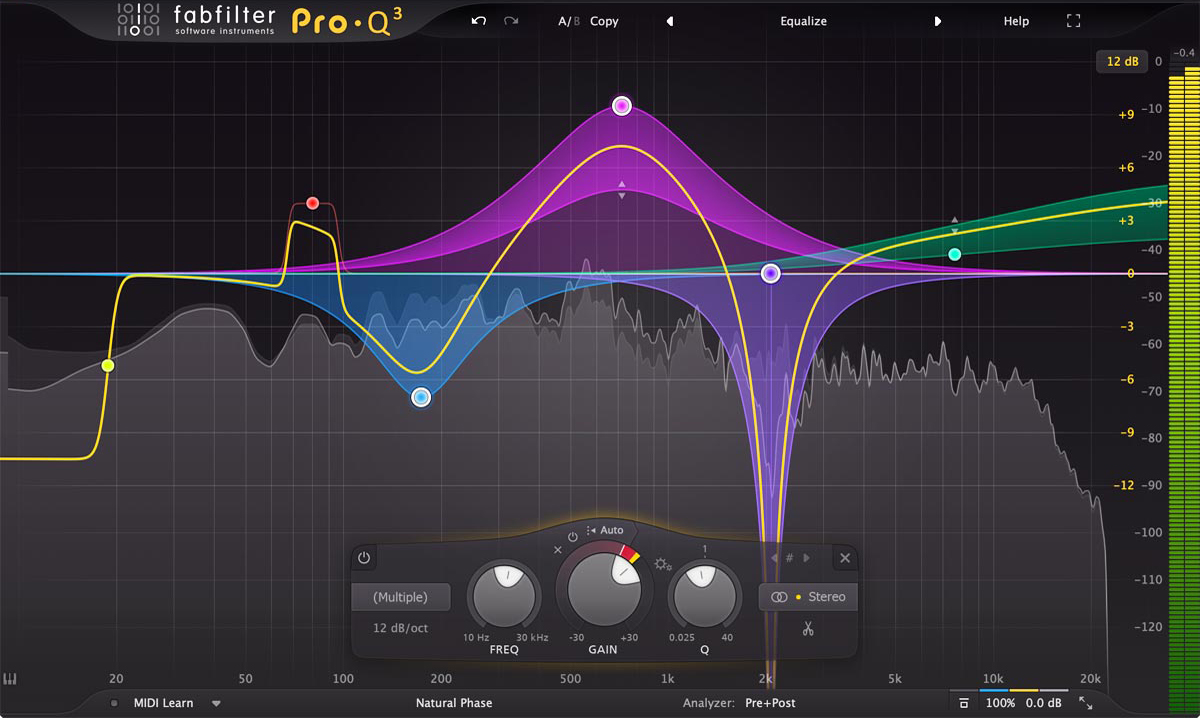
FabFilter Pro-Q 3
Primary EQ on every bass track for surgical cuts/boosts.
$179
FabFilter Pro-Q 3 Best-in-class dynamic parametric EQ with spectrum grab, linear-phase, and mid-side for precise acoustic bass sculpting.
Get the App
Better experience on mobile
Achieve pro-level clarity, punch, and definition on your acoustic bass tracks with advanced EQ techniques tailored for home studios.
Struggling with muddy, boomy acoustic bass in your home recordings? Acoustic basses often suffer from excessive low-end resonance and string noise that clash in a mix, especially without proper EQ. This guide equips advanced home recordists with precise EQ strategies to carve out space, enhance sustain, and make your bass sit perfectly.
You'll learn a step-by-step process using spectrum analysis, surgical cuts, and targeted boosts—proven methods used by pros. Expect to spend 20-30 minutes per track, assuming familiarity with your DAW and parametric EQs. No basic setup required; we dive straight into optimization.
By the end, your acoustic bass will have tight lows, articulate mids, and shimmer without overpowering other instruments.
Estimated Time: 20-30 minutes per track Difficulty: advanced
Start with the foundation: capture a dry, unprocessed acoustic bass track. Use a combination of pickup (for attack) and condenser mic (for body) if possible, positioned 6-12 inches from the 12th fret and soundhole. Aim for even dynamics and minimal bleed.
Why it matters: EQ can't fix bad recordings—garbage in, garbage out. Success looks like a waveform with consistent amplitude and no clipping.
Solo the track in your DAW and play it back; it should sound natural but roomy/muddy, ready for surgery.
💡 Tips:
⚠️ Warnings:
Add a spectrum analyzer (e.g., SPAN in Reaper) before your parametric EQ on the bass channel. Recommended: FabFilter Pro-Q 3 for its precision.
Why it matters: Visual feedback reveals peaks/troughs invisible to the ear. Expect to see a fundamental hump around 80-120Hz for low E string, mud between 200-400Hz, and string noise at 2-5kHz.
Enable linear-phase mode on the EQ to avoid phase smear on lows.
💡 Tips:
Sweep a narrow Q (10-20) high-pass filter from 20Hz up until the bass tightens—typically 40-60Hz for acoustic bass body thump. Cut 3-6dB gently.
Why it matters: Removes subsonic rumble that eats headroom without tonal loss. Success: Lows feel controlled, no 'flab' on downbeats.
Listen in context with kick/snare; adjust if phase issues arise.
⚠️ Warnings:
Sweep bell filters (Q=4-8) in 150-400Hz for mud and 400-800Hz for boxy resonance. Cut 2-5dB where it 'honks'—often 250Hz for bridge/nut buzz.
Why it matters: Acoustic bodies resonate here, clashing with vocals/guitars. Post-cut, bass should slot cleanly; expect clearer definition.
Use dynamic bands if resonances are transient.
💡 Tips:
Broad shelf or bell boost (Q=1-2) at 80-120Hz for low strings (E/A), 150-200Hz for D/G. Add 2-4dB max for punch without boom.
Why it matters: Reinforces core tone post-cuts. Success: Bass drives the groove with weight but no overhang.
A/B with bypass; tune to your bass's scale.
⚠️ Warnings:
Boost 2-5kHz (Q=2-4) for pick/pluck attack, and subtle 8-12kHz air shelf for string harmonics.
Why it matters: Adds definition so bass cuts through. Expect sparkle without ice-pick harshness.
Dynamic EQ here tames string squeaks.
💡 Tips:
Un-solo and balance in full mix. Use mono check for phase, and mid-side mode to widen highs.
Why it matters: EQ is relative. Success: Bass glues rhythm section seamlessly.
Export stems for car/earbud tests.
Problem: Bass still boomy after HPF?
Solution: Check room modes (use REW software); move bass 1/4 room away or add bass traps.
Problem: Harsh string noise post-boost?
Solution: Dynamic de-ess at 3-6kHz or notch piezo peaks.
Problem: Loses punch in mix?
Solution: Sidechain compress from kick; transient designer pre-EQ.
Problem: Phase cancellation with DI/mic blend?
Solution: Invert phase on one source; align waveforms visually.
Best-in-class dynamic parametric EQ with spectrum grab, linear-phase, and mid-side for precise acoustic bass sculpting.
Best for: Primary EQ on every bass track for surgical cuts/boosts.
Price Range: $179
Ultra-low noise preamps preserve acoustic bass detail for clean EQ starting point.
Best for: Recording interface for pickup or mic'd bass.
Price Range: $179-$199
Accurate nearfields reveal EQ flaws in low-mids where acoustic bass lives.
Best for: Monitoring during EQ sweeps and mix checks.
Price Range: $160-$180 each
Variable shape EQ tames piezo quack pre-DAW for better home recordings.
Best for: Live to studio transition or harsh pickups.
Price Range: $200-$230
Flat response trusted by pros for honest bass EQ translation.
Best for: Budget alternative for critical listening.
Price Range: $190-$220 each
Primary EQ on every bass track for surgical cuts/boosts.
FabFilter Pro-Q 3 Best-in-class dynamic parametric EQ with spectrum grab, linear-phase, and mid-side for precise acoustic bass sculpting.

Recording interface for pickup or mic'd bass.
Focusrite Scarlett 2i2 4th Gen Ultra-low noise preamps preserve acoustic bass detail for clean EQ starting point.
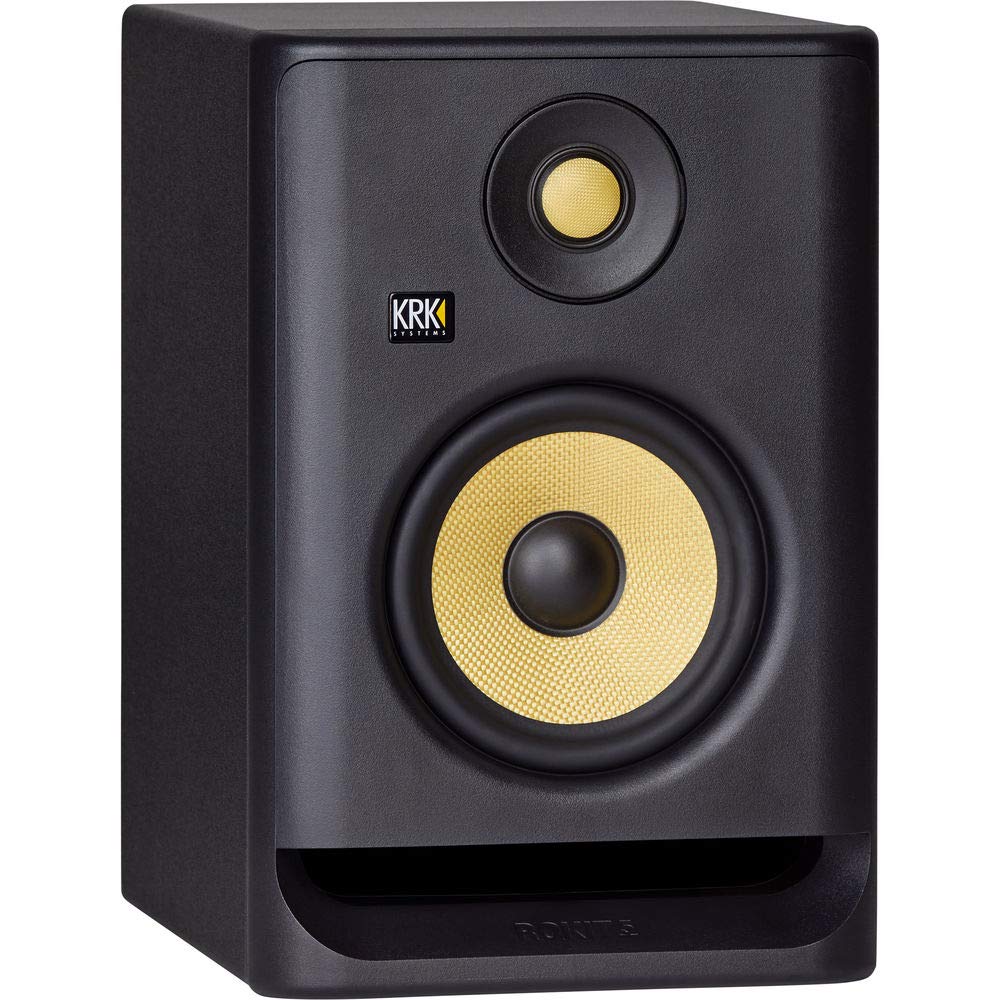
Monitoring during EQ sweeps and mix checks.
KRK Rokit RP5 G4 Accurate nearfields reveal EQ flaws in low-mids where acoustic bass lives.
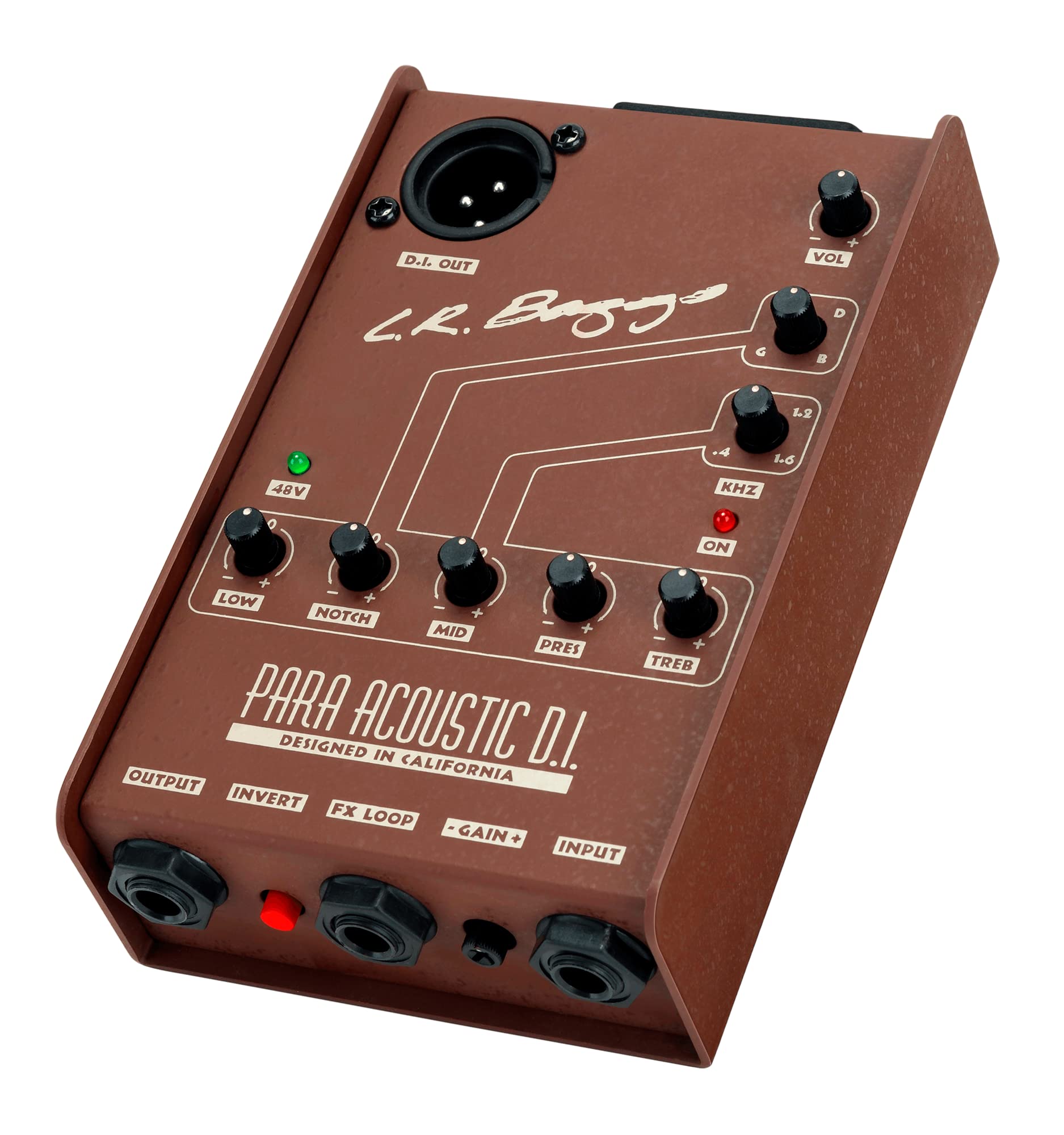
Live to studio transition or harsh pickups.
LR Baggs Para Acoustic DI Variable shape EQ tames piezo quack pre-DAW for better home recordings.
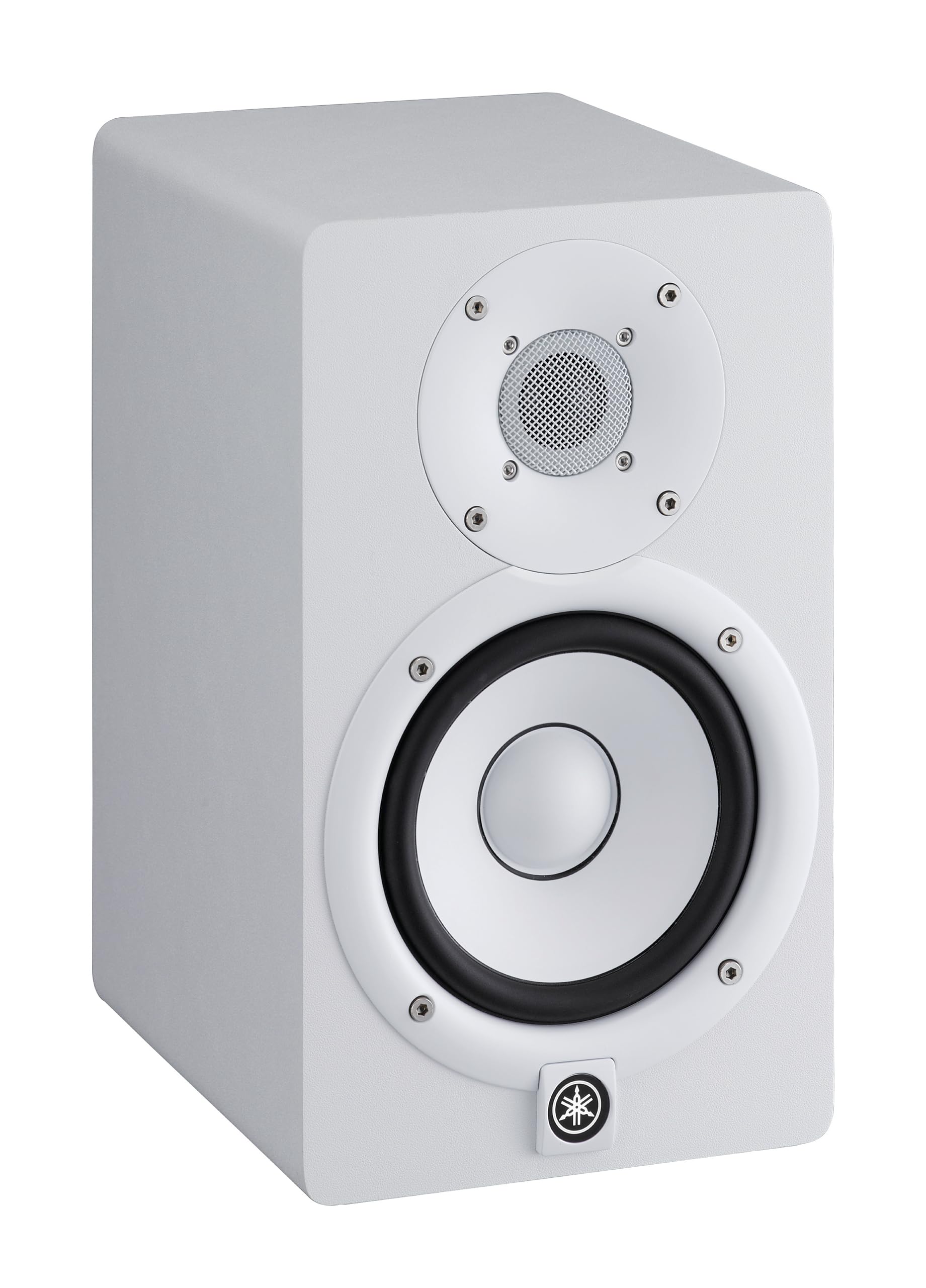
Budget alternative for critical listening.
Yamaha HS5 Studio Monitors Flat response trusted by pros for honest bass EQ translation.