
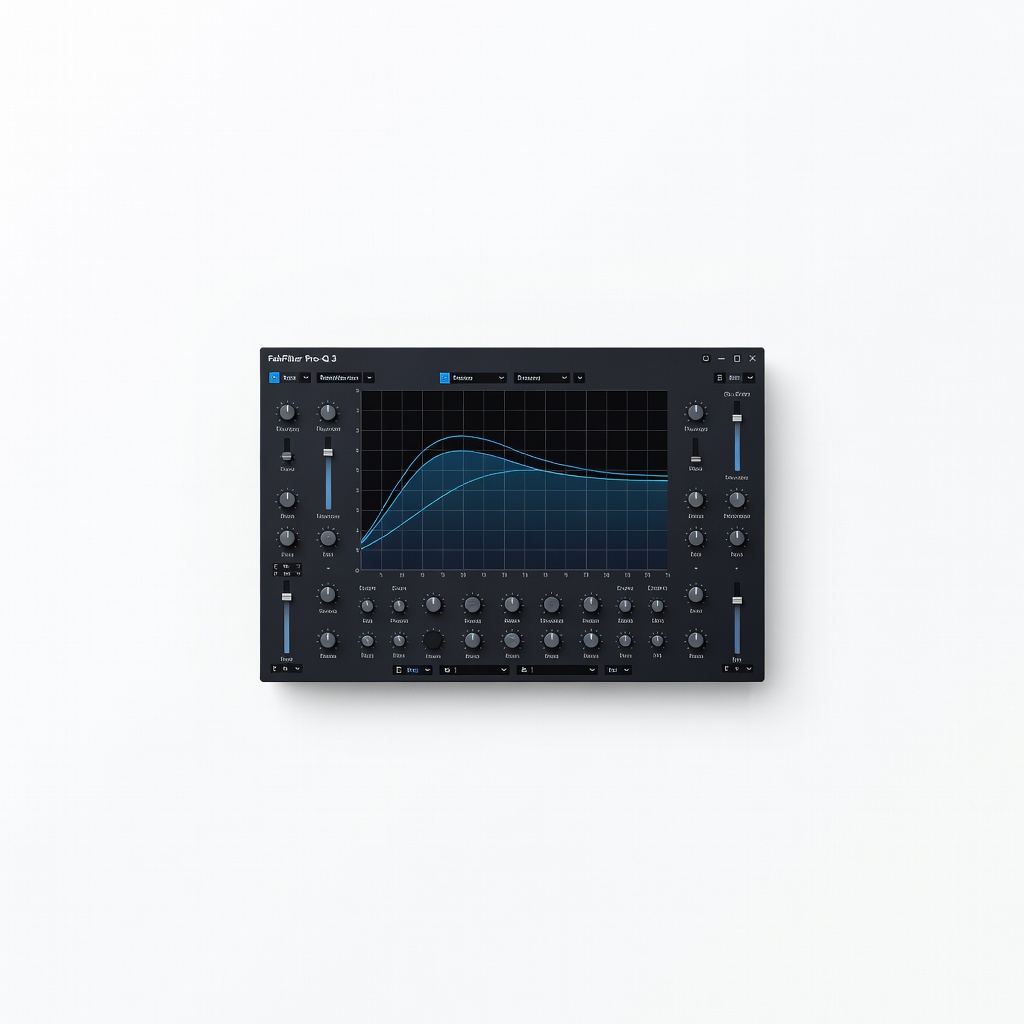
FabFilter Pro-Q 3
Insert on bass track for precise sweeps and automation.
$169 (one-time purchase)
FabFilter Pro-Q 3 Ultimate parametric EQ with dynamic bands, spectrum grab, and mid-side—perfect for surgical acoustic bass work.
Get the App
Better experience on mobile
Learn advanced EQ techniques to sculpt clear, punchy acoustic bass tones that shine in your home mixes without muddiness.
Recording acoustic bass at home often results in a boomy, muddy low end that clashes with the rest of your mix, especially with room acoustics and basic mics muddying the signal. As an advanced home recordist, you know frequency balance is key, but acoustic bass's complex harmonics demand precise EQ surgery to reveal its natural warmth and attack.
In this guide, you'll master a step-by-step EQ workflow using parametric EQ tools, from high-pass filtering mud to surgical boosts for string clarity. Expect professional results: tight lows, defined mids, and airy highs that sit perfectly in dense mixes. This process takes 30-45 minutes per track and assumes familiarity with your DAW and signal flow.
We'll cover analysis, cuts, boosts, dynamic EQ, and validation—tailored for acoustic or acoustic-electric basses via mic or pickup.
Estimated Time: 30-45 minutes per track Difficulty: advanced
Start with a clean signal foundation. Plug your acoustic bass into the audio interface via DI box or onboard pickup—avoid cheap cables that add noise. If micing, use a small-diaphragm condenser positioned 6-12 inches from the bridge for balanced tone, but prioritize pickup for home setups to minimize room bleed.
Arm a track in your DAW, record a simple riff or groove at moderate volume (-12dB peaks). Why? Garbage in, garbage out—EQ can't fix a noisy or clipped source. Success: A raw waveform with clear note separation, no digital clipping.
Pro tip: Enable input monitoring with zero-latency mode.
💡 Tips:
⚠️ Warnings:
Import 2-3 pro acoustic bass references into adjacent tracks (muted). Solo your bass, then A/B with references on headphones and speakers. Note where yours lacks punch or sounds boxy.
Insert a spectrum analyzer on your bass track. Play a fundamental note (e.g., E1 at 41Hz). Expect peaks at ~40-80Hz (fundamentals), 200-500Hz (muddiness), 2-5kHz (attack). Success: Visual match to reference spectra, identifying deviations.
This calibrates your ears to 'pro' bass tone.
💡 Tips:
⚠️ Warnings:
Insert parametric EQ first in chain. Set a 24dB/octave HPF at 40-60Hz (sweep while playing open strings). Roll off subsonic rumble from strings/floor vibrations.
Why? Acoustic bass excites room modes below 50Hz, wasting headroom. Success: Low end tightens, no 'flab'; meter shows clean sub-60Hz drop-off without losing warmth.
💡 Tips:
⚠️ Warnings:
Sweep a narrow Q (10-20) bell cut (-3 to -6dB) from 150-600Hz while playing chords. Target nasal/boxy resonance (often ~300Hz in home rooms).
Use analyzer to pinpoint peaks. Acoustic wood resonance builds here. Success: Notes clarify, mix 'opens up' when un-soloed.
💡 Tips:
⚠️ Warnings:
Narrow bell cut (-4 to -8dB, Q=4-8) at low-mid hump. Sweep octaves while thumping fundamentals.
Home rooms amplify this 'cardboard' boom. Success: Punchier attack, sits better under kick drum.
💡 Tips:
⚠️ Warnings:
Gentle bell boost (+2-4dB, Q=1-2) at pluck harmonics. Sweep for 'snap' without harshness.
Enhances definition in dense mixes. Success: Fingers/plucks cut through guitars/vocals.
💡 Tips:
⚠️ Warnings:
Shelf boost (+2-3dB) above 8kHz for shimmer. Acoustic bass harmonics sparkle here.
Success: Livelier, less 'dull' in full mix.
💡 Tips:
⚠️ Warnings:
Switch to dynamic bands for note-specific control (threshold -20dB). A/B solo/full mix on 3 systems. Bounce stems.
Success: Balanced across dynamics, pro polish.
💡 Tips:
⚠️ Warnings:
Problem: Still muddy after cuts
Solution: Check source mic placement or use pickup; room treat bass traps.
Problem: Harsh highs post-boost
Solution: Lower Q or de-ess 3-6kHz; swap bright strings.
Problem: Loses punch in mix
Solution: Layer sub-bass synth; sidechain to kick.
Problem: Latency during tracking
Solution: Freeze track or use low-buffer monitoring.
Ultimate parametric EQ with dynamic bands, spectrum grab, and mid-side—perfect for surgical acoustic bass work.
Best for: Insert on bass track for precise sweeps and automation.
Price Range: $169 (one-time purchase)
Pristine preamps and Air mode enhance acoustic pickup clarity for EQ-friendly signal.
Best for: DI direct input during home recording sessions.
Price Range: $189.99
Accurate, detailed monitoring reveals EQ flaws without hyping bass.
Best for: Critical listening during A/B comparisons.
Price Range: $169
Natural acoustic tone with hum-cancellation, ideal clean source for EQ.
Best for: Install in acoustic bass for direct, mic-free recording.
Price Range: $150-$200
Hardware EQ for analog warmth and quick tweaks pre-DAW.
Best for: Live tracking or pedalboard integration.
Price Range: $99.99
Insert on bass track for precise sweeps and automation.
FabFilter Pro-Q 3 Ultimate parametric EQ with dynamic bands, spectrum grab, and mid-side—perfect for surgical acoustic bass work.
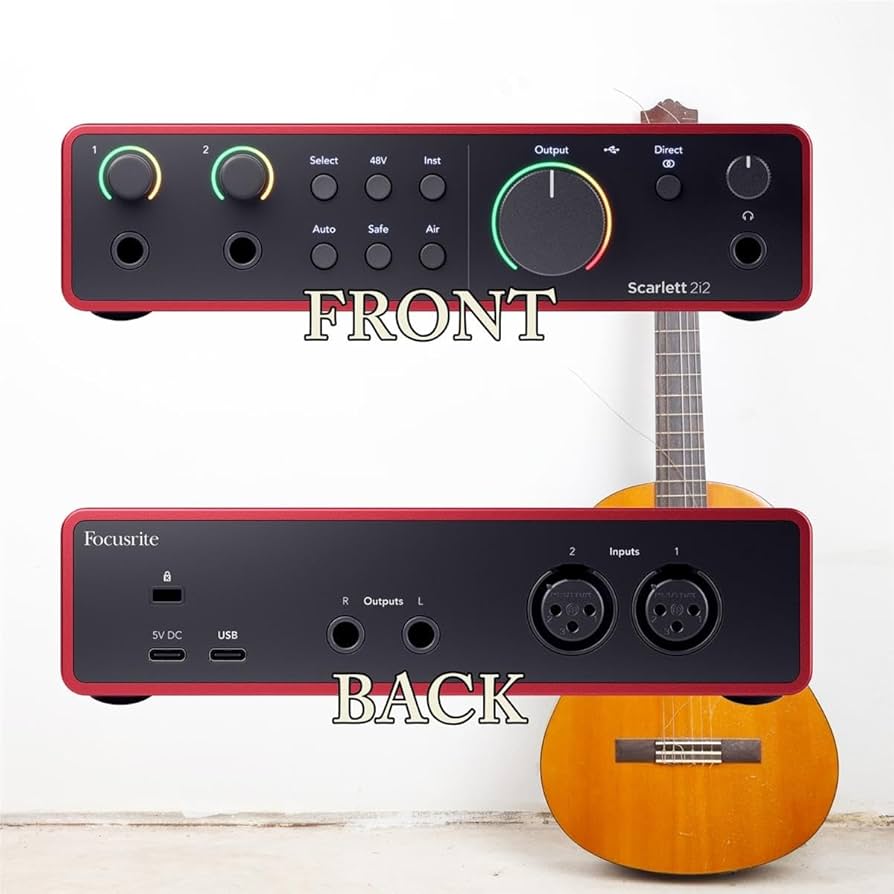
DI direct input during home recording sessions.
Focusrite Scarlett 2i2 4th Gen Pristine preamps and Air mode enhance acoustic pickup clarity for EQ-friendly signal.
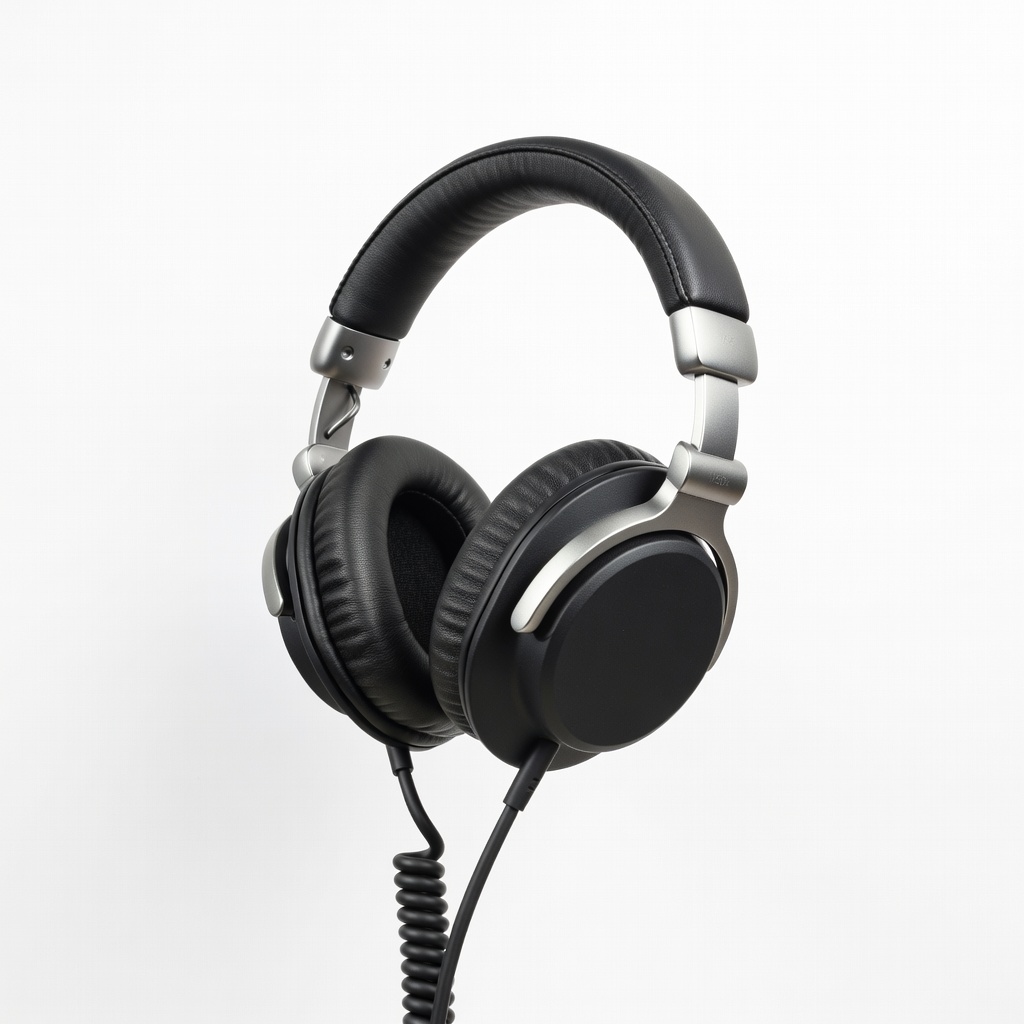
Critical listening during A/B comparisons.
Audio-Technica ATH-M50x Accurate, detailed monitoring reveals EQ flaws without hyping bass.
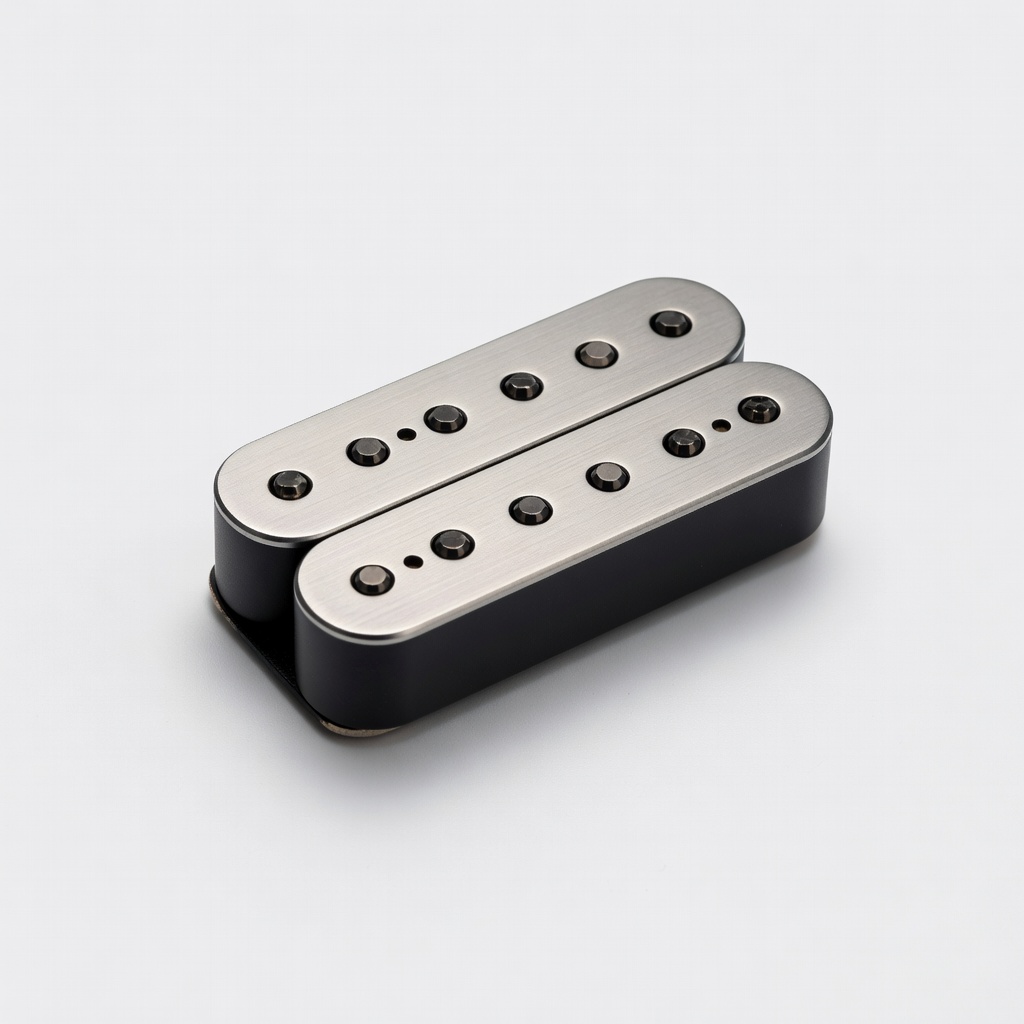
Install in acoustic bass for direct, mic-free recording.
Fishman Rare Earth Humbucker Bass Pickup Natural acoustic tone with hum-cancellation, ideal clean source for EQ.
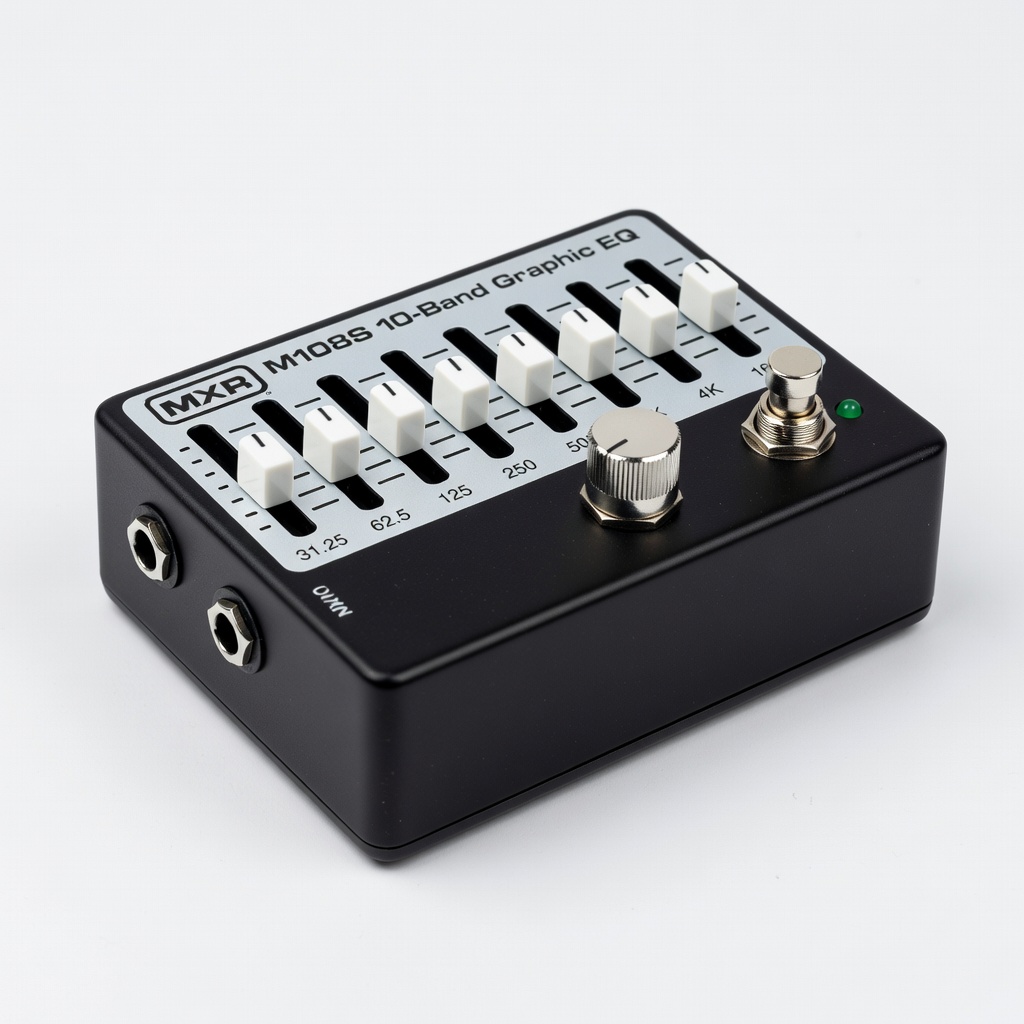
Live tracking or pedalboard integration.
MXR M108S 10-Band Graphic EQ Hardware EQ for analog warmth and quick tweaks pre-DAW.