
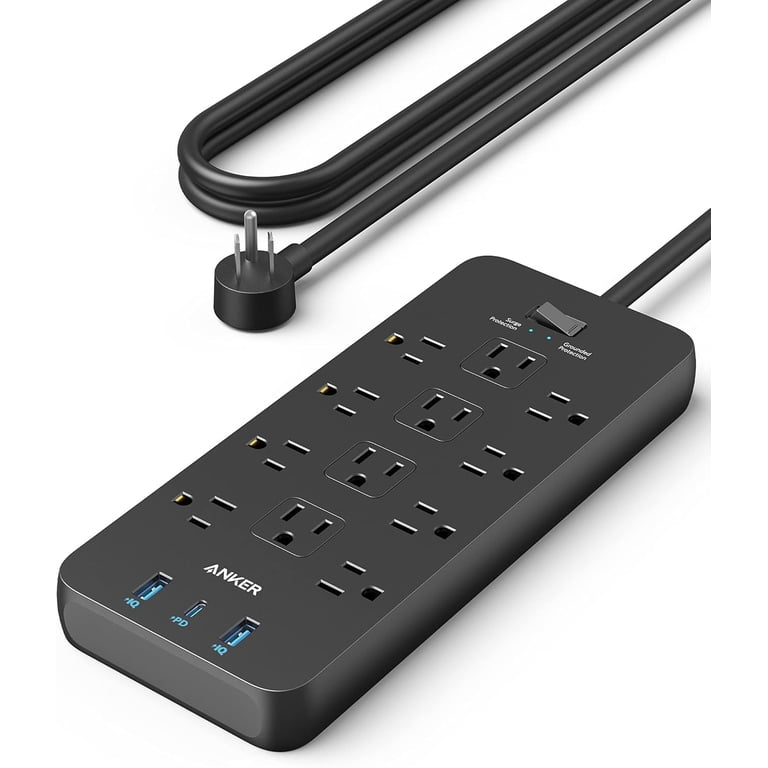
Anker 521 Power Strip Surge Protector (12 Outlets)
Base for multi-device home/office setups.
$35-$40
Anker 521 Power Strip Surge Protector (12 Outlets) 12 AC + USB ports, 2100J surge protection, ideal primary strip for safe chaining.
Get the App
Better experience on mobile
Power multiple devices without overloads by safely connecting adapters in a chain—complete guide for clutter-free charging.
Running out of outlets while charging phones, laptops, and gadgets? Daisy chaining adapters lets you expand one wall socket into a hub for all your devices. But done wrong, it risks fires, tripped breakers, or damaged gear. This guide shows you how to do it safely.
You'll learn to calculate power needs, select compatible gear, and set up a reliable chain. Expect a quick 10-15 minute process that's intermediate-level—basic electrical knowledge helps, but no pro skills needed.
We'll cover step-by-step instructions, safety checks, and pro tips to avoid hazards, ensuring your setup powers everything reliably.
Estimated Time: 10-15 minutes Difficulty: intermediate
Before plugging anything, add up the wattage of all devices. Check labels or manuals—e.g., laptop (65W), phone (20W), total under 1800W for a 15A circuit (80% rule).
Why? Overloading causes heat buildup and fires. Use an app like Kill A Watt or online calculator.
Success: List showing total <12A (1440W).
💡 Tips:
⚠️ Warnings:
Select UL-listed power strips/surge protectors with 10+ outlets, 15A rating, and short cords. Avoid cheap no-name brands.
Look for 'surge protection' and joule ratings >1000. Daisy chain max 2-3 levels deep.
Success: Gear rated for your total load.
💡 Tips:
Plug nothing yet—test outlet with a voltage tester or lamp. Ensure it's a dedicated 15/20A circuit, not shared with appliances.
Why? Shared circuits trip easily.
Success: Outlet confirms 110-120V stable.
⚠️ Warnings:
Connect your main surge protector directly to the wall. Use the shortest cord possible.
This forms the chain base—handles full load.
Success: Strip powers on, indicator lights green.
Plug secondary strip/adapter into primary's outlet. Limit to 2 chains max.
Distribute load evenly—high-wattage on primary.
Success: Secondary powers up without dimming lights.
💡 Tips:
Plug devices starting with lowest draw. Use USB if available.
Balance across strips.
Success: All devices charge without heat.
Run for 30 mins, feel cords (warm OK, hot no). Use multimeter on outlets.
Success: Stable charging, no trips.
⚠️ Warnings:
Zip-tie cords, label strips. Unplug when not in use.
Success: Neat, safe setup.
💡 Tips:
Problem: Circuit trips immediately
Solution: Reduce load by 50%, unplug high-draw devices first. Check breaker.
Problem: Devices charge slowly
Solution: Verify even distribution; replace with higher-amp adapters.
Problem: Strips get hot
Solution: Unplug all, inspect for damage. Don't reuse—replace.
Problem: No power in chain
Solution: Test each link individually; loose plug common.
12 AC + USB ports, 2100J surge protection, ideal primary strip for safe chaining.
Best for: Base for multi-device home/office setups.
Price Range: $35-$40
High 4320J rating, slim design, perfect secondary with USB ports.
Best for: Expanding chains without bulk.
Price Range: $25-$30
Single-wall charger replaces chains, powers laptops/phones safely.
Best for: Alternative to daisy chaining for travel/portability.
Price Range: $70-$80
Adds ports via USB-C, reduces AC daisy needs.
Best for: Laptop docking with power passthrough.
Price Range: $25-$35
Budget-friendly, reliable for light chaining.
Best for: Entry-level multi-device charging.
Price Range: $15-$20
Base for multi-device home/office setups.
Anker 521 Power Strip Surge Protector (12 Outlets) 12 AC + USB ports, 2100J surge protection, ideal primary strip for safe chaining.
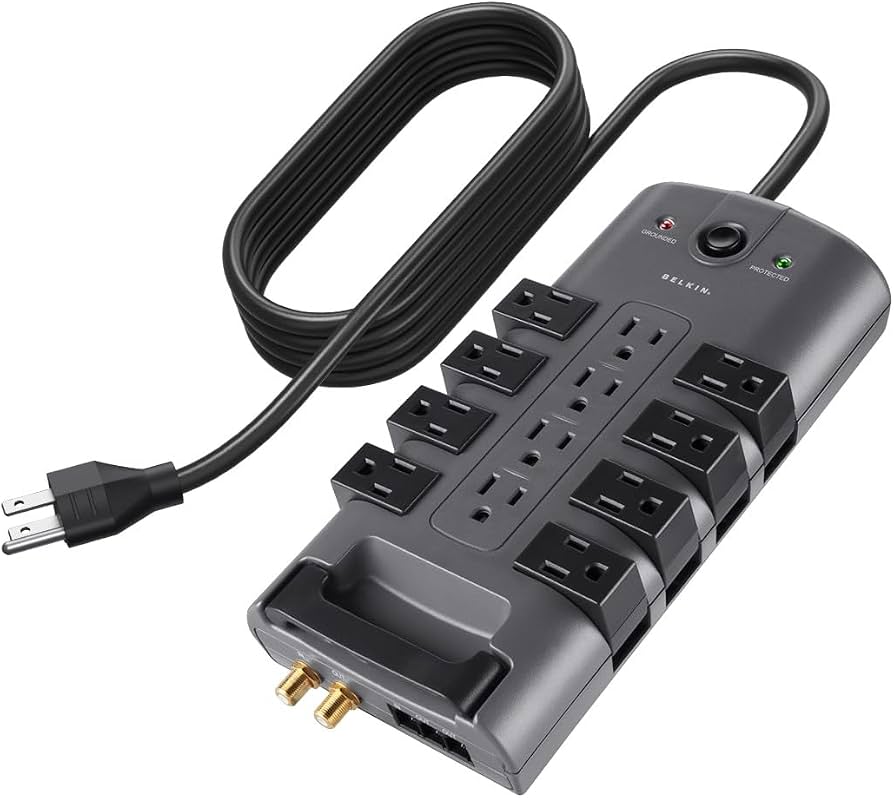
Expanding chains without bulk.
Belkin 12-Outlet Surge Protector Power Strip High 4320J rating, slim design, perfect secondary with USB ports.
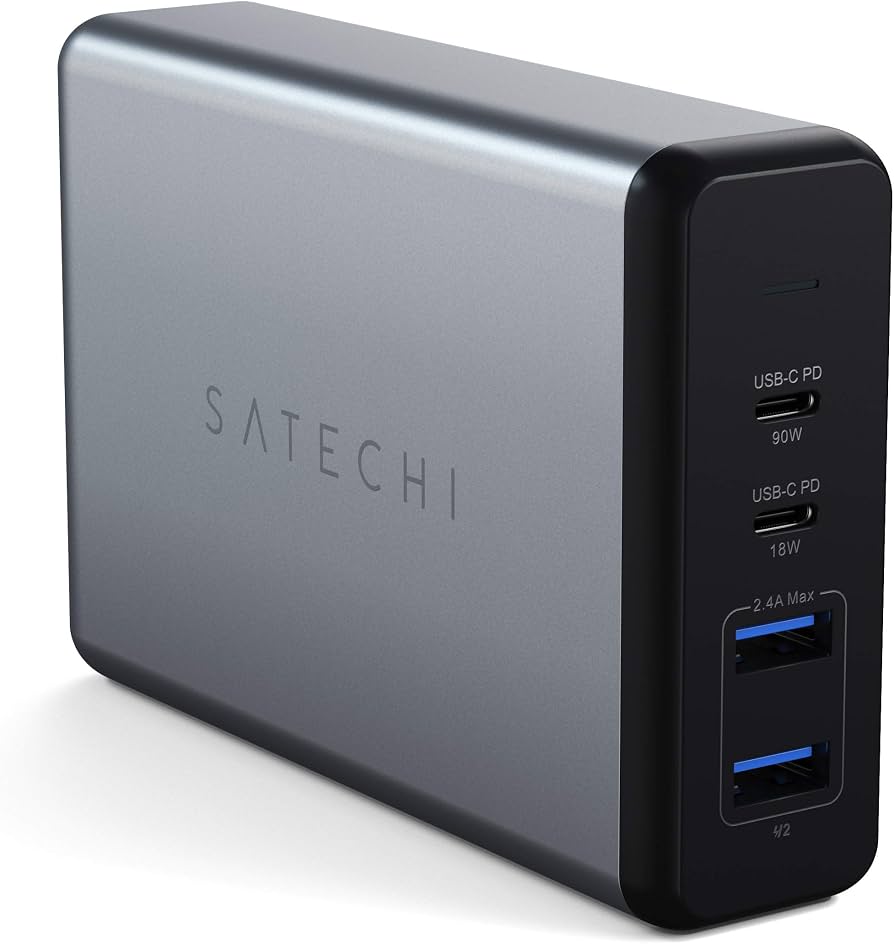
Alternative to daisy chaining for travel/portability.
Satechi 108W USB-C 6-Port PD GaN Charger Single-wall charger replaces chains, powers laptops/phones safely.
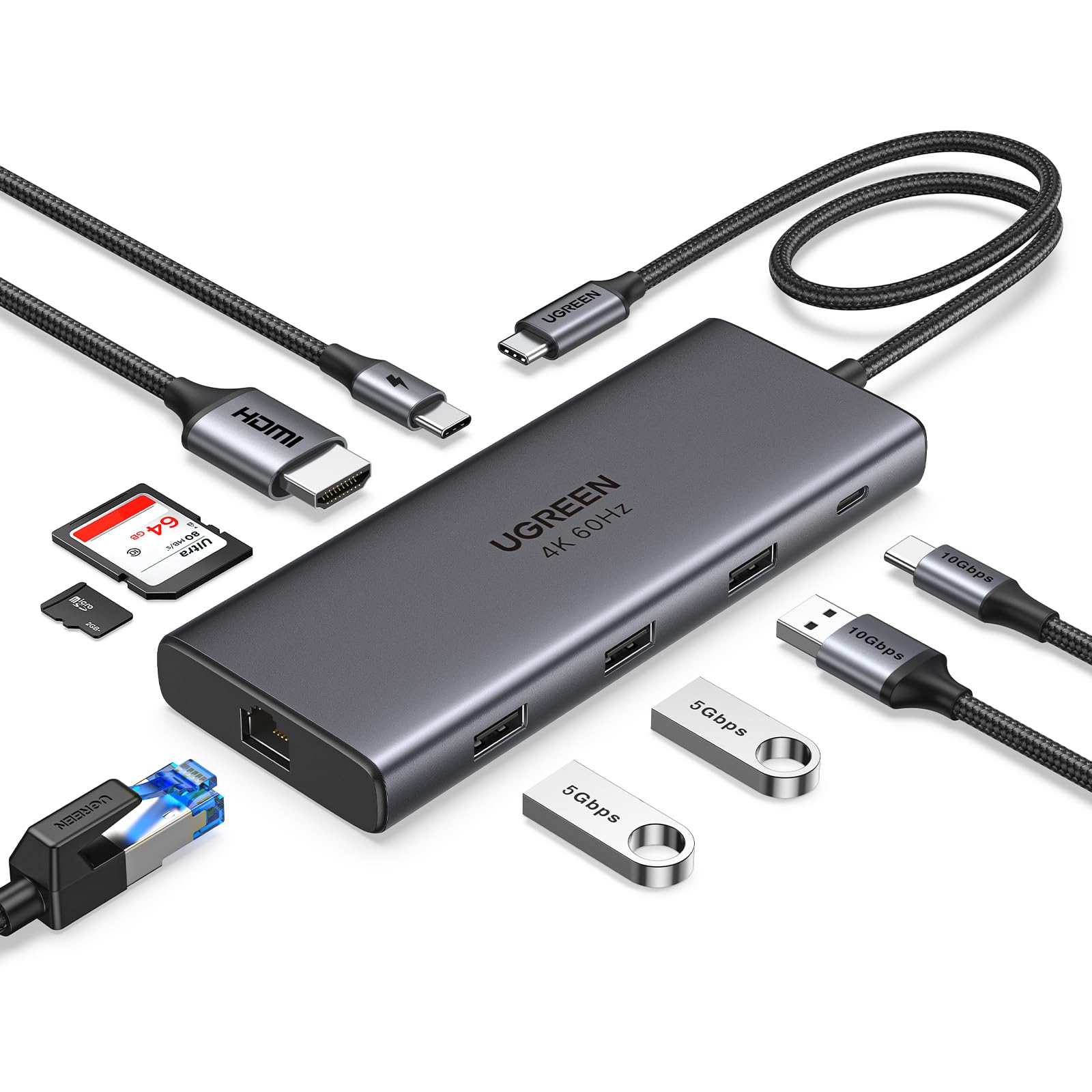
Laptop docking with power passthrough.
UGREEN 9-in-1 USB C Hub Adds ports via USB-C, reduces AC daisy needs.
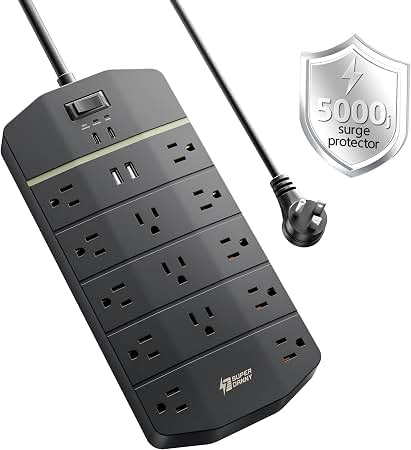
Entry-level multi-device charging.
Amazon Basics 8-Outlet Surge Protector Budget-friendly, reliable for light chaining.