
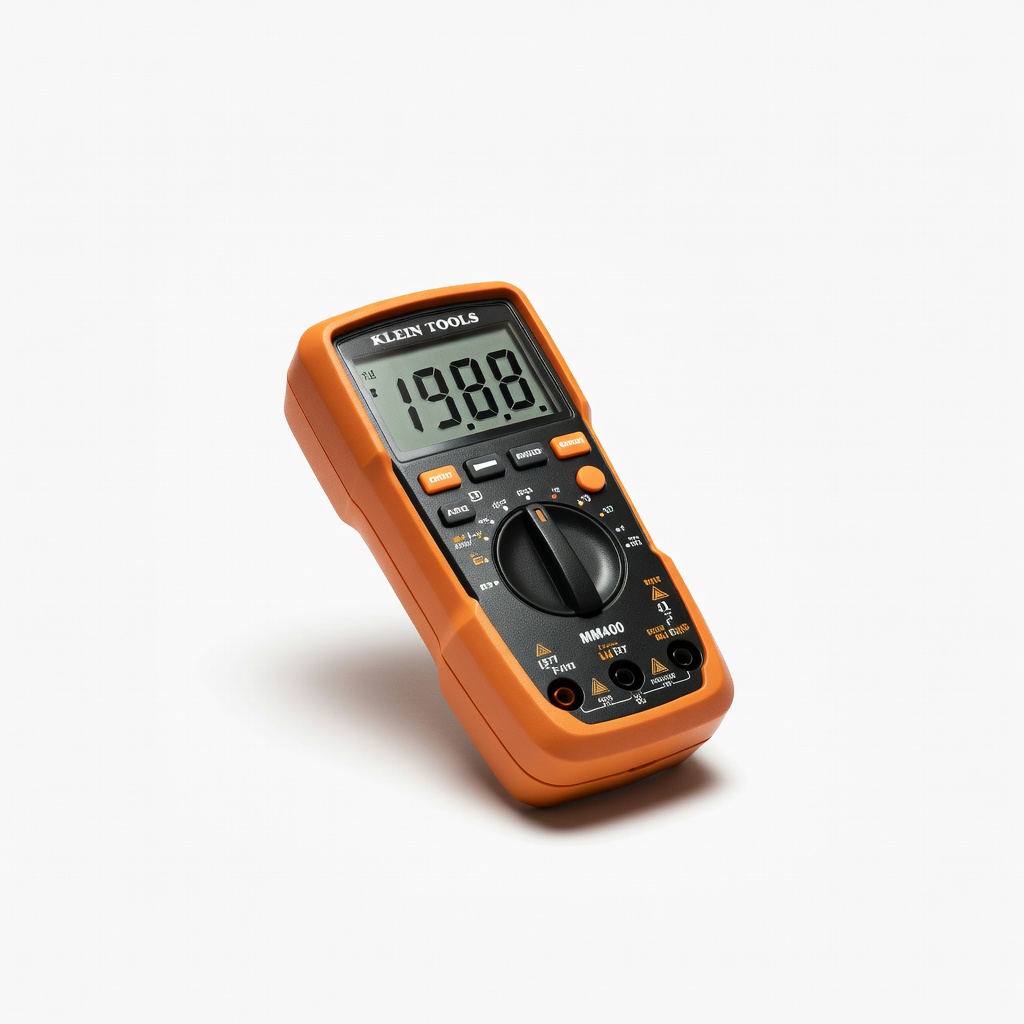
Klein Tools MM400 Digital Multimeter
Verify outputs at each chain stage.
$29.99-$35
Klein Tools MM400 Digital Multimeter Essential for accurate voltage/current testing to prevent overloads.
Get the App
Better experience on mobile
Learn step-by-step how to daisy chain power adapters without risking overloads, fires, or device damage—perfect for powering multiple gadgets safely.
Daisy-chaining AC adapters—plugging one adapter into another's output or into a power strip powered by another—is a common hack for extra outlets, but it often leads to overheating, tripped breakers, or even fires. With devices like routers, chargers, and LED lights demanding more ports, knowing how to do it safely can save your setup without compromising safety.
In this guide, you'll learn to calculate power loads, check compatibility, and implement safeguards for intermediate users comfortable with basic electrical concepts. We'll cover everything from preparation to monitoring, so you can extend your power setup reliably. Expect 20-30 minutes for initial setup, with ongoing checks taking just seconds.
By the end, you'll have a stable, low-risk daisy chain powering your devices, plus tips to avoid common pitfalls and better long-term alternatives.
Estimated Time: 20-30 minutes for setup + 5 minutes daily monitoring Difficulty: intermediate
List all devices you plan to power and sum their wattage (W) or amperage (A) requirements from manuals or labels. Multiply volts (usually 120V in US) by amps for watts if needed (e.g., 0.5A x 120V = 60W).
Why it matters: Exceeding an adapter's rating causes overheating. Aim for total load under 80% of the lowest-rated adapter's capacity. Success: A spreadsheet or note with totals under limits, e.g., <480W for a 600W adapter chain.
Expect devices like phone chargers (5-20W) to add up quickly.
💡 Tips:
⚠️ Warnings:
Inspect each adapter's output plug (barrel, USB) and ensure the 'upstream' adapter's output matches the 'downstream' device's input. Check voltage (V), amps (A), and polarity (center positive/negative).
Why: Mismatched specs fry devices. Success looks like all adapters rated for the chain's total load, with primary wall adapter highest-rated.
Use a multimeter set to DC volts to confirm output matches labels.
💡 Tips:
⚠️ Warnings:
Plug the primary adapter into a surge protector with at least 1000 joules protection and a 15A breaker, not directly into the wall. This acts as your chain's foundation.
Why: Surge protectors interrupt overloads safely. Success: Protector's light indicates power, no immediate heat.
Position it in a ventilated area away from flammables.
💡 Tips:
⚠️ Warnings:
Plug primary adapter (highest rating) into surge protector, then secondary into primary's output (if pass-through), and so on. Limit to 2-3 levels max.
Why: Sequential ensures load distribution. Success: All devices power on without buzzing, flickering, or heat.
Start with one device, test, then add.
💡 Tips:
⚠️ Warnings:
Set multimeter to AC volts at wall outlet (expect ~120V), then DC at each adapter output under load. Measure current draw per device.
Why: Confirms no voltage sag (>5% drop fails). Success: Readings match specs, total current <80% rating.
Unplug if drops exceed 10%.
💡 Tips:
⚠️ Warnings:
Feel adapters after 30 minutes—warm is OK, hot (>140°F/60°C) is not. Use IR thermometer for precision. Run 24 hours.
Why: Heat signals overload. Success: Stable temps, no tripped breakers.
Check daily initially.
💡 Tips:
⚠️ Warnings:
Weekly: Recheck loads, temps, and connections. Use smart plugs for remote monitoring.
Why: Conditions change. Success: Logbook shows consistency.
Upgrade if loads grow.
💡 Tips:
⚠️ Warnings:
Problem: Adapters get hot or trip breaker
Solution: Reduce load by 50%, unplug one by one to isolate. Replace if persistent.
Problem: Devices flicker or underperform
Solution: Check voltage drop with multimeter; shorten chain or upgrade primary adapter.
Problem: No power after setup
Solution: Verify polarity and connections; test adapters individually. Seek electrician if wall outlet faulty.
Problem: Burning smell
Solution: Unplug everything immediately, discard chain, inspect for damage. Do not reuse.
Essential for accurate voltage/current testing to prevent overloads.
Best for: Verify outputs at each chain stage.
Price Range: $29.99-$35
High joule rating (4320J) and 8ft cord provide safe chaining base.
Best for: Foundation for primary adapter with overload protection.
Price Range: $25-$30
6 outlets + 30W USB-C for mixed AC/DC chains, compact design.
Best for: Ideal for desk setups with USB daisy chaining.
Price Range: $35-$40
12 outlets, 2880J, phone line protection for comprehensive safety.
Best for: Heavy-load chains like home offices.
Price Range: $40-$50
Non-contact temp checks spot overheating early.
Best for: Daily monitoring without risk.
Price Range: $20-$25
Verify outputs at each chain stage.
Klein Tools MM400 Digital Multimeter Essential for accurate voltage/current testing to prevent overloads.
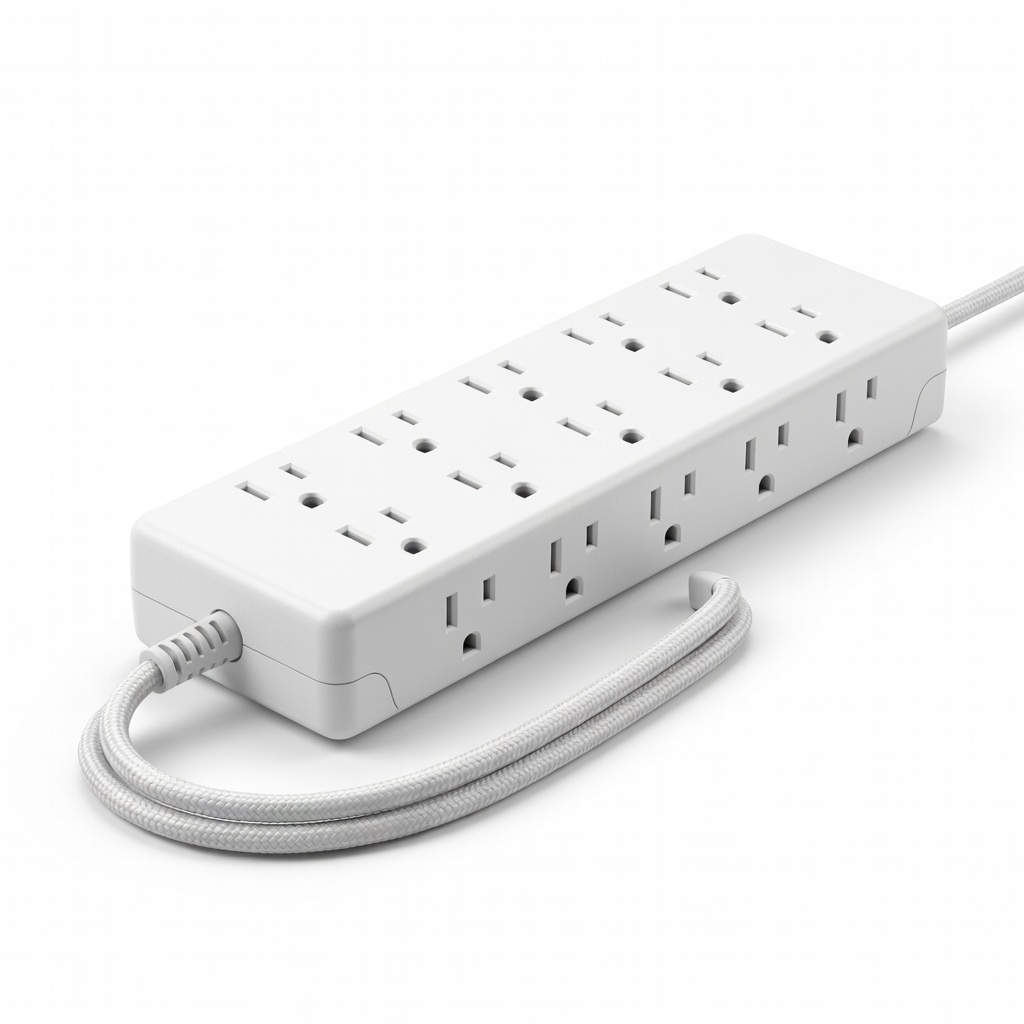
Foundation for primary adapter with overload protection.
Belkin 12-Outlet Surge Protector (BV112230-08) High joule rating (4320J) and 8ft cord provide safe chaining base.
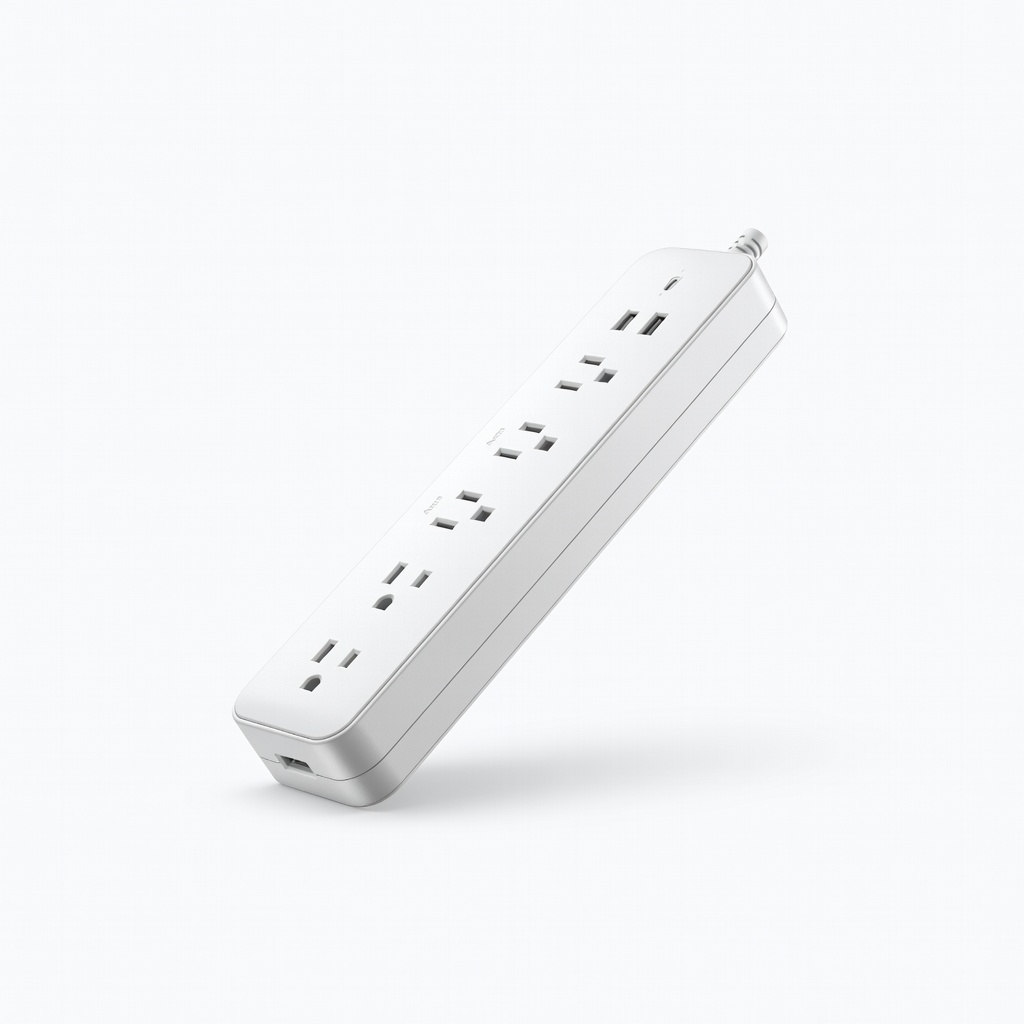
Ideal for desk setups with USB daisy chaining.
Anker Power Strip Surge Protector (511 Charger) 6 outlets + 30W USB-C for mixed AC/DC chains, compact design.
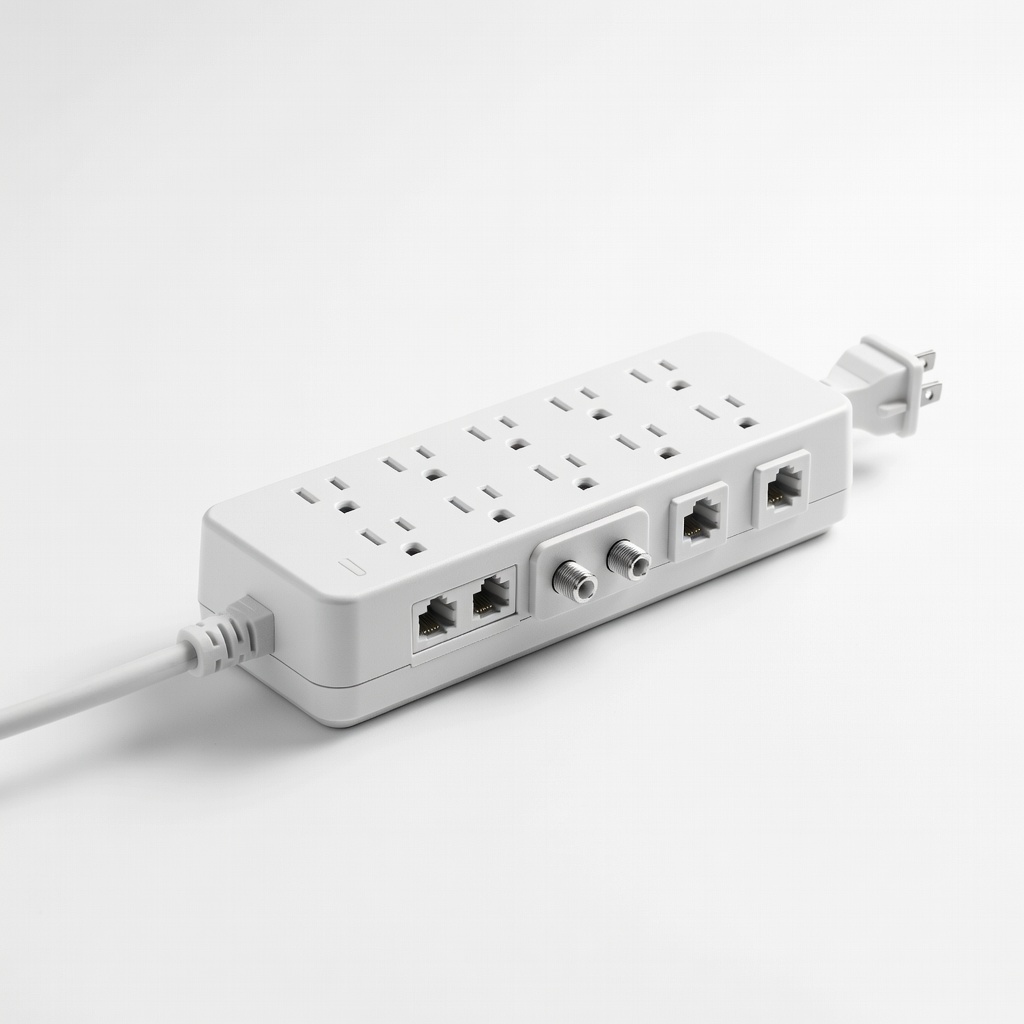
Heavy-load chains like home offices.
Tripp Lite Protect It Surge Protector (TLP1208TELTV) 12 outlets, 2880J, phone line protection for comprehensive safety.
Daily monitoring without risk.
Etekcity Lasergrip 774 Infrared Thermometer Non-contact temp checks spot overheating early.