Running out of outlets during holiday setup is a common frustration, especially for elaborate light displays with multiple low-voltage LED strings each needing its own AC adapter. Daisy-chaining adapters via a power strip allows you to consolidate plugs, but doing it wrong risks overloads, fires, or dim lights. This guide ensures you do it safely.
You'll learn to calculate loads, select gear, and set up a reliable chain that lights up your yard or tree without hazards. The process is straightforward for intermediate users familiar with basic electrical concepts like amps and watts.
Expect 20-30 minutes total, mostly planning and plugging. We'll cover safety first—no guesswork.
▸What You'll Need
- •Multiple compatible AC-DC adapters (check voltage/amperage ratings match your lights)
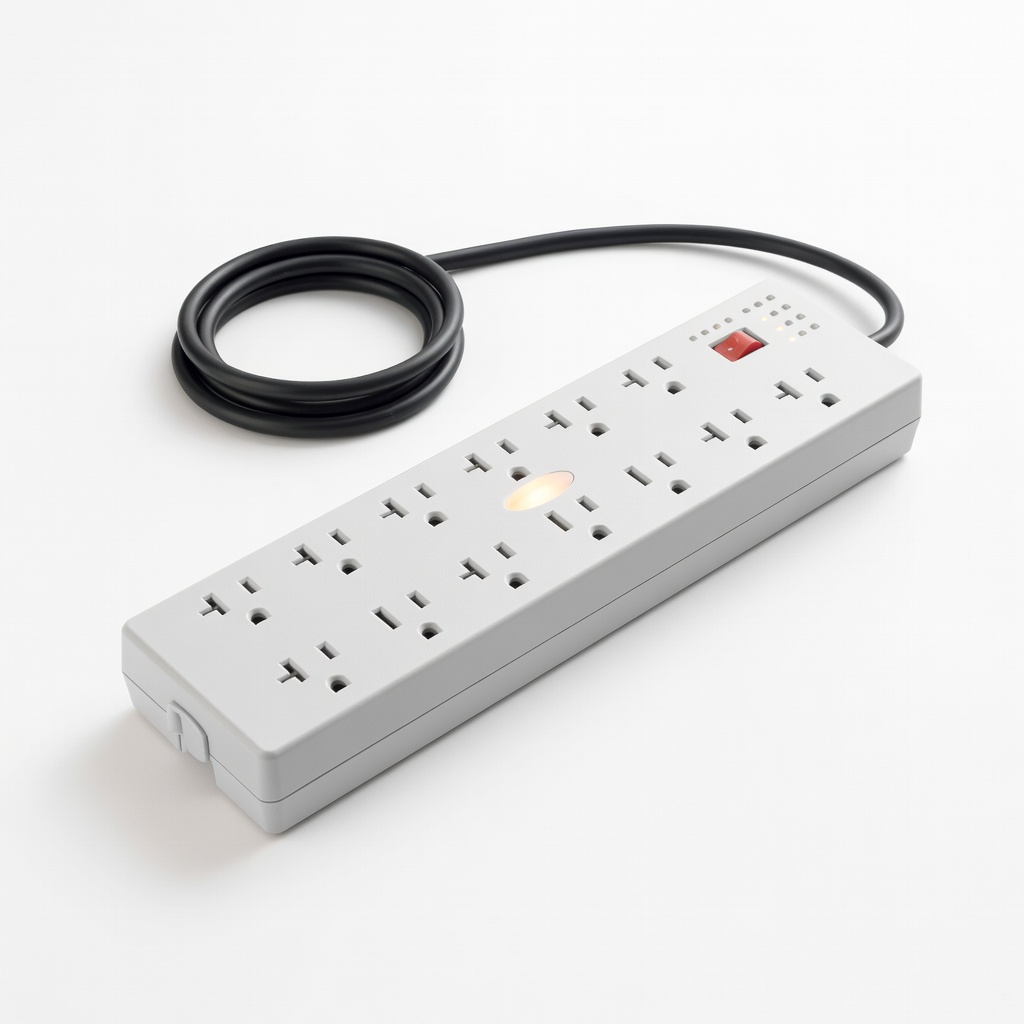
- •Heavy-duty surge protector power strip (12+ outlets, 15A rating minimum)
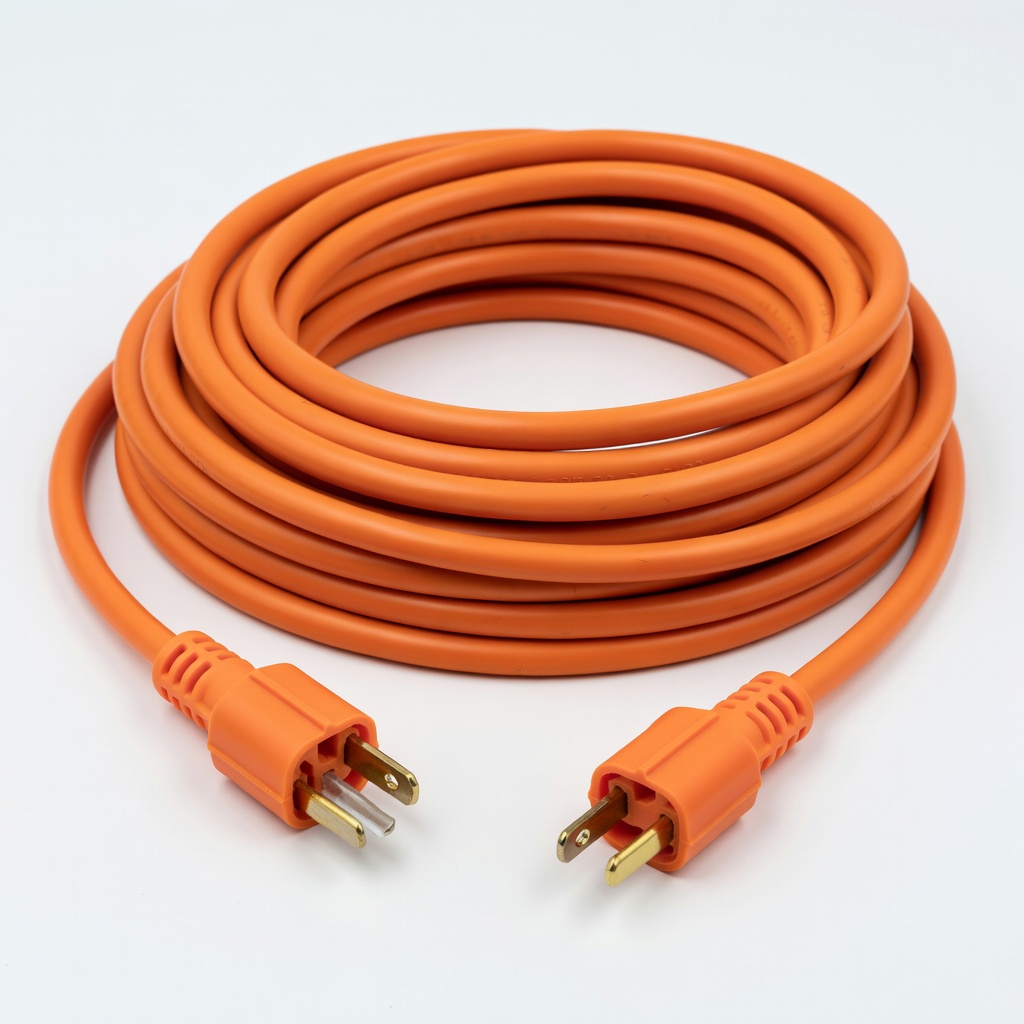
- •Outdoor-rated extension cord (12/3 gauge, 50ft if needed)
- •Multimeter or wattage meter (optional, for precise load testing)
- •Zip ties or cable clips for securing cords
- •GFCI outlet tester
Estimated Time: 20-30 minutes
Difficulty: intermediate
▸Step-by-Step Instructions
Step 1: Calculate Total Power Load
List all AC adapters and their ratings (found on labels: e.g., 12V 2A = 24W). Multiply volts by amps for watts per adapter, then sum them. Divide total watts by 120V for total amps. Keep under 12A (80% of a standard 15A circuit) to prevent overloads.
Why it matters: Exceeding capacity trips breakers or causes fires. Success: A worksheet showing e.g., 8 adapters at 1.5A each = 12A total—safe.
Image description: Close-up of adapter label with volt/amp highlighted, next to a notepad with calculations.
💡 Tips:
- •Use an online calculator like 'holiday light wattage calculator' for speed.
⚠️ Warnings:
- •Never guess—overestimation is safer than under.
Step 2: Verify Circuit and Outlet Capacity
Test your outlet with a GFCI tester. Confirm it's on a 15A or 20A circuit (check breaker panel). Avoid sharing with high-draw appliances like heaters.
This prevents cascading failures. Expect: Green light on tester confirming safe outlet.
💡 Tips:
- •Outdoors? Use GFCI-protected outlets only.
⚠️ Warnings:
- •Skip old outlets—replace if tester fails.
Step 3: Select and Inspect Power Strip
Choose a 15A-rated surge protector with 12+ outlets, spaced for bulky adapters. Inspect for damage: frayed cords, bent prongs.
Why: Surge protection guards against spikes; spacing avoids blocking plugs. Success: Strip ready, cord uncoiled.
Step 4: Unplug Everything and Prepare Workspace
Turn off power at breaker if possible. Lay out strip, extension (if used), and adapters on a dry surface.
Safety first—eliminates shock risk. Expect: Organized, hazard-free setup area.
⚠️ Warnings:
- •Work with dry hands; no water nearby.
Step 5: Connect Adapters to Power Strip
Plug adapters into strip outlets, grouping by type. If using extension, connect strip to it first. Alternate heavy/light plugs for balance.
Distributes load evenly. Success: All adapters plugged without overcrowding.
💡 Tips:
- •Use adapters with slim profiles to fit more.
Step 6: Plug into Outlet and Power On
Connect strip (or extension) to wall outlet. Flip breakers on one by one, monitoring for heat or trips.
Gradual test catches issues early. Expect: All adapters lit, no buzzing.
Step 7: Connect Lights and Test Sequentially
Attach light strings to adapter DC outputs. Turn on one segment at a time, checking brightness and heat after 5 mins.
Ensures chain works holistically. Success: Full display illuminated evenly.
💡 Tips:
- •Dim lights? Voltage drop—shorten runs or upgrade gauge.
Step 8: Secure and Monitor Installation
Zip-tie cords off ground, away from walkways. Check temps hourly first day.
Prevents trips/pulls. Expect: Tidy, stable display.
⚠️ Warnings:
- •Unplug nightly or use timer.
▸Pro Tips
- •Opt for ETL/UL-listed gear only—proves safety testing.
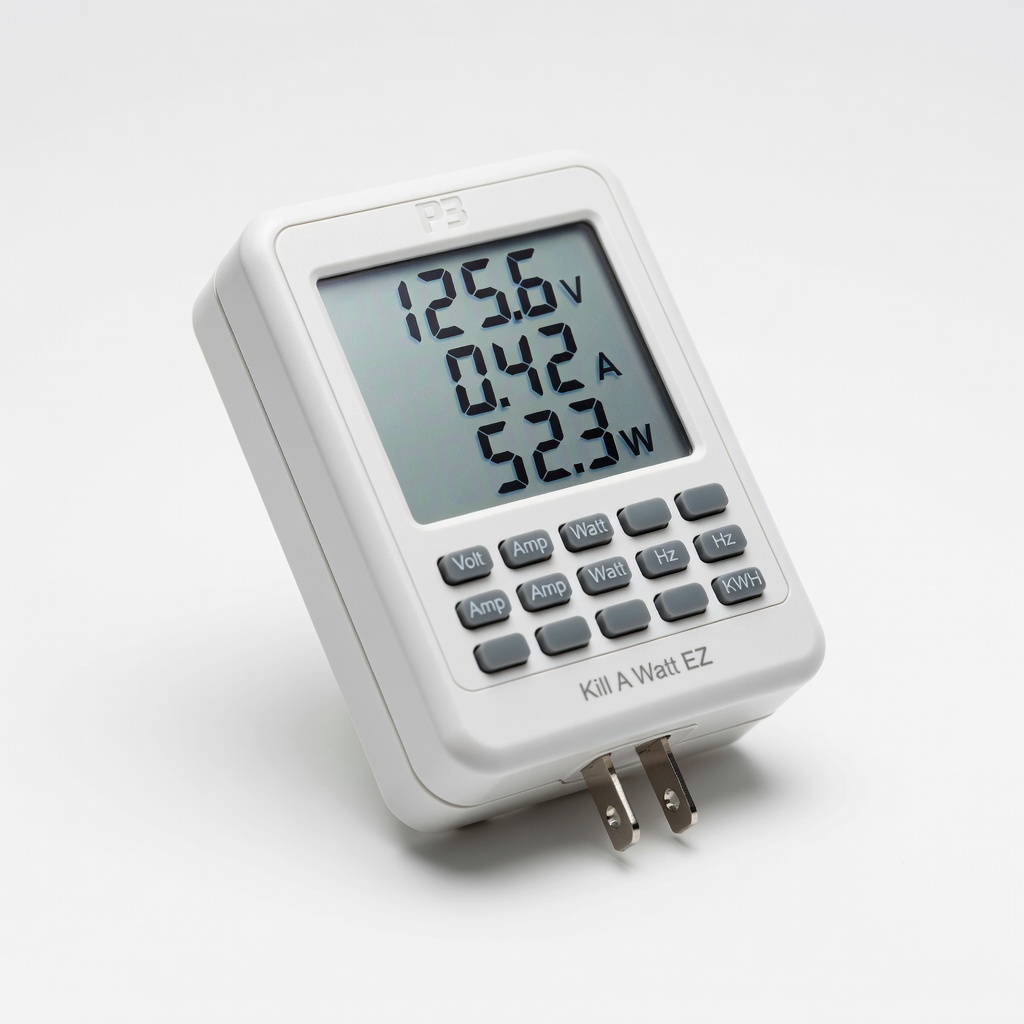
- •Use a Kill-A-Watt meter for real-time draw monitoring.
- •Daisy-chain no more than 3 levels deep (outlet > strip > strip).
- •For outdoors, elevate connections in weatherproof boxes.
- •Label adapters by load for future tweaks.
- •Smart plugs add remote shutoff—great for vacations.
- •Upgrade to a single high-amp power supply for 10+ strings to simplify.
▸Common Mistakes to Avoid
- •Ignoring total amps: Leads to tripped breakers—always calculate first.
- •Using lightweight indoor strips outdoors: Causes shorts—choose SJTW-rated.
- •Over-chaining without surge protection: Voltage spikes fry adapters—add protectors.
- •Skipping heat checks: Early overheating signals overload—monitor 30 mins.
- •Damaged cords: Fire hazard—inspect visually before use.
▸Troubleshooting
Problem: Breaker trips immediately
Solution: Reduce load by unplugging half adapters; redistribute to another circuit.
Problem: Lights flicker or dim at end of chain
Solution: Voltage drop—use thicker extension cord (12-gauge) or fewer adapters.
Problem: Adapters get hot
Solution: Unplug all; check total amps. Improve airflow or replace overloaded ones.
Problem: No power to some lights
Solution: Loose plugs—reseat; test adapters individually with multimeter.
Problem: GFCI trips outdoors
Solution: Check for moisture; dry connections, use waterproof covers. Seek electrician if persistent.
Tripp Lite Protect It 12-Outlet Surge Protector
High 3840 joule surge protection and 15A rating handles multiple adapters safely.
Best for: Core hub for daisy-chaining 8-12 holiday light adapters indoors/outdoors.
Price Range: $45-$55
Amazon Basics 12-Outlet Surge Protector Power Strip
Affordable, 4,320 joules protection with wide-spaced outlets for bulky adapters.
Best for: Budget-friendly option for smaller displays (6-10 adapters).
Price Range: $20-$25
Southwire 50 ft 12/3 SJTW Outdoor Extension Cord
Heavy-duty 15A-rated cord minimizes voltage drop over distance.
Best for: Extending from house outlet to yard display without dimming.
Price Range: $45-$55
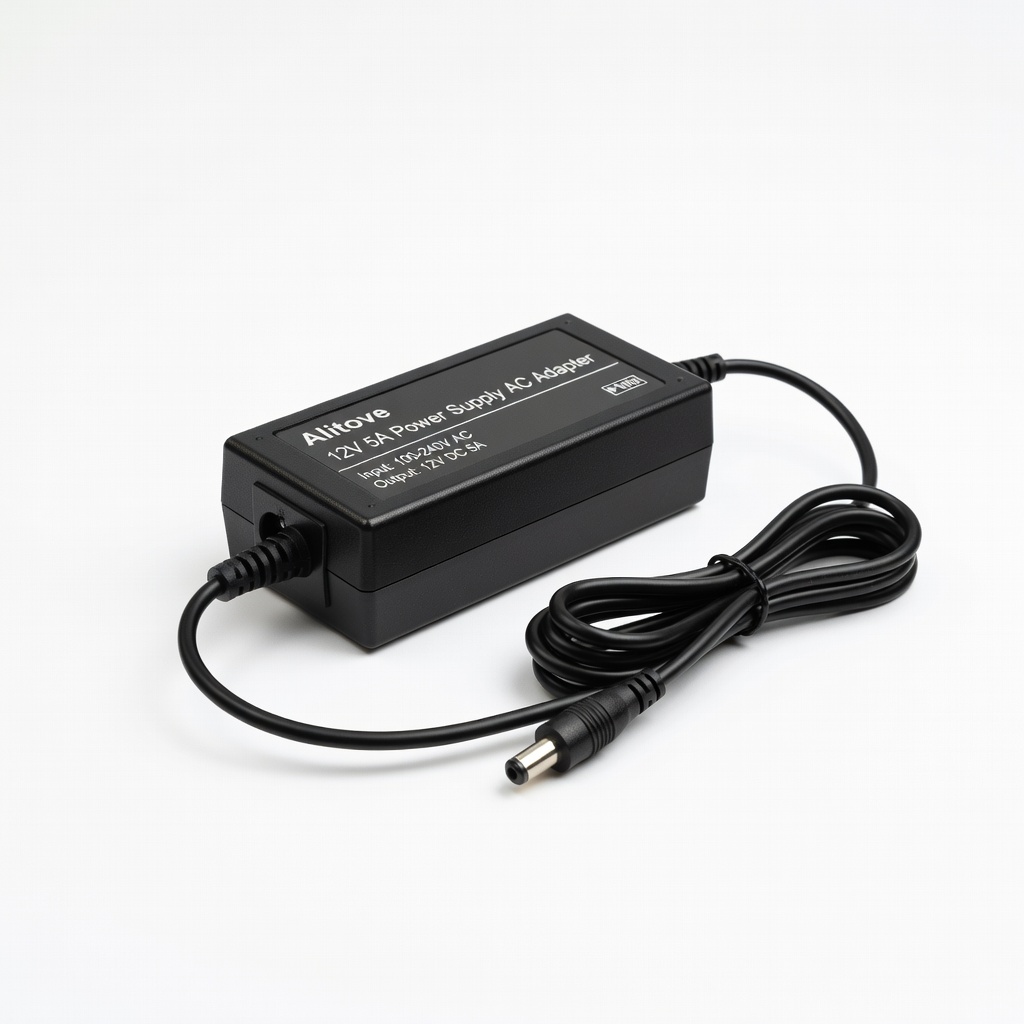
Alitove 12V 5A Power Supply AC Adapter
Reliable for LED holiday strings; multiple units daisy-chain well.
Best for: Replacement or add-on for powering 2-3 light segments per adapter.
Price Range: $15-$20
P3 International Kill A Watt EZ Electricity Usage Monitor
Precisely measures real-time load to verify safe daisy-chaining.
Best for: Testing total draw before full setup.
Price Range: $25-$30