

Cricut EasyPress 2 (9x9)
Precise pressing on sweatshirts up to adult size.
$109.99-$129.99
Cricut EasyPress 2 (9x9) Even heat distribution perfect for activewear without scorching stretch fabrics.
Get the App
Better experience on mobile
Learn to create personalized, durable active sweatshirts using heat transfer vinyl in under 1 hour with pro tips for stretchy fabrics.
Personalizing active sweatshirts with heat transfer vinyl (HTV) lets you turn basic gym wear into unique, motivational pieces that withstand washes and workouts. Whether you're adding logos, quotes, or graphics, HTV offers vibrant, long-lasting results on stretchy polyester blends common in activewear.
In this guide, you'll master the full process from design to final press, tailored for intermediate crafters familiar with cutting machines. Expect professional-quality customizations that look store-bought. The process takes 45-60 minutes per sweatshirt and requires basic crafting setup.
We'll cover material selection for active fabrics, precise application to avoid peeling, and troubleshooting for flawless adhesion every time.
Estimated Time: 45-60 minutes per sweatshirt Difficulty: intermediate
Open your cutting machine software and create or import a design. For active sweatshirts, choose bold, simple fonts and graphics (under 10-12 inches wide) that won't crack during stretching. Mirror the image horizontally since HTV transfers backward.
Size it to fit the chest, back, or sleeve—test placement on paper first. Use vector files (SVG) for crisp cuts. Why it matters: Precise designs ensure clean edges and proper adhesion on stretch fabrics.
Success looks like: A mirrored design preview ready to cut, scaled perfectly for your sweatshirt.
💡 Tips:
Place HTV shiny liner side down on the standard mat. Load into your cutter and select 'HTV' or 'Iron-on' setting (e.g., Cricut: default pressure). Cut at 300-320°F recommended temp preview.
Run the cut. The vinyl should release easily from the liner when done. Why? Correct settings prevent incomplete cuts that ruin weeding.
Success: Clean cuts where vinyl lifts from carrier without tearing.
⚠️ Warnings:
Peel away extra vinyl around and inside your design using weeding tools. Start from an inner corner for intricate areas. For stretch HTV, work slowly to avoid stretching the material.
Inspect for tiny pieces—use tweezers for precision. Why it matters: Clean weeding ensures sharp edges and no residue burning during press.
Success: Only your design remains perfectly on the carrier sheet.
💡 Tips:
Wash and dry the sweatshirt (no fabric softener). Lint-roll the application area. Preheat the fabric for 5-10 seconds with your heat press at 300°F to remove moisture.
Lay flat on a protected surface. Position design face-up, shiny side to fabric. Secure with heat-resistant tape. Why? Prepping prevents peeling from moisture or lint.
Success: Smooth, taut sweatshirt with design taped in place.
Cover design with parchment paper. Press at 305-315°F for 10-15 seconds with firm, even pressure (50-60 PSI if machine allows). For activewear, use medium pressure to avoid scorching stretchy poly.
Success: Vinyl adheres flatly without bubbles.
💡 Tips:
⚠️ Warnings:
Hot peel immediately while warm (for most stretch HTV) or cold peel after 30 seconds. Pull slowly at 45° angle. If sticky, repress 5 seconds.
Inspect adhesion. Why? Timing affects durability on activewear.
Success: Vibrant design bonded seamlessly.
Cover with parchment again. Press 10-20 seconds at 300°F. This cures the adhesive for wash durability.
Cool completely. Success: Design flexes with fabric without lifting.
💡 Tips:
Problem: Design peels after wash
Solution: Use higher temp (315°F) on final press or stretch HTV; wait 48 hours before washing.
Problem: Bubbles or lifting edges
Solution: Repress with parchment for 20 sec; ensure even pressure and no wrinkles.
Problem: Incomplete cuts
Solution: Increase blade depth or cut speed; use new blade.
Problem: Vinyl won't stick
Solution: Surface not prepped—re-wash sweatshirt, preheat longer.
Even heat distribution perfect for activewear without scorching stretch fabrics.
Best for: Precise pressing on sweatshirts up to adult size.
Price Range: $109.99-$129.99
Designed for polyester/spandex activewear—stretches without cracking.
Best for: Customizing gym hoodies and performance fleece.
Price Range: $24.99-$29.99
Cuts stretch HTV flawlessly with smart materials for less waste.
Best for: Design and cut multiple layers quickly.
Price Range: $399-$429
Performance poly blend ideal for HTV—holds up to workouts and washes.
Best for: Blank base for custom athletic apparel.
Price Range: $19.99-$25.99
Precision weeding tools speed up process on intricate designs.
Best for: Weeding stretch HTV without tears.
Price Range: $27.99
Precise pressing on sweatshirts up to adult size.
Cricut EasyPress 2 (9x9) Even heat distribution perfect for activewear without scorching stretch fabrics.
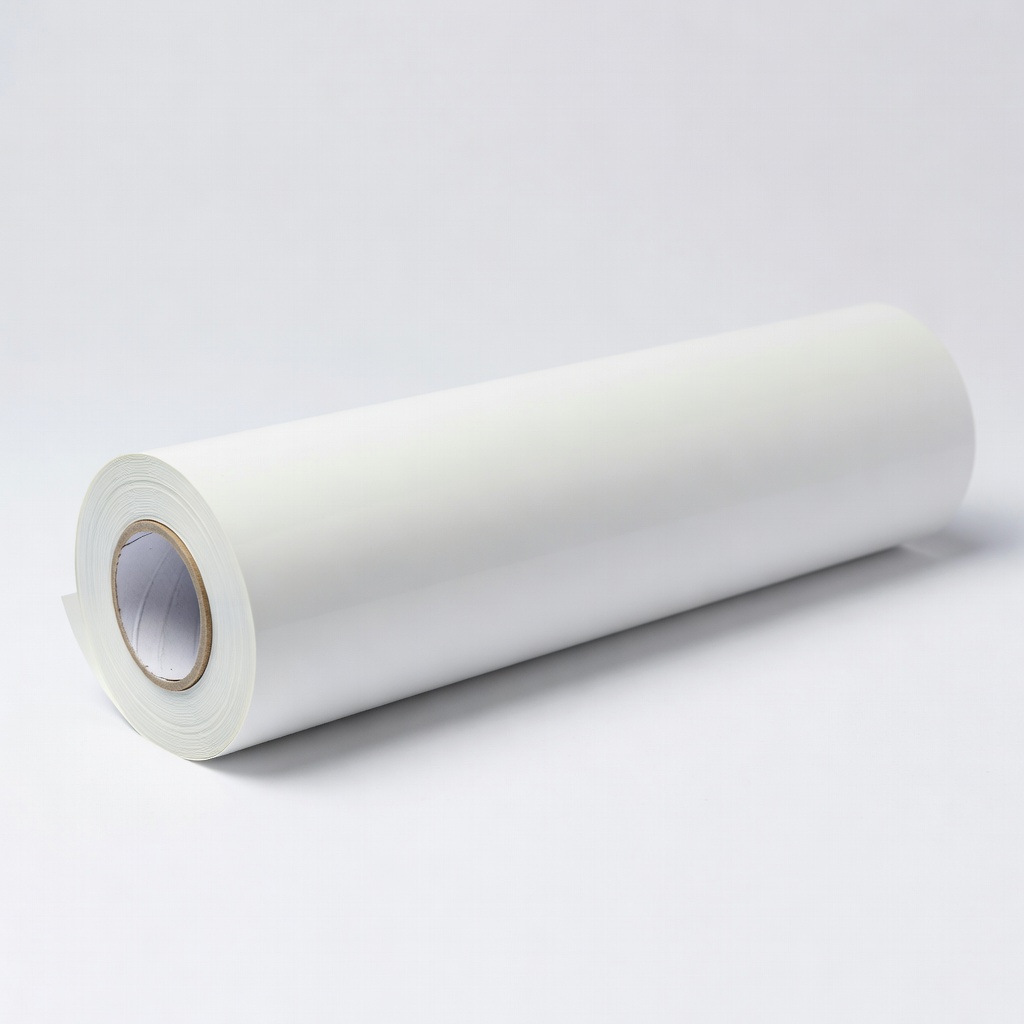
Customizing gym hoodies and performance fleece.
Siser EasyWeed Stretch HTV (12" x 5 yd) Designed for polyester/spandex activewear—stretches without cracking.
Design and cut multiple layers quickly.
Cricut Maker 3 Cuts stretch HTV flawlessly with smart materials for less waste.

Blank base for custom athletic apparel.
Gildan DryBlend Active Hooded Sweatshirt Performance poly blend ideal for HTV—holds up to workouts and washes.
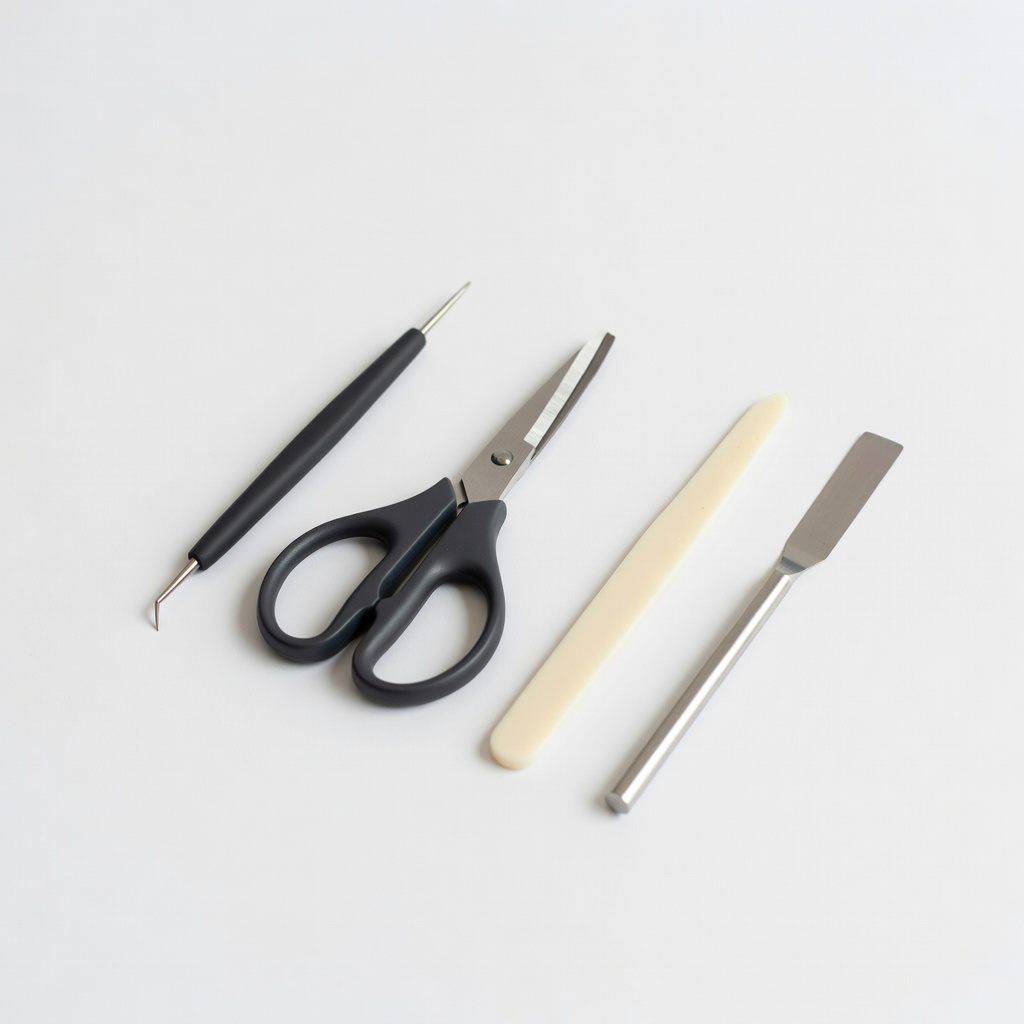
Weeding stretch HTV without tears.
Cricut Basic Tool Set Precision weeding tools speed up process on intricate designs.