
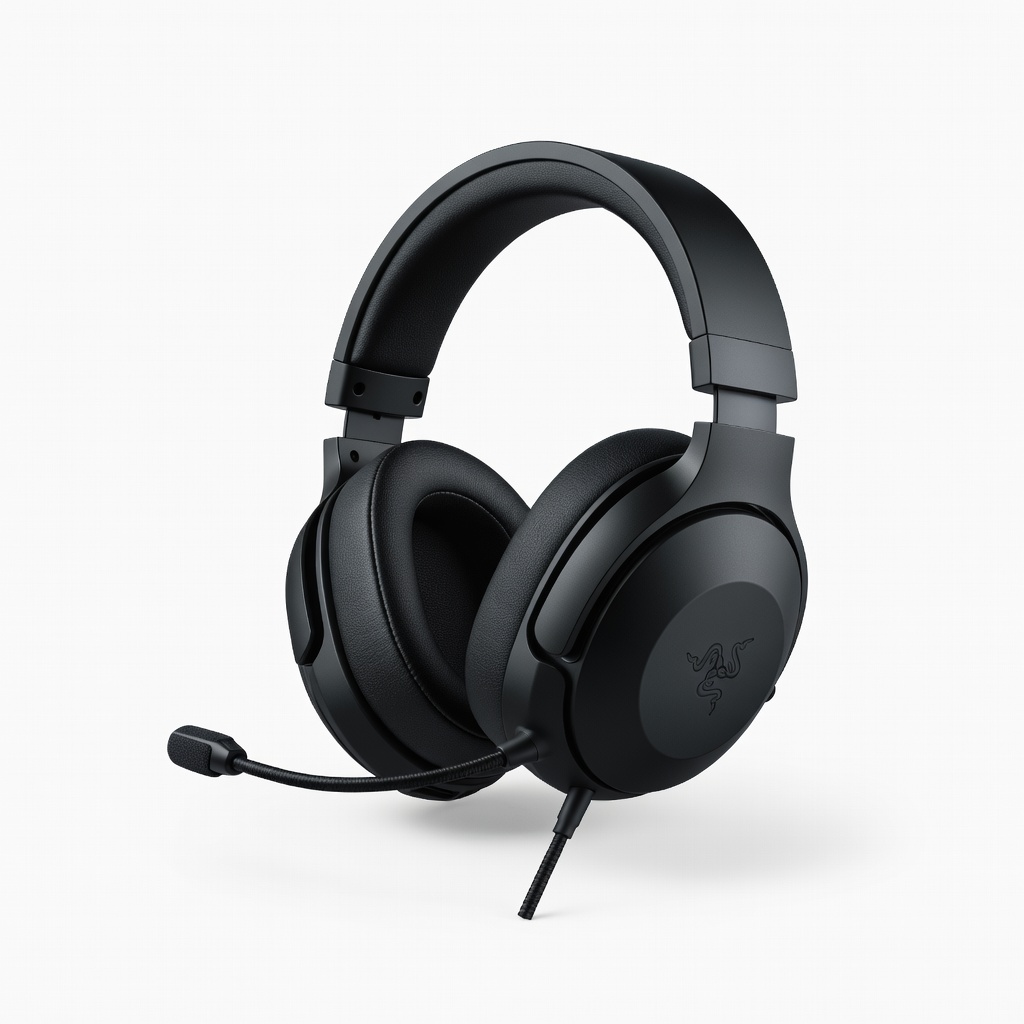
Razer BlackShark V2 Gaming Headset
Wireless freedom during intense action sessions without lag.
$99.99
Razer BlackShark V2 Gaming Headset Hyperspeed wireless with THX spatial audio delivers precise soundstaging for immersive playlist-game sync.
Get the App
Better experience on mobile
Build immersive Spotify playlists tailored to epic action and adventure games like Zelda or Assassin's Creed in under 30 minutes.
Ever felt your gaming sessions in action-packed worlds like The Legend of Zelda: Breath of the Wild or Assassin's Creed lack that extra thrill? Stock game soundtracks can get repetitive, and random music pulls you out of immersion. Custom playlists solve this by syncing high-energy tracks, orchestral scores, and ambient vibes perfectly to your adventures.
In this beginner-friendly guide, you'll learn to curate playlists that boost focus, excitement, and atmosphere. We'll cover choosing a platform, selecting tracks, organizing, and testing—no music expertise needed. Expect a fun, quick process that transforms your gameplay.
Total time: 20-30 minutes. Perfect for newcomers; just follow the steps sequentially.
Estimated Time: 20-30 minutes Difficulty: beginner
Start by selecting a streaming service optimized for playlists. Spotify is ideal for beginners due to its vast gaming soundtrack library, collaborative features, and easy mobile/desktop sync.
Download the Spotify app (free on iOS/Android/Windows/Mac) and sign up or log in. Why Spotify? It has curated gaming playlists like 'Epic Gaming' and user-generated action tracks, plus algorithms suggesting similar songs.
Success: App open with your library visible. Takes 2-3 minutes.
![Spotify app login screen on mobile]
💡 Tips:
⚠️ Warnings:
List 3-5 favorite action & adventure games. Note moods: high-energy combat (fast rock/electronic), exploration (orchestral/ambient), boss fights (intense metal).
Examples: Zelda = adventurous folk; Uncharted = cinematic scores. Why? Themes ensure cohesion—random songs break immersion.
Create a note: 'Boss Fights: 140+ BPM rock.' Expect 5 minutes of jotting ideas.
Success: A themed outline ready.
💡 Tips:
In Spotify, search 'action adventure soundtrack' or game-specific like 'God of War OST'. Add 10-15 tracks: official scores from composers like Nobuo Uematsu (Final Fantasy).
Explore related artists (e.g., Two Steps From Hell for epic trailers). Drag to a new playlist via '+ New Playlist'.
Why? Builds foundation. Expect 70-90 minute runtime total. Success: 10+ tracks added.
💡 Tips:
⚠️ Warnings:
Diversify: Add electronic (for cyberpunk adventures), rock (combat), ambient (stealth). Search 'gaming rock playlist' or 'adventure electronic mix'.
Aim for variety: 40% orchestral, 30% rock/metal, 30% electronic/ambient. Preview in-app to match energy.
Success: 25-40 tracks, balanced moods. Takes 5-7 minutes.
💡 Tips:
Name playlist: 'Epic Action Adventures Vol. 1'. Add description: 'Perfect for Zelda & Assassin's Creed – high BPM bosses!'
Rearrange: Fast tracks first for action, slow for exploration. Edit cover art via 'Change Image' (upload game screenshot).
Why? Makes it personal/shareable. Success: Polished playlist ready.
💡 Tips:
Launch your game, play playlist via Spotify Connect to PC/console or Bluetooth headset. Play 15-20 mins: Note sync (e.g., crescendo on boss spawn).
Adjust volume to not overpower game audio. Success: Feels immersive, no distractions.
Refine: Remove mismatches.
💡 Tips:
⚠️ Warnings:
Save to 'Liked Songs' or library. Share link via socials/games Discord.
Play more sessions, add ratings. Update monthly. Success: Growing playlist collection.
💡 Tips:
Problem: Playlist won't sync to console/headset
Solution: Enable Spotify Connect or Bluetooth pairing; restart app/device.
Problem: Tracks unavailable/offline
Solution: Upgrade to Premium or check regional availability; download manually.
Problem: Audio overpowers game sounds
Solution: Lower Spotify volume to 60%; use headset mixer if available.
Problem: Suggestions not gaming-relevant
Solution: Seed with official OSTs first; reset 'Recommended' via settings.
Hyperspeed wireless with THX spatial audio delivers precise soundstaging for immersive playlist-game sync.
Best for: Wireless freedom during intense action sessions without lag.
Price Range: $99.99
Clear highs/mids for orchestral scores and budget-friendly for beginners.
Best for: Daily wired use on PC/console for playlist testing.
Price Range: $49.99
Lightweight, low-latency Bluetooth for mobile gaming with playlists.
Best for: Portable testing on Switch/phone adventures.
Price Range: $79.99
RGB-synced desktop speakers amplify epic playlist booms.
Best for: Stationary PC gaming for room-filling adventure audio.
Price Range: $199.99
40hr battery with ANC blocks distractions for focused curation.
Best for: Budget wireless option for building playlists anywhere.
Price Range: $79.99
Wireless freedom during intense action sessions without lag.
Razer BlackShark V2 Gaming Headset Hyperspeed wireless with THX spatial audio delivers precise soundstaging for immersive playlist-game sync.
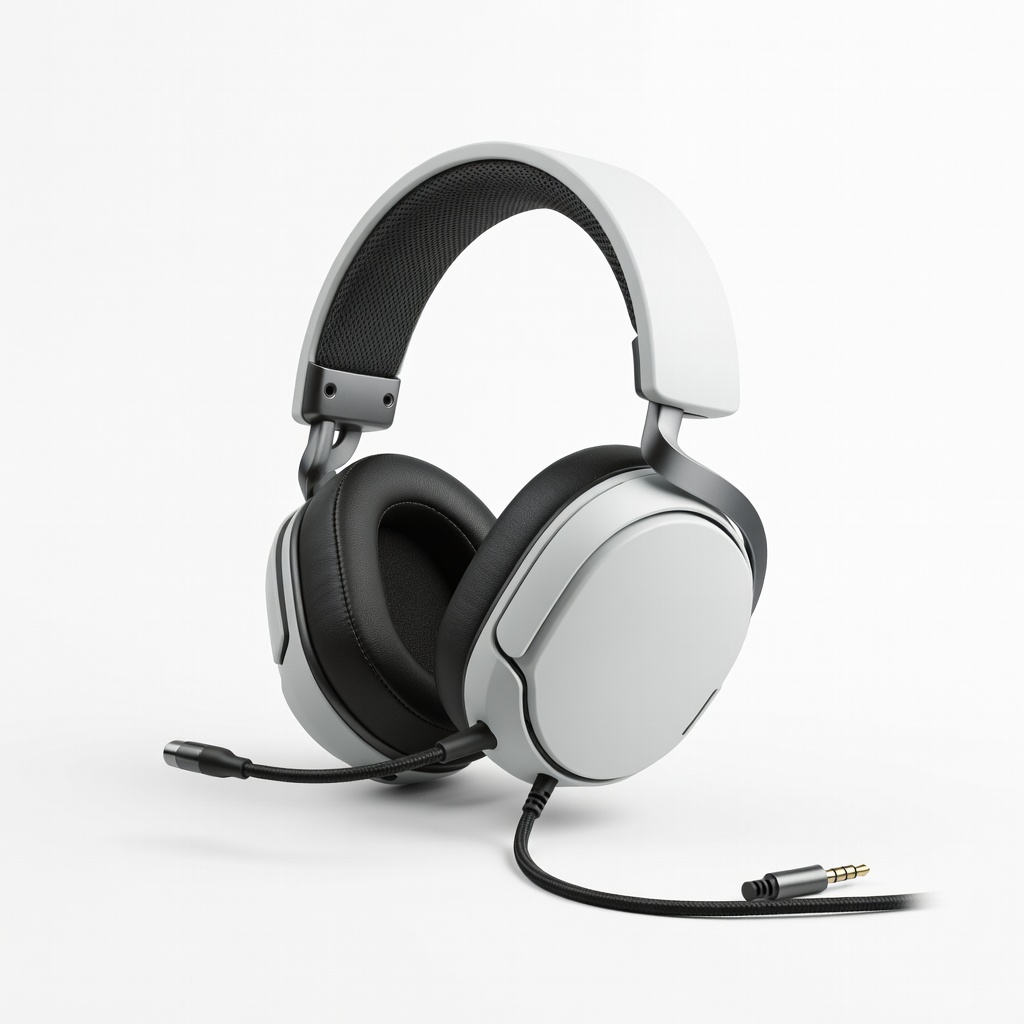
Daily wired use on PC/console for playlist testing.
SteelSeries Arctis 1 Wired Gaming Headset Clear highs/mids for orchestral scores and budget-friendly for beginners.
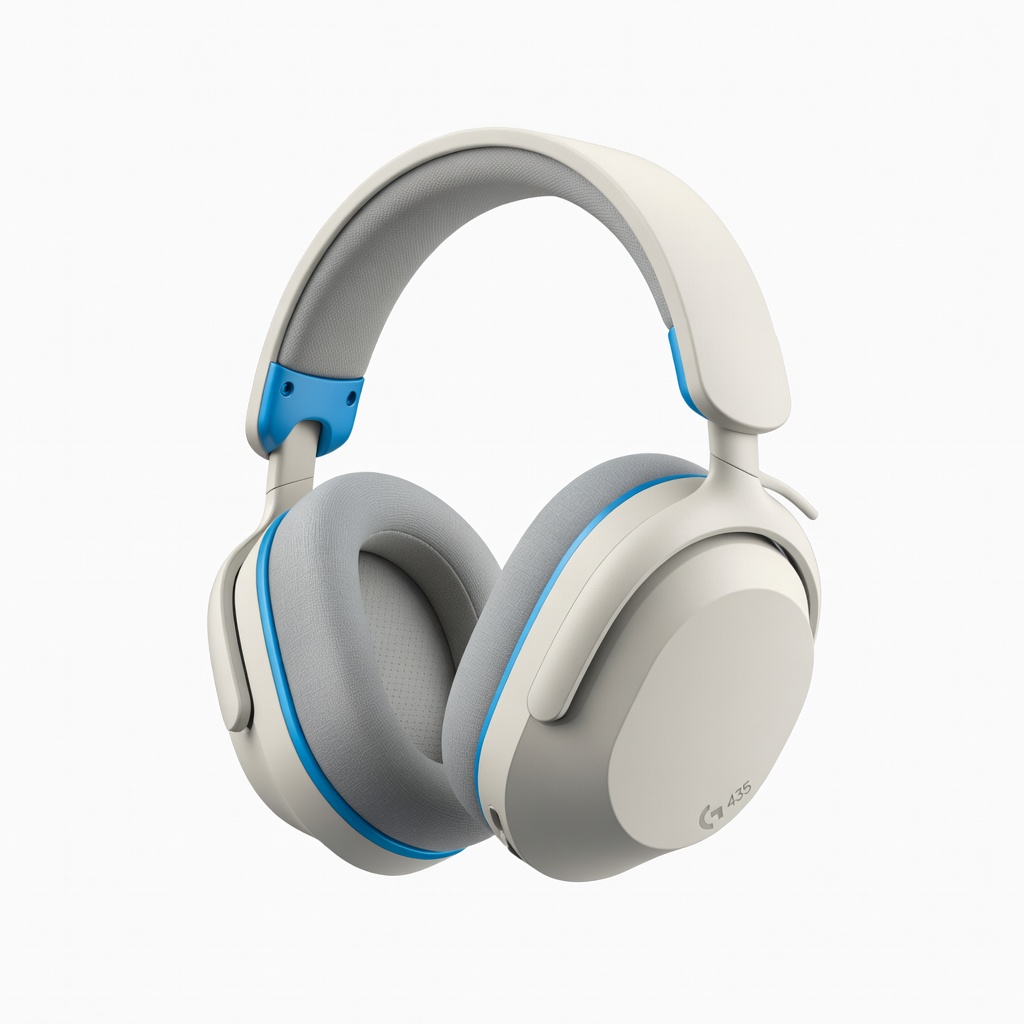
Portable testing on Switch/phone adventures.
Logitech G435 LIGHTSPEED Wireless Gaming Headset Lightweight, low-latency Bluetooth for mobile gaming with playlists.
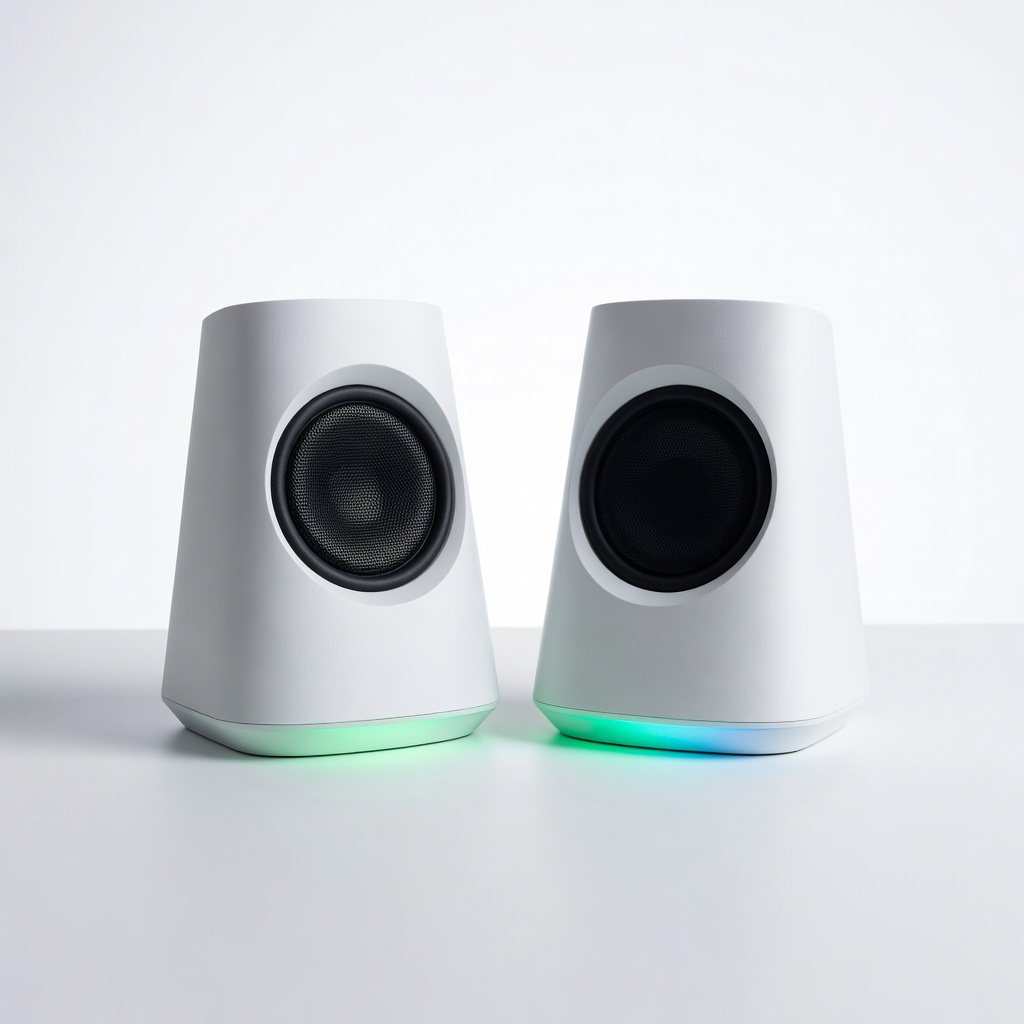
Stationary PC gaming for room-filling adventure audio.
Razer Nommo Chroma Gaming Speakers RGB-synced desktop speakers amplify epic playlist booms.
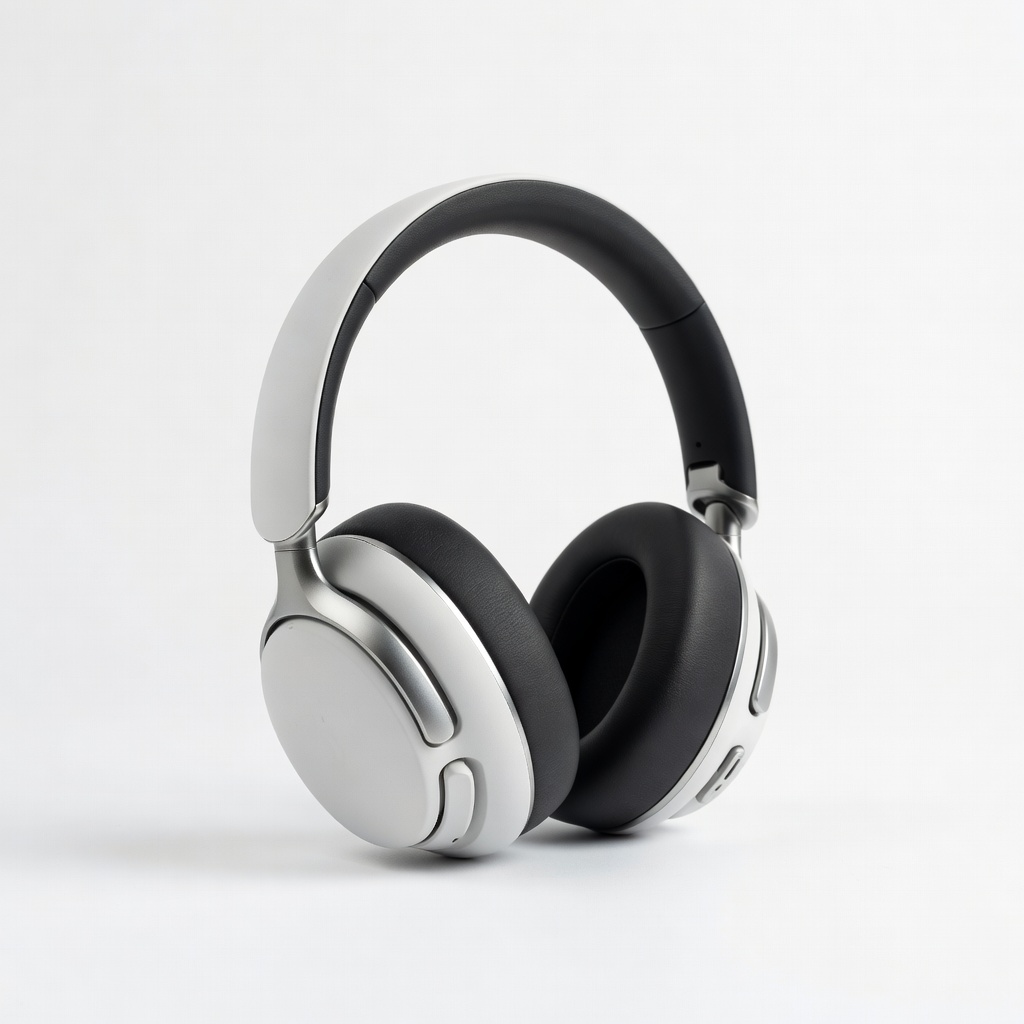
Budget wireless option for building playlists anywhere.
Soundcore Life Q30 Hybrid Active Noise Cancelling Headphones 40hr battery with ANC blocks distractions for focused curation.