Managing finances for a small business can feel overwhelming without the right tools. Generic ledgers often don't fit your unique needs, like tracking specific expenses or inventory. This guide shows you how to create custom account books tailored exactly to your business, saving money and improving organization.
You'll learn a simple step-by-step process using free tools like Google Sheets and basic printing supplies. No advanced skills required—just follow along to produce professional-looking books in 2-4 hours. Perfect for solopreneurs, freelancers, or startups ready to take control of their bookkeeping.
▸What You'll Need
- •Computer or laptop with internet access (required)
- •Free software: Google Sheets or Microsoft Excel (required)
- •Printer (inkjet or laser; required)
- •Plain paper (A4/Letter size) and cardstock for cover (required)
- •3-ring binder or hole punch with binder rings (required)
- •Scissors or paper cutter (optional but recommended)
- •Laminator for durable cover (optional)
Estimated Time: 2-4 hours (1-2 hours design, 1-2 hours printing and assembly)
Difficulty: beginner
▸Step-by-Step Instructions
Step 1: Assess Your Business Accounting Needs
Start by listing what you need to track: income sources, expense categories (e.g., supplies, marketing), assets, liabilities, or inventory. Review past records or use a simple template to identify gaps.
This step ensures your book is practical. Expect a list of 5-10 key sections. Success looks like a clear outline matching your business model, like a cafe needing recipe costs or a freelancer tracking client invoices.
💡 Tips:
- •Prioritize must-haves like daily cash flow over nice-to-haves.
⚠️ Warnings:
- •Don't skip this—generic books lead to incomplete tracking.
Step 2: Plan the Book Structure
Decide on page types: cover, index, monthly income/expense sheets, yearly summary, notes section. Aim for 50-100 pages total. Sketch a table of contents on paper.
Why it matters: Logical flow prevents errors. Success: A 1-page outline with page numbers assigned, e.g., Pages 1-2: Cover/Index, 3-50: Monthly sheets.
💡 Tips:
- •Include 12 monthly tabs for easy navigation.
Step 3: Set Up Your Design Software
Open Google Sheets (free at sheets.google.com) or Excel. Create a new spreadsheet sized to your paper (8.5x11 inches). Set margins to 0.5 inches via File > Page setup.
This creates printable templates. Test print one blank page to confirm fit.
💡 Tips:
- •Use Google Sheets for cloud backup and easy sharing.
Step 4: Design the Cover Page
In a new sheet, add your business name, logo (upload image), 'Account Book 2025', and contact info. Use bold fonts (e.g., Arial Black 48pt) and colors matching your brand. Center everything.
Print on cardstock for durability. Success: A professional cover that looks store-bought.
⚠️ Warnings:
- •Avoid clutter—keep it simple and readable.
Step 5: Create Core Templates: Income and Expenses
Income sheet: Columns for Date, Client/Source, Description, Amount. Add formulas like =SUM(D2:D100) for totals.
Expenses sheet: Similar, with categories dropdown (Data > Data validation). Duplicate for months. Why: Automates calculations. Expect auto-summing totals.
💡 Tips:
- •Color-code rows: green for income, red for expenses.
Step 6: Add Summary and Notes Pages
Create yearly profit/loss summary with links to monthly totals (=SUM('Jan'!D100,'Feb'!D100)). Add blank notes pages.
This ties everything together. Success: Formulas update dynamically when data entered.
💡 Tips:
- •Protect sheets (Review > Protect sheet) to avoid accidental changes.
Step 7: Duplicate Pages and Add Page Numbers
Copy templates 4x per month (weekly?). Insert page numbers via Headers/Footers.
Generates full book content. Preview in Print layout.
⚠️ Warnings:
- •Don't over-duplicate—start with 6 months, add later.
Step 8: Export and Print
Go to File > Download > PDF. Print double-sided on plain paper (pages), cardstock (cover). Use 'Fit to page'.
Success: Stack of aligned sheets ready for binding.
💡 Tips:
- •Print a test set of 5 pages first.
Step 9: Assemble and Bind the Book
Punch holes in pages, insert into 3-ring binder. Add dividers for sections. Laminate cover if desired.
Your custom book is complete! Test by entering sample data.
▸Pro Tips
- •Use pre-made Excel ledger templates from Google (search 'free bookkeeping template') as starters.
- •Print on recycled paper to save costs and go green.
- •Backup your digital file to Google Drive for updates.
- •Add QR code on cover linking to digital backup.
- •Customize with your logo using free tools like Canva.
- •Number pages sequentially for easy reference.
- •Review IRS guidelines for record-keeping to include required fields.
▸Common Mistakes to Avoid
- •Skipping needs assessment—leads to missing key trackers like taxes.
- •Poor print settings—causes cut-off tables; always preview.
- •No formulas—manual math errors; always use SUM.
- •Thin paper—bleeds ink; use 20-24lb stock.
- •Overcomplicating design—stick to grids for readability.
▸Troubleshooting
Problem: Prints misaligned or scaled wrong
Solution: Reset printer margins to 0.25in and select 'Actual size' in print dialog. Calibrate printer.
Problem: Formulas not calculating
Solution: Check cell formats (Format > Number > Currency). Recalculate with Ctrl+Shift+Alt+F9.
Problem: Binding holes uneven
Solution: Use a adjustable hole punch and align edges with ruler before punching.
Problem: Book too thick for binder
Solution: Split into quarterly books or use heavy-duty binder.
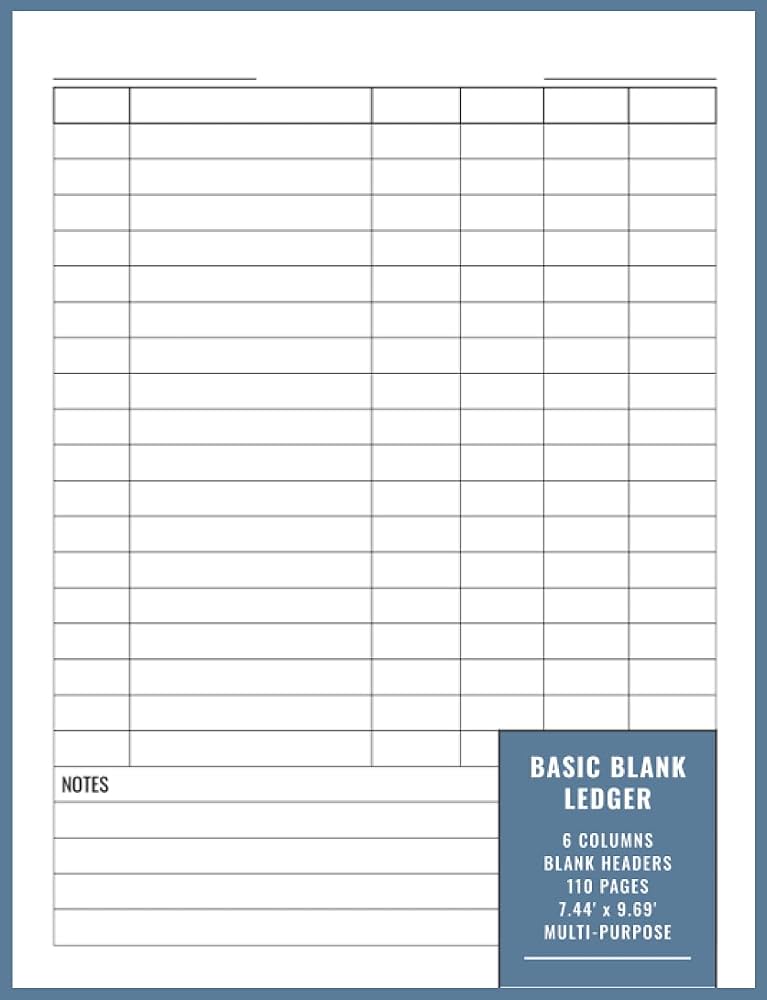
Blue Summit Supplies Blank Accounting Ledger Notebook
Provides a sturdy base for custom inserts with pre-punched pages and professional look.
Best for: Use as core for adding your printed sheets if you want hybrid custom/physical.
Price Range: $19.99
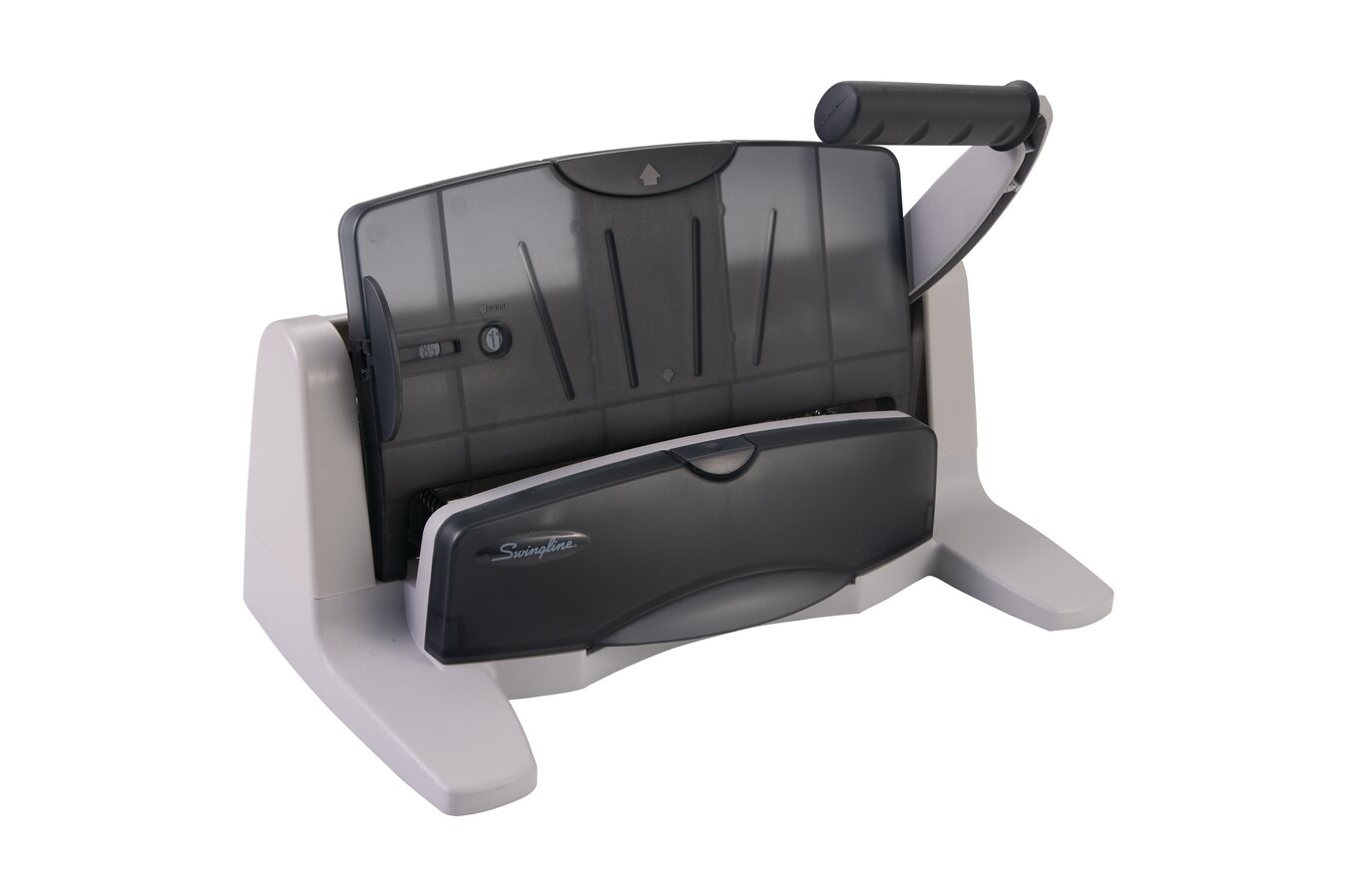
Swingline Heavy Duty Hole Punch
Precise 40-sheet capacity ensures clean, even holes for professional binding.
Best for: Essential for punching custom printed pages without tearing.
Price Range: $20-$25
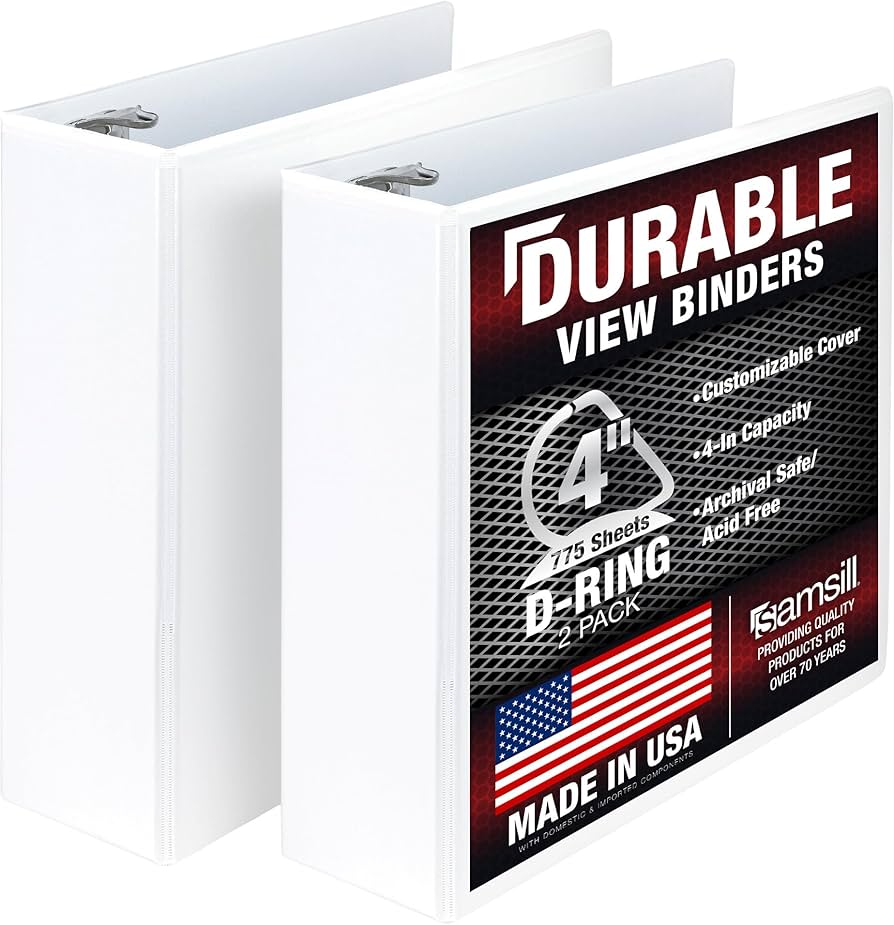
Samsill 3 Ring Heavy Duty Binders
Durable, gapless rings hold 500+ sheets securely for long-term use.
Best for: Ideal for assembling your full custom account book.
Price Range: $10-$15
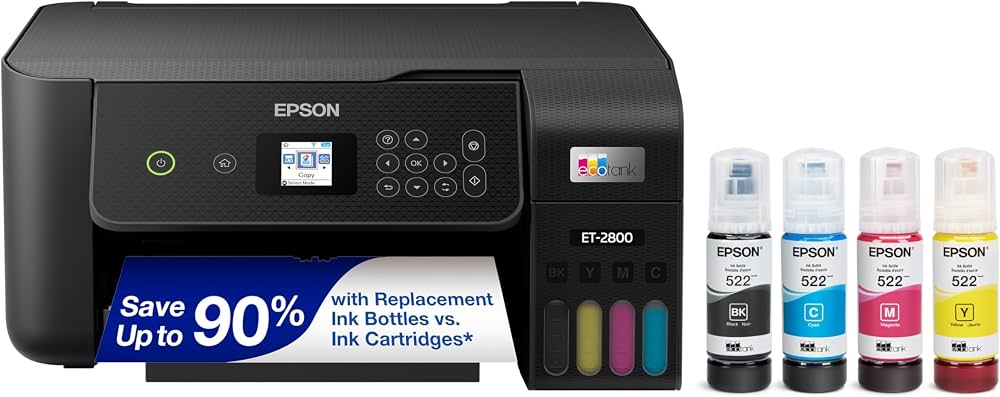
Epson EcoTank ET-2800 Wireless Color All-in-One Printer
Affordable ink for high-volume printing of templates without constant refills.
Best for: Print dozens of ledger pages and covers in color.
Price Range: $199-$229
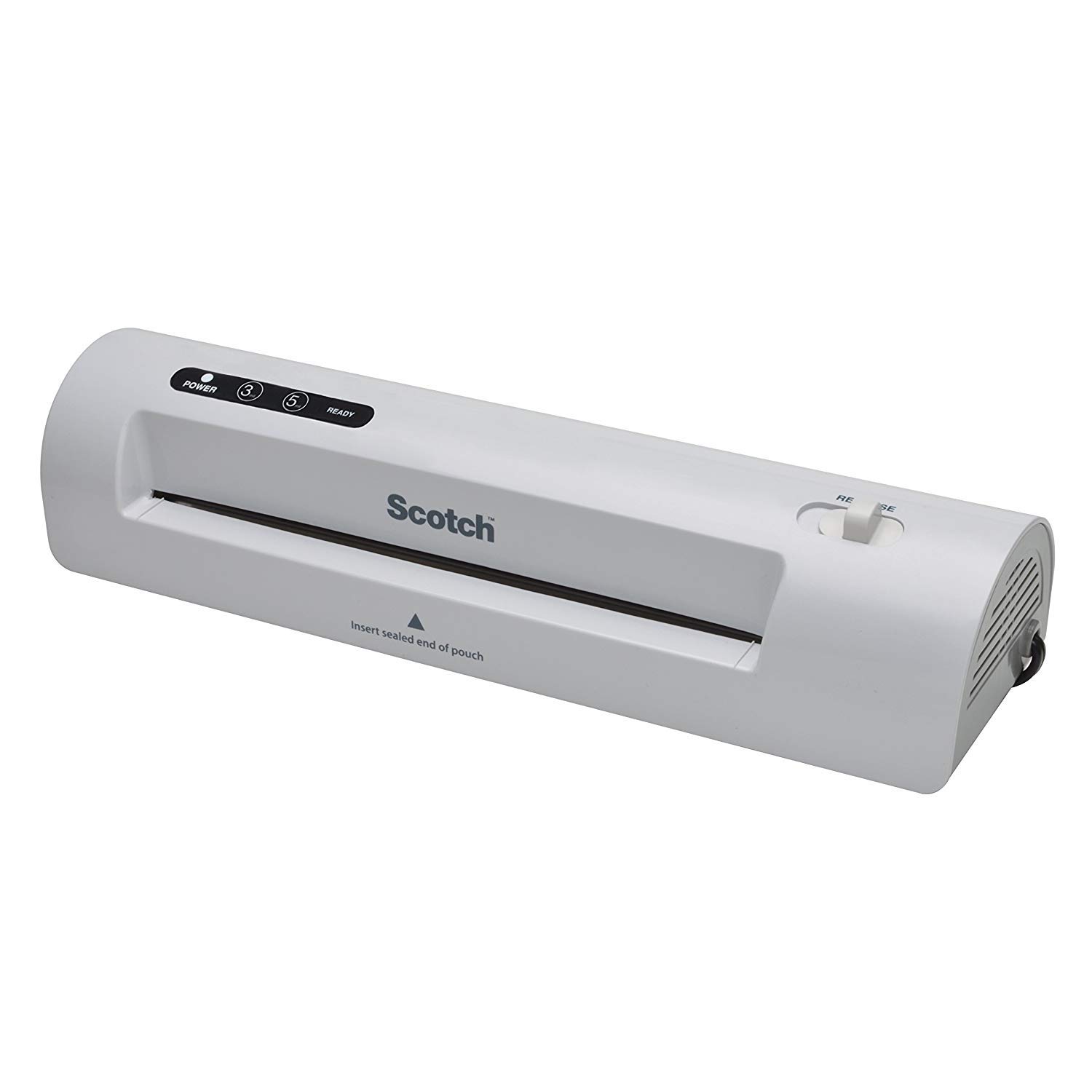
Scotch TL901X Thermal Laminator
Quickly seals cover for water-resistant, professional finish.
Best for: Protect your custom cover from spills in daily use.
Price Range: $25-$30