Love your furry, feathered, or scaly friend? A custom pet photo calendar is the perfect way to celebrate them all year long, whether as a gift for fellow pet lovers or a desk staple for yourself. Tired of bland store-bought calendars? This DIY project lets you showcase 12 months of your pet's cutest moments.
In this beginner-friendly guide, you'll learn to gather photos, design in Canva (free), print at home or online, and bind it together. Expect a professional-looking result that rivals Etsy finds. Total design time: 1-2 hours; printing and binding add 30-60 minutes.
No prior experience required—just enthusiasm for your pet and a computer. Let's turn those smartphone snaps into wall art!
▸What You'll Need
- •Computer or tablet with internet access
- •12 high-resolution pet photos (at least 300 DPI, 8.5x11 inches when printed)
- •Free Canva account (canva.com)
- •Color inkjet printer or online printing service (e.g., Shutterfly, Walmart Photo)
- •Glossy photo paper (8.5x11 inches)
- •2-hole punch or calendar hole punch
- •Spiral binding coils (1/2-inch diameter, 12-inch length)
- •Ruler, scissors, and binding tool (optional comb opener/closer)
Estimated Time: 2-3 hours (1-2 hours design + 30-60 minutes printing/binding)
Difficulty: beginner
▸Step-by-Step Instructions
Step 1: Gather 12 High-Quality Pet Photos
Select one standout photo per month from your collection. Aim for variety: playful pups in January, sleepy cats in February, etc. Photos should be at least 2000x3000 pixels for sharp prints.
Why it matters: Blurry images ruin the calendar. Resize/crop in your phone's gallery app if needed. Success looks like: 12 vibrant, well-lit shots ready to upload.
Tip: Theme it by seasons or pet milestones for extra charm.
💡 Tips:
- •Take new photos if old ones are low-res—use natural light.
- •Organize in a folder labeled by month.
⚠️ Warnings:
- •Avoid heavily filtered photos; they print poorly.
Step 2: Sign Up for Free Canva Account
Go to canva.com and create a free account (or log in). Canva's drag-and-drop interface is perfect for beginners.
Why: It's intuitive, has thousands of templates, and exports print-ready PDFs. Expect: Dashboard with search bar—type 'calendar' immediately.
💡 Tips:
- •Use the free version; Pro ($12.99/mo) unlocks more templates if desired.
Step 3: Choose a Calendar Template
Search 'photo calendar' or '2025 calendar template'. Pick a simple 8.5x11 inch layout with monthly grids and photo spots (e.g., 'Monthly Photo Calendar').
Click 'Customize this template'. Why: Pre-made grids save time and ensure balance. Success: Blank canvas with 13 pages (cover + 12 months).
💡 Tips:
- •Filter for 'print' templates to match paper size.
⚠️ Warnings:
- •Don't choose A4 if printing in US—sizes won't match.
Step 4: Customize the Cover
Drag your favorite photo to the cover frame—resize to fit. Add text like 'Fido's 2025 Adventures' using bold fonts (e.g., Playfair Display).
Why: The cover sets the tone. Add subtle graphics like paw prints from Canva's elements. Expect: Eye-catching front ready in 5 minutes.
💡 Tips:
- •Match colors to your pet's fur for cohesion.
Step 5: Design Monthly Pages
For each month: Replace default image with your photo, update date grid to 2025, add holidays (Canva auto-suggests).
Pro move: Layer quotes like 'Meow in March' or pet facts. Duplicate pages for consistency. Why: Personal touches make it unique. Success: All 12 pages themed and error-free.
💡 Tips:
- •Use 'Magic Resize' if switching sizes later.
⚠️ Warnings:
- •Keep text readable—min 18pt font.
Step 6: Review and Download PDF
Click 'Share' > 'Download' > PDF Print (high quality, crop marks off). Preview all pages.
Why: Ensures colors and alignment are perfect. File size: ~10-20MB. Success: Crisp PDF ready for print.
💡 Tips:
- •Download as spreads if binding service handles it.
Step 7: Print the Calendar Pages
Load glossy photo paper into your printer. Print double-sided (cover single if thick). Use 'best photo' quality settings.
Why: Glossy enhances pet fur shine. Test one page first. Success: 13 vibrant sheets, ink dry.
💡 Tips:
- •Print at a service like Staples for pro results ($10-20).
⚠️ Warnings:
- •Don't overload printer—do in batches.
Step 8: Punch Holes and Bind
Align pages top-left, punch 2 holes near top (1/4-inch from edge). Insert spiral coil through holes, crimp ends with pliers or tool.
Why: Secure binding allows flip without tearing. Success: Flip-through calendar hanging on wall or desk.
💡 Tips:
- •Use a binding machine for volume; hand-crimp for one-off.
▸Pro Tips
- •Shoot pet photos in portrait mode for easy cropping.
- •Consistent backgrounds (e.g., white sheet) unify the design.
- •Add QR code to a pet video playlist for interactivity.
- •Batch-edit photos in Canva's editor for quick color correction.
- •Laminate cover for durability if desk-used.
- •Make multiples: Export extra PDFs for gifts.
- •Use Canva's AI Magic Studio to remove photo backgrounds.
▸Common Mistakes to Avoid
- •Using low-res photos—results in pixelated prints; always check DPI.
- •Misaligned hole punches—measure twice; use a template guide.
- •Overcrowded designs—less is more; limit to 1 photo + key text per page.
- •Wrong paper type—matte dulls pet shine; stick to glossy.
- •Forgetting bleed margins—edges cut off; enable in Canva print settings.
▸Troubleshooting
Problem: Colors look washed out when printed
Solution: Calibrate printer, increase saturation in Canva (110%), or use photo paper with ICC profile.
Problem: Binding coil won't thread
Solution: Lubricate with soap water; ensure holes align perfectly and coil diameter fits stack thickness.
Problem: Photos too dark/light
Solution: Adjust exposure in Canva's editor or phone app before uploading; print a test strip.
Problem: PDF won't open/print
Solution: Use Adobe Reader (free); select 'fit to page' and high-quality mode.
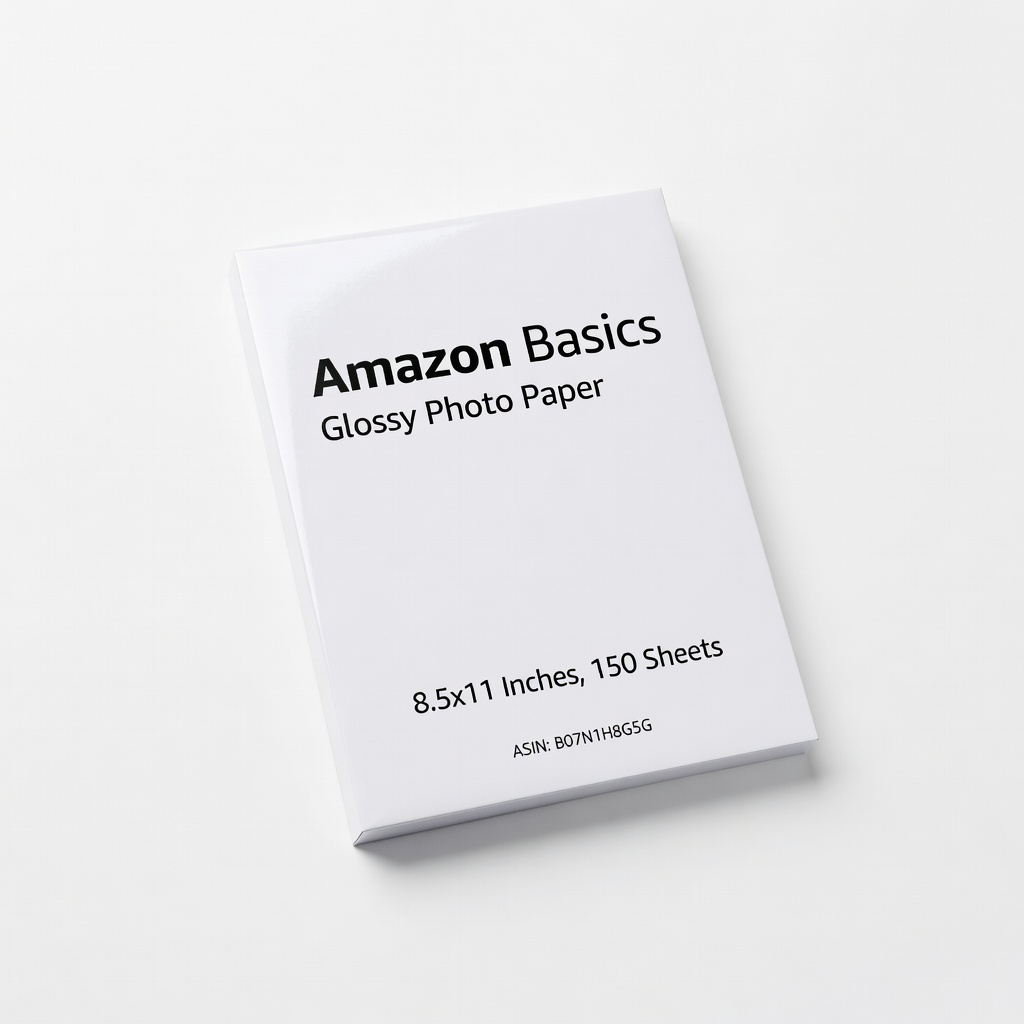
Amazon Basics Glossy Photo Paper, 8.5x11 Inches, 150 Sheets (ASIN: B07N1H8G5G)
Provides vibrant, smudge-resistant prints that make pet fur colors pop without bleeding.
Best for: Home printing high-quality calendar pages.
Price Range: $19.99
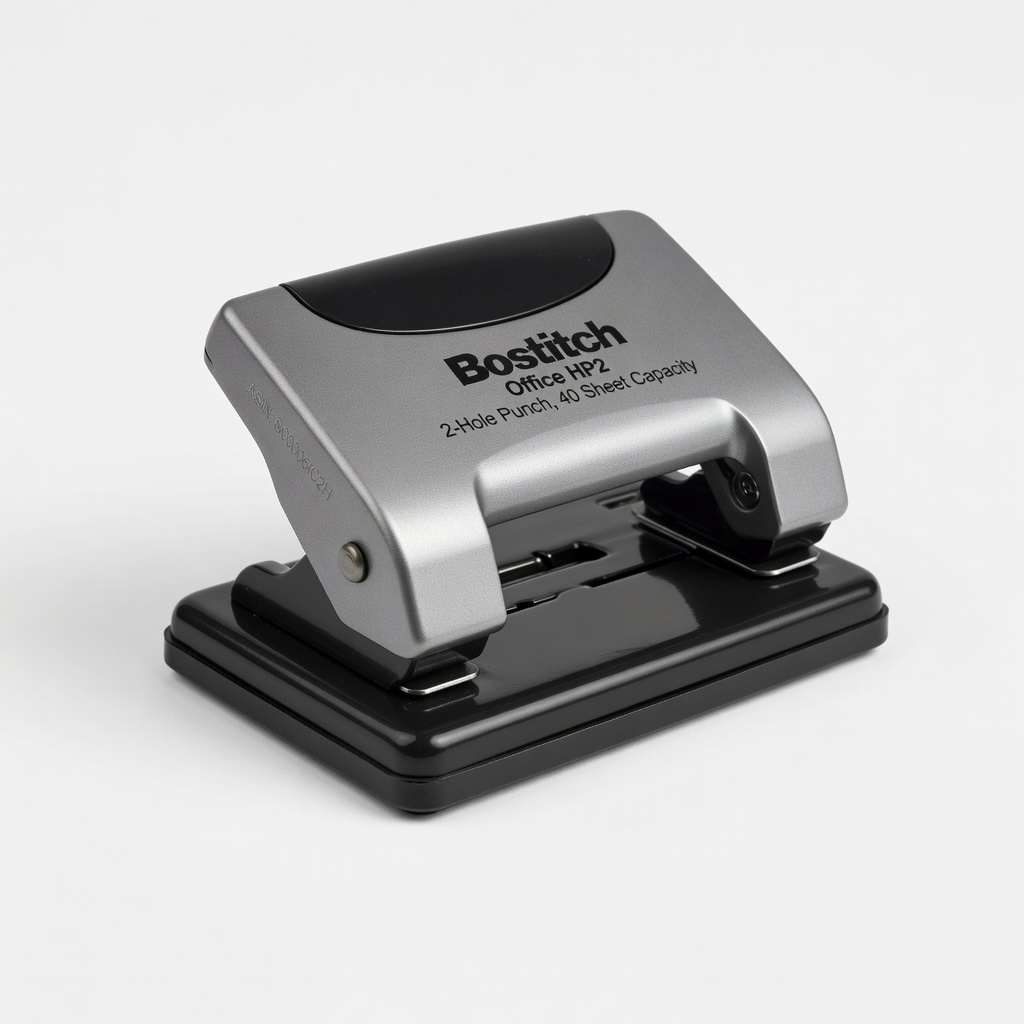
Bostitch Office HP2 2-Hole Punch, 40 Sheet Capacity (ASIN: B00006IC2H)
Heavy-duty and precise for clean, aligned holes even on thick photo paper stacks.
Best for: Punching professional holes for spiral binding.
Price Range: $14.99
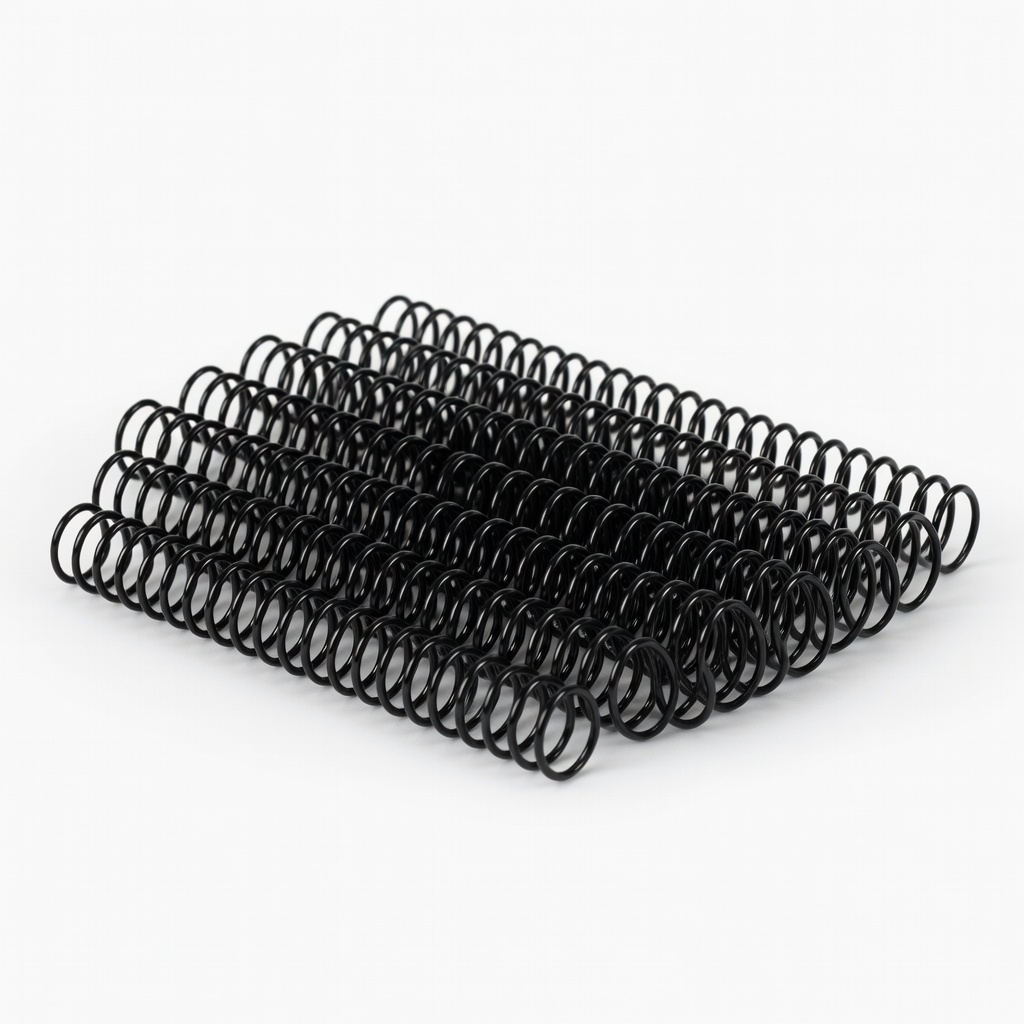
Avery Spiral Binding Coils, 1/2 Inch, Black, 12 Inch, 100 Pack (ASIN: B00006IAO9)
Flexible, durable coils that allow pages to lay flat—ideal for desk calendars.
Best for: Binding 13-20 page calendars securely.
Price Range: $15.99
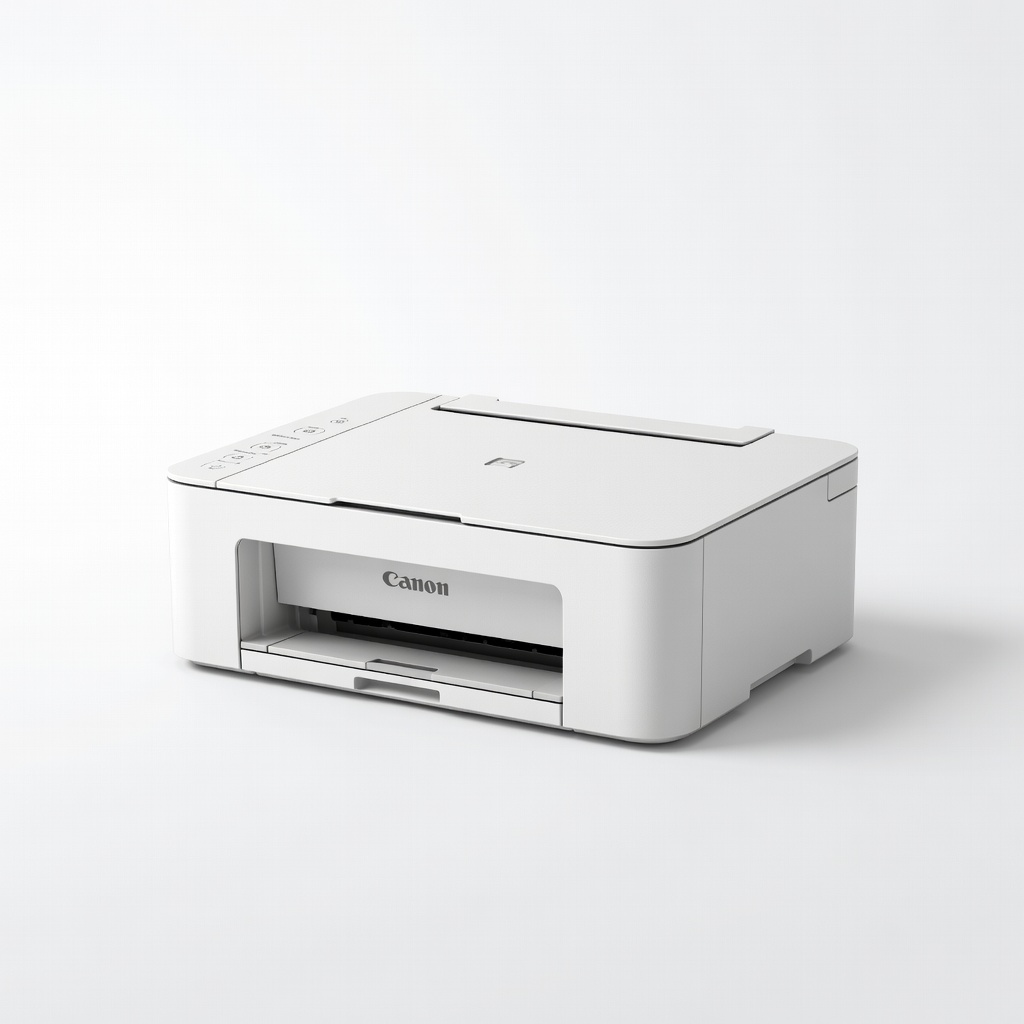
Canon PIXMA TS3522 Wireless All-in-One Printer (ASIN: B09NQH99XS)
Affordable color inkjet with excellent photo quality for glossy paper.
Best for: Printing small batches of custom calendars at home.
Price Range: $59.99
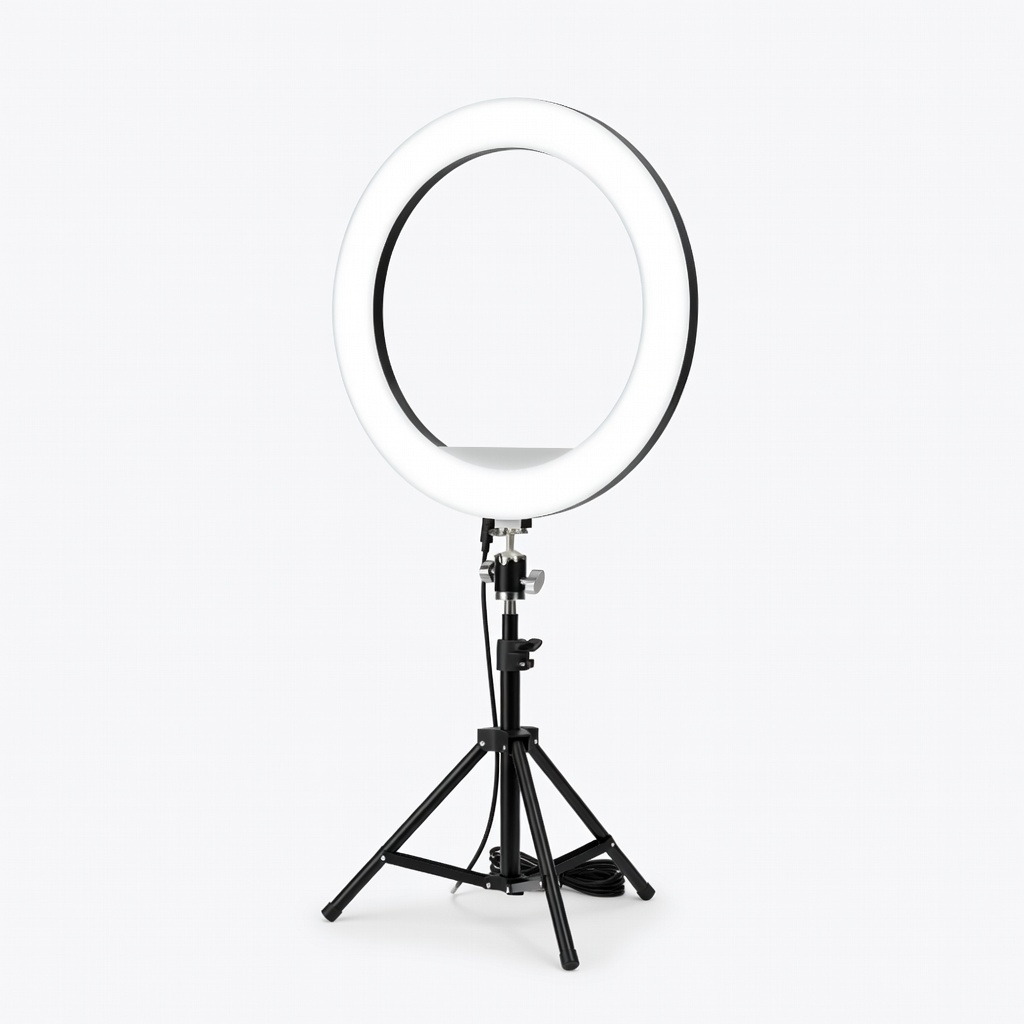
Neewer 10-inch USB LED Ring Light (ASIN: B01M4K2A9O)
Even lighting eliminates shadows for pro-level pet portraits.
Best for: Taking fresh high-quality pet photos before design.
Price Range: $24.99