Tired of playing the same action-packed levels in classic shooters like Doom? Modding lets you create your own intense battles, custom weapons, and maps, breathing new life into timeless games. With completely free tools, anyone with intermediate skills can dive in and share their creations on platforms like ModDB.
In this guide, you'll learn to craft a simple map mod for GZDoom, the modern Doom port. We'll cover installing tools, designing layouts, adding enemies, and testing—everything step-by-step. Expect 2-4 hours total, assuming you know basic file management and game concepts like FPS navigation.
▸What You'll Need
- •Computer (Windows, Linux, or macOS with 4GB RAM minimum)
- •Ultimate Doom Builder (free map editor)
- •GZDoom (free Doom source port)
- •Freedoom1.pk3 and Freedoom2.pk3 (free assets to avoid copyright issues)
- •GIMP (free image editor, optional for custom textures)
- •Prerequisite knowledge: Basic FPS gameplay and file extraction
Estimated Time: 2-4 hours
Difficulty: intermediate
▸Step-by-Step Instructions
Step 1: Download and Install Free Tools
Start by gathering your toolkit. Head to the official sites: Download Ultimate Doom Builder (UDB) from doombuilder.com, GZDoom from zdoom.org, and Freedoom assets from freedoom.github.io.
Extract and install UDB—it's a portable app, no installer needed. Place Freedoom PK3 files in your GZDoom folder. Launch UDB and configure it to use GZDoom as the test executable (Tools > Test Setup). Success: UDB opens with a blank map view.
This setup ensures compatibility and legality, as Freedoom provides free sprites/textures mimicking Doom.
💡 Tips:
- •Use 7-Zip (free) for extractions if built-in tools fail.
- •Bookmark sites for updates—tools evolve fast.
⚠️ Warnings:
- •Avoid pirated Doom WADs; stick to Freedoom for sharing mods legally.
Step 2: Create a New Map Project
In UDB, go to File > New Map. Select MAP01 format (Doom 2 compatible) and save as 'MyActionMod.wad'.
Set game configuration to Doom 2 / Freedoom2. You'll see a 2D grid view—switch to 3D preview (F3 key) for immersive editing. Add your first sector: Draw a large rectangle (left-click drag) for the starting room. Right-click > Sector Operations > Set floor/ceiling heights to 0/-8 for a basic floor.
Success: A playable starting area appears in 3D view. This is your canvas for action.
💡 Tips:
- •Use numbered sector mode (top toolbar) for organized builds.
- •Zoom with mouse wheel for precision.
Step 3: Build the Layout for Action
Design an action-focused layout: Add corridors, rooms, and traps. Use Line tool for walls—hold Ctrl for straight lines. Create 3-5 connected areas: a spawn room, combat arena, and exit.
Add doors (right-click linedef > Insert Door) and switches for puzzles. Place lifts for verticality (Sector > Lift). Texture walls/floors via right-click > Edit Textures—pick from Freedoom packs.
Why? Action mods thrive on flow: tight spaces for imps, open arenas for barons. Expect iterative tweaking.
💡 Tips:
- •Copy-paste sectors (Ctrl+C/V) to speed up symmetry.
- •Use Snap to Grid (1-unit default) for clean geometry.
⚠️ Warnings:
- •Avoid tiny sectors (<16x16 units)—they cause HOM (Hall of Mirrors) errors.
Step 4: Populate with Enemies and Items
Switch to Things mode (tab key). Place player start (thing #1), weapons (#2001 shotgun), ammo, and health.
Add action: Imp (#3004, 10-20), Cacodemon (#65, 2-3), Cyberdemon (#16, boss). Use Properties panel to adjust angles/health. Scatter strategically—funnels for ambushes.
Success: Press F9 to test; spawn in and fight waves. This turns static maps into adrenaline rushes.
💡 Tips:
- •Group things (Ctrl+G) for easy movement.
- •Balance: 1 enemy per 64x64 units for intermediates.
Step 5: Enhance with Custom Textures (Optional)
For flair, open GIMP: Create a 64x64 PNG (e.g., blood-splattered wall). Export, then in UDB, import to PATCHES (Resources > Textures > Import).
Apply to linedefs. Add lights (Sector > Brightness -128 for mood) and sky sectors.
Why? Custom art personalizes your mod. Skip if time-short—Freedoom suffices.
💡 Tips:
- •Use GIMP's grid (View > Show Grid) for tileable textures.
- •Test in 3D immediately.
⚠️ Warnings:
- •Textures must be POT (power-of-two): 64x64, 128x128, etc.
Step 6: Test and Iterate
Hit F3 (3D) then F9 to launch GZDoom. Play through: Check navigation, combat balance, no crashes.
Fix issues in UDB: Adjust enemy counts, widen doors. Save often (Ctrl+S). Use UDB's script mode for ACS if advanced (e.g., teleporters).
Success: 5-10 minute fun run with intense fights.
💡 Tips:
- •Record tests with OBS (free) for review.
- •Use -warp 1 GZDoom launch param.
Step 7: Package and Share Your Mod
File > Save Map. Zip your .wad with readme.txt (controls, credits).
Upload to ModDB.com or itch.io. Include Freedoom dependency note.
Success: Playable mod file ready for community feedback.
💡 Tips:
- •Version with GitHub (free) for updates.
- •Add MAPINFO lump for title/music.
▸Pro Tips
- •Start small—one room mods build confidence before epics.
- •Use UDB's visual mode for sector editing—faster than classics.
- •Randomize enemy spawns with ACS scripts for replayability.
- •Backup WADs hourly; corruption happens.
- •Join Doomworld forums for feedback—community gold.
- •Optimize: Limit sectors <500 for smooth play.
- •Experiment with Boom format for slopes/lighting.
- •Watch YouTube UDB tutorials for visual speedruns.
▸Common Mistakes to Avoid
- •Overplacing enemies: Makes maps unfair—test balance early.
- •Ignoring linedef flags: Causes stuck doors—double-check properties.
- •Wrong texture scales: Looks blurry—set offsets to 0.
- •No player 1 start: Crashes on load—always place thing #1.
- •Using copyrighted assets: Gets mod banned—Freedoom only.
▸Troubleshooting
Problem: UDB crashes on launch
Solution: Run as admin; update .NET Framework 4.8; reinstall.
Problem: GZDoom won't load map
Solution: Use -file MyActionMod.wad flag; ensure Freedoom in dir.
Problem: Visual glitches (HOM)
Solution: Close all sectors (no leaks); use Nodebuilder > Classic.
Problem: Textures missing
Solution: Reimport PNAMES/TEXTURE1 lumps; restart UDB.
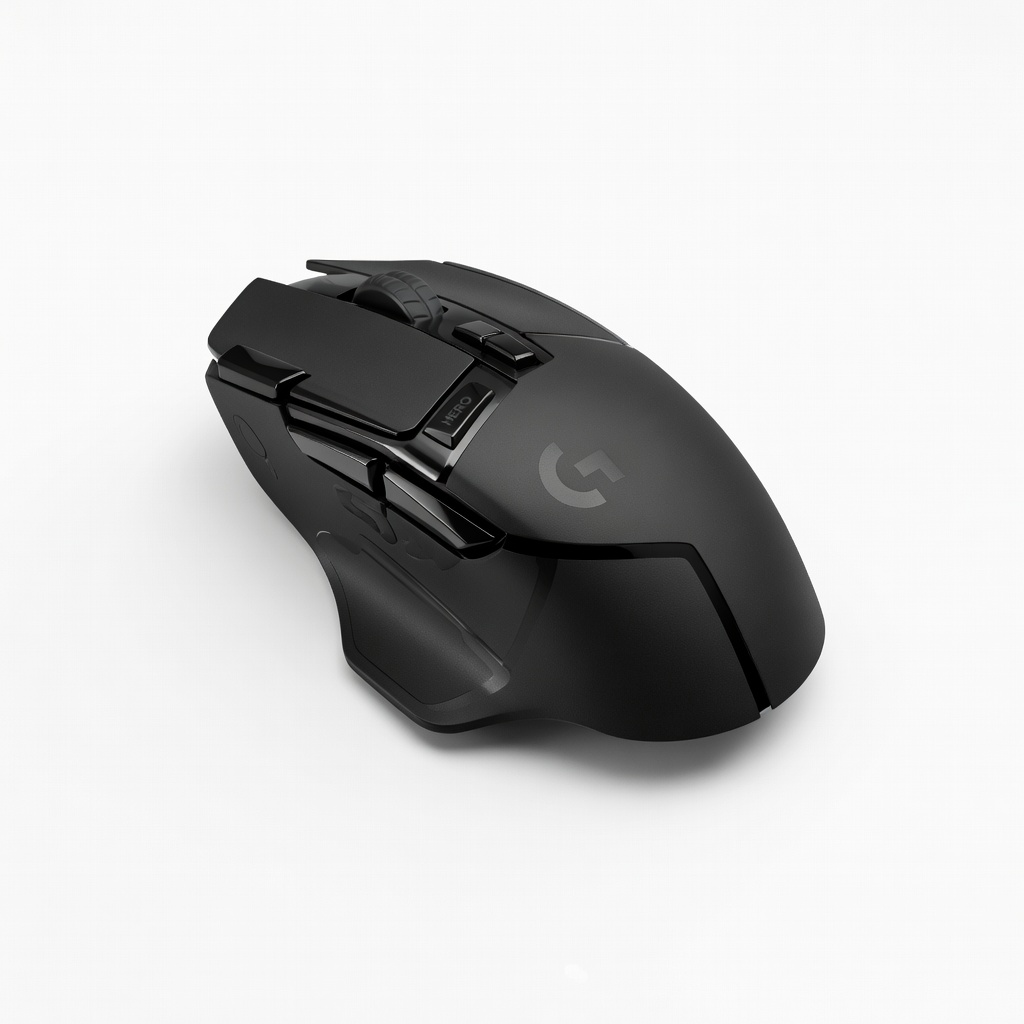
Logitech G502 HERO Gaming Mouse
Precision DPI and programmable buttons speed up precise line drawing and thing placement in UDB.
Best for: Essential for intermediate modders needing accurate cursor control during long sessions.
Price Range: $39.99
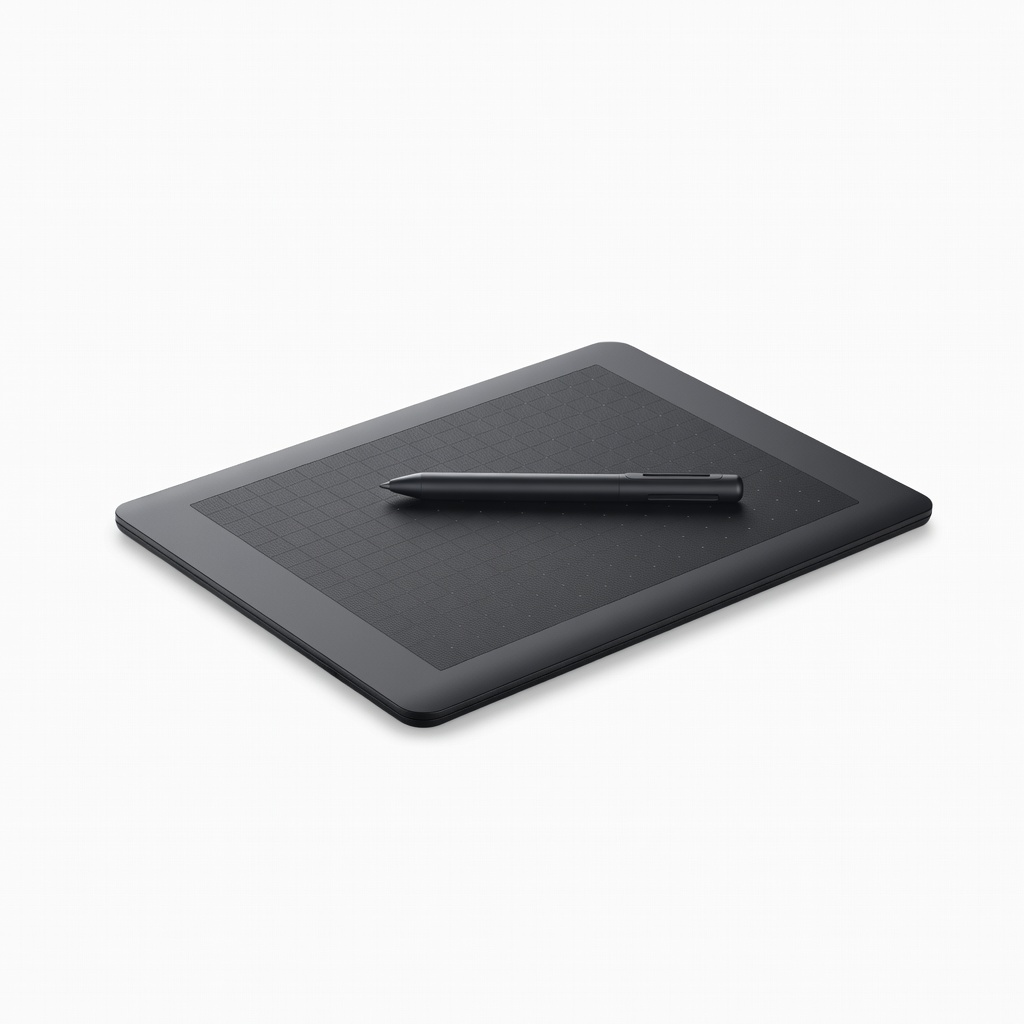
Wacom Intuos S Drawing Tablet
Enables smooth texture creation in GIMP with pressure sensitivity for pro-level art.
Best for: When customizing sprites/textures for unique weapon mods.
Price Range: $49.95
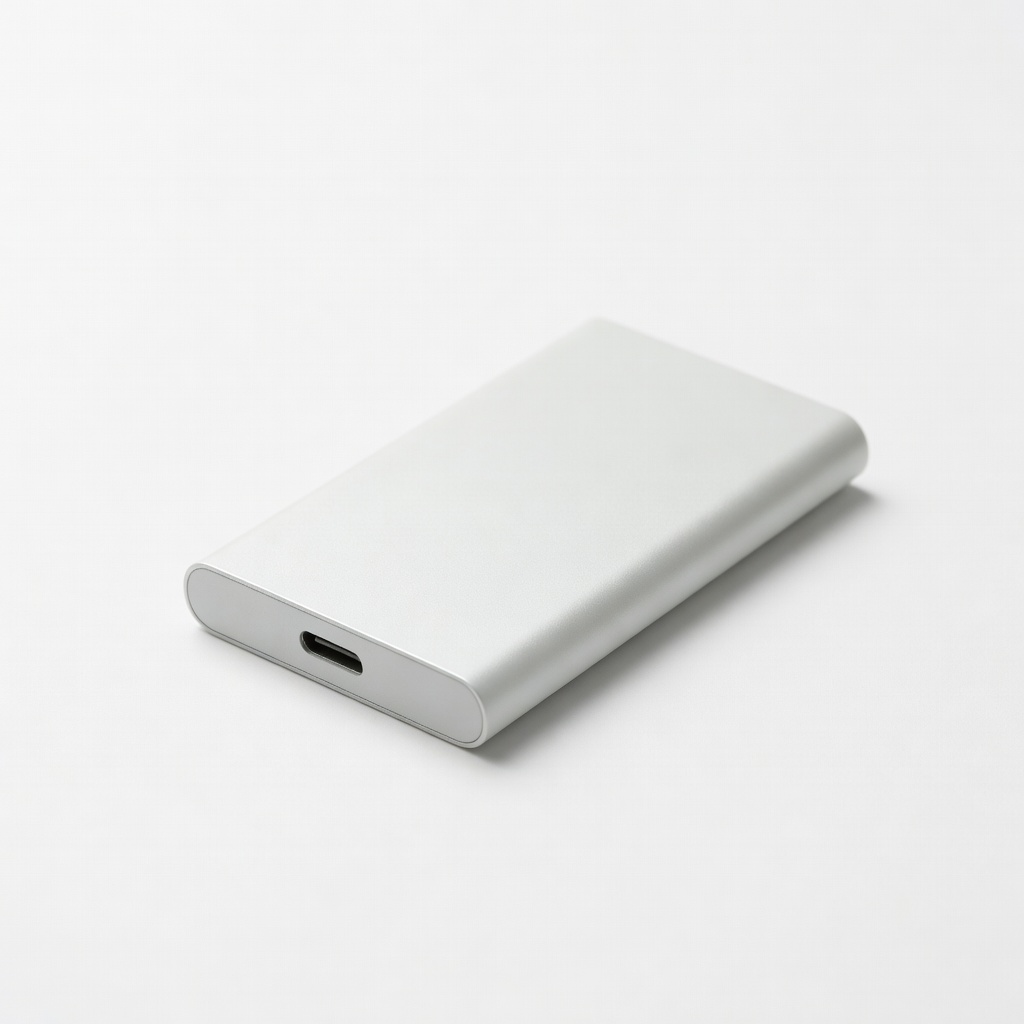
Samsung T7 Portable SSD 500GB
Fast storage for large WAD files, maps, and backups without slowing tests.
Best for: Organizing multiple mod projects and Freedoom assets.
Price Range: $69.99
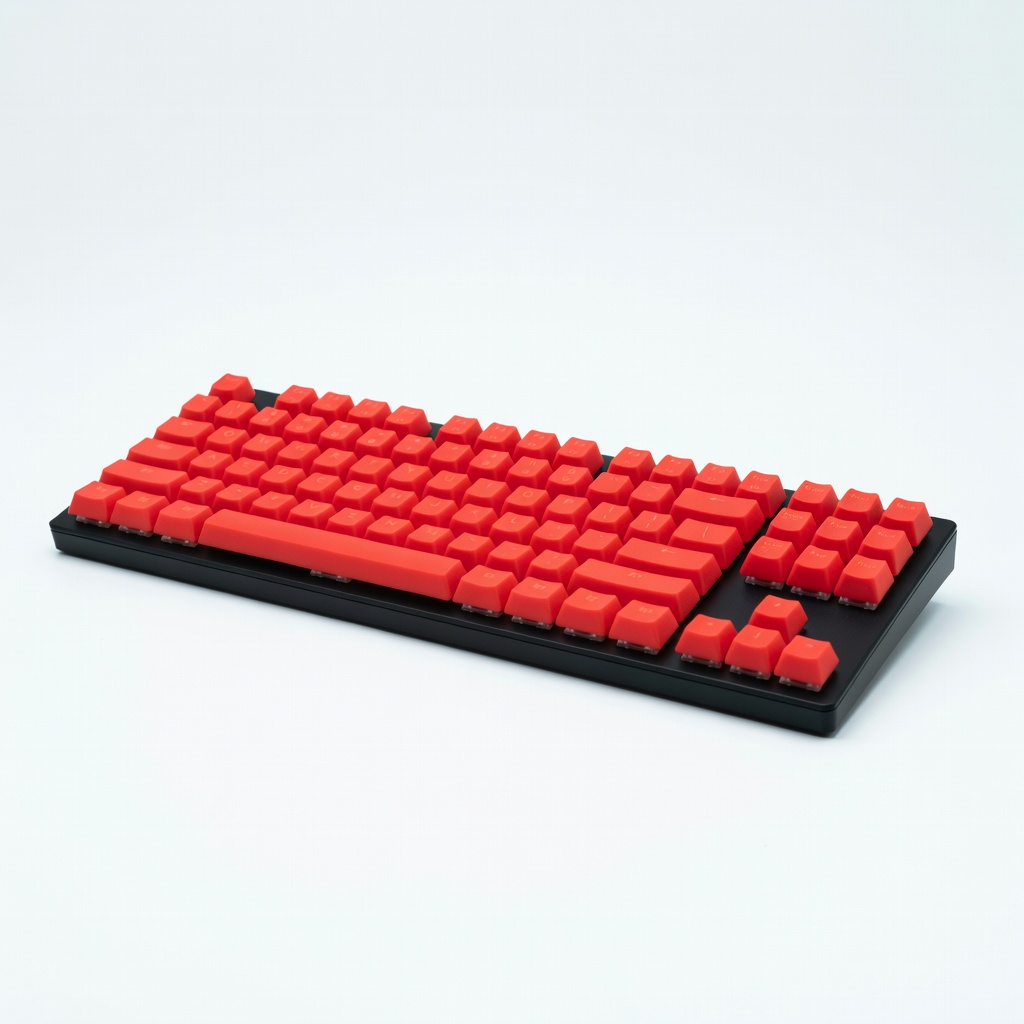
Mechanical Gaming Keyboard (Redragon K552)
Tactile keys with shortcuts (F3/F9) improve workflow in editors.
Best for: Hotkey-heavy tasks like testing iterations.
Price Range: $29.99