
Microsoft 365 Personal (1-Year Subscription)
Core tool for building and automating spreadsheets.
$69.99/year
Microsoft 365 Personal (1-Year Subscription) Provides full Excel with advanced pivot tables, Power Query for nonprofit data handling.
Get the App
Better experience on mobile
Build compliant, efficient Excel spreadsheets to track donations, expenses, and funds for your nonprofit in 1-2 hours.
Struggling with chaotic finances in your nonprofit? Manual tracking leads to errors, missed grants, and IRS headaches. Nonprofits need specialized accounting for restricted funds, donations, and transparency—yet many rely on basic spreadsheets that fall short.
In this guide, you'll learn to create professional accounting spreadsheets from scratch. We'll cover fund accounting basics, sheet setup, formulas, and reports. Perfect for intermediate users with basic Excel skills. Expect 1-2 hours total, with reusable templates you'll customize.
By the end, you'll have a scalable system for monthly closes, donor reports, and audits—saving hours weekly.
Estimated Time: 1-2 hours Difficulty: intermediate
Before building, grasp key concepts. Nonprofits use fund accounting to separate restricted (donor-specified) and unrestricted funds. Track income (donations, grants), expenses (programs, admin), assets, and liabilities. Comply with FASB standards for transparency.
Review IRS Form 990 categories. This prevents compliance issues later. Expect a functional base knowledge in 10 minutes.
Success looks like: A one-page cheat sheet of terms like 'net assets,' 'functional expenses.'
💡 Tips:
⚠️ Warnings:
Open Microsoft Excel or Google Sheets. Create a new workbook named 'Nonprofit_Accounting_[Year].xlsx'. Enable macros if using advanced features (File > Options > Trust Center).
Why? Excel offers robust formulas, pivot tables; Google Sheets enables real-time team sharing. Save to cloud (OneDrive/Google Drive) for backups.
Success: Blank workbook ready, autosave enabled.
💡 Tips:
Add a sheet named 'Chart of Accounts'. Columns: Account #, Name, Type (Asset/Liability/Revenue/Expense), Fund Type (Restricted/Unrestricted), Subcategory.
Populate with standard accounts: 1000 Cash, 4000 Donations, 5000 Salaries. Use 300-500 accounts max for small nonprofits.
Success: Dropdown-ready list for data entry.
💡 Tips:
New sheet: 'Income'. Columns: Date, Donor Name, Amount, Account (dropdown from Chart), Fund Type (dropdown), Receipt #, Notes.
Add totals row with SUM formula: =SUM(C:C). Filter by fund type.
Success: Enter test data; totals update automatically.
💡 Tips:
⚠️ Warnings:
Sheet: 'Expenses'. Columns: Date, Payee, Amount, Account (dropdown), Category (Program/Admin/Fundraising), Fund Type, Invoice #.
Formulas: Monthly totals =SUMIFS(D:D, B:B, ">="&DATE(2024,1,1), B:B, "<"&DATE(2024,2,1)). Track functional allocation (60/20/20 rule).
Success: Expenses balance against income previews.
Sheet: 'Balance Sheet'. Sections: Assets (Cash from Income - Expenses), Liabilities, Net Assets (Unrestricted/Restricted).
Link data: =SUM(Income!C:C) - SUM(Expenses!D:D). Update monthly.
Success: Balances to zero; net assets split shown.
💡 Tips:
Protect integrity: Add conditional formatting (red for negative balances). Data validation everywhere. Running totals: =SUM($C$2:C2).
Why? Automates accuracy, flags issues.
Success: Sheet self-checks on entry.
⚠️ Warnings:
Insert PivotTable from Income/Expenses data. Fields: Sum of Amount by Account/Fund. Create pie charts for expense allocation.
Sheet: 'Reports'. Refresh monthly.
Success: Donor-ready visuals like 'YTD Revenue by Source.'
💡 Tips:
Protect sheets (Review > Protect Sheet). Version control: Save as monthly copies. Test end-to-end with sample audit data.
Share read-only for board.
Success: Locked file passes mock audit.
💡 Tips:
Problem: Formulas show #REF! errors
Solution: Check cell references after inserts; use absolute refs ($). F9 to recalc.
Problem: Pivot tables not updating
Solution: Right-click > Refresh; ensure data source range covers new rows.
Problem: Compliance doubts (e.g., GAAP mismatch)
Solution: Cross-check with Form 990 instructions; consult CPA for custom needs.
Problem: Slow performance with large data
Solution: Use Power Query for imports; limit to 12 months per sheet.
Provides full Excel with advanced pivot tables, Power Query for nonprofit data handling.
Best for: Core tool for building and automating spreadsheets.
Price Range: $69.99/year
Pre-built sheets for funds, reports—customize in minutes, saves setup time.
Best for: Starter for beginners scaling to full system.
Price Range: $19.97
Includes 20+ sheets for church/nonprofit specifics like tithes, grants.
Best for: All-in-one for small orgs avoiding software.
Price Range: $47.00
Ready-made for budgets, cash flow—expert-vetted for compliance.
Best for: Enhance your custom build with pro templates.
Price Range: $29.99
Exports to Excel; hybrid for growing nonprofits.
Best for: When spreadsheets need software upgrade.
Price Range: $549.00
Core tool for building and automating spreadsheets.
Microsoft 365 Personal (1-Year Subscription) Provides full Excel with advanced pivot tables, Power Query for nonprofit data handling.
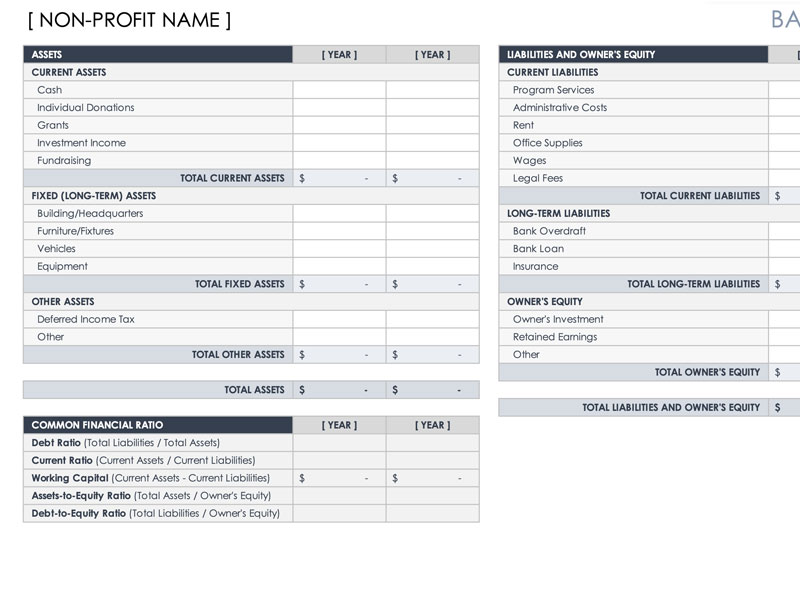
Starter for beginners scaling to full system.
Nonprofit Accounting Excel Template by ExcelDesigns Pre-built sheets for funds, reports—customize in minutes, saves setup time.
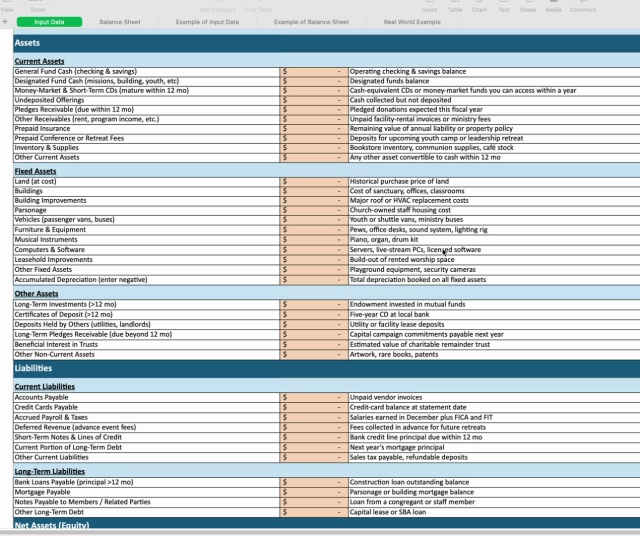
All-in-one for small orgs avoiding software.
Complete Nonprofit Bookkeeping Excel Workbook Includes 20+ sheets for church/nonprofit specifics like tithes, grants.
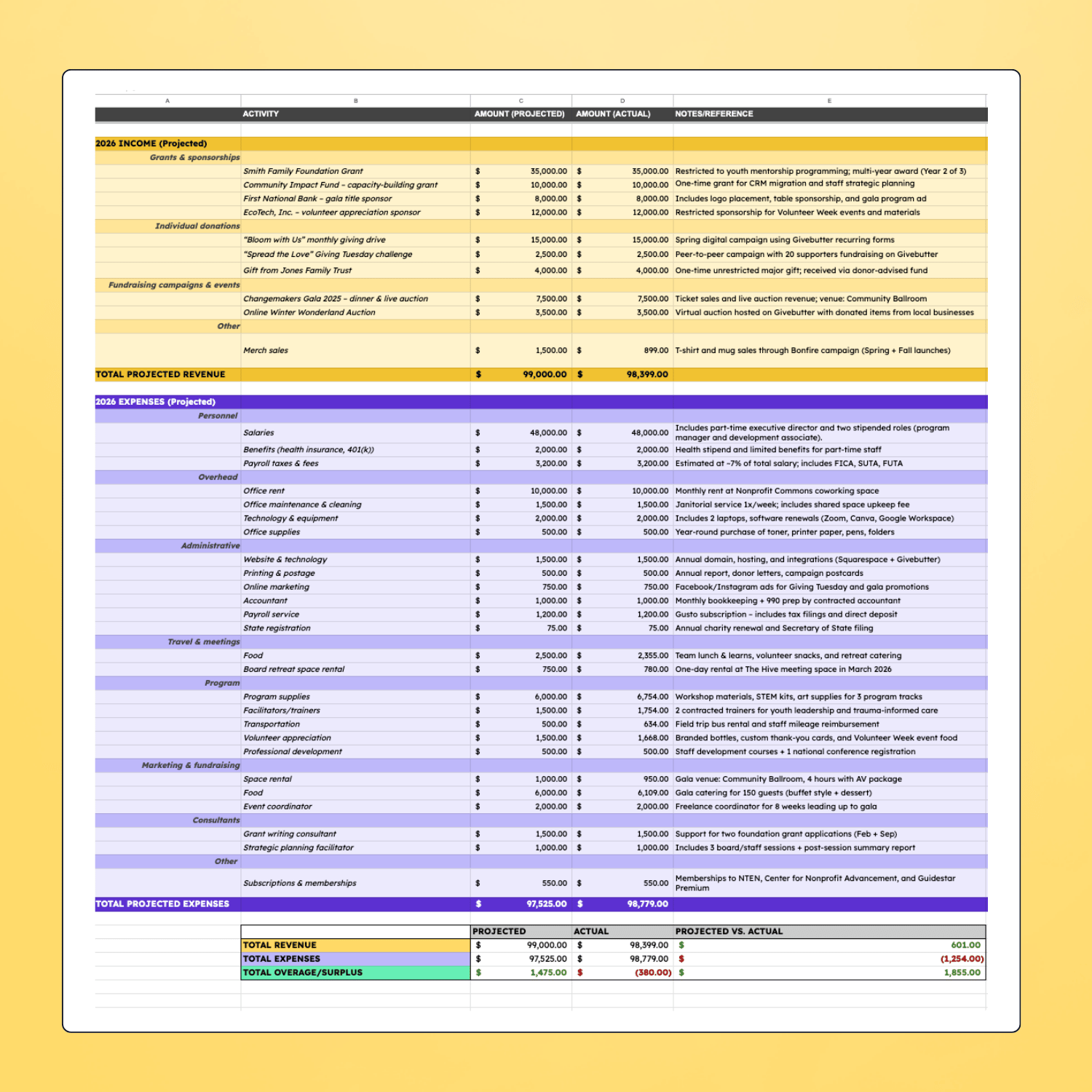
Enhance your custom build with pro templates.
Excel for Nonprofits: 101 Spreadsheets & Templates Ready-made for budgets, cash flow—expert-vetted for compliance.
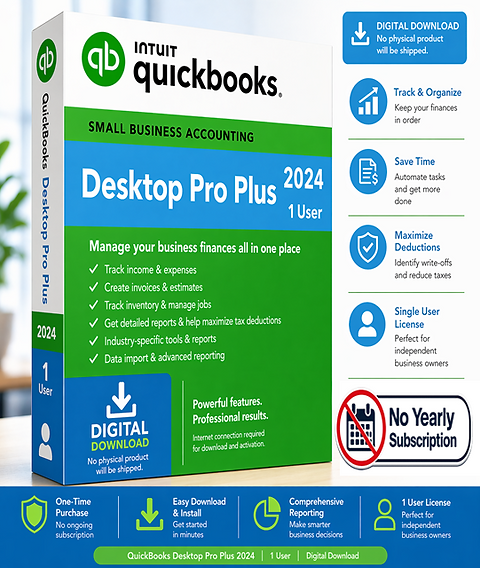
When spreadsheets need software upgrade.
QuickBooks Desktop Pro Plus 2024 (Nonprofit Edition Unlock) Exports to Excel; hybrid for growing nonprofits.