
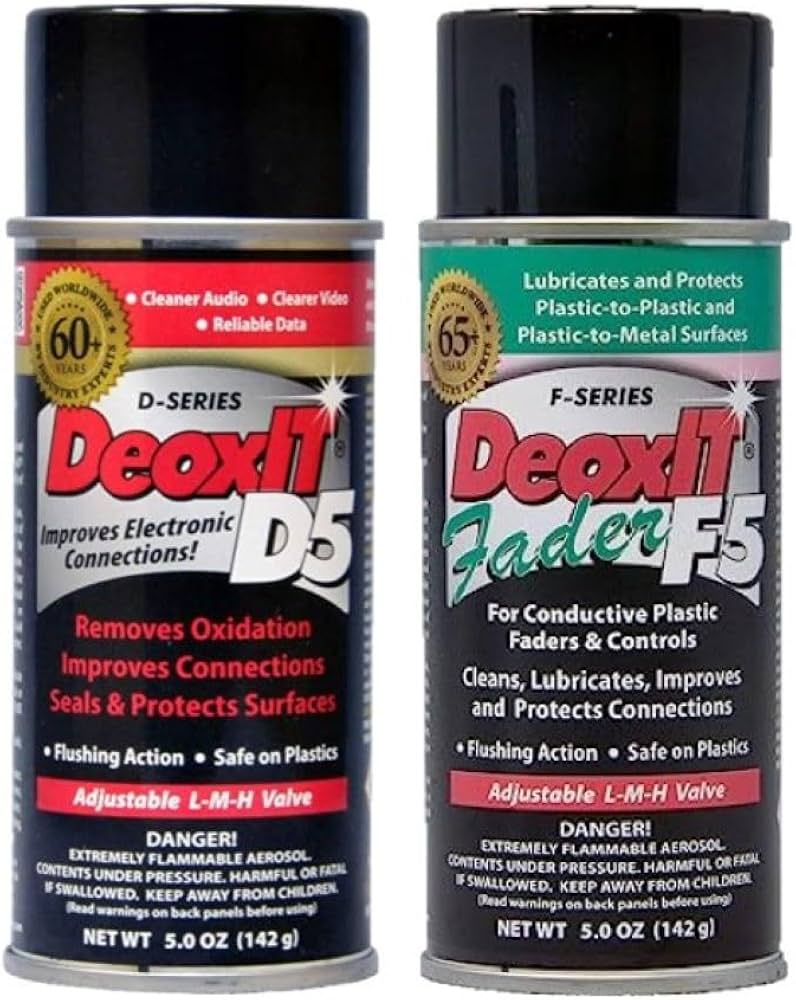
Caig DeoxIT D5 Contact Cleaner Spray
Heavy corrosion or frequent cleanings on remotes/gadgets.
$24.95
Caig DeoxIT D5 Contact Cleaner Spray Professional-grade formula dissolves corrosion instantly without residue, safe for plastics.
Get the App
Better experience on mobile
Fix flaky devices fast: Learn safe, beginner-friendly steps to remove battery corrosion and restore power in 10-15 minutes using household items.
Have you ever grabbed your TV remote, flashlight, or toy only to find it dead despite fresh AAA batteries? That green or white gunk on the contacts is corrosion from battery leaks, blocking electricity flow and killing your gadgets. It's a common frustration, but the good news is you can clean it yourself without fancy tools.
In this guide, you'll learn a simple, effective method using vinegar or lemon juice to dissolve the acid-based corrosion safely. We'll cover every step, from safety prep to testing, so even total beginners can succeed. The whole process takes just 10-15 minutes and prevents future issues.
Expect shiny, clean contacts ready for new batteries—no more intermittent power loss. Let's get your devices back online!
Estimated Time: 10-15 minutes Difficulty: beginner
Start by turning off your device completely if it has a power switch. Open the battery compartment and carefully remove all AAA batteries. Dispose of any old or leaking ones properly—don't reuse them.
This step prevents short circuits or shocks while cleaning. You'll see powdery white/green corrosion on the metal contacts (flat springs or plates). If batteries are stuck, gently wiggle them out—never force.
Success looks like: Empty compartment with visible corrosion exposed.
💡 Tips:
⚠️ Warnings:
Wear disposable gloves to protect your hands from acidic corrosion. Set up in a well-ventilated area like outdoors or near an open window. Lay down paper towels to catch messes.
Why? Corrosion is potassium carbonate from alkaline leaks—mildly caustic. A clean workspace makes cleanup easy.
Success looks like: Gloves on, protected surface ready.
💡 Tips:
Pour white vinegar or squeeze lemon juice into a small bowl—enough to dip a swab (about 1-2 tablespoons). Vinegar's acetic acid dissolves the corrosion without damaging plastics.
Optional: Add a pinch of baking soda to fizz and boost cleaning, but plain vinegar works fine for beginners.
Success looks like: Bowl with clear acidic liquid ready.
⚠️ Warnings:
Dip a cotton swab in the solution and gently dab the corroded areas. Let it soak for 1-2 minutes—the corrosion will bubble and dissolve.
Focus on nooks where gunk hides. Reapply if needed for heavy buildup. This neutralizes the alkaline residue safely.
Success looks like: Bubbling reaction, softened corrosion.
💡 Tips:
Use a soft toothbrush dipped in the solution to scrub contacts in circular motions. Apply light pressure—metal is delicate.
Scrub for 1-2 minutes until shiny metal shows through. Rinse the brush in the bowl as needed.
Success looks like: Corrosion mostly gone, contacts brighter.
⚠️ Warnings:
Mix baking soda with a drop of water into a paste. Apply with swab to contacts for 30 seconds, then wipe off. This neutralizes any remaining acid.
Rinse by wiping with a damp cloth (water only).
Success looks like: No fizzing, neutral surface.
💡 Tips:
Wipe contacts with a dry paper towel. Let air-dry 5 minutes, or dab with isopropyl alcohol for faster evaporation and degreasing.
Moisture causes new corrosion—patience here is key.
Success looks like: Bone-dry, shiny contacts.
⚠️ Warnings:
Insert fresh AAA batteries (match polarity). Close compartment and test device.
If it works smoothly, you're done! Clean annually for prevention.
Success looks like: Device powers on reliably.
💡 Tips:
Problem: Corrosion won't budge after scrubbing
Solution: Soak longer (5 mins) or use commercial contact cleaner. Repeat steps 4-5.
Problem: Device still doesn't work
Solution: Check batteries are fresh/new, polarity correct, or clean device internals. Test batteries in another device.
Problem: Fumes too strong
Solution: Move outside immediately; use lemon juice next time (less odor).
Problem: Plastic compartment damaged
Solution: Stop cleaning; seek pro repair if critical. Avoid abrasives.
Professional-grade formula dissolves corrosion instantly without residue, safe for plastics.
Best for: Heavy corrosion or frequent cleanings on remotes/gadgets.
Price Range: $24.95
Fast-drying, no-flush spray removes grime and improves conductivity.
Best for: Quick fixes on multiple devices; budget-friendly.
Price Range: $7.98-$9.98
Pure alcohol evaporates residue-free for final drying/degreasing.
Best for: Post-clean wipe or light cleaning alternative.
Price Range: $9.99
Soft, precise bristles perfect for battery compartments without scratching.
Best for: Scrubbing tight contacts safely.
Price Range: $9.99
Heavy corrosion or frequent cleanings on remotes/gadgets.
Caig DeoxIT D5 Contact Cleaner Spray Professional-grade formula dissolves corrosion instantly without residue, safe for plastics.
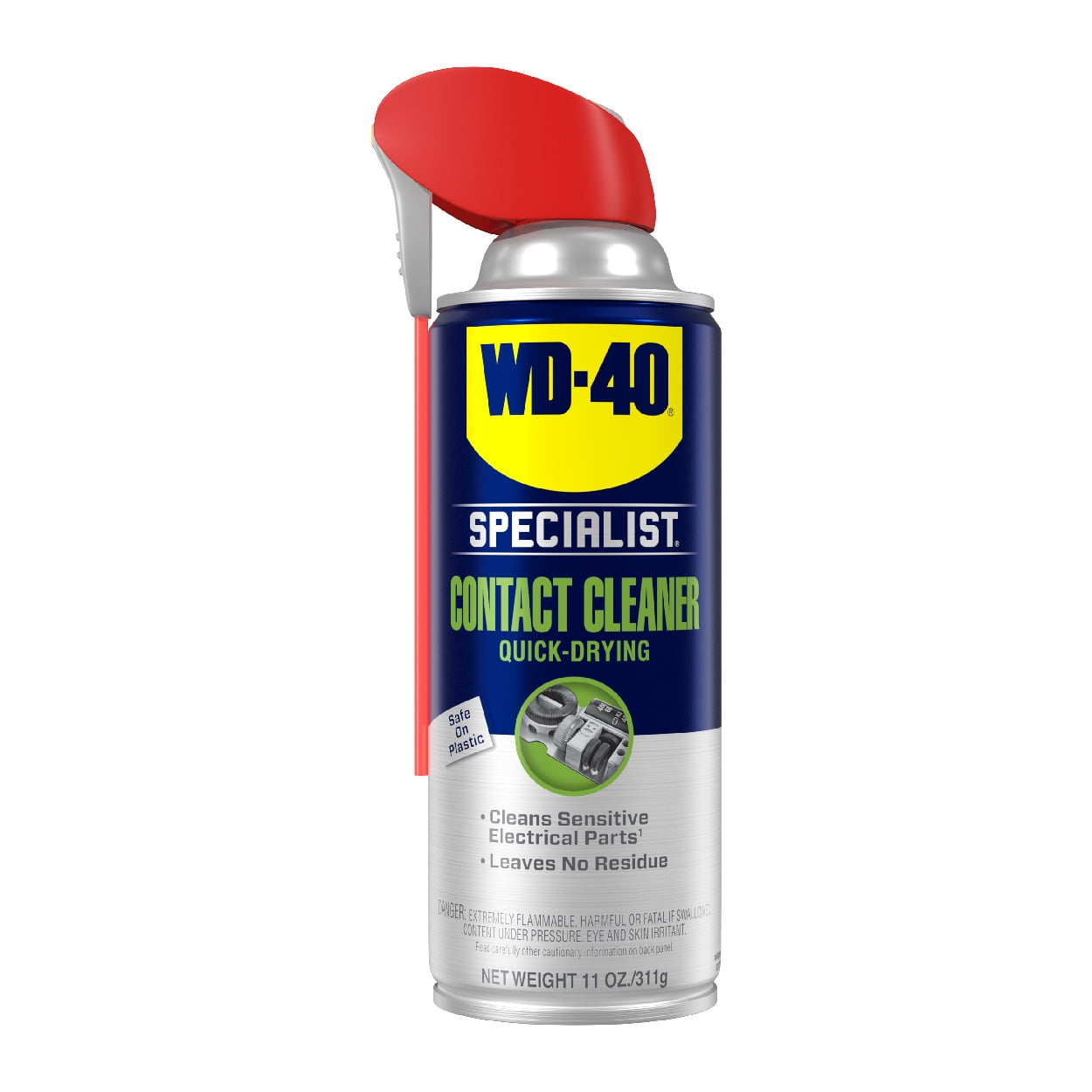
Quick fixes on multiple devices; budget-friendly.
WD-40 Specialist Electrical Contact Cleaner Fast-drying, no-flush spray removes grime and improves conductivity.
Post-clean wipe or light cleaning alternative.
Amazon Basics 99% Isopropyl Alcohol Pure alcohol evaporates residue-free for final drying/degreasing.
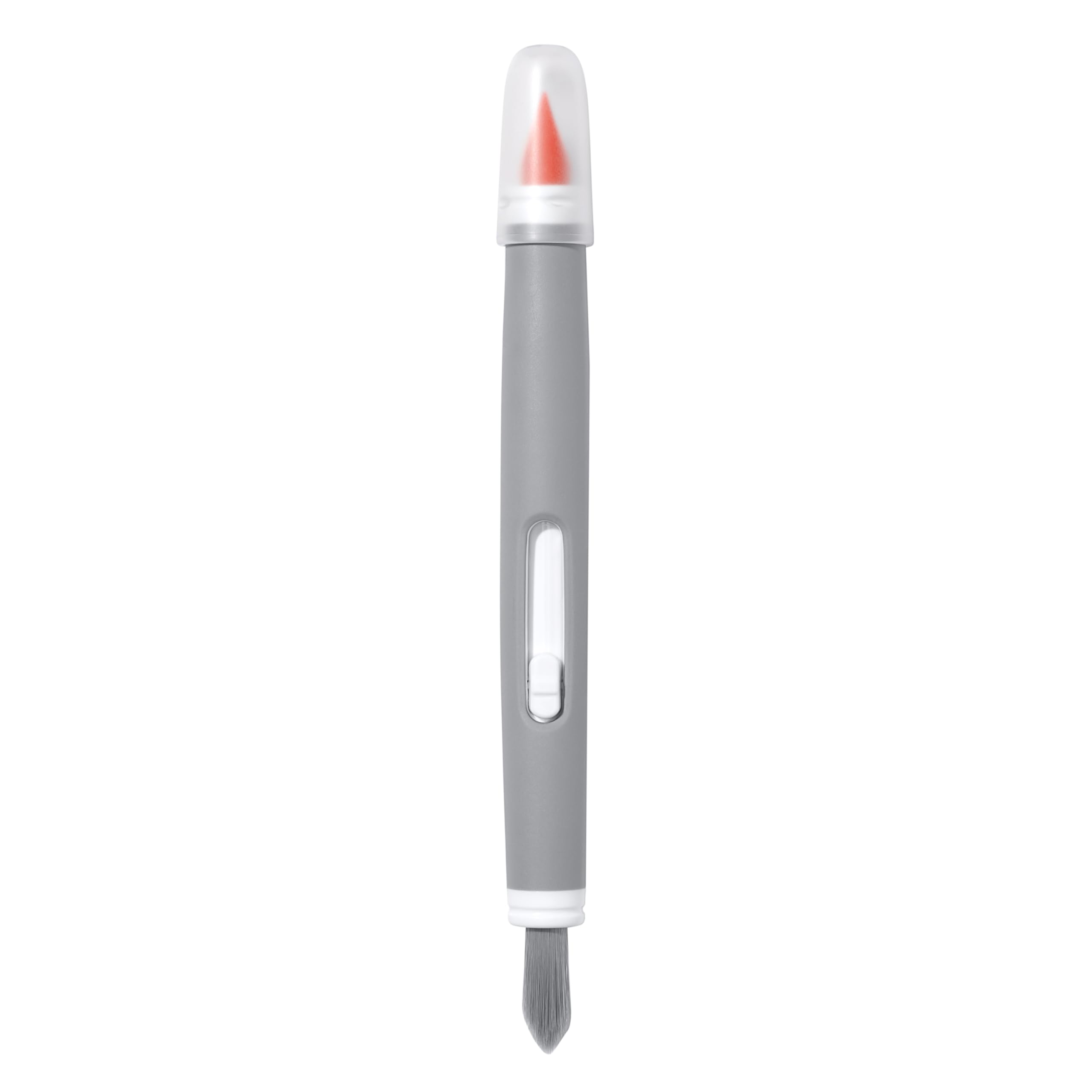
Scrubbing tight contacts safely.
OXO Good Grips Electronics Cleaning Brush Soft, precise bristles perfect for battery compartments without scratching.