
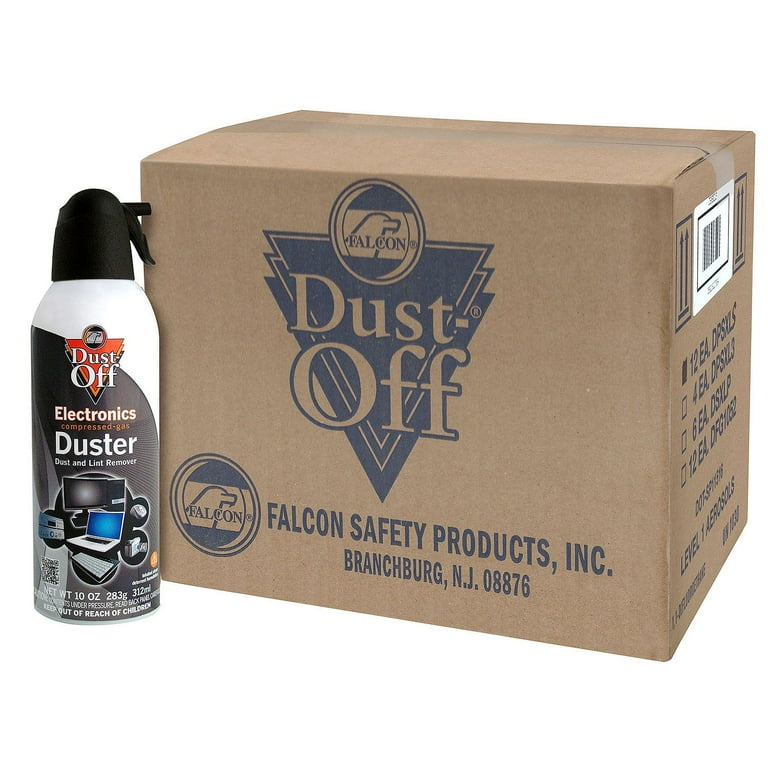
Dust-Off Compressed Air Duster (FalconSafety)
Initial loose debris removal on internals.
$10-15
Dust-Off Compressed Air Duster (FalconSafety) Electronics-safe, propellant-free bursts remove dust without residue.
Get the App
Better experience on mobile
Master step-by-step cleaning techniques to remove dust and debris from your 3D scanner, ensuring precise scans and extending equipment life.
Dust, fingerprints, and residue on your 3D scanner's optics can ruin scan accuracy, leading to distorted models and wasted time. Whether you're scanning for 3D printing, reverse engineering, or metrology, a clean scanner is essential for professional results. Neglecting maintenance often causes blurry captures or incomplete data, frustrating intermediate users who expect reliable performance.
In this guide, you'll learn a safe, systematic cleaning process tailored for structured light, laser, and photogrammetry scanners. We'll cover everything from preparation to testing, using tools that won't scratch delicate lenses or sensors. Expect crystal-clear optics and scans that match your originals perfectly.
The process takes 20-30 minutes and suits intermediate users familiar with basic disassembly. No advanced tools required—just follow these steps for scanner-longevity and accuracy boosts.
Estimated Time: 20-30 minutes Difficulty: intermediate
Begin by turning off your 3D scanner and unplugging it from power sources. If it's connected via USB or other cables, disconnect them carefully. This prevents electrical damage and static buildup during cleaning.
Why it matters: Active components like lasers or projectors can be harmed by liquids or air bursts. Expect a completely safe, powered-down unit ready for handling.
Image description: Close-up of a 3D scanner (e.g., EinScan model) unplugged on a workbench, power switch in off position.
💡 Tips:
⚠️ Warnings:
Refer to your scanner's manual to remove detachable components like protective lenses, filters, or calibration targets. For models like the Artec Eva or Creality CR-Scan, unscrew or unclip optics covers gently.
This exposes hidden dust traps. Handle parts by edges only to avoid fingerprints. Success looks like clean access to mirrors, cameras, and projectors without forcing components.
Image description: Hands carefully removing lens cover from a structured light 3D scanner.
💡 Tips:
⚠️ Warnings:
Hold the scanner upside down and use short bursts of compressed air from 6-8 inches away. Focus on vents, crevices, fans, and optical paths. Tilt the canister upright to avoid liquid propellant.
This non-contact method clears 80% of debris without scratches. You'll see dust particles flying out, leaving surfaces visibly clearer.
Image description: Person using compressed air can on 3D scanner internals, dust particles visible.
💡 Tips:
⚠️ Warnings:
Gently sweep soft brush over sensors, projectors, and edges. For laser scanners, clean emitter housings carefully.
Brushes reach where air can't, preventing static-cling dust. Expect smoother surfaces ready for wet cleaning.
Image description: Soft brush cleaning around scanner projector lens.
💡 Tips:
Mix 50/50 isopropyl alcohol and distilled water. Dampen (not soak) a microfiber cloth or swab; wipe lenses, mirrors, and cameras in circular motions from center outward.
Optics are the scan heart—clean ones ensure sharp data. Lenses should sparkle without streaks.
Image description: Microfiber cloth wiping scanner lens, before/after comparison.
💡 Tips:
⚠️ Warnings:
Use dry microfiber for body, then damp with lens solution for smudges. Dry thoroughly.
Prevents cross-contamination to optics. Scanner looks showroom-new.
Image description: Full scanner exterior being wiped clean.
💡 Tips:
Reattach parts securely per manual. Inspect for forgotten residue under good lighting.
Tight seals mean dust-proofing. All parts fit snugly.
Image description: Reassembled scanner with parts aligned.
⚠️ Warnings:
Power on, run a quick calibration or sample scan (e.g., flat surface). Check for artifacts.
Confirms accuracy. Scans match known dimensions perfectly.
Image description: Software interface showing clean test scan result.
💡 Tips:
Problem: Streaks or haze on scans post-clean
Solution: Re-wipe with fresh solution; check lighting. Recalibrate.
Problem: Dust returns quickly
Solution: Improve storage; use compressed air more often.
Problem: Static clings during cleaning
Solution: Ground yourself; use anti-static brush/cloth.
Problem: Parts won't reassemble
Solution: Double-check manual; seek manufacturer video.
Problem: Scan accuracy worse
Solution: Full recalibration needed; contact support if persists.
Electronics-safe, propellant-free bursts remove dust without residue.
Best for: Initial loose debris removal on internals.
Price Range: $10-15
Optical-grade, streak-free formula safe for scanner lenses/mirrors.
Best for: Quick wipes for cameras and projectors.
Price Range: $8-12
Pure, fast-evaporating for custom dilutions; no additives harm plastics.
Best for: Diluted solution for all surfaces.
Price Range: $15-25
Ultra-lint-free, reusable; traps 99% dust without chemicals.
Best for: Dry buffing and damp wiping.
Price Range: $10-15
Prevents static on sensors; soft bristles for crevices.
Best for: Detailed brushing post-air.
Price Range: $8-12
Initial loose debris removal on internals.
Dust-Off Compressed Air Duster (FalconSafety) Electronics-safe, propellant-free bursts remove dust without residue.
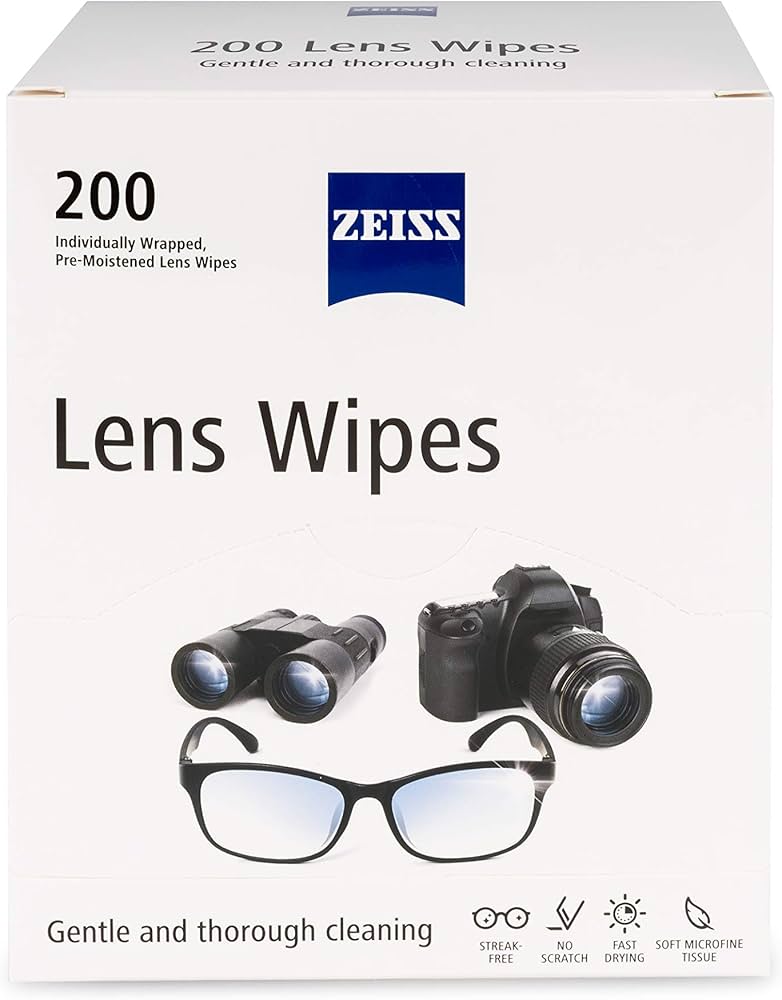
Quick wipes for cameras and projectors.
ZEISS Pre-Moistened Lens Cleaning Wipes Optical-grade, streak-free formula safe for scanner lenses/mirrors.

Diluted solution for all surfaces.
MG Chemicals 99% Isopropyl Alcohol Pure, fast-evaporating for custom dilutions; no additives harm plastics.

Dry buffing and damp wiping.
E-Cloth Microfiber Cleaning Cloths Ultra-lint-free, reusable; traps 99% dust without chemicals.

Detailed brushing post-air.
ESD Anti-Static Brush Prevents static on sensors; soft bristles for crevices.