
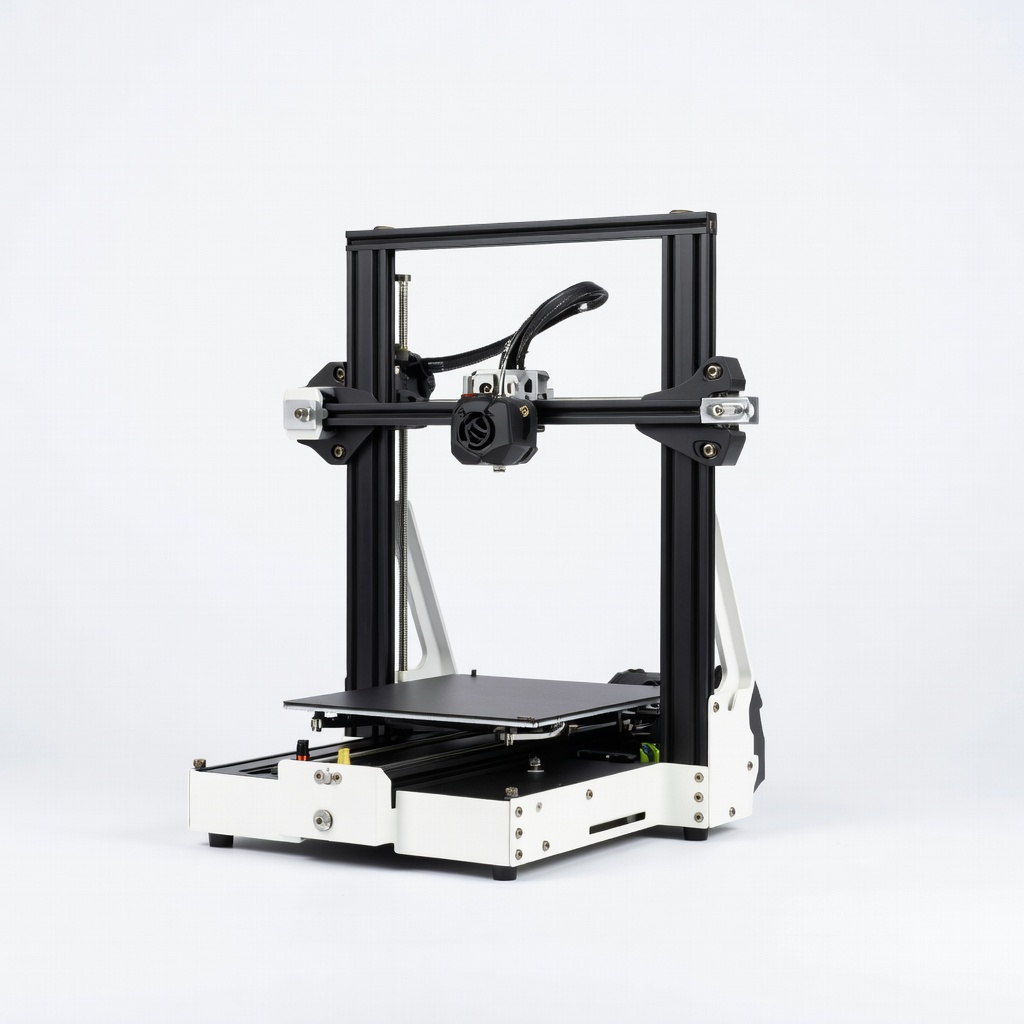
Creality Ender 3 V3 SE
Everyday hobbyist prints like toys and organizers.
$219
Creality Ender 3 V3 SE Best budget pick with auto-leveling, fast assembly (10 mins), and reliable prints for under $220.
Get the App
Better experience on mobile
Learn key factors like budget, ease of use, and features to pick a reliable starter 3D printer that delivers stunning prints without frustration.
Imagine turning your wildest ideas into physical objects—from custom phone stands to fun toys—all from your desktop.
But for beginners, the flood of options can be overwhelming: FDM vs. resin, enclosed vs. open-frame, speeds up to 500mm/s. This guide breaks it down simply, helping you choose a printer that's forgiving, affordable, and fun. You'll walk away confident, ready to print your first model in days.
What you'll learn: Step-by-step criteria to evaluate printers, real-world tips, and top recommendations. No tech expertise needed—this takes 30-60 minutes of reading and research, leading to a smart buy under $300.
Estimated Time: 30-60 minutes Difficulty: beginner
Start by asking: What will you print? Toys and gadgets suit small printers; prototypes need larger beds. Beginners should aim for FDM printers (filament-based, cheaper, easier) over resin (messy liquids).
Set a budget: $150-$300 for basics, $300-$500 for auto-features. Factor in extras like filament ($20/kg) and enclosure ($50). This prevents overspending on unused features.
Expect a shortlist of 3-5 printers after this.
💡 Tips:
⚠️ Warnings:
Most beginners want FDM (Fused Deposition Modeling): Extrudes plastic filament like a hot glue gun. Analogy: Building with LEGO bricks layer by layer.
Skip resin (SLA) for now—it's detailed for miniatures but toxic and messy. Cartesian (Ender-style) vs. CoreXY (faster, like Bambu): Cartesian for simple, budget.
This narrows 100s of models to beginner-friendly ones.
💡 Tips:
Build volume (print size): 220x220x250mm standard for beginners—fits phone cases. Larger = pricier, harder to manage.
Layer resolution: 0.1-0.2mm for smooth prints. Nozzle size 0.4mm default.
Why matters: Small volume prevents failed big prints. Expect crisp details on small models.
💡 Tips:
⚠️ Warnings:
Look for auto bed leveling (CR Touch), direct drive extruder (better filament grip), PEI bed (no glue needed). Touchscreen and app control bonus.
Assembly: Under 15 minutes ideal (e.g., Ender 3 V3 SE). Why? Reduces setup fails—80% of newbie quits from frustration.
Expect plug-and-play after 30-min setup.
💡 Tips:
Speed: 100-250mm/s safe for beginners. Quality: Check sample prints for stringing, warping.
Materials: PLA first (easy, $20/kg), then PETG. Avoid ABS (fumes, warping) without enclosure.
This ensures reliable results on day one.
💡 Tips:
⚠️ Warnings:
Uses free slicers like Cura or OrcaSlicer—easy drag-drop. Check community: Active Reddit/Forums = quick fixes.
Warranty: 1-year min, responsive support. Read recent Amazon reviews (2024).
Strong ecosystem means lifelong success.
💡 Tips:
Use Amazon/ official sites for deals. Check bundles (filament included). Buy from reputable sellers for returns.
Final pick: Matches 80% needs, great reviews (>4.3 stars, 1k+ ratings). Order and print benchmark model.
💡 Tips:
Problem: Overwhelmed by options?
Solution: Stick to top 5 from All3DP beginner list; filter by budget.
Problem: Printer arrives with defects?
Solution: Amazon return within 30 days; contact manufacturer support.
Problem: Poor reviews on specific model?
Solution: Check date—2024 firmware updates fix many issues.
Best budget pick with auto-leveling, fast assembly (10 mins), and reliable prints for under $220.
Best for: Everyday hobbyist prints like toys and organizers.
Price Range: $219
High-speed (500mm/s) with Klipper firmware, direct drive, and vibrant community support.
Best for: Beginners wanting faster prints without complexity.
Price Range: $260-$300
Ultra-easy multi-color printing, app control, enclosed—perfect no-fuss starter.
Best for: Creative projects with colors; small space.
Price Range: $299
LeviQ leveling, quiet operation, great value for crisp details.
Best for: Desktop prototyping on tight budget.
Price Range: $199
Everyday hobbyist prints like toys and organizers.
Creality Ender 3 V3 SE Best budget pick with auto-leveling, fast assembly (10 mins), and reliable prints for under $220.
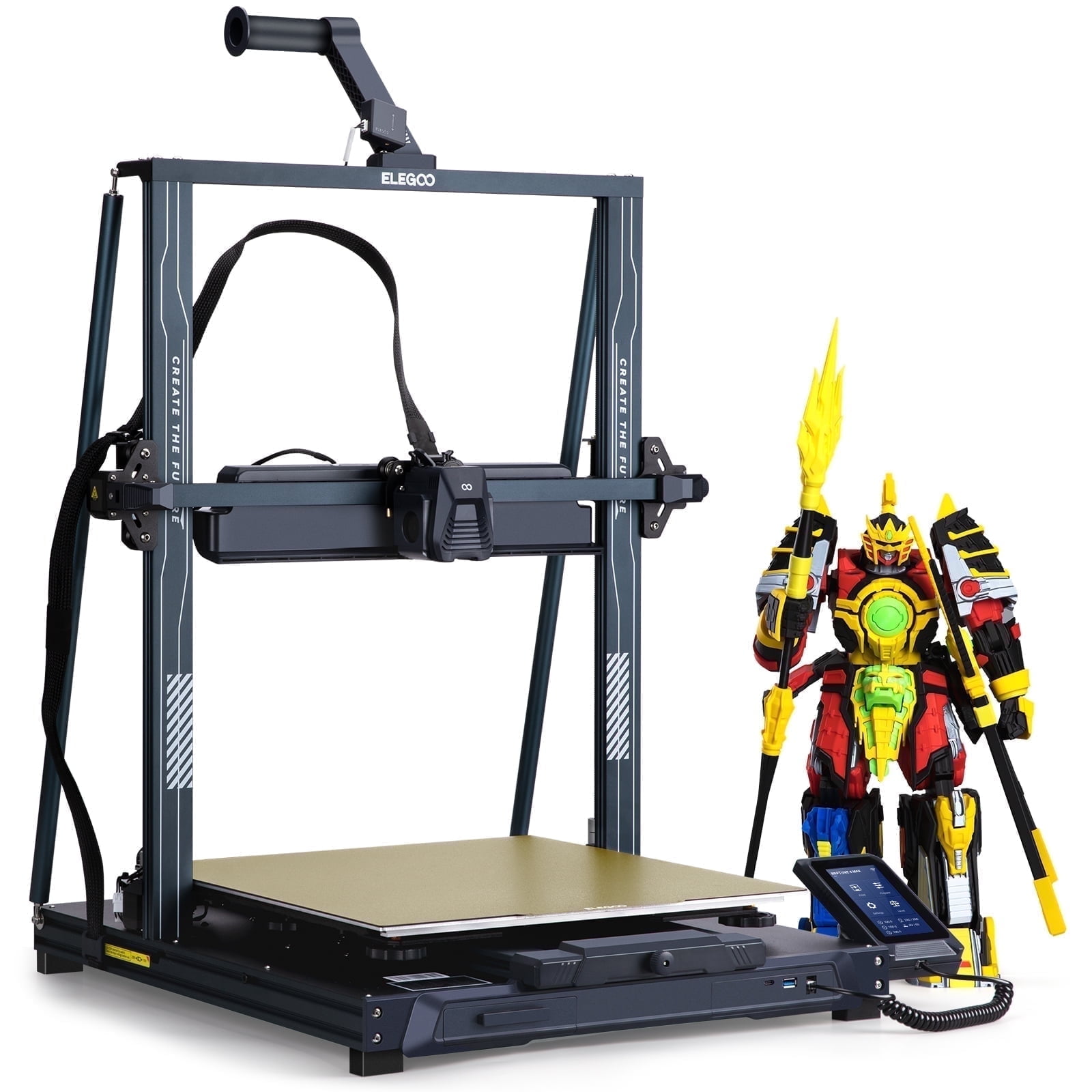
Beginners wanting faster prints without complexity.
ELEGOO Neptune 4 High-speed (500mm/s) with Klipper firmware, direct drive, and vibrant community support.
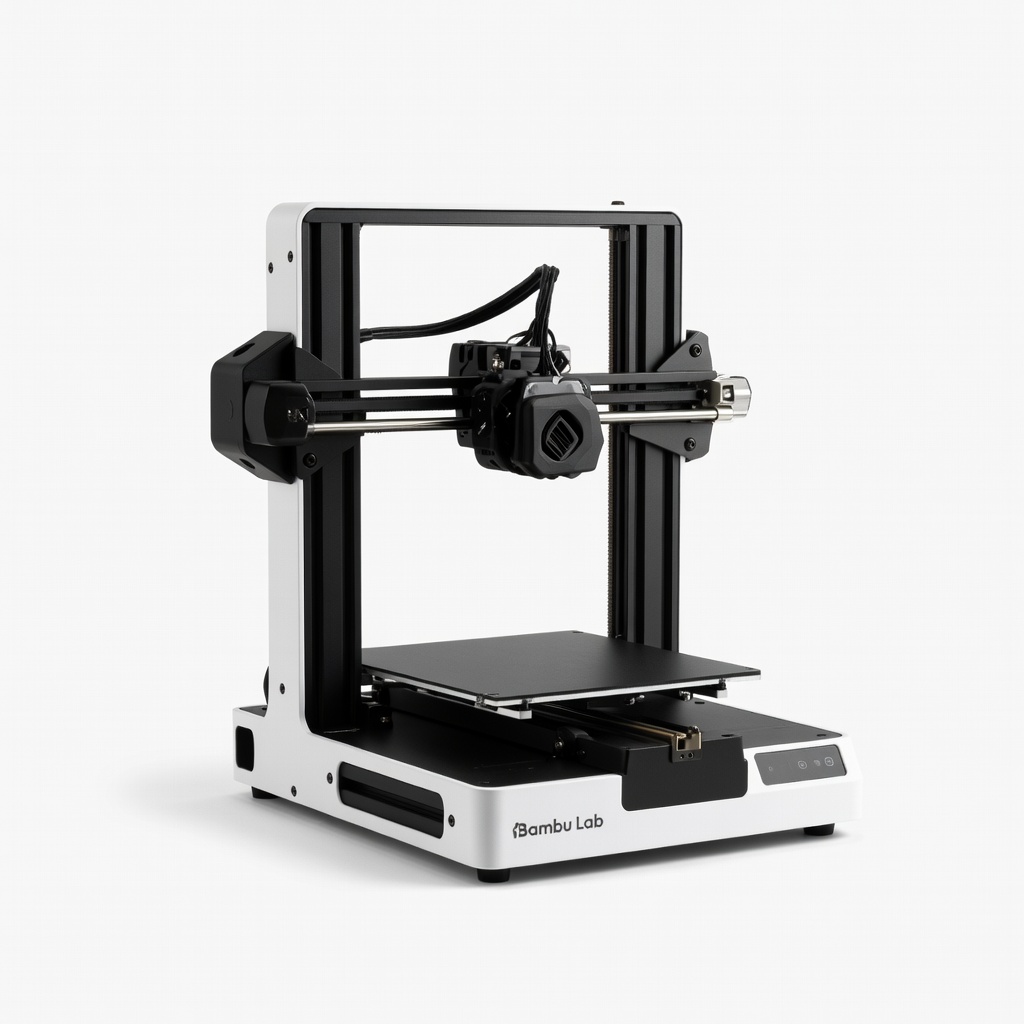
Creative projects with colors; small space.
Bambu Lab A1 Mini Ultra-easy multi-color printing, app control, enclosed—perfect no-fuss starter.
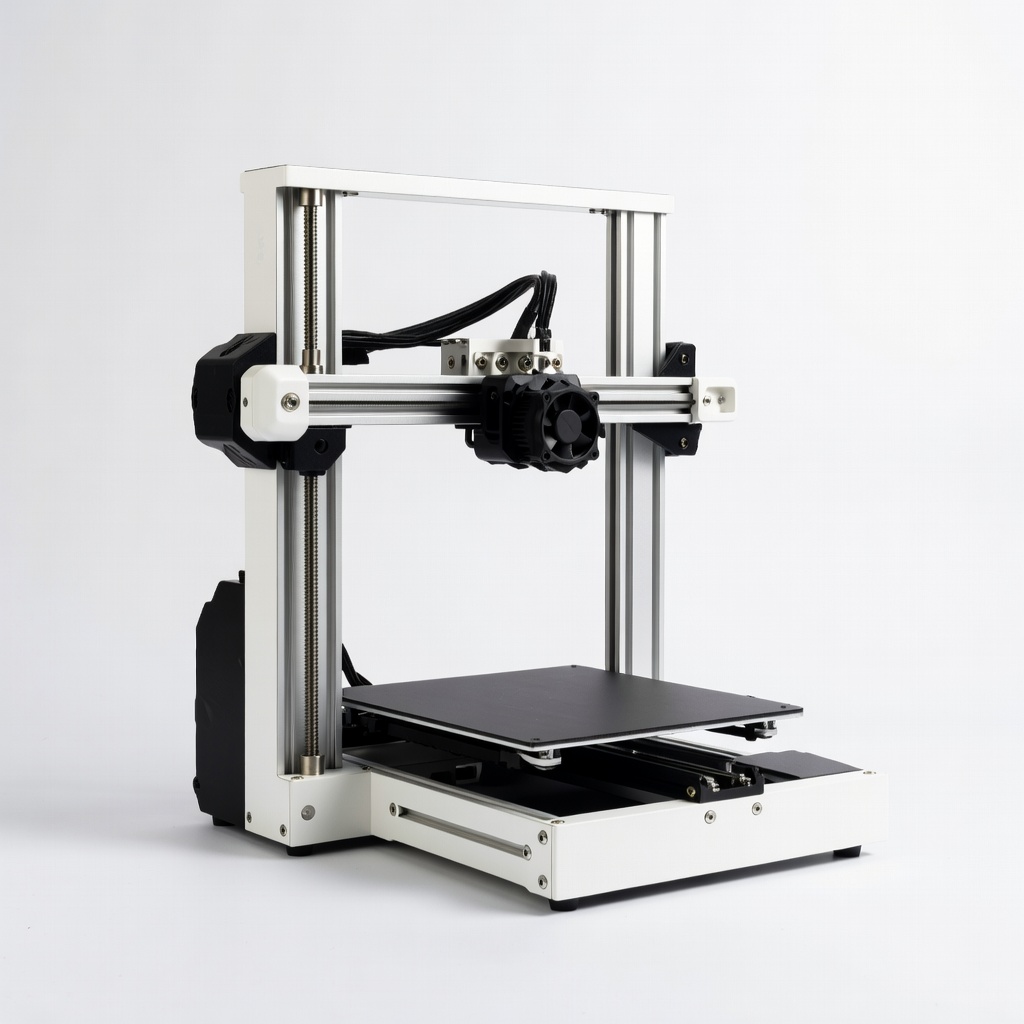
Desktop prototyping on tight budget.
Anycubic Kobra 2 Neo LeviQ leveling, quiet operation, great value for crisp details.