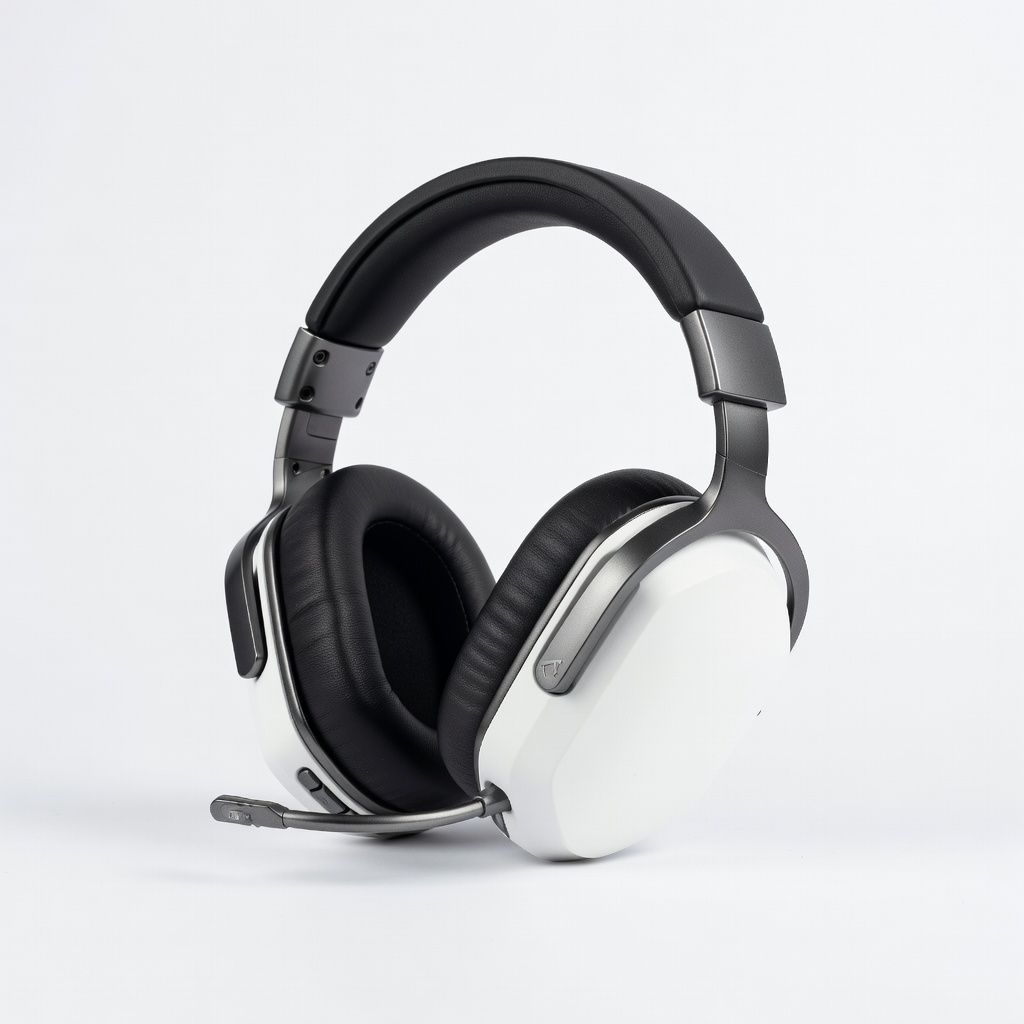
Gaming sessions can be frustrating when your headphones fail to deliver clear audio, a reliable mic, or all-day comfort. Whether you're coordinating with teammates in FPS games or immersing yourself in story-driven adventures, the wrong headset can ruin the experience. Many gamers end up with mismatched gear that causes ear fatigue or poor sound positioning, leading to overlooked enemies or muffled chats.
In this guide, you'll learn a step-by-step process to select headphones tailored to your gaming style, platform, and preferences. We'll cover everything from defining your needs to testing options, ensuring you pick a headset that boosts performance and enjoyment. By the end, you'll confidently choose a product that fits your setup.
This process is straightforward but requires some research—expect to spend 30-45 minutes reviewing specs and reviews. As an intermediate gamer, you'll appreciate the focus on technical details like surround sound and wireless latency, without overwhelming beginner basics.
▸What You'll Need
- •A defined gaming setup (PC, console like PS5/Xbox, or mobile)
- •Budget range (e.g., $50-$200)
- •Access to online reviews and comparison sites (e.g., Amazon, Reddit's r/gaming)
- •Optional: A retailer with return policy for in-person testing
Estimated Time: 30-45 minutes
Difficulty: intermediate
▸Step-by-Step Instructions
Step 1: Define Your Gaming Needs
Start by assessing what type of gaming you do most. Are you into competitive multiplayer like Call of Duty, where directional audio and a clear microphone are crucial? Or single-player RPGs like The Legend of Zelda, prioritizing immersive soundscapes? Consider your playtime—long sessions demand comfort over flashy RGB lights.
Why this matters: Tailoring to your needs prevents overspending on irrelevant features. For example, if you're on PC, prioritize software compatibility; console gamers might need specific wireless adapters.
Expect to jot down 3-5 key priorities, like 'mic quality for team chat' or 'lightweight for 4+ hour sessions'. This foundation guides the rest of your selection.
💡 Tips:
- •List your top 3 games to identify patterns in audio needs.
- •Factor in multi-use: Do you want headphones for music or calls too?
⚠️ Warnings:
- •Avoid generic wants like 'best overall'—be specific to your habits.
Step 2: Set a Realistic Budget
Determine how much you're willing to spend, considering entry-level ($50-100), mid-range ($100-200), or premium ($200+). Budget headsets like basic wired options offer solid basics, while higher-end ones add wireless freedom and advanced drivers.
This step is key because features scale with price—don't chase audiophile quality if you're casual. Research shows mid-range often hits the sweet spot for gamers, balancing value and performance without diminishing returns.
Success looks like a firm number, e.g., '$150 max', allowing you to filter options efficiently on sites like Amazon.
💡 Tips:
- •Add 10-20% buffer for accessories like replacement ear pads.
- •Check for sales during events like Black Friday.
⚠️ Warnings:
- •Skipping this leads to impulse buys; always compare value per dollar.
Step 3: Evaluate Sound Quality and Drivers
Look for headsets with 50mm drivers or larger for rich bass and clear highs, essential for hearing footsteps or explosions. Virtual 7.1 surround sound simulates directional audio, improving spatial awareness in games like Valorant.
Why prioritize this? Poor sound leads to missed cues, frustrating competitive play. Test via demos or YouTube reviews focusing on frequency response (20Hz-20kHz ideal).
At this stage, shortlist 5-10 models with high ratings in audio clarity; expect balanced sound without muddiness.
💡 Tips:
- •Seek DTS Headphone:X or Dolby Atmos certification for immersion.
- •For music lovers, check for neutral sound profiles.
⚠️ Warnings:
- •Bass-heavy sets can drown out mids; read user reviews for balance.
Step 4: Check Microphone Performance
A good gaming headset needs a detachable or flip-up mic with noise cancellation to cut background hum. Test for clarity—aim for cardioid patterns that focus on your voice.
This matters for multiplayer; fuzzy mics cause miscommunication. Reviews often include mic tests; look for 'broadcast quality' feedback.
Success: Models where the mic picks up whispers clearly without echo, verified via sample audio clips.
💡 Tips:
- •Prioritize headsets with sidetone to hear your own voice.
- •Wireless mics should have low latency under 50ms.
⚠️ Warnings:
- •Built-in laptop mics are inferior; always use dedicated ones.
Step 5: Assess Comfort and Build Quality
Choose over-ear designs with plush memory foam ear cups and adjustable headbands for sessions over 2 hours. Lightweight (under 300g) prevents neck strain; breathable materials reduce sweat.
Comfort is non-negotiable for immersion—rigid builds cause fatigue. Check for swivel cups and padded clamps.
Expect to feel secure fit without pressure; user photos show real wear.
💡 Tips:
- •Try on in-store if possible; velour pads are cooler than leatherette.
- •Modular designs allow easy part replacements.
⚠️ Warnings:
- •Ignore weight specs alone—distribution matters for long wear.
Step 6: Decide on Wired vs. Wireless
Wired offers zero latency and reliability for competitive gaming; wireless provides freedom but check battery life (20+ hours) and 2.4GHz connectivity to avoid Bluetooth lag.
This choice impacts mobility—wired for desks, wireless for consoles. Low-latency wireless rivals wired in 2024 tech.
Shortlist based on your setup; success is picking without compromises like frequent charging.
💡 Tips:
- •Hybrid options with both ports are versatile.
- •Ensure multi-device pairing for PC/console switching.
⚠️ Warnings:
- •Cheap wireless can have interference; stick to reputable brands.
Step 7: Verify Compatibility and Extras
Ensure compatibility with your platform—USB/3.5mm for PC, specific dongles for PS5/Xbox. Look for EQ software like Razer Synapse for customization.
Extras like RGB or swappable batteries add value but aren't essential. This prevents post-purchase issues.
Final check: All ports match; expect seamless plug-and-play.
💡 Tips:
- •Cross-platform headsets save money long-term.
- •Virtual surround works on any device with software.
⚠️ Warnings:
- •Console exclusives might not support PC features fully.
Step 8: Read Reviews and Compare Options
Dive into 50+ reviews on Amazon/IGN, focusing on real-user experiences for durability and value. Compare top picks side-by-side on sites like PC Mag.
This validates specs; ignore sponsored hype.
Success: Narrow to 2-3 finalists with 4+ star averages and recent updates.
💡 Tips:
- •Search Reddit for long-term use reports.
- •Watch unboxing videos for build feel.
⚠️ Warnings:
- •Fake reviews skew ratings; check verified purchases.
▸Pro Tips
- •Prioritize return policies—test comfort for a week.
- •Use demo modes in games to audition audio before buying.
- •Balance features: Don't sacrifice mic for looks.
- •Update firmware post-purchase for optimal performance.
- •Consider ear shape—some need larger cups.
- •Bundle with a stand for desk organization.
- •Track warranties; most cover 1-2 years for defects.
▸Common Mistakes to Avoid
- •Overlooking comfort, leading to headaches after 1 hour—test fit virtually via size guides.
- •Ignoring platform compatibility, causing audio dropouts—always verify dongle needs.
- •Chasing hype without reviews, buying underperforming sets—cross-reference multiple sources.
- •Forgetting battery life in wireless, interrupting sessions—aim for 20+ hours.
- •Neglecting mic tests, resulting in poor team comms—listen to review samples.
▸Troubleshooting
Problem: Audio lag in wireless mode
Solution: Switch to 2.4GHz dongle if available; update drivers and keep firmware current. If persists, opt for wired.
Problem: Uncomfortable fit after hours
Solution: Adjust headband and try different ear pad materials. Return if no improvement within policy.
Problem: Mic picks up background noise
Solution: Enable noise suppression in software; position mic 1-2 inches from mouth. Test in quiet room.
Problem: Incompatible with console
Solution: Check manufacturer compatibility list; use adapters for 3.5mm ports. Seek support if unclear.
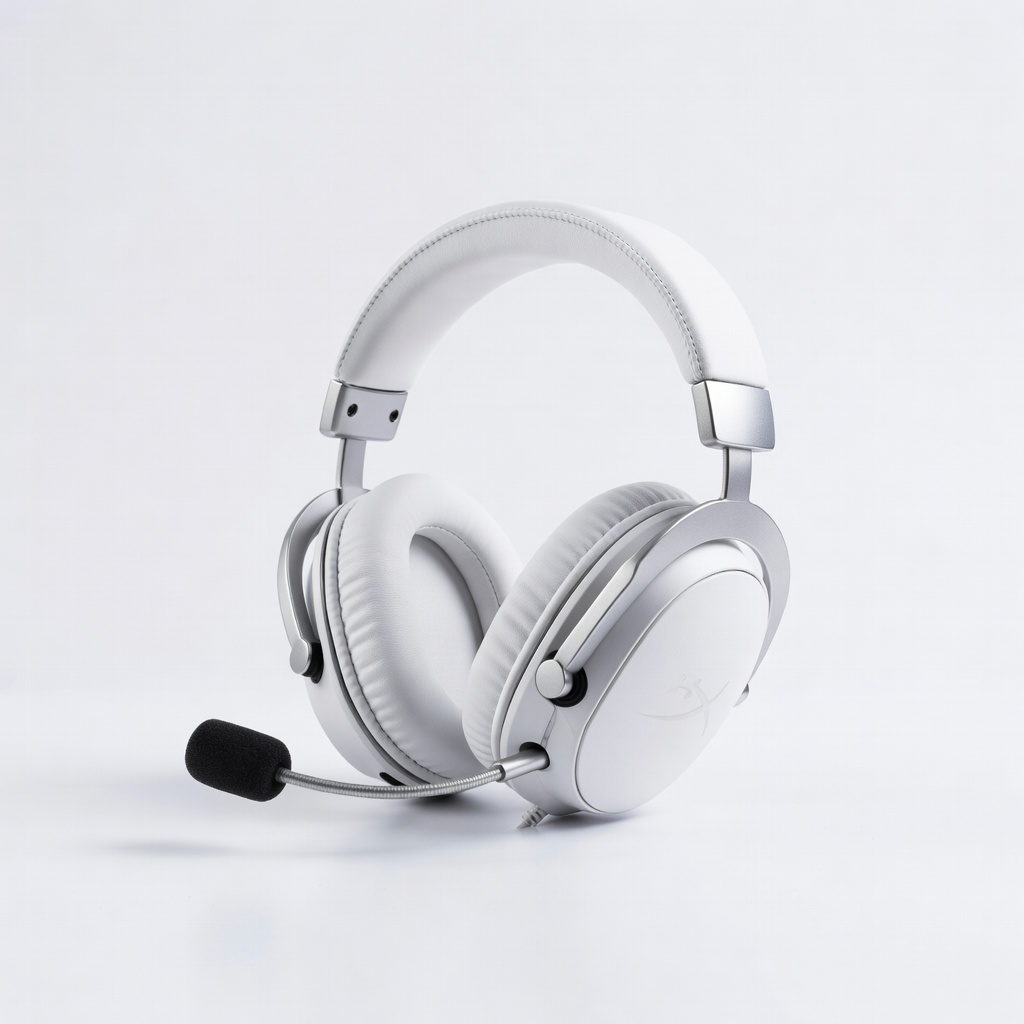
HyperX Cloud II
Excellent value with 7.1 surround sound, plush comfort, and a detachable mic for clear comms—ideal for intermediate gamers on a budget.
Best for: PC and console multiplayer sessions under 4 hours; wired reliability for competitive play.
Price Range: $70-$100
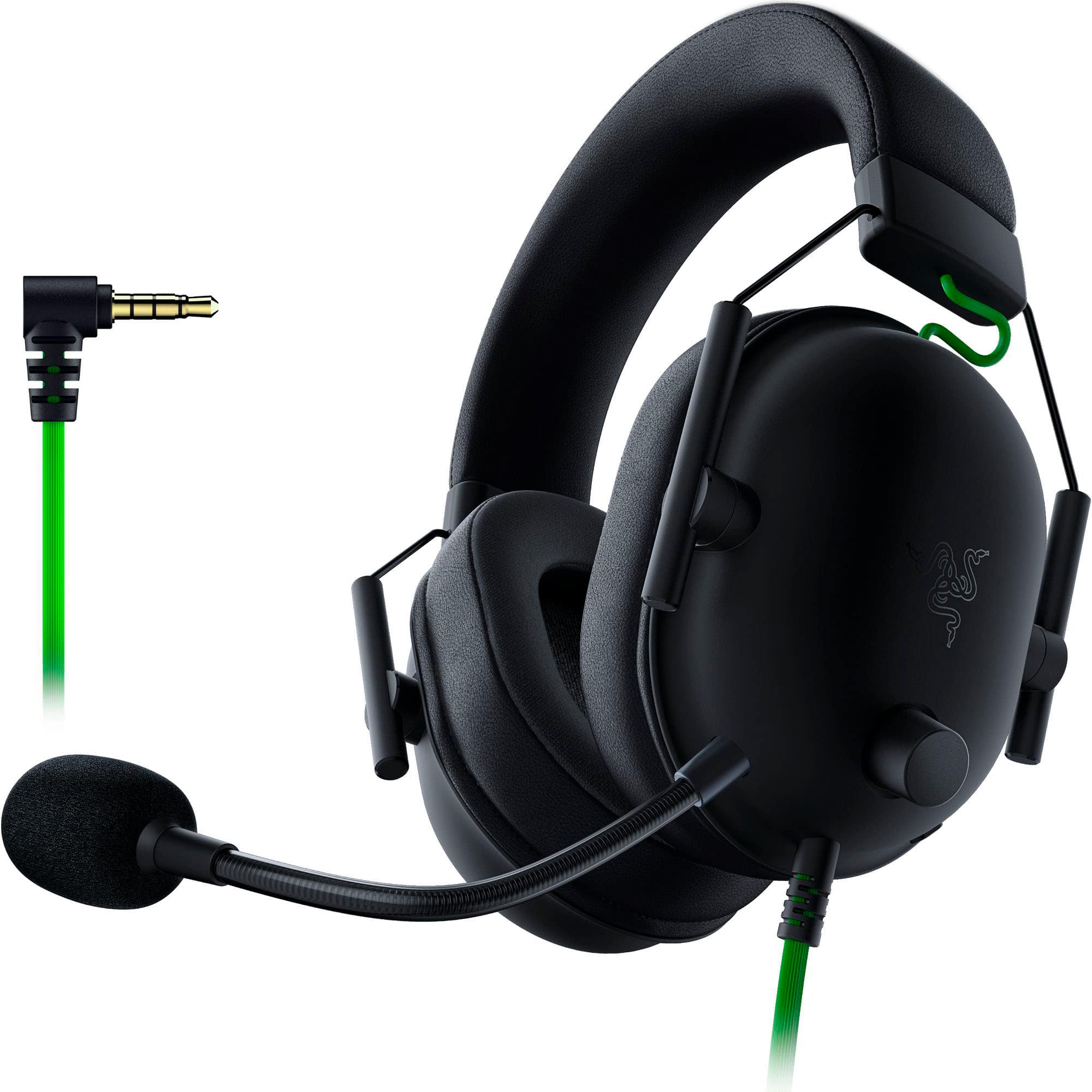
Razer BlackShark V2
THX spatial audio and HyperClear mic provide precise sound positioning and voice clarity, with lightweight design for extended use.
Best for: FPS games like Apex Legends where directional cues matter; wired for zero lag.
Price Range: $80-$100
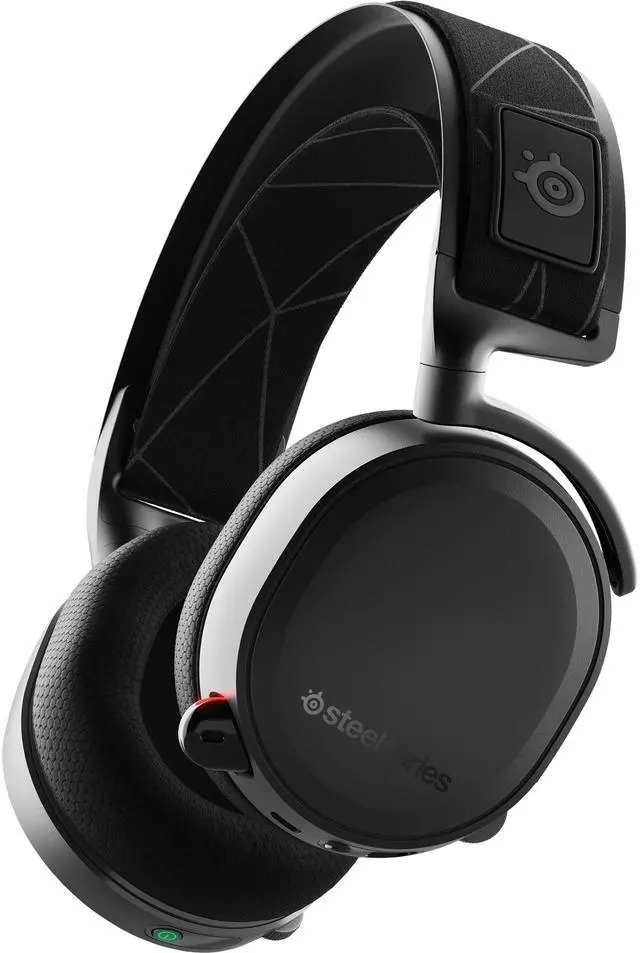
SteelSeries Arctis 7+
Wireless with 24-hour battery, retractable mic, and cross-platform support—great for seamless switching without cables.
Best for: Long wireless sessions on PS5 or PC; low-latency for immersive single-player.
Price Range: $150-$180
Logitech G Pro X
Blue VO!CE mic tech and pro-grade drivers offer customizable audio, perfect for streamers and competitive edges.
Best for: Esports training or content creation; wired with software tweaks for precision.
Price Range: $120-$140
Astro A50 Wireless
Base station for easy console/PC switching, Dolby Audio, and premium build—top-tier for serious setups.
Best for: High-end multi-platform gaming with frequent device changes; wireless freedom.
Price Range: $250-$300