Choosing between an iPhone and an Android phone can feel overwhelming, especially if you're a beginner stepping into the smartphone world. With endless models, features, and opinions online, it's easy to get lost in the hype. But the good news? This decision boils down to your lifestyle, budget, and priorities—whether it's seamless Apple integration, customizable Android options, or something in between.
In this guide, you'll learn how to compare the two platforms step by step, from operating systems to hardware and long-term support. We'll break it down simply, using everyday examples so you can make an informed choice that fits you. No deep tech knowledge required—just honest insights to avoid buyer's remorse.
Expect a straightforward read that takes about 15-20 minutes, helping you narrow options and feel confident heading to the store or online shop.
▸What You'll Need
- •Your personal usage needs (e.g., photography, gaming, work)
- •Budget range for the phone
- •Access to online reviews or spec sheets (optional, via phone or computer)
Estimated Time: 15-20 minutes
Difficulty: beginner
▸Step-by-Step Instructions
Step 1: Assess Your Daily Needs
Start by listing what you use a phone for most. Do you take lots of photos, stream videos, game on the go, or need it for work emails? iPhones excel in video editing and privacy, while Androids offer more flexibility for multitasking.
Think about your routine: If you're in the Apple ecosystem (like with a MacBook), an iPhone integrates smoothly. For variety, Android lets you tweak everything from home screens to apps. Jot down 3-5 must-haves—this sets the foundation for your choice.
Why it matters: Matching the phone to your habits ensures satisfaction. Expect to spend 5 minutes here; it's like picking shoes based on your walk, not just looks.
💡 Tips:
- •Use a simple notebook or notes app to brainstorm—keep it to priorities like battery life or camera quality.
⚠️ Warnings:
- •Avoid chasing trends; focus on what you actually need to prevent overspending.
Step 2: Compare Operating Systems: iOS vs Android
iOS (on iPhones) is Apple's closed system—simple, secure, and uniform across devices. It's like a well-organized library where everything works predictably, but you can't rearrange the shelves much.
Android, used by Samsung, Google, and others, is open-source and customizable. Imagine a customizable toolbox: You can change themes, add widgets, and sideload apps, but it might feel cluttered if you're not tech-savvy.
What to expect: iOS updates are consistent and long-lasting (5+ years), while Android varies by brand. For beginners, iOS is often easier to learn, reducing frustration.
💡 Tips:
- •Try demo modes in stores to feel the interface—swipe through apps on both.
Step 3: Evaluate Hardware and Design Options
iPhones have premium builds with consistent designs—think sleek aluminum or titanium frames, excellent cameras, and battery life optimized for the day. Models like the iPhone 15 start at 6.1 inches, focusing on quality over variety.
Android offers endless choices: Foldables from Samsung, budget options from Motorola, or camera beasts from Google Pixel. Sizes range from compact to massive, with expandable storage in some.
Why it matters: Hardware affects usability. If you want durability and top-tier performance, iPhone shines; for affordability and features like stylus support (e.g., Samsung S Pen), go Android. Compare specs on sites like GSMArena for real numbers.
💡 Tips:
- •Prioritize screen size and weight—hold devices in-store to test comfort.
⚠️ Warnings:
- •Don't ignore water resistance or build quality; cheap Androids may lack IP ratings.
Step 4: Consider Ecosystem and Integration
If you own other Apple products, iPhone's ecosystem (AirPods, Apple Watch, iCloud) creates a seamless world—like everything syncing effortlessly for calls, photos, and music.
Android integrates well with Google services (Gmail, Drive, Pixel Buds) and works with Windows PCs via apps. Brands like Samsung add their own perks, like DeX for desktop mode.
Expect: iPhone for 'it just works' simplicity; Android for cross-platform freedom. Test by imagining sharing files or continuing work from laptop to phone.
💡 Tips:
- •List your current devices—Apple users save time with iPhone; mixed setups favor Android.
Step 5: Factor in Price, Updates, and Support
iPhones hold value longer but start higher (e.g., $799+), with guaranteed updates for years and strong resale. Android ranges from $100 budget to $1,000 flagships, but update support varies—Google Pixels get 7 years, others less.
Why it matters: Long-term, iPhone means fewer headaches with security; Android can save money upfront but check carrier deals.
Budget tip: Calculate total cost over 2-3 years, including cases or accessories. This step clarifies if premium pays off.
💡 Tips:
- •Use tools like Apple's trade-in or Google's store for deals to stretch your budget.
⚠️ Warnings:
- •Skip off-brand Androids with poor support—they become outdated quickly.
Step 6: Read Reviews and Test in Person
Search user reviews on Reddit or YouTube for real experiences—focus on battery drain or camera in low light. iPhones praise consistency; Androids highlight innovation like AI features.
Visit a store to handle both: Text, take photos, and navigate. This hands-on feel often seals the deal.
What to expect: Reviews reveal quirks, like iOS privacy wins or Android multitasking. Spend 10 minutes online first.
💡 Tips:
- •Look for 2024 reviews to ensure relevance—ignore outdated info.
Step 7: Make Your Final Decision
Weigh pros/cons from previous steps. Score each factor (e.g., 1-10 for customization) and tally. If ecosystem and simplicity win, choose iPhone; for variety and value, Android.
Finalize by checking current deals—your choice should excite you, not stress.
Why it matters: A thoughtful pick leads to years of joy. Revisit your needs list to confirm.
💡 Tips:
- •Sleep on it if unsure—decisions feel clearer after a break.
▸Pro Tips
- •Set a strict budget early to avoid impulse buys on flashy features.
- •Prioritize battery life if you're always on the go—test it in reviews.
- •Consider trade-ins; they can cut costs by 20-50% on either platform.
- •For privacy-focused users, iPhone's app tracking transparency is a game-changer.
- •Android's Google Assistant integrates better with smart home devices like Nest.
- •Update your current phone's OS first to see if you like iOS or Android vibes.
- •Join online communities like r/iphone or r/android for beginner advice.
▸Common Mistakes to Avoid
- •Chasing the newest model without assessing needs—leads to unused features and regret; assess usage first.
- •Ignoring ecosystem compatibility—buying Android with all-Apple gear causes sync issues; check your devices.
- •Overlooking update policies—cheap Androids get abandoned quickly; research support duration.
- •Relying solely on brand loyalty—test both to avoid missing better fits; hands-on trials help.
- •Forgetting total ownership cost—cases, chargers add up; budget for accessories too.
▸Troubleshooting
Problem: Overwhelmed by options and can't decide
Solution: Create a pros/cons list for top 2-3 models in each category; focus on your top 3 needs to break the tie.
Problem: Budget too low for desired features
Solution: Look for refurbished or last-gen models—e.g., iPhone 14 or Pixel 7 offer 80% of flagship power at half price.
Problem: Worried about data transfer from old phone
Solution: Both platforms support easy migration via apps like Move to iOS or Google’s switch tool; back up first and seek store help if stuck.
Problem: Hearing mixed reviews on camera quality
Solution: Compare sample photos on sites like DXOMARK; test in varied lighting during in-store demos.
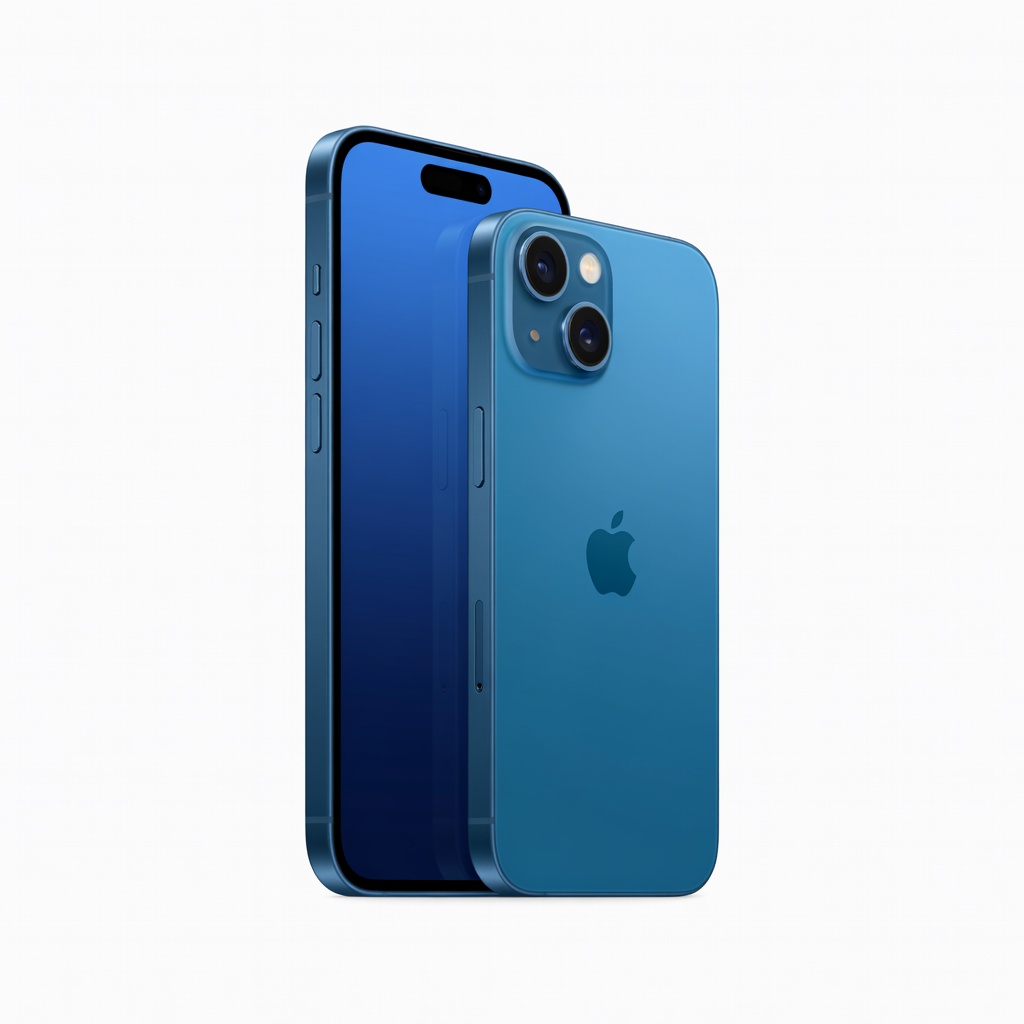
Apple iPhone 15 (128GB, Blue)
Excellent for beginners wanting seamless integration, top camera, and long software support in a premium build.
Best for: Ideal if you're in the Apple ecosystem or prioritize video quality and privacy for daily use like social media and calls.
Price Range: $799
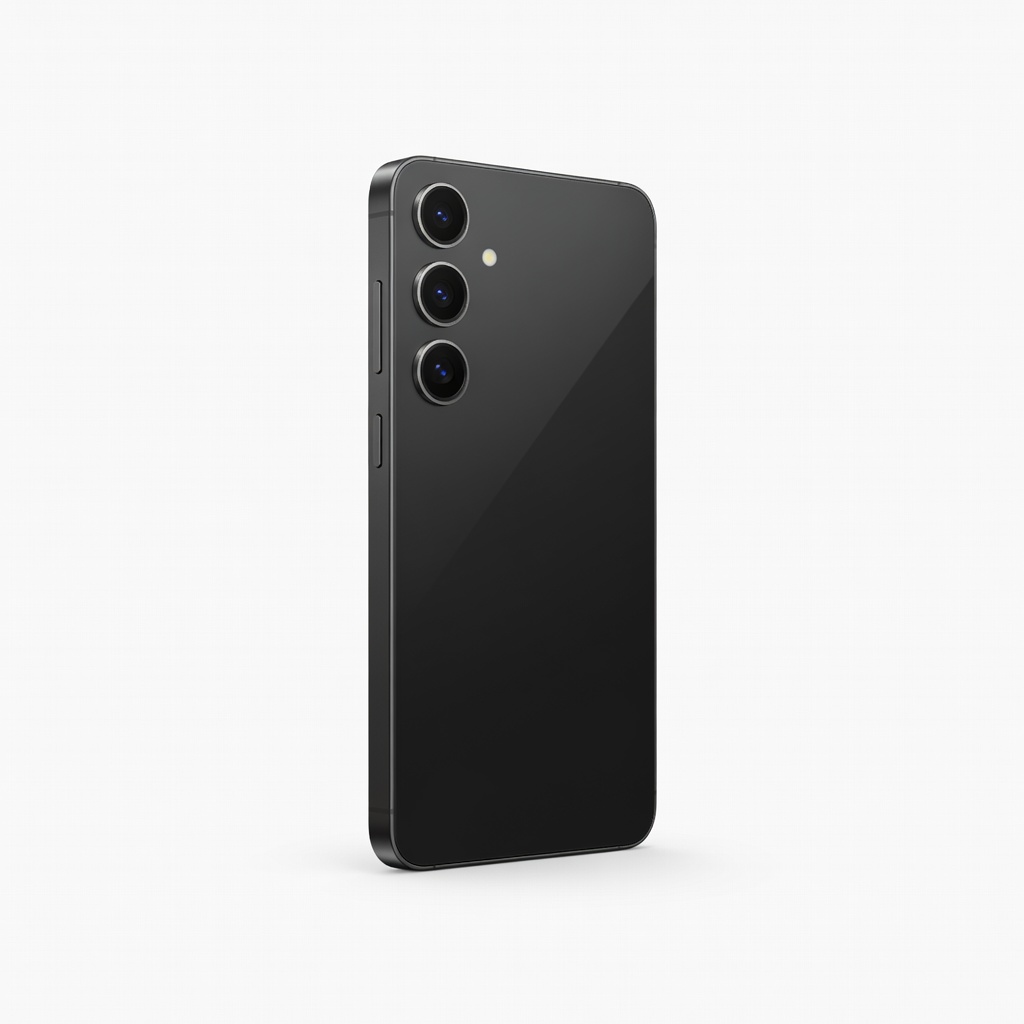
Samsung Galaxy S24 (128GB, Phantom Black)
Offers customizable Android experience with AI features, vibrant display, and 7 years of updates for future-proofing.
Best for: Great for users needing multitasking, stylus support, or budget flexibility with expandable storage options.
Price Range: $799-$859
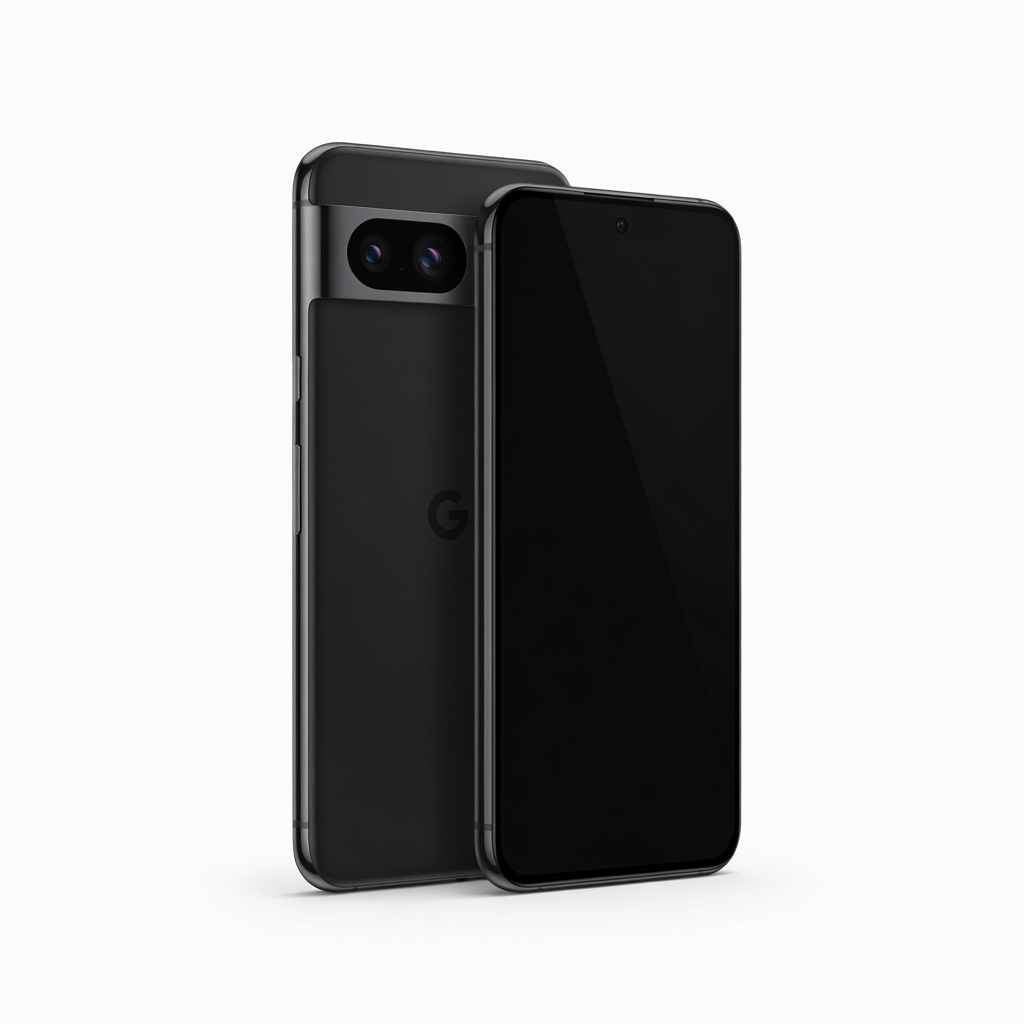
Google Pixel 8 (128GB, Obsidian)
Pure Android with superior AI photo editing and clean interface, perfect for stock experience without bloatware.
Best for: Best for photography enthusiasts or those wanting timely updates and Google integration on a mid-range budget.
Price Range: $699
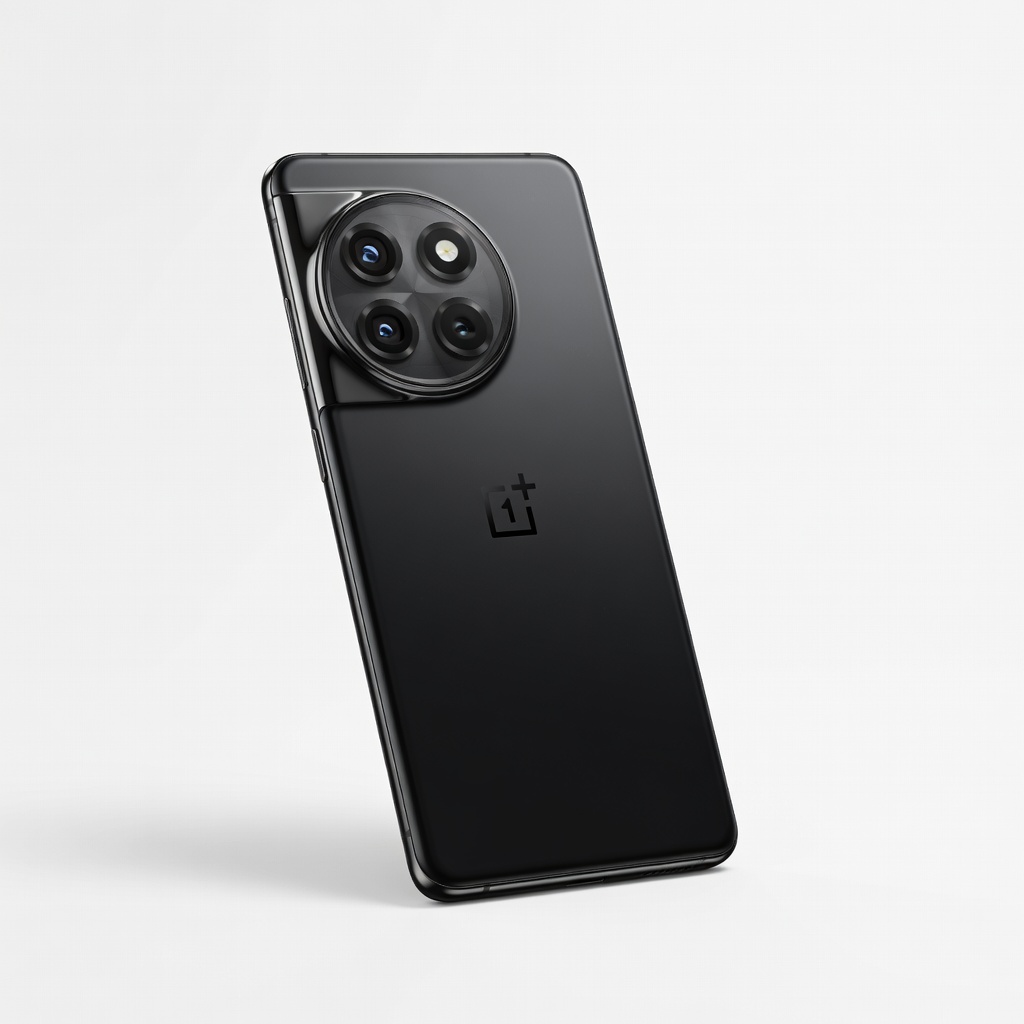
OnePlus 12 (256GB, Silky Black)
High-performance Android flagship with fast charging and smooth OxygenOS, balancing power and value.
Best for: Suits gamers or heavy users seeking alternatives to Samsung without compromising speed or battery.
Price Range: $799-$899
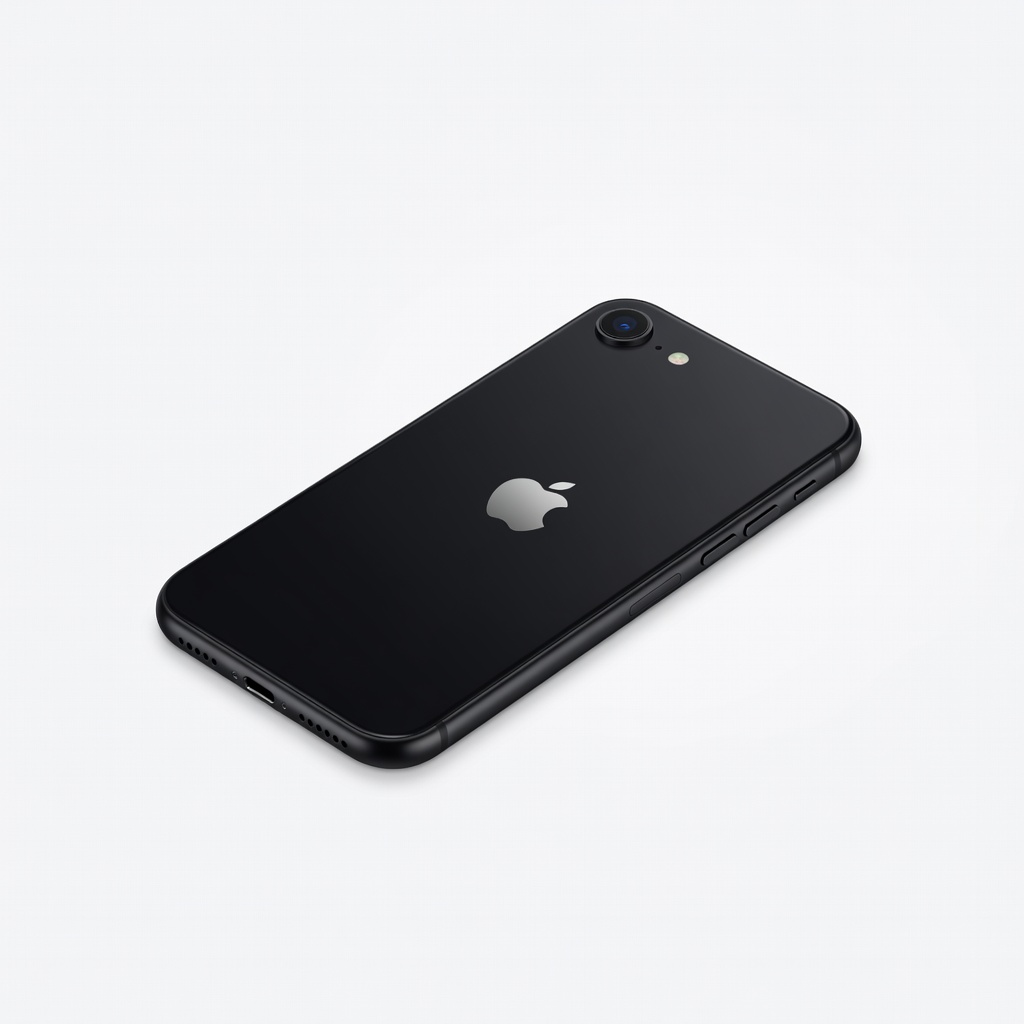
Apple iPhone SE (2022, 64GB, Midnight)
Affordable entry to iOS with modern chip and 5G, ideal for budget beginners who want iPhone simplicity.
Best for: Perfect for light users upgrading from older phones, focusing on essentials like calls and apps without extras.
Price Range: $429