
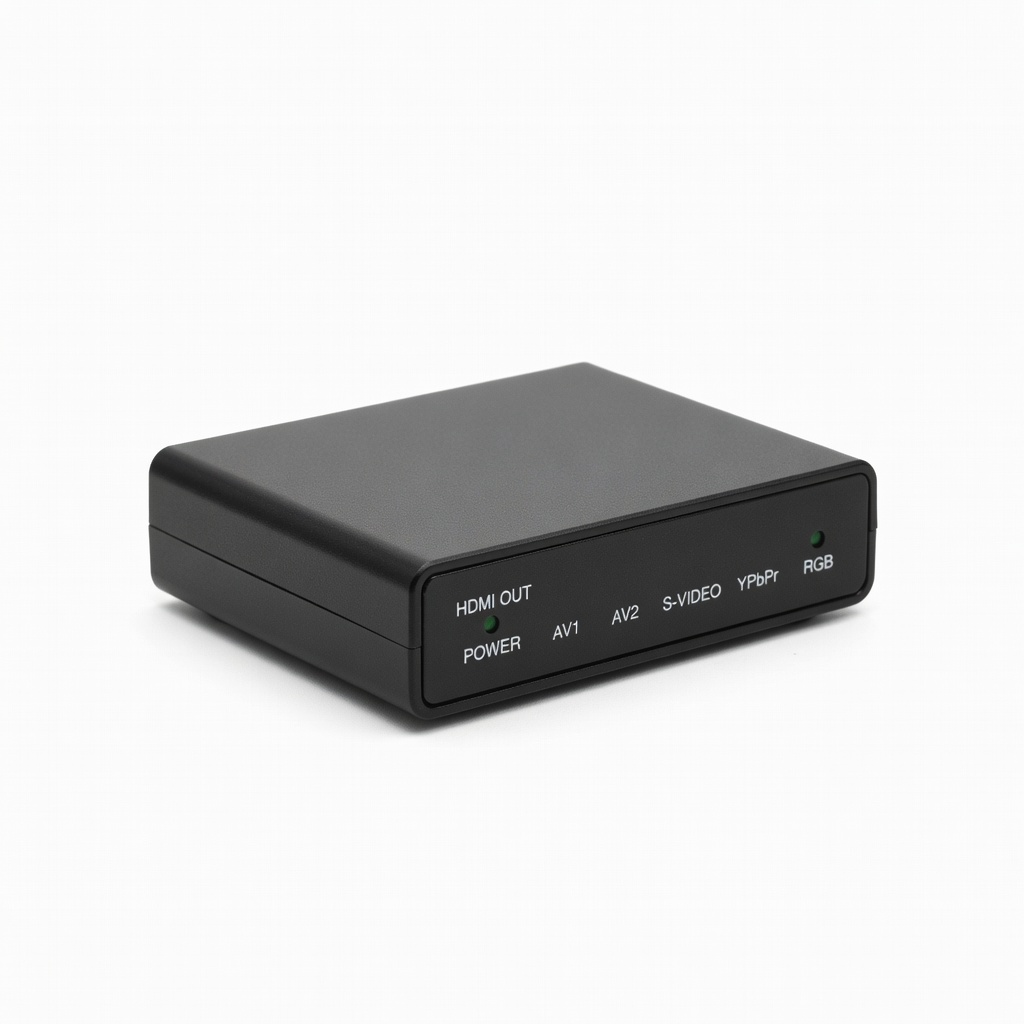
RetroTINK 2X Mini
NES/SNES/Genesis on 1080p TVs; enthusiasts wanting quality without $700 spend.
$99.99
RetroTINK 2X Mini Excellent low-lag scaler with pixel-perfect doubling for composite/S-Video inputs, ideal for authentic retro look.
Get the App
Better experience on mobile
Pick the perfect adapters to connect NES, SNES, and other retro consoles to modern TVs with crisp video and no lag.
Dust off your vintage console, plug it in, and... nothing? Modern TVs lack the old-school RF or composite inputs that NES, SNES, Sega Genesis, and other 80s/90s systems need. Choosing the wrong adapter leads to fuzzy pictures, input lag, or no signal at all—ruining that nostalgic gaming session.
This guide teaches you how to match adapters to your console's outputs, TV inputs, and performance needs. You'll learn key concepts like signal types, scalers vs. converters, and quality factors. By the end, you'll confidently select adapters for lag-free, high-quality play.
Expect a straightforward process: identify specs, evaluate options, and buy smart. It's intermediate-level—no soldering required, just research and logic. Reading time: 20 minutes.
Estimated Time: 20-30 minutes Difficulty: intermediate
Start by checking what video signal your console outputs. Vintage systems use analog signals: RF (coaxial, common on NES), Composite (yellow RCA video + red/white audio), S-Video (better separation), or RGB/SCART (highest quality on European PAL consoles).
Why it matters: Mismatched outputs lead to black screens. Open the AV port cover—RF is a round screw-on, composite is three RCA jacks. Note your region (NTSC US/JP vs. PAL Europe) as it affects refresh rates.
Expect: Most US consoles are composite or RF. Example: NES top-loader has direct composite; original needs RF switchbox.
💡 Tips:
⚠️ Warnings:
Modern TVs prioritize HDMI (digital), with some having component (YPbPr) or composite. No RF usually. List available: HDMI count, USB (rarely for video), or AV-in.
Why: Direct match = simple cable; otherwise, converters needed. Premium TVs may have HDMI 2.1 for low-lag gaming.
Expect: 90% of TVs are HDMI-only. Use TV remote's input menu or settings to confirm.
💡 Tips:
Adapters fall into three buckets:
Cables for direct matches; converters for HDMI; scalers for pro quality. Analogy: Converter is a basic translator; scaler is AI-enhanced for clarity.
💡 Tips:
⚠️ Warnings:
Quality hierarchy: RGB > S-Video > Composite > RF. Minimize conversions (e.g., console RGB → direct SCART-to-HDMI > composite-to-HDMI).
Why: Each step loses detail. For NES/SNES, mod for RGB if possible, then use scaler.
Expect: RGB rare on US NTSC; use adapters like SCART for imports.
Check input lag (<5ms ideal for scalers), upscaling (to 1080p/4K), and extras like scanline filters or audio embedding.
Why: Lag kills precision platformers. Test specs on manufacturer sites.
Expect: Budget converters = high lag; premium scalers = arcade-perfect.
💡 Tips:
Search '[console] [adapter] compatibility'. Check NTSC/PAL, multi-system support.
Why: PAL adapters may flicker on NTSC TVs.
Expect: Forums like r/retrogaming confirm quirks (e.g., some NES adapters skip FMV).
💡 Tips:
Budget: $10-30 basic, $100-800 pro. Read Amazon/Reddit reviews for DOA rates.
Trusted brands: RetroTINK, OSSC, Hyperkin. Why: Reliability over generics.
Expect: 4+ star with 100+ reviews.
⚠️ Warnings:
Order from Amazon for easy returns. Test immediately: power on, check picture/sound/lag.
Why: 10% failure rate on converters.
Expect: Plug-and-play for most; tweak scaler settings.
💡 Tips:
Problem: No signal or black screen
Solution: Verify input selected on TV, check power on adapter, swap cables. Test console on old CRT if available.
Problem: Fuzzy or blurry picture
Solution: Adjust scaler settings for scanlines/sharpness. Ensure HDMI cable is high-speed.
Problem: High input lag
Solution: Switch to pass-through mode or upgrade to RetroTINK/OSSC. Enable TV game mode.
Problem: No audio
Solution: Confirm audio cables connected or use adapter with embedded audio.
Excellent low-lag scaler with pixel-perfect doubling for composite/S-Video inputs, ideal for authentic retro look.
Best for: NES/SNES/Genesis on 1080p TVs; enthusiasts wanting quality without $700 spend.
Price Range: $99.99
Direct HDMI cable for SNES with minimal conversion, plug-and-play reliability.
Best for: Stock SNES to HDMI TV; budget gamers needing simple setup.
Price Range: $39.99
Affordable chip-based converter supporting 1080p output from any RCA composite source.
Best for: Quick fix for NES/N64 on HDMI-only TVs; casual play.
Price Range: $15.99
Pro-level scaler for RGB/component with ultra-low lag and line doubling.
Best for: High-end setups for Genesis/SCART consoles; arcade collectors.
Price Range: $199-$250
Ultimate 4K scaler with HDMI input/output, scanlines, and zero-lag for any retro signal.
Best for: 4K TVs and modded consoles; perfectionists.
Price Range: $699.99
NES/SNES/Genesis on 1080p TVs; enthusiasts wanting quality without $700 spend.
RetroTINK 2X Mini Excellent low-lag scaler with pixel-perfect doubling for composite/S-Video inputs, ideal for authentic retro look.
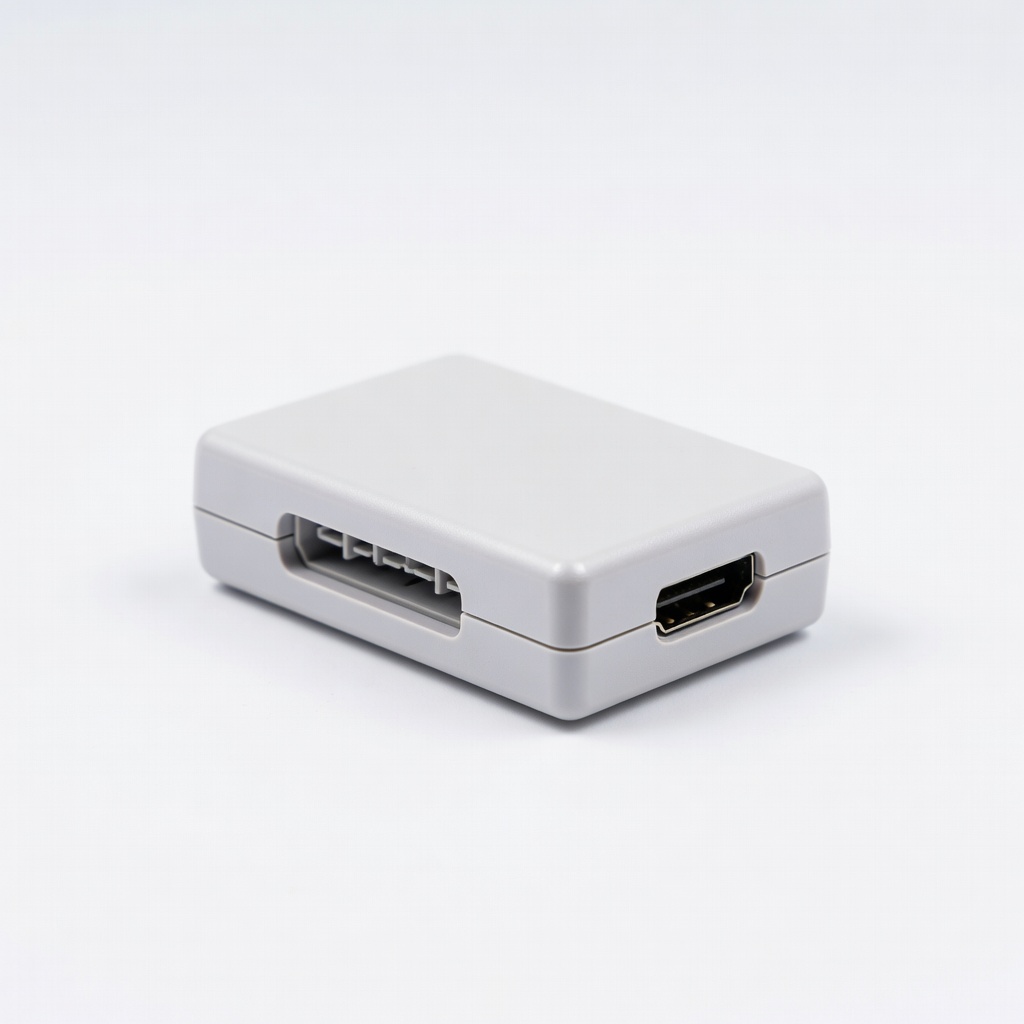
Stock SNES to HDMI TV; budget gamers needing simple setup.
Hyperkin SNES HD Adapter Direct HDMI cable for SNES with minimal conversion, plug-and-play reliability.
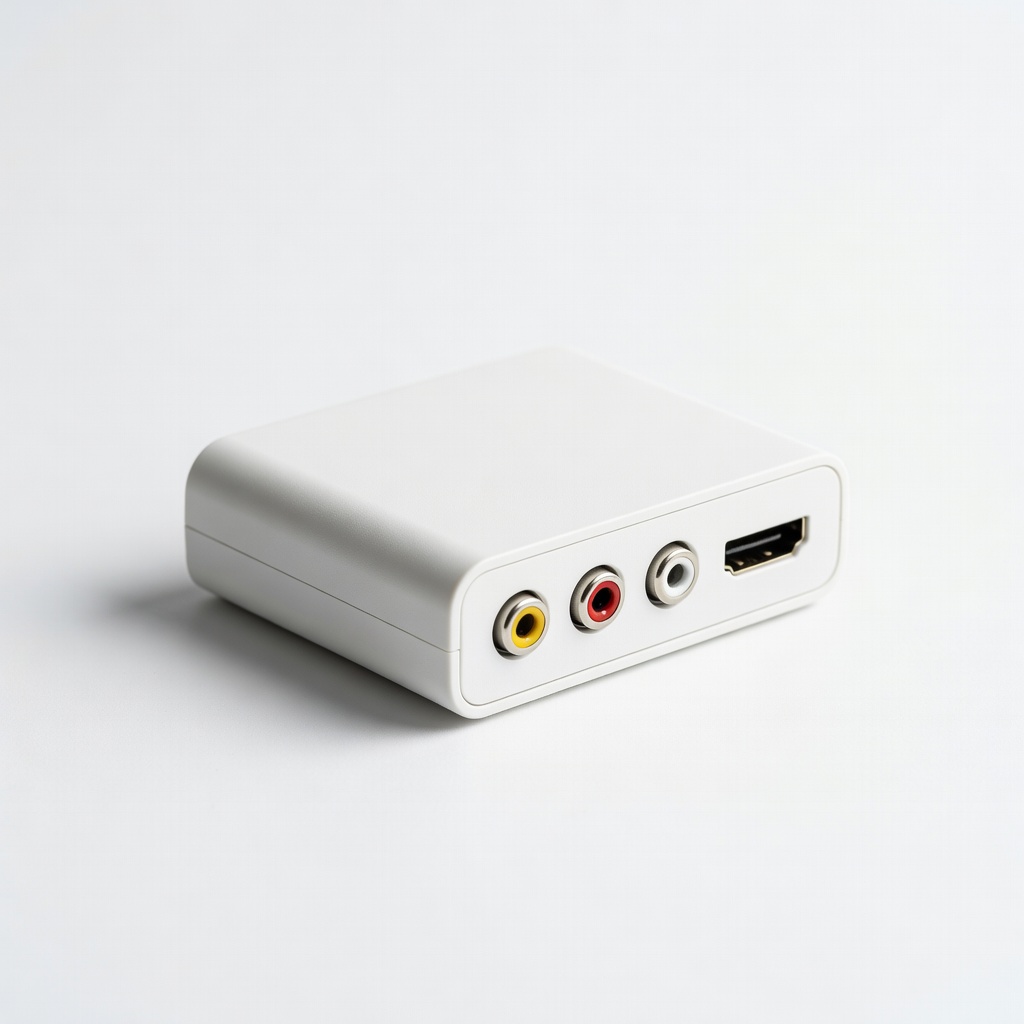
Quick fix for NES/N64 on HDMI-only TVs; casual play.
Tendak Composite to HDMI Converter Affordable chip-based converter supporting 1080p output from any RCA composite source.
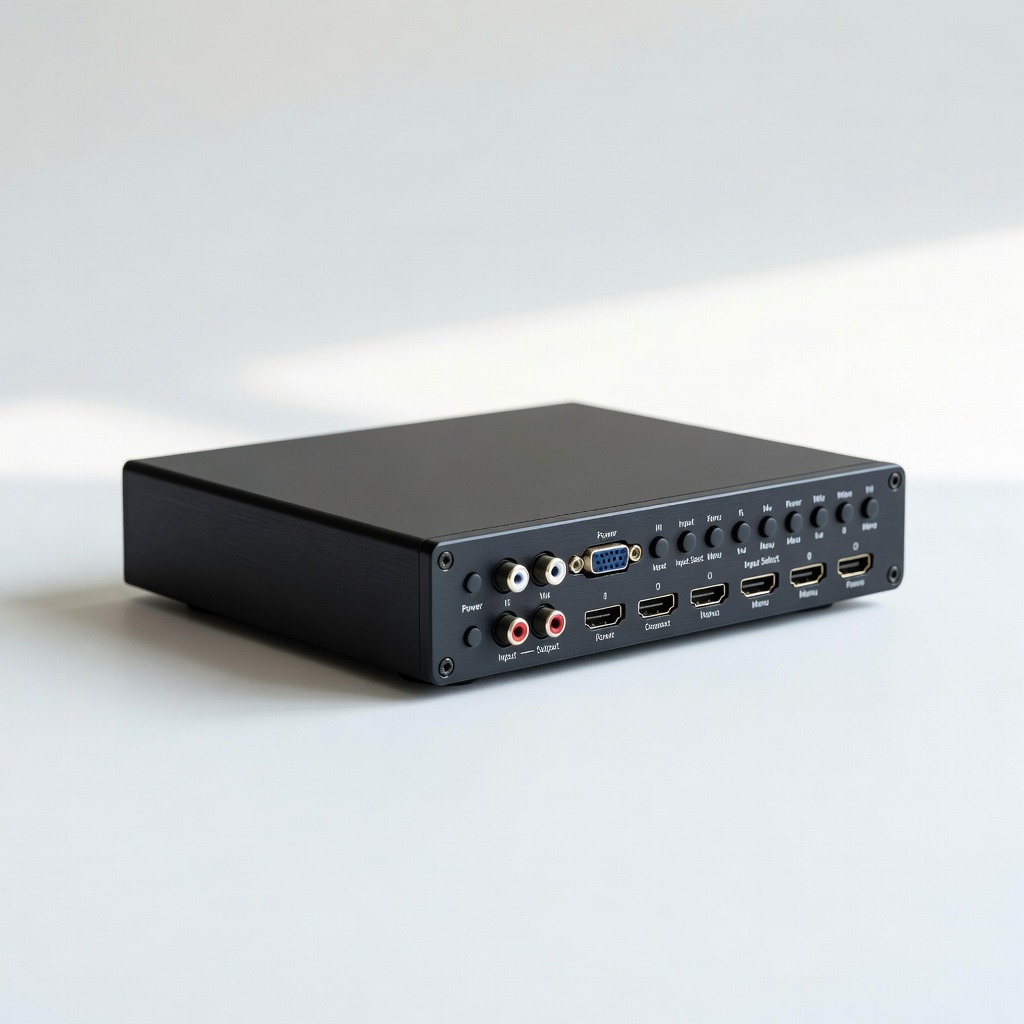
High-end setups for Genesis/SCART consoles; arcade collectors.
OSSC (Open Source Scan Converter) Pro-level scaler for RGB/component with ultra-low lag and line doubling.
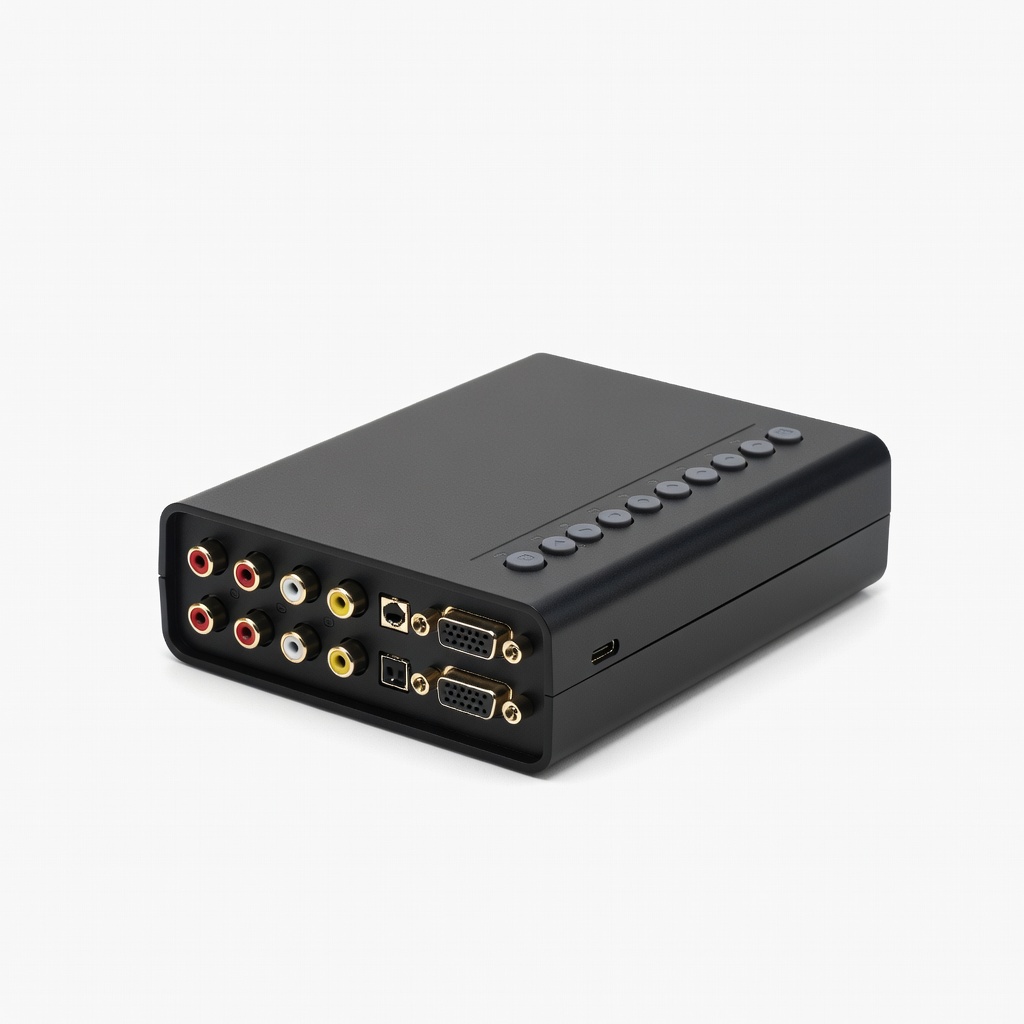
4K TVs and modded consoles; perfectionists.
RetroTINK 5X Ultimate 4K scaler with HDMI input/output, scanlines, and zero-lag for any retro signal.