Running a small business means juggling countless tasks, but nothing can sink your venture faster than disorganized finances. Messy records lead to tax headaches, missed deductions, and even audits. Choosing the right account book simplifies tracking income, expenses, and balances without needing fancy software.
In this guide, you'll learn the key factors to consider—like your business type, transaction volume, and durability needs. We'll break down types of account books, features to look for, and how to pick one that fits your budget. By the end, you'll confidently select an account book that keeps your books balanced.
Expect to spend 15-30 minutes reviewing options. No prior accounting knowledge required—just basic info about your business.
▸What You'll Need
- •List of your business details (e.g., monthly transactions, type of records: sales, expenses, payroll)
- •Estimated monthly budget for office supplies ($10-$50)
- •Internet access for online shopping and reviews
- •Optional: Basic calculator or spreadsheet for volume estimates
Estimated Time: 15-30 minutes
Difficulty: beginner
▸Step-by-Step Instructions
Step 1: Assess Your Business Needs
Start by evaluating your specific requirements. Note your business type (e.g., retail, service, freelance), average monthly transactions (under 100? 500+?), and what you'll track (income, expenses, inventory, payroll).
Why it matters: A freelancer might need a simple cash book, while a retailer requires multi-column ledgers for inventory. Expect to jot down 3-5 key needs.
Example: A coffee shop owner tracks daily sales and supplier payments—opt for daily/weekly summary pages.
💡 Tips:
- •Use a free template online to log a week's transactions for accurate volume.
- •Consider growth: Choose scalable books if expanding.
⚠️ Warnings:
- •Don't underestimate volume—under-sizing leads to extra books.
Step 2: Understand Types of Account Books
Account books come in varieties like single-entry (simple debits/credits), double-entry (detailed for audits), columnar (multiple columns for categories), or journals (daily logs).
Analogy: Single-entry is like a personal checkbook; double-entry is pro accounting software's foundation.
Beginners should start with single or columnar for ease. Review options on sites like Amazon.
💡 Tips:
- •Search 'single entry ledger for small business' for tailored results.
Step 3: Pick the Right Size and Format
Choose size based on desk space and portability: 8.5x11" for office use, pocket-size for on-the-go.
Formats: Hardbound for durability, wire-bound for lay-flat writing. Why? Hardbound lasts years; wire-bound prevents page flipping frustration.
Expect standard letter size for most printers if adding carbon copies.
⚠️ Warnings:
- •Avoid tiny books if handwriting—strains eyes and errors creep in.
Step 4: Evaluate Page Layout and Columns
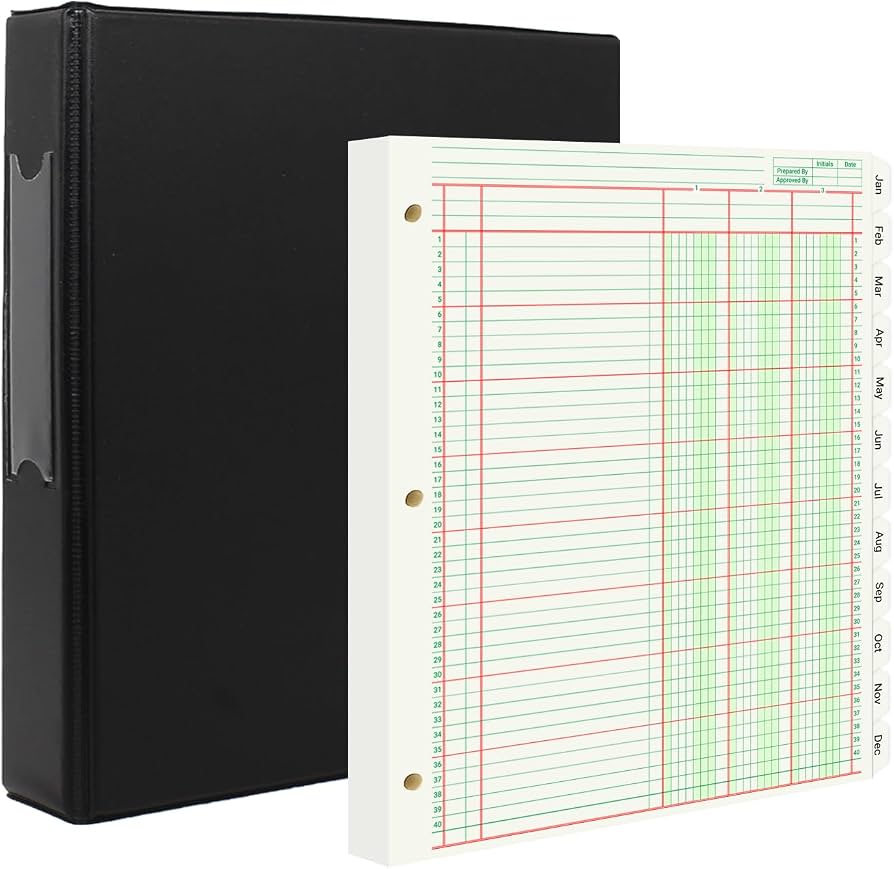
Look for pre-printed columns (date, description, debit, credit, balance). 4-12 columns suit most small businesses.
Example: 7-column for payments/deposits. Acid-free paper prevents fading—crucial for 7-year tax retention.
Test by imagining entries: Does it fit your data?
💡 Tips:
- •Opt for numbered pages and index for quick reference.
Step 5: Check Durability and Material
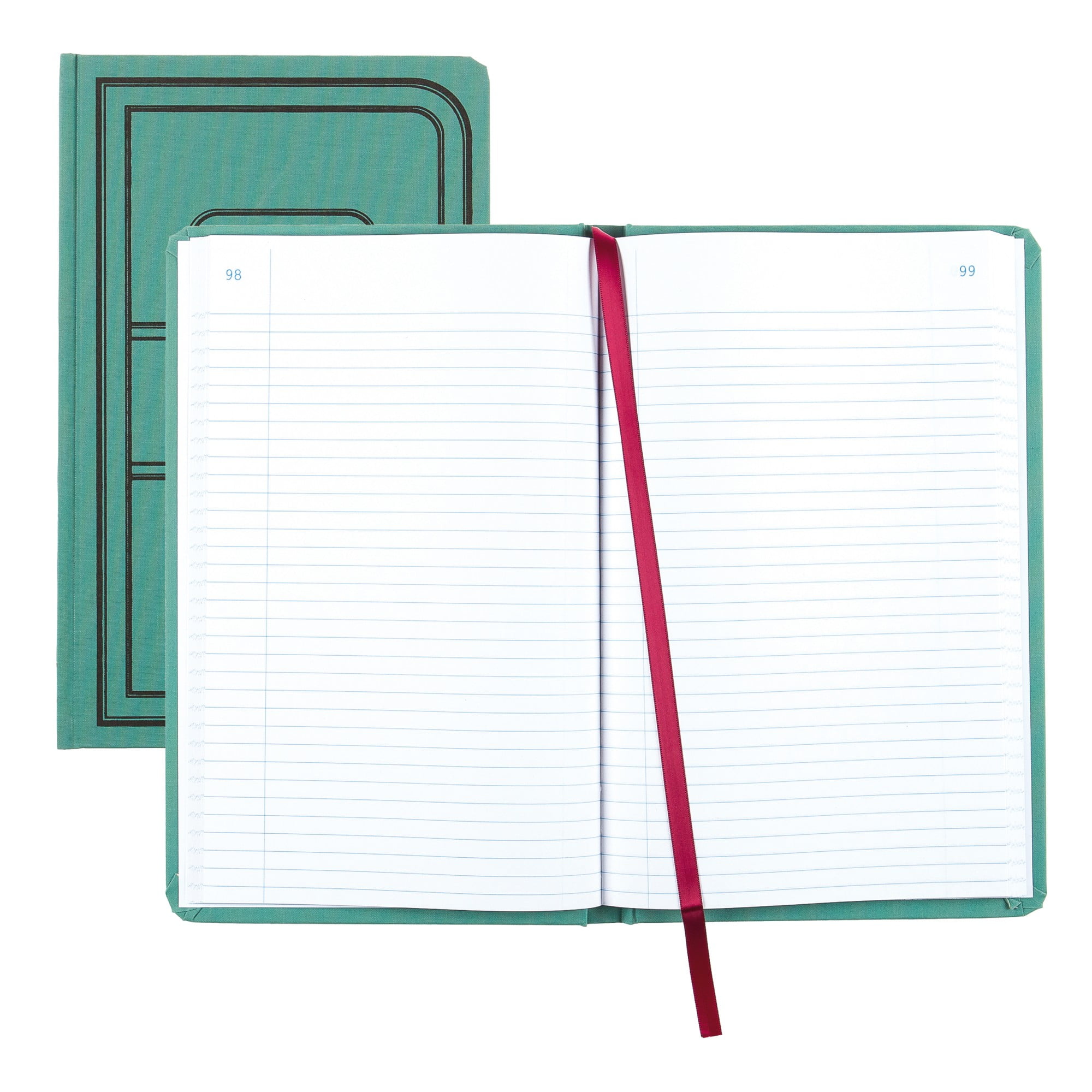
Select hardcover with sewn binding for longevity. Vinyl or cloth covers resist spills.
Why matters: Cheap paper tears; quality lasts multiple years. Look for 'archival quality' for compliance.
⚠️ Warnings:
- •Skip spiral if stacking files—binds catch.
Step 6: Set Your Budget and Compare Prices
Budget $10-30 per book. Factor pages (150-500) for value.
Compare on Amazon: Higher price often means better paper/pages. Free shipping thresholds save more.
💡 Tips:
- •Buy multi-packs for backups at discount.
Step 7: Read Reviews and Buy
Scan 4+ star reviews for real-user feedback on paper quality, legibility. Ignore outliers.
Purchase from trusted sellers. Start with one book to test.
💡 Tips:
- •Filter reviews by 'small business' keyword.
▸Pro Tips
- •Pair with colored pens for categories—visual separation speeds entry.
- •Label spine with business name/year for filing.
- •Scan pages monthly for digital backup using phone apps.
- •Buy in bulk during sales for 20-30% savings.
- •Use page flags for current month—jumpstarts sessions.
- •Test-write a sample page before bulk buy.
- •Combine with apps like QuickBooks for hybrid tracking.
▸Common Mistakes to Avoid
- •Choosing too few columns—leads to cramped notes and errors.
- •Ignoring page count—running out mid-year disrupts flow.
- •Opting for cheapest—poor paper bleeds ink, fades fast.
- •Overlooking binding—cheap ones fall apart after months.
- •Not considering portability—desk-only books forgotten on trips.
▸Troubleshooting
Problem: Book too small for entries
Solution: Return/exchange for larger size; measure handwriting space first next time.
Problem: Pages tear easily
Solution: Switch to hardcover; reinforce with clear tape temporarily.
Problem: Hard to balance totals
Solution: Use books with pre-printed lines/sums; practice with calculator.
Problem: Overwhelmed by options
Solution: Narrow to top 3 by ratings; consult accountant if needed.
Better Office Products Ledger Book
Affordable, 7-column layout perfect for beginners tracking basics; archival paper lasts 7+ years.
Best for: Daily sales/expenses for retail or service businesses under 200 transactions/month.
Price Range: $12.99
Blueline Choice Single Entry Ledger Book
Professional-grade, lay-flat binding, numbered pages with index for organized small biz records.
Best for: Freelancers or solopreneurs needing simple, durable single-entry tracking.
Price Range: $19.99
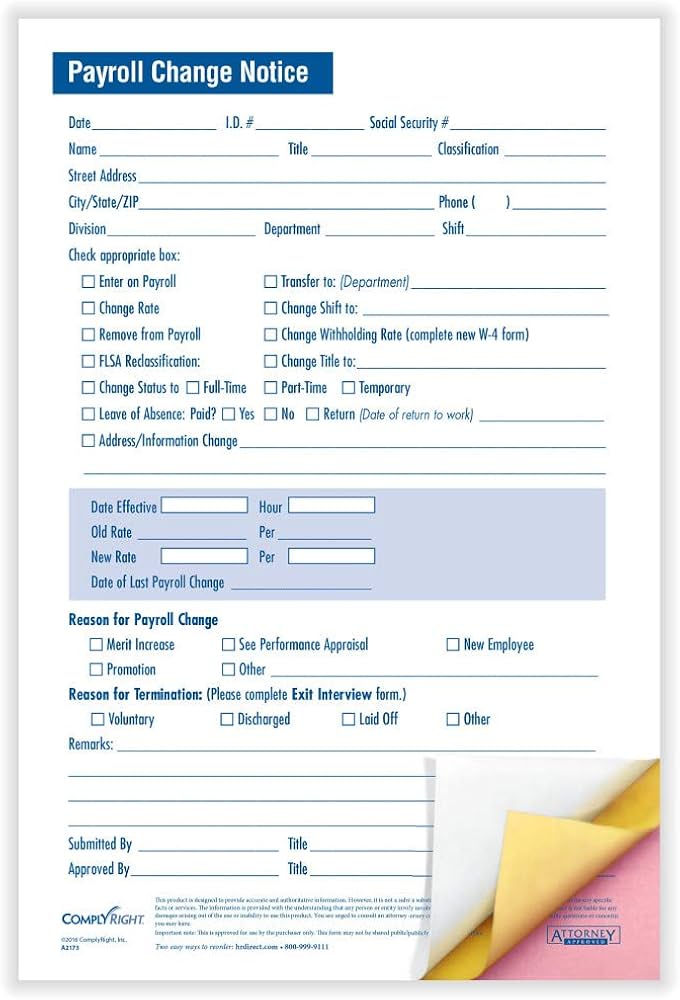
ComplyRight Payroll and Account Ledger
Pre-formatted for payroll/taxes, compliant design reduces errors for growing teams.
Best for: Businesses with employees tracking wages alongside expenses.
Price Range: $14.99
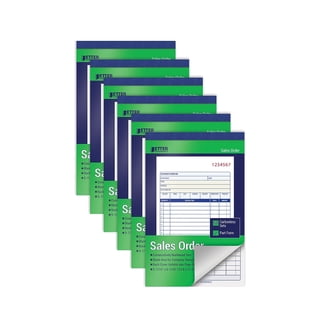
Ayotu 3-Pack Accounting Ledger Notebooks
Value pack with multi-columns, portable size; great starter set for testing formats.
Best for: Budget-conscious startups rotating books yearly.
Price Range: $16.99
National 38450 Accounting Book
Extra-large pages, 12-columns for detailed records; hardcover for heavy use.
Best for: High-volume businesses like e-commerce with inventory.
Price Range: $24.99-$29.99