
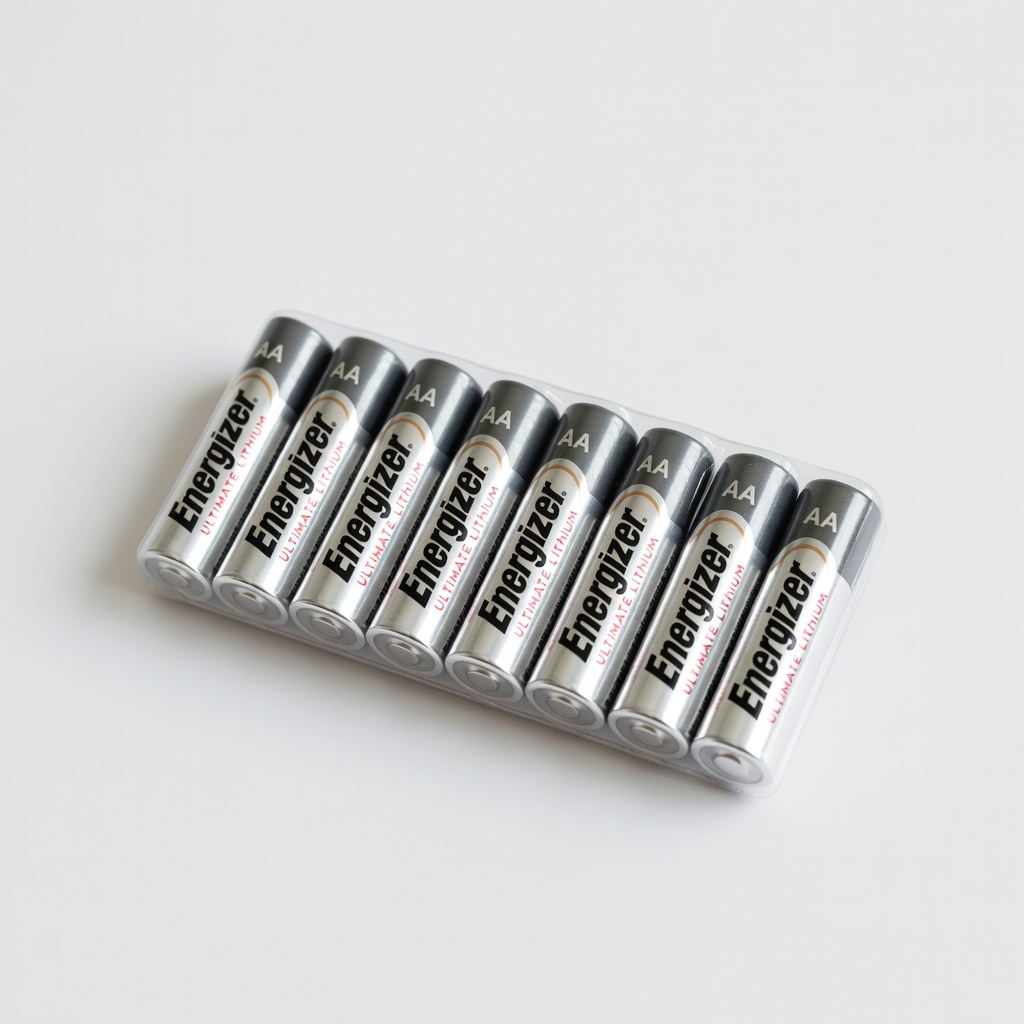
Energizer Ultimate Lithium AA Batteries (8-Pack)
Heavy-use TV remotes in any climate.
$10-15
Energizer Ultimate Lithium AA Batteries (8-Pack) Top runtime (up to 20x longer in remotes) due to lithium tech; leak-proof for worry-free use.
Get the App
Better experience on mobile
Discover the best battery size for your TV remote to get longer life, save money, and avoid dead batteries mid-show.
Nothing ruins movie night like a dead remote control when you're halfway through your favorite series. Many people grab the wrong batteries at the store, leading to short life or even damage. This guide helps beginners choose between AA and AAA batteries for remotes.
You'll learn the key differences in size, power, and performance, plus a simple step-by-step process to pick the right one. By the end, you'll confidently select batteries that last longer and fit perfectly.
This decision takes just 10 minutes, no tools needed beyond your remote. It's beginner-friendly with no technical jargon.
Estimated Time: 10-15 minutes Difficulty: beginner
Open the battery cover on the back of your remote control. Look for markings like 'AA' or 'AAA' printed inside the slots. Most TV remotes (like Roku, Samsung, or LG) use AA batteries, while smaller ones (like some streaming sticks) may use AAA.
This tells you the exact size required. If no label, measure the slots: AA slots are about 50mm long x 14mm wide; AAA are 44mm x 10mm. Success: You know the designed size—no guessing needed.
Why it matters: Using the wrong size can prevent proper fit or cause shorts.
💡 Tips:
AA batteries are larger (14.5mm diameter, 50.5mm height) with more internal material for power. AAA are slimmer (10.5mm diameter, 44.5mm height) for compact devices.
Test fit if you have both: AA won't fit AAA slots without an adapter, but AAA can sometimes squeeze into AA slots loosely (not recommended). Success: Slots match one size perfectly.
Pro tip: Remotes are engineered for one size—stick to it for best contact.
⚠️ Warnings:
AA batteries hold 2000-3000mAh (alkaline), lasting 6-12 months in remotes. AAA hold 800-1200mAh, lasting 3-6 months. Higher capacity means fewer changes.
Remotes use low power (button presses), but AA's extra juice shines for heavy use like gaming consoles. Success: You see AA wins for longevity in most cases.
Why it matters: Longer runtime saves money—AA often outlast 2-3 AAA sets.
💡 Tips:
Consider usage: Frequent use (kids, sports fans)? Go AA for reliability. Light use or tiny remote? AAA suffices. Backlit remotes or those with Bluetooth need more power—favor AA.
Test if unsure: Install fresh batteries and track weeks until low. Success: Matches your habits (e.g., AA for daily TV bingeing).
Most standard remotes perform best with AA due to higher sustained voltage.
AA are cheaper per unit long-term due to fewer replacements. They're slightly heavier but unnoticeable in remotes. For eco-friendliness, choose rechargeables (AA preferred).
Adapters let AA fit AAA slots if needed. Success: You've weighed pros/cons—AA for most remotes.
Final decision: Unless specified AAA, choose AA for superior performance.
💡 Tips:
⚠️ Warnings:
Insert batteries matching polarity (+/-). Test all buttons, IR signal (point at TV). Success: Remote responds instantly, no sluggishness.
Monitor for 1 week. If it dies fast, upgrade to lithium AA.
Problem: Remote works intermittently after new batteries.
Solution: Check polarity, clean contacts with alcohol wipe, ensure tight fit. Replace if corroded.
Problem: Batteries drain too fast.
Solution: Upgrade to lithium AA or rechargeables. Test remote power draw with multimeter if advanced.
Problem: Wrong size won't fit.
Solution: Buy correct size or AAA-to-AA adapter. Double-check compartment markings.
Problem: Leaking batteries.
Solution: Clean with vinegar/baking soda, use lithium (leak-proof). Seek remote repair if damaged.
Top runtime (up to 20x longer in remotes) due to lithium tech; leak-proof for worry-free use.
Best for: Heavy-use TV remotes in any climate.
Price Range: $10-15
Reusable 2100 times; holds charge for years—perfect for multiple remotes.
Best for: Eco-conscious users or households with 5+ remotes.
Price Range: $25-30
Reliable alkaline with 10-year shelf life; great value for occasional buyers.
Best for: Budget-friendly everyday remotes.
Price Range: $12-18
Allows AA use in AAA slots for extended life without buying new remotes.
Best for: Legacy AAA remotes needing more power.
Price Range: $8-12
Affordable bulk option matching premium performance for light-moderate use.
Best for: Large households stocking up.
Price Range: $15-20
Heavy-use TV remotes in any climate.
Energizer Ultimate Lithium AA Batteries (8-Pack) Top runtime (up to 20x longer in remotes) due to lithium tech; leak-proof for worry-free use.

Eco-conscious users or households with 5+ remotes.
Panasonic Eneloop AA Rechargeable Batteries (8-Pack, 1900mAh) Reusable 2100 times; holds charge for years—perfect for multiple remotes.

Budget-friendly everyday remotes.
Duracell Coppertop AA Batteries (24-Pack) Reliable alkaline with 10-year shelf life; great value for occasional buyers.
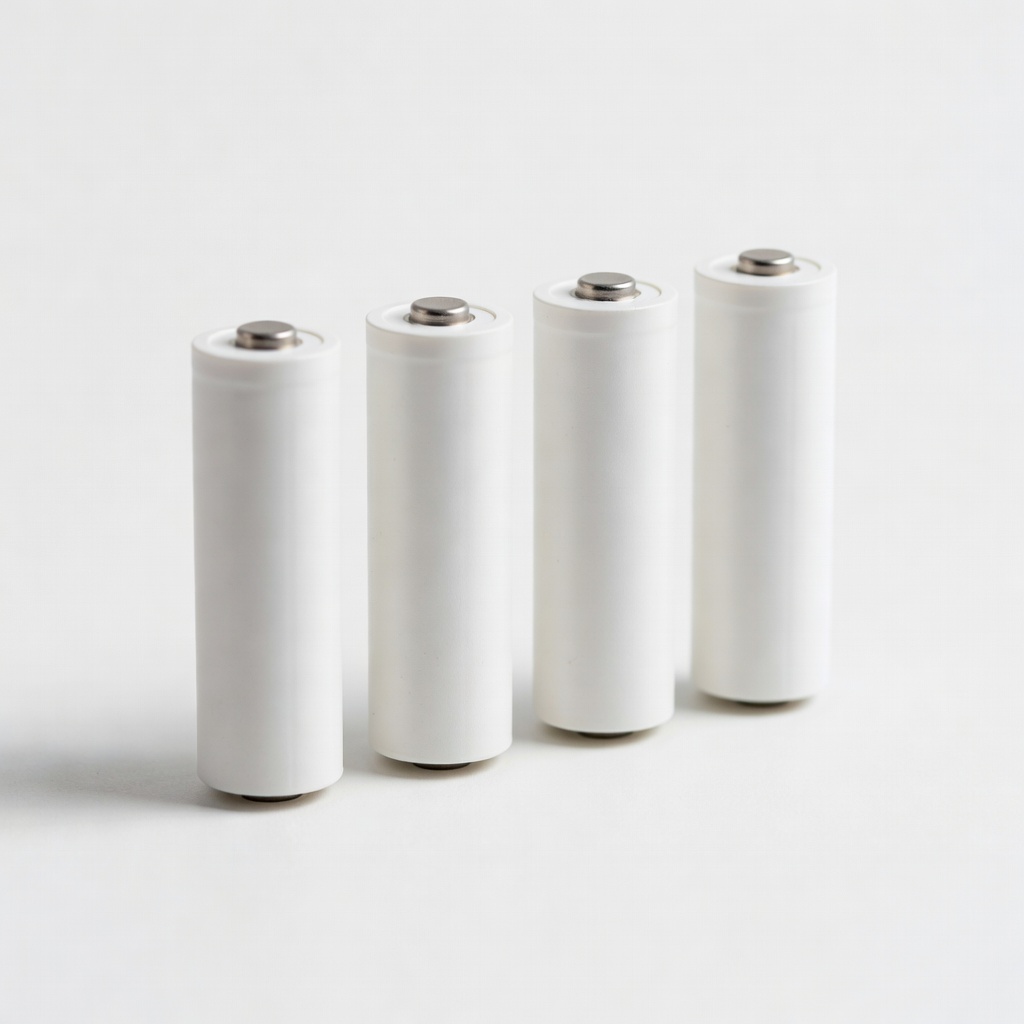
Legacy AAA remotes needing more power.
EBL AAA to AA Battery Adapter (4-Pack) Allows AA use in AAA slots for extended life without buying new remotes.
Large households stocking up.
Amazon Basics AA Performance Alkaline Batteries (48-Pack) Affordable bulk option matching premium performance for light-moderate use.