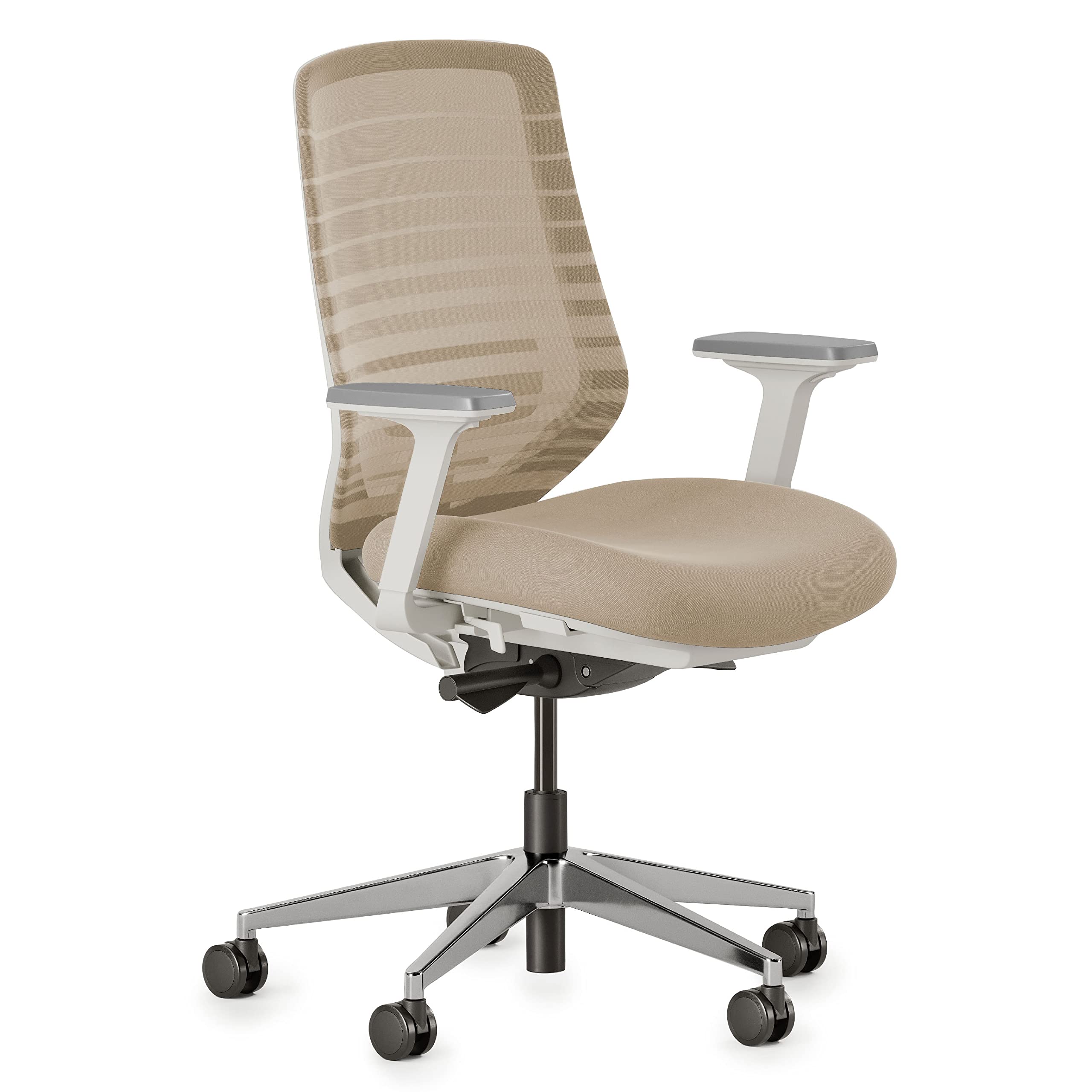
If you spend hours at a desk, you know the toll a bad chair can take on your back. Lower back pain, stiffness, and poor posture are common complaints, but the right ergonomic chair can make a world of difference. This guide breaks down the essential factors to consider when choosing a desk chair for back pain relief, with a special focus on lumbar support. You'll learn what to look for in adjustability, seat design, and materials to find a chair that supports your spine and keeps you comfortable all day. By the end, you'll be equipped to make an informed decision and invest in your long-term health.
▸What You'll Need
- •Understanding of your own pain points (e.g., lower back, mid-back, or neck)
- •Knowledge of your desk height and workspace dimensions
- •A rough budget (ranges from $200 to $1500+)
- •Optionally, tape measure to check seat height and depth
Estimated Time: 15-20 minutes to read and understand
Difficulty: intermediate
▸Step-by-Step Instructions
Step 1: Understand Lumbar Support: The Key to Back Pain Relief
Lumbar support is the feature that helps maintain your spine’s natural inward curve (lordosis) in your lower back. Without it, you tend to slouch, putting pressure on your discs and ligaments. Look for chairs with adjustable lumbar support—either a built-in cushion that moves up/down or a mechanical system that changes the curve’s depth. Some chairs also offer lumbar height and tension adjustments. The goal is a snug fit in the small of your back, not too high or low.
Why it matters: Proper lumbar support reduces pressure on discs by up to 30% compared to unsupported sitting. It also encourages a more upright posture, reducing strain on your neck and shoulders.
💡 Tips:
- •When testing a chair, sit all the way back. The lumbar support should fit exactly in the curve of your lower back.
- •For chronic lower back pain, consider chairs with independent lumbar height and depth adjustments.
⚠️ Warnings:
- •Avoid chairs with lumbar support that feels too aggressive or digs into your spine—it should be comfortable, not painful.
Step 2: Check Seat Height Range
Your feet should rest flat on the floor with your knees at a 90-degree angle (or slightly higher) when seated. Most chairs offer pneumatic height adjustment. The standard range is 16 to 21 inches from floor to seat. For taller or shorter individuals, some chairs extend to 24 inches or go as low as 15 inches. Measure your desk height and the distance from your knee to floor to ensure compatibility.
Why it matters: Incorrect seat height forces you to perch or slouch, causing leg and lower back fatigue. Proper height distributes weight evenly and promotes good circulation.
💡 Tips:
- •A footrest can supplement a chair's height range if you’re shorter than average.
Step 3: Evaluate Seat Depth and Width
Seat depth (from backrest to front edge) should allow 2-4 inches of clearance behind your knees. If the seat is too deep, you’ll lean back or cut off circulation; if too shallow, your thighs aren’t supported. Most chairs have a depth of 17-20 inches. Look for a seat slider mechanism (adjustable depth) if you’re outside average proportions. Seat width should be ample—usually 18-22 inches—to accommodate hips and allow some movement.
Why it matters: Proper seat depth supports your thighs without pressure behind the knees, reducing risk of numbness and promoting better pelvic alignment.
💡 Tips:
- •Waterfall-shaped seat edges relieve pressure on the backs of thighs.
⚠️ Warnings:
- •Avoid seats with a hard front edge that dig into your legs after long sitting.
Step 4: Look for Tilt and Recline Functions
A chair’s tilt mechanism allows you to rock or recline, which shifts pressure off your spine. Look for at least tilt tension control (adjustable resistance) and seat angle adjustment (positive or negative tilt). Some chairs offer a synchronous tilt where the back and seat move together to maintain support.
Why it matters: Dynamic sitting (slightly reclining or rocking) promotes spinal disc nutrition and reduces static muscle fatigue. A 110-130 degree recline angle is ideal for back health.
💡 Tips:
- •Lockable recline positions are useful if you prefer a fixed upright posture for typing.
⚠️ Warnings:
- •Avoid chairs that feel too wobbly or have unreliable lock mechanisms.
Step 5: Assess Backrest Height and Shape
A high backrest that supports the entire back, including the mid and upper back, is beneficial for those with widespread back pain. Some chairs have a separate, adjustable headrest. However, for lower back pain specifically, even a good mid-back chair can suffice if lumbar support is excellent. The backrest should have a curvature that mirrors your spine’s natural S-shape, not a flat board.
Why it matters: Full back support prevents hunching and distributes weight across more surface area, reducing strain on any one area.
💡 Tips:
- •For tall users, consider chairs with an adjustable backrest height or an optional headrest.
Step 6: Test Armrest Adjustability
Armrests should support your arms while allowing your shoulders to relax and your elbows at 90 degrees. Look for 4D adjustable armrests: height, width, depth, and pivot angle. This helps reduce shoulder and neck tension, which often accompanies back pain. Fixed or poorly positioned armrests can force you to lean forward or shrug, worsening posture.
Why it matters: Proper armrest height takes load off your spine and promotes neutral spine position. Studies show that arm support can reduce spinal disc pressure by up to 15%.
💡 Tips:
- •If you type a lot, set armrests slightly below your elbows to avoid shoulder shrug.
⚠️ Warnings:
- •Wider armrests may not fit under some desks—measure desk clearance before buying.
Step 7: Choose Seat Cushion Material and Density
Seat cushion is often overlooked but critical for back pain. Memory foam or high-density foam provides lasting support, while thin or overly soft foam causes “bottoming out.” Look for breathable mesh or fabric covers to prevent heat buildup. Some chairs have adjustable lumbar support that extends into the seat pan.
Why it matters: The cushion distributes your sitting weight. If it’s too soft, your pelvis tilts backward, flattening the lower back curve; if too hard, it can cause pressure points.
💡 Tips:
- •For extra comfort, consider adding a separate lumbar cushion or seat wedge (especially if you have coccyx pain).
⚠️ Warnings:
- •Avoid leather seats in non-air-conditioned environments—they can become hot and cause sweating.
Step 8: Consider the Base and Wheels
A five-leg base made of metal or durable nylon provides stability and safety. Wheels (casters) vary: soft casters for hard floors (no scratching) and hard casters for carpet. Chairs with adjustable casters or wheel locks can be useful on uneven surfaces. A stable base prevents tipping when leaning.
Why it matters: A stable base ensures safety and allows smooth movement, reducing the need for awkward twisting that can strain your back.
💡 Tips:
- •If you have carpet, hard casters roll more easily; if hardwood, soft casters are a must.
⚠️ Warnings:
- •Cheap plastic bases can crack under heavy use—check weight capacity.
Step 9: Prioritize a Trial or Generous Return Policy
Even with all the specifications, comfort is subjective. Many online retailers (like Amazon, Herman Miller, Steelcase) offer 30- to 100-day return windows. Use this time to sit in the chair for several hours each day, adjusting settings. Keep an eye out for lingering discomfort. If possible, test chairs at a showroom.
Why it matters: Your body needs time to adapt to a new chair. A good return policy gives you a fail-safe if the chair doesn’t work out.
💡 Tips:
- •Set up a reminder to evaluate the chair after two weeks—often initial impressions change.
⚠️ Warnings:
- •Be aware of restocking fees (some companies charge up to 25%) or the need to return a disassembled chair.
▸Pro Tips
- •Combine your chair with a sit-stand desk for dynamic posture changes throughout the day.
- •Use a footrest if your desk is too high and you can't lower the chair enough.
- •After purchasing, adjust all settings step by step: start with seat height, then lumbar, then armrests.
- •Consider a chair with a mesh back for breathability—it prevents sweating and maintains support.
- •If you drive to work, note the ergonomics of your car seat—some chairs mimic that feel.
- •For those with sciatica, look for a chair with a waterfall seat edge to relieve pressure on the back of the legs.
▸Common Mistakes to Avoid
- •Buying a chair based solely on looks or price: A stylish chair may lack critical adjustments; cheap chairs often have poor lumbar support.
- •Ignoring seat depth: A seat that's too long forces you to sit forward, losing back support—short people especially suffer.
- •Setting armrests too high: This forces shoulders up, causing neck and upper back tension. Keep them at elbow height.
- •Assuming one size fits all: Chairs vary between brands; always check weight and height limits.
- •Forgetting the floor surface: The wrong casters can damage floors or make the chair immobile.
▸Troubleshooting
Problem: Chair lumbar support still feels uncomfortable after adjustment
Solution: You might need an external lumbar cushion to fine-tune the curve. Alternatively, the chair's lumbar may be too high/low for your spine—consider returning if the chair doesn't fit.
Problem: Seat pan tilts forward even when locked
Solution: Check the tilt lock mechanism—it may be worn or not properly engaged. If new, contact manufacturer for replacement part.
Problem: Caster wheels don't roll smoothly
Solution: Clean debris from wheels. For carpet, replace with hard caster suitable for carpet. For wood floors, get soft casters.
Problem: Armrests wobble or don't stay in position
Solution: Tighten screws if accessible. If not, the armrest mechanism may be faulty—claim warranty.
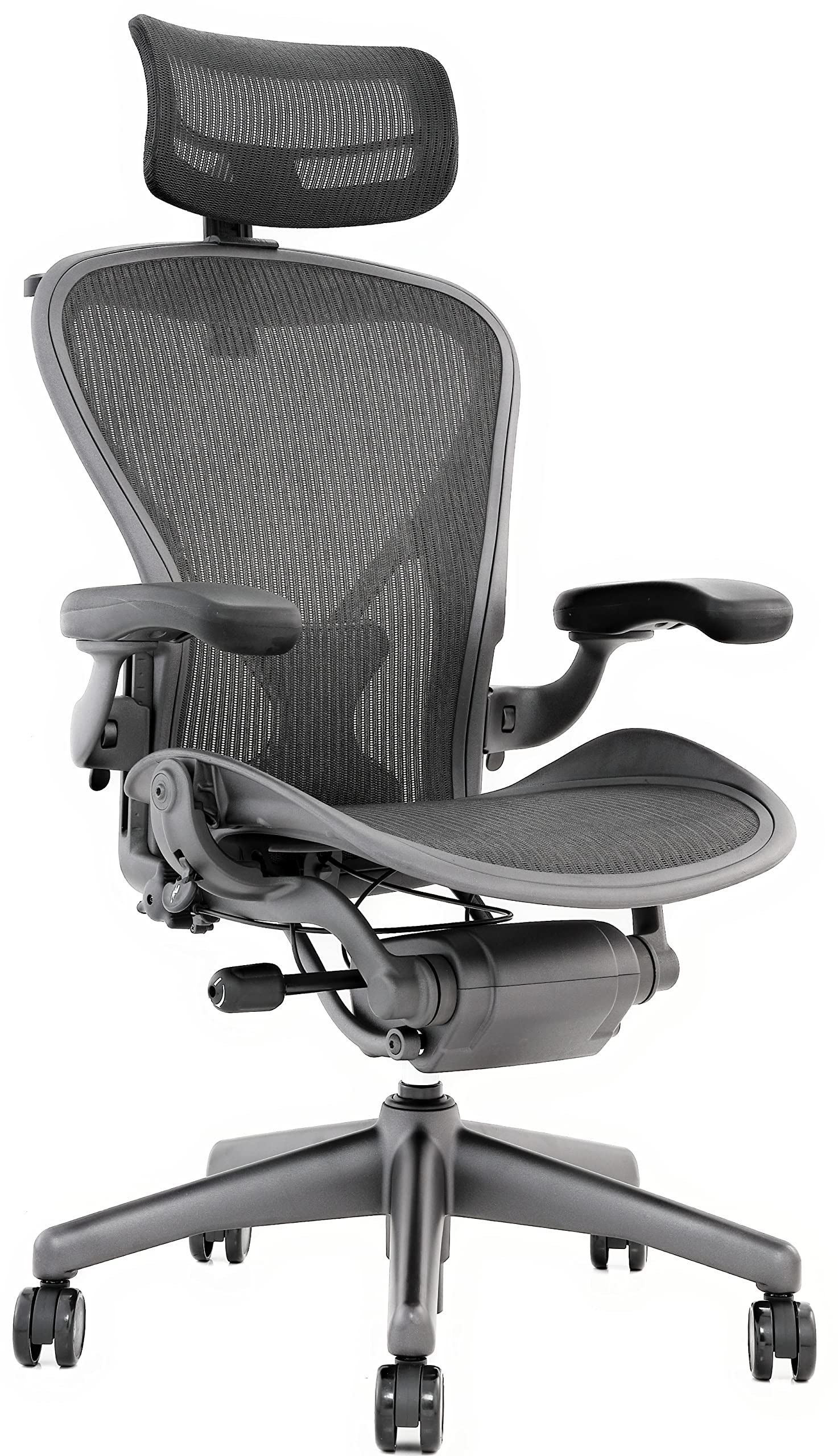
Herman Miller Aeron Chair
Gold standard for ergonomic office chairs with excellent adjustable lumbar support (optional PostureFit SL), mesh back for breathability, and extensive adjustability. Highly researched and backed by ergonomists.
Best for: Best for those willing to invest in a long-term solution for chronic back pain; ideal for full-time desk workers.
Price Range: $1,000–$1,500
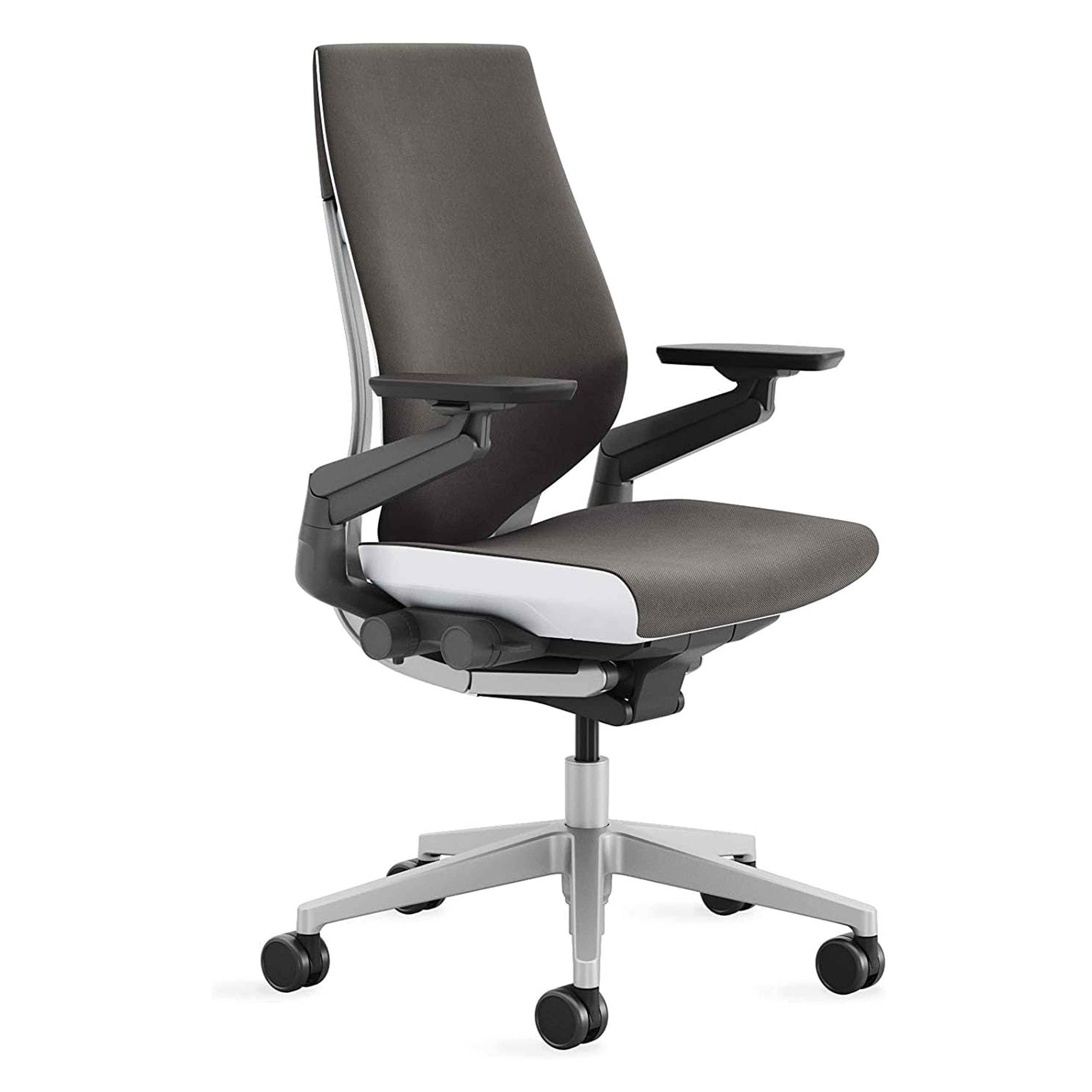
Steelcase Gesture Chair
Features 3D LiveBack technology that mimics spine movement, separate lumbar support adjustment, and outstanding armrest adjustability (360-degree). Known for supporting a wide range of postures.
Best for: Great for people who change positions frequently or have upper back and neck pain alongside lower back issues.
Price Range: $1,100–$1,500
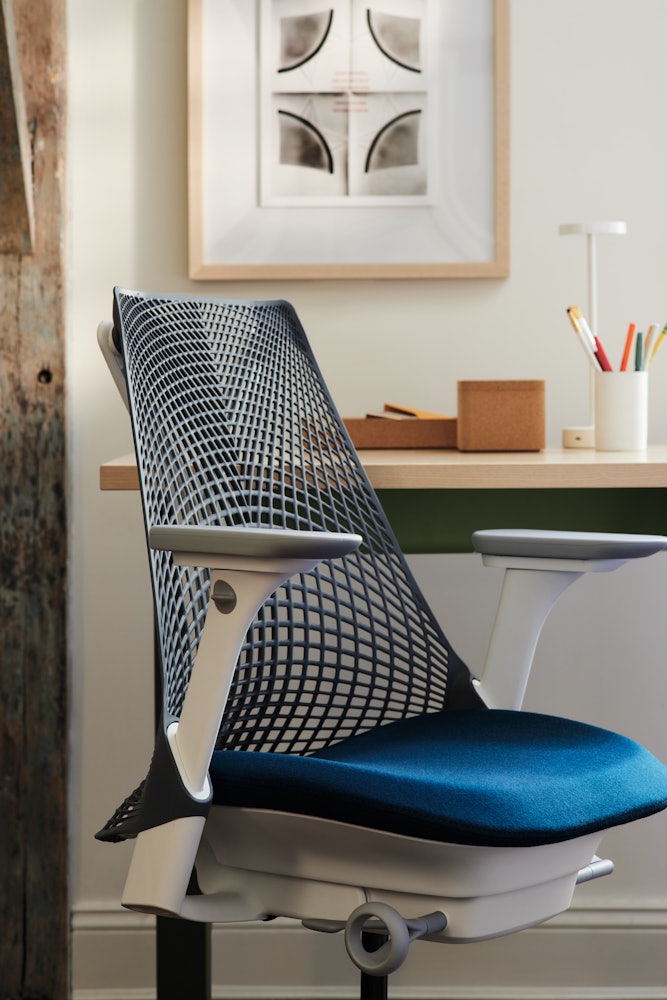
Herman Miller Sayl Chair
Uses a suspension back instead of foam, providing flexible support that adapts to movements. Offers optional adjustable lumbar support and a unique aesthetic. Lighter on budget than Aeron.
Best for: Ideal for users who want a modern look, good lumbar support, and a chair that encourages active sitting without breaking the bank too much.
Price Range: $600–$900
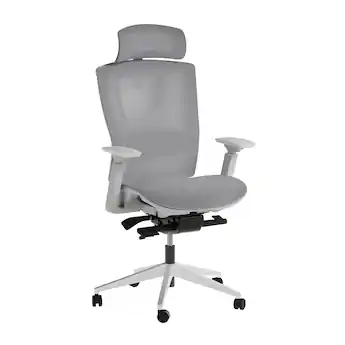
Autonomous ErgoChair Pro
Budget-friendly option with adjustable lumbar support, tilt lock, seat depth adjustment, and 4D armrests. Good value for features typically found in higher-priced chairs.
Best for: Best for budget-conscious buyers who still want essential ergonomic features for back pain relief.
Price Range: $350–$450
Branch Ergonomic Chair
Mid-range chair offering a contoured foam seat, adjustable lumbar support (height and tension), and a breathable mesh back. Available in multiple sizes. Easy assembly and good customer service.
Best for: Good balance of price and features for home office users suffering from lower back pain.
Price Range: $350–$400