

Anker PowerDrive 2 Elite
Reliable daily charging for two phones or tablets.
$12 - $18
Anker PowerDrive 2 Elite Trusted brand with 2.4A per port, dual USB-A, and built-in surge protection. Compact design fits most cars.
Get the App
Better experience on mobile
Learn the key factors like amperage, ports, and safety to pick the perfect 12V adapter for your devices.
Plugging devices into your car's cigarette lighter socket seems simple, but a wrong 12V adapter can result in slow charging, overheating, or even damage. With cars offering less power than wall outlets, you need an adapter that matches your device's requirements. This guide will walk you through what to look for—from amperage and fast charging to safety certifications—so you can charge your phone, tablet, or GPS confidently on the road.
Estimated Time: 15 minutes to read and apply to your purchase decision Difficulty: beginner
The '12V' in the name refers to the input voltage from your car's electrical system. Most adapters then step down the voltage to 5V (for USB) or provide a 12V socket output for devices like tire inflators. The key variable is current (amperage). Never assume that all 12V adapters are equal—they can deliver different amounts of current, affecting charging speed.
💡 Tips:
⚠️ Warnings:
The amperage determines how fast your device charges. For USB ports, look for at least 2.1A per port for tablets and 1A for older phones. For a 12V power socket (e.g., for a cooler), check that it provides at least the device's required amperage. Most quality adapters offer 2.4A per USB port or higher. If you need to charge multiple devices, add up the current they draw—and make sure the adapter's total output and your car socket can handle it.
💡 Tips:
⚠️ Warnings:
Adapters come with 1 to 4 ports, often a mix of USB-A, USB-C, and a 12V auxiliary socket. Think about what you'll plug in: a single phone? A phone and a dash cam? A tablet and a portable cooler? For modern devices, USB-C is becoming standard. If you have both old and new devices, a combination of USB-A and USB-C ports is versatile.
💡 Tips:
⚠️ Warnings:
Qualcomm Quick Charge (QC) and USB Power Delivery (PD) allow compatible phones and laptops to charge much faster than standard 5V/1A. QC 3.0/4.0 and PD 3.0 are common. If you have a newer Android phone, QC is useful; for iPhones and many laptops, USB-C PD is better. The adapter should explicitly state these protocols.
💡 Tips:
⚠️ Warnings:
A good 12V adapter should have built-in protection against overcurrent, overvoltage, short circuits, and overheating. Look for certifications like CE, FCC, or RoHS. Some adapters also include a fuse that can be replaced if blown. Safety is especially important if you leave the adapter plugged in continuously.
💡 Tips:
⚠️ Warnings:
Most 12V adapters fit standard cigarette lighter sockets, but some cars have recessed or angled sockets that require a compact or right-angle plug. Also check the length of the attached cable if the adapter is wired. For USB-only adapters, ensure the plug fits snugly and doesn't block other ports or the gearshift.
💡 Tips:
⚠️ Warnings:
A solid adapter feels sturdy, with no rattling parts. The plug should have a firm spring-loaded contact. Well-known brands like Anker, Belkin, and Scosche are reliable. Reading verified customer reviews can reveal issues like overheating or failure after a few months.
💡 Tips:
⚠️ Warnings:
Prices range from $8 for basic adapters to $40+ for multi-port fast chargers. Decide your budget based on usage: a cheap one may suffice for occasional use, but frequent drivers should invest in a quality unit. Many reputable brands offer a 12- to 24-month warranty. Read the warranty terms before purchasing.
💡 Tips:
⚠️ Warnings:
Problem: Adapter gets hot after a few minutes of use.
Solution: Unplug it immediately. If it's the device drawing high current, the adapter may be underrated. Check the total current draw versus adapter rating. Replace if necessary.
Problem: Phone says 'charging slowly' even with a fast-charge adapter.
Solution: Ensure the phone is compatible with the adapter's fast charge protocol. Also try a different cable—some USB-C cables are rated only for 60W, not 100W. A faulty cable can limit speed.
Problem: Adapter works intermittently or shuts off when I hit a bump.
Solution: The connection to the car socket may be loose. Try a different adapter to rule out the socket. If the socket is worn, a replacement (available at auto parts stores) may be needed.
Trusted brand with 2.4A per port, dual USB-A, and built-in surge protection. Compact design fits most cars.
Best for: Reliable daily charging for two phones or tablets.
Price Range: $12 - $18
Combines USB-A and USB-C with 18W PD for iPhones. Known for safety certifications and durable build.
Best for: Charging an iPhone (PD) and an Android phone simultaneously.
Price Range: $20 - $25
High total output with 2.4A per port, includes a USB-C port. Compact and well-reviewed.
Best for: Fast charging newer phones and tablets with USB-C.
Price Range: $15 - $20
Simple, no-frills adapter with one 12V output and a USB-A port. Good for powering accessories like tire inflators.
Best for: Giving extra 12V socket for larger accessories.
Price Range: $8 - $12
Offers one USB-A (2.4A) and one USB-C PD (45W) for laptops. Includes iSmart identification for optimal charging.
Best for: Charging a USB-C laptop and a phone in the car.
Price Range: $25 - $35
Reliable daily charging for two phones or tablets.
Anker PowerDrive 2 Elite Trusted brand with 2.4A per port, dual USB-A, and built-in surge protection. Compact design fits most cars.
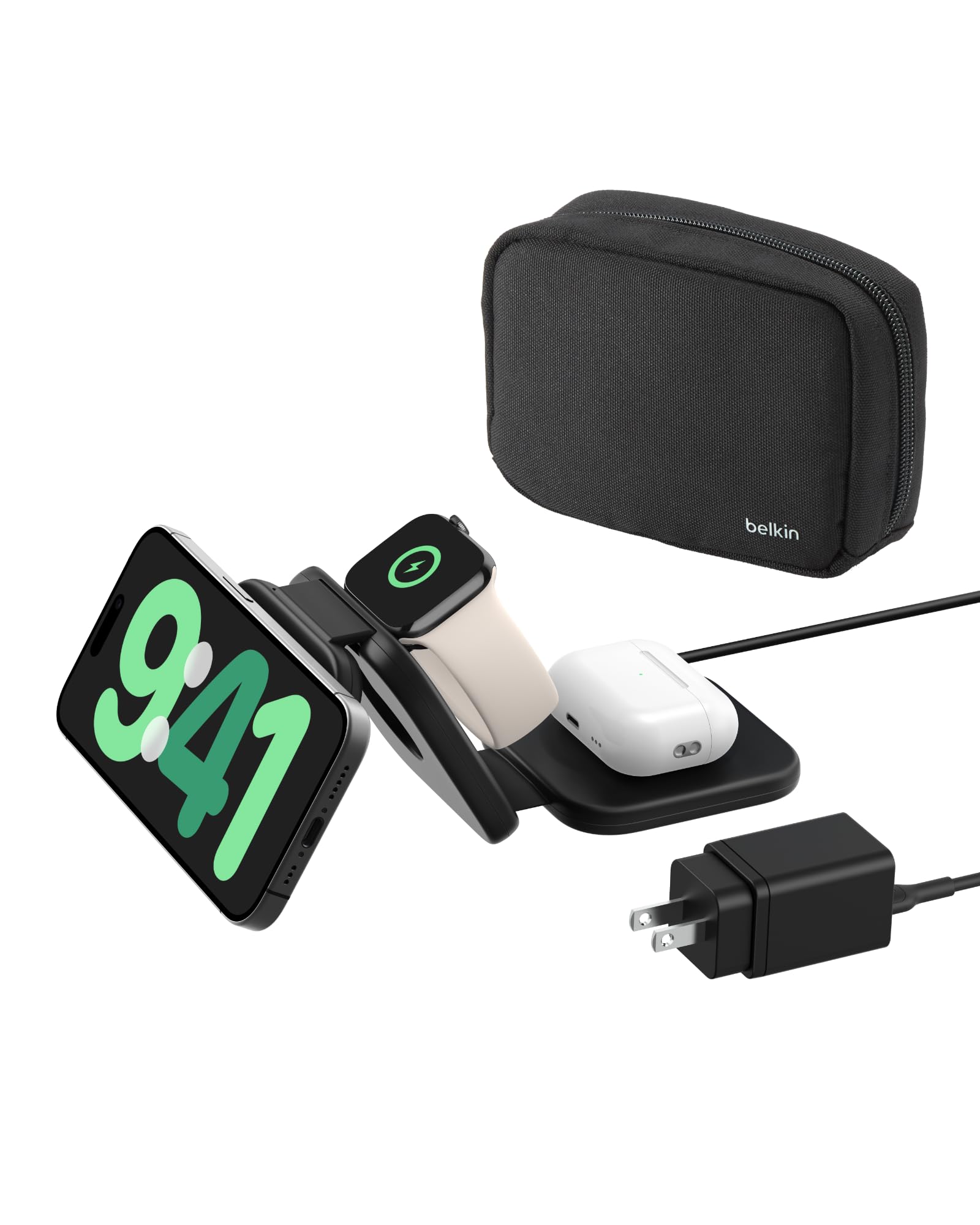
Charging an iPhone (PD) and an Android phone simultaneously.
Belkin 36W Dual USB Car Charger Combines USB-A and USB-C with 18W PD for iPhones. Known for safety certifications and durable build.
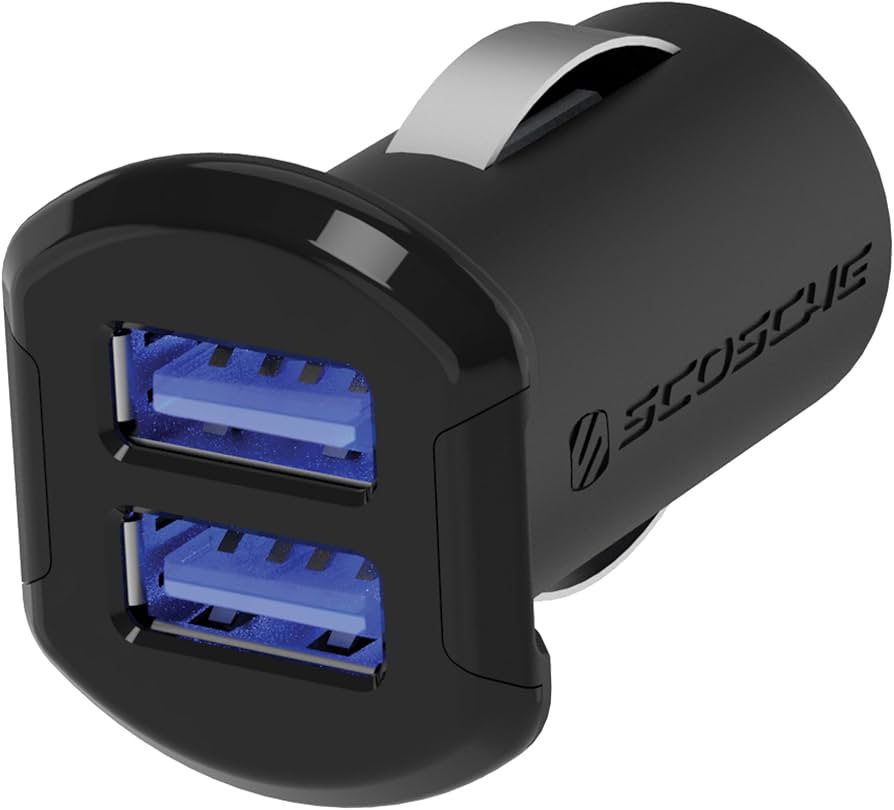
Fast charging newer phones and tablets with USB-C.
Scosche USBC2424M 42W Dual USB Car Charger High total output with 2.4A per port, includes a USB-C port. Compact and well-reviewed.

Giving extra 12V socket for larger accessories.
Amazon Basics 12V to 12V Socket Adapter Simple, no-frills adapter with one 12V output and a USB-A port. Good for powering accessories like tire inflators.
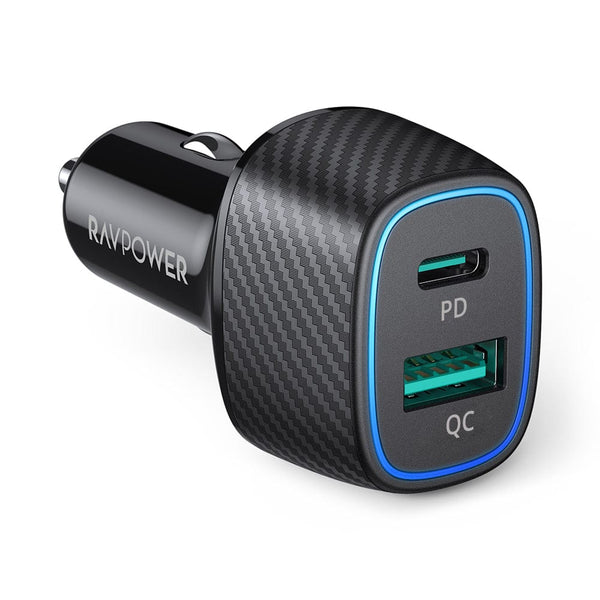
Charging a USB-C laptop and a phone in the car.
RAVPower 48W Dual USB Car Charger Offers one USB-A (2.4A) and one USB-C PD (45W) for laptops. Includes iSmart identification for optimal charging.