
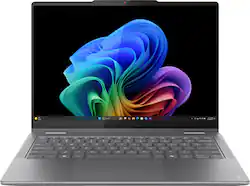
Lenovo Yoga 7i 2-in-1 14" (2024)
Daily writing, light editing on the go.
$850-$950
Lenovo Yoga 7i 2-in-1 14" (2024) Excellent 15hr battery, 2.9lbs ultra-portable, Intel Core Ultra 7 for nomad multitasking.
Get the App
Better experience on mobile
Master selecting a versatile, portable 2-in-1 laptop that powers your nomadic workflow without compromises on performance or battery life.
As a digital nomad, you're constantly on the move—co-working spaces, beaches, planes—yet you need a laptop that adapts to any scenario. Traditional laptops often fall short with poor battery life or bulkiness, but 2-in-1 convertibles offer the best of both worlds: laptop power and tablet flexibility. The wrong choice, however, can mean constant charging hunts or sluggish performance during video calls.
This guide walks you through a proven step-by-step process to pick the ideal 2-in-1 laptop tailored to nomad life. You'll learn to balance portability, durability, and specs like a pro. Expect 45-60 minutes of focused research—no tech jargon overload, just actionable insights.
By the end, you'll have a shortlist of models ready to buy, ensuring your next laptop fuels productivity from Bali to Berlin.
Estimated Time: 45-60 minutes Difficulty: intermediate
Start by listing your daily workflow. Digital nomads juggle video editing, coding, writing, or client calls while traveling light. Ask: What tasks dominate your day? Do you need stylus support for note-taking? How often do you detach the screen for tablet mode?
Prioritize portability (under 3.5 lbs), long battery (12+ hours), and durability for travel. Write down 5-10 must-haves, like 'runs Photoshop smoothly' or 'survives backpack tosses.' This filters 90% of options early.
Success: A clear needs list, e.g., 'lightweight, 16GB RAM, touchscreen stylus.'
💡 Tips:
⚠️ Warnings:
Decide your spend: $500-$800 for entry-level, $800-$1200 for balanced nomad picks, $1200+ for premium (e.g., OLED, Intel Core Ultra). Factor in extras like cases ($30) or extended warranties ($100).
Research price drops—2025 models launch mid-year, dropping 2024 prices 20-30%. Use sites like Amazon or Best Buy for current ranges.
Success: Budget locked, e.g., '$900 max including accessories.'
💡 Tips:
Look for Intel Core Ultra 5/7, AMD Ryzen 7/9 (2024+), or Snapdragon X Elite for efficiency. Avoid older Intel 12th gen—they drain battery faster.
Nomads need 8+ cores for multitasking (browser tabs + Zoom + Slack). Benchmark sites like Cinebench show real-world scores.
Success: Specs noted, e.g., 'Intel Core Ultra 7 beats i7-1360P by 20% battery.'
⚠️ Warnings:
Minimum 16GB RAM (soldered in most 2-in-1s)—8GB chokes on Chrome tabs. Go 32GB if heavy editing. Storage: 512GB+ SSD, upgradable if possible.
Nomads hate cloud dependency—local storage for offline work. Check if expandable via microSD.
Success: '16GB LPDDR5x RAM, 1TB SSD shortlisted.'
💡 Tips:
Target 12-18 hours real-world (video playback tests). Weigh under 3 lbs, thin (<0.7"). Magnesium/aluminum chassis for toughness.
Test via reviews: Puget Systems or YouTube loops. Nomads thrive on all-day unplugged use.
Success: Models with '15hr battery, 2.9lbs' flagged.
⚠️ Warnings:
14-16" OLED/IPS, 2K+ resolution, 100% sRGB for creators. 360° hinge must be sturdy—no wobble. Touchscreen + stylus support essential.
Glare-free matte for outdoors. Check PWM flicker ratings for eye comfort.
Success: '14" OLED, 120Hz, USI pen compatible.'
💡 Tips:
Need 2x USB-C (Thunderbolt 4 ideal), HDMI/USB-A adapter-friendly, headphone jack. WiFi 7/BT 5.3 for cafes.
Backlit keyboard with numpad if numbers-heavy; trackpad >0.5cm. Webcam 1080p+ IR for Windows Hello.
Success: Full port list matches travel adapters.
Windows 11 for versatility, ChromeOS for lightweight browsing, macOS rare in 2-in-1s. Ensure app ecosystem fits (e.g., VS Code on all).
Nomads: Windows Copilot+ for AI tools. Test touch gestures.
Success: OS aligned, e.g., 'Windows 11 ARM-ready.'
💡 Tips:
⚠️ Warnings:
Read 20+ reviews from PCMag, The Verge, r/SuggestALaptop. Watch YouTube flex tests, battery drains.
Score: 4.3+ stars, 500+ reviews. Note nomad-specific feedback.
Success: Top 5 models with pros/cons noted.
Use Versus.com or spreadsheet: Rank by your needs (weight 30%, battery 25%). Narrow to 2-3.
Success: Shortlist with decision matrix.
💡 Tips:
Check Amazon, Best Buy, manufacturer sites for discounts. Prioritize 2+ year warranty, global service.
Return policy 30+ days. Read support reviews.
Success: Purchase-ready pick.
⚠️ Warnings:
Problem: Overwhelmed by options
Solution: Return to Step 1 needs list; eliminate 50% per criterion.
Problem: Specs confusion (e.g., Core i7 vs Ultra)
Solution: Use PassMark.net for benchmarks; Ultra series wins for nomads.
Problem: Budget overruns
Solution: Filter Amazon by price first, then specs.
Problem: Poor reviews on shortlisted model
Solution: Check manufacturing date—early batches buggy.
Excellent 15hr battery, 2.9lbs ultra-portable, Intel Core Ultra 7 for nomad multitasking.
Best for: Daily writing, light editing on the go.
Price Range: $850-$950
Premium OLED display, 17hr battery, magnesium build survives travel abuse.
Best for: Creative pros needing color accuracy in tablet mode.
Price Range: $1,300-$1,500
Budget king with 16GB RAM, solid hinge, good keyboard for coding nomads.
Best for: Entry-level remote workers under $600.
Price Range: $450-$550
ARM Snapdragon power efficiency, 20hr battery, vibrant screen for media nomads.
Best for: Ultra-long flights, AI-accelerated tasks.
Price Range: $900-$1,100
Detachable ultimate portability (1.9lbs), kickstand for tents/desks.
Best for: Tablet-first nomads who type less.
Price Range: $1,000-$1,300
Daily writing, light editing on the go.
Lenovo Yoga 7i 2-in-1 14" (2024) Excellent 15hr battery, 2.9lbs ultra-portable, Intel Core Ultra 7 for nomad multitasking.
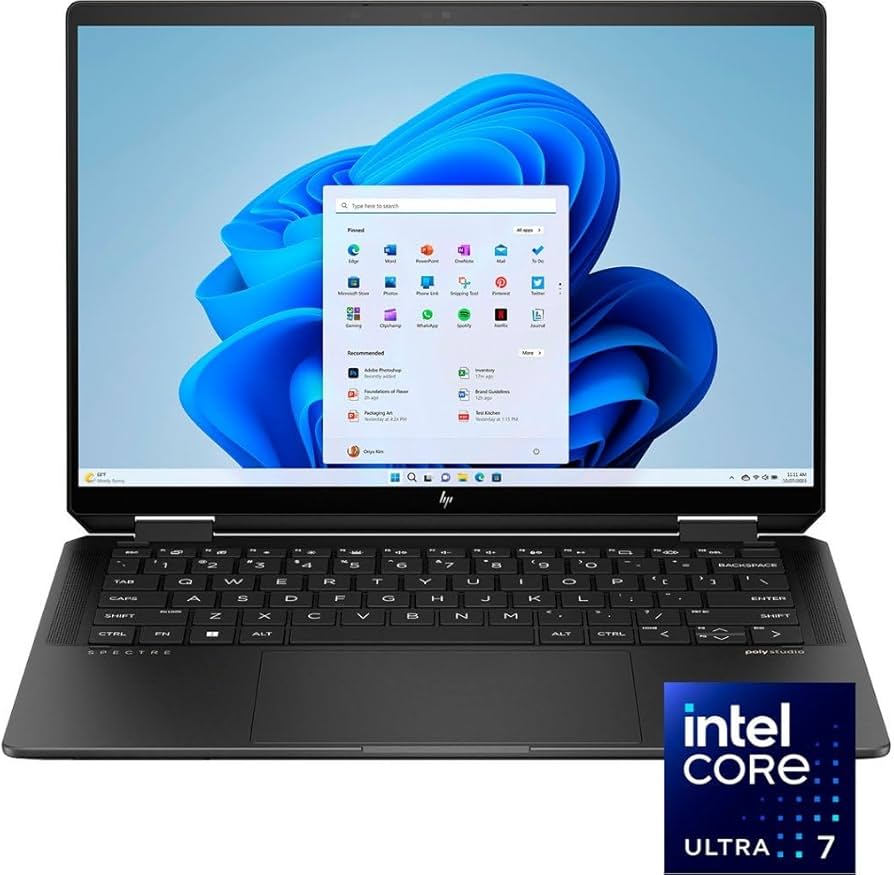
Creative pros needing color accuracy in tablet mode.
HP Spectre x360 14 (2024) Premium OLED display, 17hr battery, magnesium build survives travel abuse.
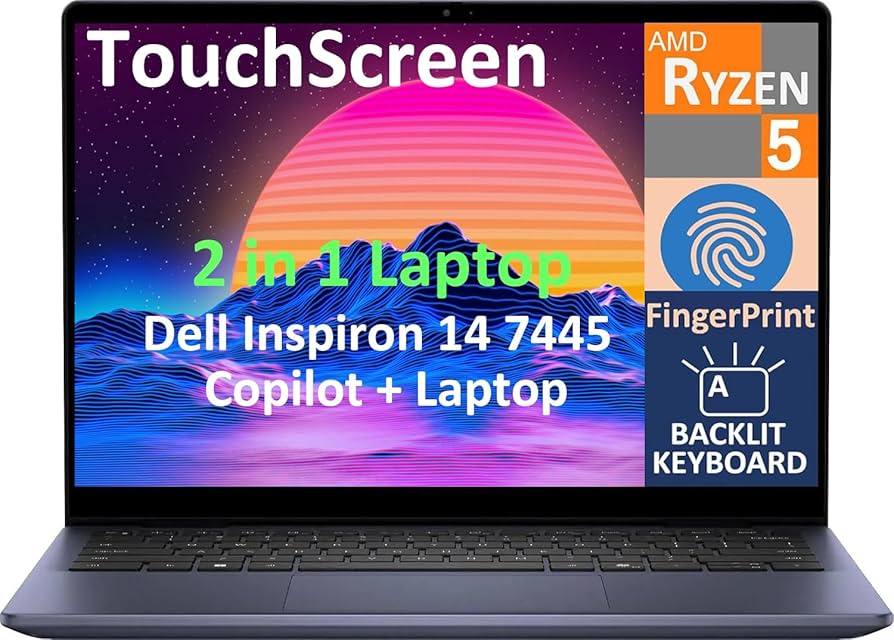
Entry-level remote workers under $600.
Dell Inspiron 14 2-in-1 (7440) Budget king with 16GB RAM, solid hinge, good keyboard for coding nomads.
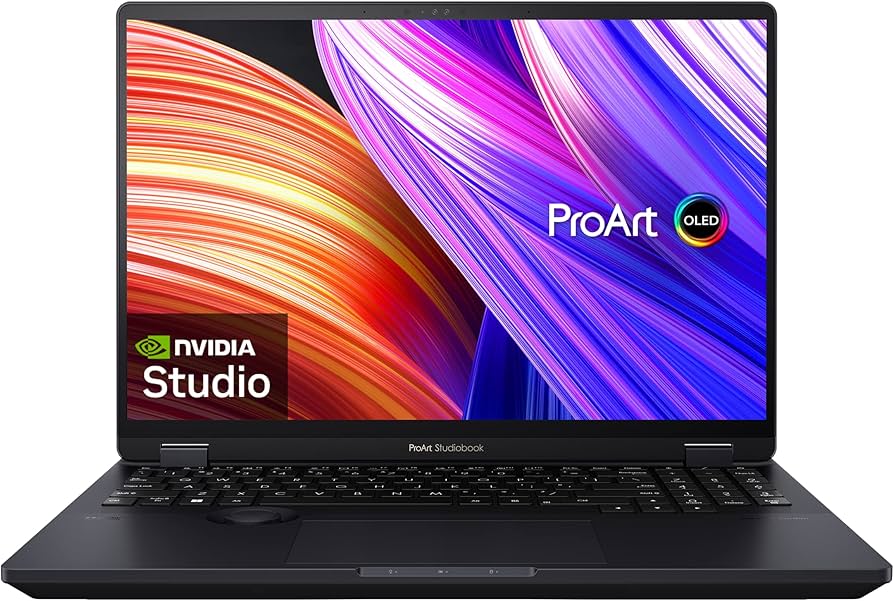
Ultra-long flights, AI-accelerated tasks.
Asus Zenbook 14 Flip OLED (UM3406) ARM Snapdragon power efficiency, 20hr battery, vibrant screen for media nomads.
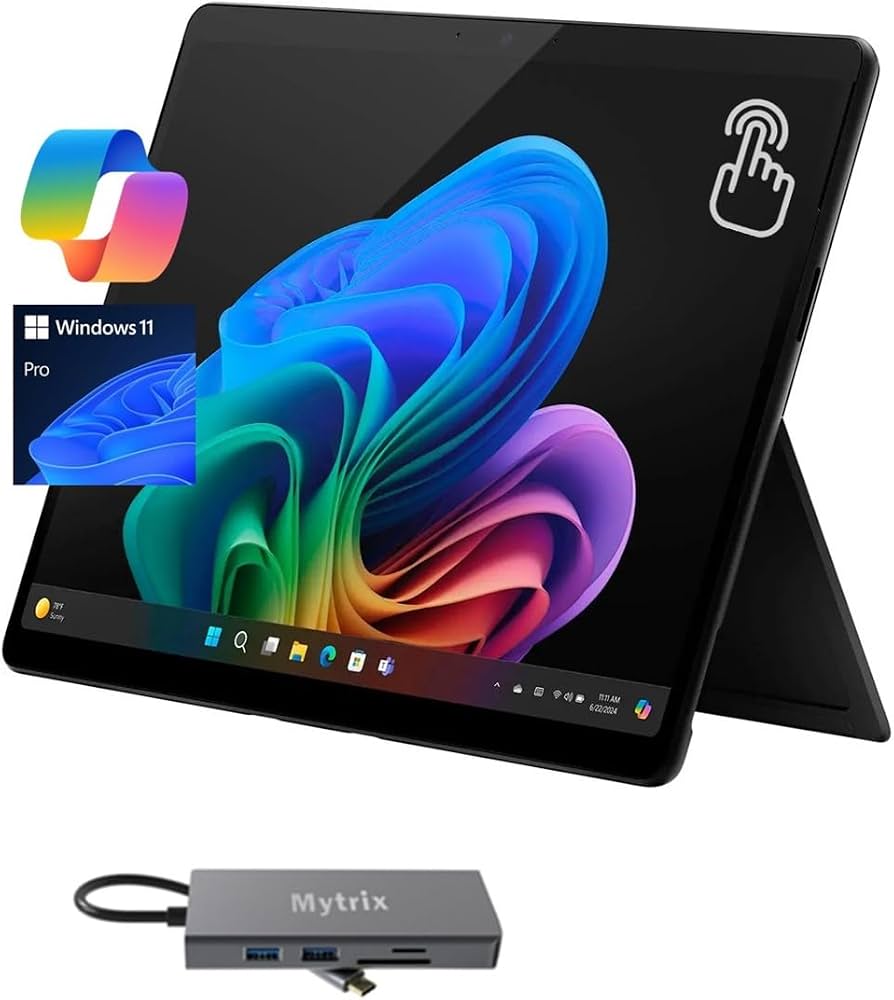
Tablet-first nomads who type less.
Microsoft Surface Pro 11 Detachable ultimate portability (1.9lbs), kickstand for tents/desks.