
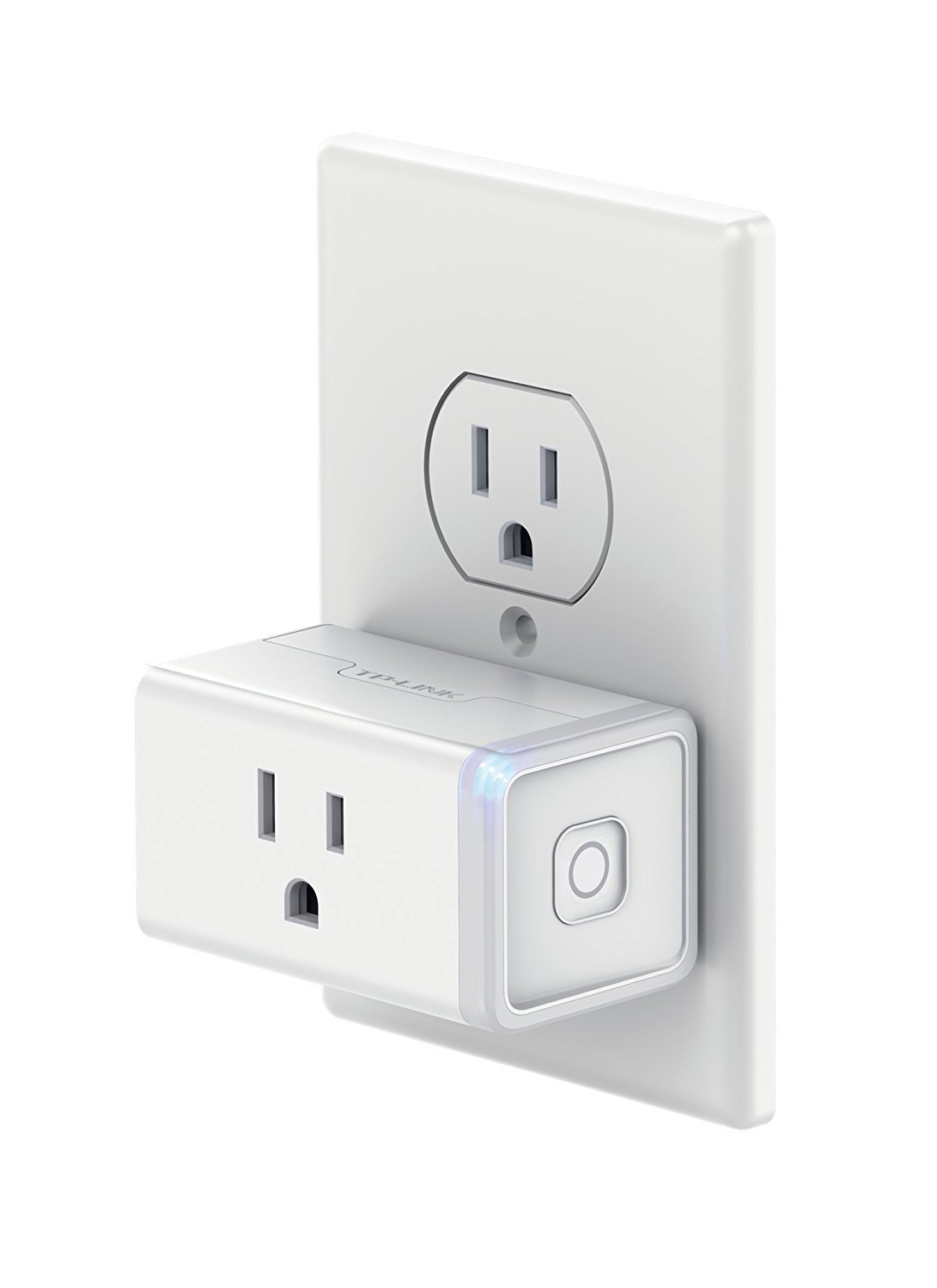
TP-Link Kasa Smart Plug Mini (HS105)
Ideal for bedside setups to unplug without getting up.
$19.99
TP-Link Kasa Smart Plug Mini (HS105) Automates shutoff after 8 hours via app, preventing overcharge.
Get the App
Better experience on mobile
Learn beginner-friendly steps to charge tablets, gaming consoles, and more overnight without battery damage or fire risks.
Ever plugged in your tablet or gaming controller at bedtime, only to wake up worried about overheating or fire hazards? Overnight charging is convenient for busy lifestyles, but improper methods can degrade batteries or pose safety risks. This guide shows you how to do it right.
You'll master a simple 8-step routine to safely power up activity and entertainment devices like Nintendo Switch, Kindle, headphones, or portable speakers. Expect full charges by morning with healthy batteries long-term. It's quick (10-15 minutes setup) and foolproof for beginners—no tech expertise needed.
By following these steps, you'll avoid common pitfalls and enjoy uninterrupted fun. Let's get your devices charged safely tonight!
Estimated Time: 10-15 minutes for setup; overnight charging Difficulty: beginner
Collect all chargers, cables, and accessories for your devices. Focus on activity and entertainment gear like tablets, e-readers, gaming controllers, or wireless headphones.
Why it matters: Using mismatched or third-party chargers can cause overheating. Success looks like having official cables ready—no frayed ends.
Tip: Label cables with device names using tape for easy identification.
💡 Tips:
⚠️ Warnings:
Examine cables for frays, bends, or exposed wires. Check charger bricks for cracks or heat marks. Test by plugging in briefly—if the device shows charging, it's good.
This prevents shorts or fires. Expect: Devices light up without sparks or unusual heat. Discard damaged items immediately.
Place inspected gear on a clean surface.
💡 Tips:
⚠️ Warnings:
Connect all chargers to a multi-outlet surge protector, then plug it into a wall outlet. Avoid direct wall plugs or power strips without surge protection.
Surge protectors shield against power spikes common overnight. Success: All lights on protector glow steadily, no buzzing.
Pro note: Position away from beds or fabrics.
💡 Tips:
Place devices on a hard, non-flammable surface like a desk or nightstand—away from bedding, curtains, or pillows. Ensure 6+ inches clearance around each.
Heat buildup causes most issues; airflow keeps temps low (<100°F). Expect: Devices feel cool to touch after 30 mins.
Room temp ideal: 60-75°F.
💡 Tips:
⚠️ Warnings:
On devices like iPads or Switches, go to settings > Battery > Charge Limit (80-90% if available). For others, unplug at 100% manually.
Stops overcharging, preserving battery health. Success: Notification confirms limit set; battery icon shows capped charge.
Skip if no feature—use timer next.
💡 Tips:
Plug chargers into a smart plug, download the app (e.g., Kasa), and schedule auto-off at 6-8 hours.
Automates unplugging for safety. Expect: App confirms schedule; plug responds to voice commands.
Great for forgetful users.
💡 Tips:
Start charging, check after 30 mins for heat/smells. If normal, go to bed—sniff test passes if no odors.
Builds confidence. Success: Steady charging light, device <warm to touch.
Sleep easy knowing it's safe.
⚠️ Warnings:
Morning: Unplug all, wipe devices. Repeat nightly, inspecting weekly.
Routine ensures longevity. Success: Full batteries daily, no degradation over months.
Track battery health in device settings.
💡 Tips:
Problem: Device not charging
Solution: Check connections, try different outlet/cable. Clean ports. If persists, battery may need replacement—contact manufacturer.
Problem: Overheating during charge
Solution: Unplug immediately, let cool. Ensure airflow; avoid cases. Test cable. Seek pro if recurs.
Problem: Slow charging
Solution: Use original fast charger. Close apps. Replace if cable frayed.
Problem: Surge protector trips
Solution: Reduce load (under 1800W total). Use higher-rated model. Pro electrician if faulty wiring.
Automates shutoff after 8 hours via app, preventing overcharge.
Best for: Ideal for bedside setups to unplug without getting up.
Price Range: $19.99
12 outlets with 4320 joules protection safeguard multiple devices from spikes.
Best for: Charging station for gaming consoles, tablets, and headphones.
Price Range: $24.99
Compact GaN tech charges fast/safely without excess heat for entertainment devices.
Best for: Single-device overnight top-up for tablets or controllers.
Price Range: $29.99
Contains potential fires, adding extra safety layer.
Best for: Place devices inside for paranoid-safe overnight charging.
Price Range: $19.99
Ultra-durable with 25,000-bend lifespan, reduces fray risks.
Best for: Replacement for daily entertainment device charging.
Price Range: $14.99
Ideal for bedside setups to unplug without getting up.
TP-Link Kasa Smart Plug Mini (HS105) Automates shutoff after 8 hours via app, preventing overcharge.
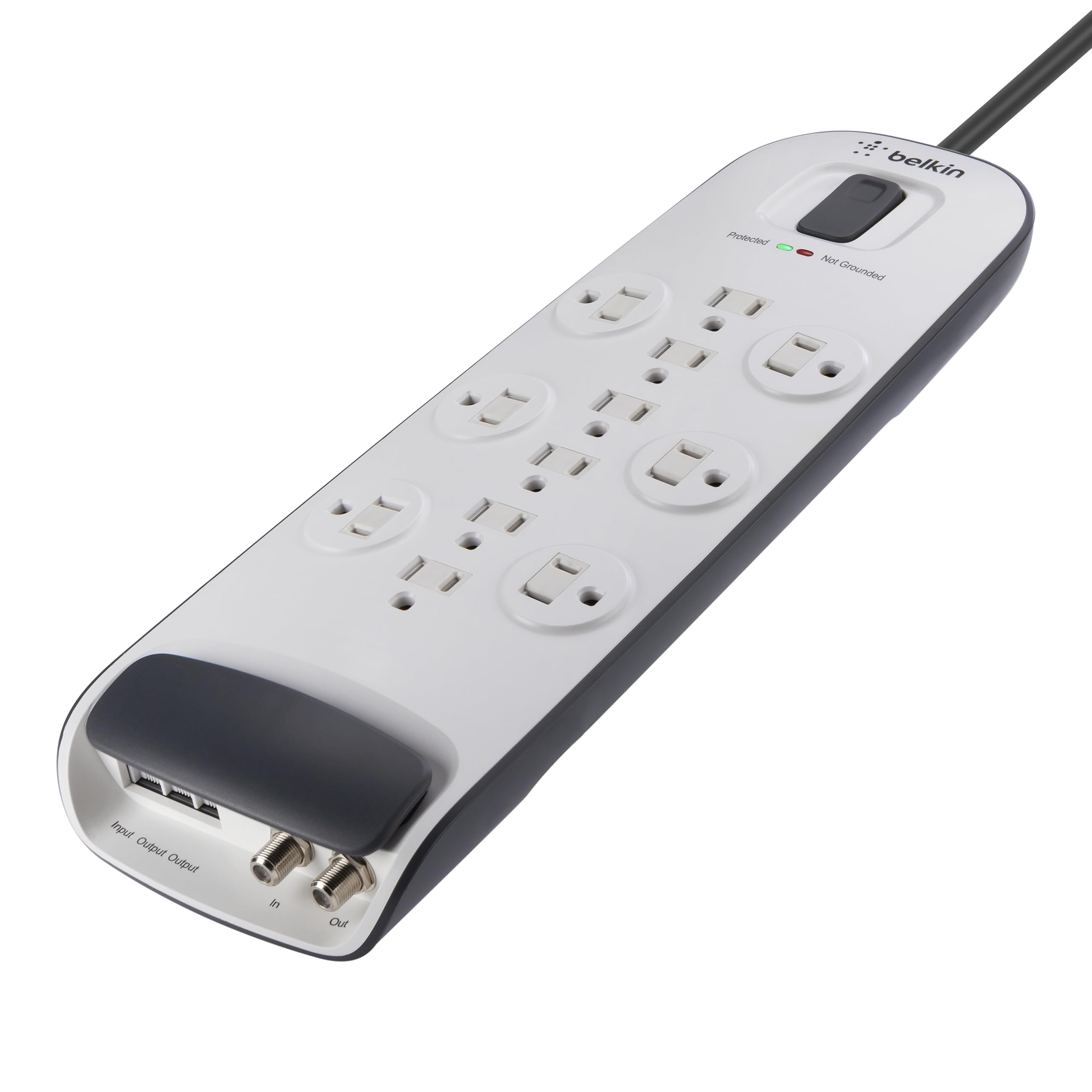
Charging station for gaming consoles, tablets, and headphones.
Belkin 12-Outlet Surge Protector 12 outlets with 4320 joules protection safeguard multiple devices from spikes.
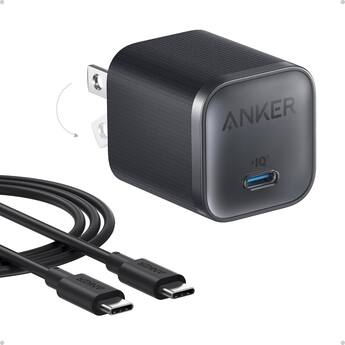
Single-device overnight top-up for tablets or controllers.
Anker 313 Charger (Nano II 45W) Compact GaN tech charges fast/safely without excess heat for entertainment devices.
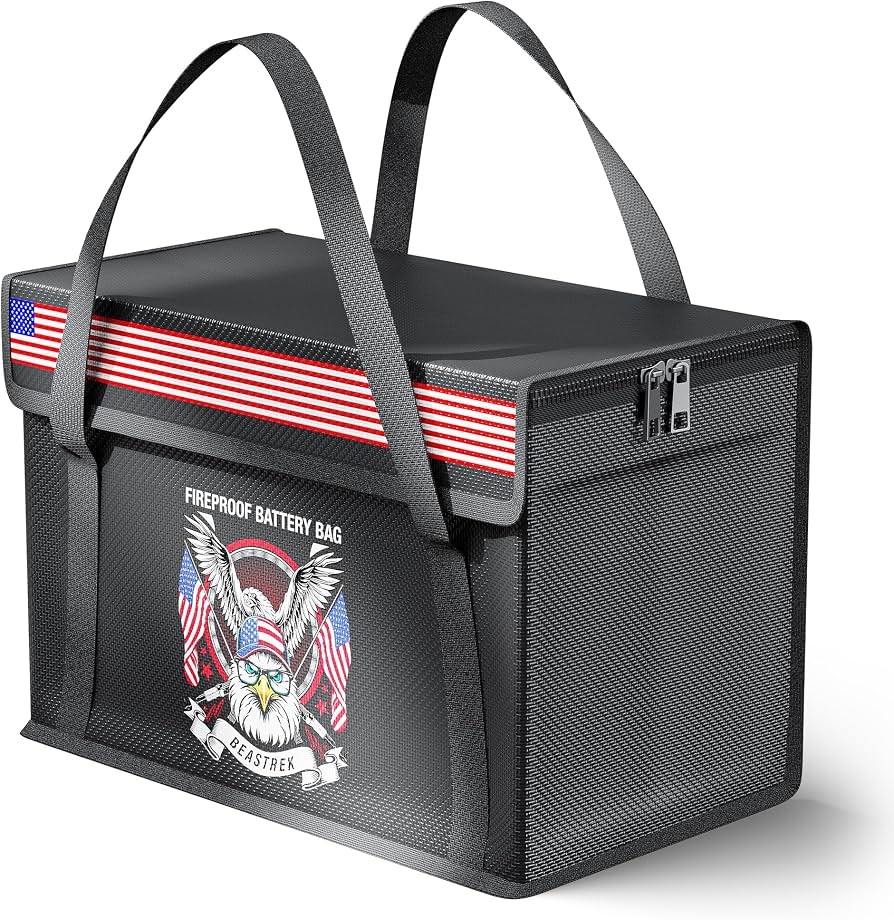
Place devices inside for paranoid-safe overnight charging.
LIANSU Fireproof Charging Bag Contains potential fires, adding extra safety layer.
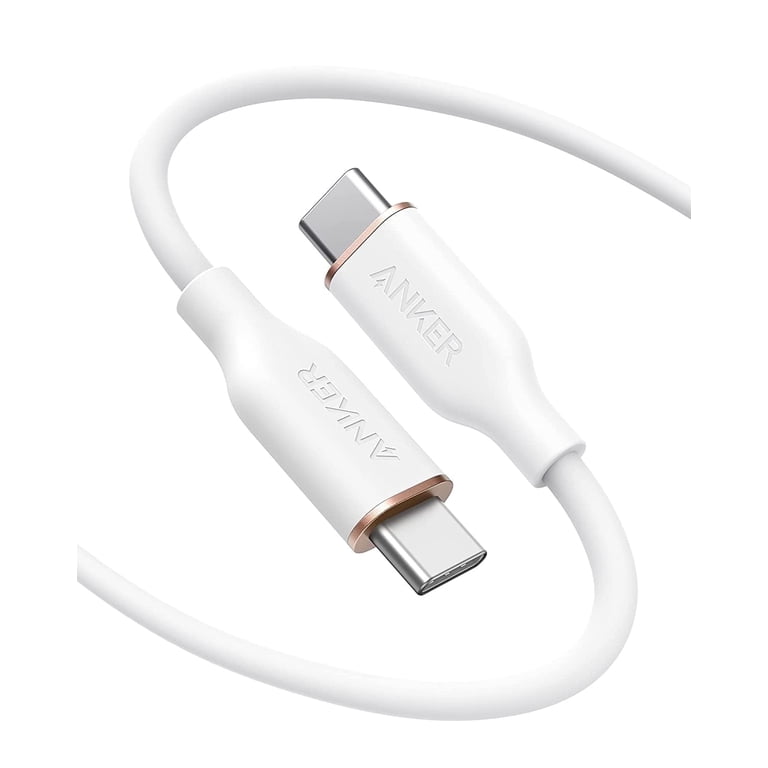
Replacement for daily entertainment device charging.
Anker PowerLine III USB-C Cable (6ft) Ultra-durable with 25,000-bend lifespan, reduces fray risks.