
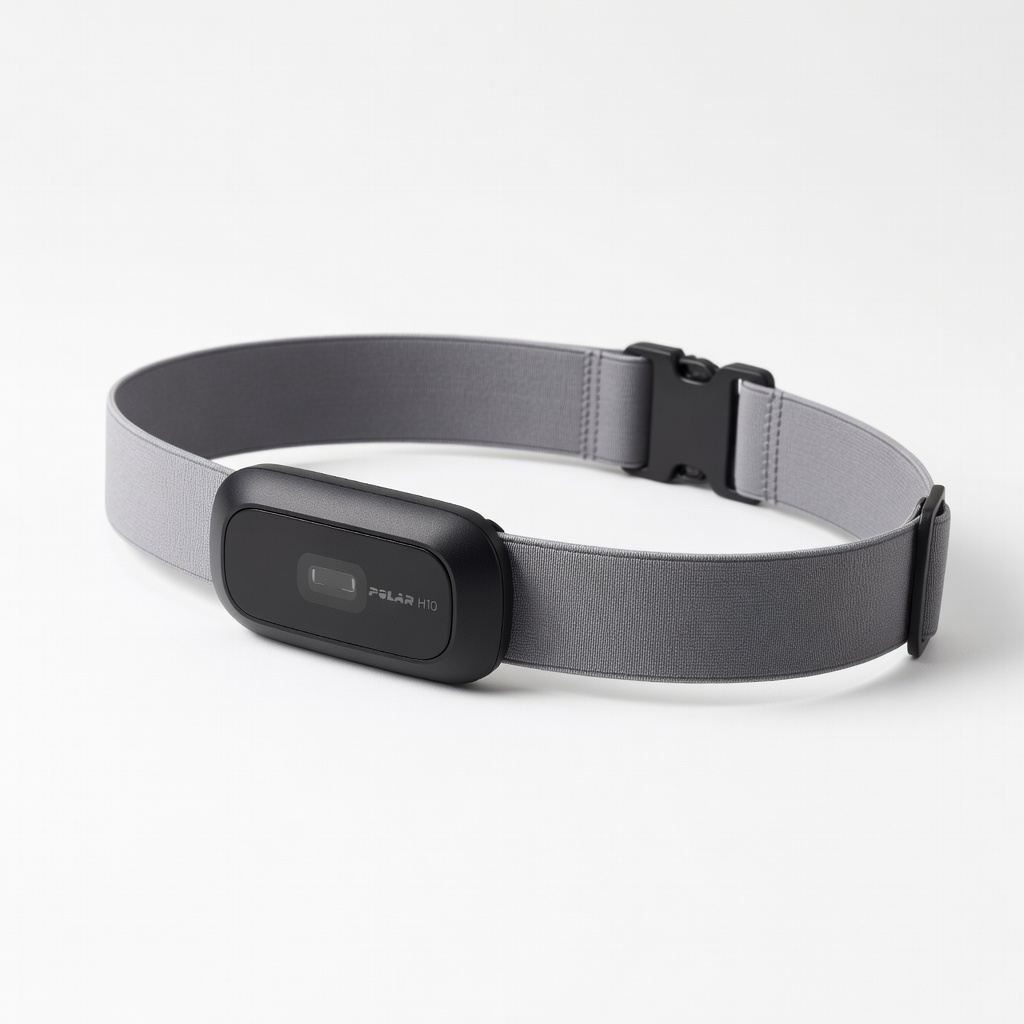
Polar H10 Heart Rate Monitor
Baseline during rest/exercise calibration steps.
$79.99
Polar H10 Heart Rate Monitor Provides lab-accurate chest strap HR for calibrating wrist sensors.
Get the App
Better experience on mobile
Master precise tracking for your Fitbit, Garmin, or Apple Watch in 20 minutes to get reliable fitness data.
Frustrated by your activity tracker logging 10,000 steps when you barely moved, or heart rate spikes that don't match your effort? Inaccurate data can derail your fitness goals, leading to misguided workouts or progress plateaus. Calibration fixes this by syncing your device with real-world metrics.
In this guide, you'll learn step-by-step how to calibrate app-enabled trackers like Fitbit, Garmin, and Apple Watch. We'll cover heart rate, steps, GPS, and more. Expect 20-30 minutes of active time, perfect for intermediate users comfortable with apps and basic troubleshooting.
By the end, your tracker will deliver spot-on accuracy, helping you trust the numbers for better health decisions.
Estimated Time: 20-30 minutes Difficulty: intermediate
Start by ensuring your tracker and app are running the latest software. Outdated versions often cause drift in sensors.
Open your tracker's app (e.g., Fitbit app, Garmin Connect), go to Settings > Device > Check for Updates. Sync your tracker and install any firmware updates. This recalibrates internal algorithms.
Success looks like: Update notifications disappear, and sync status shows 'Up to date'. Expect 5-10 minutes.
💡 Tips:
⚠️ Warnings:
Improper fit skews all readings—too loose for steps/HR, too tight for comfort.
Position 1-2 fingers above wrist bone, snug but not restrictive. For HR optical sensors, align with pulse point. Test by shaking wrist—if it moves freely, tighten slightly.
Success: Tracker doesn't slide during arm swings. Why? Sensors need consistent skin contact.
💡 Tips:
Establish a baseline RHR for accurate zone tracking.
Sit quietly for 5 minutes, arm relaxed. Note manual pulse (count beats for 60s). In app, enter under Health > Heart Rate > Manual Entry (if available) or let it auto-log during rest mode.
Compare app reading to manual. If >5 bpm off, proceed to exercise calibration.
Success: Readings match within 3-5 bpm.
💡 Tips:
⚠️ Warnings:
Steps are prone to over/under-counting on uneven terrain.
Measure 100 steps manually (your stride). Walk briskly on flat ground, counting aloud. Note app total post-walk.
In app, use Calibration Tool if available (Garmin/Fitbit have stride length adjust). Adjust stride to match (e.g., app shows 95 steps? Shorten stride by 5%).
Success: App matches your count ±2 steps.
GPS drift adds fake distance.
Select a known route (e.g., 5K park loop via Strava/ Maps). Start GPS activity in app/watch. Walk/jog exactly, pause at end.
Compare app distance to known. Adjust GPS Mode (Accuracy vs. Battery) or use AGPS update in settings.
Success: <1% error (e.g., 5.02km for 5km route).
💡 Tips:
⚠️ Warnings:
Barometric sensors need pressure baseline.
Stand at ground floor, note reading. Climb 10 exact flights (count stairs). Return, check app.
Use app Calibration > Set Floor Level or auto-adjust. Recalibrate after weather changes.
Success: Matches flights climbed ±1.
Run a 20-min workout (walk + stairs + jog). Sync and review data vs. manual notes.
In app dashboard, check variances. Fine-tune settings (e.g., dominant hand switch).
Success: All metrics within 5% of real-world.
💡 Tips:
Accuracy fades over time. Set reminders monthly or post-firmware.
Bookmark this guide. Use app insights to monitor drift.
Success: Consistent data over weeks.
⚠️ Warnings:
Problem: HR reads impossibly high/low
Solution: Clean sensor, check fit, compare to chest strap. Restart device.
Problem: Steps not counting
Solution: Shake test in app; recalibrate stride. Ensure motion detection on.
Problem: GPS inaccurate
Solution: Update AGPS, wait 30s for satellites. Test outdoors.
Problem: App won't sync
Solution: Restart Bluetooth/phone. Re-pair tracker.
Problem: Persistent errors
Solution: Factory reset via app (backup data first). Contact support if needed.
Provides lab-accurate chest strap HR for calibrating wrist sensors.
Best for: Baseline during rest/exercise calibration steps.
Price Range: $79.99
Built-in calibration tools and app make process seamless.
Best for: All-in-one tracker for steps, HR, GPS calibration.
Price Range: $159.95
Excellent step/HR calibration with advanced app algorithms.
Best for: Intermediate users needing precise daily tracking.
Price Range: $149.99
Bluetooth compatible with most apps for easy pairing.
Best for: Budget HR reference during full workouts.
Price Range: $49.99
Precise GPS/altimeter with calibration via Watch app.
Best for: iOS users wanting ecosystem integration.
Price Range: $399+
Baseline during rest/exercise calibration steps.
Polar H10 Heart Rate Monitor Provides lab-accurate chest strap HR for calibrating wrist sensors.
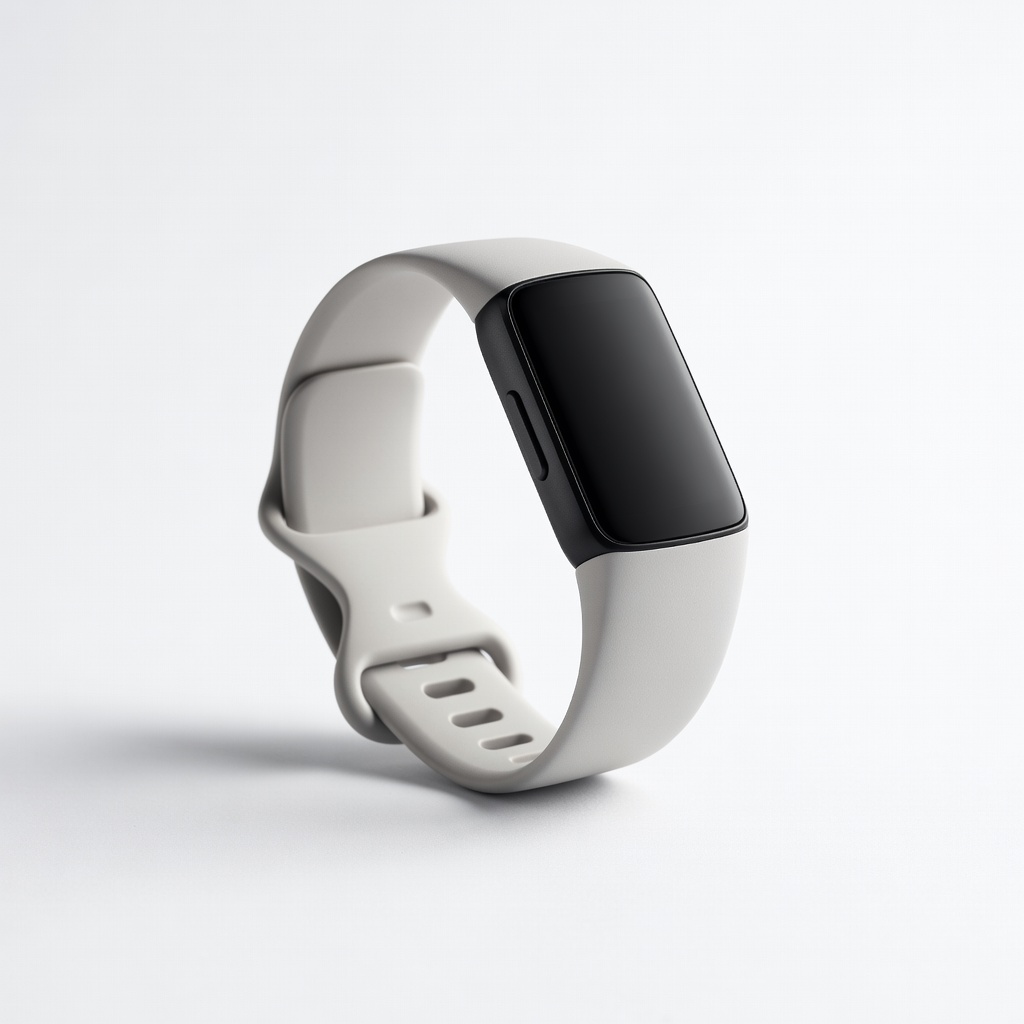
All-in-one tracker for steps, HR, GPS calibration.
Fitbit Charge 6 Built-in calibration tools and app make process seamless.
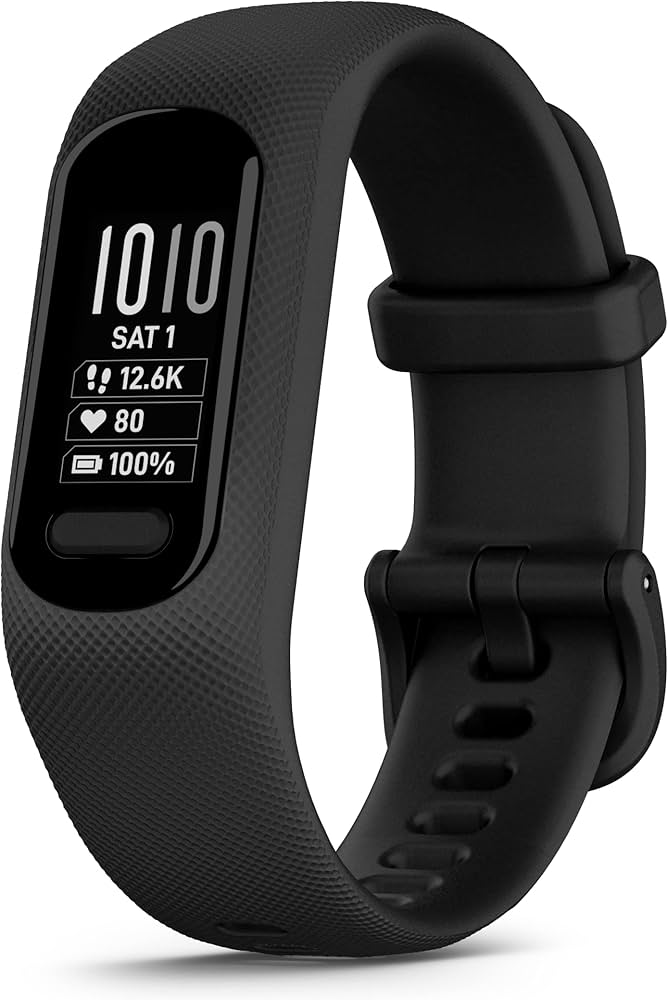
Intermediate users needing precise daily tracking.
Garmin Vivosmart 5 Excellent step/HR calibration with advanced app algorithms.
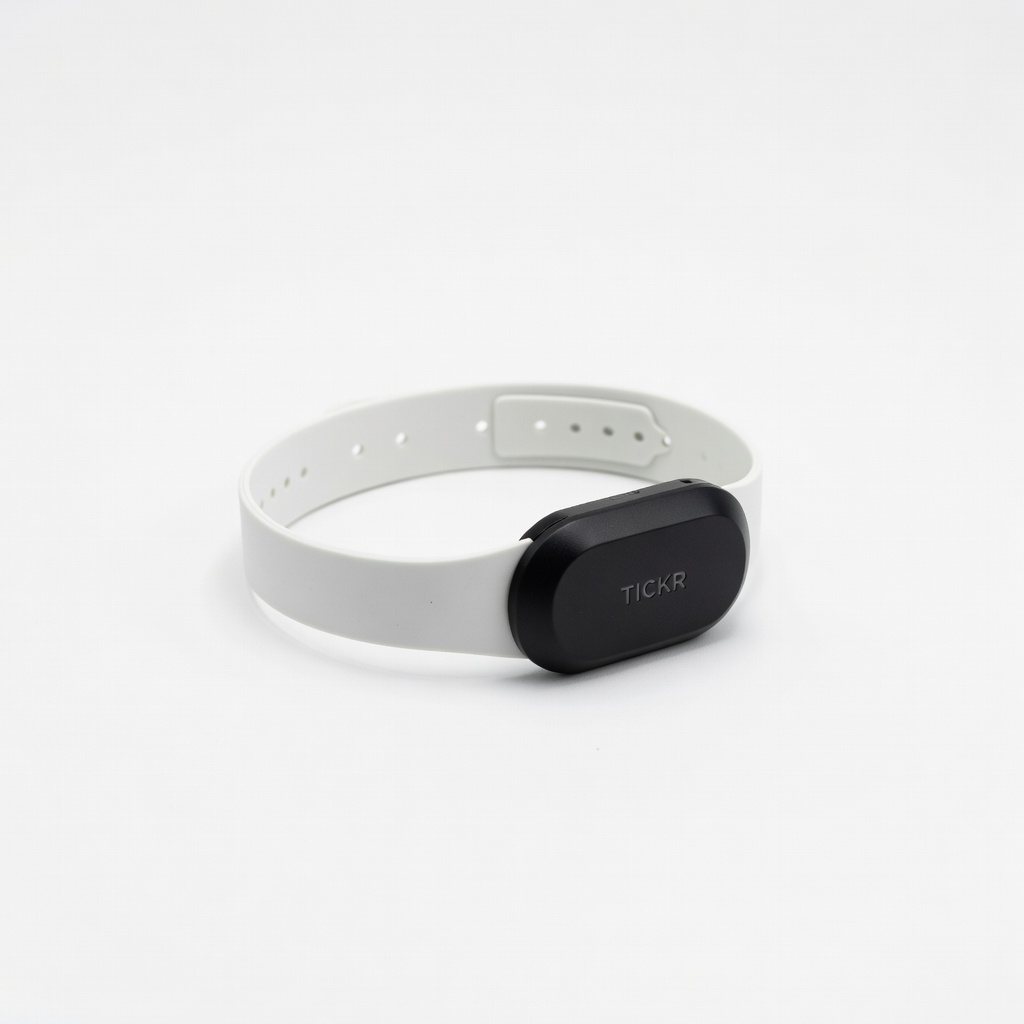
Budget HR reference during full workouts.
Wahoo TICKR Heart Rate Monitor Bluetooth compatible with most apps for easy pairing.
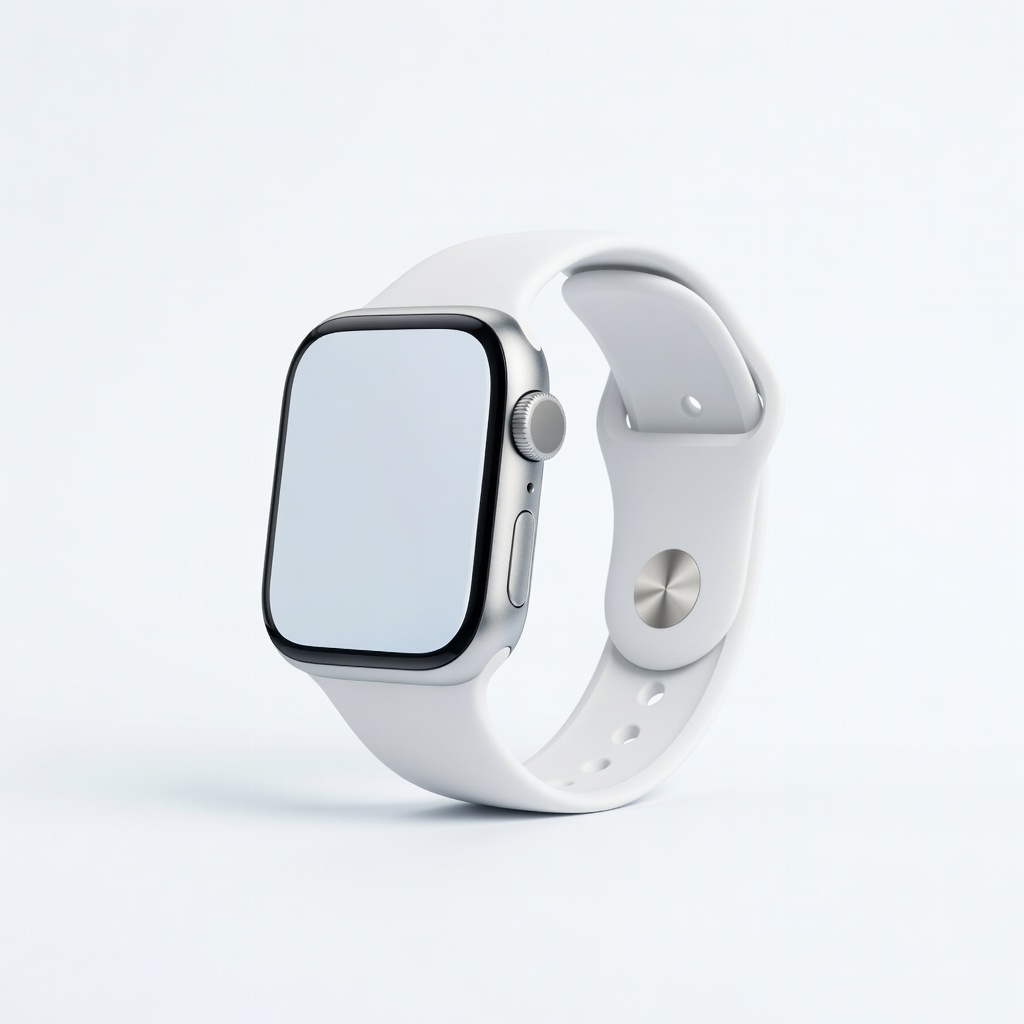
iOS users wanting ecosystem integration.
Apple Watch Series 9 Precise GPS/altimeter with calibration via Watch app.