▸Why Calibrate Your Antenna Topper?
Frustrated with choppy TV reception, constant channel retuning, or weak signals even after installing an antenna topper? You're not alone—millions struggle with suboptimal setups that waste the device's potential. Proper calibration fine-tunes your topper's amplifier and positioning to capture distant broadcasts clearly, saving you from expensive cable bills.
In this guide, you'll learn a step-by-step process to calibrate any antenna topper for peak performance. We'll cover baseline testing, positioning tweaks, gain adjustments, and verification. Expect crystal-clear HD channels across your area. This intermediate task takes 20-30 minutes with basic tools—no pro installer needed.
By the end, you'll achieve 80-100% signal strength on key channels, with tips to maintain it long-term.
▸What You'll Need
- •Antenna topper (e.g., Winegard LNA-200 or Channel Master CM-3216HD)
- •Coaxial cables (RG6, 10-50 ft lengths)
- •TV or digital tuner with built-in signal meter
- •Smartphone signal strength app (e.g., 'Antenna Point' or 'Signal GH'—free)
- •Optional: Dedicated signal meter tool
- •Ladder or stable platform (for rooftop antennas)
- •Non-slip gloves and screwdriver set (required for secure mounting)
Estimated Time: 20-30 minutes
Difficulty: intermediate
▸Step-by-Step Instructions
Step 1: Assess Your Antenna Setup
Before touching the topper, evaluate your current reception. Turn on your TV, access the signal meter menu (usually under Settings > Channels > Signal Strength), and note baseline readings for 5-10 local channels. Use a free app like Antenna Point to map nearby towers and predict optimal direction.
Why it matters: This establishes your 'before' metrics—success looks like signal bars below 60% or pixelation on HD channels. Document weak spots to target later.
Expect scattered signals if uncalibrated.
💡 Tips:
- •Scan during peak broadcast hours (evening) for accurate baselines.
⚠️ Warnings:
- •Avoid windy days for initial tests to prevent false lows.
Step 2: Mount the Antenna Topper Securely
Attach the topper directly to your main antenna mast or boom using provided clamps. Ensure it's weatherproofed (seal connections with coaxial sealant). Connect the antenna lead to the topper's input and run output coax down to your TV.
Position it at the highest point possible, away from metal roofs or gutters. Why? Toppers amplify weak incoming signals before cable loss—poor mounting causes 20-30% drop.
Success: Firm, vibration-free hold; no loose wires.
💡 Tips:
- •Use zip ties for extra strain relief on cables.
⚠️ Warnings:
- •Never mount upside down—check arrow indicators for signal flow.
Step 3: Power Up and Set Initial Gain
Plug in the topper's power inserter (usually at the TV end) via USB or AC adapter. Start with low/medium gain setting if adjustable (most models have switches).
Why it matters: Too-high gain overloads strong locals, causing distortion. Test power LED lights up green.
Expect: TV detects amplified signal but possible clipping on nearby towers.
💡 Tips:
- •Use a surge protector for the power inserter.
Step 4: Perform Initial Channel Scan
Rescan all channels on your TV (auto-scan mode). Note new signal strengths vs. baseline.
Success metric: 10-20% improvement already; fewer 'no signal' errors. This confirms basic functionality before fine-tuning.
💡 Tips:
- •Disable connected devices like streaming boxes during scan.
Step 5: Rotate and Position for Peak Signal
Slowly rotate the entire antenna (with topper) toward predicted tower directions from your app. Monitor live signal meter—stop at peaks (80%+).
Fine-tune elevation/tilt by 5-10 degrees. Why? Multi-path interference from buildings/terrain requires precise aiming.
Success: Stable high bars across 70% of channels; smooth HD playback.
⚠️ Warnings:
- •Secure ladder fully; have a spotter for safety.
Step 6: Adjust Gain and Filter Settings
Increment gain in steps (low > med > high), rescanning each time. Add LTE filter if 4G/5G interference shows as sparkles.
Target: Max gain without overload (signal drops on strong channels). Expect optimal at medium for most suburban setups.
💡 Tips:
- •Log settings: e.g., 'Med gain, 15° east' for repeatability.
Step 7: Verify and Lock in Calibration
Test fringe channels (weakest signals) over 30 minutes. Walk-test around home for multi-room consistency.
Final success: 90%+ uptime, no dropouts. Seal all adjustments and rescan once more.
▸Pro Tips
- •Calibrate after sunset when signals propagate better.
- •Use a directional compass app for precise tower aiming.
- •Splitters after topper reduce signal—keep under 4-way.
- •Annual recalibration after storms or new cell towers.
- •Pair with [best LTE filters] for urban areas.
- •Record video of meter during tweaks for review.
- •Elevate 10ft higher for +15% gain in obstructed views.
▸Common Mistakes to Avoid
- •Over-amplifying gain: Causes clipping—start low and creep up.
- •Ignoring LTE interference: Sparkly picture—add filter first.
- •Mounting too low: Signal blocked—aim for apex.
- •Skipping baseline: Can't measure improvement.
- •Poor coax quality: RG59 loses 50% signal—use RG6 only.
▸Troubleshooting
Problem: Signal overload/distortion on locals
Solution: Lower gain switch or add attenuator; reposition away from towers.
Problem: No improvement or weaker signals
Solution: Check power inserter LED; test cables with continuity tester. Replace if faulty.
Problem: Intermittent dropouts
Solution: Tighten mounts; add LTE filter for cell tower noise. Rescan.
Problem: Weak on UHF/VHF specifics
Solution: Confirm topper compatibility; try dual-band model.
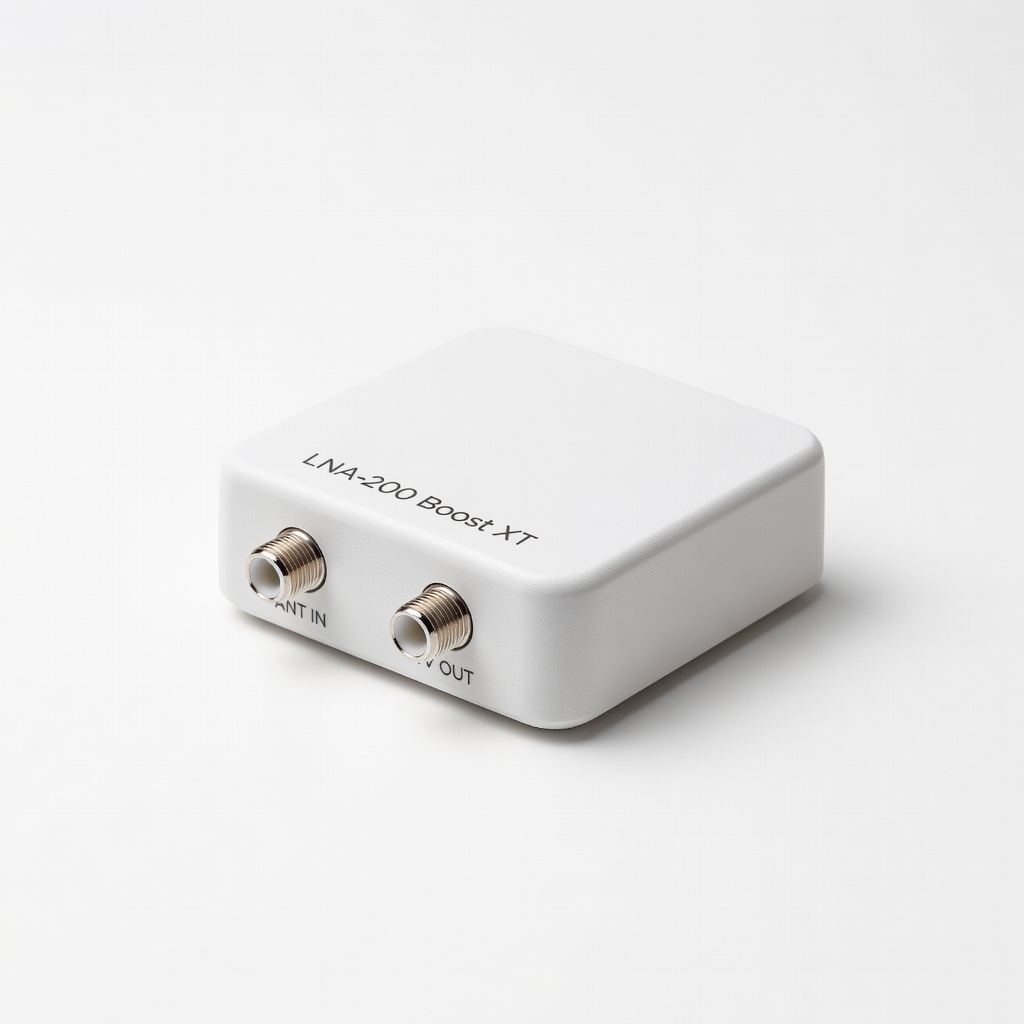
Winegard LNA-200 Boost XT Outdoor Preamplifier
Delivers up to 20dB clean gain with low noise figure, ideal for calibrating weak fringe signals without overload.
Best for: Rooftop antennas in rural/suburban areas needing precise boost.
Price Range: $44.99
Channel Master CM-3216HD Titan 2 Signal Amplifier
Adjustable gain (16-32dB) and distribution for 6+ TVs, perfect for calibration testing multiple outputs.
Best for: Homes with splitters or long cable runs during setup.
Price Range: $59.99
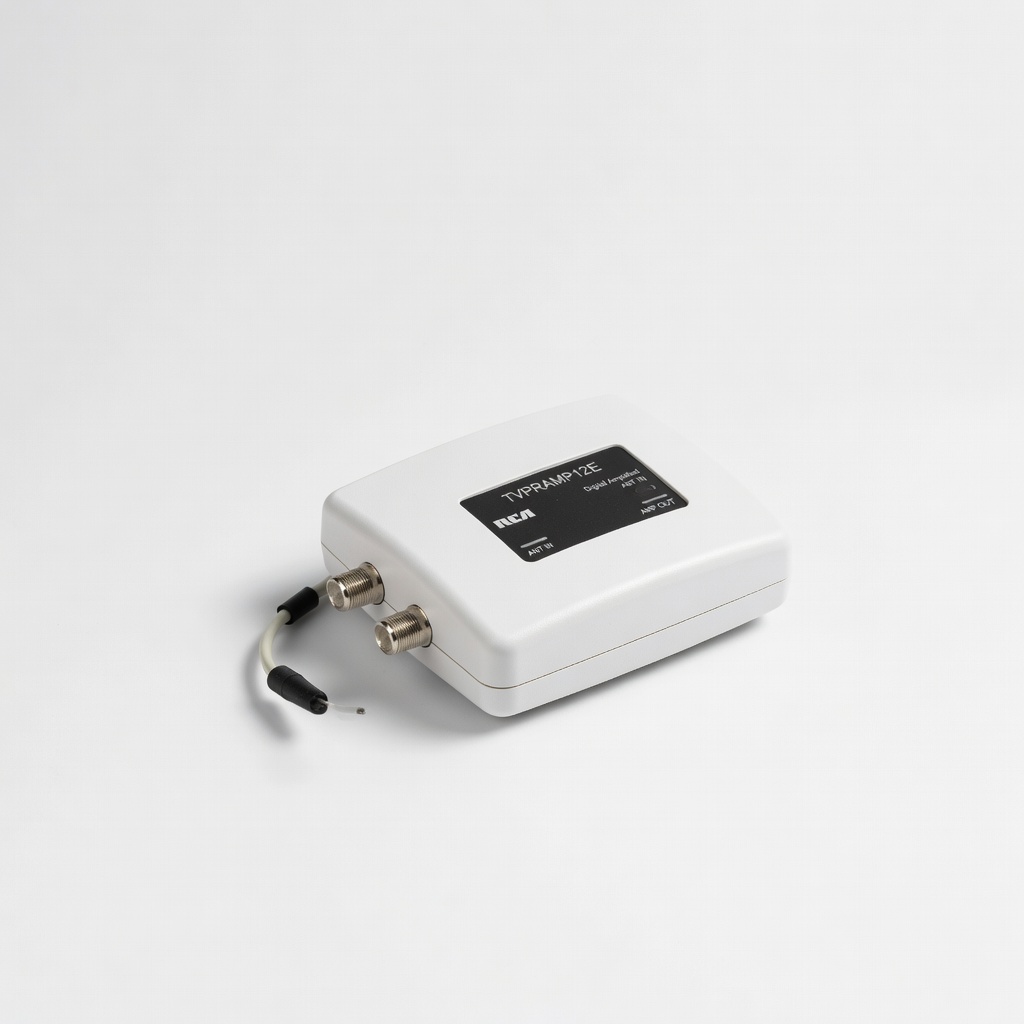
RCA TVPRAMP12E Digital Amplified Signal Booster
Budget-friendly with built-in LTE filter, eases calibration by reducing interference out-of-box.
Best for: Urban setups fighting cell tower noise.
Price Range: $27.99
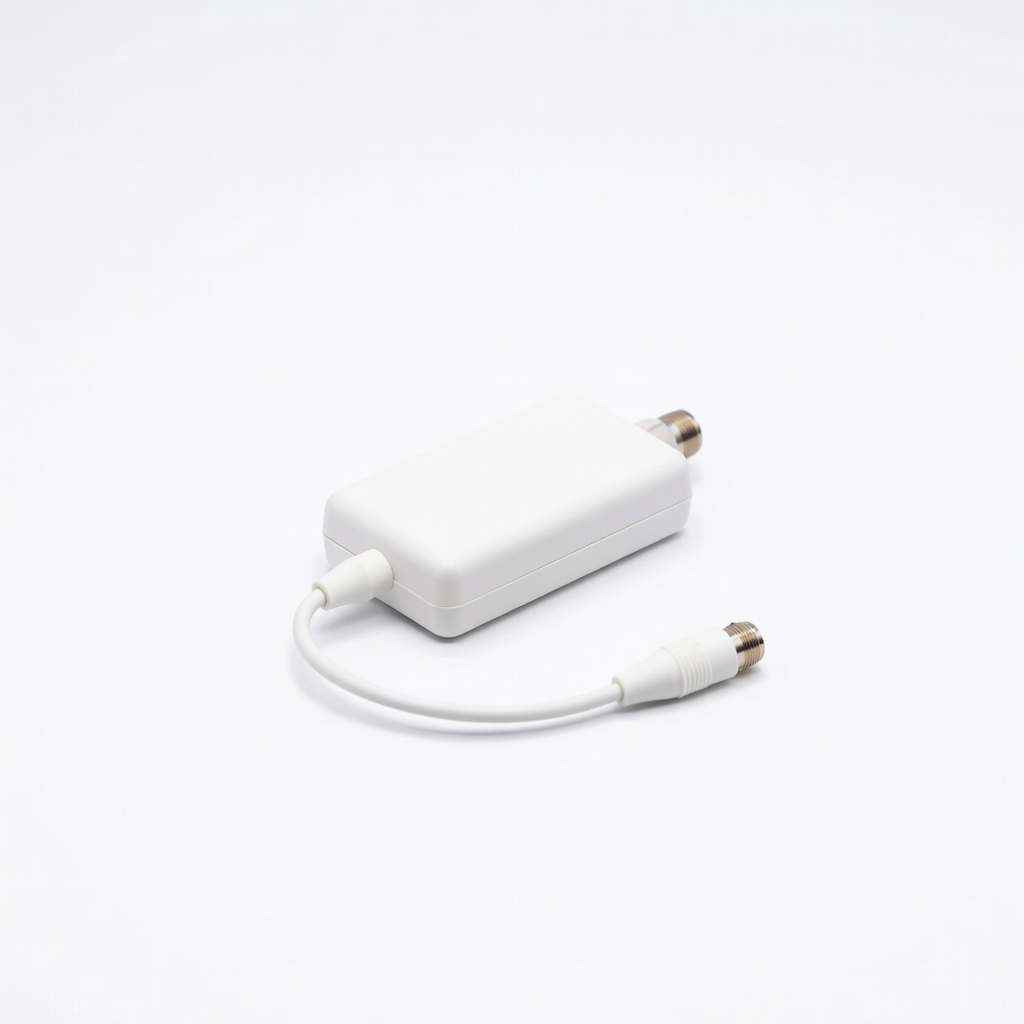
Antsig Network 4G LTE TV Antenna Filter
Eliminates 5G/LTE bleed for accurate signal readings during calibration.
Best for: Any modern setup near cell towers.
Price Range: $19.99
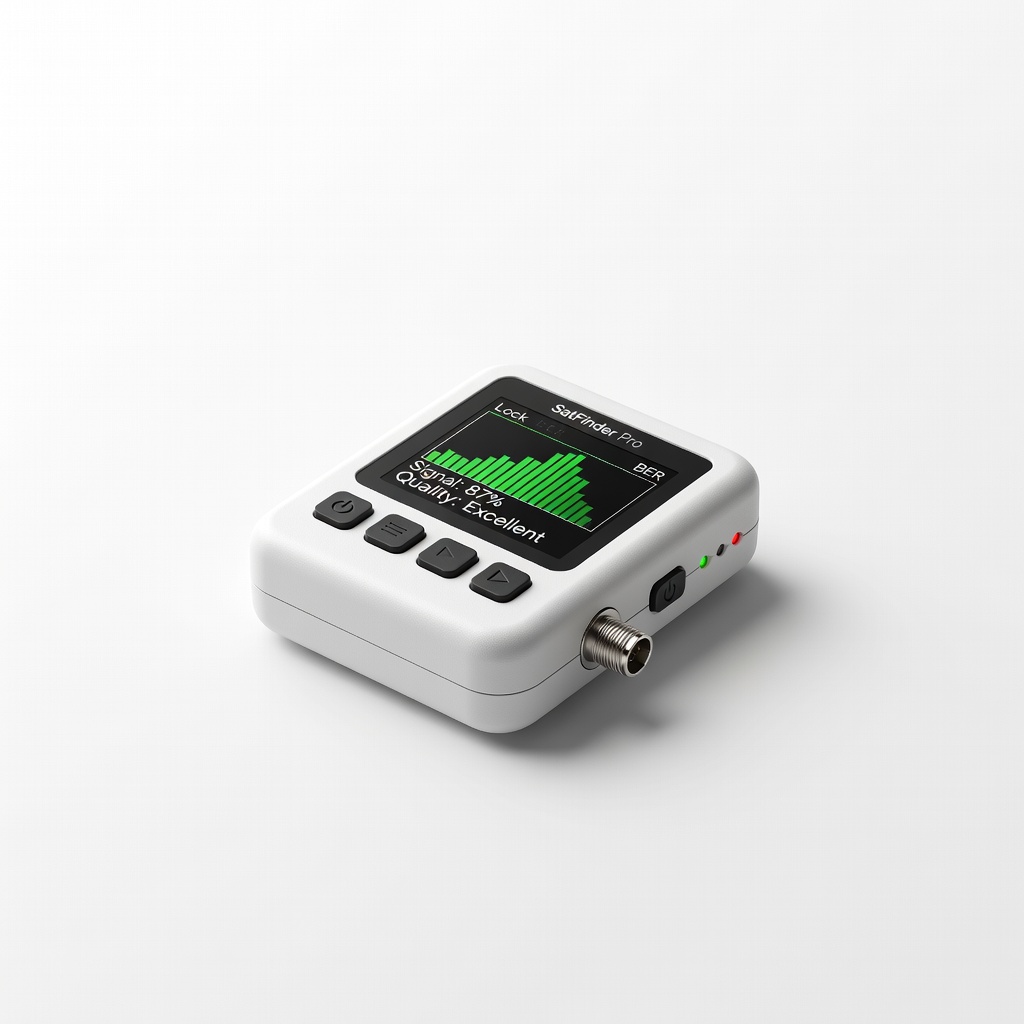
SatFinder Pro Digital Signal Meter
Portable LCD meter for precise dB readings, far better than TV menus for pro calibration.
Best for: Hands-free aiming on ladders.
Price Range: $25-$35