
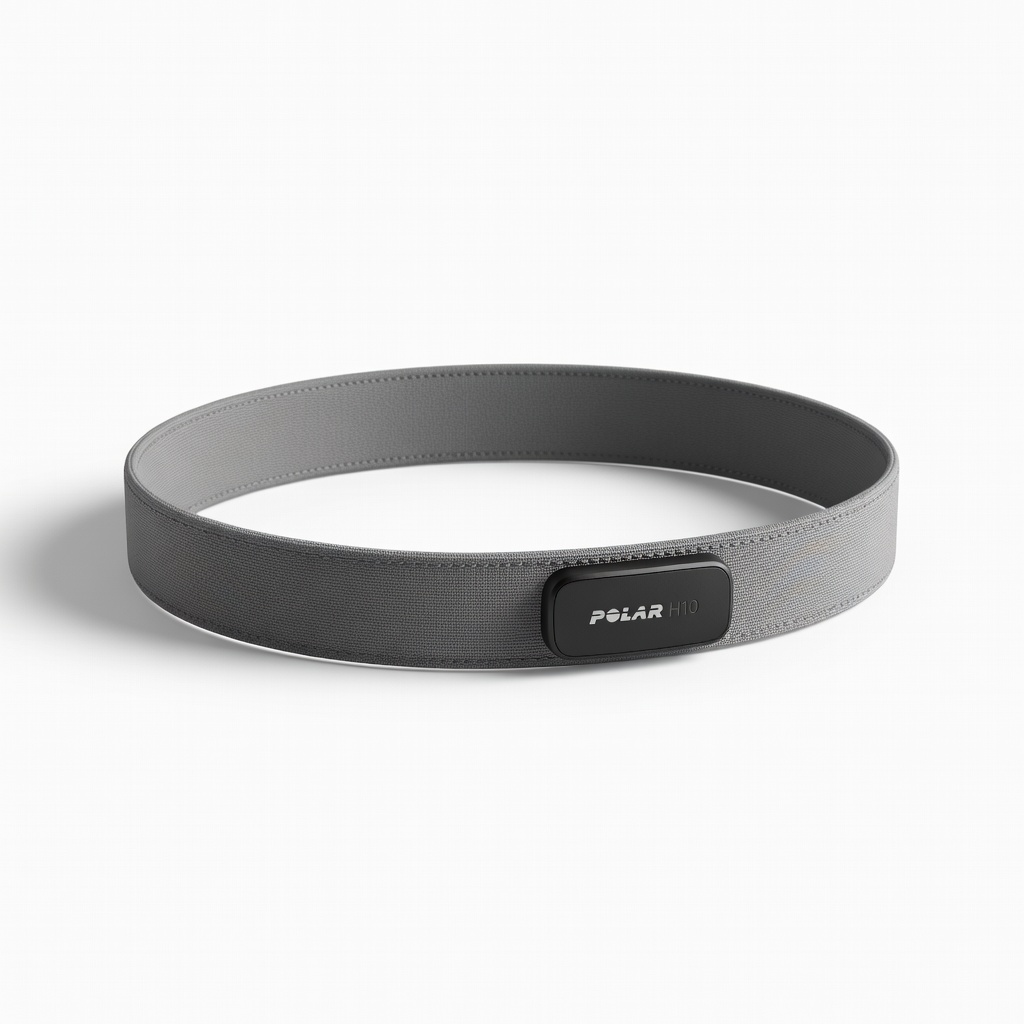
Polar H10 Heart Rate Monitor
Essential for step 3; pair with any tracker during workouts
$79.99-$89.99
Polar H10 Heart Rate Monitor Provides medical-grade chest strap accuracy as baseline for wrist HR calibration, reducing errors by 95%
Get the App
Better experience on mobile
Master step-by-step calibration techniques to ensure your wearable delivers precise heart rate, steps, sleep, and GPS data for better health insights.
Frustrated by your fitness tracker's inconsistent step counts or wildly off heart rate readings? Inaccurate data from activity and health monitors can derail your training, skew wellness goals, and mislead health decisions. Whether it's a Fitbit, Apple Watch, Garmin, or Oura Ring, proper calibration restores reliability.
In this guide, you'll learn proven methods to calibrate common sensors like heart rate, pedometer, GPS, and sleep trackers. We'll cover general steps adaptable to most devices, plus brand-specific tips. Expect 30-45 minutes for initial setup, with ongoing checks taking just 10 minutes weekly. No advanced tech skills needed—just patience and a few tools.
By the end, your tracker will match medical-grade accuracy within 5-10%, empowering data-driven progress.
Estimated Time: 30-45 minutes initial calibration + 10 minutes weekly verification Difficulty: intermediate
Start by ensuring your device and app are running the latest software. Outdated firmware causes up to 20% accuracy drift in sensors.
Open your tracker's app (e.g., Fitbit app, Garmin Connect, Apple Health), go to settings > device > check for updates. Sync your wearable and install any available firmware. Restart both device and phone.
Success looks like: Update notifications cleared, device shows latest version number. This foundational step optimizes sensor algorithms.
💡 Tips:
⚠️ Warnings:
Improper wear causes 30%+ errors. Position optical HR sensor snugly 1-2 finger-widths above wrist bone, steps sensor on top of foot/arch for pods.
Clean sensors with alcohol wipe, ensure no tattoos/lotions interfere. For rings (Oura), size correctly; for watches, use sports band.
Success looks like: Device doesn't slide during arm swing; app confirms 'good fit' or green signal.
💡 Tips:
Compare against a chest strap (gold standard). Strap on Polar H10, start simultaneous 5-min moderate cardio (jog in place or bike).
Wear tracker on opposite wrist. Log max/average HR from both in app/notebook. Adjust tracker's 'max HR' setting in app if >5 bpm off (e.g., Garmin: settings > user profile).
Success looks like: Readings within 2-5 bpm. Repeat 3x for baseline.
💡 Tips:
⚠️ Warnings:
Walk a known distance (e.g., 400m track 4 laps = 1600m). Note stride length (app settings) or auto-detect.
Start tracking, walk briskly without swinging arms wildly. Compare counted steps to manual count (phone pedometer app as backup).
Success looks like: <5% error (e.g., 2000 steps expected, 1980-2020 actual). Input custom stride if available (height-based formula: stride = height * 0.413 for men).
💡 Tips:
Apple Watch/Garmin: Walk/run 2km outdoors in open sky, following straight path via map app.
Device auto-refines GPS over 20-30 mins activity. Check map accuracy post-sync.
Success looks like: Route matches Google Maps within 10m; no 'jumps'.
💡 Tips:
⚠️ Warnings:
Track sleep manually (bedtime/wake time) for 3 nights. Compare app stages to self-log (light/deep via feel).
Sync weight/BMI from accurate scale daily. Adjust age/weight profile.
Success looks like: Total sleep within 15 mins; stages align 80%.
💡 Tips:
Repeat steps 3-6 over 7 days during varied activities. Average errors, tweak settings.
Success looks like: Consistent <5-10% error across metrics. Data now trustworthy for trends.
💡 Tips:
Problem: HR reads 10+bpm off
Solution: Clean sensors, re-wet skin, check battery; replace if persistent. Seek warranty.
Problem: Steps over/under count
Solution: Reset stride length; test on treadmill. App stride auto-adjust after 10k steps.
Problem: GPS inaccurate
Solution: 20-min outdoor walk; update maps. Professional service if hardware fault.
Problem: Sleep stages wrong
Solution: Consistent schedule; validate with journal. Firmware fix often resolves.
Provides medical-grade chest strap accuracy as baseline for wrist HR calibration, reducing errors by 95%
Best for: Essential for step 3; pair with any tracker during workouts
Price Range: $79.99-$89.99
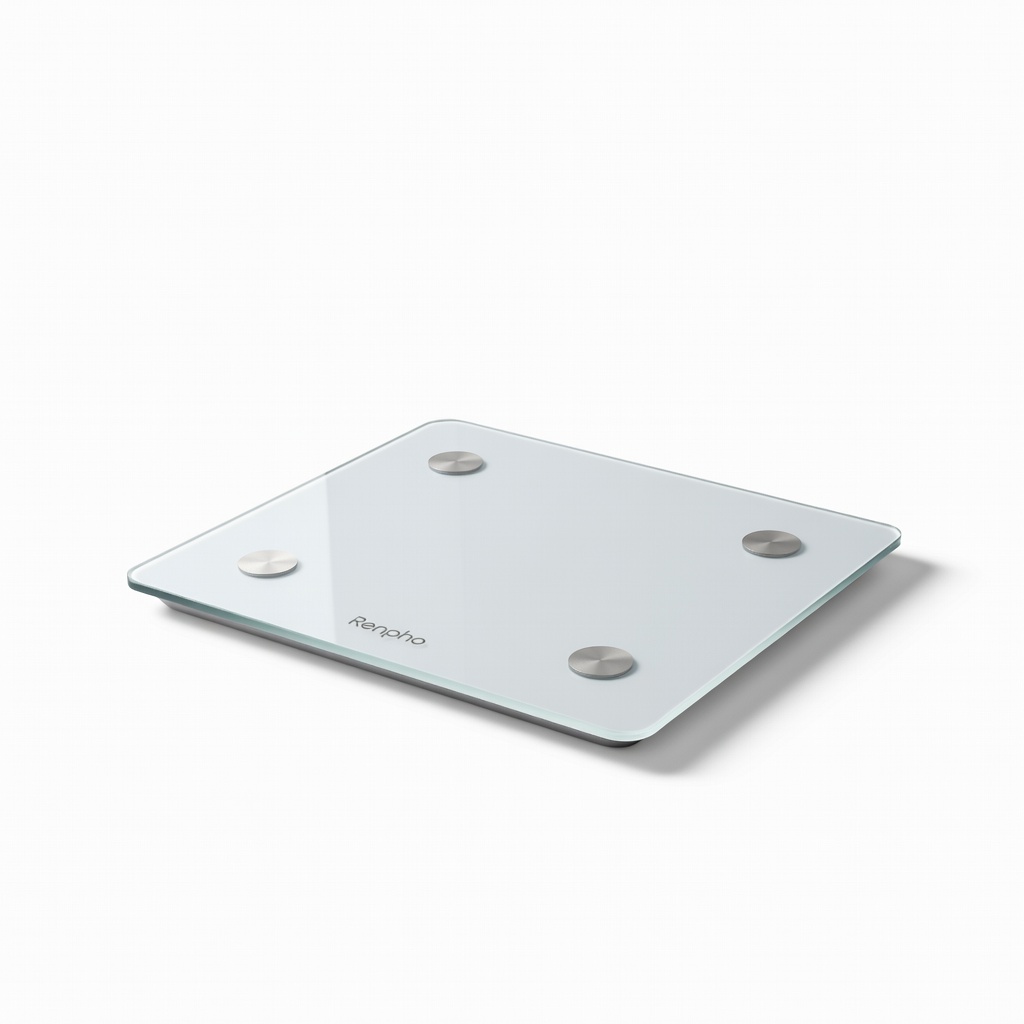
Bluetooth scale with high precision (±0.2lb) for validating weight, BMI, body fat tied to wellness metrics
Best for: Daily sync in step 6; integrates with Fitbit/Apple Health
Price Range: $25.99
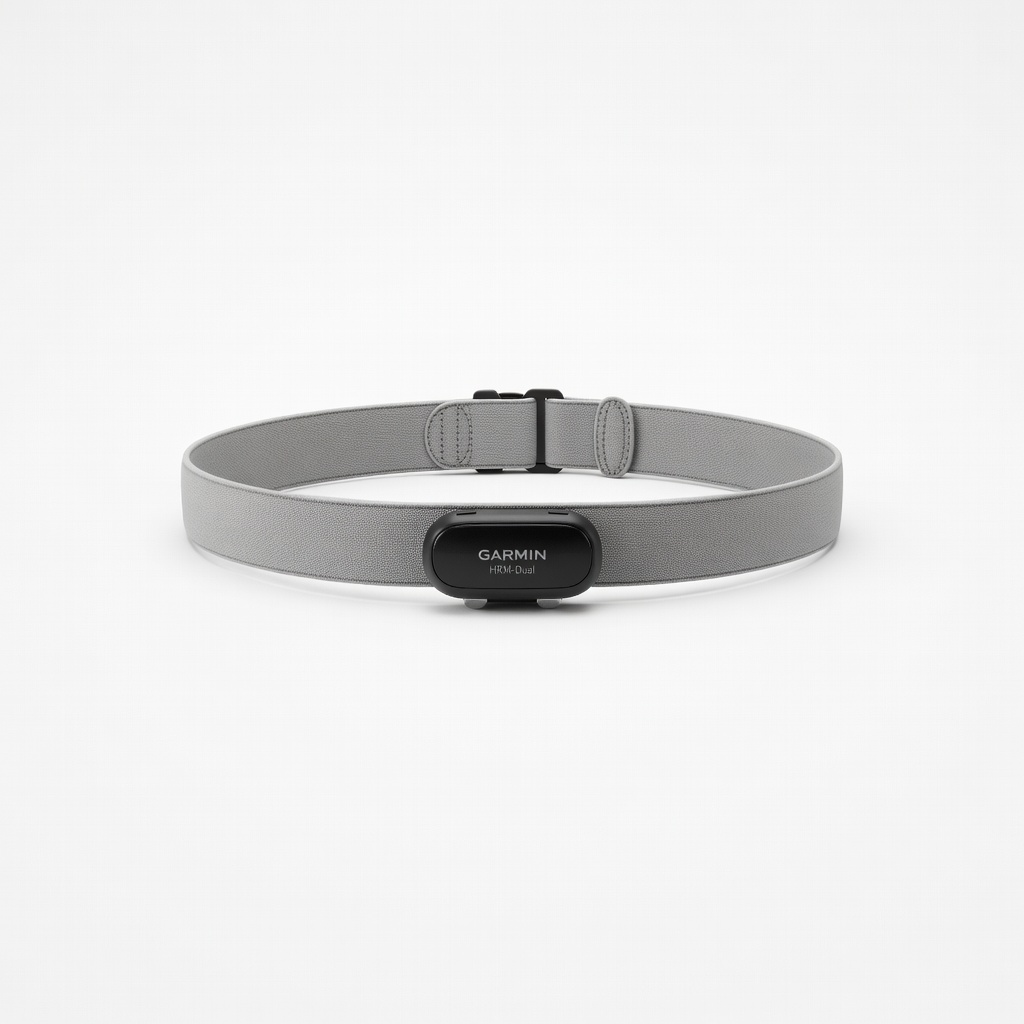
ANT+/Bluetooth compatible with most trackers; stores 18hrs data for post-workout comparison
Best for: Advanced users in step 3 for running/cycling calibration
Price Range: $69.99
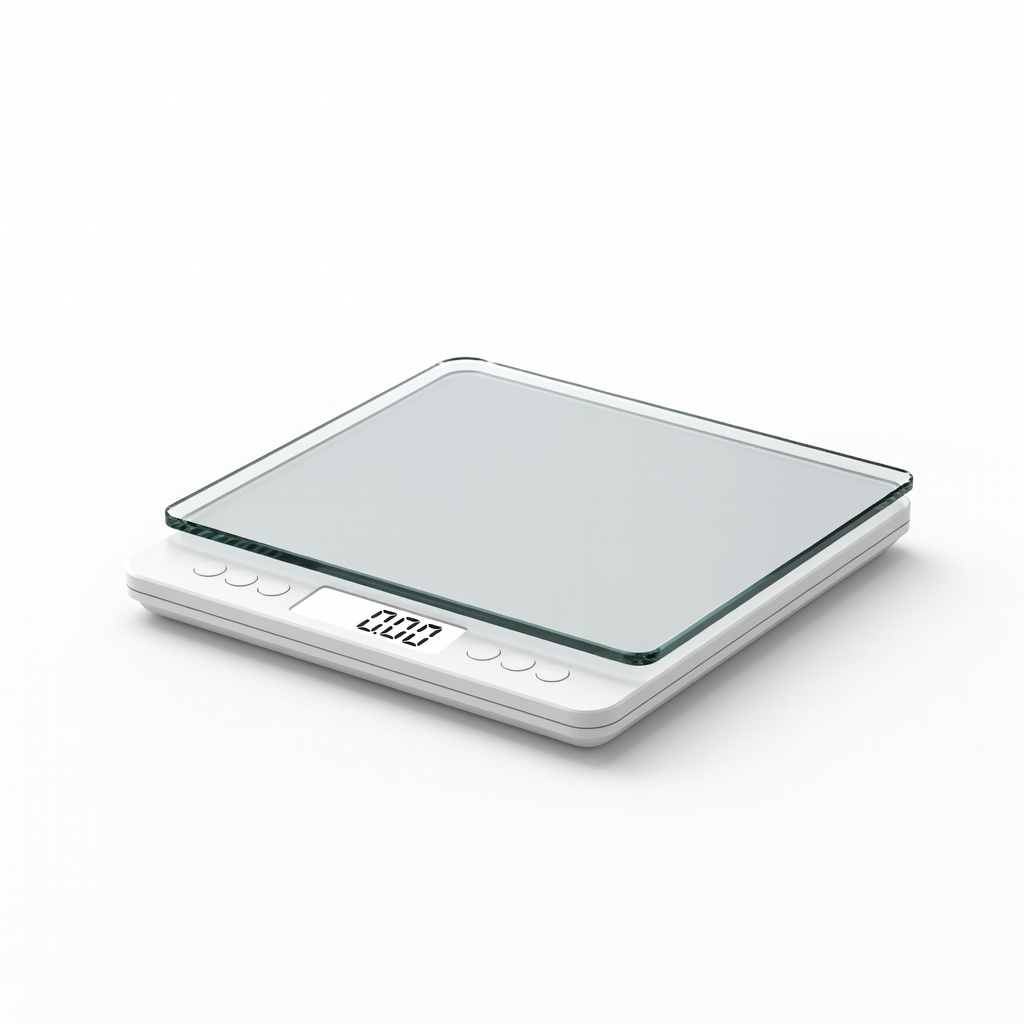
Affordable, accurate to 0.1oz for baseline weight checks in body comp calibration
Best for: Budget option for steps 1 & 6; non-smart but reliable
Price Range: $11.99-$13.99
Essential for step 3; pair with any tracker during workouts
Polar H10 Heart Rate Monitor Provides medical-grade chest strap accuracy as baseline for wrist HR calibration, reducing errors by 95%
Daily sync in step 6; integrates with Fitbit/Apple Health
Renpho Smart Scale Bluetooth scale with high precision (±0.2lb) for validating weight, BMI, body fat tied to wellness metrics
Advanced users in step 3 for running/cycling calibration
Garmin HRM-Dual Heart Rate Strap ANT+/Bluetooth compatible with most trackers; stores 18hrs data for post-workout comparison
Budget option for steps 1 & 6; non-smart but reliable
Etekcity High Precision Digital Scale Affordable, accurate to 0.1oz for baseline weight checks in body comp calibration