
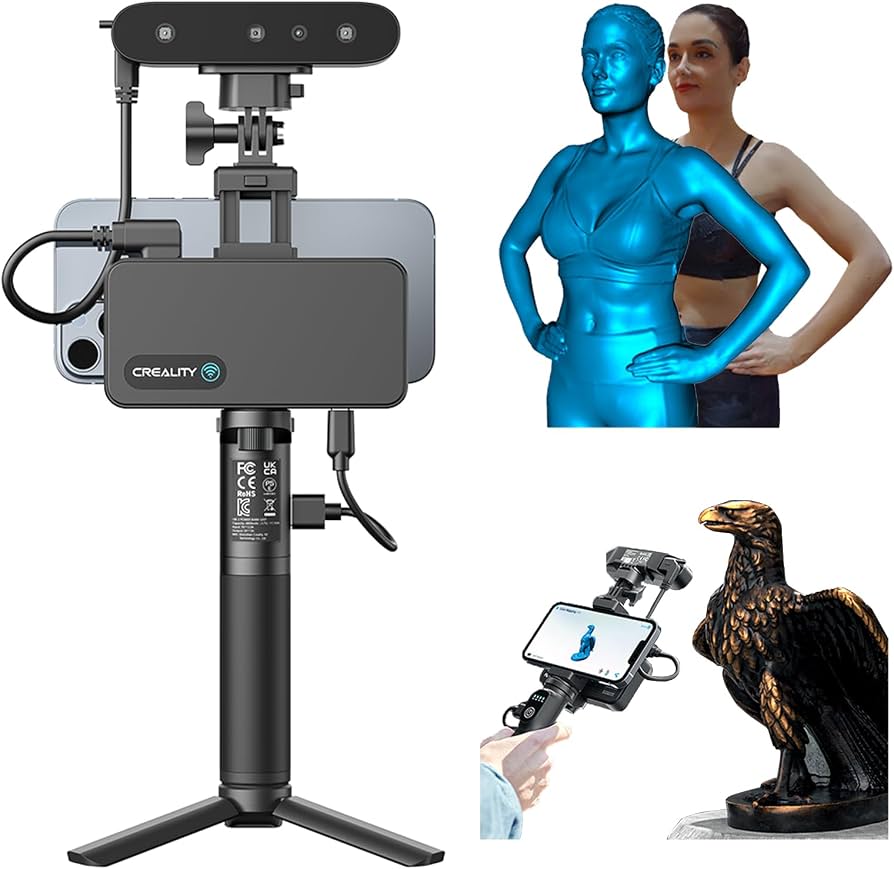
Creality CR-Scan Ferret Pro 3D Scanner
Ideal for field calibration in engineering workflows.
$299-$350
Creality CR-Scan Ferret Pro 3D Scanner Portable laser scanner with one-click calibration and 0.1mm accuracy out-of-box.
Get the App
Better experience on mobile
Achieve sub-millimeter accuracy in your 3D models with this advanced step-by-step guide to calibrating structured light and laser scanners.
Accurate 3D scanning starts with precise calibration—yet many advanced users skip it, leading to distorted models and wasted scans.
In this guide, you'll learn to calibrate popular 3D scanners like the Creality CR-Scan or Revopoint series using professional techniques. We'll cover environment prep, target setup, software routines, and verification for errors under 0.1mm. Expect to gain the skills for repeatable, high-fidelity scans used in engineering, reverse engineering, and prototyping.
The process takes 30-45 minutes per session and assumes intermediate 3D modeling knowledge. It's advanced due to software parameters and error analysis, but follow these steps for pro results.
Estimated Time: 30-45 minutes Difficulty: advanced
Choose a vibration-free workspace with diffuse, even lighting (500-1000 lux). Avoid windows, fluorescent flicker, or moving air. Place your scanner on a rigid tripod 50-100cm from the target area.
Why it matters: Vibrations or poor light cause frame misalignment, inflating calibration errors to 0.5mm+.
Success: Scanner previews stable, no jitter in live view.
💡 Tips:
⚠️ Warnings:
Use your scanner's official checkerboard (18x18 or 25x25 pattern, 0.5-1mm pitch) or ChArUco board. Clean with isopropyl alcohol; ensure no scratches or glare. Position flat on the table, perpendicular to scanner axis.
Expect: High-contrast pattern visible in preview without moiré effects.
For laser scanners, opt for retroreflective spheres (50-100mm diameter).
💡 Tips:
⚠️ Warnings:
Connect scanner via USB 3.0+, power on, and open proprietary software (e.g., Revo Scan or EinScan). Update to latest firmware/software via app.
Why: Outdated versions skew intrinsics/extrinsics matrices.
Success: Device detected, live preview at 60+ FPS, no USB errors.
💡 Tips:
Navigate to 'Calibration' or 'Advanced Settings' tab. Input target specs (pattern size, pitch). For structured light: Set exposure to auto-peak; laser: 100% power.
Advanced note: Enable bundle adjustment for multi-frame optimization.
Expect: UI prompts for target placement.
💡 Tips:
⚠️ Warnings:
Scan target from 15-30 positions: 360° orbit, ±45° tilt, 30-100cm distances. Trigger 3-5 frames per pose; software fuses automatically.
Why: Covers FOV for accurate lens distortion model.
Success: Progress bar fills without 'low quality' warnings.
💡 Tips:
Hit 'Compute' or 'Calibrate'. Software solves for camera intrinsics (focal length, distortion coeffs) and extrinsics (pose per frame). Review reprojection error (target <0.03 pixels) and volume accuracy (<0.1mm).
Expect: Green pass if RMSE <0.05; iterate if red.
💡 Tips:
⚠️ Warnings:
Scan a known artifact (e.g., 50mm sphere or gauge block). Align to CAD in MeshLab/CloudCompare; compute Hausdorff distance.
Success: Deviation <0.05mm across surface.
Save profile as 'Cal_2025-01.xml'.
💡 Tips:
Log errors, conditions, and serial number. Recalibrate every 50 hours or after drops/transport.
Pro tip: Automate with Python API for fleets.
Problem: High RMSE (>0.1px)
Solution: Reclean target, add 10 more poses, check lighting uniformity.
Problem: USB disconnects during capture
Solution: Switch ports, use powered hub, shorten cable <2m.
Problem: Test scan deviation >0.2mm
Solution: Recalibrate intrinsics only, verify target planarity with caliper.
Problem: Software crashes on compute
Solution: Close apps, allocate 8GB RAM, update CUDA drivers.
Portable laser scanner with one-click calibration and 0.1mm accuracy out-of-box.
Best for: Ideal for field calibration in engineering workflows.
Price Range: $299-$350
Advanced 33 blue lasers for high-res calibration on dark/large objects.
Best for: Industrial reverse engineering needing sub-0.05mm precision.
Price Range: $650-$750
Official 25x25mm pitch ChArUco target for repeatable intrinsics.
Best for: Essential accessory for any structured light scanner.
Price Range: $25-$40
Temporary matte coating prevents glare during target scans.
Best for: Advanced users tackling reflective calibration artifacts.
Price Range: $45-$55
Ideal for field calibration in engineering workflows.
Creality CR-Scan Ferret Pro 3D Scanner Portable laser scanner with one-click calibration and 0.1mm accuracy out-of-box.
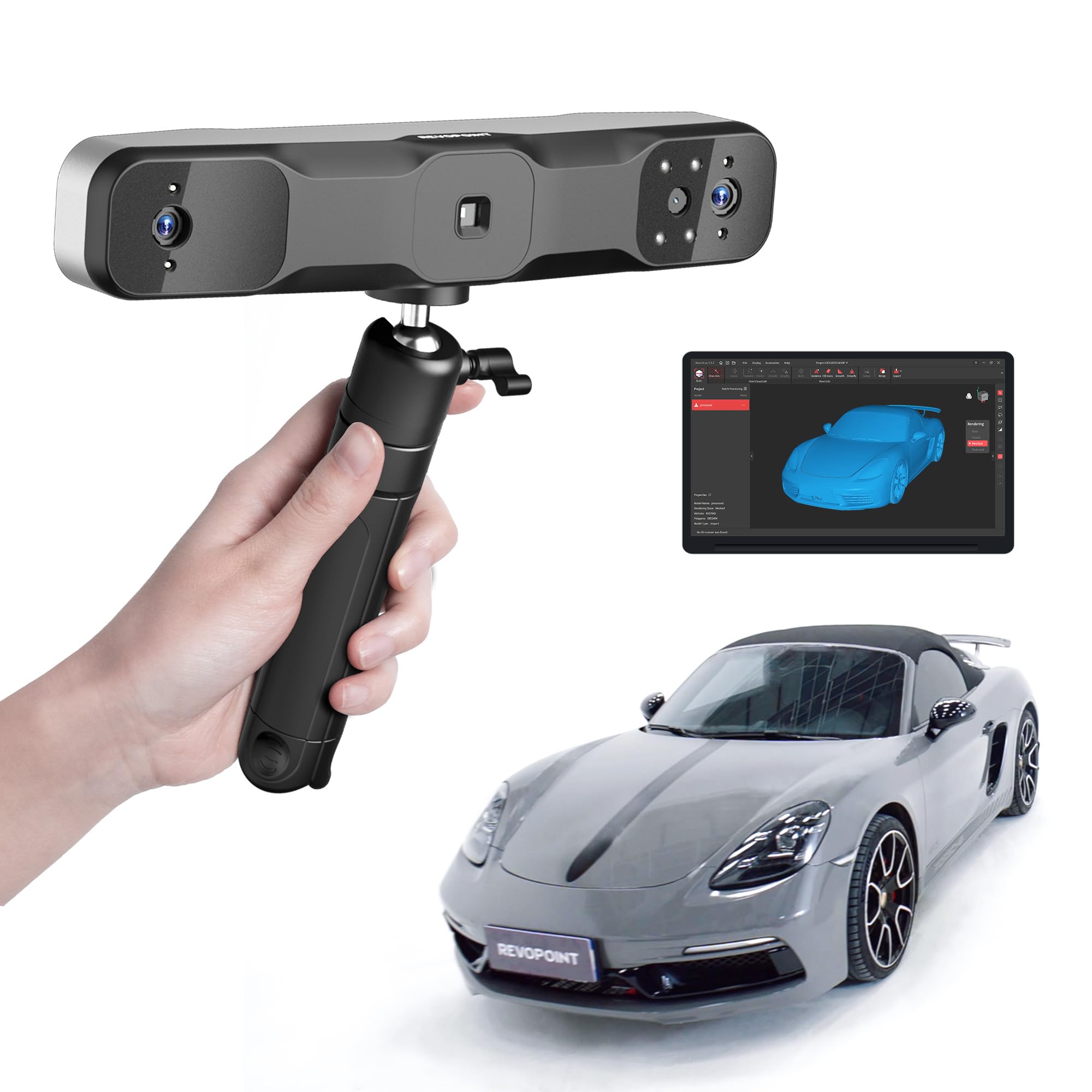
Industrial reverse engineering needing sub-0.05mm precision.
Revopoint RANGE 2 Blue Laser 3D Scanner Advanced 33 blue lasers for high-res calibration on dark/large objects.
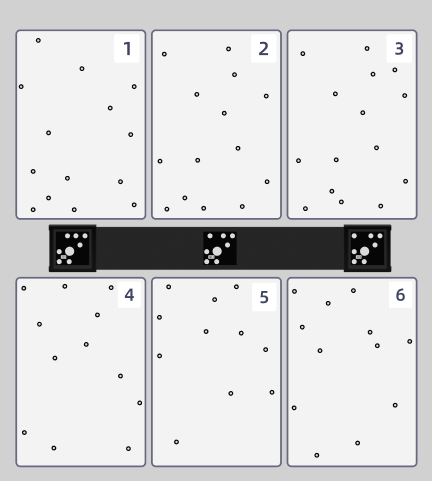
Essential accessory for any structured light scanner.
Shining 3D Calibration Board for EinScan Official 25x25mm pitch ChArUco target for repeatable intrinsics.
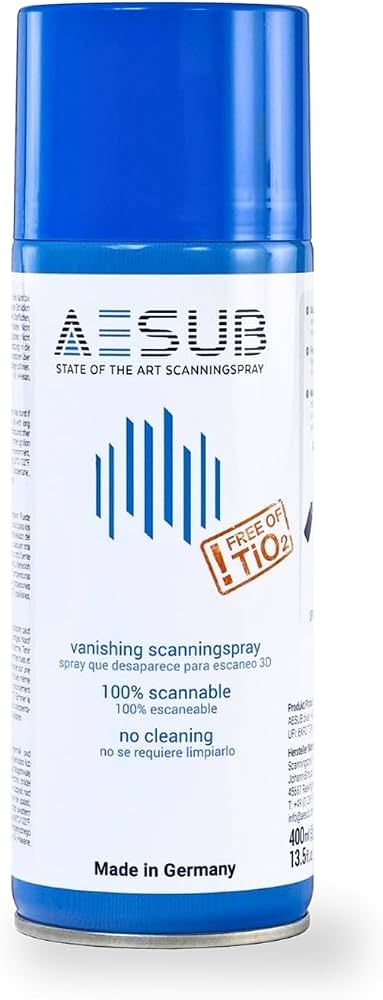
Advanced users tackling reflective calibration artifacts.
AESUB 3D Scanning Spray (400ml) Temporary matte coating prevents glare during target scans.