
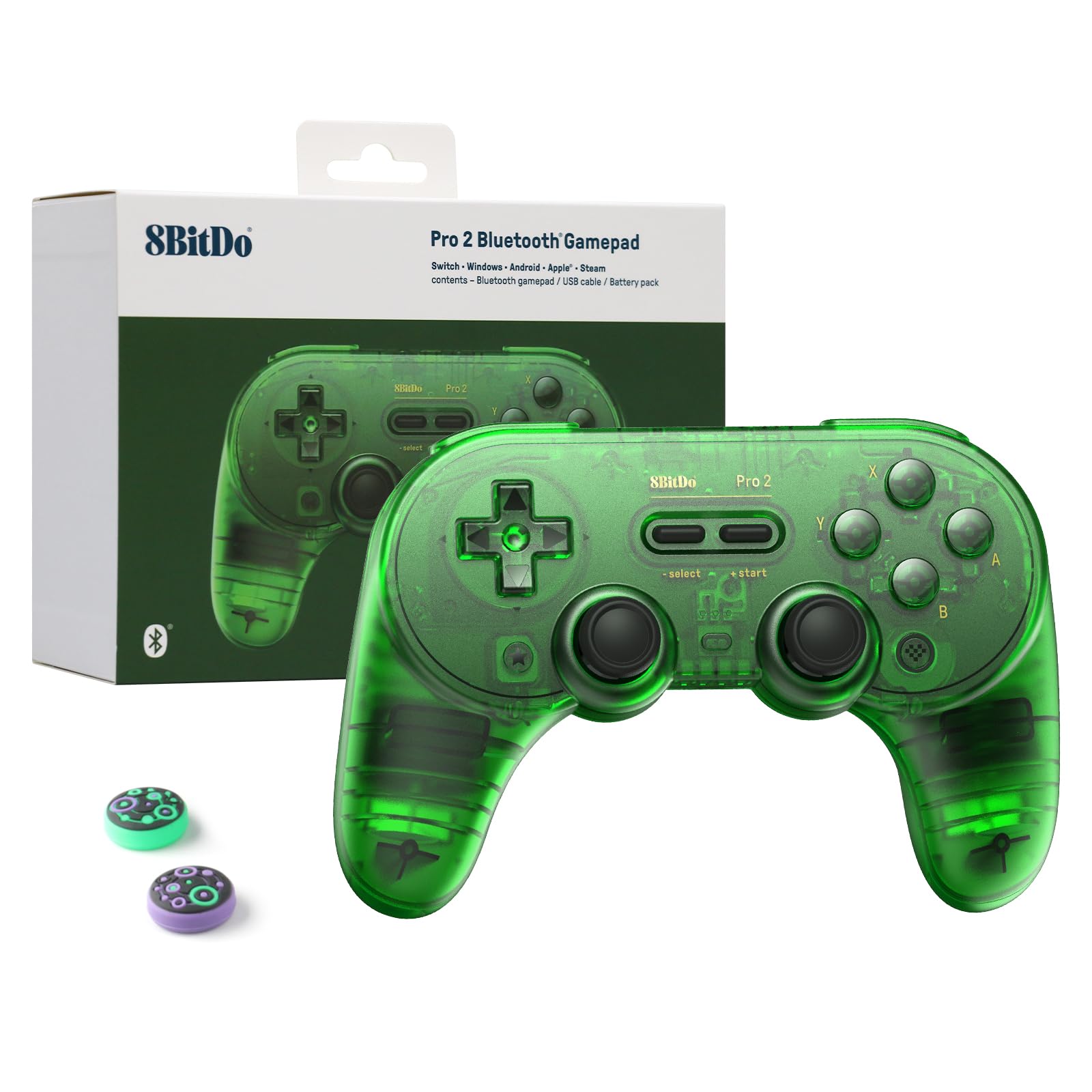
8BitDo Pro 2 Bluetooth Gamepad
Daily emulation sessions; wireless freedom.
$49.99
8BitDo Pro 2 Bluetooth Gamepad Perfect 3DO button layout match with hall-effect sticks for drift-free retro play.
Get the App
Better experience on mobile
Build a perfect 3DO emulation setup on your PC to relive classics like Road Rash and Gex with modern controls and performance in under an hour.
The 3DO Interactive Multiplayer was a powerhouse 32-bit console from 1993, boasting titles with FMV and early 3D graphics that still hold up today. However, finding working hardware is tough due to rarity and wear. Emulation on PC solves this, offering high compatibility, save states, and enhancements like shaders—no more hunting for $200+ consoles.
In this advanced guide, you'll learn to install 4DO (the gold-standard emulator), configure BIOS and ROMs legally dumped from your own hardware, map modern controllers, and optimize for 4K output. Expect pixel-perfect gameplay with minimal tinkering. The process takes 30-60 minutes if you have files ready; it's advanced due to BIOS handling and config tweaks.
We'll cover everything sequentially, assuming you're comfortable with file extraction and basic command-line use.
Estimated Time: 30-60 minutes Difficulty: advanced
Head to the official 4DO source or trusted archive like EmulatorGames.net and download the latest stable version (v1.3.1g as of 2024). Choose the Windows x86/x64 build matching your system. Extract the ZIP using 7-Zip to a folder like C:\Emulators\4DO.
Why? 4DO offers the best accuracy for 3DO's Panasonic FZ-1/FZ-10 hardware, outperforming alternatives like Phoenix in stability. Expect a 5MB download and a simple folder with 4DO.exe.
Success: You see the 4DO executable and config files ready—no installers needed.
💡 Tips:
⚠️ Warnings:
Dump BIOS from your own 3DO console using a modded disc drive or known tools like DumpBuster. Required files: panafz10.bin (1.00), panafz20.bin (2.00), panafz30.bin (3.00)—place them in C:\Emulators\4DO\bios.
This step is crucial as 4DO requires exact BIOS matches for boot and compatibility. Without them, games won't load. Legality note: Only use dumps from hardware you own.
Success: BIOS folder contains three ~512KB files; test by running 4DO.exe (it should prompt for BIOS paths).
💡 Tips:
⚠️ Warnings:
Launch 4DO.exe, go to Options > Configure > Directories, and set BIOS path to your folder. Under Video, enable 'Dynamic Recompiler' for speed; set resolution to your display (e.g., 1920x1080).
Why? Proper config prevents crashes and enables fast-forward. Advanced users: Enable 'Hi-Res Mode' for sharper output.
Success: Restart 4DO; the menu shows no BIOS errors, and test mode displays FZ-10 emulation.
💡 Tips:
4DO.cfg before tweaks.Rip your 3DO discs to .iso using ImgBurn or CloneCD. Place in C:\Emulators\4DO\roms. File > Open Disc Image > select ROM.
3DO uses CD-ROM XA; clean rips ensure no audio glitches. Success: Game boots to title screen with sound/video.
Test with Road Rash—expect fluid 30FPS.
💡 Tips:
⚠️ Warnings:
Options > Configure > Input. Map D-pad, A/B/C/D buttons, and shoulder triggers to your gamepad. Enable 'Analog' for supported titles.
3DO controllers had 4 face buttons + mode; modern pads like 8BitDo map perfectly. Calibrate axes to avoid drift.
Success: In-game, inputs register instantly—no keyboard fallback needed.
💡 Tips:
Video > Filters: CRT shader for authenticity. Sound > Enable XA ADPCM. Set frameskip to 0 for 60FPS.
Advanced: Edit 4DO.cfg for custom shaders or overclock emulation speed.
Success: Games run at native res with enhancements, save states work (F5 quicksave).
💡 Tips:
⚠️ Warnings:
Set Video > Fullscreen. Create batch file: 4DO.exe -f game.iso for one-click launches.
Success: Borderless 4K window with bezels optional.
Problem: Game won't boot (BIOS error)
Solution: Verify file names/hashes; place in exact BIOS dir and restart 4DO.
Problem: No sound or choppy audio
Solution: Enable XA decoder; switch to DirectSound output.
Problem: Controller not detected
Solution: Run as admin; disable XInput wrappers or use x360ce.
Problem: Slow performance
Solution: Enable recompiler; lower res; close background apps.
Problem: Black screen on launch
Solution: Try software renderer; update GPU drivers.
Perfect 3DO button layout match with hall-effect sticks for drift-free retro play.
Best for: Daily emulation sessions; wireless freedom.
Price Range: $49.99
Budget-friendly with native XInput for plug-and-play in 4DO.
Best for: Casual testing without Bluetooth hassle.
Price Range: $19.99
Lightning-fast reads for huge ROM libraries; rugged for portability.
Best for: Storing 100+ 3DO ISOs without lag.
Price Range: $89.99
Authentic fight-stick feel for 3DO fighters like Way of the Warrior.
Best for: Competitive local multiplayer.
Price Range: $99.99
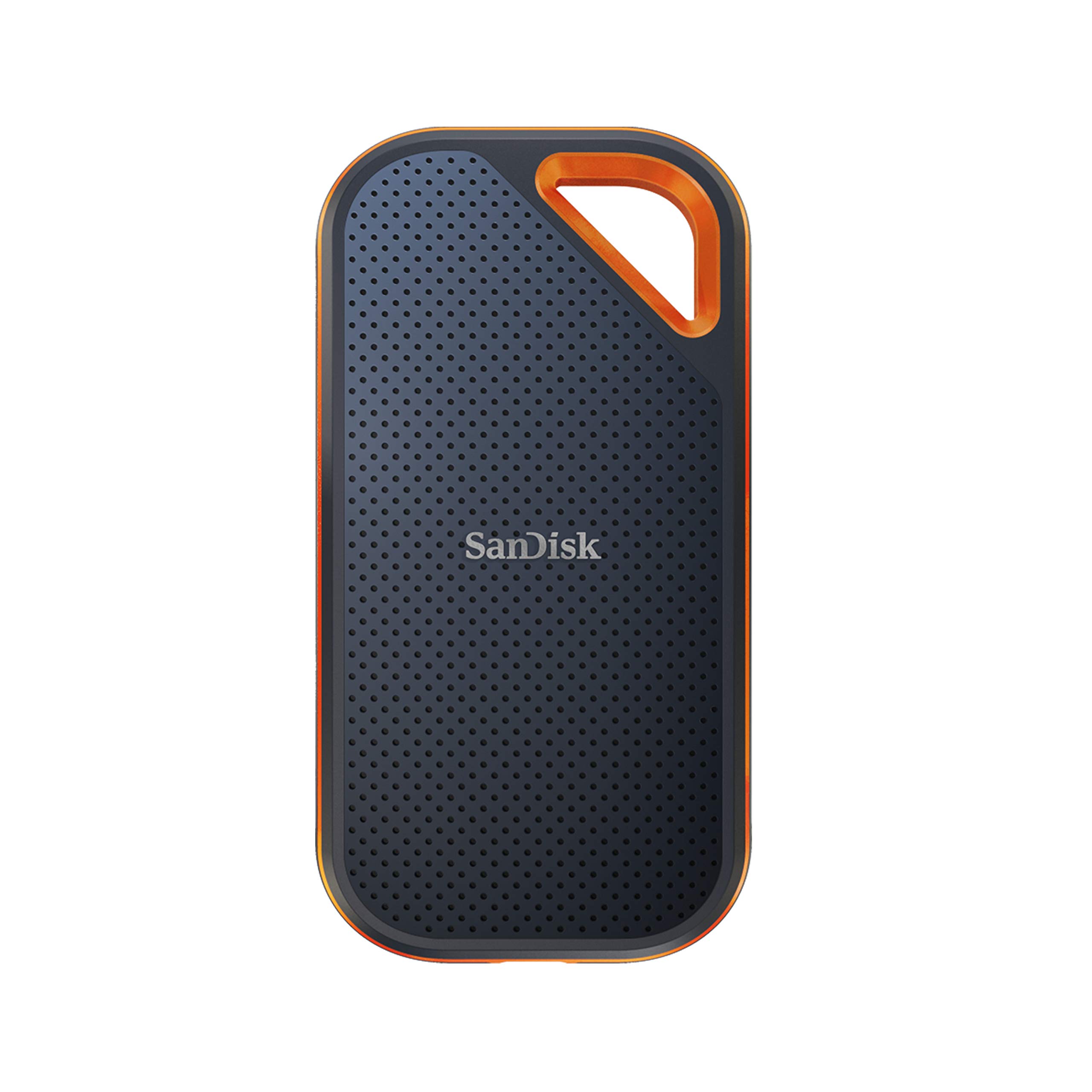
High-capacity for full Redump sets; IP55 water-resistant.
Best for: Archival backup of dumps.
Price Range: $179.99
Daily emulation sessions; wireless freedom.
8BitDo Pro 2 Bluetooth Gamepad Perfect 3DO button layout match with hall-effect sticks for drift-free retro play.
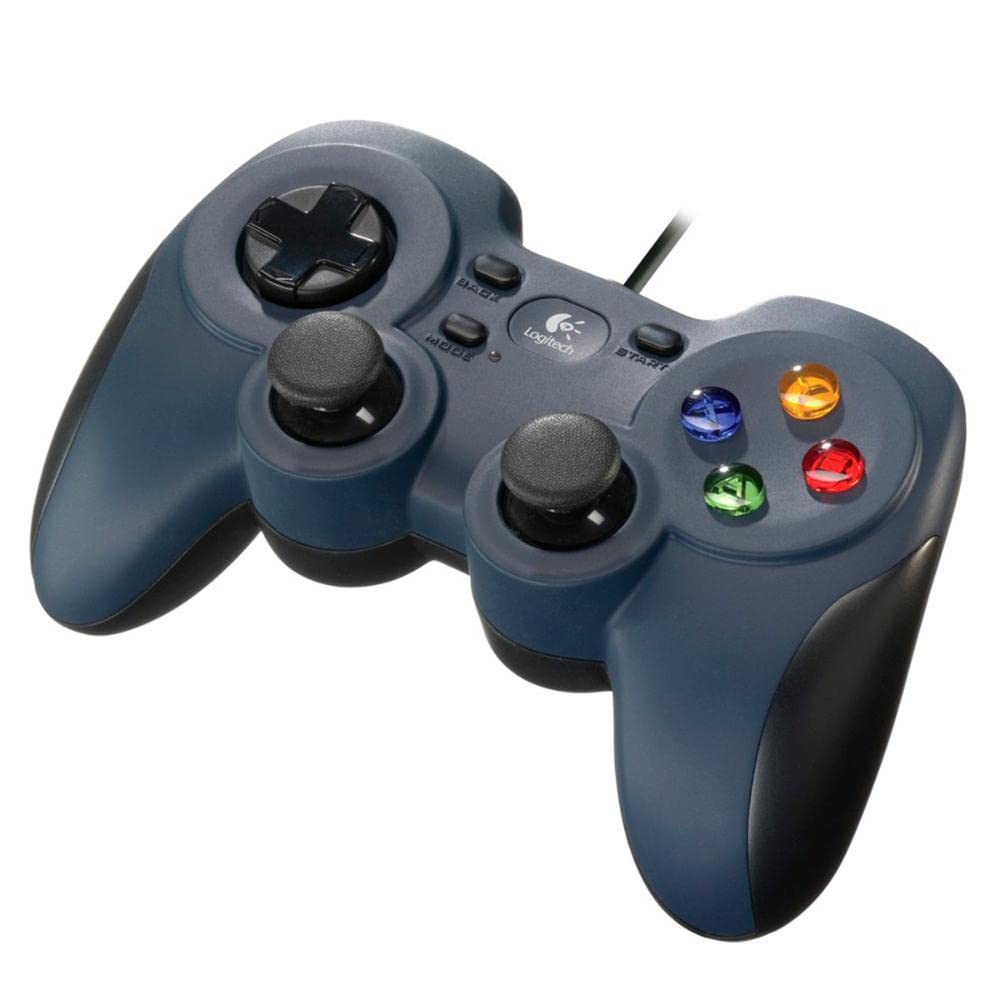
Casual testing without Bluetooth hassle.
Logitech F310 Wired Gamepad Budget-friendly with native XInput for plug-and-play in 4DO.
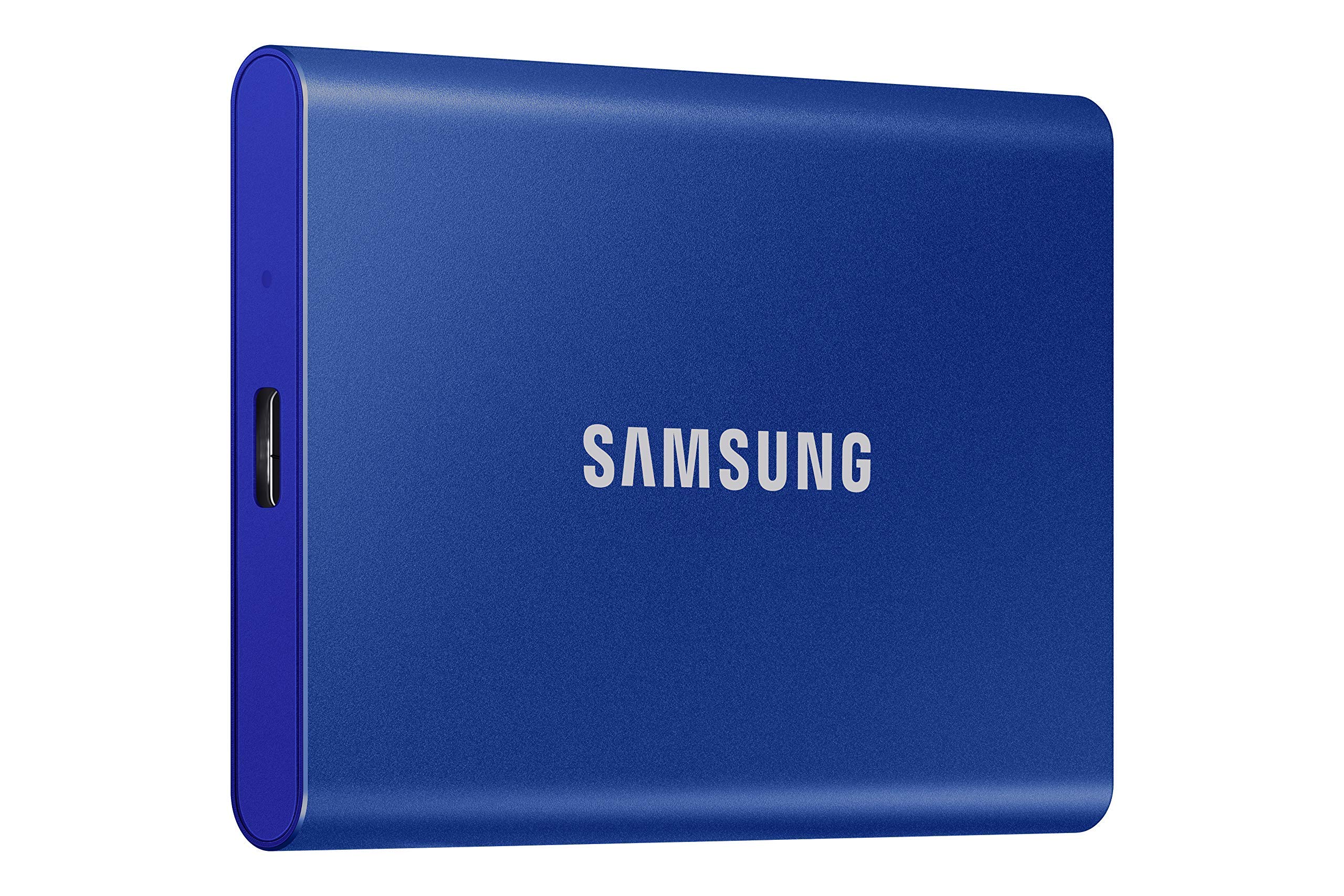
Storing 100+ 3DO ISOs without lag.
Samsung T7 1TB Portable SSD Lightning-fast reads for huge ROM libraries; rugged for portability.
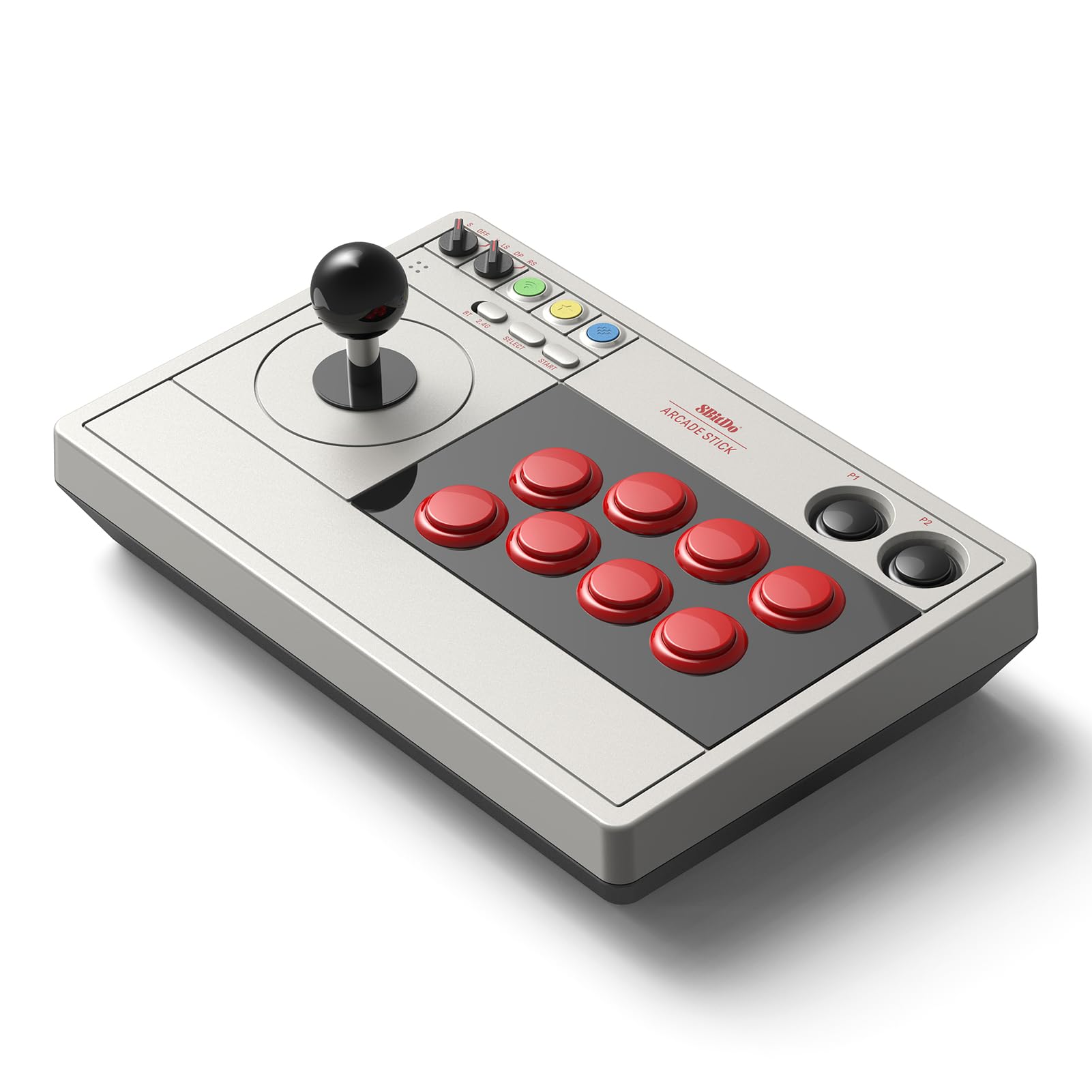
Competitive local multiplayer.
8BitDo Arcade Stick Authentic fight-stick feel for 3DO fighters like Way of the Warrior.
Archival backup of dumps.
SanDisk Extreme Pro 2TB Portable SSD High-capacity for full Redump sets; IP55 water-resistant.