
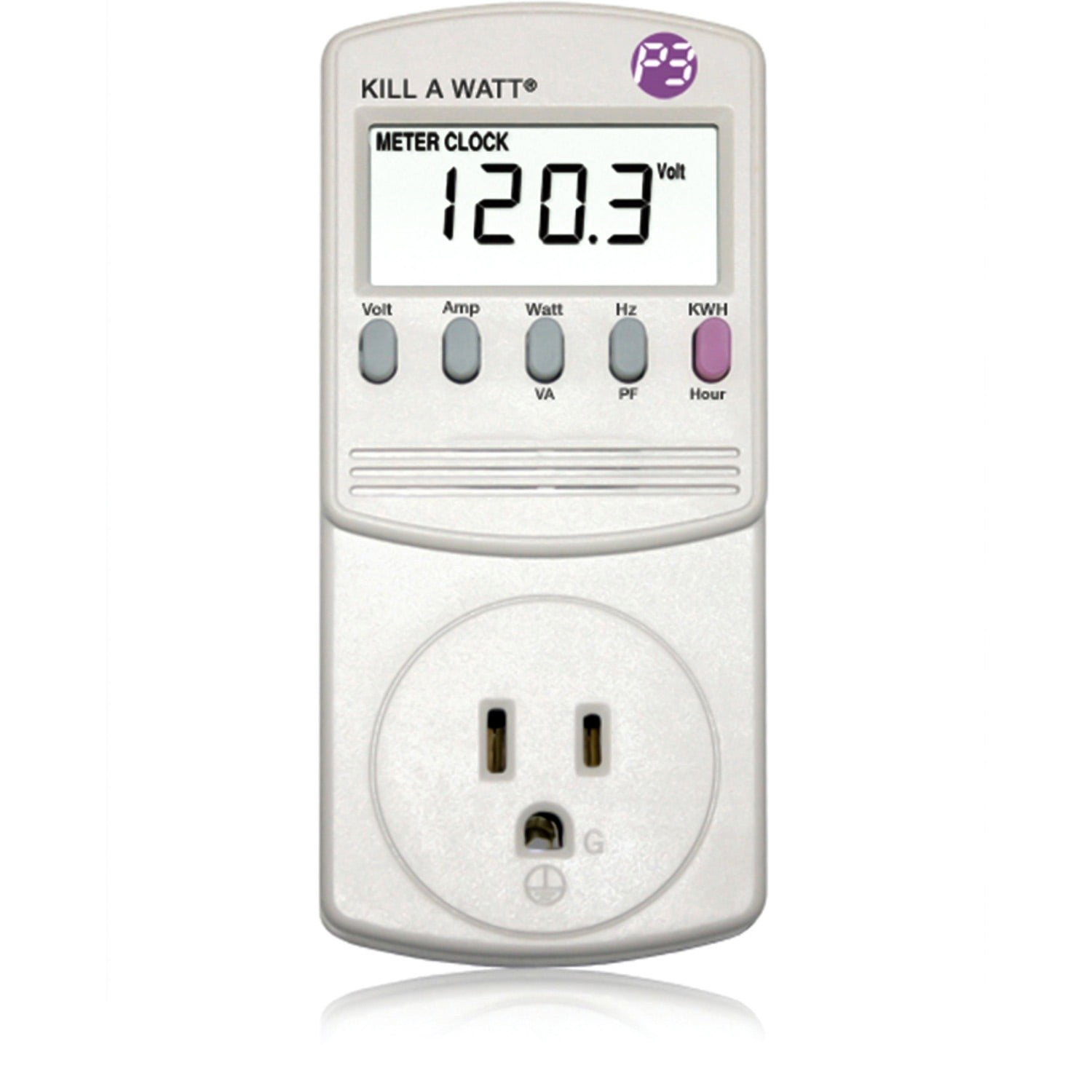
P3 International Kill A Watt P4400
Essential for step 6; plug in-line for any setup.
$22.99
P3 International Kill A Watt P4400 Accurate watt/amp/kWh meter to verify real loads precisely.
Get the App
Better experience on mobile
Safely distribute power across outlets and strips to prevent overloads, trips, and hazards in 20 minutes.
Picture this: your power strip buzzes, flickers, and trips just as you're powering your home office setup during a deadline. Overloaded circuits are a common frustration, causing downtime, damaged gear, and fire risks. Balancing loads ensures you maximize your outlets without exceeding safe limits.
In this guide, you'll learn to calculate circuit capacities, inventory device power draws, and strategically plug into adapters and multi-outlets. We'll cover everything from basics to verification, empowering intermediate users to handle multi-device setups like pros.
Expect a straightforward process: assess, calculate, distribute, and test. It's intermediate difficulty, taking 20-30 minutes, with no tools beyond a basic meter.
Estimated Time: 20-30 minutes Difficulty: intermediate
Start by checking your home's circuit ratings, typically 15A or 20A for standard outlets (120V in the US). Flip breakers in your panel to see which outlets they control—label them if needed. The safe load rule: never exceed 80% of capacity (12A/1440W for 15A circuit) to avoid heat buildup.
Why it matters: Circuits share loads; multi-outlets multiply risk. Expect to find most rooms on 15A circuits. Use a voltage tester to confirm live outlets.
Pro tip: Download a circuit mapper app for visualization.
💡 Tips:
⚠️ Warnings:
List every device you'll plug in: laptops (60W), chargers (5-20W), lamps (60W), heaters (1500W). Check labels, manuals, or use online databases like Energy Star. Note running vs. startup wattage (e.g., motors surge 2-3x).
This step prevents underestimation. Expect totals creeping up fast with multiples. Write in a table: Device | Watts | Circuit.
Categorize high-draw (over 300W) like vacuums separately.
💡 Tips:
⚠️ Warnings:
Sum wattages: aim under 80% circuit max (e.g., 1440W/15A). Divide across available circuits/outlets. Formula: Total Watts / 120V = Amps.
Why? Over 80% risks trips/heat. Expect adjustments here—spread if over. Use Excel or calc app for scenarios.
Success: Loads balanced at <12A per circuit.
💡 Tips:
⚠️ Warnings:
Select UL-listed surge protectors (not cheap strips) with 15A rating, spaced outlets, and circuit breakers. Use adapters only for plugs, not chaining.
They protect gear and auto-cut overloads. Expect 6-12 outlets per strip. Match to needs: office (low-draw) vs. workshop (heavy).
Plug high-draw direct to walls first.
💡 Tips:
⚠️ Warnings:
Map outlets to circuits. Plug high-draw (e.g., monitor 100W) direct or solo on strip. Spread lows (chargers) evenly: 2-3 per strip/circuit.
Balance like a seesaw: equal A across outlets. Rotate plugs if shared wall.
Success: No single outlet/strip >80%.
💡 Tips:
⚠️ Warnings:
Plug meter between strip/device and outlet. Turn on all; read watts/amps. Adjust if over (unplug lows first).
Real-world draw varies (e.g., idle PC 50W vs. load 200W). Test peak usage.
Success: Readings confirm <80%.
💡 Tips:
⚠️ Warnings:
Run setup for 30 mins; watch for heat, buzz, trips. Remeasure peaks (e.g., printer startup).
Ensures stability. Label strips: 'Circuit 1: 800W max'.
Success: Cool, quiet operation.
💡 Tips:
⚠️ Warnings:
Check quarterly or add devices. Upgrade strips yearly if worn.
Prevents complacency. Success: Habitual safe use.
💡 Tips:
Problem: Breaker trips immediately
Solution: Unplug half devices, remeasure total <1440W, redistribute.
Problem: Strip gets hot
Solution: Unplug all, inspect cords for damage, replace strip.
Problem: Voltage drops (devices slow)
Solution: Shorten cords, spread load, check for 14-gauge min wire.
Problem: Inconsistent readings
Solution: Calibrate meter, test single known device (lamp).
Problem: Persistent trips
Solution: Call electrician—may be wiring issue.
Accurate watt/amp/kWh meter to verify real loads precisely.
Best for: Essential for step 6; plug in-line for any setup.
Price Range: $22.99
Affordable, UL-listed with 1080 joules protection and 15A breaker.
Best for: Daily office/home use for low-medium loads.
Price Range: $11.99
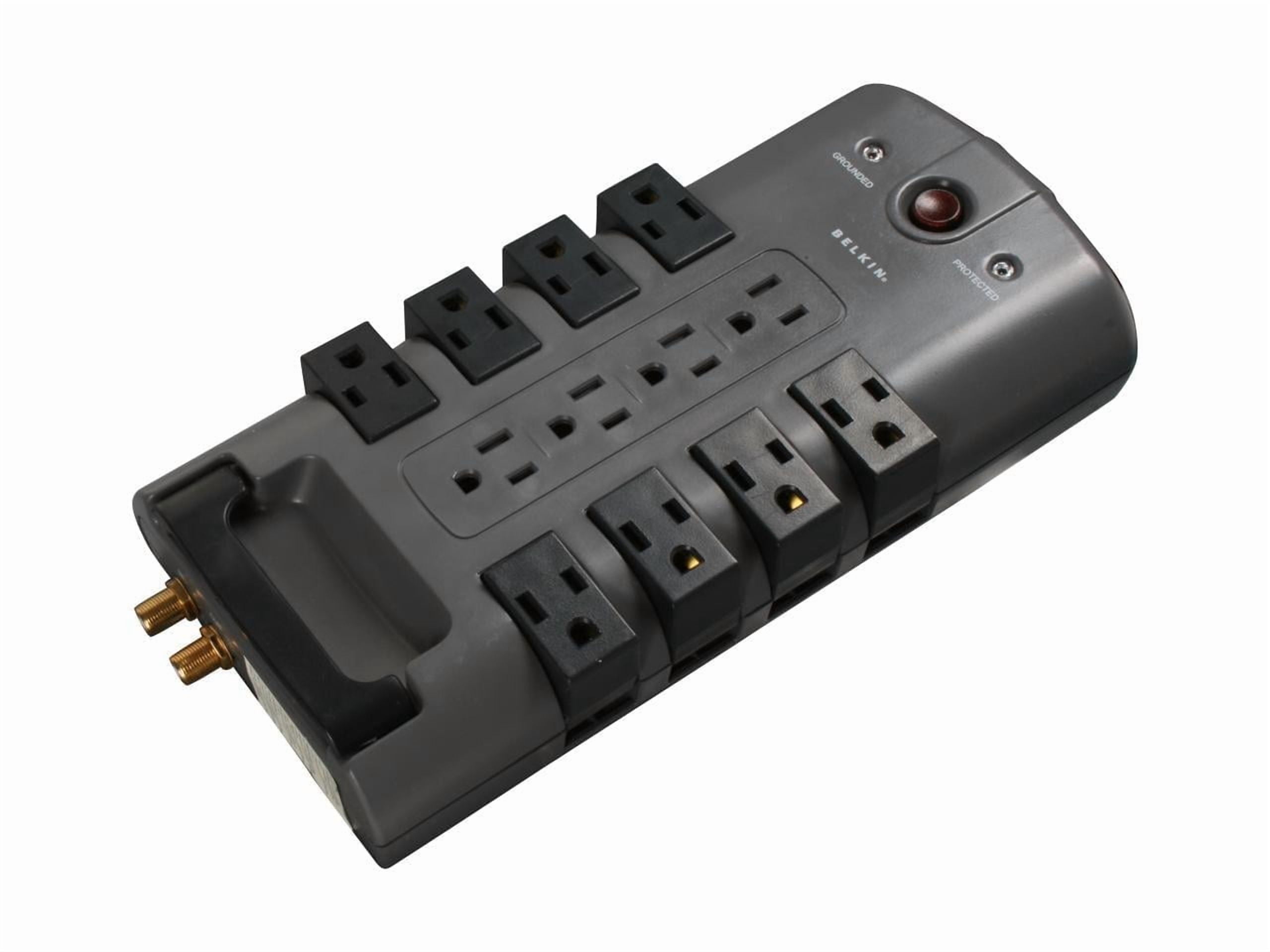
High-capacity with 4320 joules, pivoting outlets for adapters.
Best for: Multi-device stations like gaming or workshops.
Price Range: $29.99-$35
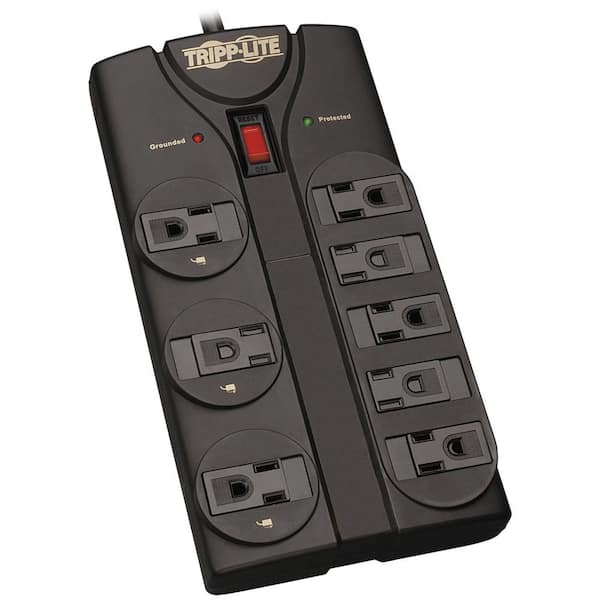
Right-angle plug, rugged for heavy use, 3840 joules.
Best for: Tight spaces or behind furniture.
Price Range: $25-$30
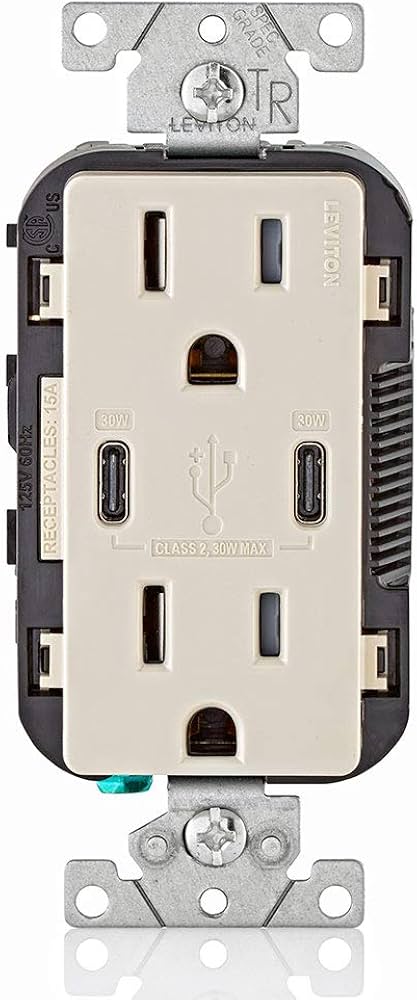
Tamper-resistant, slim for expanding single outlets safely.
Best for: Quick wall expansions without full strips.
Price Range: $12.99
Essential for step 6; plug in-line for any setup.
P3 International Kill A Watt P4400 Accurate watt/amp/kWh meter to verify real loads precisely.

Daily office/home use for low-medium loads.
Amazon Basics 6-Outlet Surge Protector Affordable, UL-listed with 1080 joules protection and 15A breaker.
Multi-device stations like gaming or workshops.
Belkin 12-Outlet Surge Protector (BP112230-08) High-capacity with 4320 joules, pivoting outlets for adapters.
Tight spaces or behind furniture.
Tripp Lite Protect It 8-Outlet Surge Protector Right-angle plug, rugged for heavy use, 3840 joules.
Quick wall expansions without full strips.
Leviton T5635-W 3-Outlet Adapter Tamper-resistant, slim for expanding single outlets safely.