
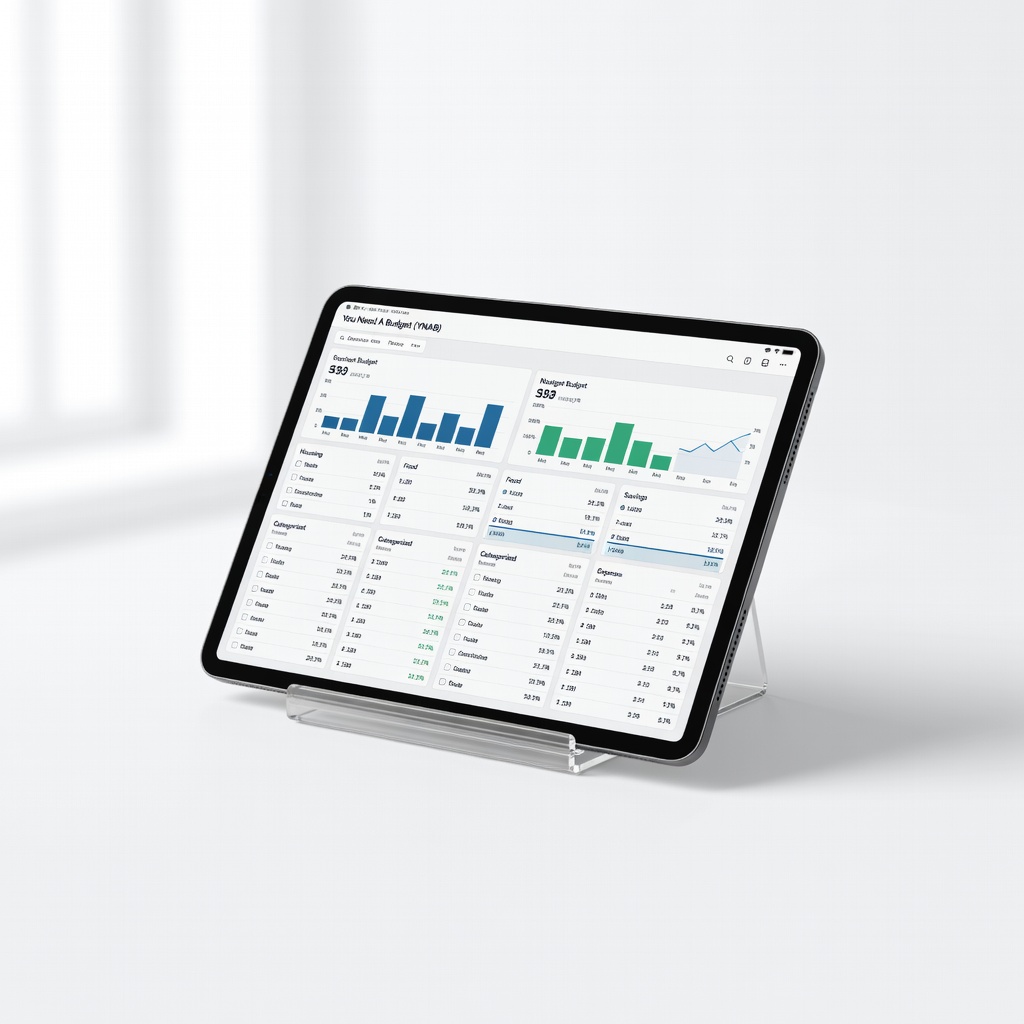
You Need A Budget (YNAB)
Personal or household accounts needing strict balance tracking.
$99/year or $14.99/month
You Need A Budget (YNAB) Intuitive reconciliation with zero-based budgeting prevents overspending; syncs banks automatically.
Get the App
Better experience on mobile
Master reconciling your finances step-by-step with digital account books to ensure accuracy and catch errors fast.
Struggling with mismatched bank statements and your records? It's a common headache for small business owners and personal finance trackers, leading to tax surprises or overspending. Balancing accounts—also called reconciliation—verifies your digital ledger matches reality, preventing costly mistakes.
In this guide, you'll learn a foolproof process using digital account books like apps or spreadsheets. Expect clear steps for intermediate users comfortable with basic software. The whole process takes 30-45 minutes monthly, saving you hours long-term.
We'll cover setup to final review, with tips for smooth sailing. By the end, your books will be balanced, giving peace of mind.
Estimated Time: 30-45 minutes per reconciliation (monthly routine) Difficulty: intermediate
Choose a digital tool suited to your needs—QuickBooks for businesses, YNAB for personal budgets, or Excel for custom setups. Download/install if needed and create a new ledger file.
Sign up, input your account details, and categorize your chart of accounts (e.g., income, expenses). This foundation ensures accurate tracking.
Success looks like: A dashboard showing zero balance or your known starting point, ready for transactions.
Image description: Screenshot of a fresh QuickBooks dashboard with account setup wizard.
💡 Tips:
⚠️ Warnings:
Download statements for the period (e.g., last month) from your bank, credit cards, PayPal, etc. Note the ending balance and date.
Organize them by account in a folder. Print or annotate key totals.
Why it matters: Missing statements cause incomplete reconciliations.
Success: List of 3-5 statements with matching date ranges.
💡 Tips:
In your digital book, navigate to the reconciliation or ledger section. Input the prior period's reconciled ending balance as your starting point.
For imports: Use CSV upload from banks if supported (e.g., QuickBooks bank feeds).
Expect: Ledger now matches last reconciliation—no uncleared items.
Common pitfall: Using current statement balance here; stick to prior close.
⚠️ Warnings:
Automatic import: Connect bank feeds to pull transactions.
Manual: Add from statements—date, description, amount, category.
Match/payee auto-fill saves time. Categorize everything (e.g., 'Groceries' under Expenses).
Success: All statement transactions appear in your ledger.
💡 Tips:
Open reconciliation tool (e.g., 'Reconcile' in QuickBooks). Select account, enter statement ending balance/date.
Check off matching transactions. Unmatched ones highlight.
Why: Confirms every entry aligns.
Success: Difference near zero as you clear items.
⚠️ Warnings:
If difference > $0.01, review uncleared items. Common: Bank fees missed, duplicates, timing differences.
Cross-reference statements. Adjust ledger if error found (e.g., add missed fee).
Expect: Drill down to root cause in 5-10 mins.
💡 Tips:
Add/edit/delete as needed (e.g., 'Bank fee' adjustment). Re-run reconciliation.
Aim for $0.00 difference.
Success: 'Reconcile Now' button active, books balanced.
Save reconciliation report. Review summary for outliers.
Export/backup file. Note cleared balance for next time.
Why: Audit trail protects you.
Success: Locked reconciliation, ready for next period.
💡 Tips:
Problem: Duplicate transactions appear
Solution: Delete extras from ledger (not bank feed). Use 'exclude' in auto-imports. Reconcile again.
Problem: Balances off by exact amounts (e.g., fees)
Solution: Search ledger/statements for missed items like interest/fees. Add as adjustment.
Problem: Software won't import CSV
Solution: Format CSV with exact columns (date, desc, amount). Use templates from app help center.
Problem: Persistent $0.50+ difference
Solution: Check rounding, timing (pending txns). Contact bank if uncleared >90 days; seek accountant.
Intuitive reconciliation with zero-based budgeting prevents overspending; syncs banks automatically.
Best for: Personal or household accounts needing strict balance tracking.
Price Range: $99/year or $14.99/month
Pro-level bank reconciliation with rules, reports, and multi-account support for accuracy.
Best for: Small businesses or freelancers with invoices/payments.
Price Range: $60/month
Customizable ledger templates with formulas for auto-balancing; offline access.
Best for: Budget-conscious users wanting full control without subscriptions.
Price Range: $69.99/year
Unlimited free reconciliations with bank imports; scales to paid for advanced reports.
Best for: Startups or solopreneurs testing digital books.
Price Range: Free (addons $16+/mo)
Free open-source with scheduled transactions and full reconciliation; no limits.
Best for: Advanced users preferring desktop software.
Price Range: Free
Personal or household accounts needing strict balance tracking.
You Need A Budget (YNAB) Intuitive reconciliation with zero-based budgeting prevents overspending; syncs banks automatically.
Small businesses or freelancers with invoices/payments.
QuickBooks Online Essentials Pro-level bank reconciliation with rules, reports, and multi-account support for accuracy.
Budget-conscious users wanting full control without subscriptions.
Microsoft Excel 365 Personal (includes templates) Customizable ledger templates with formulas for auto-balancing; offline access.
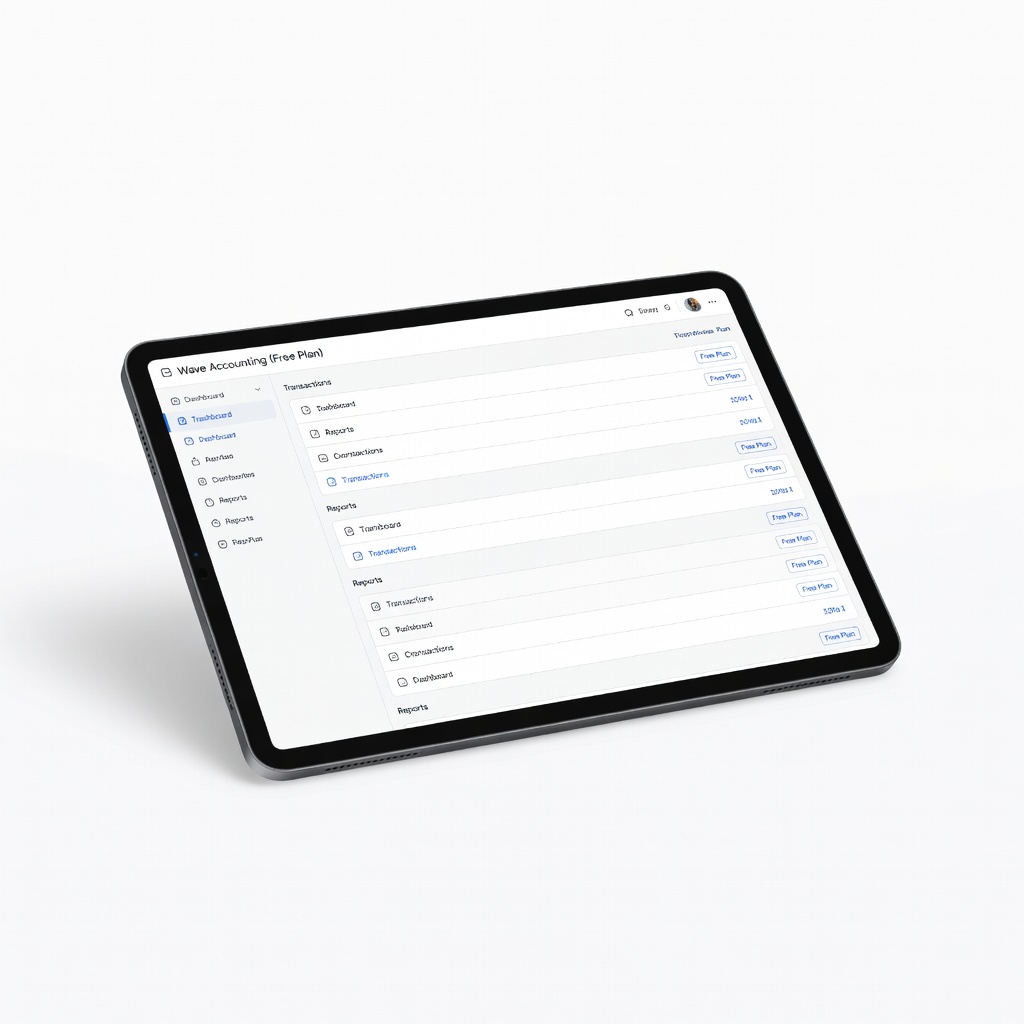
Startups or solopreneurs testing digital books.
Wave Accounting (Free Plan) Unlimited free reconciliations with bank imports; scales to paid for advanced reports.
Advanced users preferring desktop software.
GnuCash Double-Entry Accounting Free open-source with scheduled transactions and full reconciliation; no limits.