Running a small retail shop? Messy account books can lead to cash flow surprises, tax headaches, or even audits. Balancing your books monthly keeps everything transparent and compliant, helping you spot profit leaks fast.
In this guide, you'll learn a proven process to reconcile your accounts from gathering records to final review. Expect clear, actionable steps tailored for intermediate users familiar with basic bookkeeping. The whole process takes 2-4 hours monthly, depending on transaction volume.
By the end, your debits will match credits, bank statements align, and you'll have a clear profit picture—ready for growth decisions.
▸What You'll Need
- •Bank and credit card statements (last month's)
- •All sales receipts, invoices, and POS reports
- •Expense receipts (purchases, utilities, payroll)
- •Physical ledger book or spreadsheet software (Excel/Google Sheets)
- •Calculator or accounting software
- •Inventory count sheet (optional but recommended)
Estimated Time: 2-4 hours per month
Difficulty: intermediate
▸Step-by-Step Instructions
Step 1: Gather All Financial Documents
Collect every piece of paper or digital record from the past month: bank statements, credit card summaries, sales receipts from your POS system, supplier invoices, and expense receipts. Sort them into piles—income, expenses, and bank deposits.
Why it matters: Missing documents cause imbalances later. Expect a stack of 50-200 items for a small retail shop.
Lay everything on a clean table or scan into folders if digital.
💡 Tips:
- •Use a receipt scanner app like Expensify for quick digitization.
- •Date-stamp piles for easy matching.
⚠️ Warnings:
- •Don't skip cash sales slips—they're easy to forget.
Step 2: Organize and Categorize Transactions
Review sales records first. Tally daily totals from POS or cash register tapes. Categorize income (e.g., cash sales, card payments, online orders) and expenses (COGS, rent, supplies, wages).
Use a spreadsheet or ledger with columns: Date, Description, Income, Expense, Category, Balance.
What success looks like: Neat lists with every transaction accounted for—no orphans.
💡 Tips:
- •Standard categories: Sales, Returns, Inventory Purchases, Overhead.
Step 3: Enter Income into Your Ledger
Log all income entries chronologically. Add sales totals to the debit side (assets increase). Cross-check against bank deposits.
For retail, subtract returns/refunds immediately. Why? Accurate revenue reflects true performance.
Expect totals to match POS reports within $5-10 for small discrepancies.
💡 Tips:
- •Batch enter by week to save time.
⚠️ Warnings:
- •Avoid rounding—use exact cents.
Step 4: Record All Expenses
Enter expenses on the credit side. Match receipts to payments: check numbers, dates. Categorize precisely (e.g., 'Retail Supplies' vs. 'Utilities').
Total COGS (cost of goods sold) from inventory purchases.
Success: Running totals update without errors.
💡 Tips:
- •Photograph receipts before filing.
Step 5: Reconcile Bank and Credit Card Statements
Compare ledger totals to bank statements line-by-line. Mark 'CLEARED' for matches. Note outstanding checks/deposits.
Key formula: Bank balance + deposits - withdrawals = Ledger balance. Adjust for fees.
What to expect: 95% match; small gaps from timing.
💡 Tips:
- •Use bank app exports for CSV import to Excel.
⚠️ Warnings:
- •Uncleared items over 30 days? Investigate.
Step 6: Adjust for Inventory and Petty Cash
Conduct a quick physical inventory count. Adjust ledger for shrinkage/theft (debit expense). Log petty cash separately.
Update COGS: Beginning inventory + Purchases - Ending inventory.
Why matters for retail: Inventory is your biggest asset.
💡 Tips:
- •Cycle count weekly to ease monthly work.
Step 7: Calculate Totals and Trial Balance
Sum debits and credits. Create a trial balance sheet: Assets = Liabilities + Equity.
If unbalanced, hunt differences (math errors common).
Success looks like: Debits exactly equal credits.
💡 Tips:
- •Use SUM formulas in spreadsheets.
⚠️ Warnings:
- •Transposition errors (e.g., 123 as 132)? Double-check.
Step 8: Review, Finalize, and File
Scan for red flags: unusual spikes. Calculate net profit (Income - Expenses). Sign/date the balanced books.
File digitally/physically for 7 years.
End result: Clean, audit-ready books.
💡 Tips:
- •Share summary with accountant quarterly.
▸Pro Tips
- •Balance weekly for tiny shops to avoid monthly overwhelm.
- •Automate with POS integrations to bank feeds.
- •Use color-coded tabs in binders for categories.
- •Track GST/VAT separately from day one.
- •Backup digital files to cloud (Google Drive).
- •Set a calendar reminder for the 5th of each month.
- •Pro tip: Start with last year's books as template.
▸Common Mistakes to Avoid
- •Forgetting cash transactions—leads to underreported income; always log immediately.
- •Double-counting bank deposits—causes inflated assets; mark cleared only once.
- •Ignoring inventory shrinkage—distorts COGS; do counts religiously.
- •Poor categorization—messy taxes; stick to 10-15 standard buckets.
- •Skipping reconciliations—hidden fraud or errors build up.
▸Troubleshooting
Problem: Ledger doesn't match bank by $50+
Solution: Check for unrecorded fees, duplicate entries, or timing (e.g., weekend deposits). Recount totals.
Problem: Inventory discrepancies
Solution: Recount stock; adjust for damages/returns. Note as 'shrinkage expense'.
Problem: Overwhelming volume
Solution: Switch to software like QuickBooks. Seek bookkeeper if >500 txns/month.
Problem: Math errors persist
Solution: Use printing calculator for tape trail. When stuck, consult CPA.
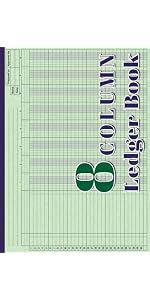
Zen Supplies Accounting Ledger Notebook (208 Pages, 8 Columns)
Pre-formatted columns perfect for retail tracking income/expenses without spreadsheets.
Best for: Manual daily logging for shops under 100 txns/day.
Price Range: $9.99
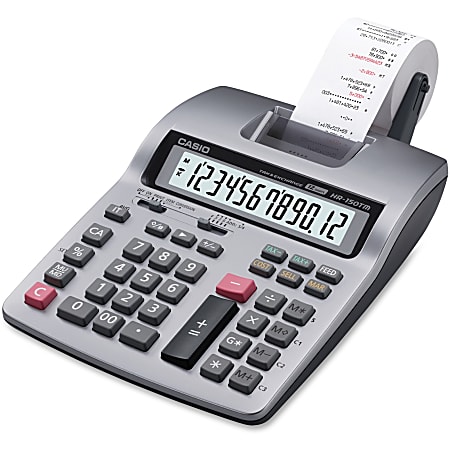
Casio HR-150LA Printing Calculator
Prints tape for verifiable audit trails—essential for balancing proofs.
Best for: Heavy calculations during reconciliation.
Price Range: $49.99
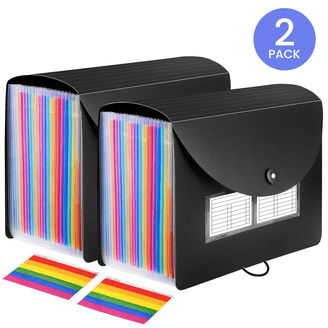
Smead Receipt File Organizer (Stackable Desktop)
Sorts receipts by month/category to speed up gathering step.
Best for: Organizing high-volume retail receipts.
Price Range: $29.99
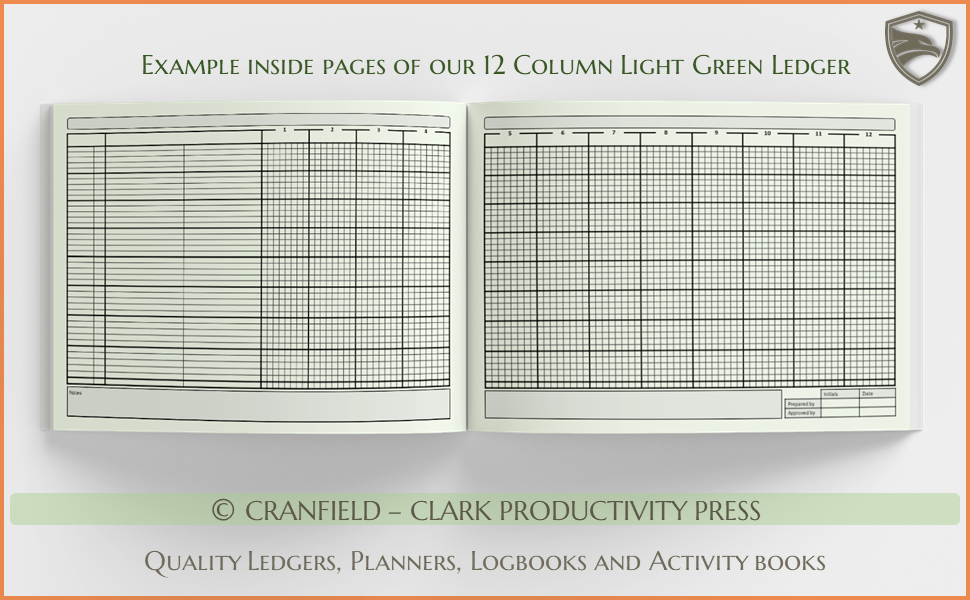
Ayres & James Large Accounting Ledger Book (Green Cover, 12 Columns)
Durable, professional-grade for long-term retail bookkeeping.
Best for: Businesses preferring physical over digital.
Price Range: $15.99
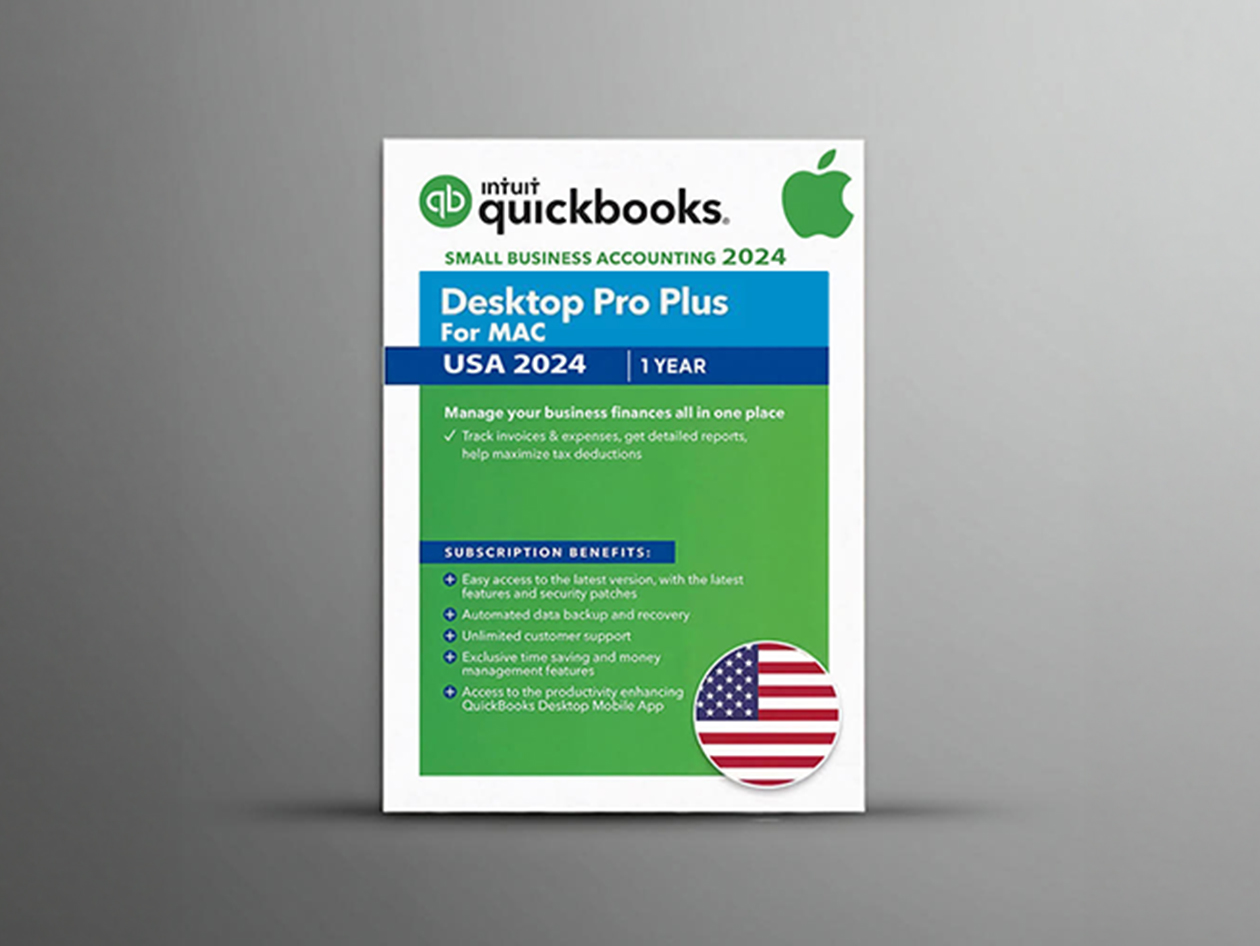
Intuit QuickBooks Desktop Pro Plus 2024
Automates reconciliation/balancing for scaling retail ops.
Best for: Transition from manual to software.
Price Range: $299.99