
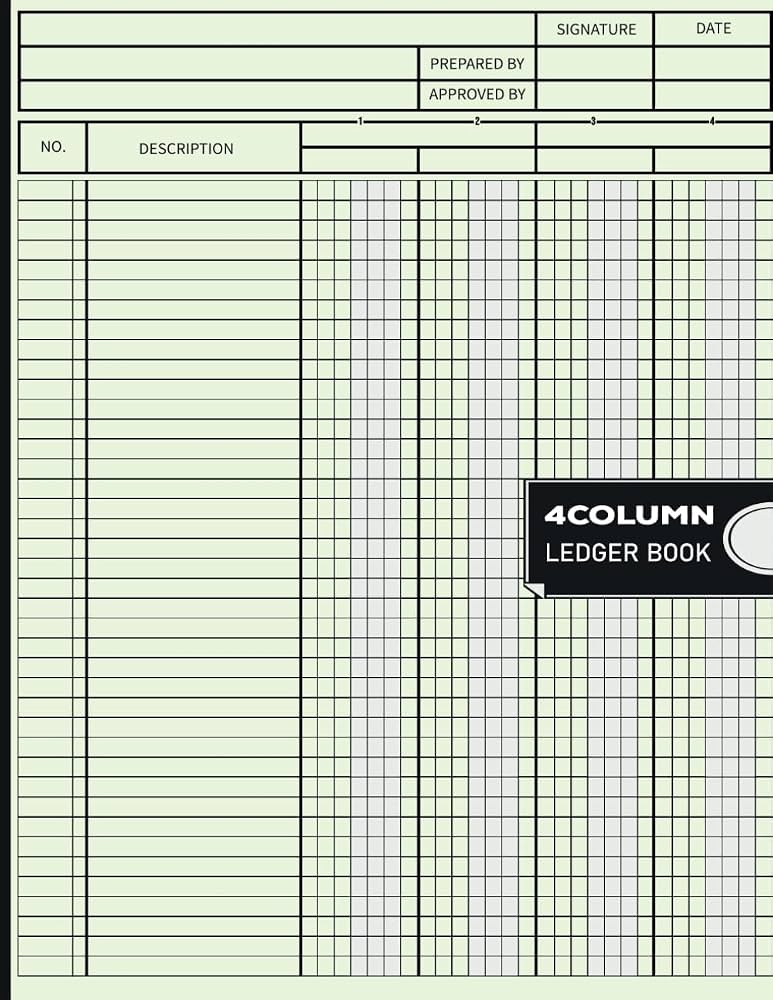
HFVS Accounting Ledger Book (4 Column)
Ideal for cash-based small businesses preferring paper over digital.
$9.99
HFVS Accounting Ledger Book (4 Column) Durable, pre-formatted pages for manual balancing without software errors.
Get the App
Better experience on mobile
Master balancing your account books step-by-step to ensure accurate tax filing, avoid penalties, and simplify small business accounting in 2025.
Balancing account books for taxes is a nightmare for many small business owners—miss a deduction or mismatch a transaction, and you're facing IRS audits, fines, or wasted hours scrambling at tax time. But it doesn't have to be. This guide equips intermediate users with a proven process to reconcile your books accurately.
You'll learn a sequential method to gather records, categorize transactions, reconcile accounts, and generate tax-ready reports. Expect clear steps, real-world tips, and tools to make it efficient. For a small business with moderate transactions (under 500/month), this takes 2-4 hours initially, then 30-60 minutes monthly.
By the end, your books will balance perfectly, ready for tax software or your accountant, saving you stress and money.
Estimated Time: 2-4 hours for initial balance; 30-60 minutes monthly Difficulty: intermediate
Start by collecting every piece of financial paper trail: bank statements, credit card bills, receipts, invoices, payroll records, and loan documents from the past year. Organize them chronologically in folders labeled by month or category (e.g., 'Income', 'Expenses').
This step ensures nothing is missed, forming the foundation for accurate balancing. Expect to spend 30-60 minutes sorting; digital scans speed this up.
Success looks like: A complete set of records with no gaps.
💡 Tips:
⚠️ Warnings:
Choose and initialize your tool: a physical three/four-column ledger for simplicity or software like QuickBooks. Create columns for Date, Description, Debit (income), Credit (expenses), and Balance.
Input opening balances from your last reconciled period (e.g., January 1). Why? This baseline prevents carryover errors. Test with a sample entry.
Success looks like: A blank ledger with header columns and starting balance entered correctly.
💡 Tips:
Enter every income source: sales, services, refunds. Use the Date and Description columns, then debit the amount. Total income at month-end.
This isolates revenue for tax reporting (e.g., gross receipts on Schedule C). Match against deposit slips.
Success looks like: Running total matches bank deposits within $1-2.
⚠️ Warnings:
Categorize expenses (rent, supplies, marketing) in credit column. Flag tax-deductibles like home office or mileage per IRS rules.
Subtotals per category help later. Why it matters: Accurate expenses lower taxable income.
Success looks like: Expenses categorized with subtotals.
💡 Tips:
Compare ledger entries to statements line-by-line. Adjust for uncleared checks, fees, or errors. Running balance should match statement end-balance.
This catches discrepancies early. Mark reconciled items.
Success looks like: Zero differences; all items cleared.
⚠️ Warnings:
Sum debits (income) minus credits (expenses) for net profit. Verify trial balance: Total debits = total credits.
This is your P&L snapshot for taxes.
Success looks like: Balanced trial balance and positive/accurate net.
💡 Tips:
Scan for math errors, duplicates, or omissions. Adjust journal entries if needed (e.g., void duplicate).
Double-check tax categories.
Success looks like: No variances; ready for reports.
⚠️ Warnings:
Export P&L, balance sheet. Map to Schedule C lines.
Save as PDF for your CPA or TurboTax.
Success looks like: Reports matching IRS forms.
💡 Tips:
Problem: Balances don't match by $50+
Solution: Check for transposed numbers, missed fees, or timing differences. Recheck last 3 months first.
Problem: Too many uncleared transactions
Solution: Contact bank for holds; void old checks if bounced.
Problem: Overwhelmed by volume
Solution: Batch by quarter; outsource to a bookkeeper if >1,000 txns/year.
Problem: Unsure on deductions
Solution: Use IRS Interactive Tax Assistant tool; consult CPA for complex cases.
Durable, pre-formatted pages for manual balancing without software errors.
Best for: Ideal for cash-based small businesses preferring paper over digital.
Price Range: $9.99
Precise for complex calcs like depreciation; solar-powered for reliability.
Best for: Manual ledgers or verifying software totals.
Price Range: $12.99
Automates reconciliation, reports, and tax mapping for intermediates.
Best for: Scaling businesses with 100+ monthly transactions.
Price Range: $349.99 (one-time)
Direct import from ledgers/software for seamless tax filing.
Best for: Final step after balancing for Schedule C filers.
Price Range: $120-$170
Scan and erase for digital receipts/ledgers; eco-friendly.
Best for: Hybrid paper-digital workflow.
Price Range: $25.00
Ideal for cash-based small businesses preferring paper over digital.
HFVS Accounting Ledger Book (4 Column) Durable, pre-formatted pages for manual balancing without software errors.
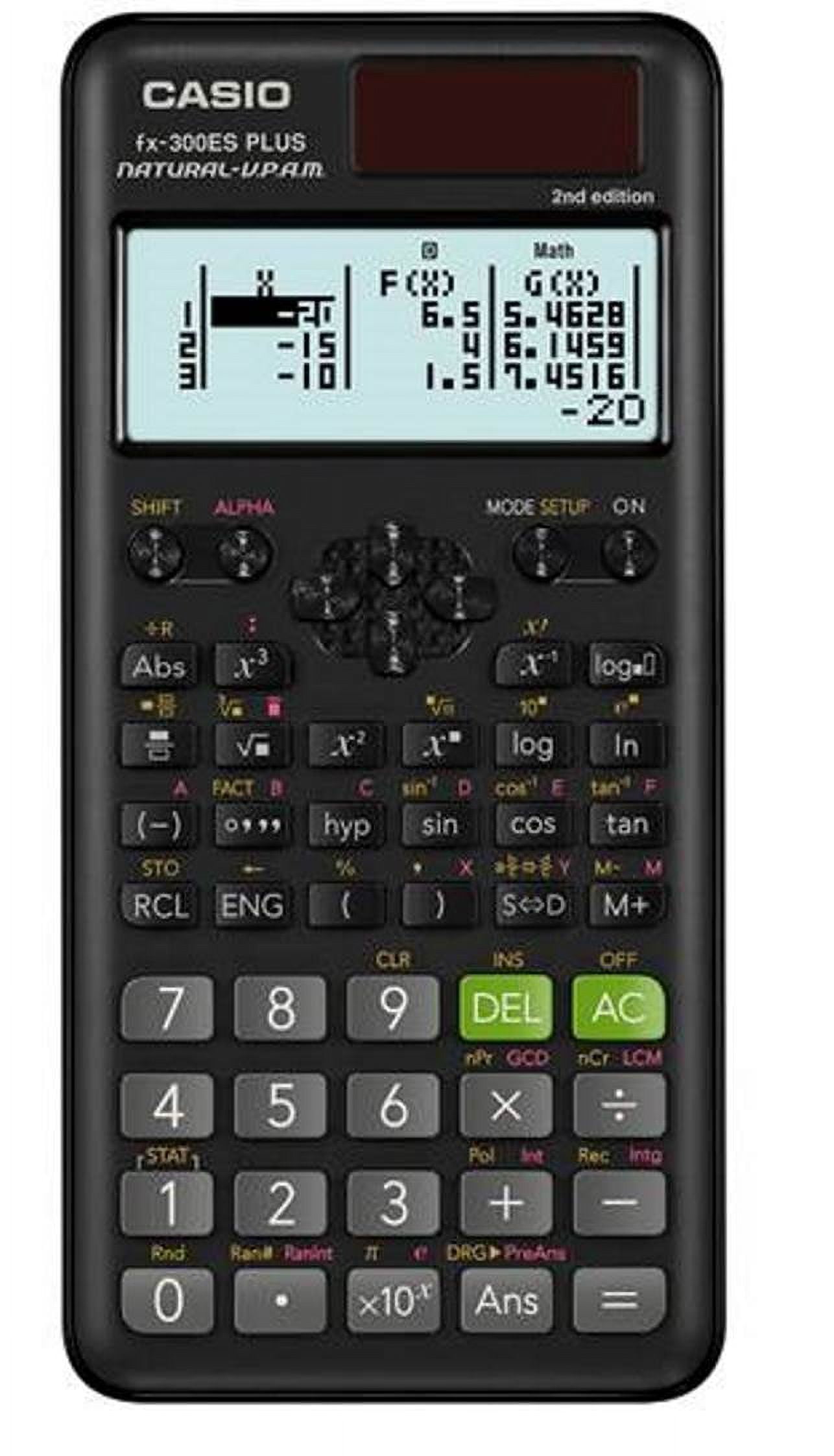
Manual ledgers or verifying software totals.
Casio FX-300ES Plus 2 Scientific Calculator Precise for complex calcs like depreciation; solar-powered for reliability.
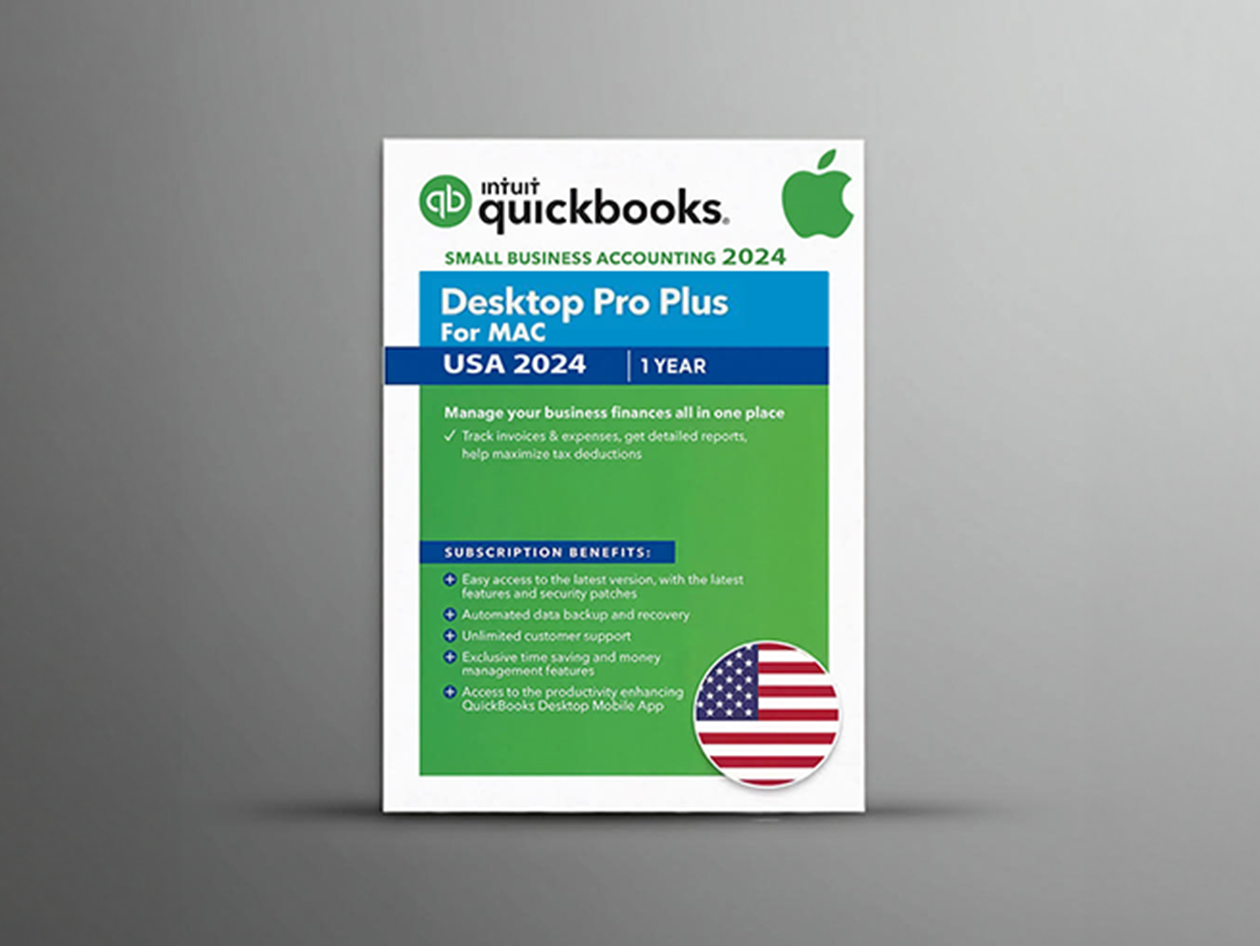
Scaling businesses with 100+ monthly transactions.
QuickBooks Desktop Pro Plus 2024 Automates reconciliation, reports, and tax mapping for intermediates.
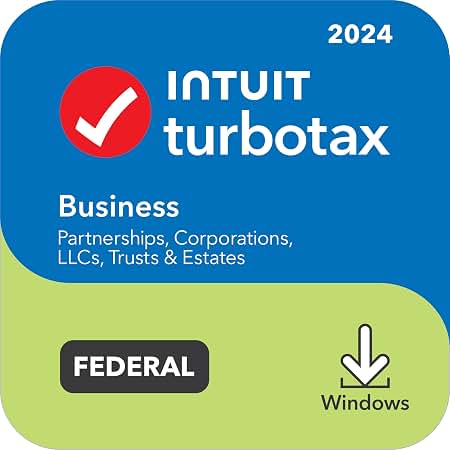
Final step after balancing for Schedule C filers.
TurboTax Business 2024 Desktop Direct import from ledgers/software for seamless tax filing.
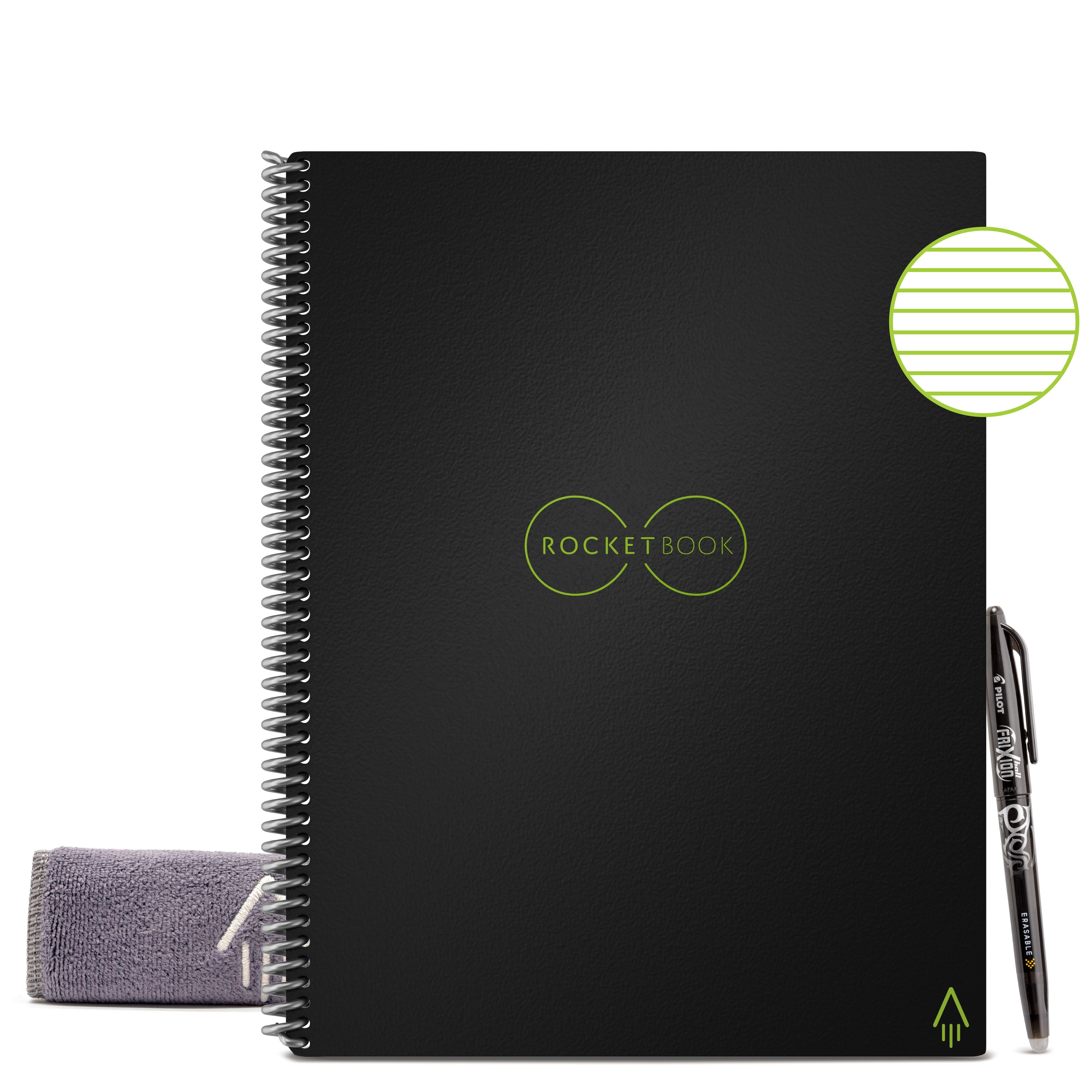
Hybrid paper-digital workflow.
Rocketbook Core Reusable Notebook Scan and erase for digital receipts/ledgers; eco-friendly.