Freelancers often dread tax season because messy account books lead to errors, missed deductions, and IRS headaches. Without balanced books, you risk overpaying taxes or facing audits. This guide solves that by teaching you how to organize and balance your records like a pro.
You'll learn a proven process to track income, expenses, and net profit specifically for Schedule C (Form 1040) used by US freelancers. Expect clear steps using simple tools like spreadsheets or ledgers—no advanced accounting degree needed.
This intermediate guide takes 4-6 hours for a full year-end balance but just 1 hour monthly for maintenance. By the end, you'll have reconciled books ready for tax software or your accountant.
▸What You'll Need
- •Bank and credit card statements (all accounts used for business)
- •Income records (invoices, 1099-NEC forms, PayPal/Stripe reports)
- •Expense receipts (digital scans or physical, categorized)
- •Accounting tool: spreadsheet (Google Sheets/Excel) or ledger notebook (required)
- •Calculator or computer (required)
- •Tax software or Schedule C form (optional for prep)
Estimated Time: 4-6 hours for year-end; 30-60 minutes monthly
Difficulty: intermediate
▸Step-by-Step Instructions
Step 1: Gather All Financial Documents
Start by collecting every piece of financial data from the tax year (e.g., Jan-Dec 2024 for 2025 filing). This includes bank statements, credit card bills, 1099 forms from clients, invoices you've sent, and all receipts for expenses like software subscriptions, home office supplies, or mileage logs.
Why it matters: Incomplete records mean inaccurate profit calculations, leading to wrong tax liabilities. Scan physical receipts into a folder (use apps like Expensify) and download digital statements.
Success looks like: A dedicated folder with 100% of transactions accounted for—no missing months.
💡 Tips:
- •Sort by date and type upfront to save time later.
- •Use a scanner app like Adobe Scan for quick digitization.
⚠️ Warnings:
- •Don't guess missing items; note them for follow-up.
Step 2: Choose Your Accounting Tool and Set Up Columns
Decide on cash-basis accounting (most freelancers) vs. accrual, then set up your ledger or spreadsheet. Create columns for: Date, Description, Income, Expenses (sub-columns: Supplies, Advertising, etc.), Balance.
Why it matters: Proper setup ensures IRS-compliant categorization for deductions. Use Excel/Google Sheets for digital or a physical ledger for simplicity.
Success looks like: A blank template with headers matching Schedule C categories (e.g., Line 18 Office Expense).
💡 Tips:
- •Download free Schedule C templates from IRS.gov.
- •Color-code columns: green for income, red for expenses.
Step 3: Record All Income Transactions
Enter every income source chronologically. Note date, client/payor, amount, and 1099 details if applicable. Sum payments from invoices, direct deposits, and apps like Venmo (business only).
Why it matters: Underreporting income triggers audits. Cross-reference with bank deposits.
Success looks like: Total income matches your bank inflows minus non-business items.
💡 Tips:
- •Batch enter by month to stay organized.
- •Tag one-off payments clearly (e.g., 'Client X Advance').
⚠️ Warnings:
- •Exclude personal income; only business-related.
Step 4: Categorize and Record Expenses
List expenses by IRS categories: advertising, travel, utilities (home office %), etc. Enter date, vendor, amount, and attach receipt reference. Track mileage at standard rate (65.5¢/mile in 2023; check IRS for 2024).
Why it matters: Proper categories maximize deductions, reducing taxable income.
Success looks like: Expenses subtotaled per category, totaling your spend.
💡 Tips:
- •Use 50/50 rule for mixed-use items like phone bills.
- •Apps like MileIQ auto-track mileage.
Step 5: Reconcile with Bank Statements
Compare your ledger totals to bank/credit card statements month-by-month. Adjust for uncleared checks, bank fees (deductible), or transfers. Debits/credits must match.
Why it matters: Reconciliation catches errors like double entries or fraud.
Success looks like: Zero discrepancies; running balance equals statement end balance.
💡 Tips:
- •Start with oldest month; work forward.
- •Highlight reconciled items in green.
⚠️ Warnings:
- •Ignore timing differences (e.g., check mailed but not cleared).
Step 6: Calculate Trial Balance
Sum total income and total expenses. Compute net profit (Income - Expenses). Create a trial balance sheet: list all accounts with debits/credits; totals should equal.
Why it matters: Proves your books balance before taxes.
Success looks like: Debits = Credits; net profit ready for Schedule C Line 31.
💡 Tips:
- •Use SUM formulas in spreadsheets for auto-calculation.
Step 7: Review for Errors and Adjustments
Scan for math errors, missed deductions, or personal expenses. Adjust depreciation, bad debts, etc. Get a second pair of eyes if possible.
Why it matters: Fixes ensure audit-proof books.
Success looks like: Clean, balanced final profit/loss statement.
⚠️ Warnings:
- •Don't fabricate deductions; keep proof.
Step 8: Generate Reports and Backup
Export Profit & Loss statement. Backup digitally (cloud/Google Drive). Print for accountant.
Why it matters: Ready for tax filing or quarterly estimates.
Success looks like: PDF reports matching Schedule C inputs.
💡 Tips:
- •File backups with tax year label.
▸Pro Tips
- •Reconcile monthly to avoid year-end overwhelm.
- •Automate with bank feeds in tools like QuickBooks.
- •Track quarterly estimated taxes using balanced books.
- •Separate business bank account for easier reconciliation.
- •Use keyboard shortcuts in Excel (Alt+= for SUM).
- •Deduct home office: square footage % of home.
- •Save 30% of income for taxes proactively.
▸Common Mistakes to Avoid
- •Mixing personal and business transactions: Creates inaccurate profit; solution: use separate accounts.
- •Forgetting to categorize expenses: Misses deductions; solution: use predefined IRS lists.
- •Skipping reconciliation: Hides errors/fraud; solution: do it monthly.
- •Not backing up digital records: Data loss; solution: cloud + external drive.
- •Ignoring self-employment tax (15.3%): Underestimates liability; solution: calculate SE tax separately.
▸Troubleshooting
Problem: Discrepancies between ledger and bank (e.g., $50 off)
Solution: Check for unrecorded fees, duplicate entries, or timing issues. Subtract/add adjustments line-by-line.
Problem: Missing receipts
Solution: Use bank description to recreate; note as estimate and gather proof later. Consult accountant if >10% of expenses.
Problem: Trial balance doesn't equal
Solution: Hunt for transposed numbers (e.g., 123 as 132). Use Excel's error check.
Problem: Overwhelmed by volume
Solution: Break into quarters. Seek CPA if books >$100k revenue.
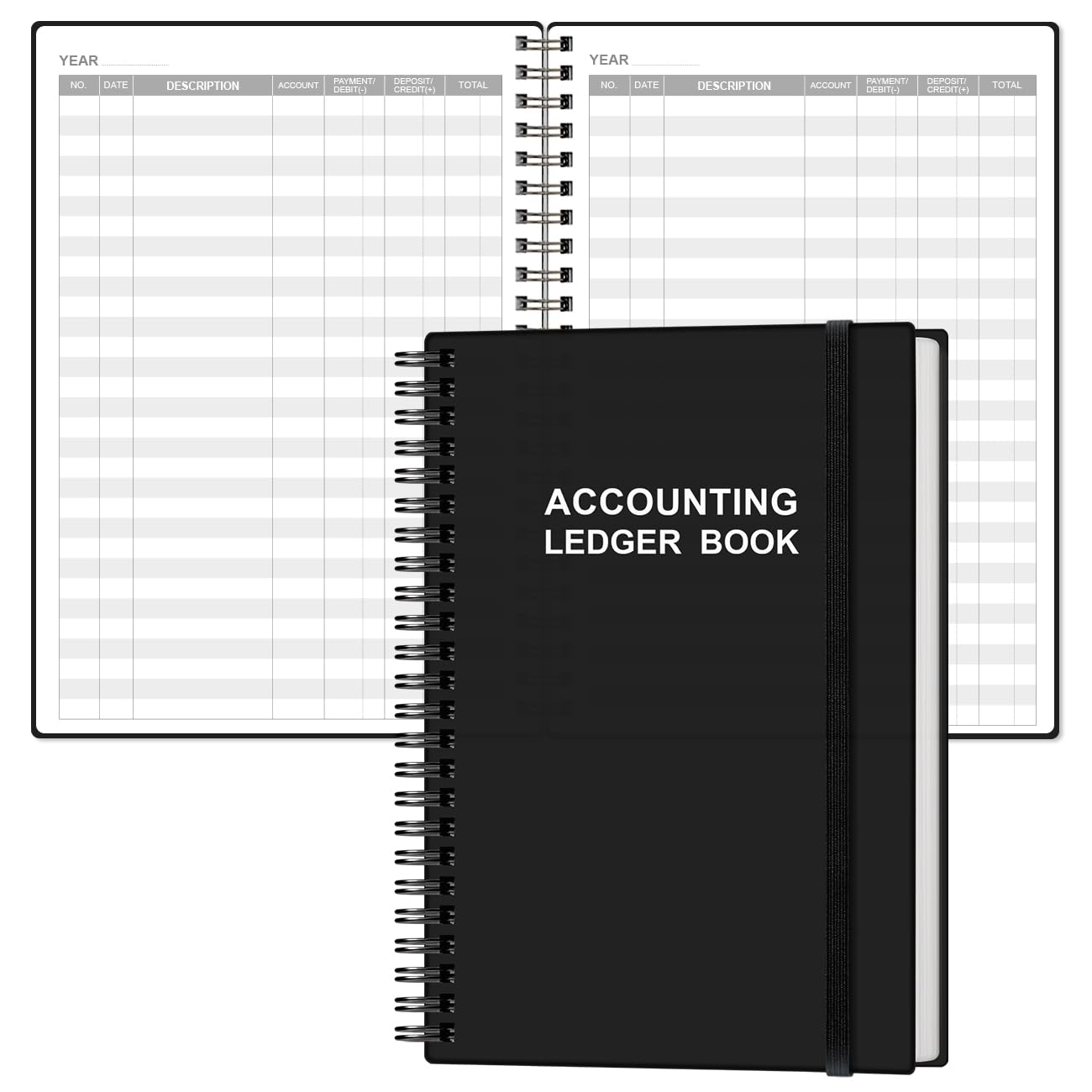
Extra Mile Ledger Notebook for Bookkeeping and Accounting
Pre-formatted pages with columns for date, description, debits, credits—perfect for manual balancing without software overwhelm.
Best for: Ideal for intermediate users preferring paper for year-end reviews or travel.
Price Range: $12.99
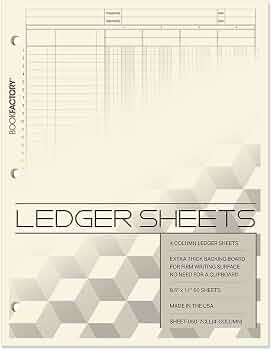
Blue Summit Supplies Triple Column Ledger Sheets, 4 Pack
Refillable sheets with 3-columns for income/expenses/balance; tear-out for filing, durable for frequent use.
Best for: Great for spreadsheet users needing printable backups or hybrid setups.
Price Range: $24.99
Microsoft 365 Personal (1-Year Subscription, includes Excel)
Powerful Excel for auto-sums, formulas, and templates; cloud sync for backups.
Best for: Digital balancing with bank imports for monthly maintenance.
Price Range: $69.99/year
Intuit TurboTax Home & Business 2023 Desktop
Imports ledgers directly into Schedule C; guides freelancers through SE tax and deductions.
Best for: Final tax prep after balancing books.
Price Range: $119.99
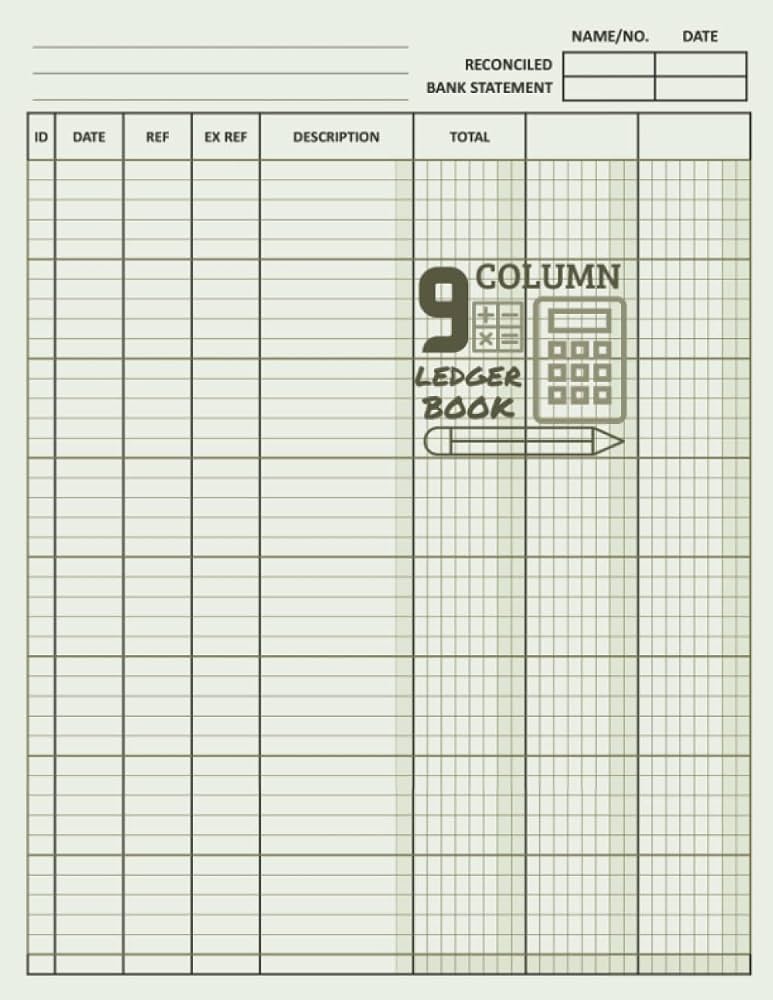
YNK Accounting Ledger Book, 9 Column
Flexible cover, semi-hardbound with ample pages for detailed freelance tracking.
Best for: Portable option for on-the-go entries.
Price Range: $19.99