As an Etsy seller, juggling hundreds of transactions, fees, and payouts can turn your dream shop into a bookkeeping nightmare. Unbalanced books lead to tax surprises, inaccurate profits, and lost deductions—issues that plague 70% of small sellers according to recent surveys. But with a solid reconciliation process, you'll gain crystal-clear financial insights.
In this guide, you'll learn a proven, intermediate-level method to balance your Etsy account books. We'll cover gathering data, categorizing transactions, reconciling payouts, and generating reports. Expect to spend 2-3 hours on your first run, dropping to 1 hour monthly with practice.
No advanced accounting degree needed—just consistency. By the end, your books will match your bank statements perfectly, ready for tax season or business decisions.
▸What You'll Need
- •Access to Etsy Seller Dashboard (required)
- •Bank account and PayPal statements (required)
- •Spreadsheet software like Google Sheets or Microsoft Excel (required)
- •Calculator or spreadsheet formulas (required)
- •Optional: Accounting software like QuickBooks Online
- •Separate business bank account (highly recommended)
Estimated Time: 2-3 hours for initial setup; 45-60 minutes monthly thereafter
Difficulty: intermediate
▸Step-by-Step Instructions
Step 1: Gather All Financial Documents
Start by collecting every piece of financial data from the past month (or quarter for catch-up). Log into your Etsy Seller Dashboard > Finances > Payments to download CSV reports of orders, fees, and payouts. Pull bank statements showing Etsy deposits and PayPal transaction histories if used.
Why it matters: Incomplete data leads to gaps in your books. Expect 100+ transactions for busy shops—organize into folders labeled 'Income,' 'Expenses,' 'Statements.'
Success looks like: A complete set of files ready for import, no missing payouts.
💡 Tips:
- •Set a calendar reminder for the 5th of each month to gather data.
- •Use Etsy's 'Order CSV' and 'Payment CSV' exports for accuracy.
⚠️ Warnings:
- •Don't mix personal transactions—use a dedicated business account.
Step 2: Set Up Your Accounting Spreadsheet
Create a new Google Sheet or Excel file with tabs: 'Income,' 'Expenses,' 'Reconciliation,' 'Summary.' Use columns like Date, Description, Amount, Category, Etsy Order ID, Bank Match (Yes/No).
Pre-build formulas: In Summary tab, use SUMIF for totals (e.g., =SUMIF(Income!D:D,"Sales",Income!C:C)). Why? Automates balancing. Templates available online.
Success looks like: A structured sheet with sample data entered, formulas calculating zero totals initially.
💡 Tips:
- •Download free Etsy-specific templates from Etsy forums.
- •Color-code: Green for income, red for expenses.
Step 3: Import and Categorize Income
Paste Etsy CSV data into Income tab. Categorize: Gross Sales, Etsy Fees (subtracted), Shipping Income, Refunds. Etsy's payout is Net = Gross - Fees - Ads - etc.
Why it matters: Reveals true revenue after 20-30% fees. Cross-check totals against Etsy summary.
Success looks like: Income tab fully populated, net payout matching Etsy's report.
💡 Tips:
- •Use VLOOKUP to auto-match order IDs to fees.
⚠️ Warnings:
- •Ignore currency fluctuations if international—convert via bank rate.
Step 4: Record All Expenses
List costs: Supplies (materials), Shipping Labels, Ads, Tools, Packaging. Import from bank CSV, match to receipts.
Categories: COGS (Cost of Goods Sold), Operating Expenses, Marketing. Total them.
Success looks like: Expenses tab complete, profit = Income - Expenses >0.
💡 Tips:
- •Scan receipts with apps like Expensify for quick entry.
Step 5: Reconcile Bank Deposits
Match Etsy payouts to bank statements. E.g., Etsy pays weekly—verify date/amount. Note variances (e.g., holds).
Use Reconciliation tab: Column for Etsy Payout, Bank Deposit, Difference (=0 ideal).
Why? Catches errors like double-counting. Success: All differences zeroed.
💡 Tips:
- •Etsy payouts arrive 1-3 days later—adjust dates.
⚠️ Warnings:
- •Bank fees aren't Etsy—categorize separately.
Step 6: Calculate Taxes and Deductions
Tally sales tax collected (Etsy handles remittance), estimate income tax (Profit x 25-30%). List deductions: Home office, mileage.
Add to Summary tab.
Success: Tax liability estimated, deductions reducing it.
💡 Tips:
- •Use IRS Schedule C categories for Etsy.
Step 7: Review Profitability and Balance
Run totals: Revenue - COGS = Gross Profit; - Expenses = Net Profit. Balance check: Books Total == Bank Balance.
Adjust discrepancies.
Success: Balanced books, positive net profit shown.
💡 Tips:
- •Aim for 30%+ net margins.
Step 8: Generate Reports and Backup
Create P&L statement, save as PDF. Backup to Google Drive/Dropbox.
Success: Professional reports ready for accountant or loans.
💡 Tips:
- •Share read-only link with CPA.
▸Pro Tips
- •Automate with Zapier: Etsy payout → Google Sheets.
- •Do monthly, not yearly—catches issues early.
- •Track VAT/GST if international.
- •Use keyboard shortcuts in Sheets (Ctrl+Shift+V for paste values).
- •Separate ad spend—it's often 10-20% of revenue.
- •Review top 20% products for 80% profit.
- •Batch process quarterly for taxes.
▸Common Mistakes to Avoid
- •Mixing personal and business transactions—always use separate accounts to avoid audit flags.
- •Forgetting Etsy fees (listing, transaction, payment processing)—they eat 15-20% of sales.
- •Not reconciling monthly—leads to massive year-end scrambles.
- •Ignoring refunds/chargebacks—deduct them from gross sales.
- •Overlooking deductions like supplies—track receipts religiously.
▸Troubleshooting
Problem: Payout amounts don't match bank deposits
Solution: Check for holds, currency conversion, or bank fees. Re-download Etsy CSV and verify weekly summaries.
Problem: Missing transactions
Solution: Search Etsy by date range; cross-check PayPal. Import full CSVs again.
Problem: Negative profit despite sales
Solution: Review COGS—undercounting materials is common. Recalculate margins.
Problem: Tax calculations off
Solution: Use Etsy's tax report; consult free IRS small business tools. Seek CPA if over $50k revenue.
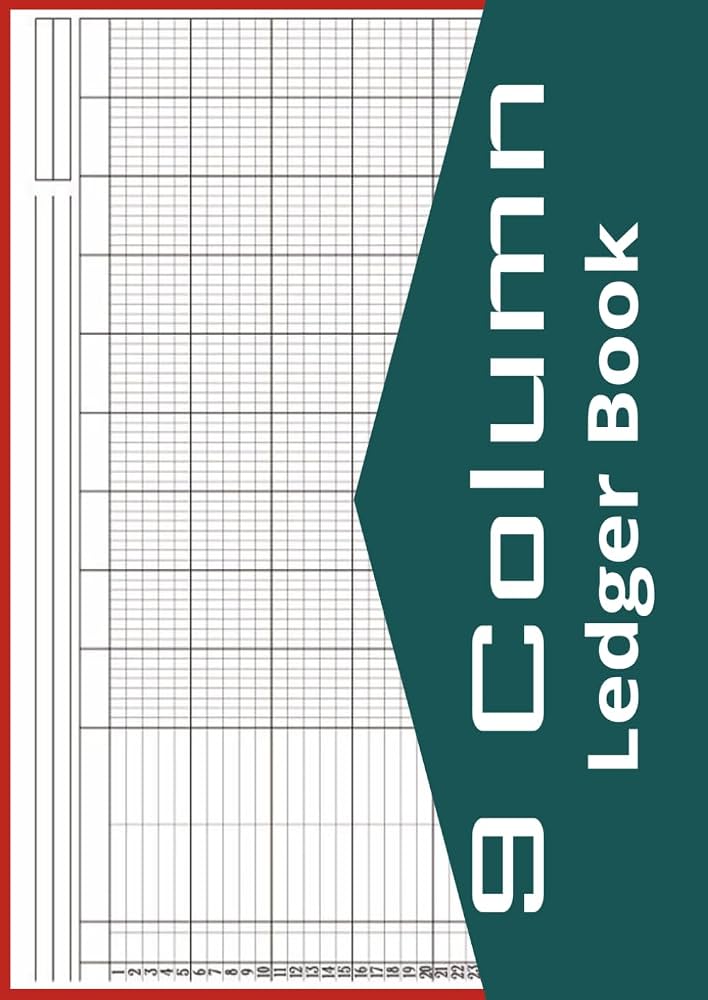
RediBook 9 Column Accounting Ledger Book, 112 Pages
Durable paper ledger for manual entry backups or low-tech tracking, perfect for intermediate sellers starting out.
Best for: Daily jotting expenses before spreadsheet import; portable for markets.
Price Range: $9.99
QuickBooks 2024 For Dummies
Step-by-step guide integrates Etsy data into QuickBooks, simplifying scaling.
Best for: Sellers graduating to software; covers Etsy-specific reconciliations.
Price Range: $26.99
Profit First by Mike Michalowicz
Proven system tailored for creative sellers to allocate Etsy profits wisely.
Best for: Post-balancing: Turn reconciled numbers into growth strategies.
Price Range: $17.00
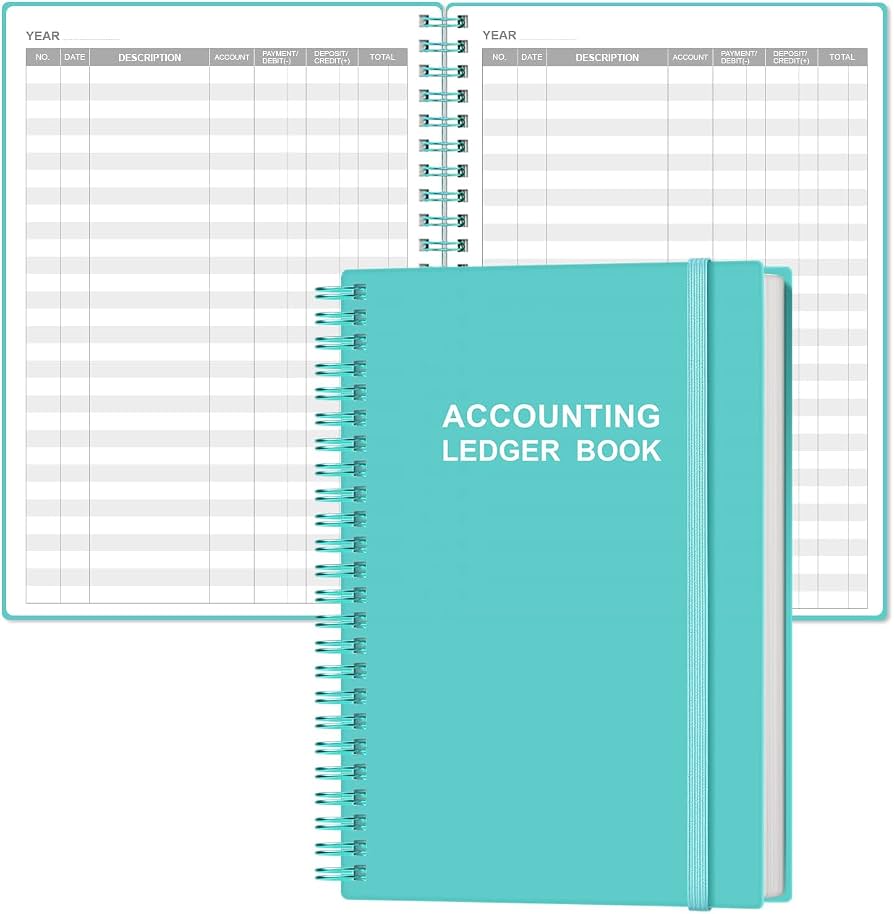
Blue Summit Supplies Accounting Ledger Notebook, 208 Pages
Thick, professional notebook with columns matching Etsy categories.
Best for: Hybrid tracking: Handwrite then digitize for double verification.
Price Range: $14.99
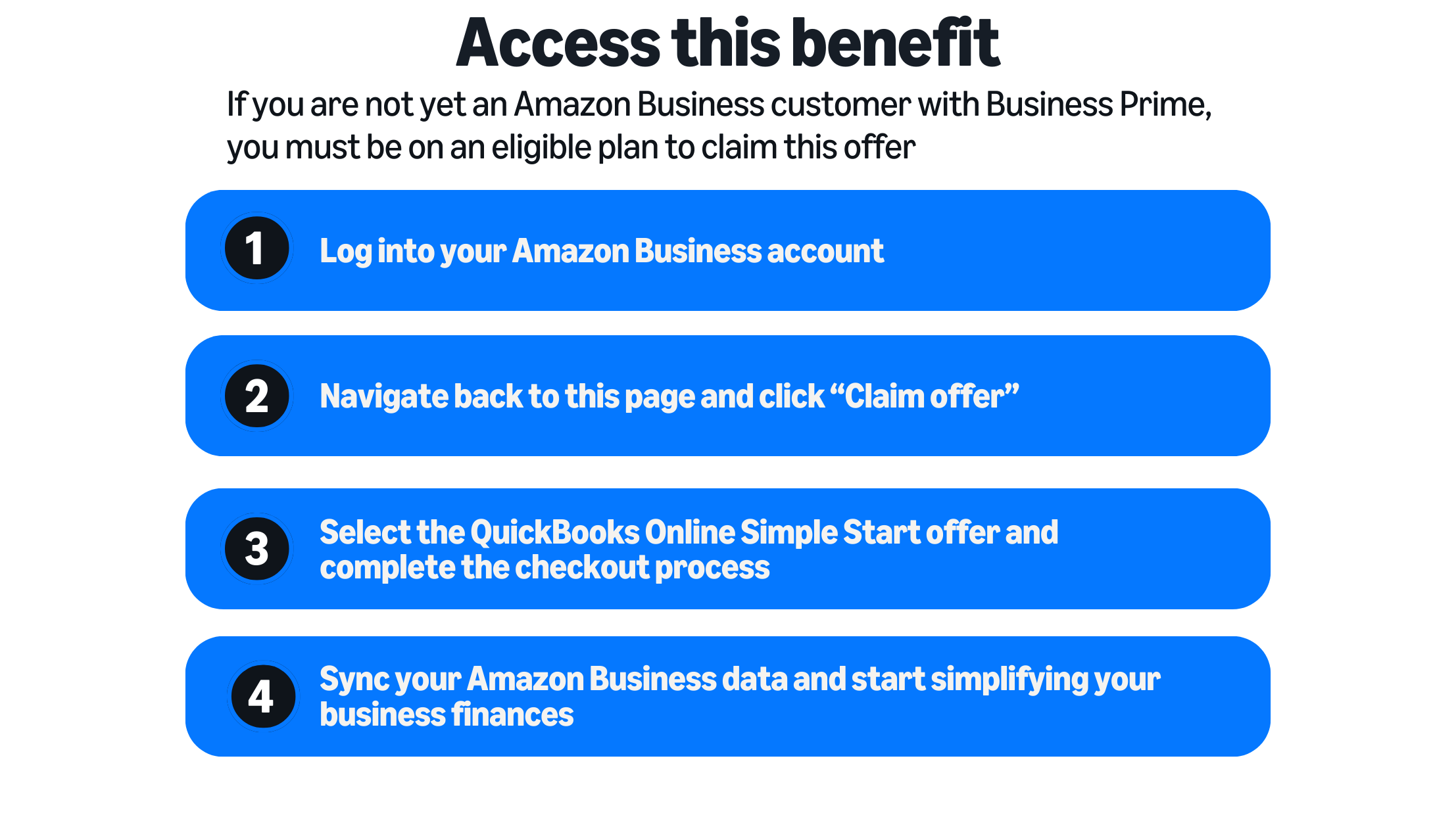
QuickBooks Online (subscription via Amazon)
Automates Etsy imports, payouts, and reconciliations—saves hours monthly.
Best for: High-volume shops (500+ orders/mo); integrates bank feeds.
Price Range: $30/month