
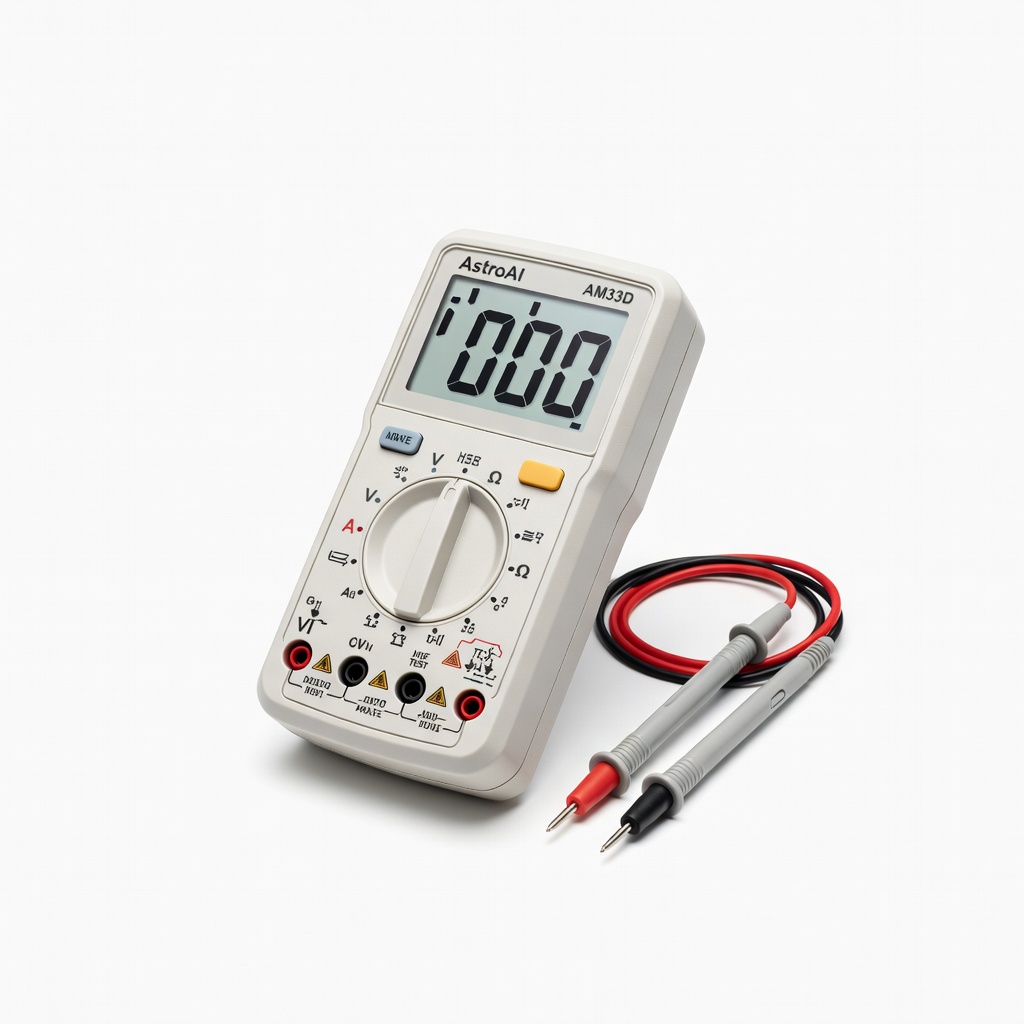
AstroAI Digital Multimeter AM33D
Testing CR2032 voltages in remotes and other low-power devices.
$12.99
AstroAI Digital Multimeter AM33D Accurate DC voltage readings down to 0.1V for precise balancing; auto-ranging for ease.
Get the App
Better experience on mobile
Master balancing your remote's CR2032 batteries to fix intermittent power issues and extend battery life in just 15 minutes.
Frustrated when your garage door remote, TV remote, or key fob dies despite fresh batteries? The culprit is often unbalanced 3V coin cell batteries (like CR2032), where one battery's voltage is lower, causing the device to malfunction. This common issue drains batteries faster and leaves you stranded.
In this guide, you'll learn how to test, balance, and replace 3V batteries step-by-step using a multimeter. Balancing ensures both batteries (common in parallel setups) have matching voltages (within 0.1V) for optimal performance. No advanced electronics knowledge needed—just intermediate DIY skills.
Expect 10-15 minutes total, with clear success checks at each stage. By the end, your remote will work reliably again.
Estimated Time: 10-15 minutes Difficulty: intermediate
Clear a static-free surface like a wooden table. Lay out your multimeter, fresh batteries, screwdriver, and gloves. Turn off the remote if it has a power switch—most don't, but check.
Why it matters: Prevents shorts or damage from metal surfaces. Success looks like organized tools ready to go, no clutter.
💡 Tips:
⚠️ Warnings:
Locate the battery compartment (usually on the back with a screw or slide cover). Use the screwdriver to gently remove any screws. Pry open carefully with a plastic tool if no screws.
Why it matters: Accesses batteries without damage. Expect 1-2 batteries side-by-side. Success: Compartment open, batteries visible and intact.
💡 Tips:
⚠️ Warnings:
Gently push batteries out using a non-metal tool or your gloved finger. Note polarity (+/-) markings. Place old batteries on a non-conductive surface, positive side up.
Why it matters: Preserves contacts and avoids shorts. Success: Batteries out, compartment clean—no residue.
💡 Tips:
⚠️ Warnings:
Turn on multimeter. Set dial to DC Voltage (V⎓), 20V range. Insert red probe into V/Ω port, black into COM. Touch probes together—reading should be 0V.
Why it matters: Ensures accurate low-voltage readings (3V scale). Success: Stable 0V reading, probes ready.
💡 Tips:
⚠️ Warnings:
Place red probe on battery + (flat side), black on -. Note voltage (e.g., 2.9V, 3.1V). Test both batteries separately.
Why it matters: Identifies imbalance. Fresh batteries read 3.0-3.2V; below 2.8V is weak. Success: Two readings recorded.
💡 Tips:
⚠️ Warnings:
Compare old battery voltages—if differ by >0.1V, they're unbalanced. Test new batteries same way; select pairs within 0.05V.
Why it matters: Unbalanced cells cause one to over-discharge. Success: Matched new batteries confirmed (e.g., both 3.15V).
💡 Tips:
⚠️ Warnings:
Insert new batteries matching polarity. Close compartment securely, tighten screws.
Why it matters: Ensures contact. Success: Snug fit, no rattle.
💡 Tips:
Press buttons—LED should light, signal transmit (test on device). Recycle old batteries at a center.
Why it matters: Verifies fix. Success: Remote responds instantly every time.
💡 Tips:
⚠️ Warnings:
Problem: Multimeter reads 0V or erratic
Solution: Check probe connections, replace batteries in multimeter, clean probes.
Problem: Remote still doesn't work after balancing
Solution: Clean corroded contacts, test buttons with multimeter continuity, check for internal damage.
Problem: Batteries drain fast post-balance
Solution: Remote may have parasitic draw—seek electronics repair.
Problem: Can't open remote
Solution: Search model-specific teardown video; use plastic pry tool.
Accurate DC voltage readings down to 0.1V for precise balancing; auto-ranging for ease.
Best for: Testing CR2032 voltages in remotes and other low-power devices.
Price Range: $12.99
Long-lasting (10-year shelf life), consistent voltage matching within packs.
Best for: Direct replacement for remote controls like garage openers and key fobs.
Price Range: $6.49
Rugged, waterproof design with high accuracy for intermediate users; leads lifetime warranty.
Best for: Frequent battery testing in workshops or garages.
Price Range: $29.97
Premium Japanese cells with minimal self-discharge for reliable matching.
Best for: High-reliability needs like medical remotes or backups.
Price Range: $9.99
No multimeter needed alternative; quick voltage/continuity check.
Best for: Portable testing without probes for beginners advancing to intermediate.
Price Range: $9.99
Testing CR2032 voltages in remotes and other low-power devices.
AstroAI Digital Multimeter AM33D Accurate DC voltage readings down to 0.1V for precise balancing; auto-ranging for ease.

Direct replacement for remote controls like garage openers and key fobs.
Energizer CR2032 Lithium Coin Batteries, 4 Count Long-lasting (10-year shelf life), consistent voltage matching within packs.

Frequent battery testing in workshops or garages.
Klein Tools MM400 Digital Multimeter Rugged, waterproof design with high accuracy for intermediate users; leads lifetime warranty.

High-reliability needs like medical remotes or backups.
Panasonic CR2032 3V Lithium Battery 5 Pack Premium Japanese cells with minimal self-discharge for reliable matching.
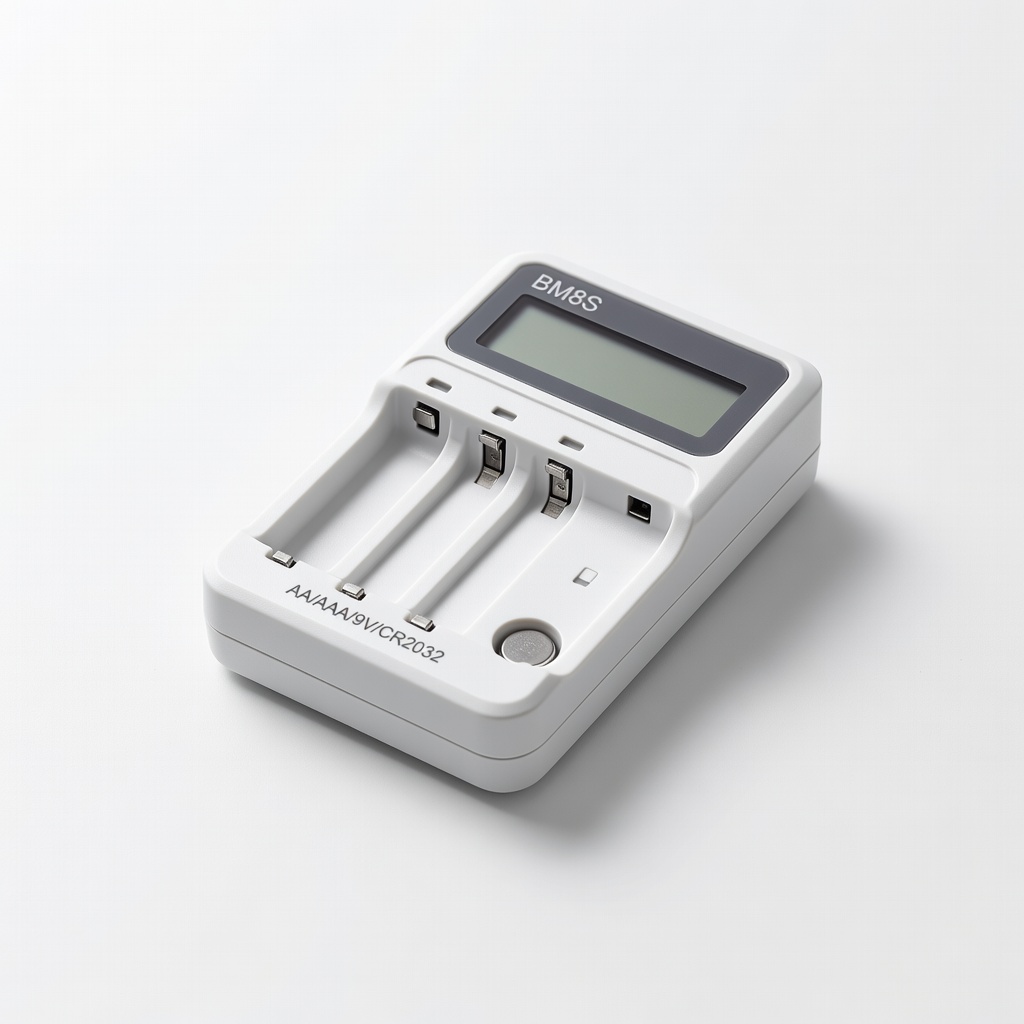
Portable testing without probes for beginners advancing to intermediate.
BM8S Battery Tester for AA/AAA/9V/CR2032 No multimeter needed alternative; quick voltage/continuity check.